Software para podcasts
Software para podcasts
RØDE Connect
Software para podcasts
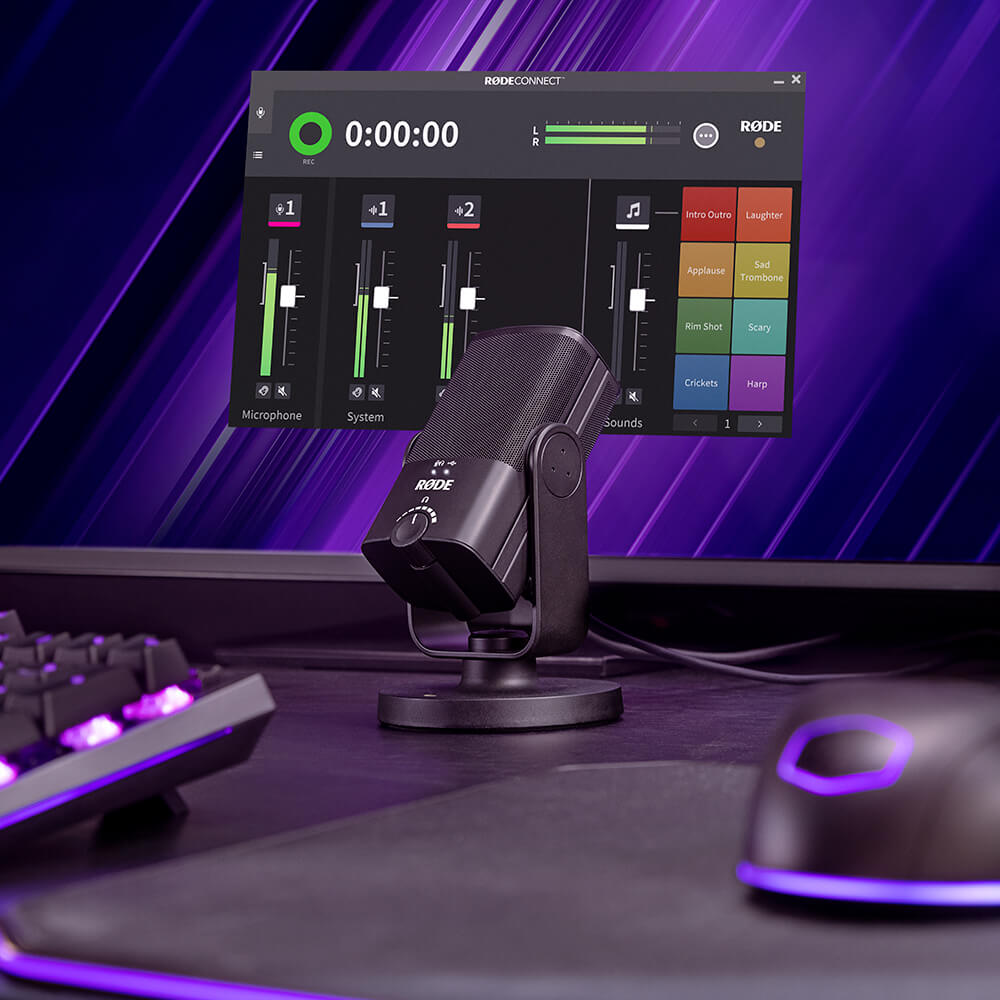
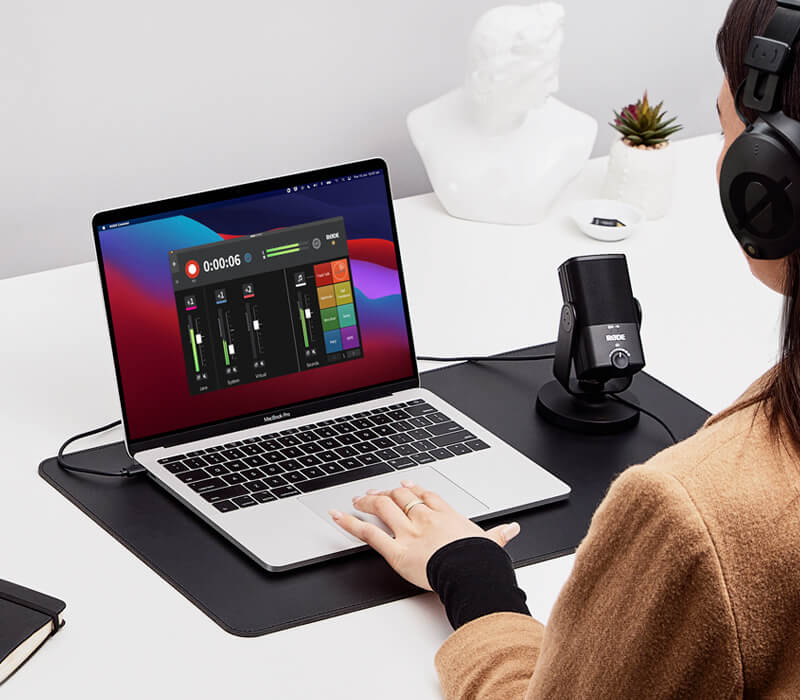
RØDE Connect é uma solução de software simples, poderosa e gratuita para podcasts e transmissões ao vivo. Permite conectar até quatro convidados usando uma ampla variedade de RØDE microfones e interfaces compatíveis e, em seguida, mixar, processar, gravar e transmitir seu áudio.
Os RØDE produtos compatíveis incluem:
- Conecte até quatro podcasters a um único computador com qualquer combinação de microfones compatíveis — sem necessidade de roteamento complexo
- Download totalmente gratuito, com versões para Mac e Windows
- Acesso completo ao poderoso DSP integrado do seu RØDE produto (quando aplicável)
- Interface de gravação completa, com faders no estilo broadcast, medição de nível, botões de mute e muito mais
- Canais virtuais para conectar convidados remotos de forma integrada, integrar aplicativos de streaming, adicionar trilhas musicais e muito mais
- Mix-minus automático em todos os canais para um áudio cristalino e sem eco
- Seção de pads de som completa, com 3 estilos de reprodução distintos e até 8 bancos de sons
RØDE Connect é uma solução de software simples, poderosa e gratuita para podcasts e transmissões ao vivo. Permite conectar até quatro convidados usando uma ampla variedade de RØDE microfones e interfaces compatíveis e, em seguida, mixar, processar, gravar e transmitir seu áudio.
Os RØDE produtos compatíveis incluem:
- Conecte até quatro podcasters a um único computador com qualquer combinação de microfones compatíveis — sem necessidade de roteamento complexo
- Download totalmente gratuito, com versões para Mac e Windows
- Acesso completo ao poderoso DSP integrado do seu RØDE produto (quando aplicável)
- Interface de gravação completa, com faders no estilo broadcast, medição de nível, botões de mute e muito mais
- Canais virtuais para conectar convidados remotos de forma integrada, integrar aplicativos de streaming, adicionar trilhas musicais e muito mais
- Mix-minus automático em todos os canais para um áudio cristalino e sem eco
- Seção de pads de som completa, com 3 estilos de reprodução distintos e até 8 bancos de sons
Desbloqueie todo o potencial do seu RØDE microfone
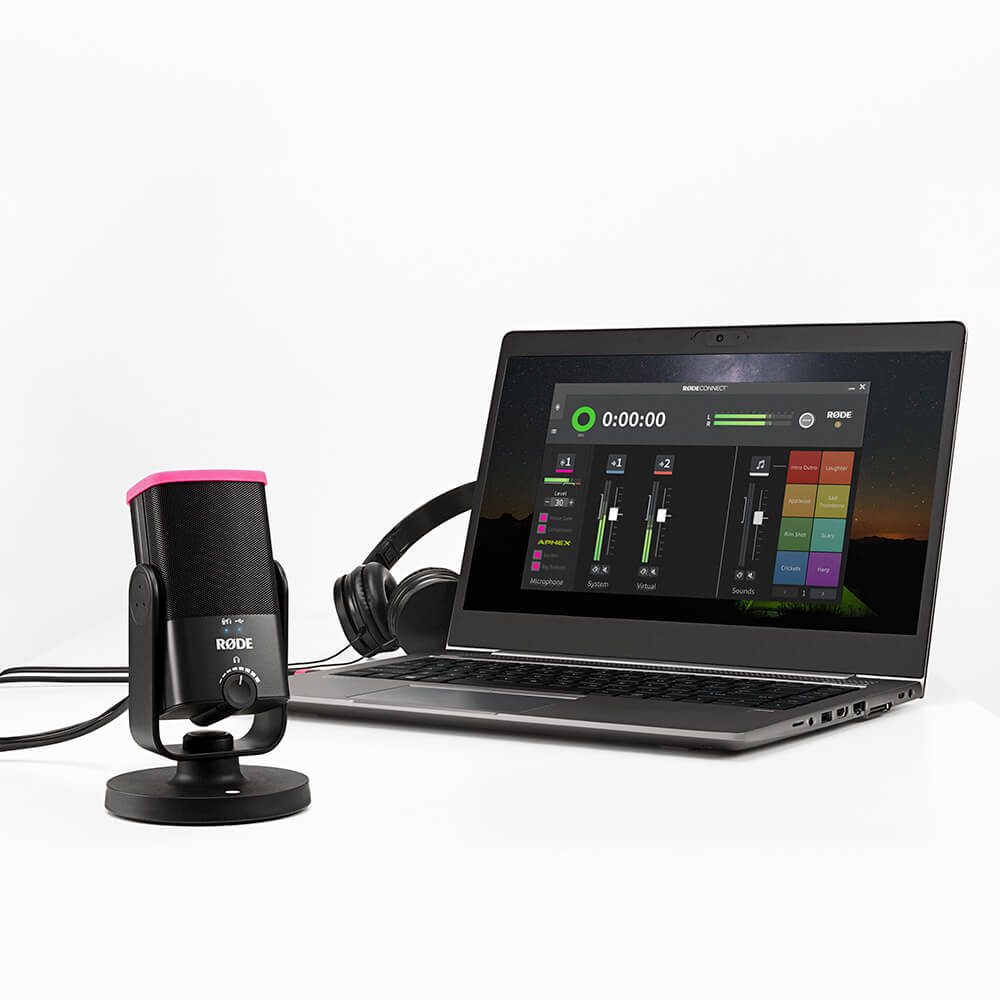
O RØDE Connect permite acessar o conjunto completo de processamento de sinais digitais (DSP) do seu RØDE microfone ou interface conectado, proporcionando controle rápido e completo dessas configurações durante a mixagem e a gravação. Dependendo do seu produto RØDE , isso pode incluir recursos como gate de ruído, EQ e compressor, ou aprimoramentos poderosos, como os efeitos APHEX Aural Exciter e Big Bottom.
Usando o RØDE Connect para gravar um podcast?
Com a possibilidade de conectar até quatro microfones a um único computador, opções flexíveis de gravação, integração fácil com participantes remotos e muito mais, o RØDE Connect é a maneira mais fácil de criar podcasts incríveis.

Fazer transmissões ao vivo com o RØDE Connect?
O RØDE Connect oferece um potencial incrível para streamers e gamers que querem simplificar sua configuração de áudio. Com controle simplificado sobre o áudio do seu microfone e aplicativos externos, além de controles de saída dedicados para aplicativos de streaming como OBS ou Xplit, configurar o áudio de uma transmissão ao vivo nunca foi tão fácil.