RØDE Connect
播客软件
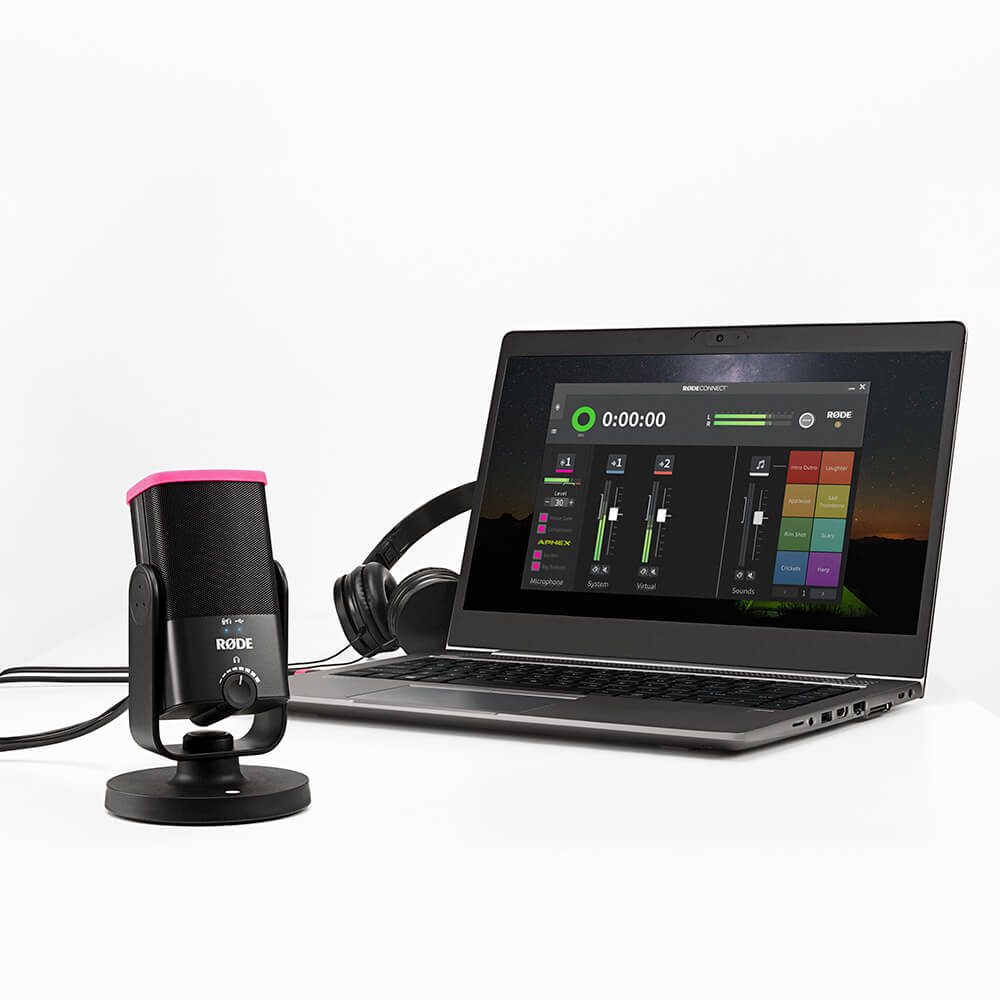
RØDE Connect 是一款简单、强大且免费的播客和直播软件解决方案。它允许您使用多种兼容的 RØDE 麦克风和接口连接最多四位嘉宾,然后混合、处理、录制和流式传输您的音频。
兼容的 RØDE 产品包括:
- 将多达四个播客主持人连接到单台计算机,支持任何兼容麦克风的组合 - 无需复杂的路由
- 完全免费下载安装,支持 Mac 和 Windows 的版本
- 完全访问您的 RØDE 产品强大的内置 DSP(如适用)
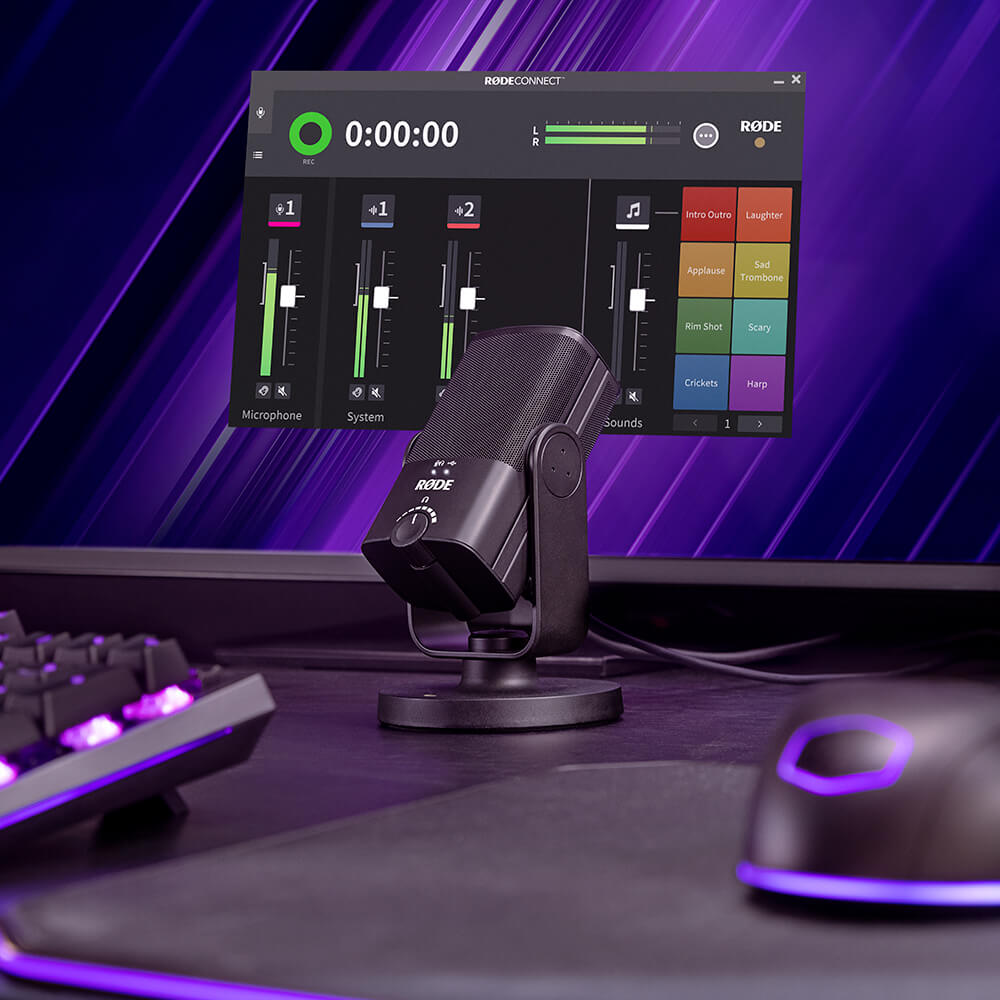
- 功能齐全的录音接口,配备广播风格的推子、音量计、静音按钮等
- 虚拟通道可无缝连接远程嘉宾,集成流媒体应用,添加音乐背景等
- 每个通道自动混音减去,确保音频清晰无回声
- 配备完整的音效垫部分,具有 3 种独立播放风格和多达 8 个音效库
Unlock the Full Potential of your RØDE Microphone
RØDE Connect allows you to access the full suite of digital signal processing (DSP) from your connected RØDE microphone or interface, giving you quick and complete control over these settings while you're mixing and recording. Depending on your RØDE product, this could include utilities like a noise gate, EQ and compressor, or powerful enhances like the APHEX Aural Exciter and Big Bottom effects.
Using RØDE Connect to Record a Podcast?
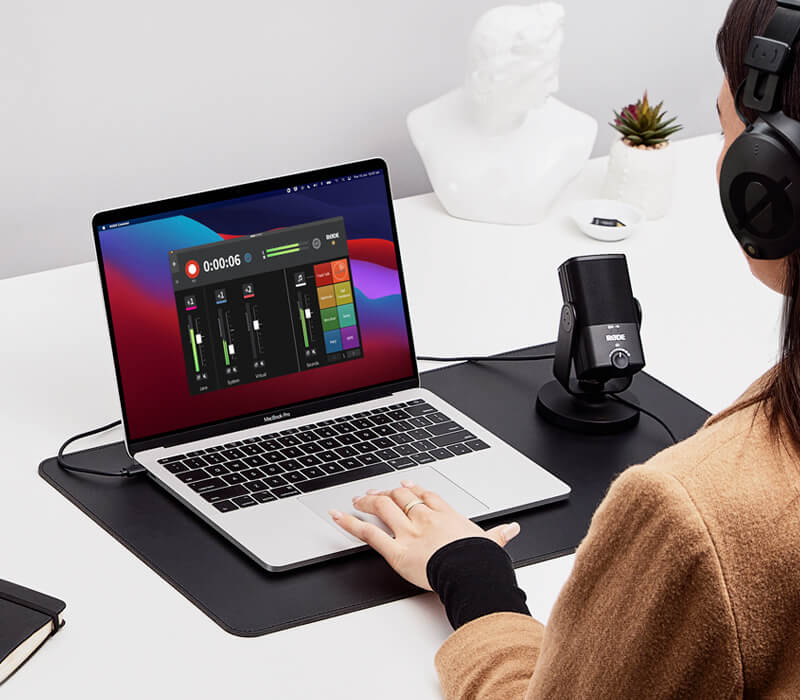
With the ability to connect up to four microphones to a single computer, flexible recording options, easy remote caller integration and more, RØDE Connect is the easiest way to make incredible podcasts.
Livestreaming with RØDE Connect?
RØDE Connect has incredible potential for streamers and gamers who want to simplify their audio setup. Offering streamlined control over your microphone audio and external applications, plus dedicated output controls for streaming apps like OBS or Xplit, setting up livestream audio has never been easier.
规格
常见问题
RØDE Connect is an ideal audio solution for podcasting and livestreaming with the NT-USB+ and NT-USB Mini, but can be used for a wide variety of recording applications, such as recording a voiceover.
The ‘System Channel’ will route any audio coming from the output of your computer system into the RØDE Connect mixer. This includes audio coming from audio players such as Spotify or iTunes, internet browsers, or any other apps on your computer. The ‘System Channel’ is useful for adding external audio elements from these sources to your recordings such as music beds, sound effects, pre-recorded audio, and more. To find out more about using the ‘System Channel’, check out the RØDE Connect User Guide.
‘RØDE Connect Stream’ is a dedicated output for routing the audio from RØDE Connect to streaming software like OBS or XSplit.
The ‘Virtual Channel’ is useful for connecting with and recording remote guests via communications apps such as Skype, Zoom and Google Hangouts. Simply select ‘RØDE Connect Virtual’ as the output device in the app to route the audio to the RØDE Connect mixer. To find out more about using the ‘Virtual Channel’, check out the RØDE Connect User Guide.
There are many things you can do to get a clean recording with minimal spill between microphones. Try recording in the quietest place possible, ideally in a room with minimal reflective surfaces (such as floorboards). Place the microphones as far away from each other as possible, faced away from one another. Positioning each microphone less than six inches from you and your guests’ will also help to capture a clean signal (you may need to use a desk stand or studio arm like the RØDE DS1 or PSA1+ to achieve this).
If your computer doesn’t have enough USB inputs to accommodate the number of guests in your podcast, we recommend using a powered USB hub to connect your NT-USB Minis. This will ensure that each microphone receives enough power to operate correctly.
Yes, in addition to the ‘Virtual Channel’ you can use the ‘System Channel’ to connect with a second remote guest on a different communications app. To set this up, simply select ‘RØDE Connect System’ as the input and output device for the second app you are using. This will allow you to record both calls simultaneously on different channels.
Yes. RØDE Connect has a dedicated output for streaming software such as OBS or XSplit. To route the audio from RØDE Connect to the software, simply select ‘Stream Input (RØDE Connect) on Windows or 'RØDE Connect Stream’ on Mac as the audio input in the software’s audio settings. To find out more about using RØDE Connect for livestreaming, check out the Livestreaming with RØDE Connect page on the Learning Hub