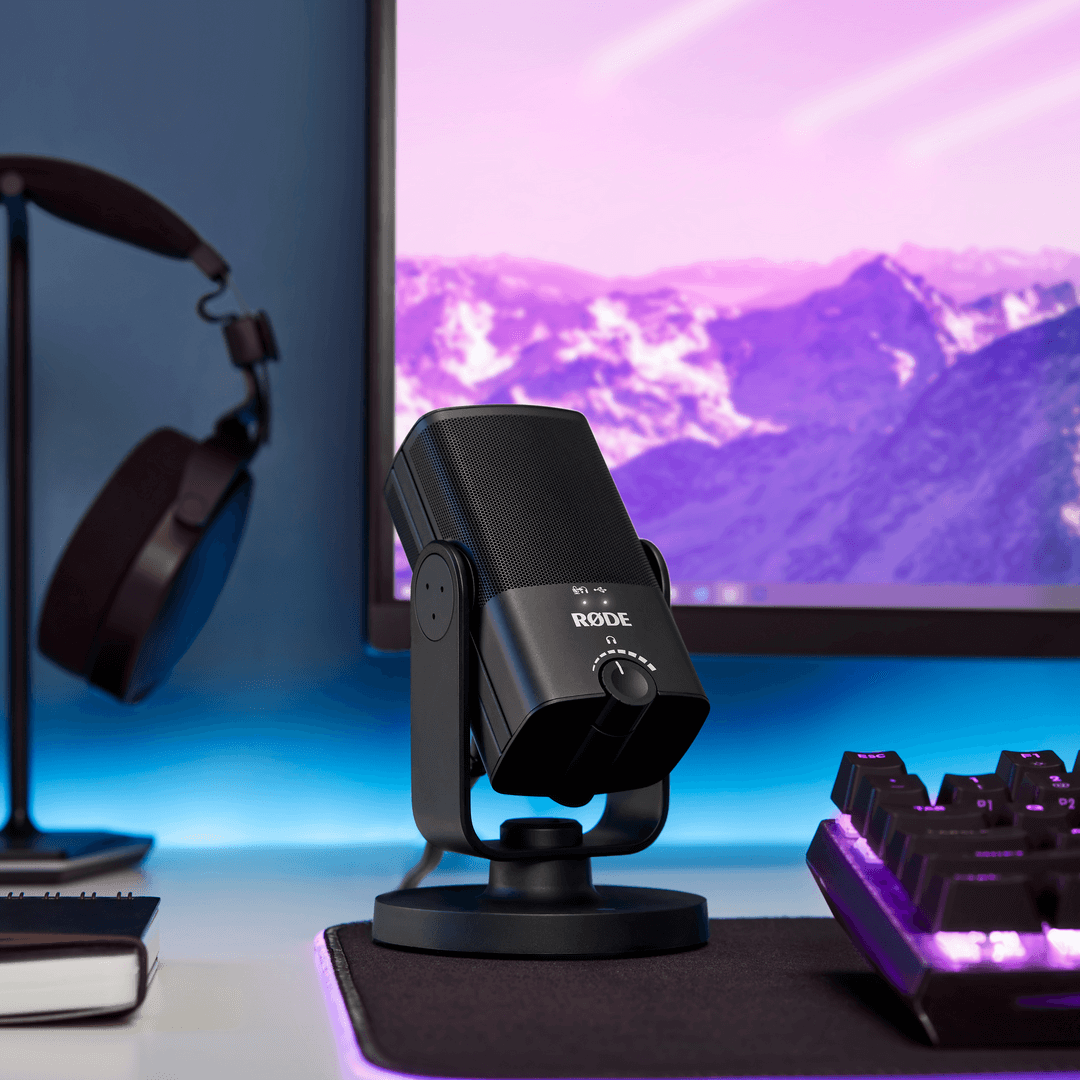
NT-USB Mini
Kompaktes USB Mikrofon
Das NT-USB Mini bringt die makellose Klangqualität der erstklassigen Studiomikrofone von RØDE in ein kompaktes, benutzerfreundliches USB Mikrofon. Es wurde entwickelt, um kristallklaren Klang in professioneller Qualität direkt an einen Computer oder ein Tablet zu übertragen – das perfekte Mikrofon für Gamer, Podcaster, Musiker, Streamer und Content Creator, die in voller Definition gehört werden möchten.
- Hochwertige Kondensatorkapsel, die für einen klaren, professionellen Klang bei allen Aufnahmeanwendungen Wärme und Präsenz liefert.
- Richtcharakteristik Niere, optimiert zur Reduzierung von Raumklang und zur Fokussierung auf das aufzunehmende Signal – ob Dialog, Gesang oder Instrumente.
- Integrierter Popschutz zur Reduzierung von Plosivlauten.
- Vollständig kompatibel mit unserer einfachen und leistungsstarken Podcasting- und Streaming-Software RØDE Connect
- Integrierte digitale Signalverarbeitung: Noise Gate, Kompressor, APHEX® Aural Exciter™ und Big Bottom™ (über RØDE Connect aufrufbar)
- Integrierte, um 360 Grad schwenkbare Halterung für eine schnelle und einfache Positionierung auf einem Schreibtisch, Mikrofonständer oder Studioarm.
- Einzigartiger abnehmbarer magnetischer Tischständer, der eine hervorragende Isolierung gegen Stöße und Erschütterungen bietet und sich schnell und einfach entfernen lässt.
- Klassenkonformer USB -Ausgang, der nahtlos mit Computern oder Tablets funktioniert – keine Treiber oder Software erforderlich: einfach anschließen und die Aufnahme starten.
- Kopfhörer-Monitoring ohne Latenz verhindert störenden Hall.
- Kopfhörerverstärker in Studioqualität mit präziser Pegelregelung.
- Konstruktion aus Stahl und verstärktem Nylonharz, stilvolle mattschwarze Oberfläche und kompaktes, modernes Design.
Das NT-USB Mini bringt die makellose Klangqualität der erstklassigen Studiomikrofone von RØDE in ein kompaktes, benutzerfreundliches USB Mikrofon. Es wurde entwickelt, um kristallklaren Klang in professioneller Qualität direkt an einen Computer oder ein Tablet zu übertragen – das perfekte Mikrofon für Gamer, Podcaster, Musiker, Streamer und Content Creator, die in voller Definition gehört werden möchten.
- Hochwertige Kondensatorkapsel, die für einen klaren, professionellen Klang bei allen Aufnahmeanwendungen Wärme und Präsenz liefert.
- Richtcharakteristik Niere, optimiert zur Reduzierung von Raumklang und zur Fokussierung auf das aufzunehmende Signal – ob Dialog, Gesang oder Instrumente.
- Integrierter Popschutz zur Reduzierung von Plosivlauten.
- Vollständig kompatibel mit unserer einfachen und leistungsstarken Podcasting- und Streaming-Software RØDE Connect
- Integrierte digitale Signalverarbeitung: Noise Gate, Kompressor, APHEX® Aural Exciter™ und Big Bottom™ (über RØDE Connect aufrufbar)
- Integrierte, um 360 Grad schwenkbare Halterung für eine schnelle und einfache Positionierung auf einem Schreibtisch, Mikrofonständer oder Studioarm.
- Einzigartiger abnehmbarer magnetischer Tischständer, der eine hervorragende Isolierung gegen Stöße und Erschütterungen bietet und sich schnell und einfach entfernen lässt.
- Klassenkonformer USB -Ausgang, der nahtlos mit Computern oder Tablets funktioniert – keine Treiber oder Software erforderlich: einfach anschließen und die Aufnahme starten.
- Kopfhörer-Monitoring ohne Latenz verhindert störenden Hall.
- Kopfhörerverstärker in Studioqualität mit präziser Pegelregelung.
- Konstruktion aus Stahl und verstärktem Nylonharz, stilvolle mattschwarze Oberfläche und kompaktes, modernes Design.
Studio-Sound, ganz einfach
Das NT-USB Mini bringt die makellose Klangqualität der weltberühmten Studio-Mikrofone von RØDE auf eine kompakte USB -Plattform. Es wurde speziell darauf abgestimmt, Ihren Aufnahmen Wärme und Präsenz zu verleihen, und klingt bei Dialogen, Gesang, Gitarre – einfach allem, was Sie davor platzieren – fantastisch.
Es verfügt über einen Kopfhörerverstärker in Studioqualität und einen hochwertigen 3,5-mm-Kopfhörerausgang mit präziser Lautstärkeregelung, sodass Sie Ihr Audiosignal problemlos abhören können. Außerdem gibt es einen zuschaltbaren latenzfreien Monitoring-Modus, der beim Aufnehmen störende Echos verhindert. Die Einrichtung und Bedienung sind unglaublich einfach: intuitive Bedienelemente, ein integrierter Popschutz und ein klassenkonformer USB -Ausgang, der nahtlos mit Computern oder Tablets funktioniert – ganz ohne Treiber oder Software. Einfach an Ihren Mac, PC oder Ihr Tablet anschließen und die Aufnahme starten.
So flexibel, wie Sie es brauchen
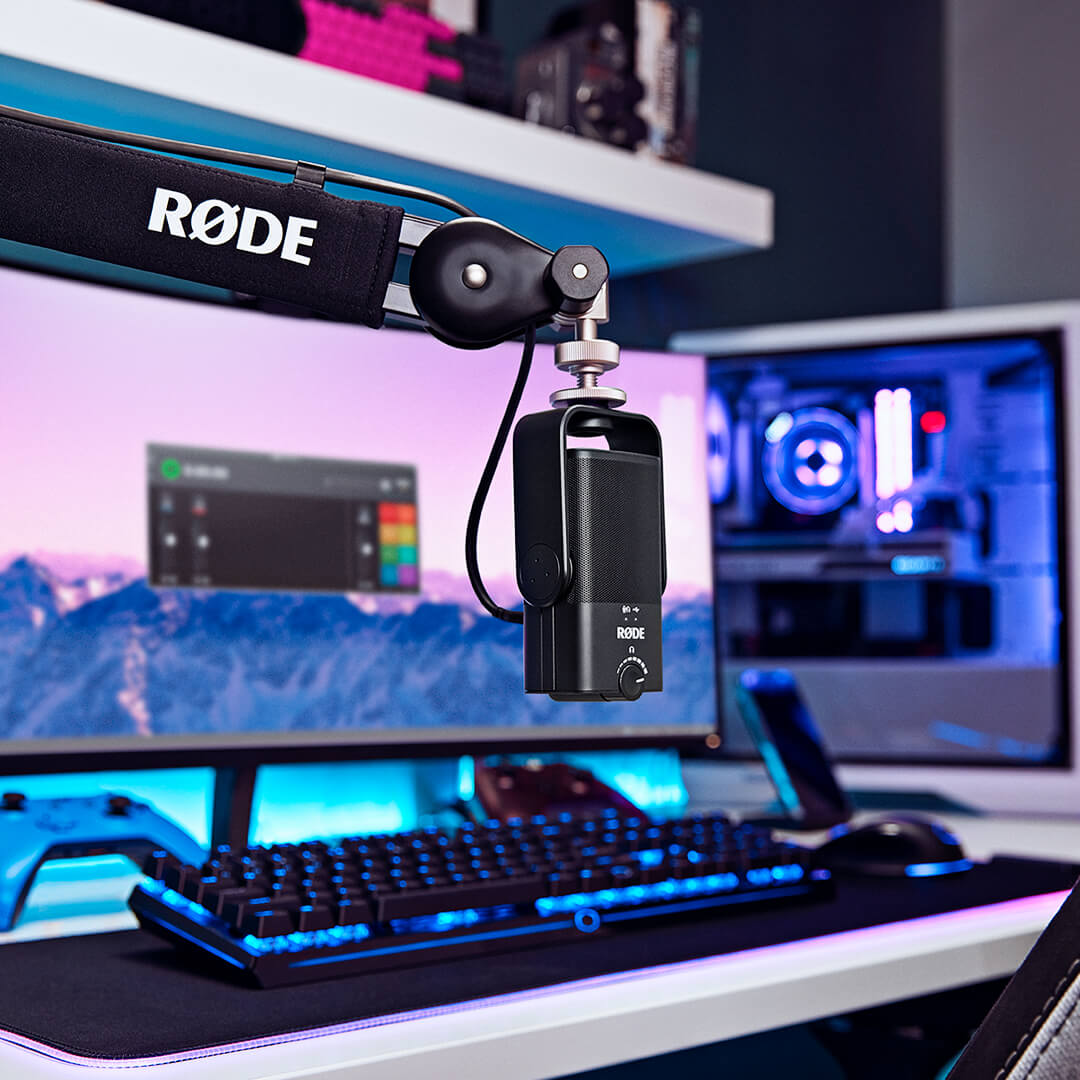
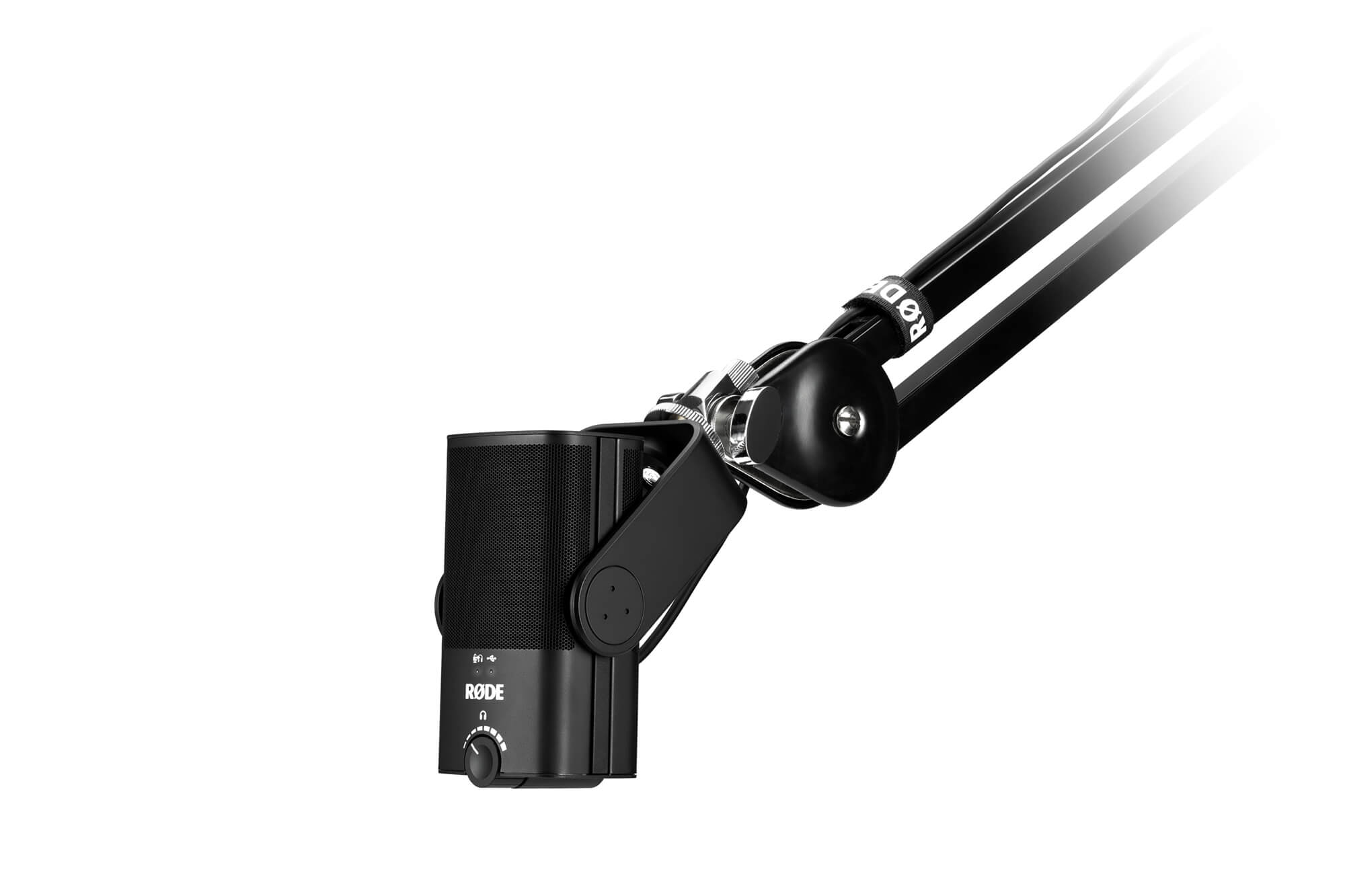
Das NT-USB Mini wurde entwickelt, um so flexibel zu sein, wie Sie es brauchen. Es verfügt über einen einzigartigen abnehmbaren magnetischen Tischständer – dieser bietet nicht nur eine stabile Basis auf jedem Schreibtisch, sondern ermöglicht auch das besonders einfache Abnehmen und Anbringen an einem Mikrofonständer oder Studioarm. Zusammen mit der einzigartigen 360-Grad-Schwenkhalterung können Sie das Mikrofon aufrecht, schräg, seitlich oder kopfüber positionieren – genau dort, wo es für die bestmögliche Aufnahme sein muss.
Ob Sie auf Twitch streamen, in Ihre bevorzugte DAW aufnehmen oder einen geschäftlichen Anruf über Zoom führen – das NT-USB Mini sorgt dafür, dass Sie in voller Klarheit gehört werden.
Stilvoll und kompakt
Das NT-USB Mini ist die perfekte Ergänzung für jedes Desktop- oder Heimstudio-Setup. Mit einer Breite von nur 89 mm und einer Höhe von 141 mm ist es äußerst kompakt und nimmt nur einen Bruchteil der wertvollen Stellfläche auf dem Schreibtisch ein. Auch optisch überzeugt es: elegant und stilvoll, mit klaren Linien und einer modernen Ästhetik. Die robuste Stahlkonstruktion und das verstärkte Nylonharz sorgen dafür, dass das NT-USB Mini den Belastungen beim Aufnehmen überall und jederzeit gewachsen ist.
 RØDE Connect
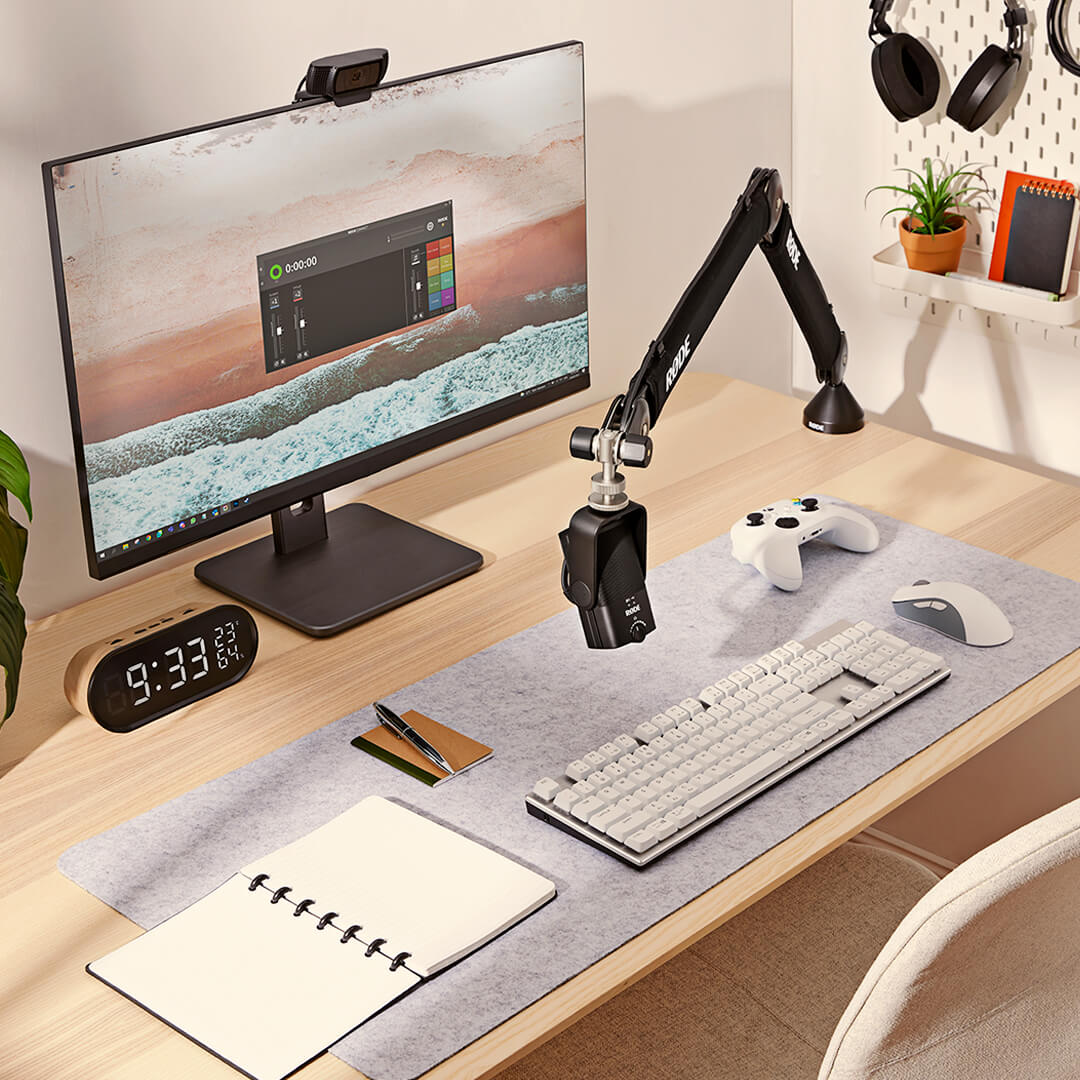
RØDE Connect ist eine einfache und leistungsstarke Softwarelösung für Podcasts und Livestreams mit dem NT-USB Mini.
Das volle Potenzial des NT-USB Mini entfesselnRØDE Connect ermöglicht den Zugriff auf den integrierten Kompressor, das Noise Gate sowie die legendären APHEX Aural Exciter- und Big Bottom-Prozessoren des NT-USB Mini. Jeder Prozessor wird mit einem einzigen Klick aktiviert, ist optimal auf das NT-USB Mini abgestimmt und verleiht Ihren Aufnahmen eine zusätzliche professionelle Brillanz.
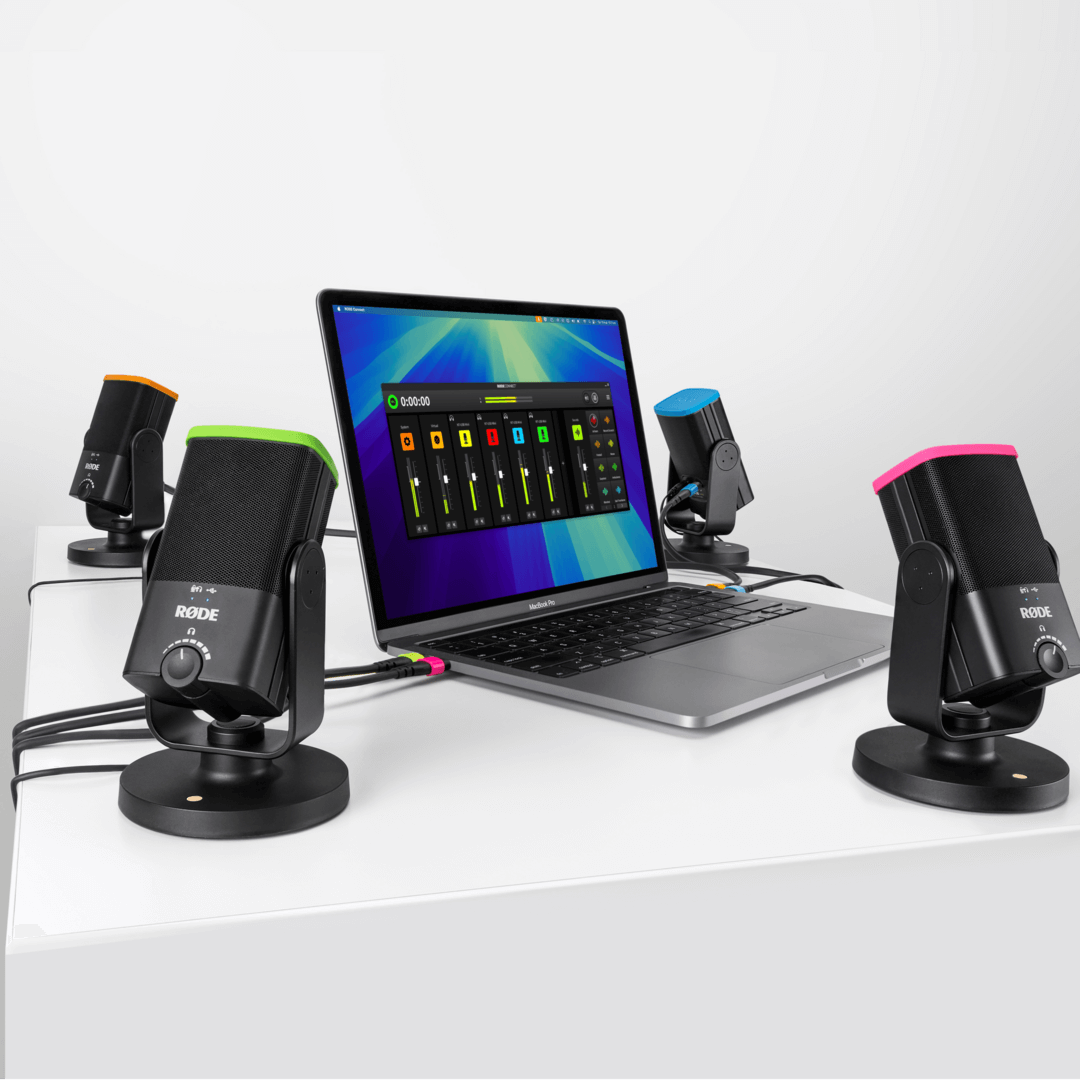
Podcasts ganz einfach erstellenVerbinden Sie bis zu vier NT-USB Minis mit einem einzigen Mac oder PC – ganz ohne komplexes Routing oder komplizierte Software. Mit einer intuitiven, umfassend ausgestatteten Aufnahmeoberfläche, virtuellen Kanälen zum Einbinden von Gästen aus der Ferne und automatischem Mix-Minus auf jedem Kanal für kristallklare Kommunikation ohne Echo ist dies der einfachste Weg, einen professionellen Podcast zu erstellen.
Streamen wie ein ProfiZusammen mit dem NT-USB Mini ist RØDE Connect eine leistungsstarke Lösung für Streamer und Gamer, die ihr Audio-Setup vereinfachen möchten. Mit einer übersichtlichen Steuerung des Mikrofonsignals und externer Anwendungen sowie dedizierten Ausgangsreglern für Streaming-Apps wie OBS oder Xsplit war die Einrichtung von Livestream-Audio noch nie so einfach.
Systemanforderungen: macOS 11 oder höher; Windows 10 Version 1803 oder höher.
.png ) RØDE Central herunterladen
RØDE Central herunterladen
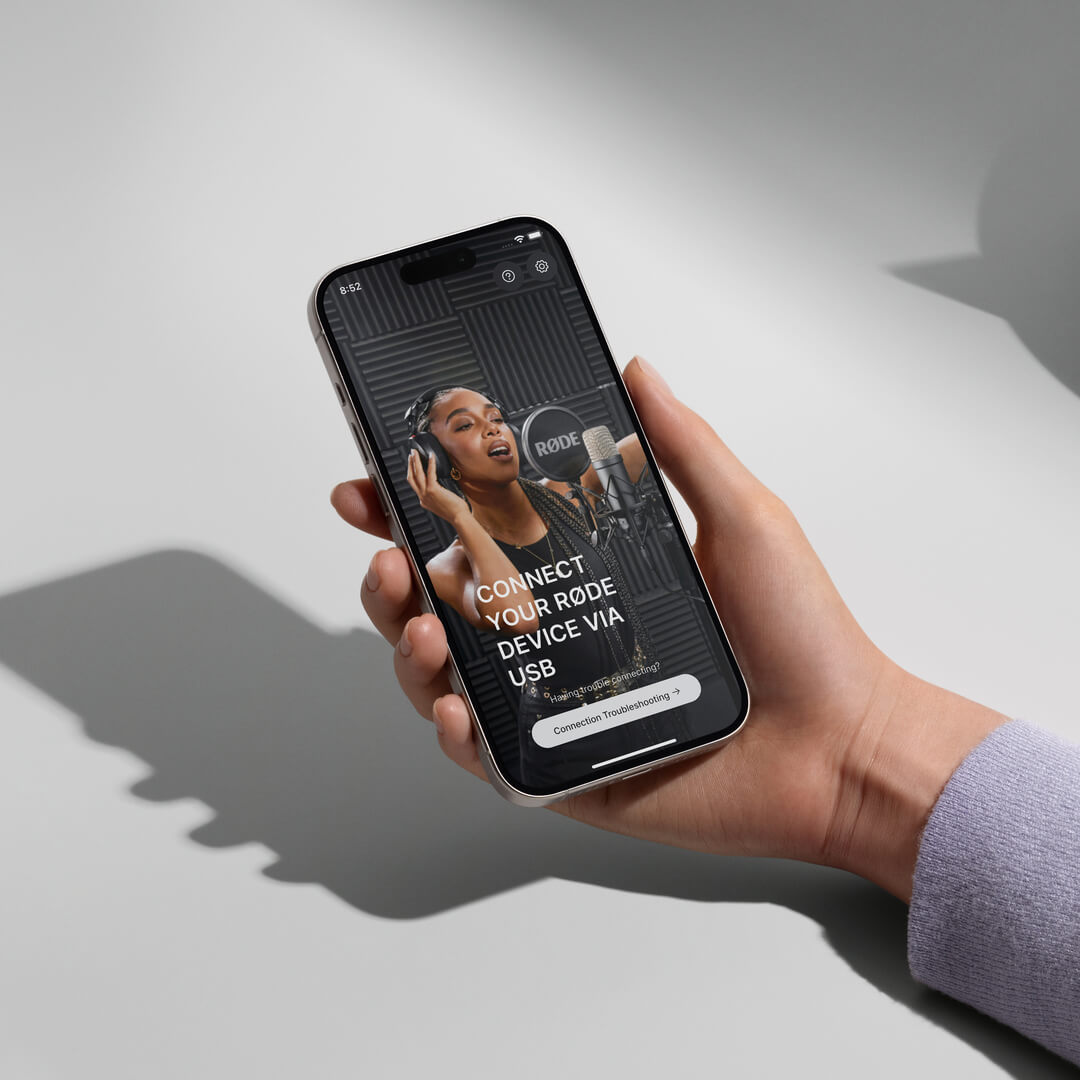
RØDE Central ist die unverzichtbare Begleit-App für kompatible Geräte aus den Produktreihen RØDE wireless und klassische Mikrofone. Sie ermöglicht die Konfiguration Ihrer Geräteeinstellungen, die Freischaltung erweiterter Funktionen, die Optimierung und den Export von Aufnahmen, den Zugriff auf Geräteinformationen sowie die Aktualisierung auf die neueste Firmware. Laden Sie die App kostenlos herunter, um das volle Potenzial Ihres Geräts auszuschöpfen.
Mobil
Systemanforderungen: iOS 14 oder höher; Android 9.0 oder höher.
Desktop
Systemanforderungen: macOS 11 oder höher; Windows 10 Version 1803 oder höher.
NT-USB Mini-Kurzanleitung
Hier erfahren Sie alles, was Sie über Ihr NT-USB Mini-Mikrofon wissen müssen. Diese umfassende Bedienungsanleitung beschreibt alle erforderlichen Schritte, um mit Ihrem Computer, Tablet oder Smartphone Aufnahmen zu machen.