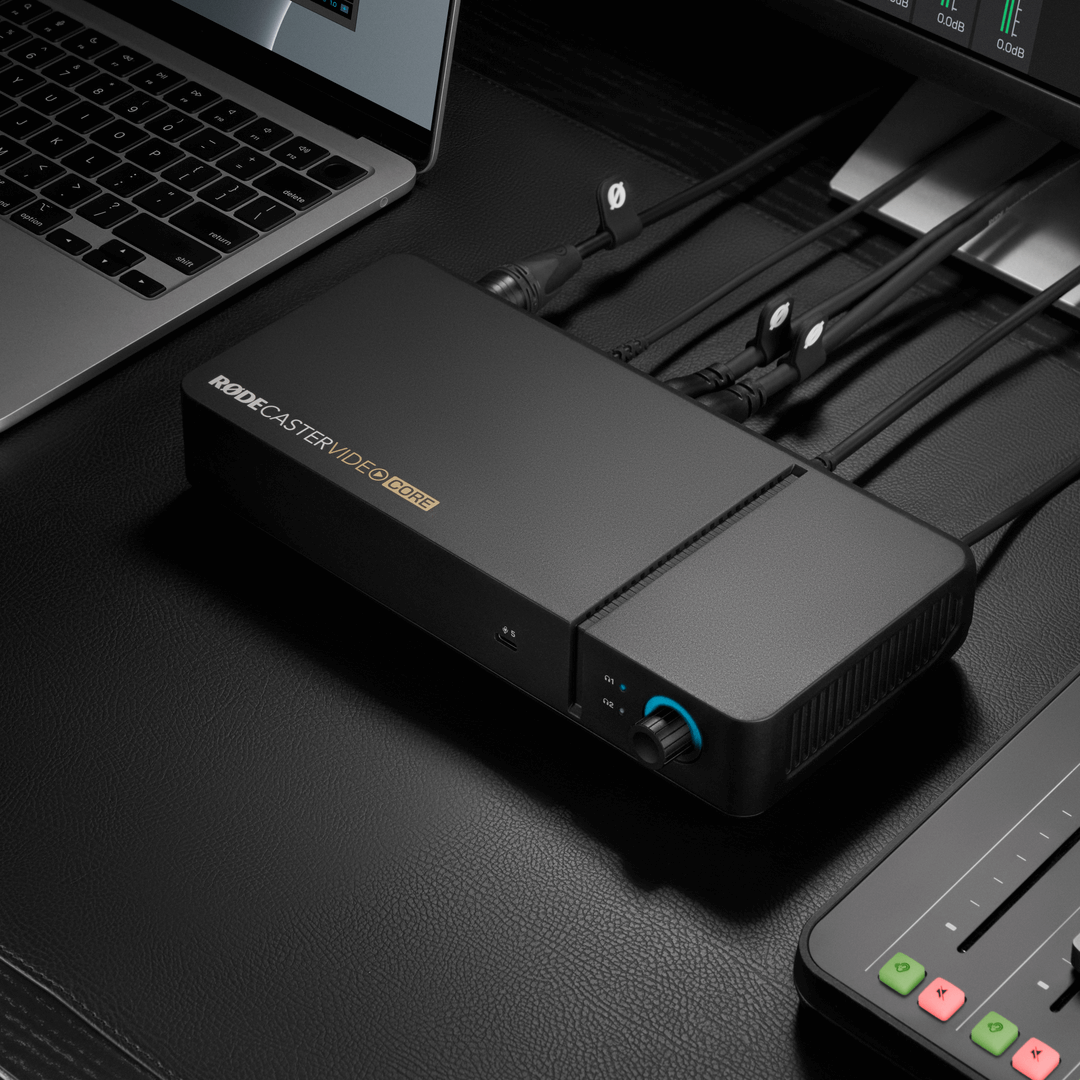
RØDECaster Video Core
Video and Audio Production Interface
The RØDECaster Video Core is an innovative all-in-one console for video and audio production, providing a complete solution for producing professional content. Designed for software-based control or as part of a modular production setup with RØDECaster Sync, it offers the same advanced production power as the RØDECaster Video in a streamlined form factor, combining powerful video switching, recording and production tools with a fully integrated professional audio mixer. Delivering seamless integration with the RØDECaster Pro II and RØDECaster Duo for maximum flexibility, the RØDECaster Video Core ensures broadcast-quality results for video podcasts, live streams and studio productions.
- Switch between up to four video sources and five fully customisable scenes
- High-performance octa-core CPU video and audio processor
- Three full HD (1080p) HDMI inputs with auto frame rate conversion and one configurable HDMI output for viewing program, preview and multi-view
- Two flexible USB-C ports for connecting select video and audio devices
- Two studio-grade Neutrik® combo jacks with ultra-low noise, high-gain Revolution Preamps™ for capturing pristine audio from XLR microphones, instruments or any other audio source
- Powerful APHEX® audio processing, including an EQ, compressor, noise gate, high-pass filter, de-esser and the legendary Aural Exciter™, Big Bottom™ and Compellor™ effects
- Turn your RØDECaster Pro II or Duo into a modular production hub with RØDECaster Sync, unlocking expanded audio and video inputs/outputs.
- Support for network cameras (including PTZ operation) with up to four NDI inputs® and one output via Ethernet, plus dual-cam streaming with the free RØDE Capture app for iOS devices
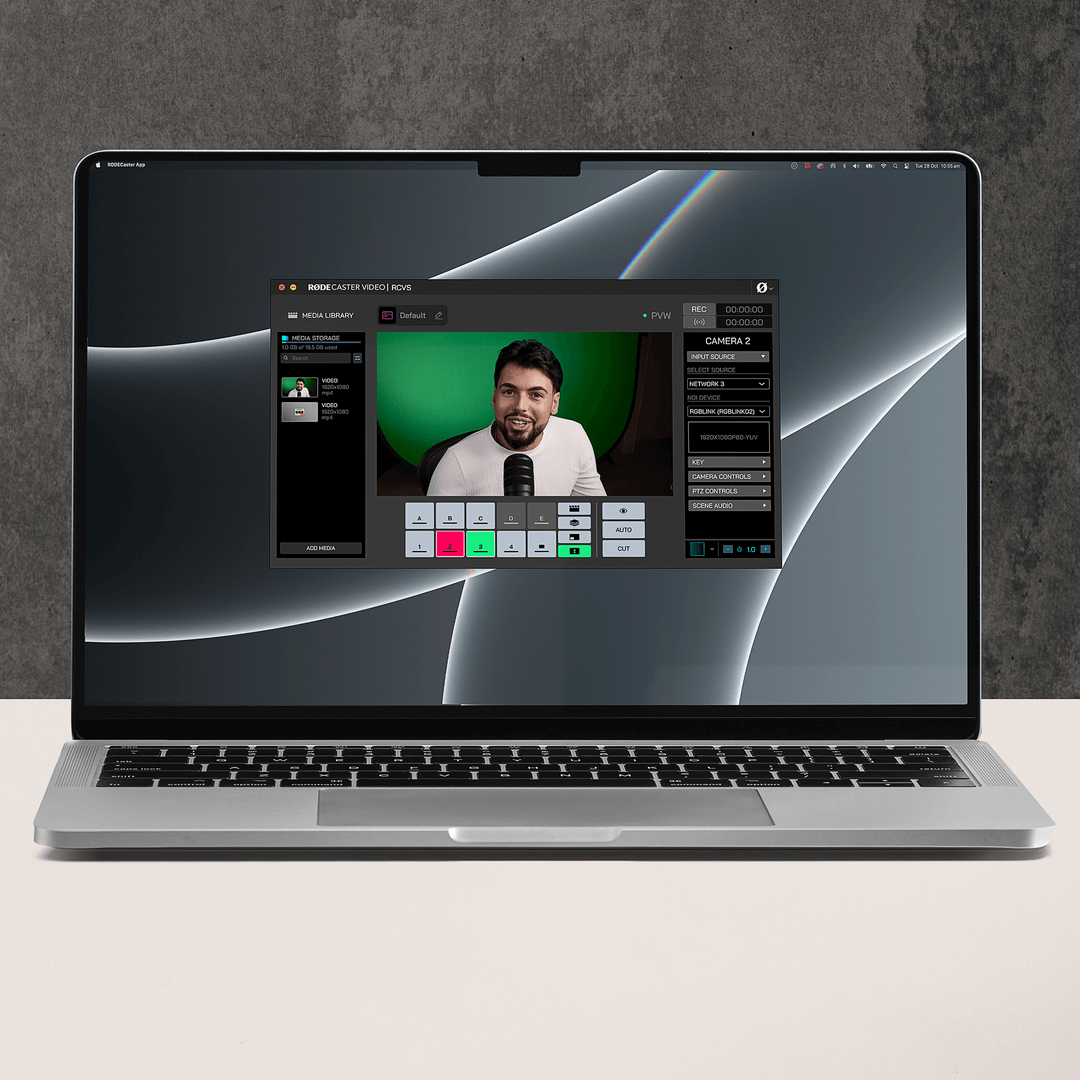
- Media playback, keying, transitions, multi-source scenes, graphic overlays, audio mixing and advanced configuration via the RØDECaster App
- Connect an external SSD via USB to record video or output directly to a computer via UVC
- Remote control, user-assignable graphics and media, custom scene building, audio mixing and effects, and other advanced configuration options via RØDECaster App
- Intelligent auto-switching for seamless hands-free switching of video sources and scenes based on audio inputs
- EDL Export for DaVinci Resolve, importing switch, transition, graphic and timeline data for faster editing in post-production
- Dual USB-C audio interfaces for simultaneous connection to two computers and/or mobile devices
- Stream directly to all major platforms via Ethernet and record directly to an external USB storage device, including isolated (ISO) recording for complete post-editing flexibility.
- Designed and made in RØDE’s state-of-the-art facilities in Sydney, Australia
The RØDECaster Video Core is an innovative all-in-one console for video and audio production, providing a complete solution for producing professional content. Designed for software-based control or as part of a modular production setup with RØDECaster Sync, it offers the same advanced production power as the RØDECaster Video in a streamlined form factor, combining powerful video switching, recording and production tools with a fully integrated professional audio mixer. Delivering seamless integration with the RØDECaster Pro II and RØDECaster Duo for maximum flexibility, the RØDECaster Video Core ensures broadcast-quality results for video podcasts, live streams and studio productions.
- Switch between up to four video sources and five fully customisable scenes
- High-performance octa-core CPU video and audio processor
- Three full HD (1080p) HDMI inputs with auto frame rate conversion and one configurable HDMI output for viewing program, preview and multi-view
- Two flexible USB-C ports for connecting select video and audio devices
- Two studio-grade Neutrik® combo jacks with ultra-low noise, high-gain Revolution Preamps™ for capturing pristine audio from XLR microphones, instruments or any other audio source
- Powerful APHEX® audio processing, including an EQ, compressor, noise gate, high-pass filter, de-esser and the legendary Aural Exciter™, Big Bottom™ and Compellor™ effects
- Turn your RØDECaster Pro II or Duo into a modular production hub with RØDECaster Sync, unlocking expanded audio and video inputs/outputs.
- Support for network cameras (including PTZ operation) with up to four NDI inputs® and one output via Ethernet, plus dual-cam streaming with the free RØDE Capture app for iOS devices
- Media playback, keying, transitions, multi-source scenes, graphic overlays, audio mixing and advanced configuration via the RØDECaster App
- Connect an external SSD via USB to record video or output directly to a computer via UVC
- Remote control, user-assignable graphics and media, custom scene building, audio mixing and effects, and other advanced configuration options via RØDECaster App
- Intelligent auto-switching for seamless hands-free switching of video sources and scenes based on audio inputs
- EDL Export for DaVinci Resolve, importing switch, transition, graphic and timeline data for faster editing in post-production
- Dual USB-C audio interfaces for simultaneous connection to two computers and/or mobile devices
- Stream directly to all major platforms via Ethernet and record directly to an external USB storage device, including isolated (ISO) recording for complete post-editing flexibility.
- Designed and made in RØDE’s state-of-the-art facilities in Sydney, Australia
Video Unlocked
Video Unlocked
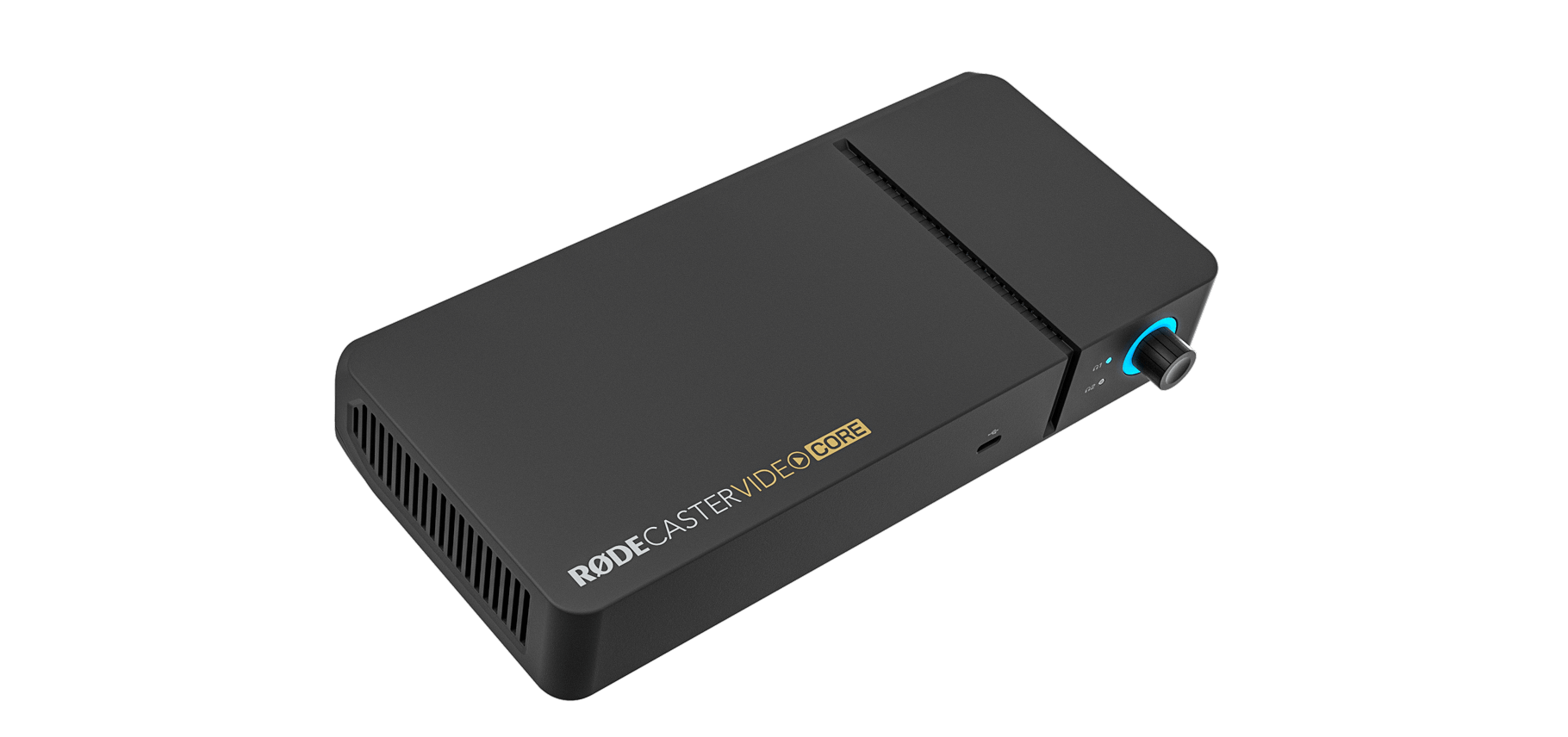
The RØDECaster Video Core is the ultimate all-in-one content creation tool, seamlessly integrating professional-grade video and audio production into a single, compact console. Designed for creators who demand flexibility and power, it offers unmatched capabilities in video switching, audio mixing, recording and streaming. Whether you're a solo creator, podcaster, or live streamer, the RØDECaster Video Core delivers polished, broadcast-quality results with ease.
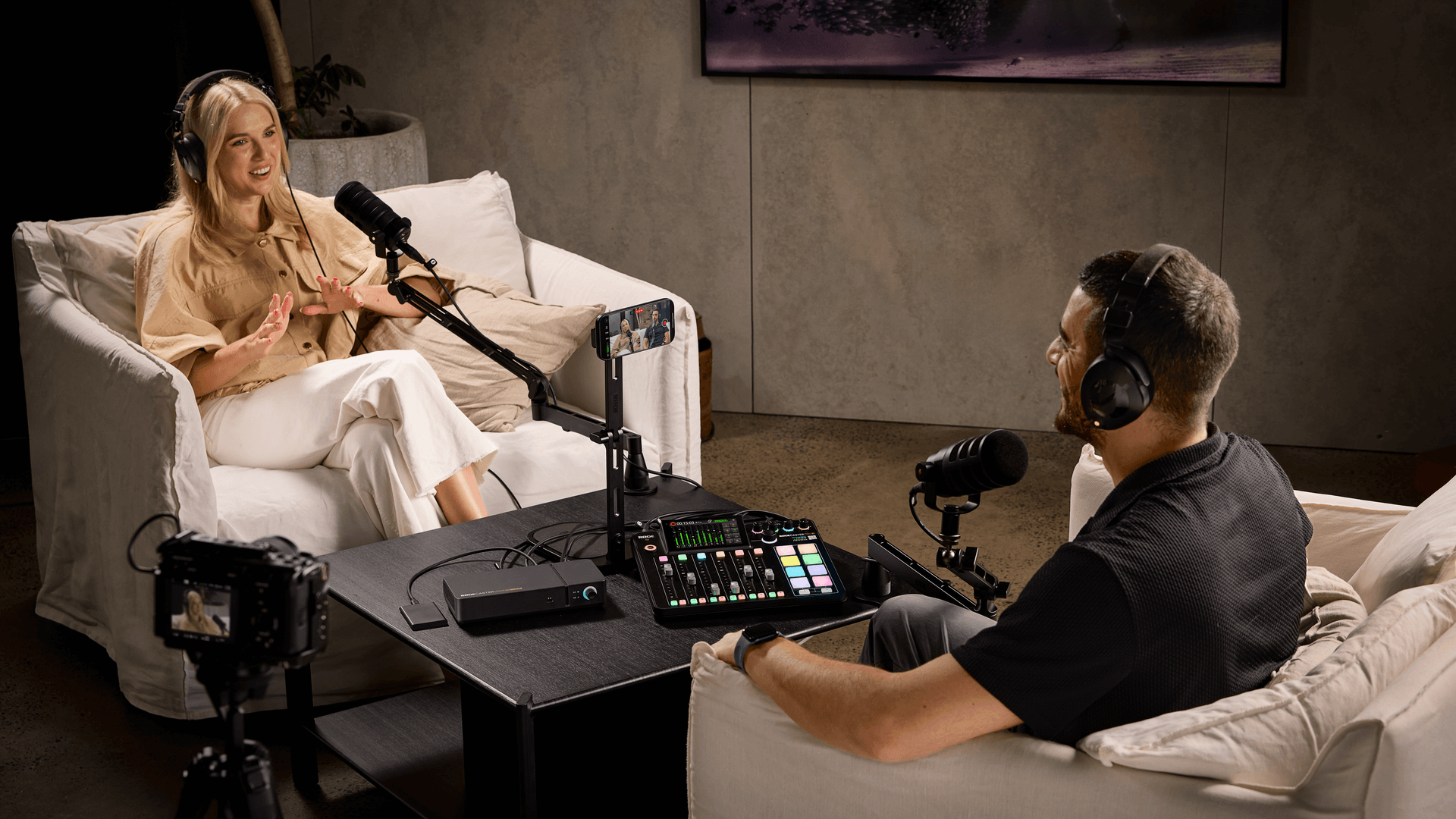
Scale Your Setup with RØDECaster Sync
Scale Your Setup with RØDECaster Sync
Unlock the full potential of your production setup with RØDECaster Sync, a groundbreaking new feature that seamlessly connects your RØDECaster Video Core console with the RØDECaster Pro II or Duo. Manage both audio and video from a single surface, expand your inputs and outputs, enable shared audio mixing and recording and unlock advanced video switching capabilities – scaling effortlessly to meet your production needs.
Features
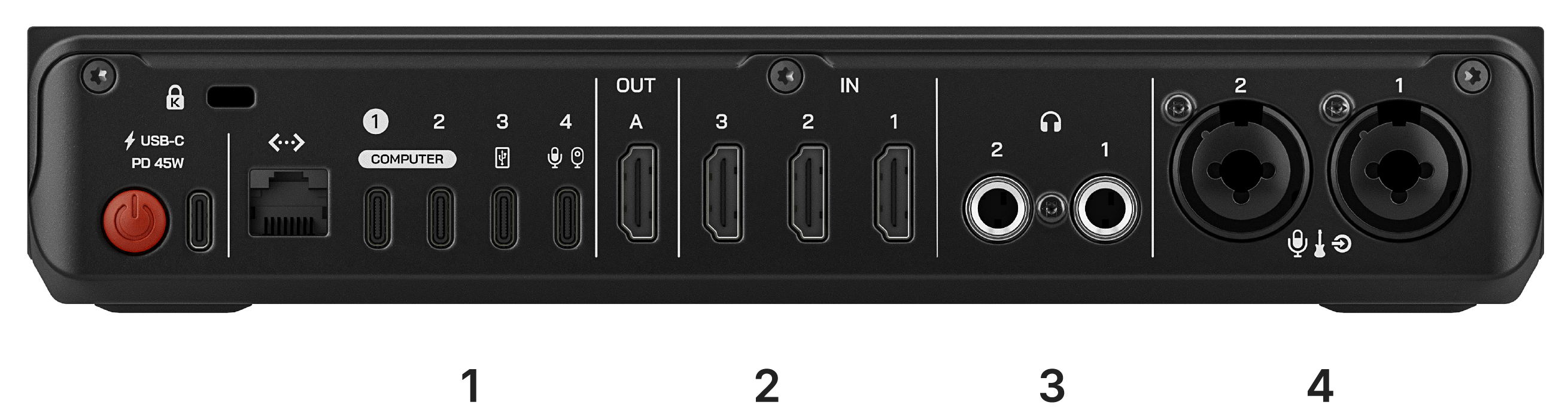
1) USB Video and Audio
Connect a webcam or RØDE USB microphone via USB 4 for additional video or audio options.
2) HDMI Inputs and Outputs
Capture up to three HDMI video sources and monitor your production with preview, multiview or program feeds.
3) Headphone Outputs
Monitor your audio with up to two pairs of headphones with custom mixes and levels.
4) Revolution Preamps™
Record XLR and 1/4-inch equipment in stunning detail with the ultra-low-noise, high-gain Revolution Preamps™.
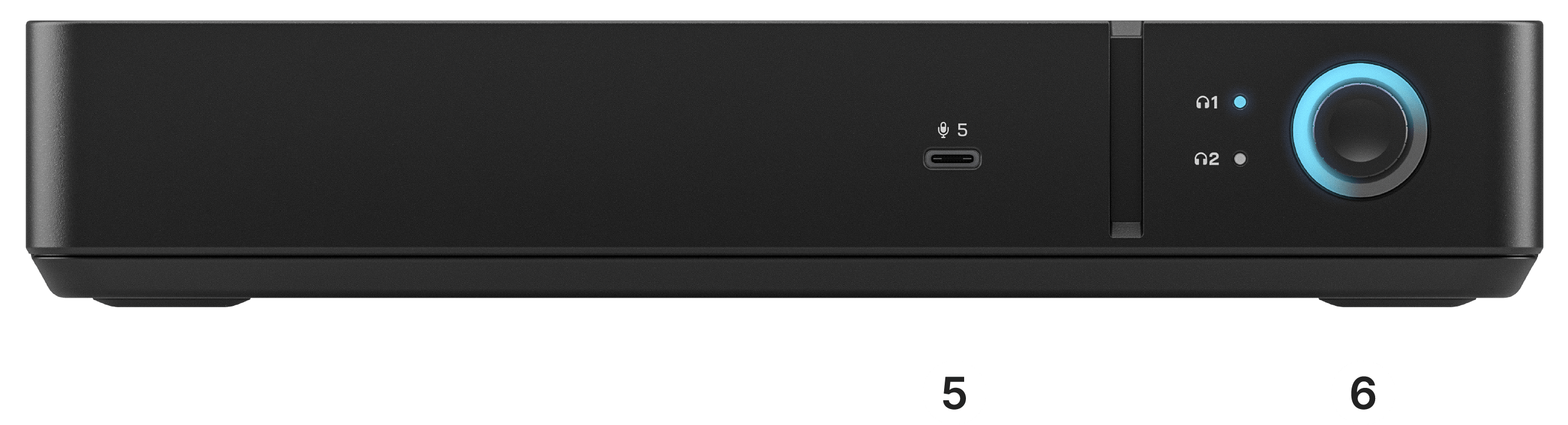
5) Multi-function USB-C Port
Expand your setup with a versatile USB-C port, perfect for connecting RØDE USB audio devices and the RØDECaster Pro II or Duo for RØDECaster Sync.
6) Rotary Encoder
Precisely adjust levels and fine-tune settings with an adaptable rotary encoder.
Complete Content Control with the RØDECaster App
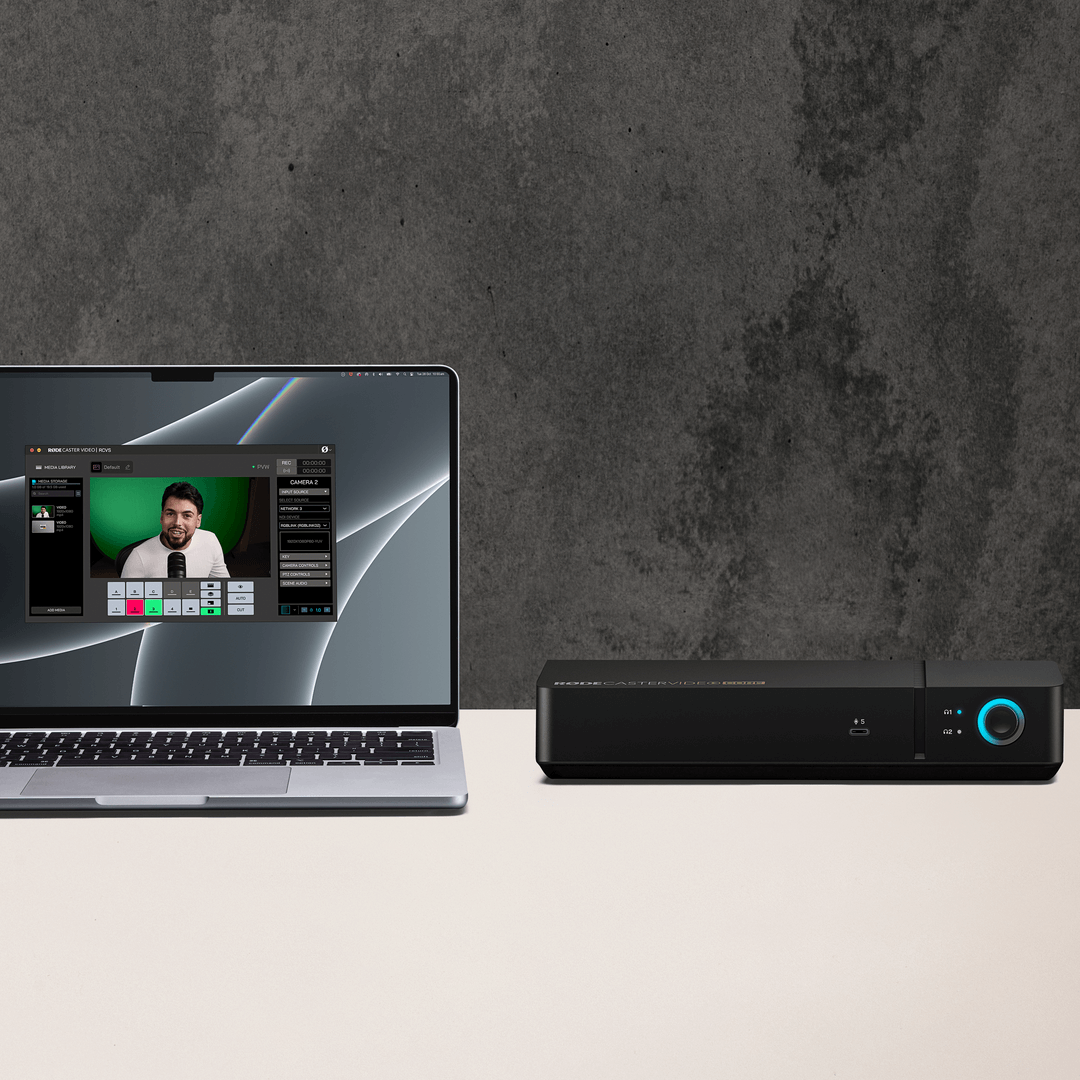
The RØDECaster App is the ultimate companion for the RØDECaster Video Core, delivering extensive software-based control to elevate any production. Seamlessly switch between video sources, design custom multi-camera layouts with the scene builder and mix crystal-clear audio with the intuitive audio mixer. Access advanced configuration settings to fine-tune every detail, all from one powerful, compact console – giving your productions the professional polish they deserve.
OS Requirements: macOS 11 or later; Windows 10 Version 1803 or later.
Switch it Up
Switch it Up
Effortlessly manage up to four video feeds with the RØDECaster Video Core, giving you the power to switch between cameras, consoles and other visual inputs in real time to captivate your audience. Instantly cut between shots or add a professional touch with smooth fades, dips and wipes using fully customisable transitions – even sequence live previews of each feed, ensuring every switch is perfectly timed.
Set the Scene
Set the Scene
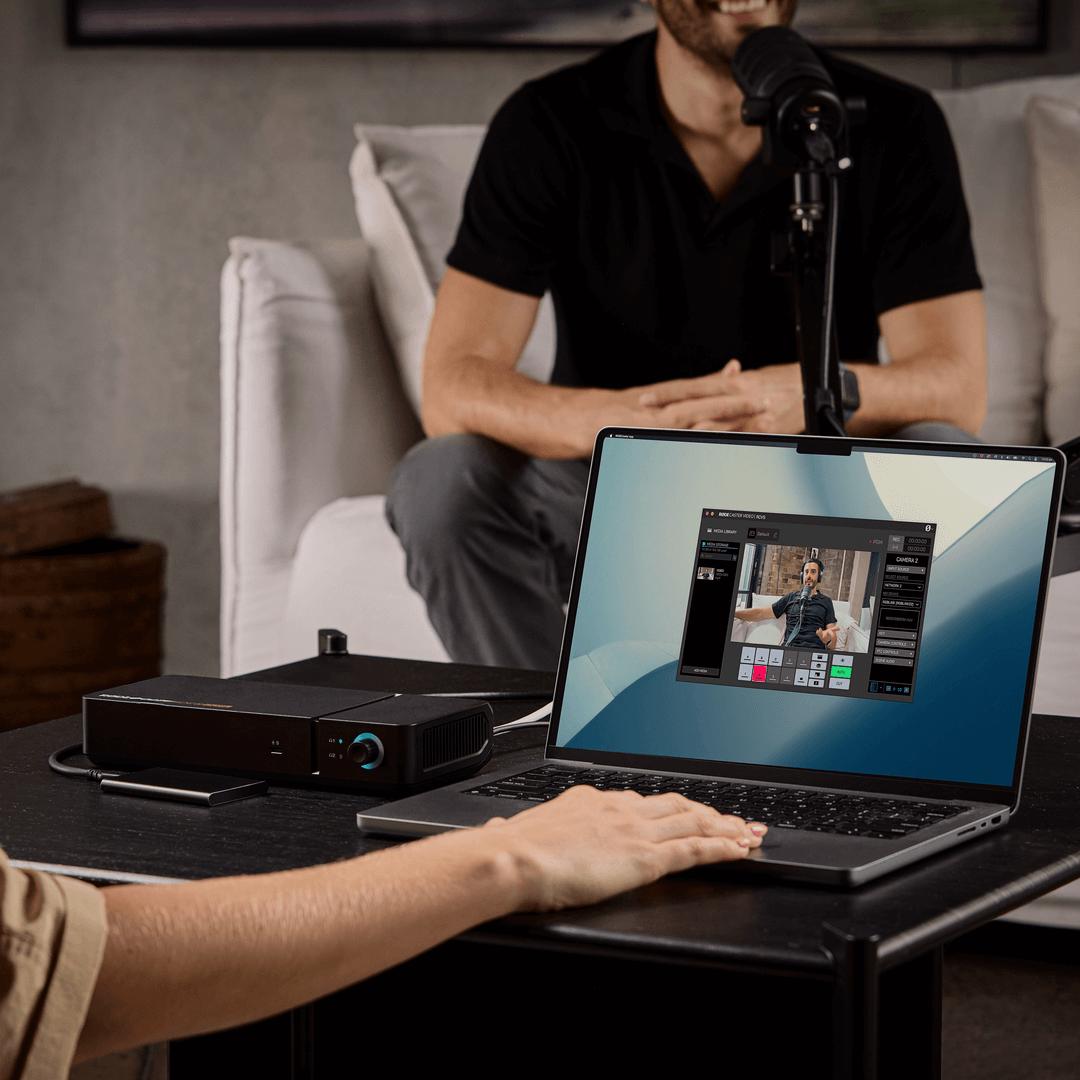
Design and customise your own layouts with ease using the RØDECaster Video Core. Combine video sources, graphics and media to create dynamic scenes that take your content to the next level. Save up to five unique setups and switch between them instantly with the press of a button for a seamless, professional workflow.
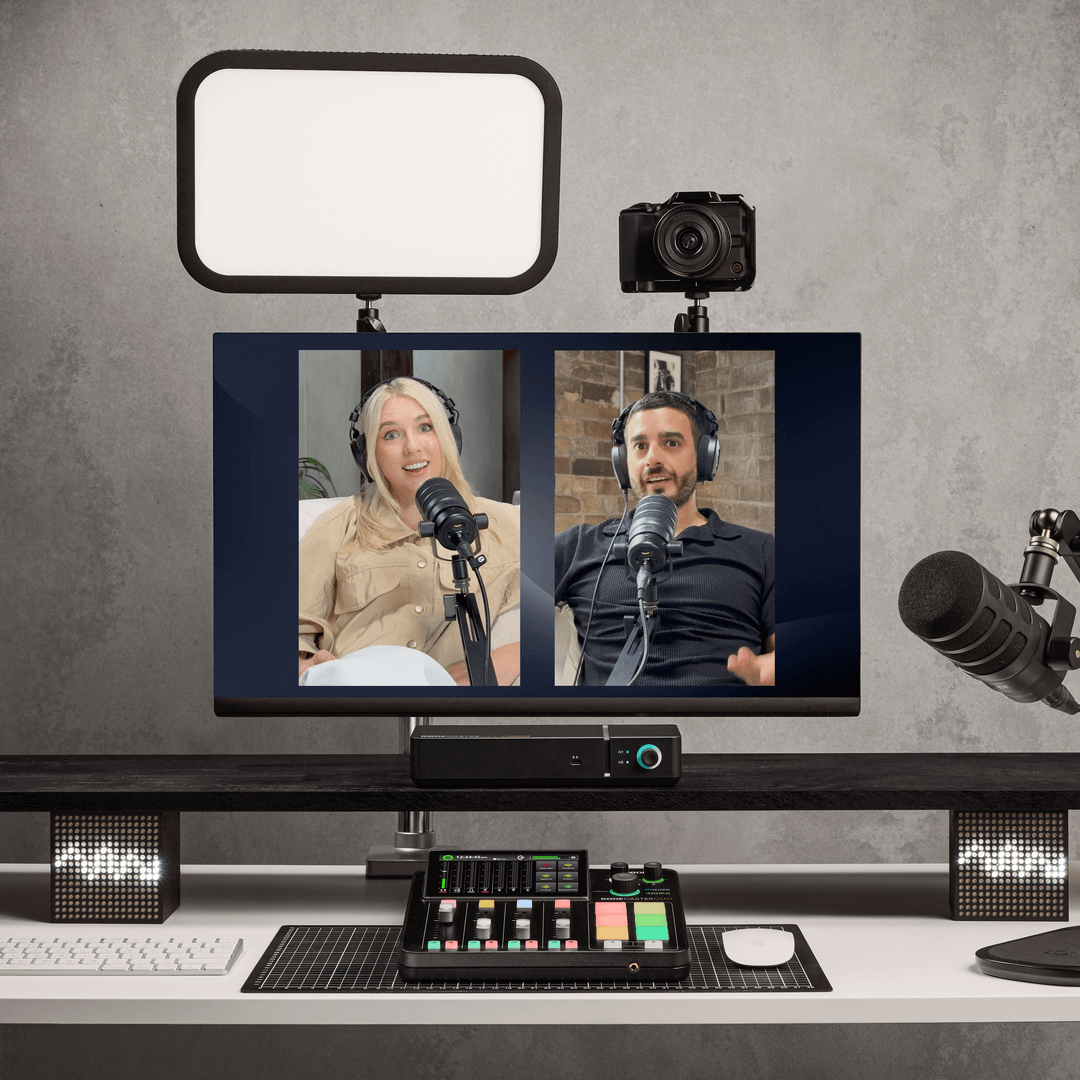
Integrated Professional Audio
Integrated Professional Audio
The RØDECaster Video Core redefines what’s possible in a compact audio production console. Featuring two studio-grade Neutrik® combo jacks for XLR and instrument inputs, it offers the capability to mix, process, and route up to nine audio sources at once. Each channel is equipped with APHEX® effects and processors, including EQ, compression, and signature enhancements like Aural Exciter™ and Big Bottom™, giving you the tools to craft pristine, broadcast-quality sound with ease.
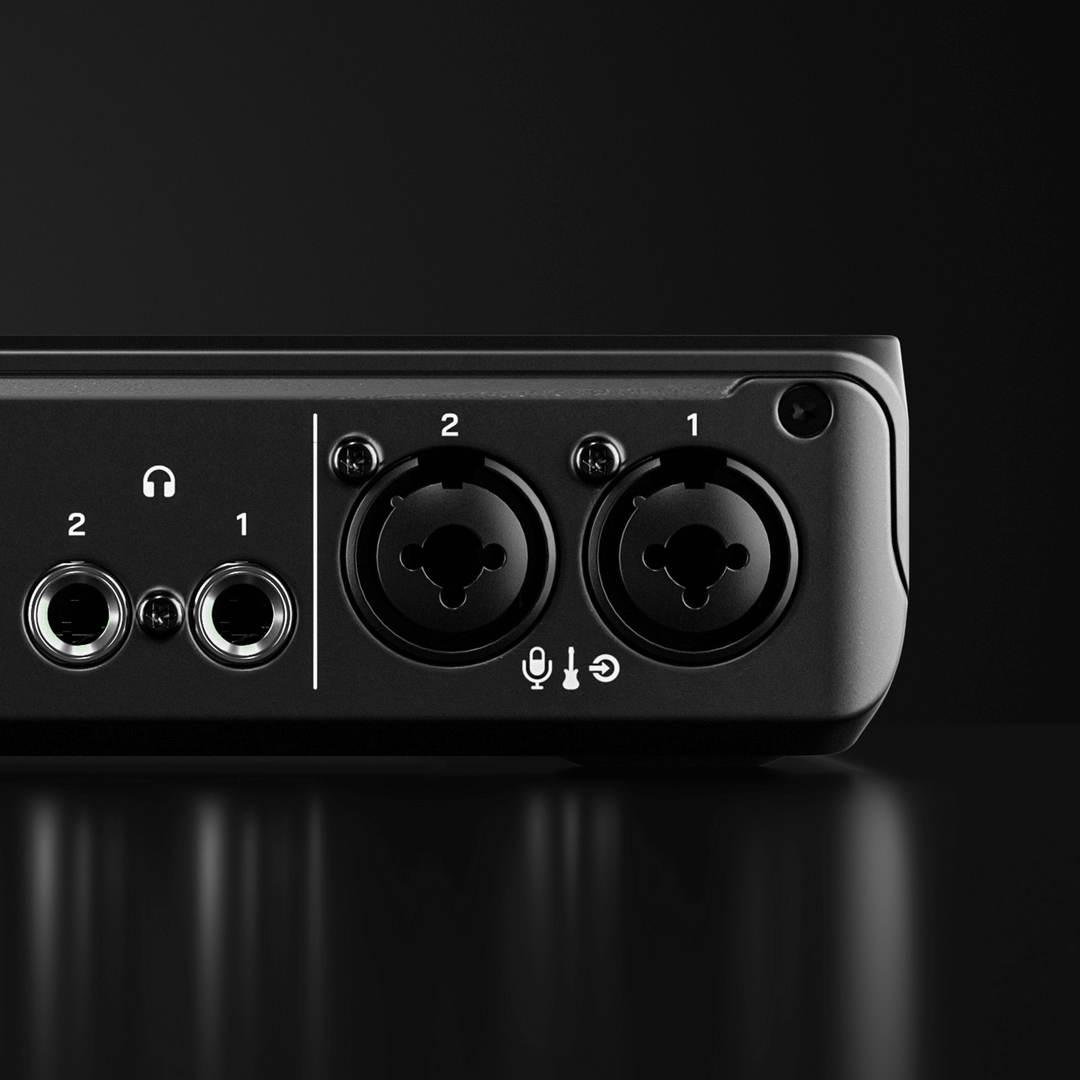
Enhance Your Workflow
Enhance Your Workflow
The RØDECaster Video Core features a multi-function USB-C port, enabling seamless expansion of your production setup. Connect a USB webcam, capture card, or other UVC video source, integrate a RØDE USB microphone, or pair it with the RØDECaster Pro II or Duo for a fully unified audio and video workflow.
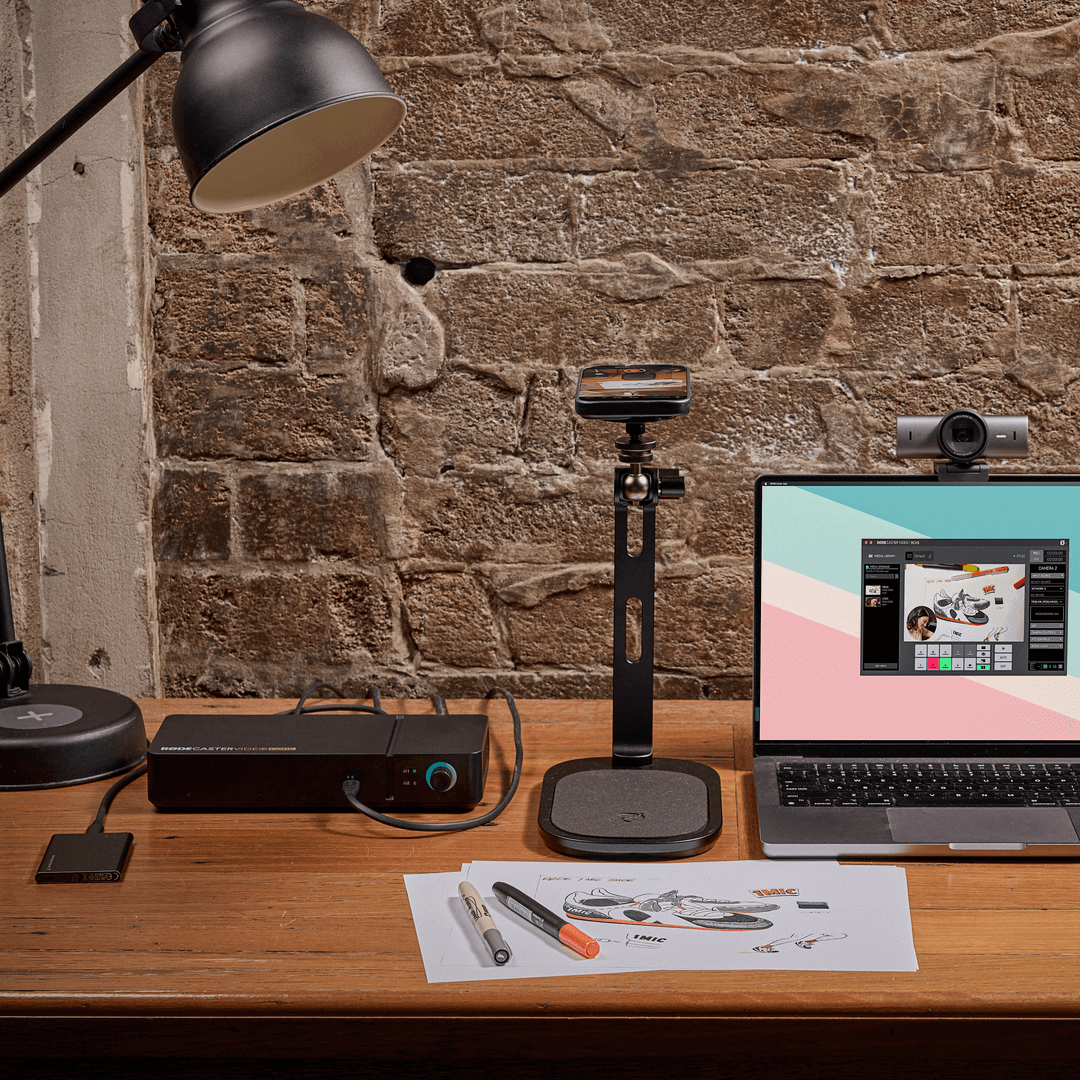
Hands-free Auto-Switching
Hands-free Auto-Switching
Sit back and let the RØDECaster Video Core settle into the producer’s chair. Intelligent auto-switching technology will automatically switch your camera angles based on who’s speaking – ideal for video podcasts, interviews and live discussions.
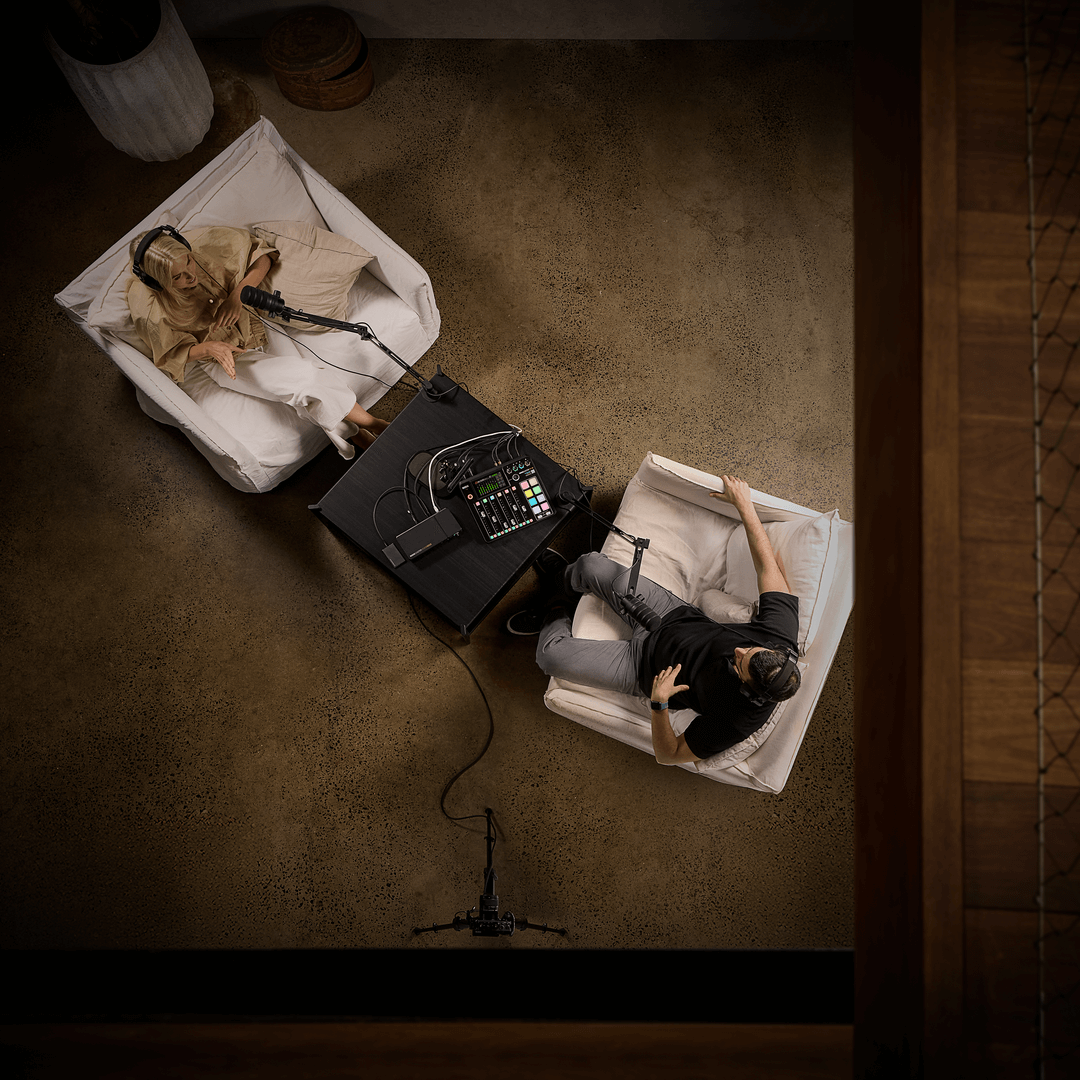
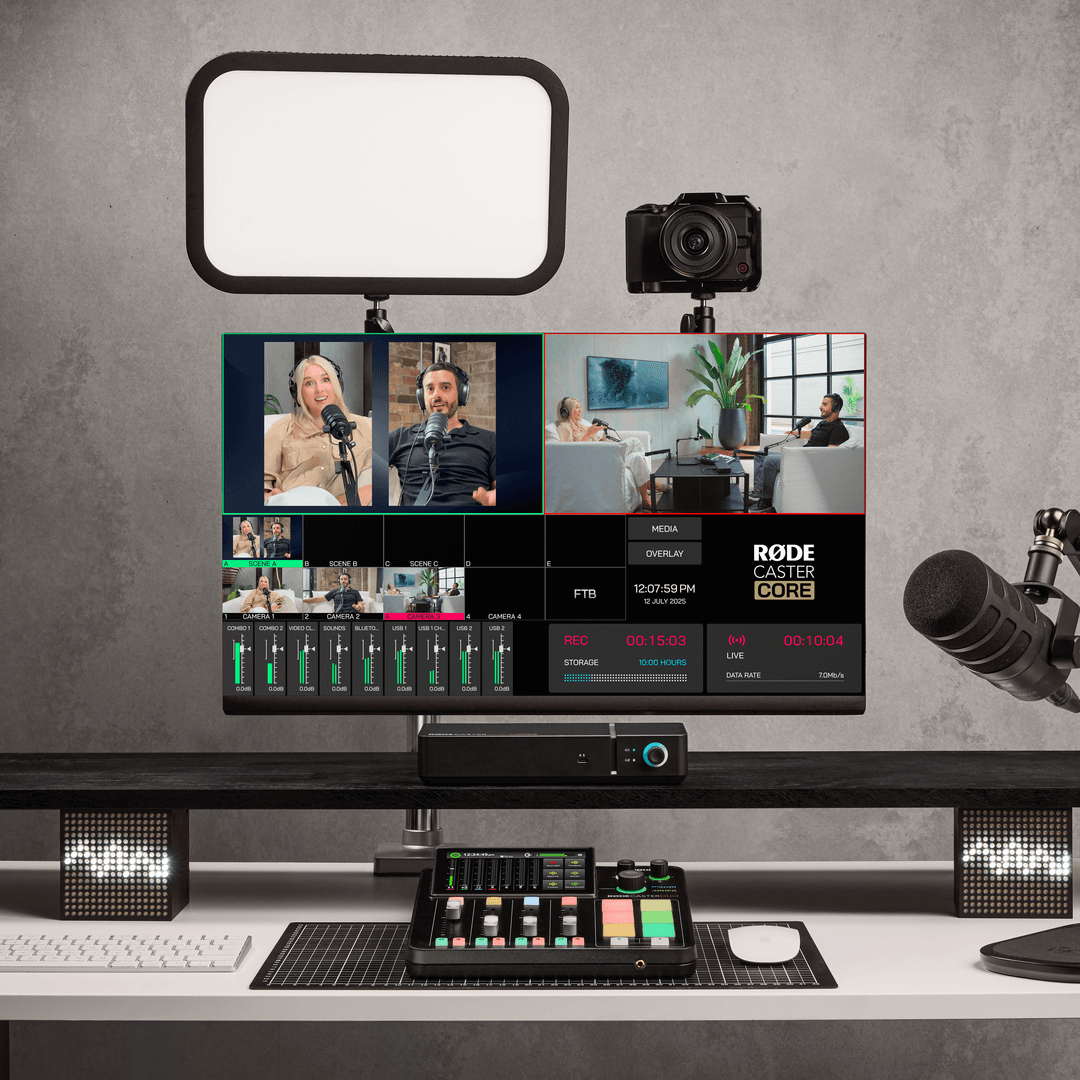
Comprehensive Multiview
Comprehensive Multiview
The Multiview display of the RØDECaster Video Core keeps you in command with its Multiview display, accessible via the RØDECaster App. Monitor live previews of all inputs, scenes and feeds alongside critical details like
Form Follows Function
Form Follows Function
The RØDECaster App provides unfettered access to a wide range of creative tools with its four function options, giving you unprecedented software-based control over advanced video techniques and quick access to your graphics and media.

Graphics Overlays
Access and arrange custom logos, watermarks, lower-thirds and other graphic assets.
Media Player
Integrate video files, images and sounds into your production with ease.
Multi-source Layouts
Configure multiple video sources into arrangements such as picture-in-picture, split screen and more.
Automatic Keying
Apply an automatic chroma key to your input – it’s never been easier to set up a green screen.
Record On-Board
Record On-Board
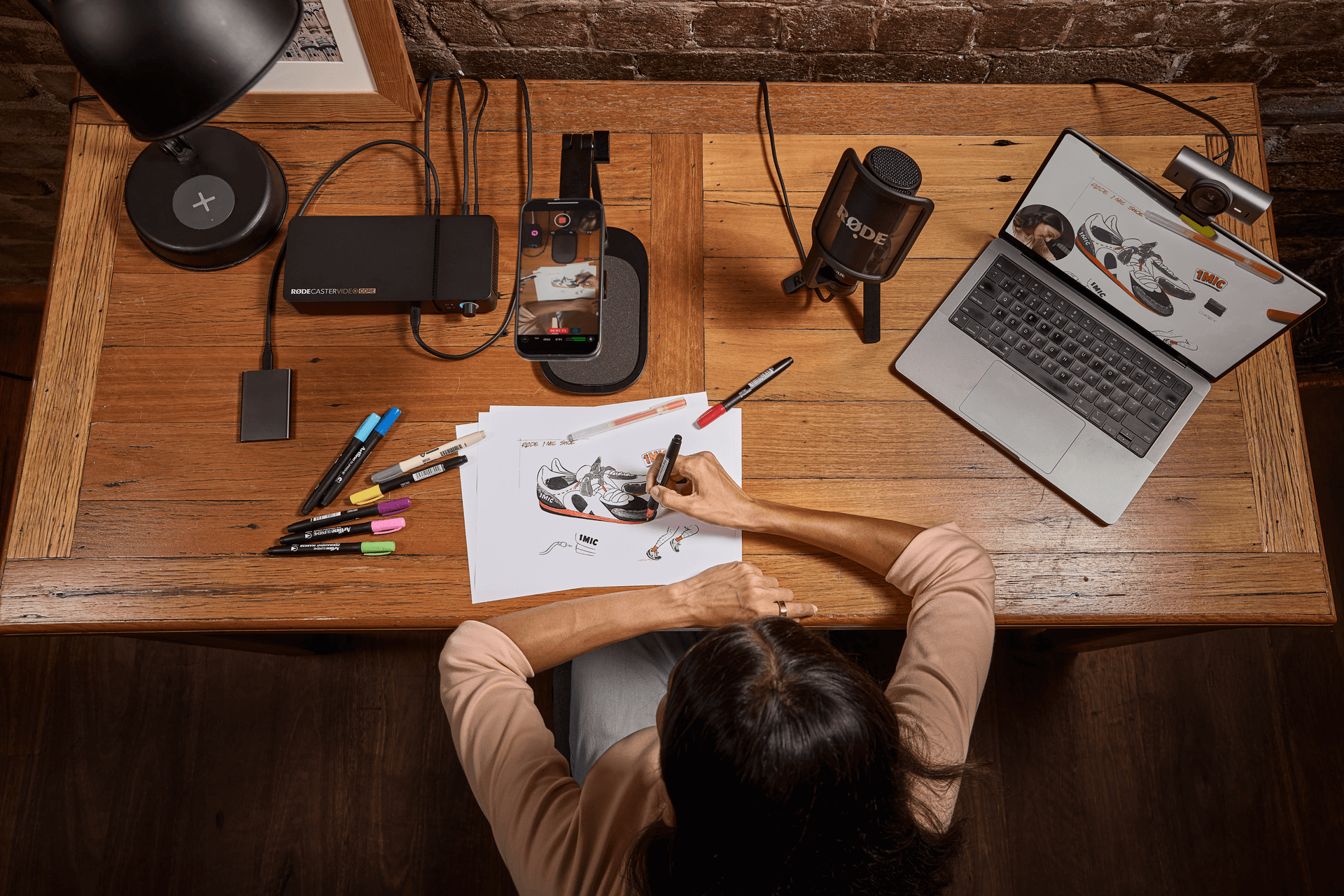
You can capture your entire production directly to a connected hard drive or USB storage device, with the option to record each video and audio source independently providing ultimate flexibility in the editing suite.
Post-Production Simplicity
Post-Production Simplicity
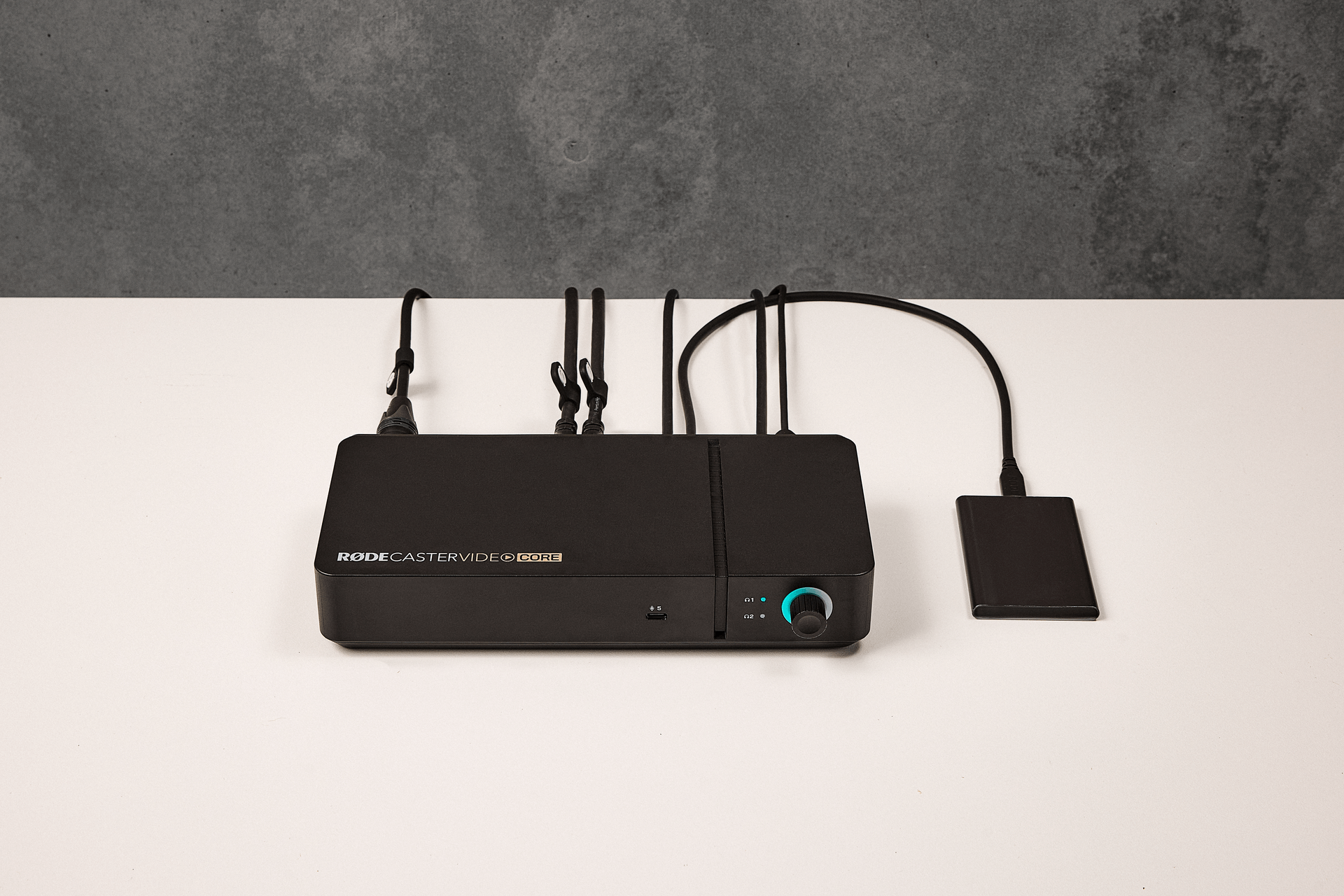
Streamline your post-production workflow with seamless EDL export for DaVinci Resolve. Automatically import your switch points, transitions, media, overlays and full timeline data directly into your edit, eliminating the need to manually rebuild your production.
Quick and Easy Video
Quick and Easy Video
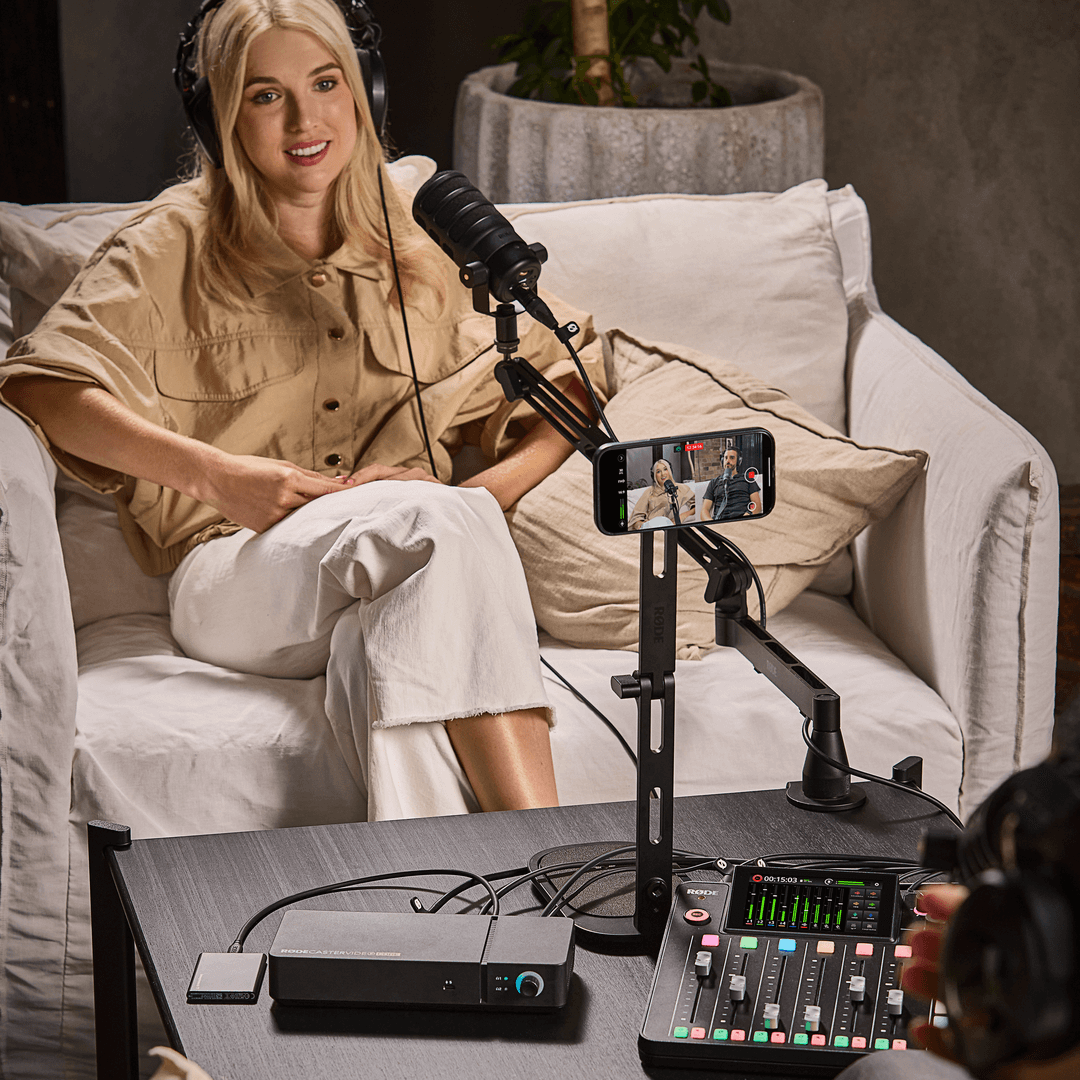
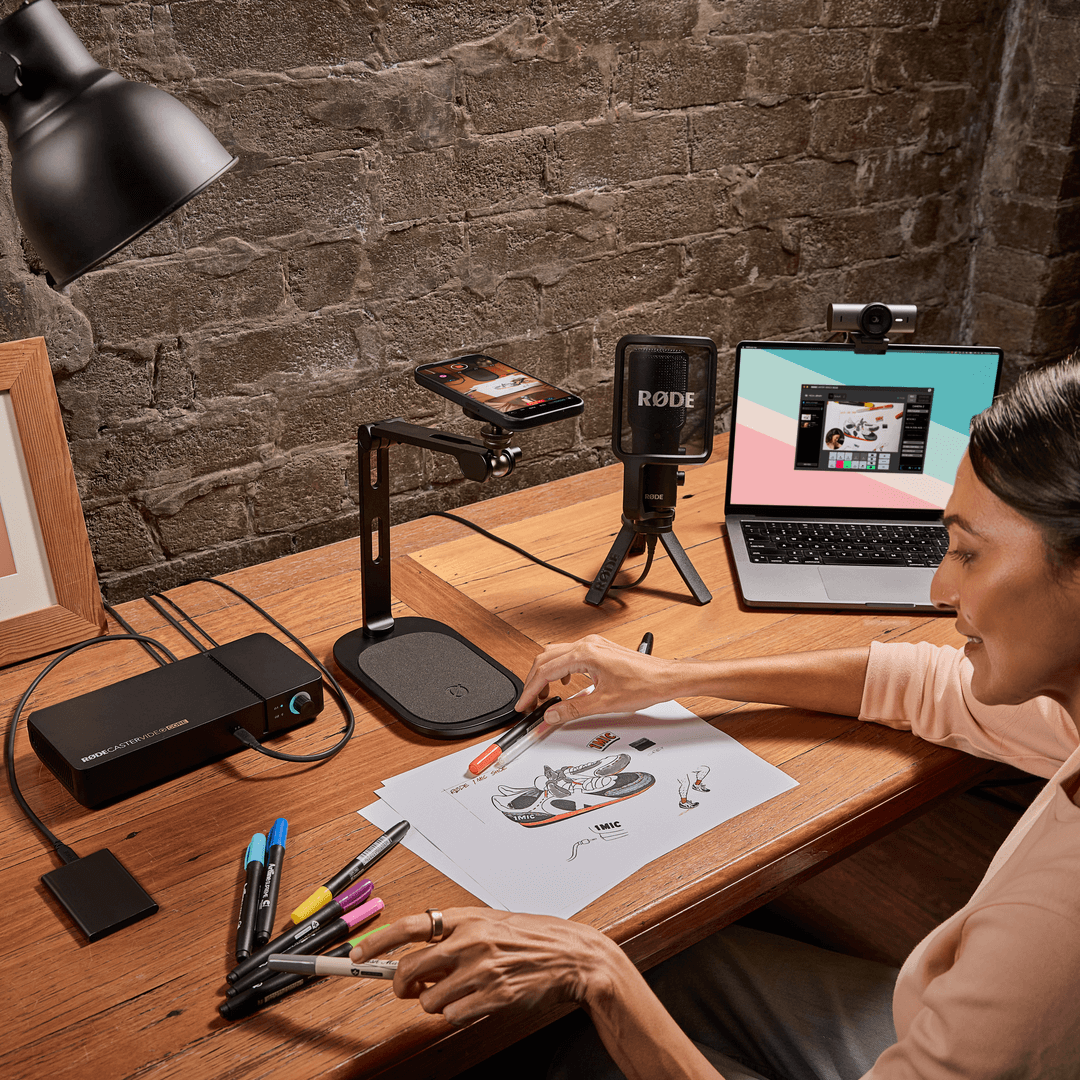
Pair the RØDECaster Video Core with the free RØDE Capture app to transform your iPhone into a high-quality camera for your podcast. Enjoy flexible, dual-cam streaming straight from your device to take your content to effortless new heights.
Stream to Your Favourite Platform
Stream to Your Favourite Platform
Stream your content directly to YouTube, Twitch, or your favourite streaming platform via Ethernet and use custom audio routing to send a completely different mix to your audience, your headphones and your recording.
Master Your RØDECaster
Master Your RØDECaster
Learn everything there is to know about the RØDECaster Video Core with our comprehensive user guide. From the basics of video switching to advanced recording and streaming applications and everything in between.