AI-Micro
Interface audio 3,5 mm à deux canaux
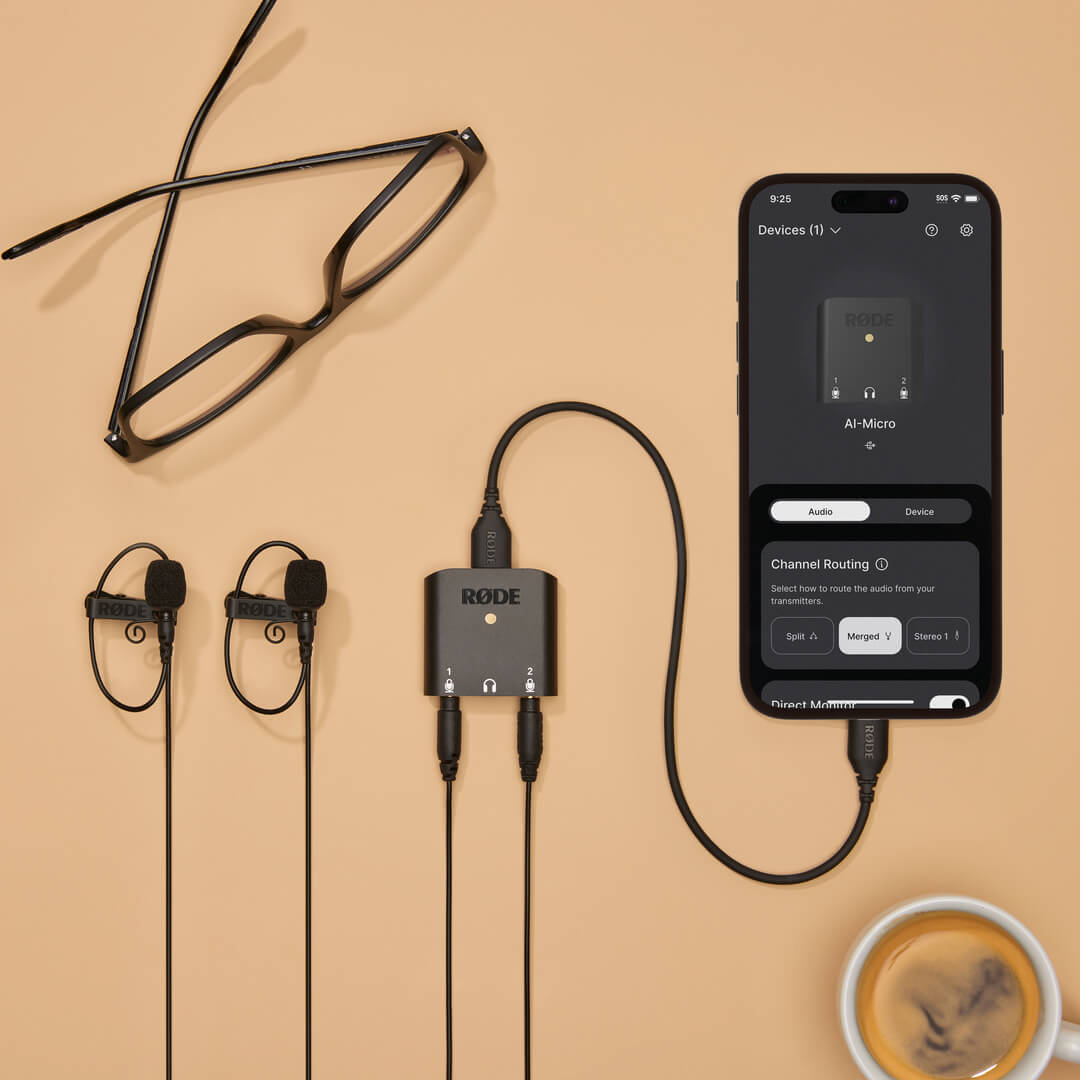
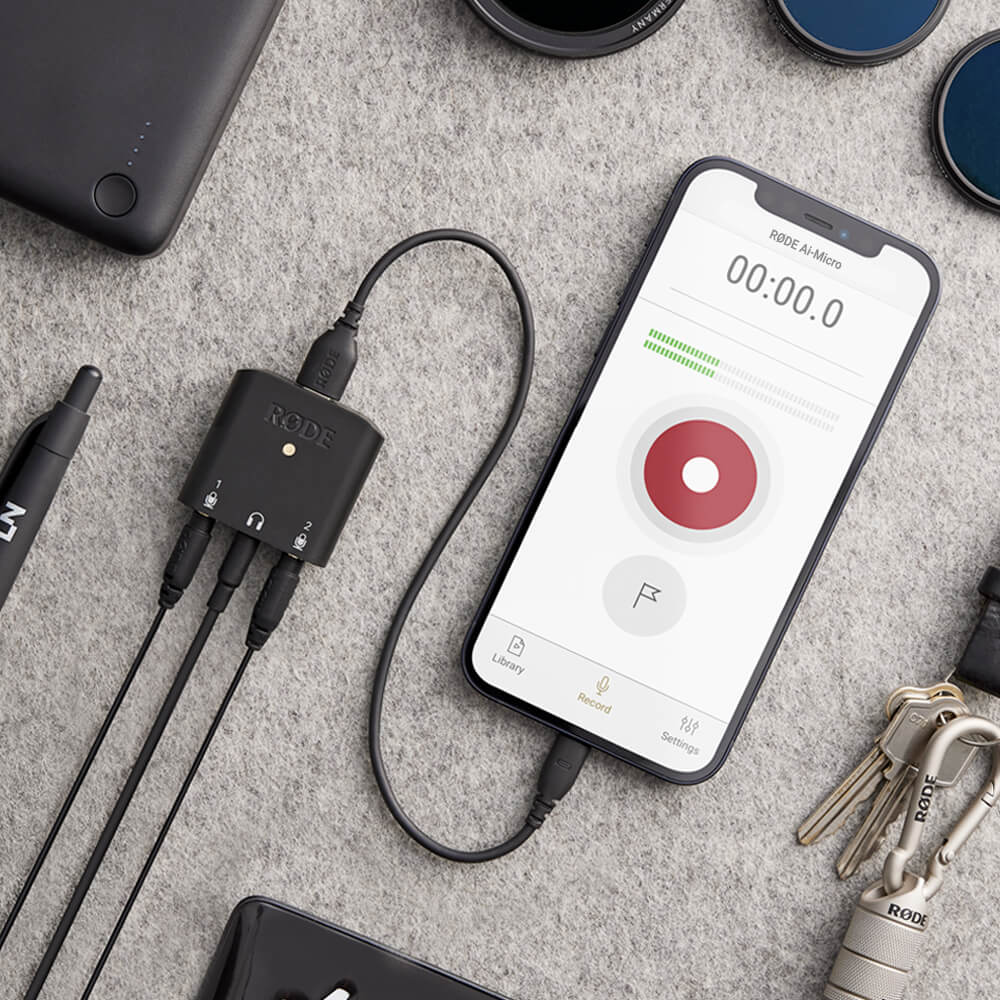
Le AI-Micro est une interface bicanal ultra-compacte permettant d’enregistrer un son de haute qualité sur un appareil mobile ou un ordinateur. Doté de deux entrées à détection automatique permettant de connecter pratiquement n’importe quel microphone équipé d’une sortie 3,5 mm, d’un monitoring au casque, d’une sortie USB universelle pour une utilisation avec des smartphones, des tablettes et des ordinateurs, ainsi que d’une compatibilité avec les applications RØDE pour un son optimisé, le AI-Micro vous permet d’enregistrer sans limites.
- Interface audio double canal ultra-compacte pour ordinateurs et appareils mobiles
- Compatible avec pratiquement tous les microphones dotés d’une sortie 3,5 mm, notamment les RØDE VideoMics, les microphones cravate, les systèmes sans fil et les microphones stéréo ne nécessitant pas d’alimentation par plug-in
- Entrées à détection automatique pour connecter des microphones TRS ou TRRS
- Sortie casque haute qualité pour un monitoring audio sans latence et la lecture
- Se connecte facilement aux ordinateurs, smartphones et tablettes via la sortie universelle USB (câbles USB-A, USB-C et Lightning fournis)
- Compatible avec la suite d’applications RØDE pour bénéficier de fonctionnalités étendues, configurer l’appareil en déplacement et réaliser des enregistrements de qualité broadcast sur n’importe quel appareil
Le AI-Micro est une interface bicanal ultra-compacte permettant d’enregistrer un son de haute qualité sur un appareil mobile ou un ordinateur. Doté de deux entrées à détection automatique permettant de connecter pratiquement n’importe quel microphone équipé d’une sortie 3,5 mm, d’un monitoring au casque, d’une sortie USB universelle pour une utilisation avec des smartphones, des tablettes et des ordinateurs, ainsi que d’une compatibilité avec les applications RØDE pour un son optimisé, le AI-Micro vous permet d’enregistrer sans limites.
- Interface audio double canal ultra-compacte pour ordinateurs et appareils mobiles
- Compatible avec pratiquement tous les microphones dotés d’une sortie 3,5 mm, notamment les RØDE VideoMics, les microphones cravate, les systèmes sans fil et les microphones stéréo ne nécessitant pas d’alimentation par plug-in
- Entrées à détection automatique pour connecter des microphones TRS ou TRRS
- Sortie casque haute qualité pour un monitoring audio sans latence et la lecture
- Se connecte facilement aux ordinateurs, smartphones et tablettes via la sortie universelle USB (câbles USB-A, USB-C et Lightning fournis)
- Compatible avec la suite d’applications RØDE pour bénéficier de fonctionnalités étendues, configurer l’appareil en déplacement et réaliser des enregistrements de qualité broadcast sur n’importe quel appareil
Un son incroyable, partout
Le AI-Micro vous permet de capturer facilement un son de haute qualité sur votre appareil mobile ou votre ordinateur. Il dispose de deux entrées 3,5 mm permettant de connecter une large gamme de microphones, notamment des VideoMics RØDE , des microphones-cravates et des systèmes sans fil comme le Wireless GO. Ces entrées à détection automatique identifient si un microphone TRS ou TRRS est connecté et s’adaptent automatiquement en conséquence : aucun adaptateur n’est nécessaire. L’entrée 1 peut également être configurée comme une entrée TRS stéréo unique pour une utilisation avec des microphones stéréo ne nécessitant pas d’alimentation fantôme.
Des préamplis microphone de haute qualité et un enregistrement haute résolution (24 bits/48 kHz) garantissent une capture audio d’une grande clarté sur n’importe quel appareil, tandis qu’une sortie casque permet un contrôle et une lecture audio sans écho. Que vous réalisiez des interviews, des podcasts, des présentations ou des diffusions en direct, enregistrez un son incroyable partout avec l’AI-Micro.
Compatibilité universelle avec tous vos appareils
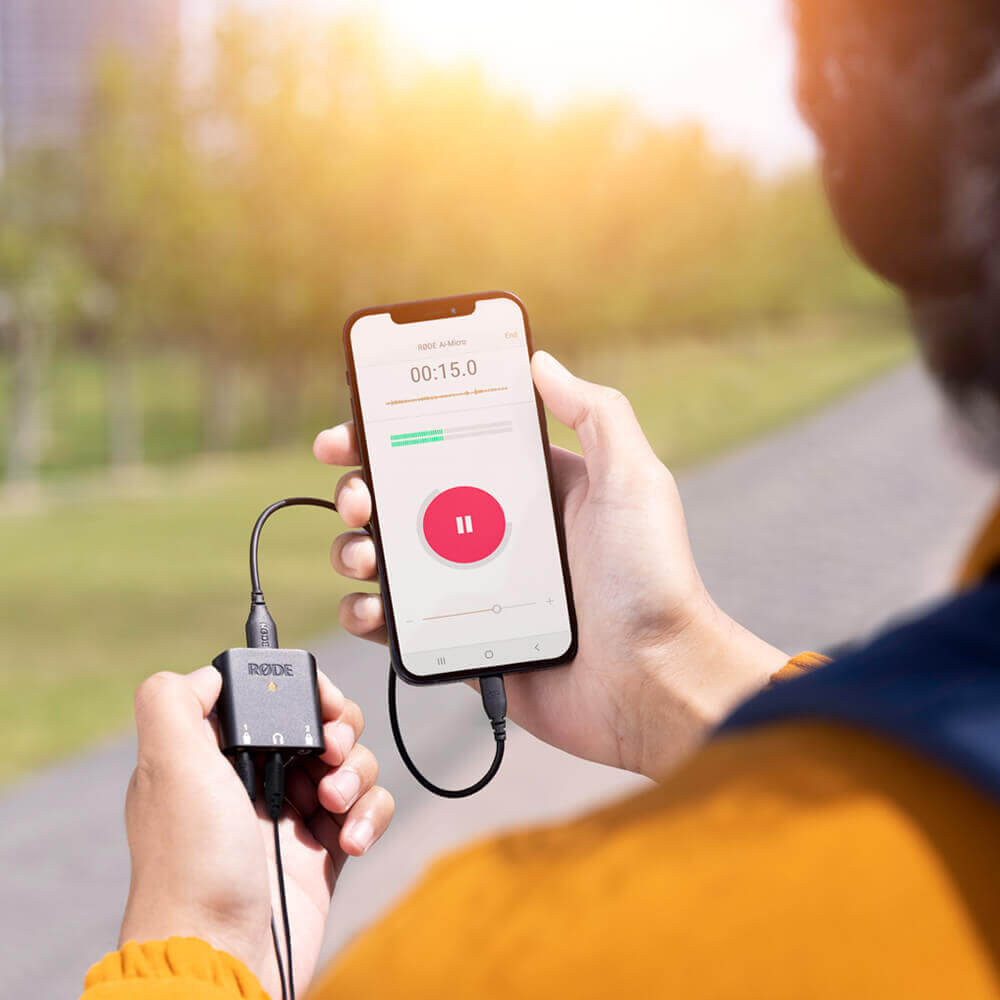
Le AI-Micro peut se connecter facilement à tous vos appareils via sa sortie universelle USB . Il est fourni avec des câbles USB-A, USB-C et Lightning, pour vous permettre de commencer à enregistrer instantanément, et il est compatible plug-and-play avec les appareils Mac, Windows, iOS et Android. L’enregistrement nomade n’a jamais été aussi simple.
Une portabilité de poche
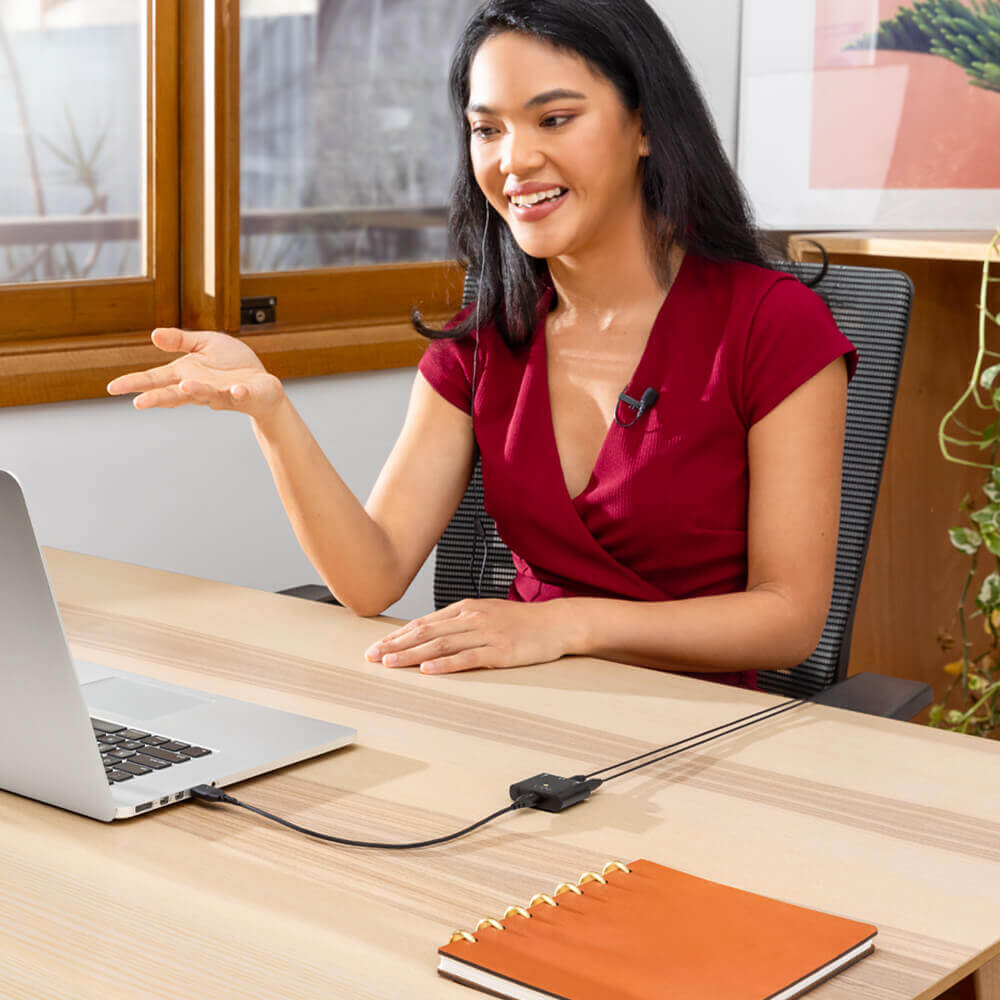
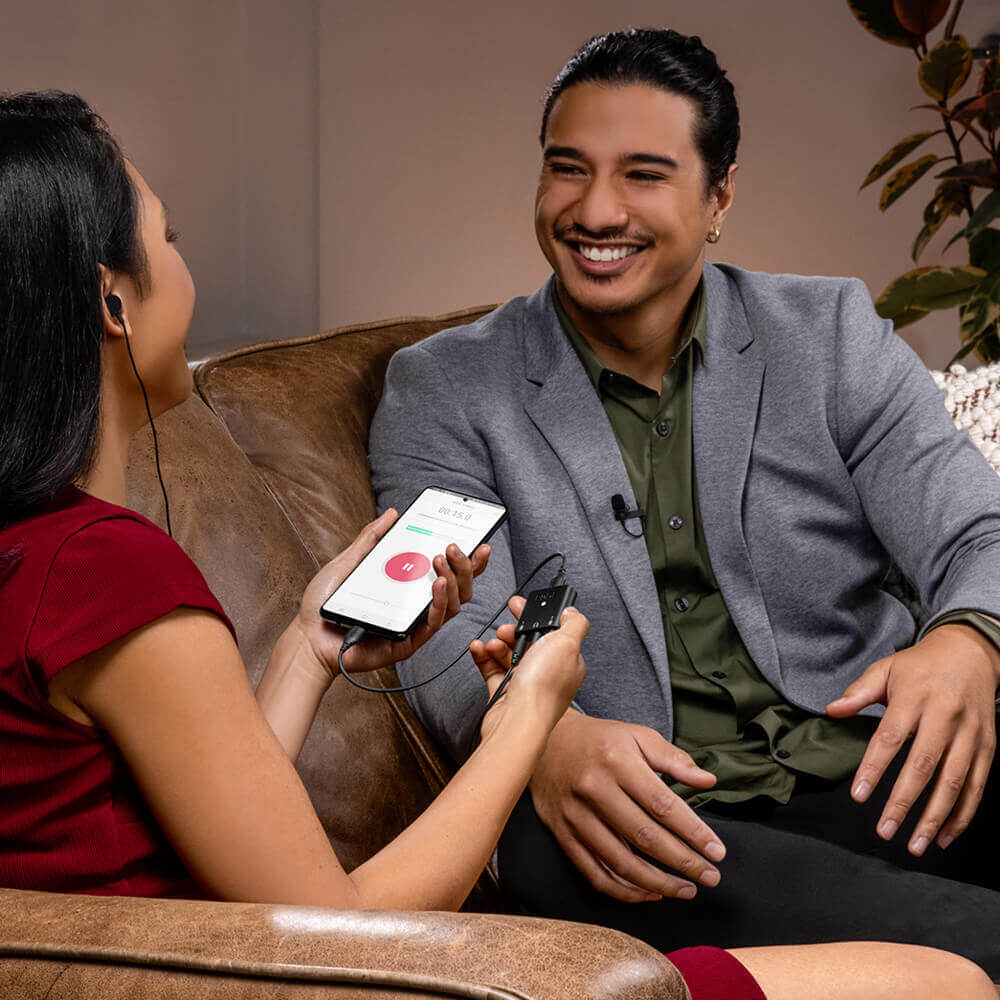
Pesant moins de 20 grammes, le AI-Micro est extrêmement compact et léger. Il suffit d’ajouter deux microphones cravate pour disposer d’une configuration d’enregistrement complète, d’une qualité studio, qui tient dans votre poche. Parfait pour les interviews sur le terrain, les podcasts en déplacement et les appels vidéo ou les diffusions en direct à domicile.
AI-Micro Guide de l’utilisateur
Le guide de l’utilisateur AI-Micro explique tout ce que vous devez savoir pour utiliser votre AI-Micro. Ce guide complet couvre toutes les étapes, de la prise en main à la mise à jour du firmware de l’appareil, ainsi que l’accès à des fonctionnalités et possibilités étendues avec la suite d’applications RØDE , notamment RØDE Connect, RØDE Reporter et RØDE Central.
Boostez votre microphone
Le AI-Micro est compatible avec l’ensemble de la suite d’applications RØDE , vous donnant accès à des fonctionnalités étendues
et à une configuration en déplacement, ainsi qu’à un enregistrement de qualité broadcast sur n’importe quel appareil.
.png ) Télécharger RØDE Central
Télécharger RØDE Central
RØDE Central est l’application compagnon essentielle pour les appareils compatibles des gammes de microphones sans fil et classiques RØDE , qui vous permet de configurer les paramètres de votre appareil, de déverrouiller des fonctionnalités avancées, d’optimiser et d’exporter vos enregistrements, d’accéder aux informations de l’appareil et d’installer la dernière version du firmware. Téléchargez-la gratuitement pour exploiter tout le potentiel de votre appareil.
Mobile
Configuration requise : iOS 14 ou version ultérieure ; Android 9.0 ou version ultérieure.
Ordinateur
Configuration requise : macOS 11 ou version ultérieure ; Windows 10 version 1803 ou ultérieure.