AI-Micro
Interfaccia audio a doppio canale da 3,5 mm
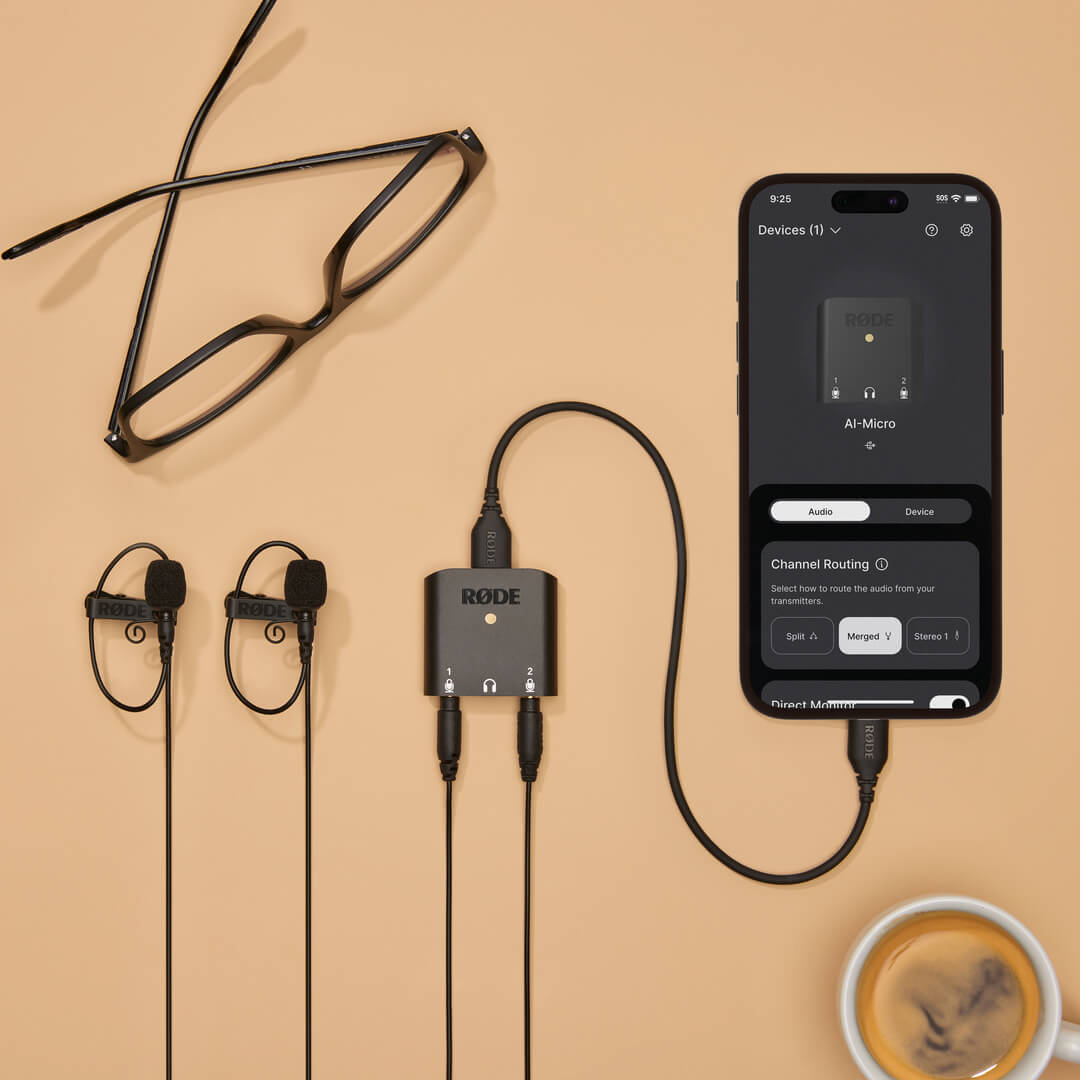
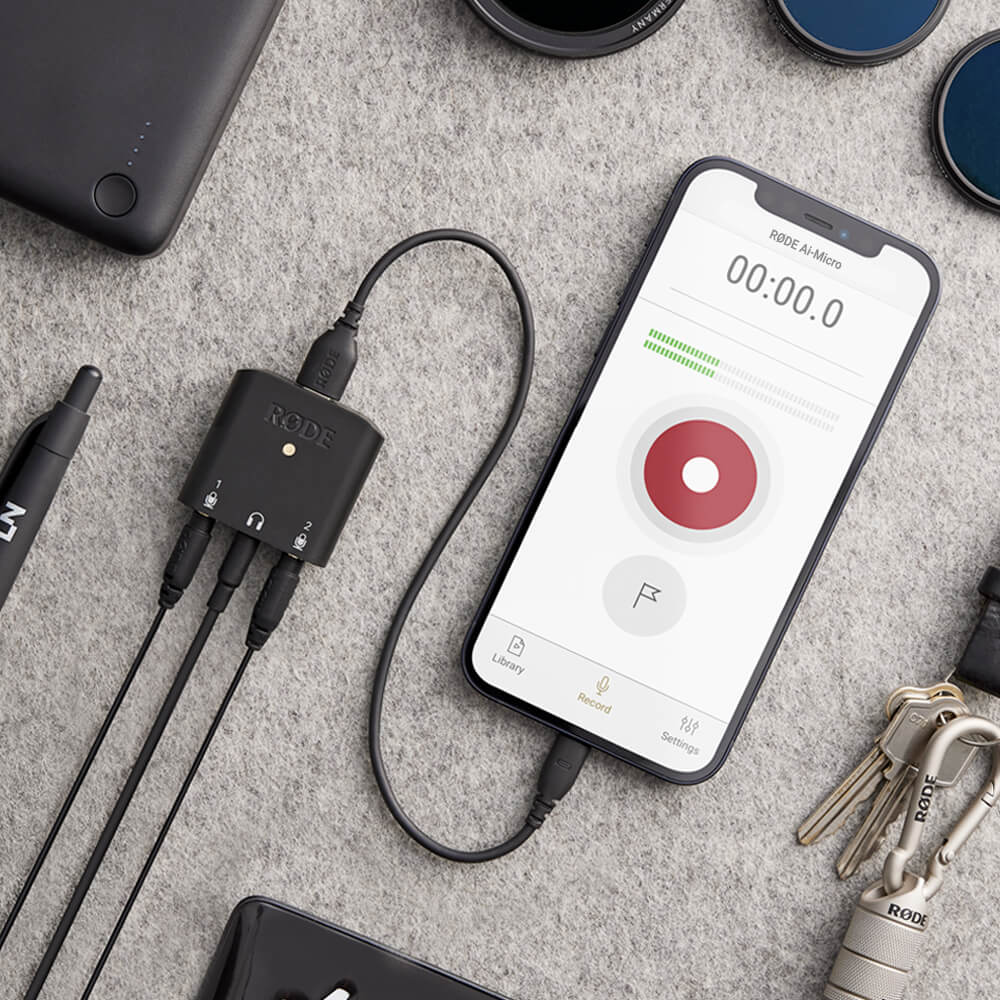
AI-Micro è un’interfaccia a doppio canale ultracompatta per registrare audio di alta qualità su un dispositivo mobile o un computer. Dotato di due ingressi con rilevamento automatico per collegare praticamente qualsiasi microfono con uscita da 3,5 mm, monitoraggio in cuffia, un’uscita universale USB per l’uso con smartphone, tablet e computer e compatibilità con le app RØDE per un audio potenziato, AI-Micro consente di registrare senza limiti.
- Interfaccia audio a doppio canale ultracompatta per computer e dispositivi mobili
- Compatibile con praticamente qualsiasi microfono dotato di uscita da 3,5 mm, inclusi RØDE VideoMics, lavalier, sistemi wireless e microfoni stereo che non richiedono alimentazione plug-in
- Ingressi con rilevamento automatico per il collegamento di microfoni TRS o TRRS
- Uscita cuffie di alta qualità per il monitoraggio audio e la riproduzione senza latenza
- Si collega perfettamente a computer, smartphone e tablet tramite l’uscita universale USB (cavi USB-A, USB-C e Lightning inclusi)
- Compatibile con la suite di app RØDE per funzioni e funzionalità avanzate, configurazione in mobilità e registrazioni di qualità broadcast su qualsiasi dispositivo
AI-Micro è un’interfaccia a doppio canale ultracompatta per registrare audio di alta qualità su un dispositivo mobile o un computer. Dotato di due ingressi con rilevamento automatico per collegare praticamente qualsiasi microfono con uscita da 3,5 mm, monitoraggio in cuffia, un’uscita universale USB per l’uso con smartphone, tablet e computer e compatibilità con le app RØDE per un audio potenziato, AI-Micro consente di registrare senza limiti.
- Interfaccia audio a doppio canale ultracompatta per computer e dispositivi mobili
- Compatibile con praticamente qualsiasi microfono dotato di uscita da 3,5 mm, inclusi RØDE VideoMics, lavalier, sistemi wireless e microfoni stereo che non richiedono alimentazione plug-in
- Ingressi con rilevamento automatico per il collegamento di microfoni TRS o TRRS
- Uscita cuffie di alta qualità per il monitoraggio audio e la riproduzione senza latenza
- Si collega perfettamente a computer, smartphone e tablet tramite l’uscita universale USB (cavi USB-A, USB-C e Lightning inclusi)
- Compatibile con la suite di app RØDE per funzioni e funzionalità avanzate, configurazione in mobilità e registrazioni di qualità broadcast su qualsiasi dispositivo
Audio straordinario, ovunque
AI-Micro consente di acquisire facilmente audio di alta qualità su dispositivi mobili o computer. Dispone di due ingressi da 3,5 mm per collegare un'ampia gamma di microfoni, inclusi RØDE VideoMics, lavalier e sistemi wireless come Wireless GO. Questi ingressi con rilevamento automatico identificano se è collegato un microfono TRS o TRRS e si adattano automaticamente di conseguenza: non servono adattatori. L'ingresso 1 può inoltre essere configurato come singolo ingresso stereo TRS per l'uso con microfoni stereo che non richiedono alimentazione plug-in.
I preamplificatori microfonici di alta qualità e la registrazione ad alta risoluzione (24 bit/48 kHz) garantiscono un'acquisizione audio cristallina su qualsiasi dispositivo, con un'uscita cuffie per il monitoraggio e la riproduzione dell'audio senza eco. Che tu stia conducendo un'intervista, realizzando un podcast, facendo una presentazione o trasmettendo in livestreaming, registra un audio straordinario ovunque con AI-Micro.
Compatibilità universale con tutti i tuoi dispositivi
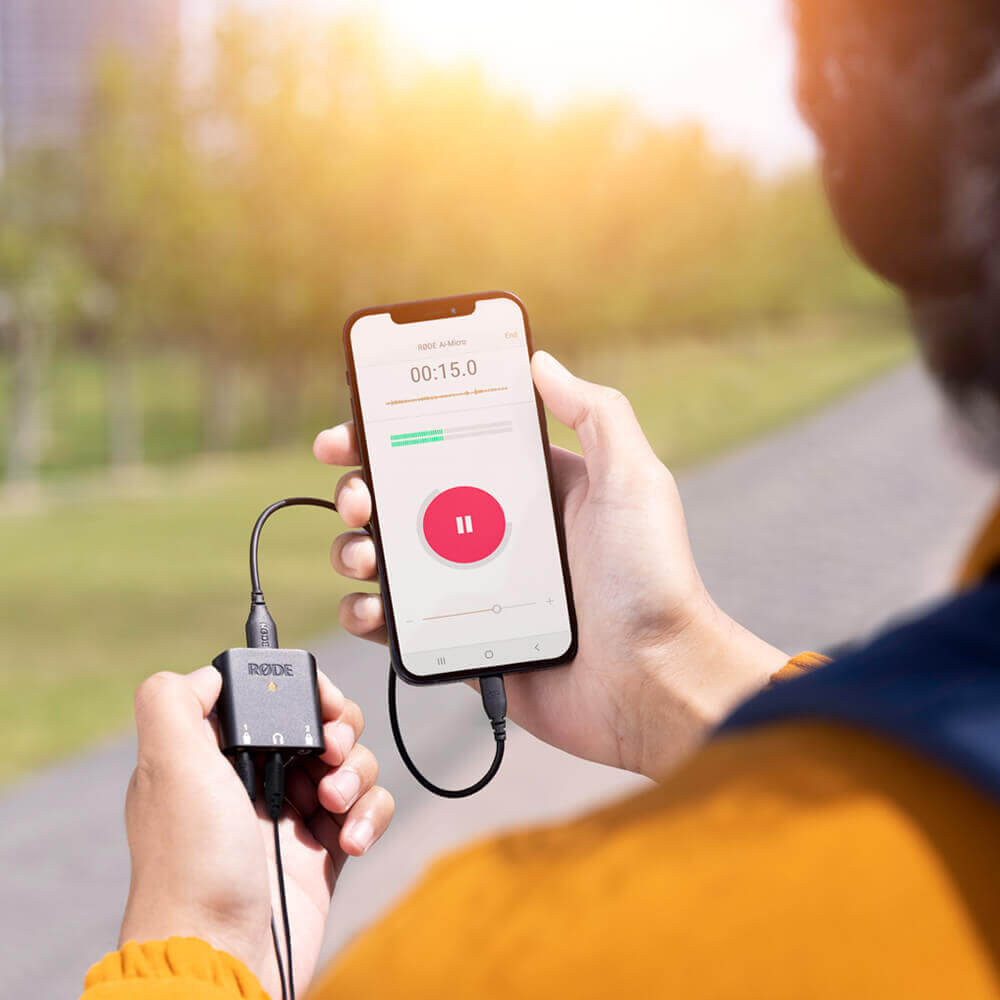
AI-Micro può collegarsi senza problemi a tutti i tuoi dispositivi tramite la sua uscita universale USB . È fornito con cavi USB-A, USB-C e Lightning, così puoi iniziare a registrare immediatamente, ed è compatibile plug-and-play con dispositivi Mac, Windows, iOS e Android. Registrare in mobilità non è mai stato così facile.
Portabilità tascabile
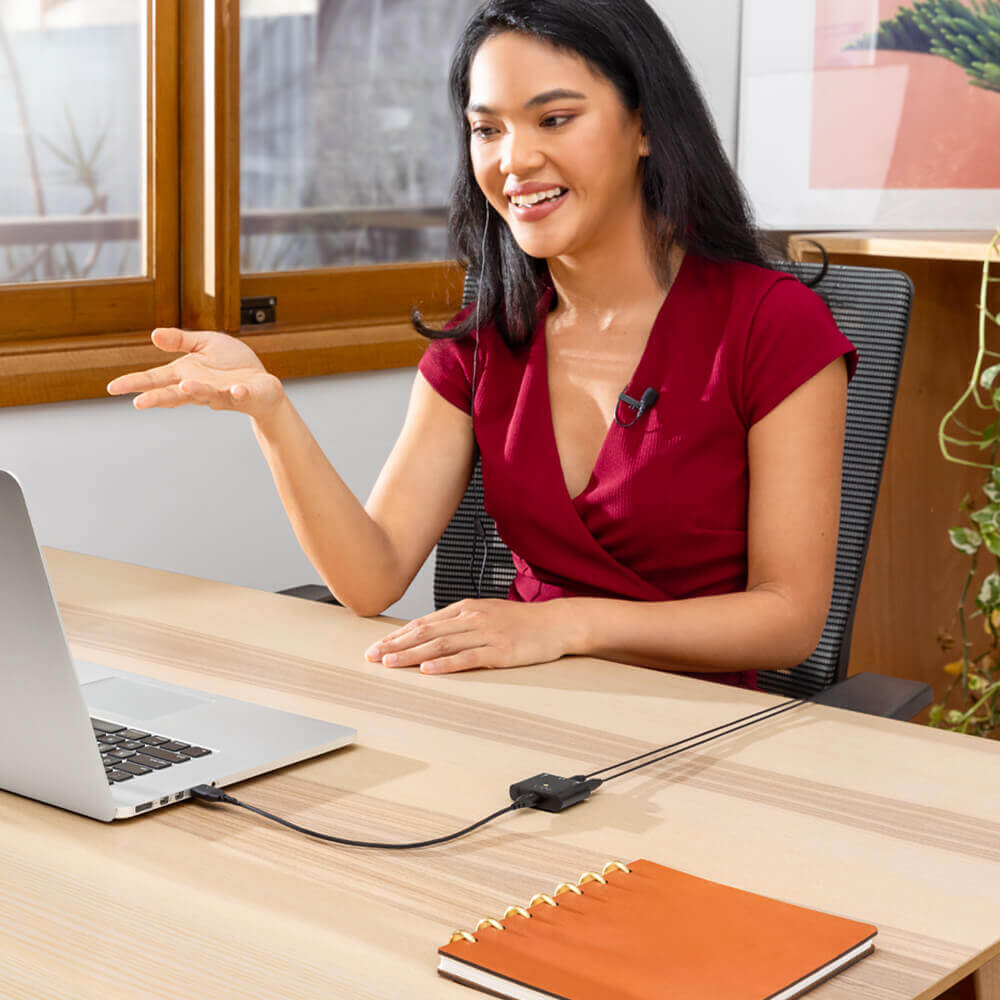
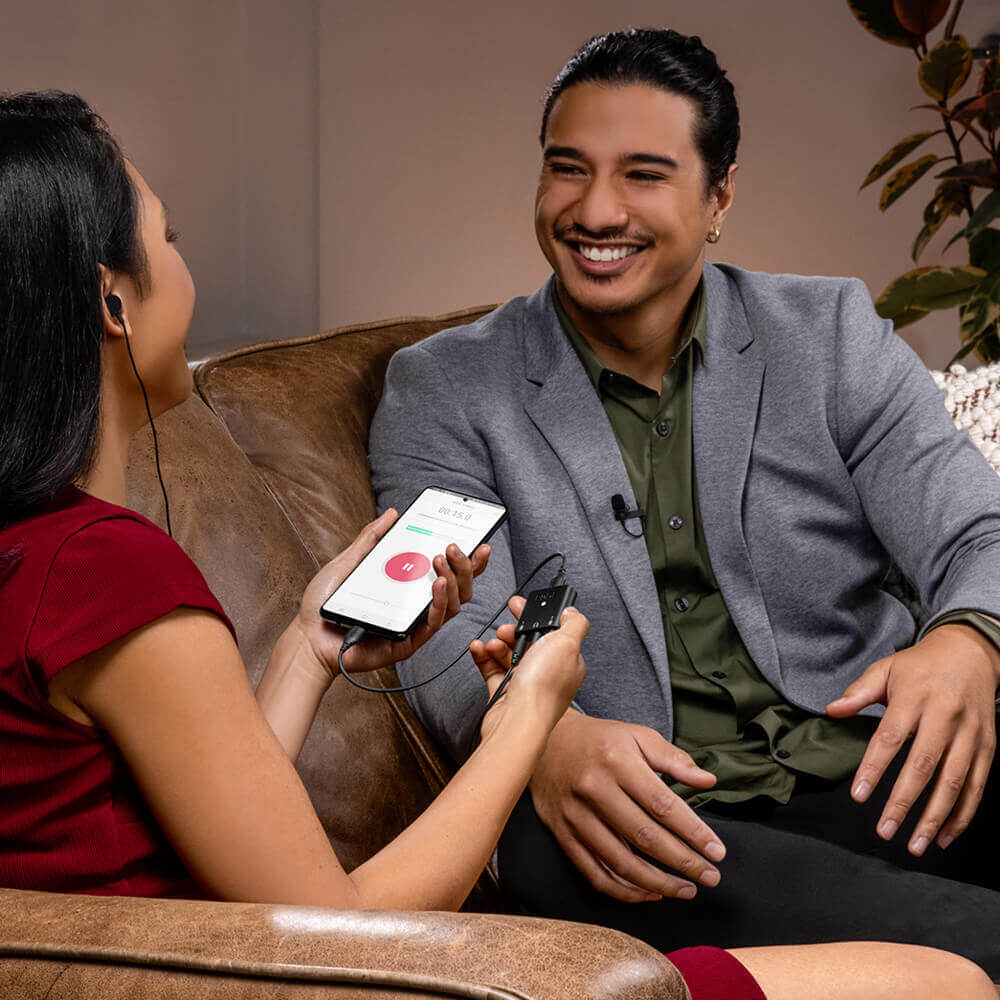
Con un peso inferiore a 20 grammi, AI-Micro è estremamente compatto e leggero. Basta aggiungere due microfoni lavalier per avere una configurazione completa per registrazioni di qualità da studio, che sta in tasca. Perfetto per le interviste sul campo, i podcast in mobilità e le videochiamate o le dirette streaming da casa.
AI-Micro Guida per l’utente
La AI-Micro Guida per l’utente spiega tutto ciò che devi sapere sull’utilizzo del tuo AI-Micro. Questa guida completa illustra ogni aspetto, dalla configurazione iniziale all’aggiornamento del firmware del dispositivo, fino all’accesso a funzionalità e caratteristiche avanzate con la suite di app RØDE , inclusi RØDE Connect, RØDE Reporter e RØDE Central.
Potenzia il tuo microfono
AI-Micro è compatibile con l’intera suite di app RØDE , offrendoti accesso a funzionalità avanzate
e funzioni, configurazione in mobilità e registrazioni di qualità broadcast su qualsiasi dispositivo.
.png ) Scarica RØDE Central
Scarica RØDE Central
RØDE Central è l’app complementare essenziale per i dispositivi compatibili delle gamme RØDE wireless e microfoni classici, che consente di configurare le impostazioni del dispositivo, sbloccare funzioni avanzate, ottimizzare ed esportare le registrazioni, accedere alle informazioni sul dispositivo e installare il firmware più recente. Scaricala gratuitamente per sfruttare appieno il potenziale del tuo dispositivo.
Dispositivi mobili
Requisiti del sistema operativo: iOS 14 o versioni successive; Android 9.0 o versioni successive.
Desktop
Requisiti del sistema operativo: macOS 11 o versioni successive; Windows 10 versione 1803 o successive.