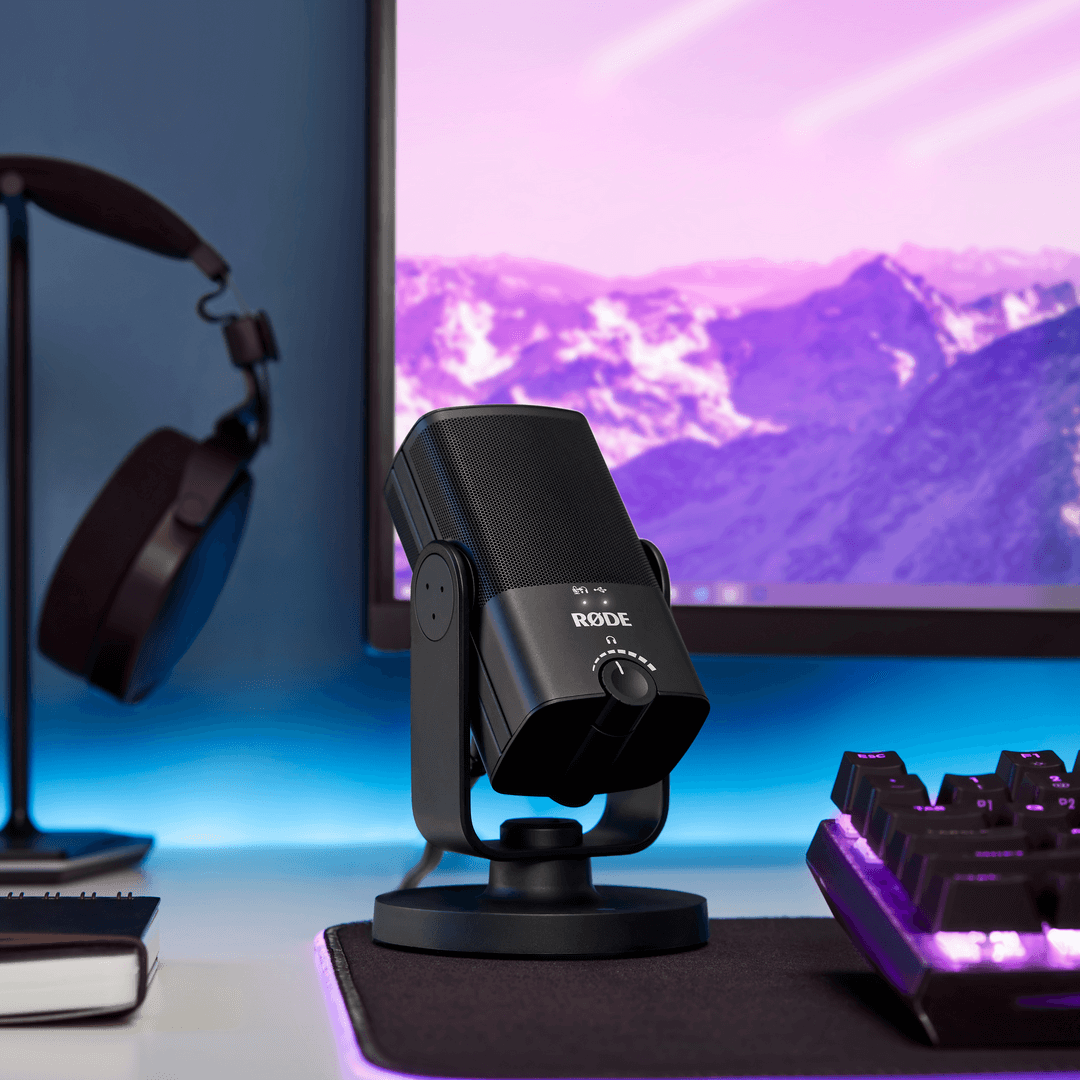
NT-USB Mini
Microfono compatto
NT-USB Mini porta la qualità sonora impeccabile dei microfoni da studio di livello mondiale di RØDE in un microfono USB compatto e facile da usare. Progettato per offrire un audio cristallino di qualità professionale direttamente a un computer o tablet, è il microfono perfetto per gamer, podcaster, musicisti, streamer e content creator che vogliono farsi ascoltare con la massima definizione.
- Capsula a condensatore di alta qualità che offre calore e presenza per un suono chiaro e professionale in tutte le applicazioni di registrazione.
- Diagramma polare cardioide direzionale, ottimizzato per ridurre il suono dell’ambiente e concentrarsi sul soggetto, che si tratti di parlato, voci o strumenti.
- Filtro anti-pop integrato per ridurre le consonanti esplosive.
- Completamente compatibile con il nostro software semplice e potente per podcasting e streaming, RØDE Connect
- Elaborazione digitale del segnale integrata: noise gate, compressore, APHEX® Aural Exciter™ e Big Bottom™ (accessibili tramite RØDE Connect)
- Supporto orientabile integrato a 360 gradi per un posizionamento rapido e semplice su una scrivania, un’asta per microfono o un braccio da studio.
- Esclusivo supporto da scrivania magnetico rimovibile, che offre un eccellente isolamento da urti e vibrazioni ed è rapido e semplice da rimuovere.
- Uscita USB conforme allo standard, perfettamente compatibile con computer o tablet: non sono necessari driver o software; basta collegarla e avviare la registrazione.
- Monitoraggio in cuffia a latenza zero che elimina l’eco fastidioso.
- Amplificatore per cuffie di qualità da studio con controllo preciso del livello.
- Struttura in acciaio e resina di nylon rinforzata, elegante finitura nera opaca e design compatto e moderno.
NT-USB Mini porta la qualità sonora impeccabile dei microfoni da studio di livello mondiale di RØDE in un microfono USB compatto e facile da usare. Progettato per offrire un audio cristallino di qualità professionale direttamente a un computer o tablet, è il microfono perfetto per gamer, podcaster, musicisti, streamer e content creator che vogliono farsi ascoltare con la massima definizione.
- Capsula a condensatore di alta qualità che offre calore e presenza per un suono chiaro e professionale in tutte le applicazioni di registrazione.
- Diagramma polare cardioide direzionale, ottimizzato per ridurre il suono dell’ambiente e concentrarsi sul soggetto, che si tratti di parlato, voci o strumenti.
- Filtro anti-pop integrato per ridurre le consonanti esplosive.
- Completamente compatibile con il nostro software semplice e potente per podcasting e streaming, RØDE Connect
- Elaborazione digitale del segnale integrata: noise gate, compressore, APHEX® Aural Exciter™ e Big Bottom™ (accessibili tramite RØDE Connect)
- Supporto orientabile integrato a 360 gradi per un posizionamento rapido e semplice su una scrivania, un’asta per microfono o un braccio da studio.
- Esclusivo supporto da scrivania magnetico rimovibile, che offre un eccellente isolamento da urti e vibrazioni ed è rapido e semplice da rimuovere.
- Uscita USB conforme allo standard, perfettamente compatibile con computer o tablet: non sono necessari driver o software; basta collegarla e avviare la registrazione.
- Monitoraggio in cuffia a latenza zero che elimina l’eco fastidioso.
- Amplificatore per cuffie di qualità da studio con controllo preciso del livello.
- Struttura in acciaio e resina di nylon rinforzata, elegante finitura nera opaca e design compatto e moderno.
Il suono da studio, semplificato
NT-USB Mini porta la qualità sonora impeccabile dei microfoni da studio di fama mondiale di RØDE su una piattaforma USB compatta. È stato progettato appositamente per offrire calore e presenza alle tue registrazioni e suonerà alla grande su dialoghi, voci, chitarra e qualsiasi altra cosa tu gli metta davanti.
È dotato di un amplificatore per cuffie di livello studio e di un’uscita cuffie di alta qualità da 3,5 mm, completa di controllo del volume di precisione, che ti consente di monitorare facilmente l’audio. Dispone inoltre di una modalità di monitoraggio commutabile a latenza zero, per eliminare l’eco fastidioso durante la registrazione. È incredibilmente facile da configurare e utilizzare, grazie ai controlli intuitivi, al filtro anti-pop integrato e a un’uscita USB conforme agli standard, che funziona perfettamente con computer o tablet senza bisogno di driver o software. Basta collegarlo al tuo Mac, PC o tablet e premere Registra.
Flessibile quanto ti serve
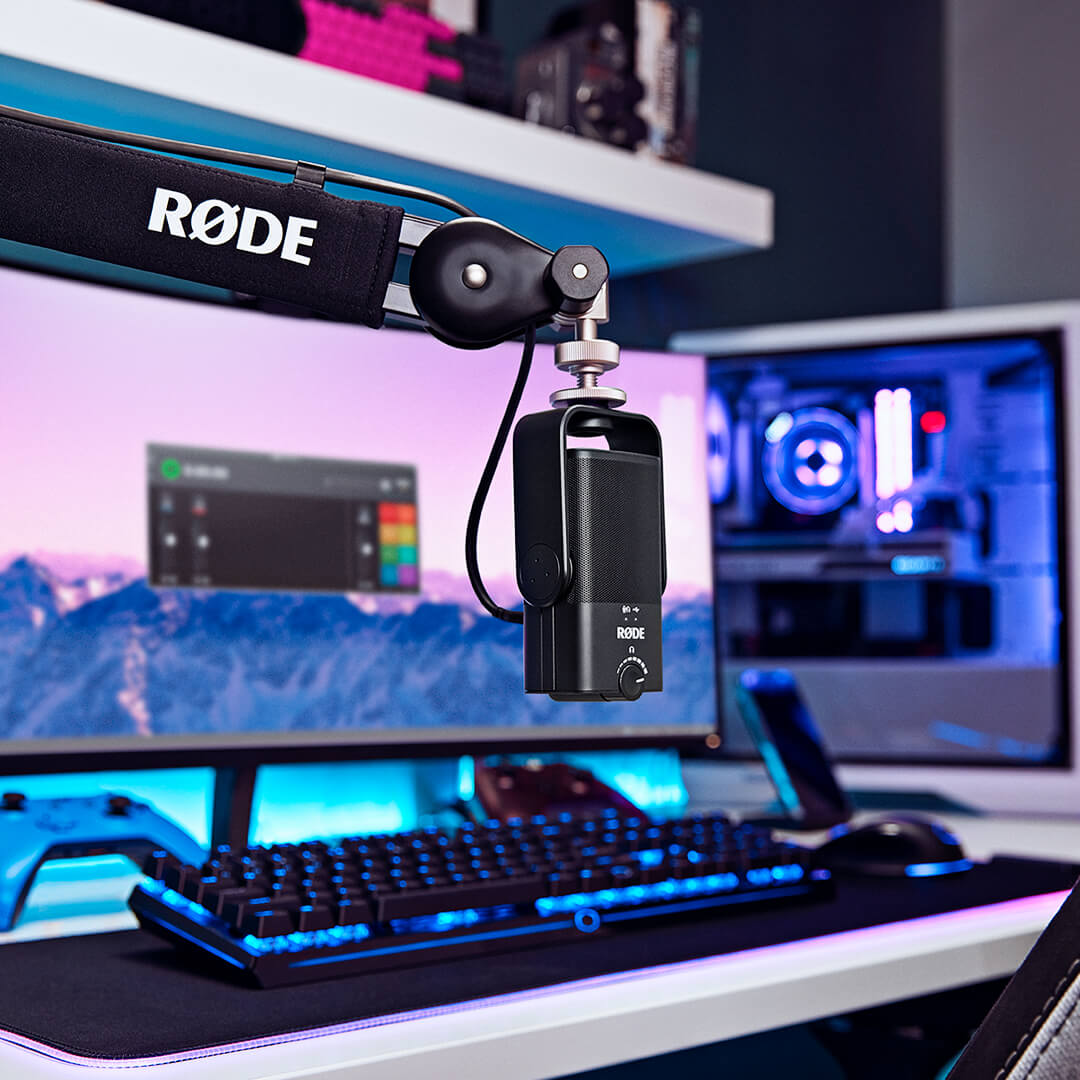
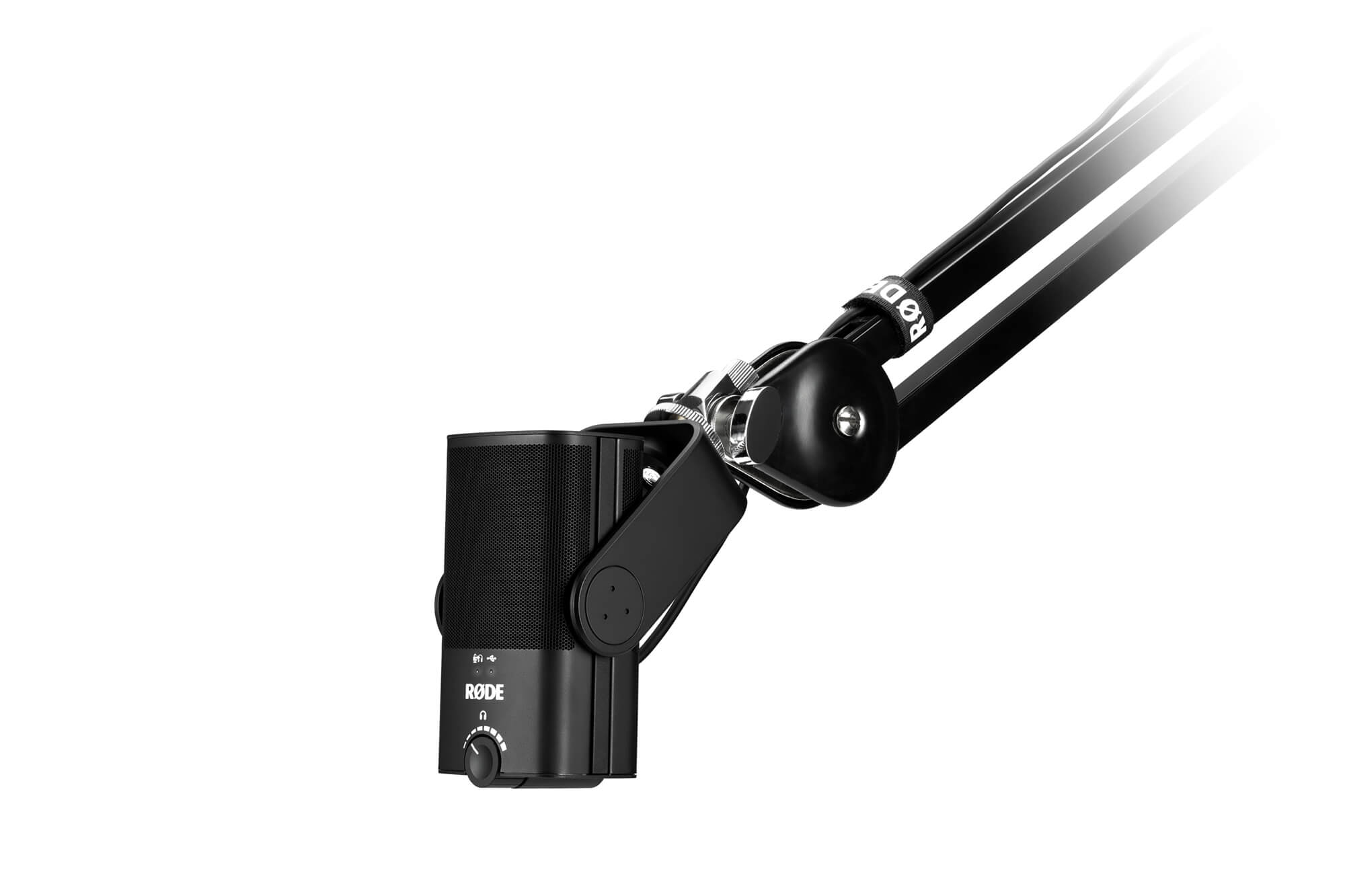
NT-USB Mini è stato progettato per offrirti tutta la flessibilità di cui hai bisogno. È dotato di un esclusivo supporto da scrivania magnetico e rimovibile: non solo garantisce una base stabile su qualsiasi superficie, ma consente anche di rimuoverlo e fissarlo con estrema facilità a un'asta per microfono o a un braccio da studio. Grazie a questo e all'esclusivo supporto orientabile a 360 gradi, puoi posizionare il microfono in verticale, inclinato, lateralmente o capovolto, ovunque sia necessario per ottenere la migliore registrazione possibile.
Che tu stia facendo streaming su Twitch, registrando nella tua DAW preferita o partecipando a una chiamata di lavoro su Zoom, NT-USB Mini farà sì che la tua voce venga ascoltata con la massima definizione.
Elegante e compatto
NT-USB Mini è l’aggiunta perfetta a qualsiasi configurazione desktop o home studio. Con soli 89 mm di larghezza e 141 mm di altezza, è estremamente compatto e occupa solo una minima parte dello spazio prezioso sulla scrivania. Ha anche un aspetto fantastico: linee essenziali ed eleganti, con un’estetica moderna. La struttura in acciaio resistente all’usura e in resina di nylon rinforzata garantisce che NT-USB Mini sia pronto ad affrontare le esigenze della registrazione, ovunque e in qualsiasi situazione.
 RØDE Connect
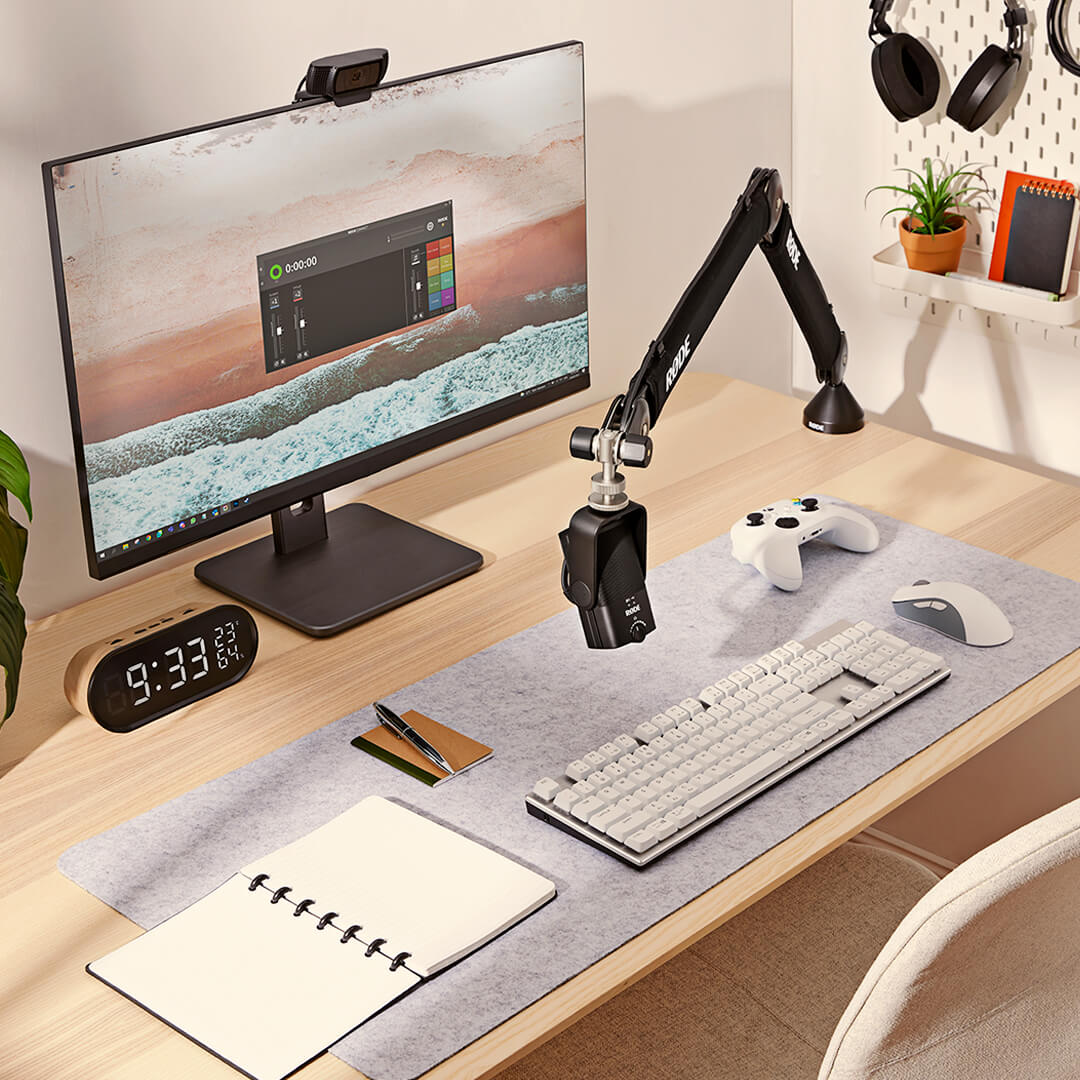
RØDE Connect è una soluzione software semplice e potente per podcast e livestreaming con NT-USB Mini.
Sblocca il vero potenziale di NT-USB MiniRØDE Connect consente di accedere al compressore integrato, al noise gate e ai leggendari processori APHEX Aural Exciter e Big Bottom di NT-USB Mini. Attivabili con un solo clic, tutti i processori sono ottimizzati per NT-USB Mini e daranno alle tue registrazioni un ulteriore tocco di brillantezza professionale.
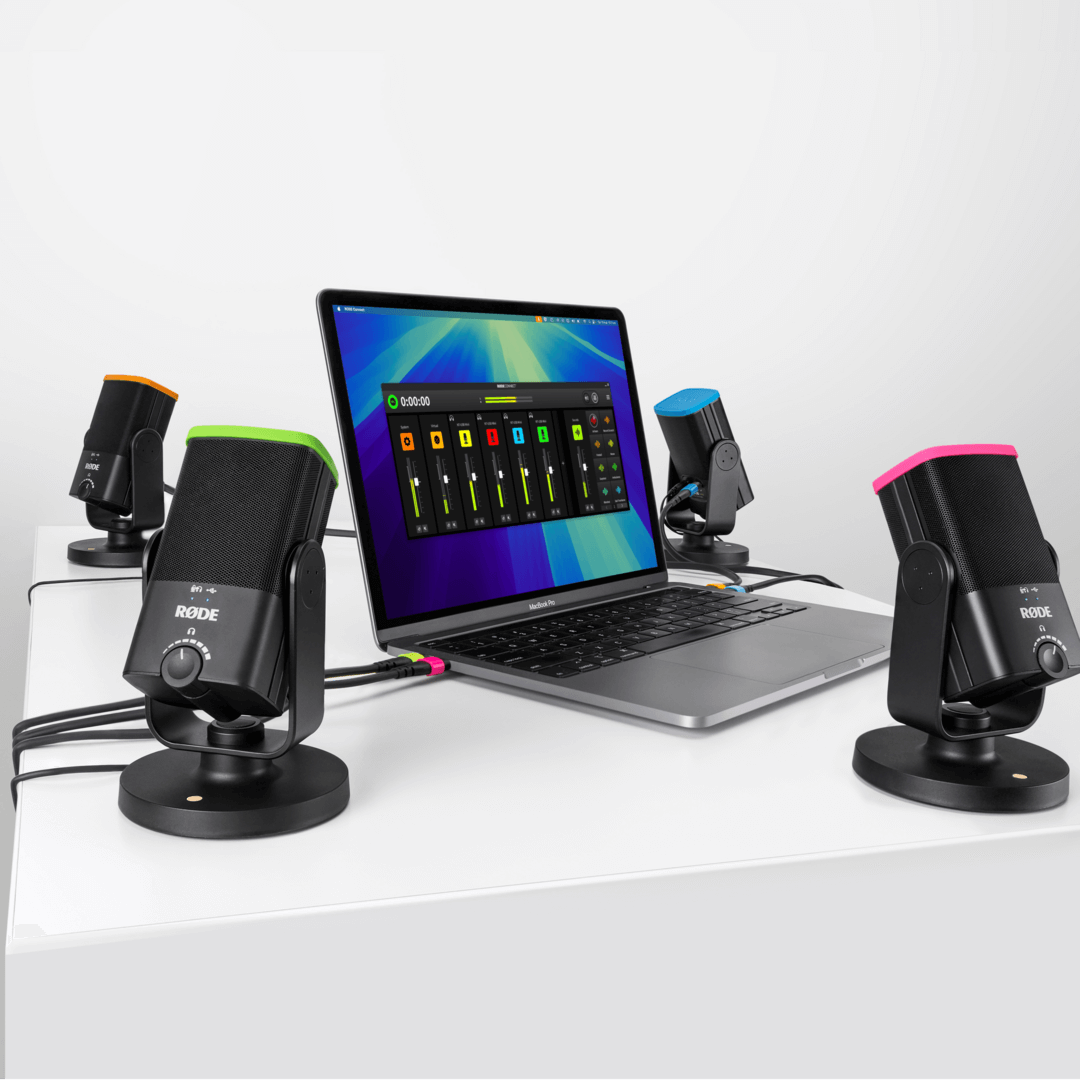
Realizza podcast con facilitàCollega fino a quattro NT-USB Mini a un singolo Mac o PC senza dover ricorrere a routing complessi o software complicati. Grazie a un'interfaccia di registrazione intuitiva e completa, ai canali virtuali per collegare ospiti da remoto e al mix-minus automatico su ogni canale per comunicazioni cristalline e prive di eco, questo è il modo più semplice per realizzare un podcast professionale.
Fai streaming come un professionistaInsieme a NT-USB Mini, RØDE Connect è una soluzione potente per streamer e gamer che desiderano semplificare la propria configurazione audio. Grazie al controllo intuitivo dell'audio del microfono e delle applicazioni esterne, oltre ai controlli di uscita dedicati per app di streaming come OBS o Xsplit, configurare l'audio per il livestreaming non è mai stato così semplice.
Requisiti del sistema operativo: macOS 11 o versioni successive; Windows 10 versione 1803 o successive.
.png ) Scarica RØDE Central
Scarica RØDE Central
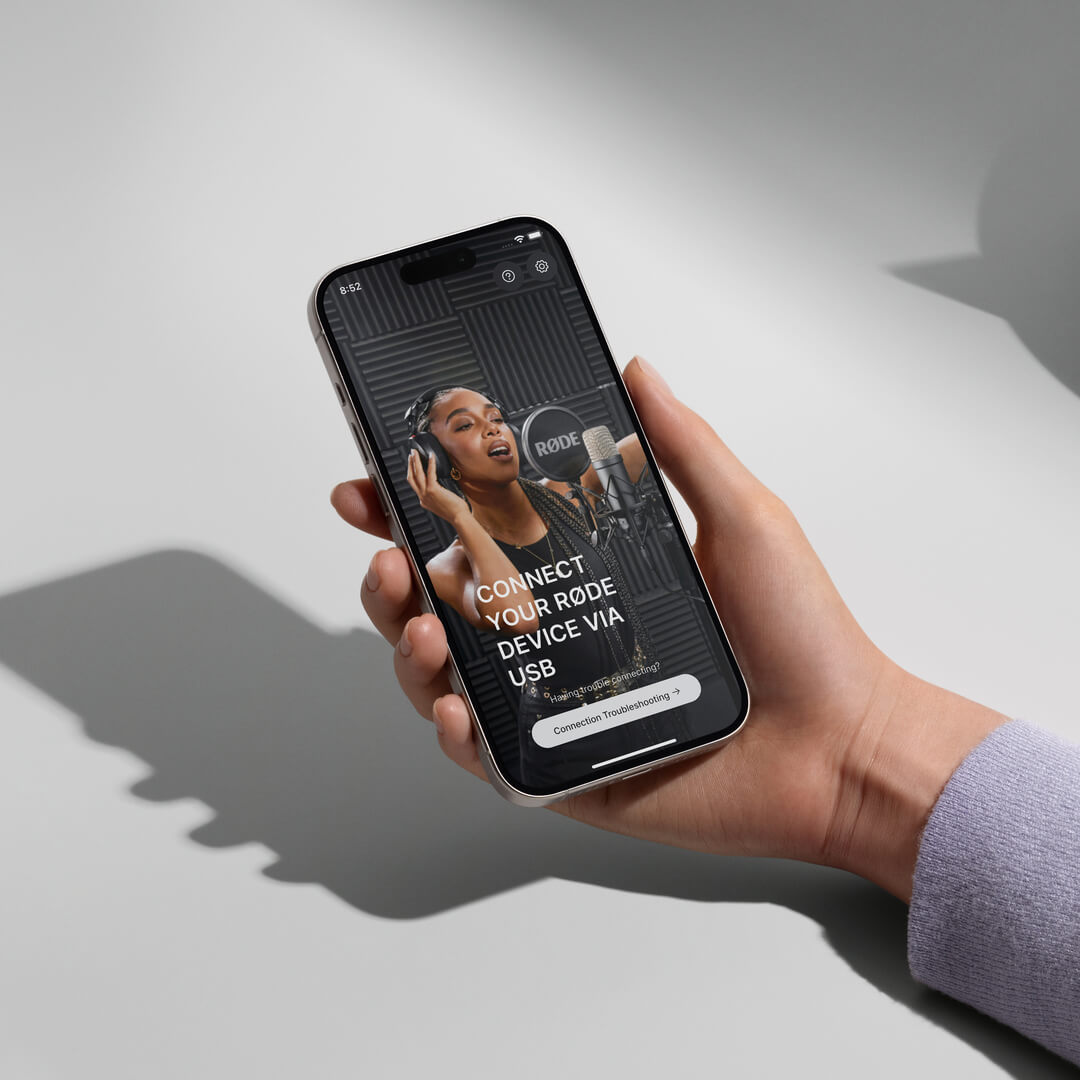
RØDE Central è l’app complementare essenziale per i dispositivi compatibili delle gamme RØDE wireless e microfoni classici, che consente di configurare le impostazioni del dispositivo, sbloccare funzioni avanzate, ottimizzare ed esportare le registrazioni, accedere alle informazioni sul dispositivo e installare l’ultimo firmware. Scaricala gratuitamente per sfruttare appieno il potenziale del tuo dispositivo.
Mobile
Requisiti del sistema operativo: iOS 14 o versioni successive; Android 9.0 o versioni successive.
Desktop
Requisiti del sistema operativo: macOS 11 o versioni successive; Windows 10 versione 1803 o successive.
NT-USB Mini Guida rapida per l’utente
Scopri qui tutto ciò che devi sapere sul tuo microfono NT-USB Mini. Questa guida completa per l’utente illustra tutti i passaggi necessari per iniziare a registrare sul tuo computer, tablet o smartphone.