NT-USB ミニ
スタジオ品質のUSBマイクロフォン
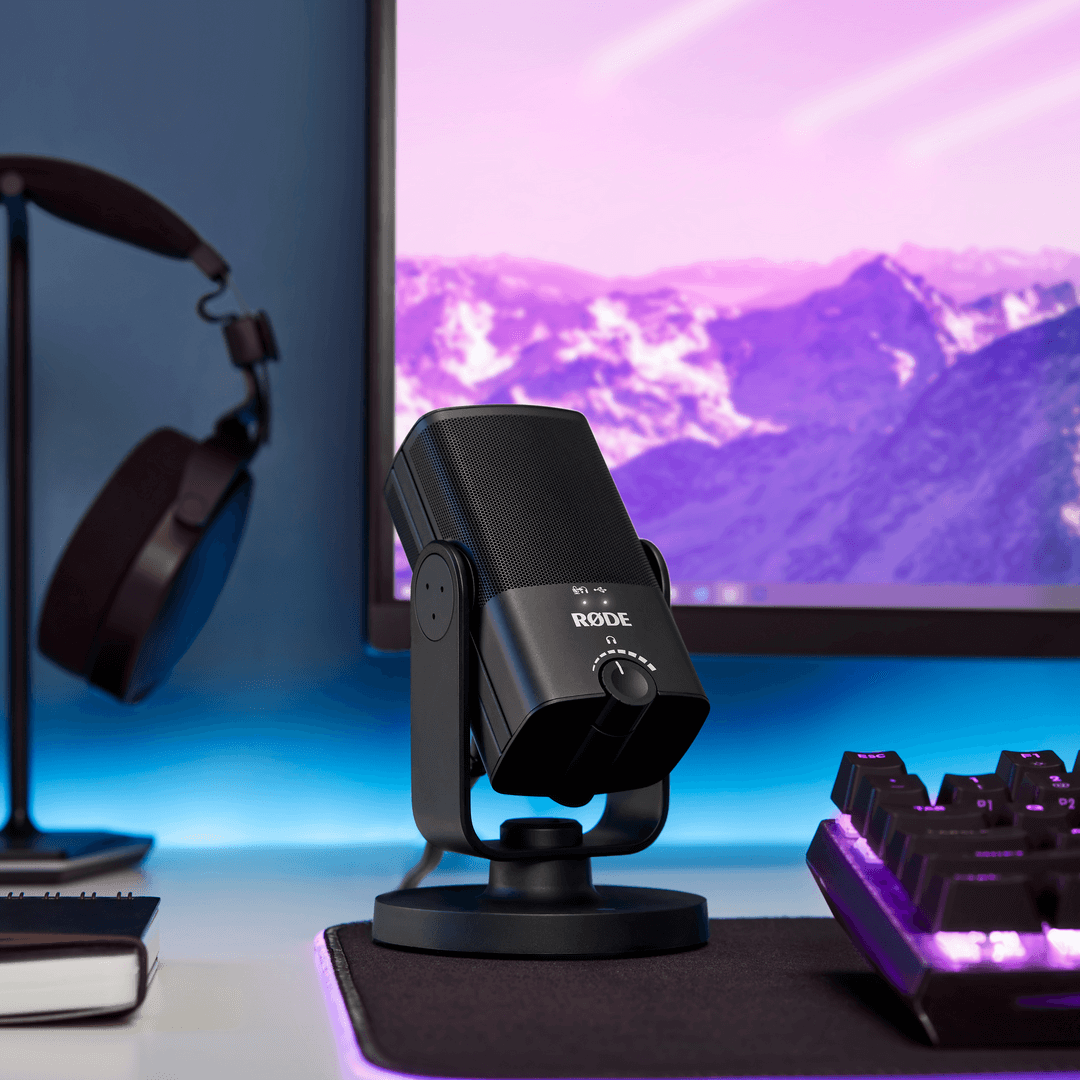
NT-USBミニは、RØDEの世界クラスのスタジオマイクの純粋な音質を、コンパクトで使いやすいUSBマイクに提供します。クリスタルクリアでプロフェッショナル品質の音声をコンピュータやタブレットに直接届けるように設計されており、ゲーマー、ポッドキャスター、ミュージシャン、ストリーマー、そしてフルディフィニションで聞かれたいコンテンツクリエイターに最適なマイクです。
- すべての録音アプリケーションで明瞭でプロフェッショナルなサウンドを提供する、高品質のコンデンサーカプセル。温かみと存在感をもたらします。
- ダイアログ、ボーカル、楽器などの被写体に焦点を当て、部屋の音を減少させるよう最適化された指向性カーディオイド極性パターン。
- 破裂音を軽減するための内蔵ポップフィルター。
- シンプルで強力なポッドキャスティングおよびストリーミングソフトウェア、RØDE Connect と完全互換。
- 内蔵デジタル信号処理:ノイズゲート、コンプレッサー、APHEX® Aural Exciter™およびBig Bottom™(RØDE Connectを介してアクセス可能)。
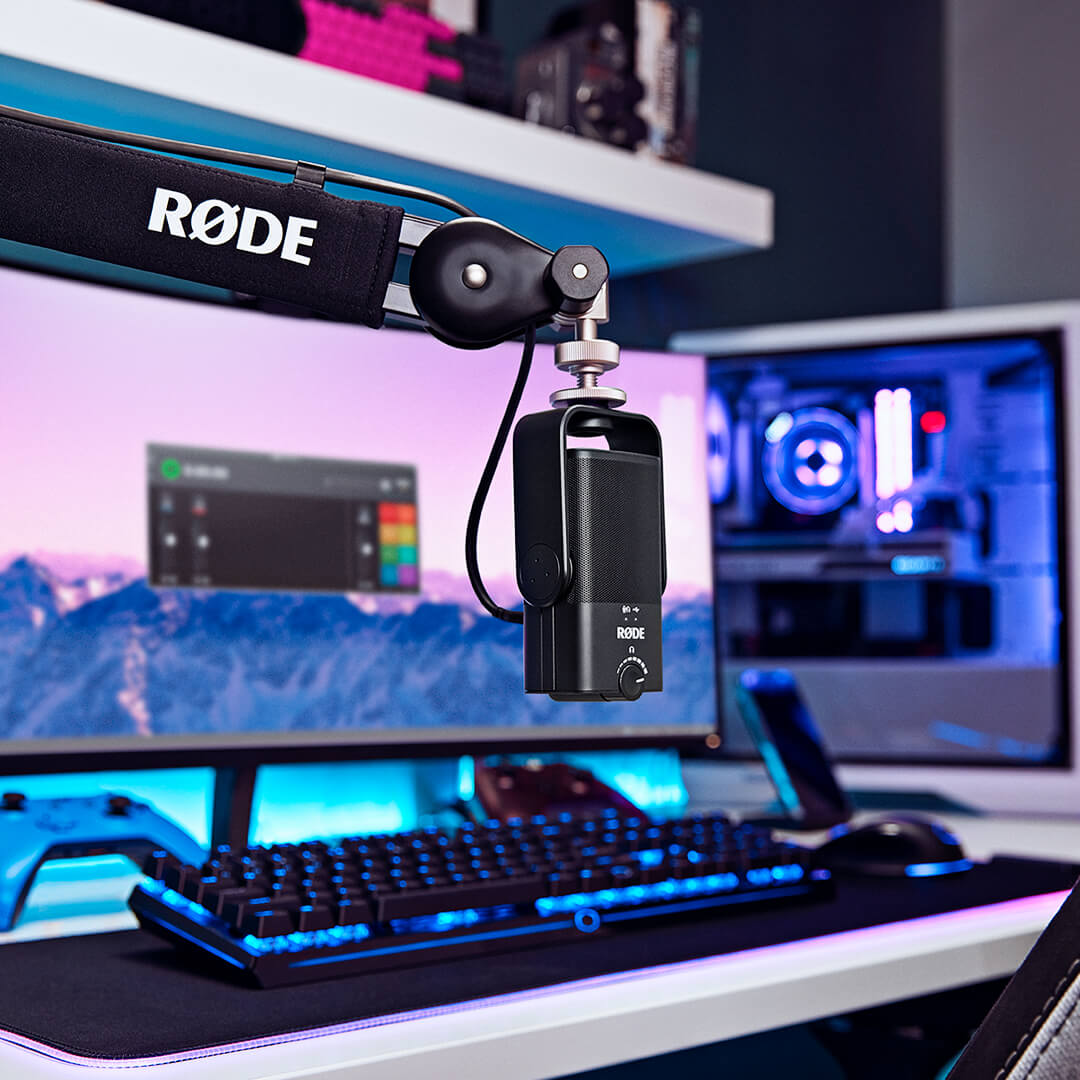
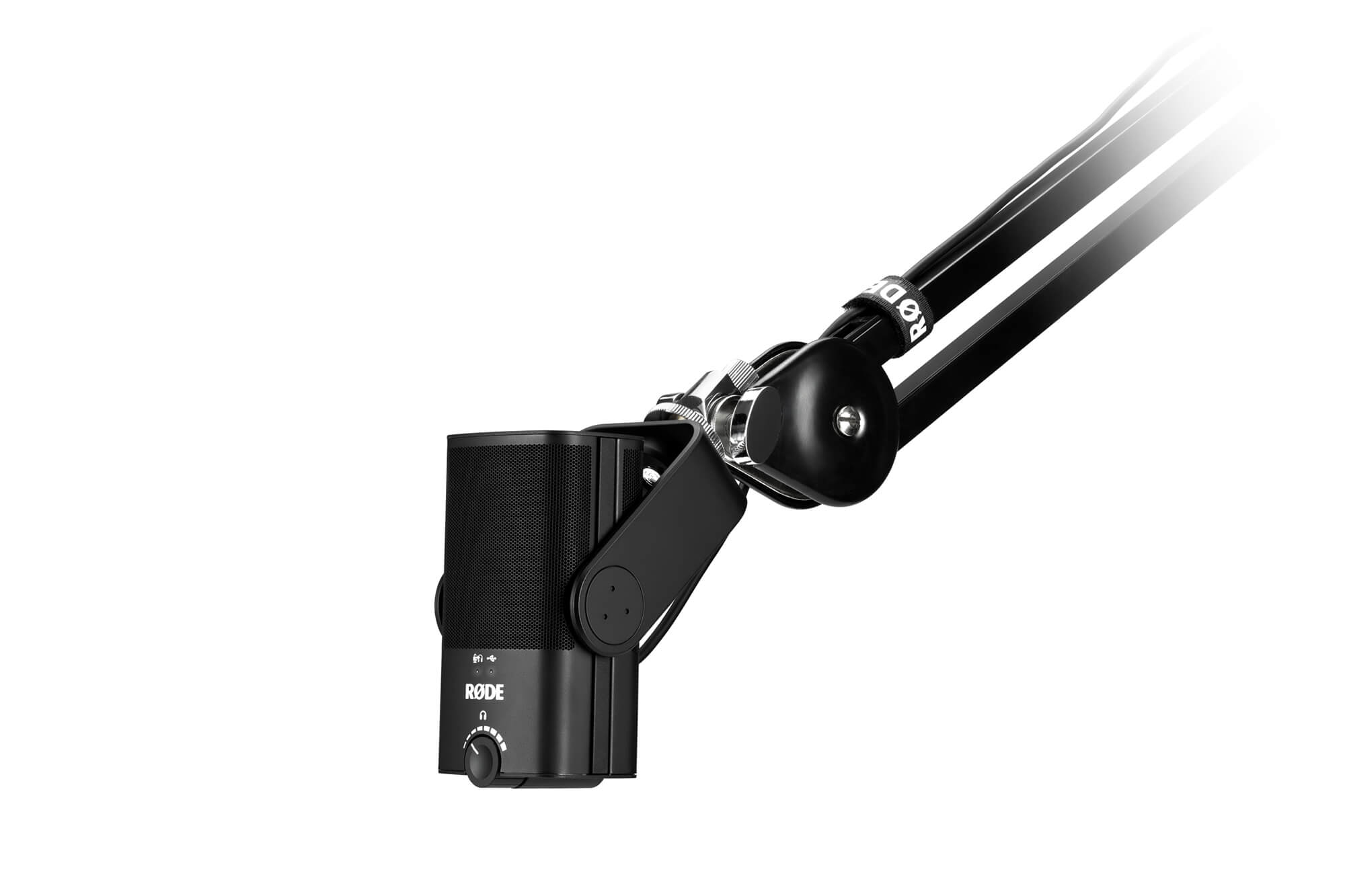
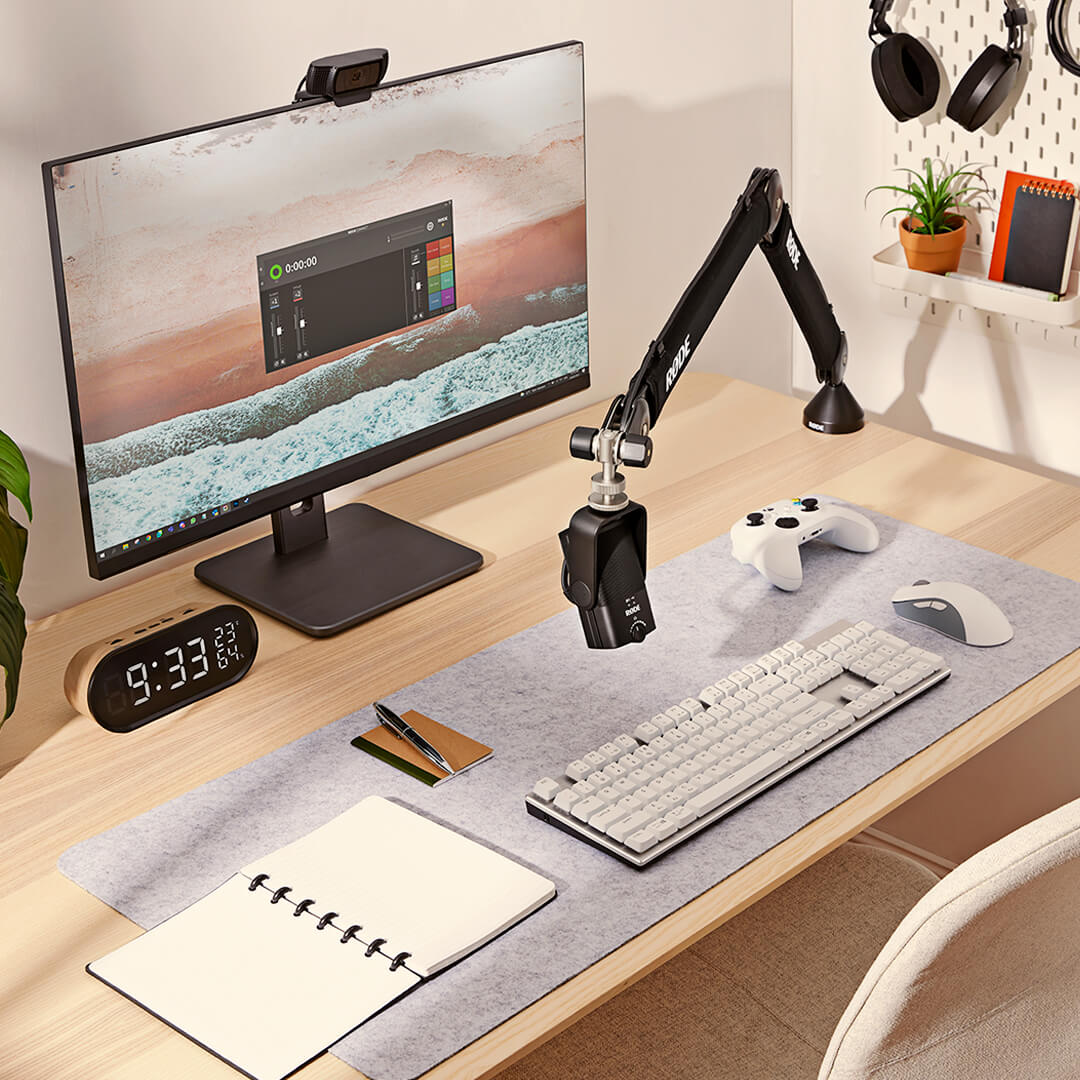
- デスクトップ、マイクスタンド、またはスタジオアームに迅速かつ簡単に配置できる360度スイングマウントを統合。
- 衝撃や振動から優れた隔離を提供し、迅速かつ簡単に取り外せるユニークな着脱式マグネットデスクスタンド。
- ドライバーやソフトウェアは不要で、コンピューターやタブレットとシームレスに動作するクラスコンプライアントUSB出力 – プラグインして録音を開始するだけ。
- ゼロレイテンシーヘッドフォンモニタリングにより、気を散らすエコーを排除。
- 精密レベルコントロールを備えたスタジオ品質のヘッドフォンアンプ。
- スチールと強化ナイロン樹脂の構造、スタイリッシュなマットブラック仕上げ、コンパクトでモダンなデザイン。
スタジオサウンドを簡単に
NT-USB Miniは、RØDEの世界的に有名なスタジオマイクの純粋な音質をコンパクトなUSBプラットフォームにもたらします。 レコーディングに暖かさと存在感を与えるように特別に調整されており、会話、ボーカル、ギターなど、目の前のどんなものでもすべてに素晴らしいサウンドをもたらします。
スタジオグレードのヘッドホンアンプと高品質の3.5mmヘッドホン出力を備え、高精度のボリュームコントロールを備えているため、オーディオを簡単に監視できます。 録音時に邪魔なエコーを排除するための切り替え可能なゼロレイテンシーモニタリングモードもあります。セットアップと使用は非常に簡単で、シンプルなコントロール、内蔵のポップフィルター、コンピューターやタブレットとシームレスに連携するクラス準拠のUSB出力を備えており、ドライバーやソフトウェアは必要ありません。 Mac、PC、またはタブレットに接続するだけで、レコードをヒットできます。
必要に応じて柔軟に
NT-USB Miniは、必要に応じて柔軟に設計されています。 独自の取り外し可能な磁気デスクスタンドを備えています。これにより、デスクトップに頑丈なベースが提供されるだけでなく、マイクスタンドやスタジオアームの取り外しと取り付けが非常に簡単になります。これと独自の360度スイングマウントは、マイクを直立、斜め、横向き、または逆さまに配置できることを意味します。可能な限り最高の録音を行うために必要な場所ならどこでも。
Twitchでストリーミングしている場合でも、お気に入りのDAWに録音している場合でも、Zoomでビジネスコールを利用している場合でも、NT-USB Miniを使用すると完全な音声が聞こえます。
スタイリッシュでコンパクト
NT-USB Miniは、デスクトップやホームスタジオのセットアップに最適です。 幅89mm、高さ141mmと非常にコンパクトで、貴重なデスクトップスペースを占有することはありません。 さらに素晴らしい外観:すっきりとしたラインとモダンな美しさを備え、なめらかでスタイリッシュです。 耐久性のあるスチールと強化ナイロン樹脂の構造により、NT-USB Miniはあらゆる場所での厳しい録音にも対応できます。
RØDE Connect
RØDE Connectは、NT-USB Miniを使用したポッドキャスティングとライブストリーミングのためのシンプルでパワフルなソフトウェアソリューションです。
NT-USB Miniの真の可能性を引き出すRØDE Connectは、NT-USB Miniの内蔵コンプレッサー、ノイズゲート、伝説的なAPHEX Aural ExciterおよびBig Bottomプロセッサーへのアクセスのロックを解除します。 ワンクリックで起動する各プロセッサーは、NT-USB Mini用に最適化されており、レコーディングにさらに高いレベルのプロフェッショナルな輝きをもたらします。
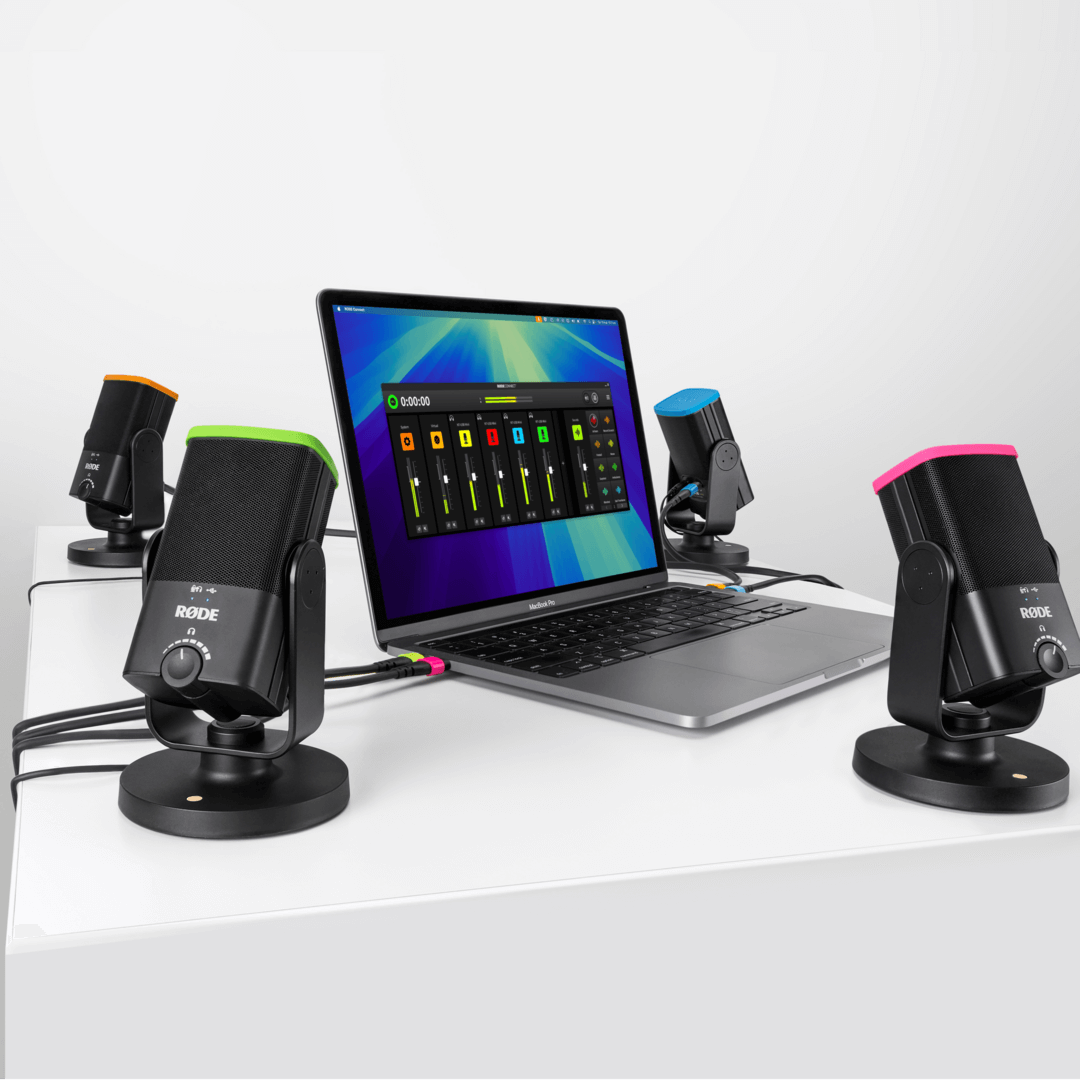
簡単にできるポッドキャスト複雑なルーティングや複雑なソフトウェアを必要とせずに、最大4つのNT-USB Miniを1つのMacまたはPCに接続します。直感的で完全な機能を備えたレコーディングインターフェイス、リモートゲストを接続するための仮想チャネル、および各チャネルでの自動ミックスマイナス機能により、非常にクリアでエコーのない通信を実現します。これは、プロのポッドキャストを作成する最も簡単な方法です。
プロのようなストリーミングNT-USB Miniとともに、RØDE Connectは、オーディオ設定を簡素化したいストリーマーやゲーマー向けの強力なソリューションです。 マイクオーディオと外部アプリケーションの合理化された制御に加えて、OBSやXsplitなどのストリーミングアプリ専用の出力制御を提供することで、ライブストリームオーディオのセットアップがこれまでになく簡単になりました。
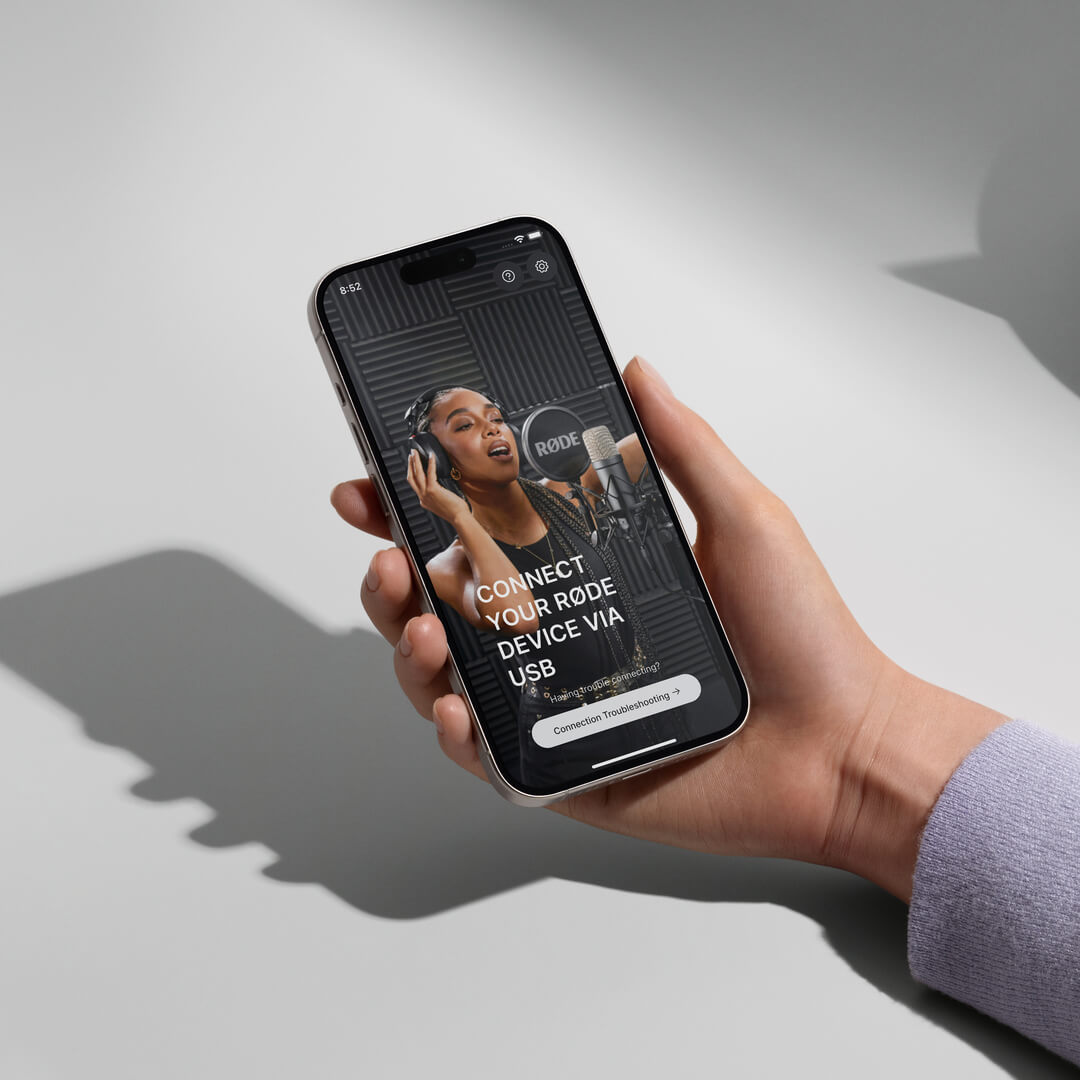
Download RØDE Central
RØDE Central is the essential companion app for compatible devices across the RØDE wireless and classic microphone ranges, allowing you to configure your device settings, unlock advanced features, optimise and export recordings, access device information, and update to the latest firmware. Download it for free to unleash your device’s full potential.
Mobile
OS Requirements: iOS 14 or later; Android 9.0 or later.
Desktop
OS Requirements: macOS 11 or later; Windows 10 Version 1803 or later.
NT-USB+ ユーザーガイド
ここでは、あなたの NT-USB+ プロフェッショナル USB マイクロフォンについて知っておくべきすべての情報を発見できます。この包括的なユーザーガイドでは、コンピューター、タブレット、またはスマートフォンで録音を開始するために必要なすべての手順をカバーしています。
仕様
ダウンロード
よくある質問
The headphone amplifier in the NT-USB Mini is very powerful and easily capable of driving high-impedance headphones.
Yes, the NT-USB Mini has an in-built pop filter for reducing plosives. This differs from the NT-USB which has an external pop filter.
If you are still hearing an echo when you activate the zero-latency monitoring mode on the NT-USB Mini, you should mute your microphone channel output in your recording software.
Here’s an example. Let’s imagine you are adding the vocal track to a song. In your recording software, you have the other parts of the song - drums, guitar, bass and so on; you have created a track for the vocal and assigned the NT-USB Mini to this track to record. By default, your DAW will likely still be sending the output of the microphone back to the headphone along with the rest of the mix. You will hear this in addition as the zero-latency audio from the mic, meaning your voice might sound as if it has an echo or doubling effect on it.
To prevent this, mute the output of your vocal track in your software when you are recording the vocal. This means you will hear in your headphones two things - the full mix of the song, but without your voice, and the zero-latency monitor output of your voice. This makes for a more natural recording experience.
Once you’ve finished recording, don’t forget to unmute your vocal channel so you can listen to your song with the vocal track you just recorded in the mix. Also deactivate zero-latency monitoring so that you can edit your mix without any distracting sounds from the room being picked up by the mic and sent to your headphones.
The NT-USB Mini is a condenser microphone, which means it is quite sensitive and capable of cleanly picking up audio further from the microphone. This makes it great for a wide variety of applications, from recording acoustic guitar to taking a video call while sitting at a desk. For singing, livestreaming or voiceover production, we recommend setting up the microphone around 10-15cm from the mouth to take advantage of the proximity effect. Placing the microphone closer to the sound source will also improve the voice-to-background-noise ratio.
The NT-USB Mini is compatible with the PSA1+, DS1, Tripod and all RØDE boom poles.
When you record into your computer, you usually want to monitor (listen to) what you are recording in your headphones. By default, the audio is sent from the microphone to your computer and is then processed by your recording software. It is then sent back to your headphones. The problem with this is that it takes a fraction of a second for your computer software to process the audio and send it back to the headphones which can cause a distracting delay – this delay is known as latency and will vary in length depending on your setup. This delay can make it very hard to perform naturally, whether you’re singing or speaking. The zero-latency monitoring mode removes this distracting delay. This is achieved by sending the output of the microphone directly to the headphones in real-time, bypassing the computer. This signal is accompanied by the output from your computer, so you can still hear the output (for example, your backing track if you are singing, or your game sound if you're streaming), but allows a more natural and comfortable listening experience (which results in a better performance).
To activate this mode, simply press the volume knob on the front of the NT-USB Mini. You will immediately hear the output of the microphone in your headphones. To deactivate this mode, simply click the volume knob again.
Note: When using zero-latency monitoring mode, you may want to mute your microphone channel output in your software while recording, so you only hear the rest of the mix. This will ensure the most natural and echo-free sound.
The NT-USB Mini is more compact than the NT-USB. It also has an in-built pop filter, a magnetic base that is easily detachable, a 360-degree swing mount, and more streamlined, straightforward controls. This makes it a great portable, easy-to-use option. The NT-USB Mini also features built-in DSP that allows it to run the complex processes in RØDE Connect in real-time.
The NT-USB features a removable pop shield, a locking thread base for mounting to external shock mounts, along with a monitor mix control knob to fine tune your mic input/device output mix. Both microphones deliver pristine, studio-quality audio.
The NT-USB Mini will work with any device that supports class-compliant audio. This includes PCs, Macs, Android devices, and Lightning iOS devices when used with the camera connector kit. If there is a warning on your device that the mic draws too much power, then simply plug in the Lighting port of the adapter to a power supply.
The knob on the NT-USB Mini is an output control for your headphone levels. It is not an input control - your input level must be set on your computer or recording device. This knob also activates zero-latency monitoring mode, which is enabled by pressing it and is indicated by the top left LED.
The input level from the NT-USB Mini to your computer can be controlled through your system settings. For Mac, this will be in ‘Sound Preferences’ > ‘Input’ > ‘Input Volume'. For PC, it will be in ‘Recording Devices’ > click on “NT-USB Mini” > ‘Properties’ > ‘Levels’. The volume knob controls the output going to your headphones.
RØDE Connect is an ideal audio solution for podcasting and livestreaming with the NT-USB+ and NT-USB Mini, but can be used for a wide variety of recording applications, such as recording a voiceover.
RØDE Connect is a simple and powerful software solution for podcasting and streaming with the NT-USB Mini. Offering an intuitive, fully featured recording interface, the ability to connect up to four NT-USB Minis to a single computer, seamless integration with video call and streaming applications, and access to the NT-USB Mini's internal compressor, noise gate and APHEX audio processors, RØDE Connect is the easiest way to record a podcast and livestream with incredible audio.
There are many things you can do to get a clean recording with minimal spill between microphones. Try recording in the quietest place possible, ideally in a room with minimal reflective surfaces (such as floorboards). Place the microphones as far away from each other as possible, faced away from one another. Positioning each microphone less than six inches from you and your guests’ will also help to capture a clean signal (you may need to use a desk stand or studio arm like the RØDE DS1 or PSA1+ to achieve this).