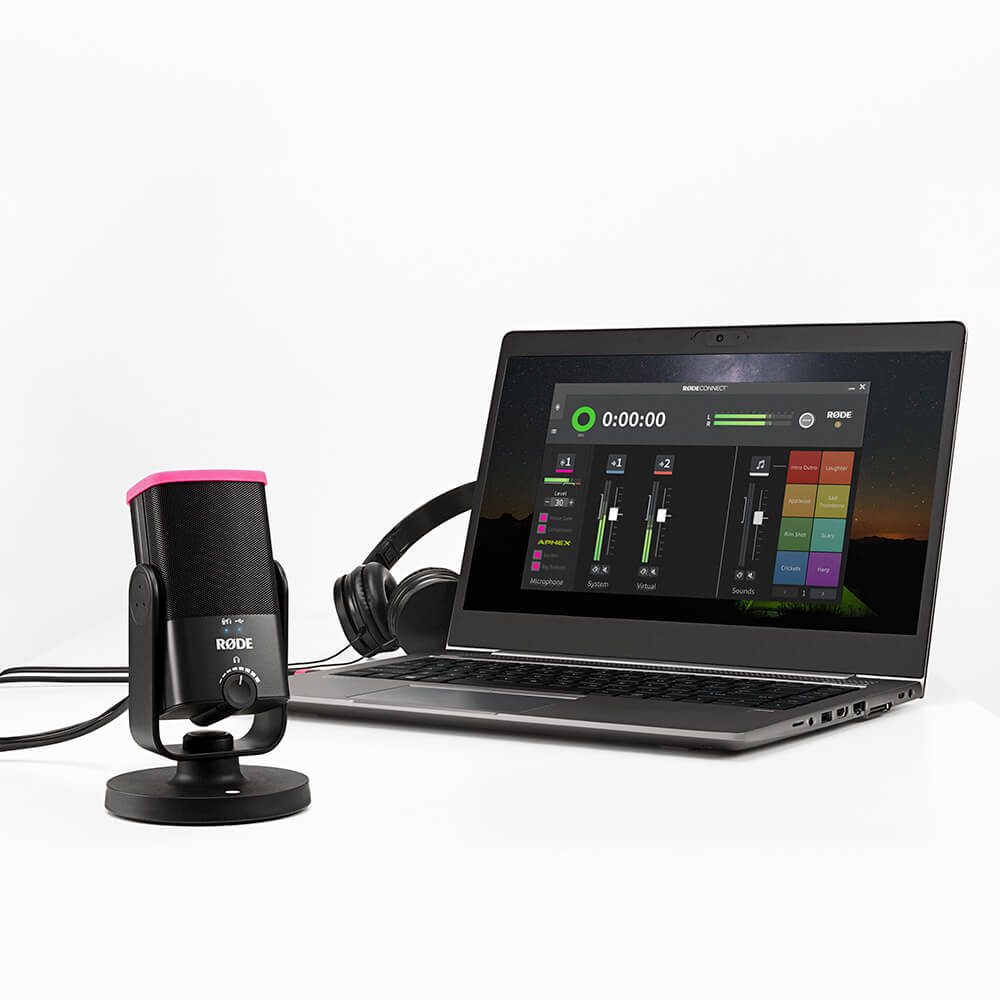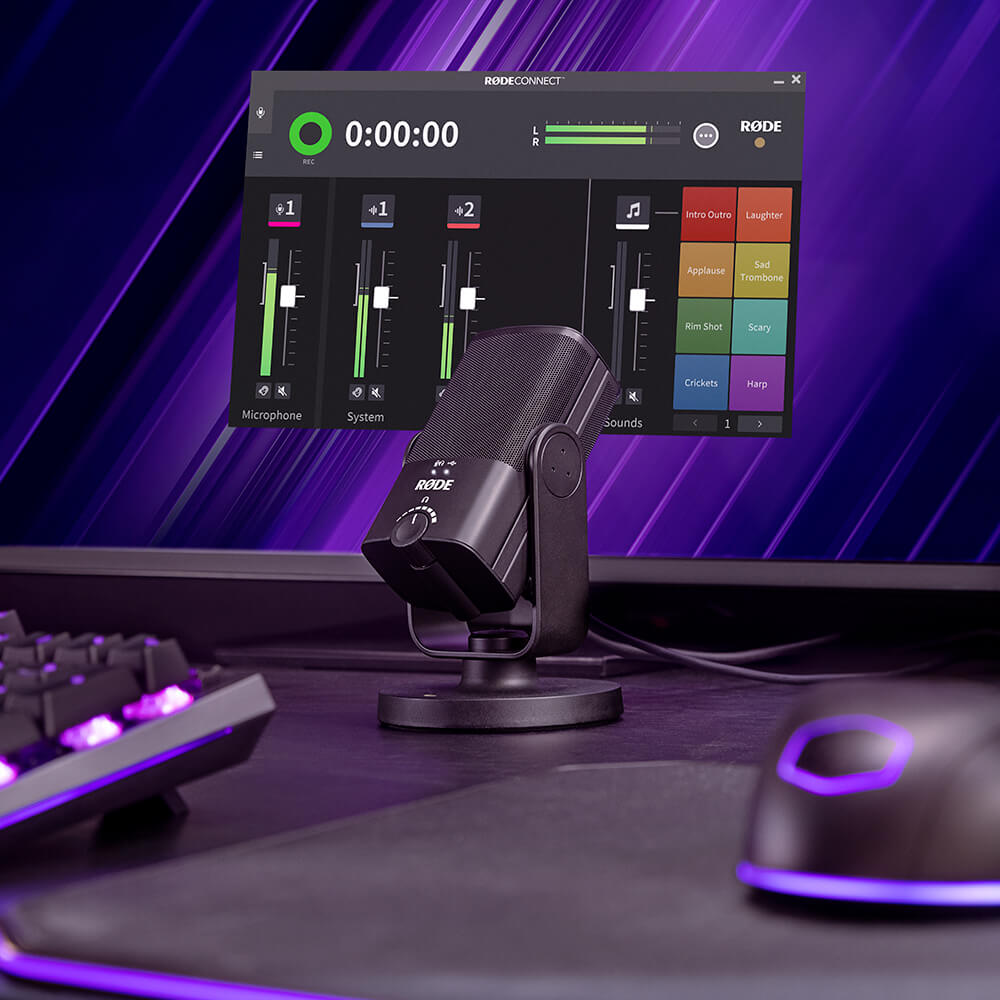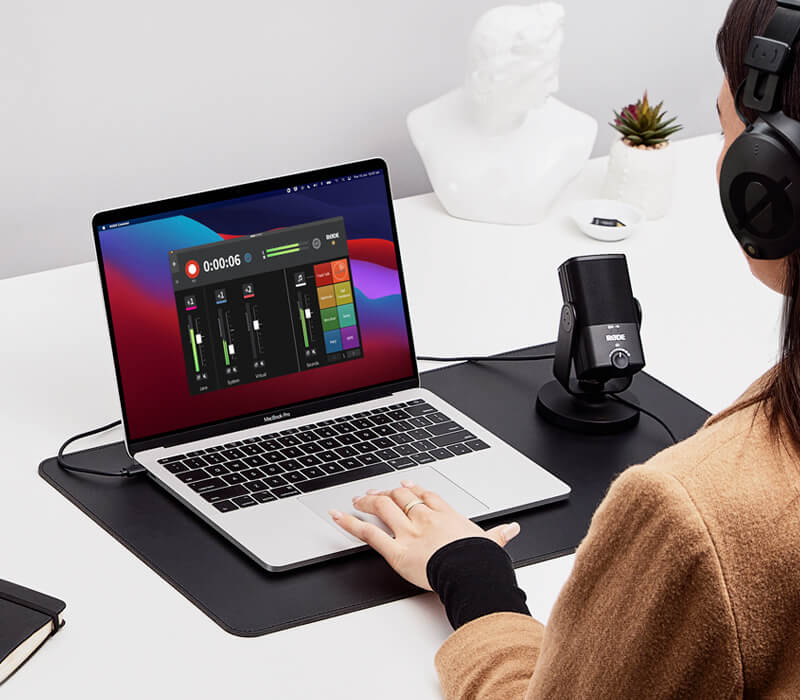
RØDE Connect
팟캐스팅 소프트웨어
RØDE Connect는 팟캐스팅 및 라이브 스트리밍을 위한 간단하고 강력하며 무료 소프트웨어 솔루션입니다. 이를 통해 다양한 호환 RØDE 마이크 및 인터페이스를 사용하여 최대 네 명의 게스트를 연결하고, 오디오를 믹싱, 처리, 녹음 및 스트리밍할 수 있습니다.
호환 가능한 RØDE 제품은 다음과 같습니다:
- 복잡한 라우팅 없이 호환 가능한 마이크의 조합으로 최대 네 명의 팟캐스터를 단일 컴퓨터에 연결
- Mac 와 Windows 모두에 대한 버전으로 완전히 무료 다운로드 가능
- 귀하의 RØDE 제품의 강력한 온보드 DSP에 완전 접근 (해당되는 경우)
- 방송 스타일의 페이더, 레벨 미터링, 음소거 버튼 등을 갖춘 완전한 기능의 녹음 인터페이스
- 원격 게스트를 원활하게 연결하고, 스트리밍 애플리케이션을 통합하며, 음악 배드를 추가하는 등의 가상 채널
- 모든 채널에서 자동 믹스 마이너스 기능으로 크리스탈 클리어하고 에코 없는 오디오 제공
- 3개의 개별 재생 스타일과 최대 8개의 사운드 뱅크를 갖춘 완전 장착된 사운드 패드 섹션
당신의 RØDE 마이크의 모든 잠재력을 발휘하세요
RØDE Connect를 통해 연결된 RØDE 마이크 또는 인터페이스에서 디지털 신호 처리(DSP)의 전체 기능에 접근할 수 있으며, 믹싱 및 녹음 중 이러한 설정을 빠르고 완벽하게 제어할 수 있습니다. 사용 중인 RØDE 제품에 따라, 이는 노이즈 게이트, EQ 및 컴프레서와 같은 유틸리티 또는 APHEX Aural Exciter 및 Big Bottom 효과와 같은 강력한 향상 기능을 포함할 수 있습니다.
RØDE Connect를 사용하여 팟캐스트 녹음하기
최대 네 개의 마이크를 단일 컴퓨터에 연결할 수 있는 기능, 유연한 녹음 옵션, 간편한 원격 통화자 통합 등으로 RØDE Connect는 놀라운 팟캐스트를 만드는 가장 쉬운 방법입니다.
RØDE Connect으로 라이브 스트리밍하기?
RØDE Connect는 오디오 설정을 간소화하고자 하는 스트리머와 게이머에게 놀라운 잠재력을 제공합니다. 마이크 오디오와 외부 애플리케이션에 대한 간소화된 제어를 제공하며, OBS나 Xplit과 같은 스트리밍 앱을 위한 전용 출력 제어 기능도 갖추고 있어 라이브 스트리밍 오디오 설정이 그 어느 때보다 쉬워졌습니다.
사양
자주 묻는 질문
RØDE Connect is an ideal audio solution for podcasting and livestreaming with the NT-USB+ and NT-USB Mini, but can be used for a wide variety of recording applications, such as recording a voiceover.
The ‘System Channel’ will route any audio coming from the output of your computer system into the RØDE Connect mixer. This includes audio coming from audio players such as Spotify or iTunes, internet browsers, or any other apps on your computer. The ‘System Channel’ is useful for adding external audio elements from these sources to your recordings such as music beds, sound effects, pre-recorded audio, and more. To find out more about using the ‘System Channel’, check out the RØDE Connect User Guide.
‘RØDE Connect Stream’ is a dedicated output for routing the audio from RØDE Connect to streaming software like OBS or XSplit.
The ‘Virtual Channel’ is useful for connecting with and recording remote guests via communications apps such as Skype, Zoom and Google Hangouts. Simply select ‘RØDE Connect Virtual’ as the output device in the app to route the audio to the RØDE Connect mixer. To find out more about using the ‘Virtual Channel’, check out the RØDE Connect User Guide.
There are many things you can do to get a clean recording with minimal spill between microphones. Try recording in the quietest place possible, ideally in a room with minimal reflective surfaces (such as floorboards). Place the microphones as far away from each other as possible, faced away from one another. Positioning each microphone less than six inches from you and your guests’ will also help to capture a clean signal (you may need to use a desk stand or studio arm like the RØDE DS1 or PSA1+ to achieve this).
If your computer doesn’t have enough USB inputs to accommodate the number of guests in your podcast, we recommend using a powered USB hub to connect your NT-USB Minis. This will ensure that each microphone receives enough power to operate correctly.
Yes, in addition to the ‘Virtual Channel’ you can use the ‘System Channel’ to connect with a second remote guest on a different communications app. To set this up, simply select ‘RØDE Connect System’ as the input and output device for the second app you are using. This will allow you to record both calls simultaneously on different channels.
Yes. RØDE Connect has a dedicated output for streaming software such as OBS or XSplit. To route the audio from RØDE Connect to the software, simply select ‘Stream Input (RØDE Connect) on Windows or 'RØDE Connect Stream’ on Mac as the audio input in the software’s audio settings. To find out more about using RØDE Connect for livestreaming, check out the Livestreaming with RØDE Connect page on the Learning Hub