使用板载处理功能
访问通道的音频处理功能
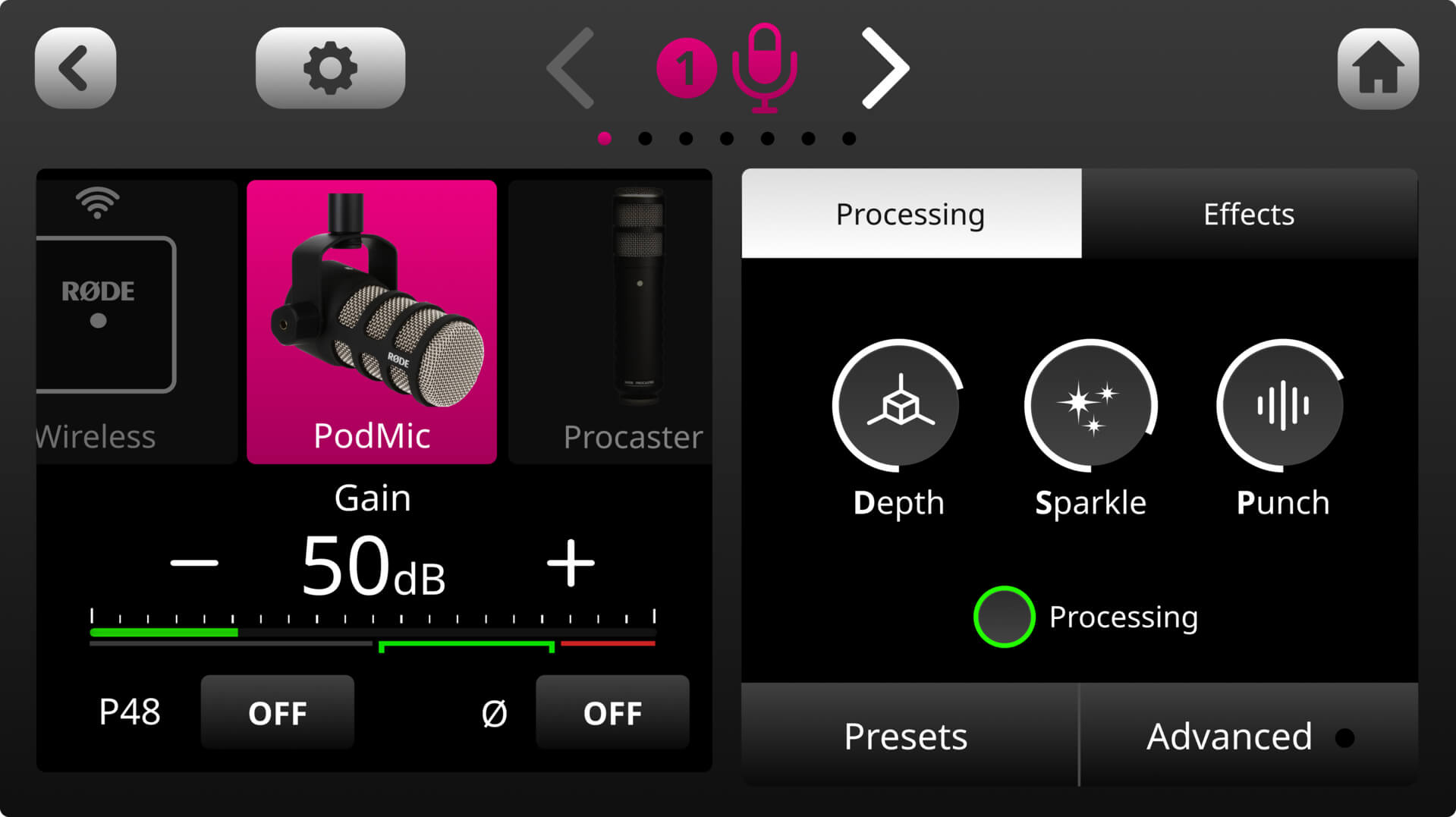
要访问通道的音频处理控制,只需轻触推子上方的按钮,或轻触电平表下方的图标,进入通道设置界面。处理控制中心位于“mic locker”的右侧。轻触“Processing”按钮即可开启或关闭处理功能。除 SMART pads 外,您可以为任何音频通道添加处理功能,包括 USB 和 Bluetooth 通道。调整通道处理有两种方式:使用直观的 VoxLab™ 编辑器或高级编辑器。
使用 VoxLab™ 调整音频处理
VoxLab™ 是 RØDECaster Duo 的默认处理编辑器。这个简洁的三旋钮界面极其直观,让您轻松实现专业音质。三个控制项分别为“Depth”(深度)、“Sparkle”(明亮度)和“Punch”(冲击力);每个控制项都会同时调节多个处理器中的多个参数,从而实现均衡完美的声音。
Depth(深度) – 用于细致增强信号的低频,使声音更加饱满,并让低音表现更紧实、清晰。
Sparkle(明亮度) – 用于为信号增添明亮感和细节,非常适合提升人声的存在感与清晰度。
Punch(冲击力) – 用于为信号添加细微压缩,使人声更加清晰易懂且自然。同时还会调节噪声门,帮助降低背景噪声。
点击“Depth”(深度)、“Sparkle”(明亮度)和“Punch”(冲击力),然后使用旋转编码器调节各类处理的强度。
.jpg)
使用高级编辑器调整音频处理
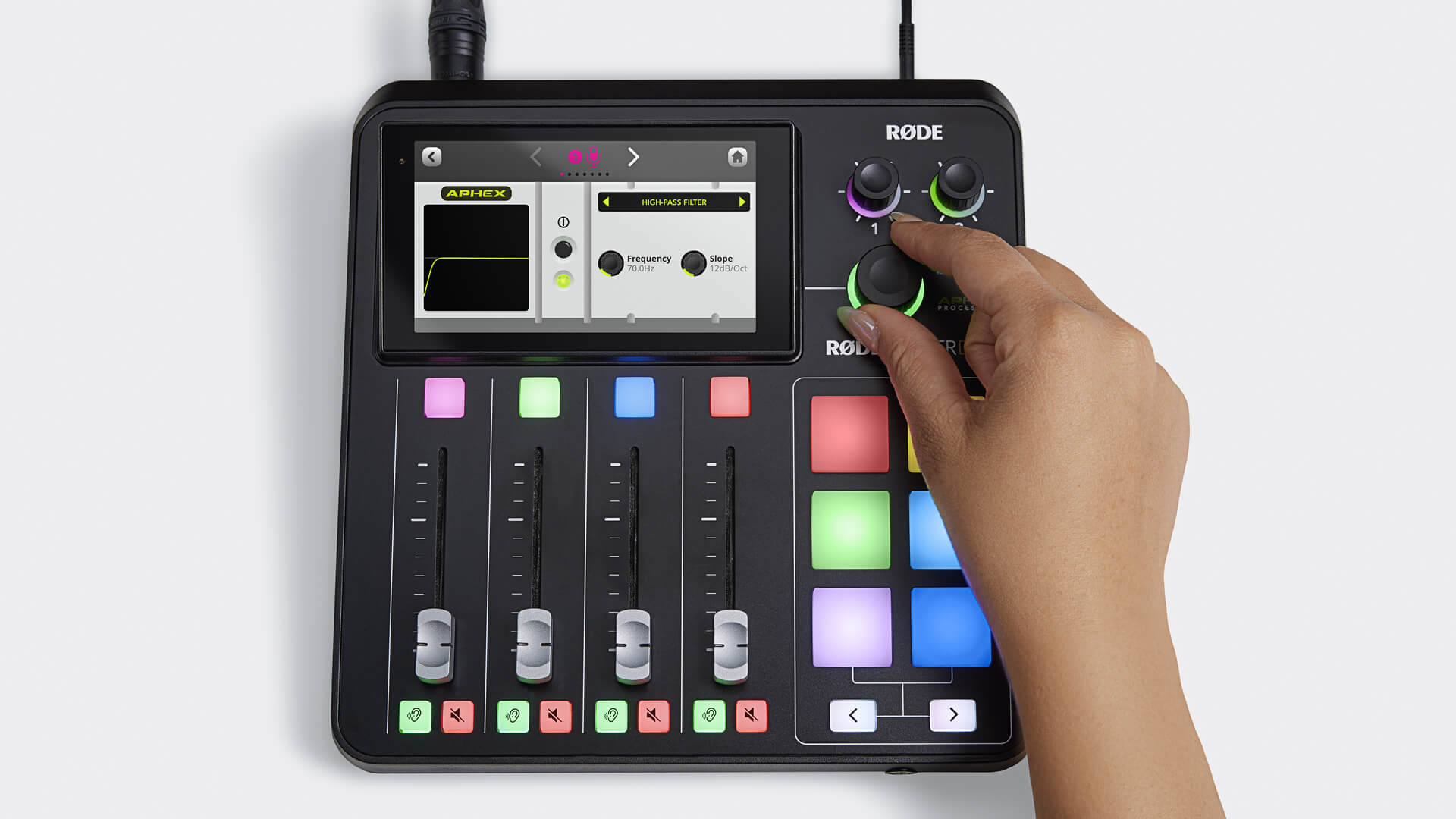
要访问高级处理编辑器,只需点击 VoxLab 编辑器下方的“Advanced”。随后将显示各个 APHEX 处理器的菜单。点击相应处理器即可进入其虚拟界面,在这里您可以使用旋转编码器开启或关闭处理器,并调节每个参数。每个处理器还配有实时可视化工具,让您能够轻松查看调整对信号处理产生的影响。
专业提示
使用 VoxLab 找到理想音色后,您仍可使用高级编辑器进一步微调处理效果。例如,如果您已将“Punch”设置为合适的压缩程度,但希望使用噪声门进一步降低背景噪声;如果您已按喜好设置好“Depth”和“Sparkle”,但希望使用均衡器进一步调整人声中的中频;或者在任何需要对音色进行额外调整的应用场景中,这项功能都非常实用。
了解 APHEX 处理
RØDECaster Duo 提供一整套对传奇 APHEX 硬件处理器的高精度仿真,可用于微调音频,使其适合您的声音或音频源。
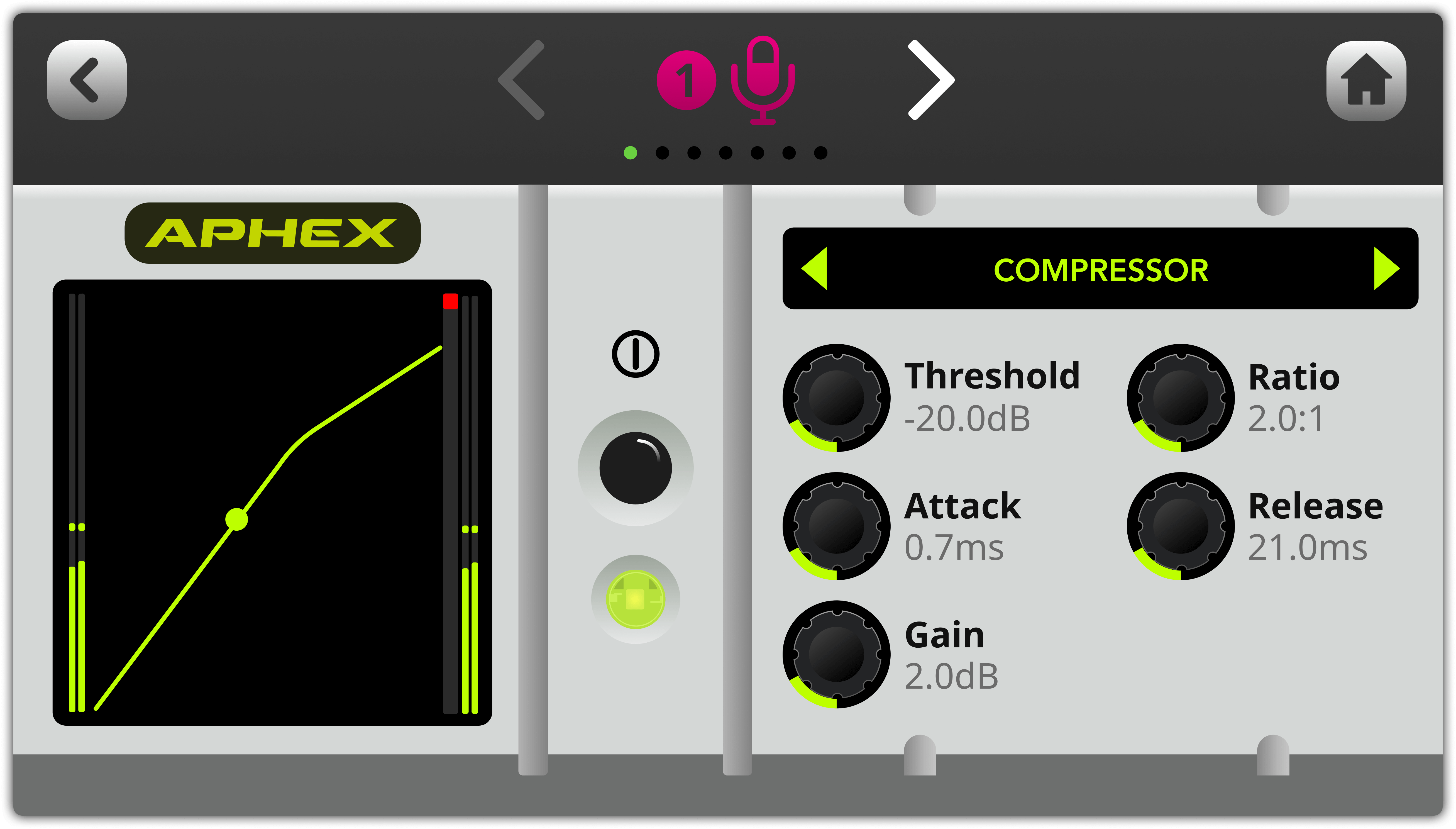
压缩器
使用压缩器,让您的声音(或任何其他音频源)听起来更加平滑、均衡。压缩器通过降低(或“压缩”)信号中最响的峰值,同时提升较安静的部分,使整体声音更加均匀。
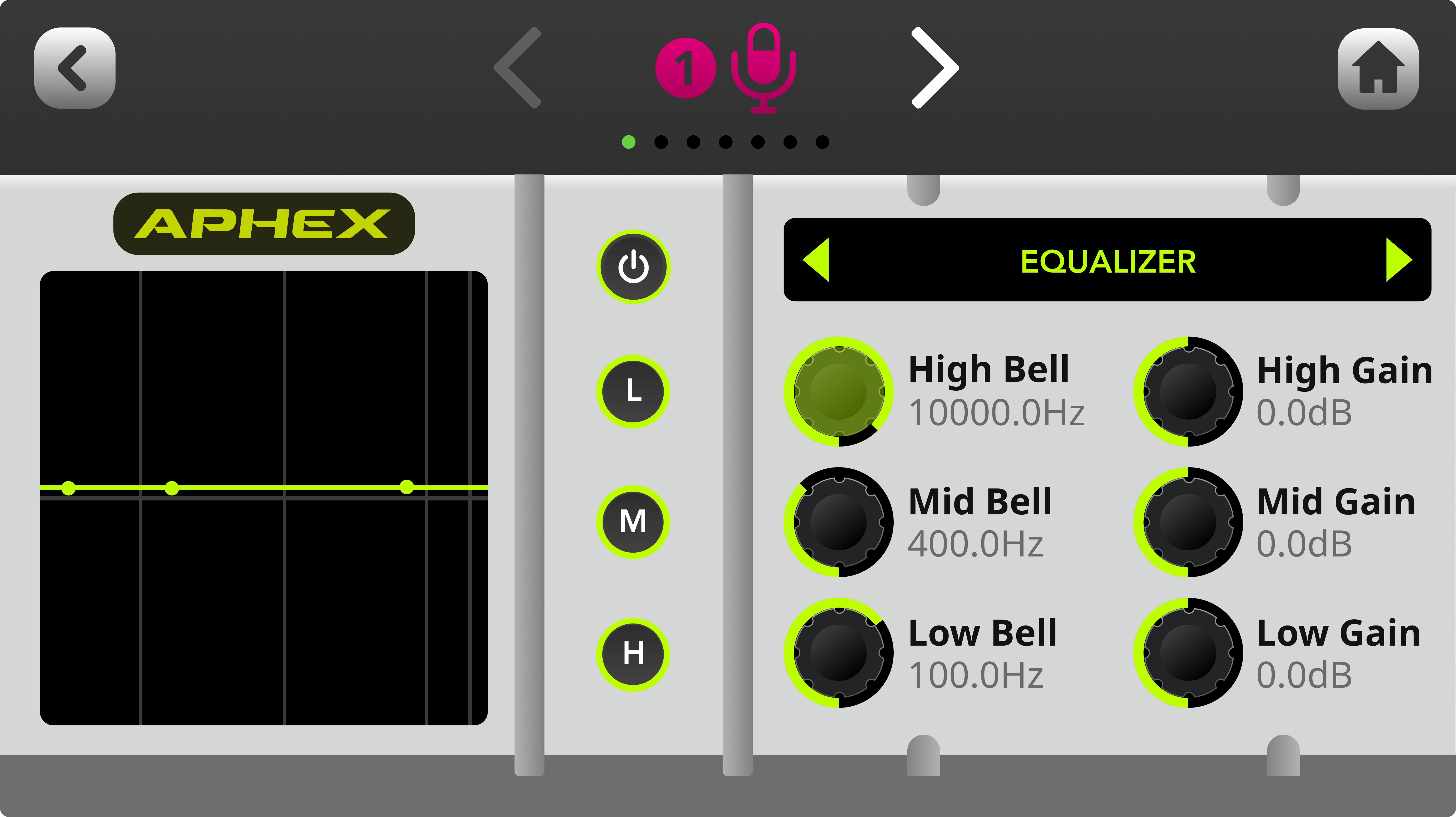
均衡器(EQ)
使用此功能微调人声或音频源的音色。这是一款三段参数均衡器,可让您在所选的任意频率范围内提升或衰减低频、中频和高频。
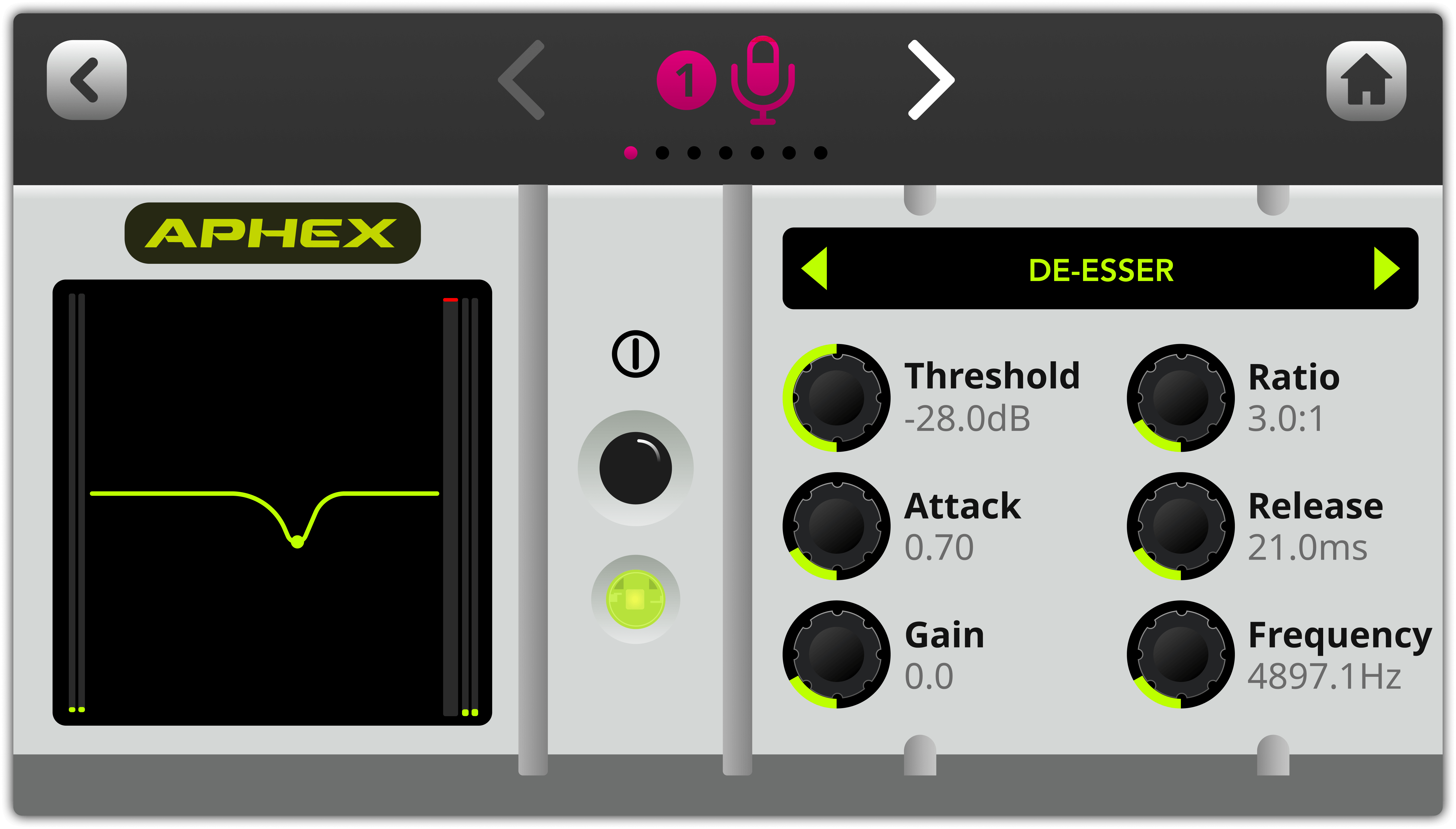
去齿音器
使用此功能可抑制人声中的齿音。齿音是人类语音中自然产生的“嘶嘶”声,通常由辅音引起,主要是“s”音(因此得名“去齿音器”)。它本质上是一种针对特定频率进行压缩、以降低该频率在信号中存在感的压缩器。
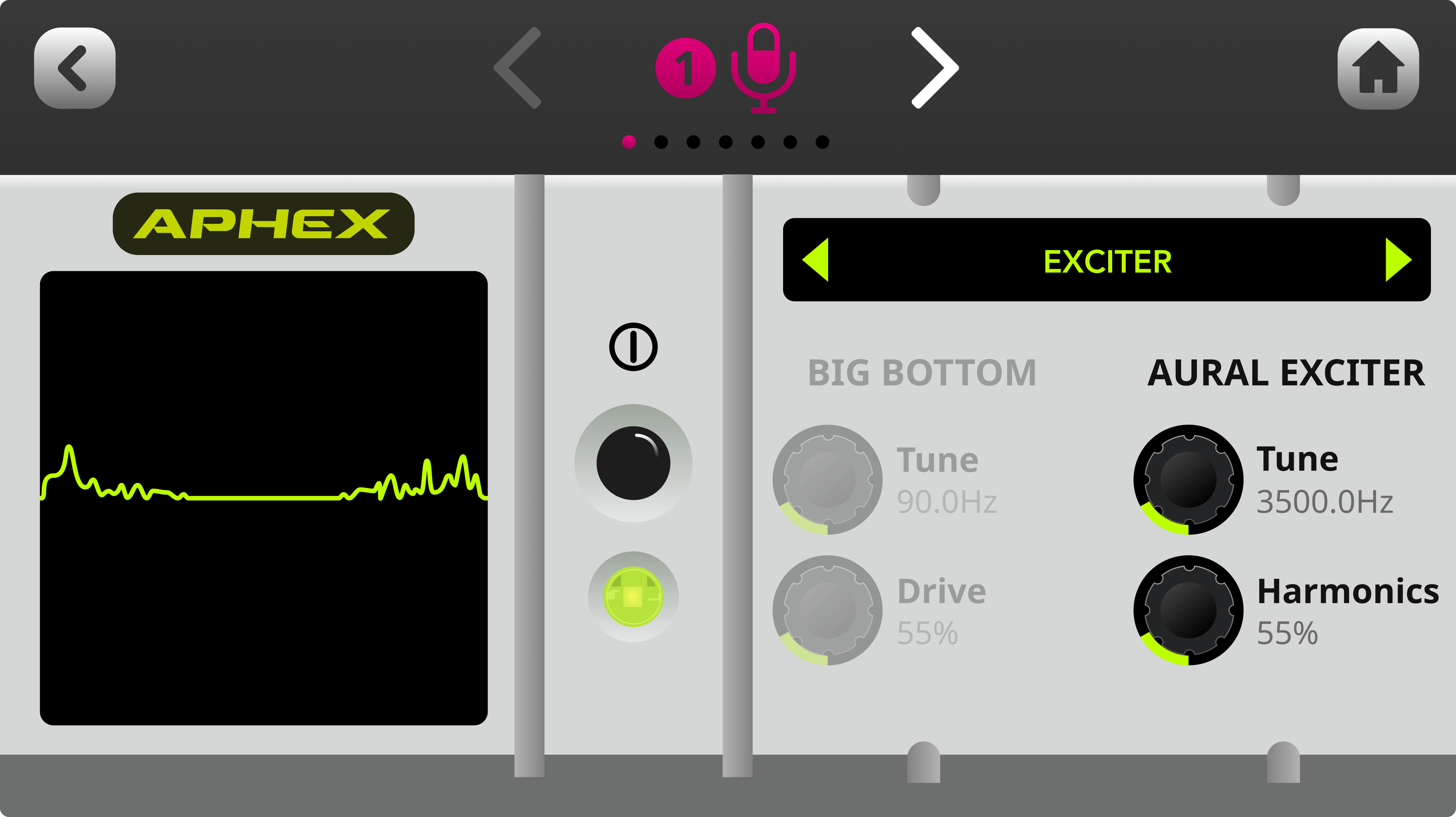
听觉激励器
使用此功能可提升人声或音频源的细节与清晰度。它通过为信号中的高频添加细微的谐波来实现这一效果,使声音更具“光泽”。
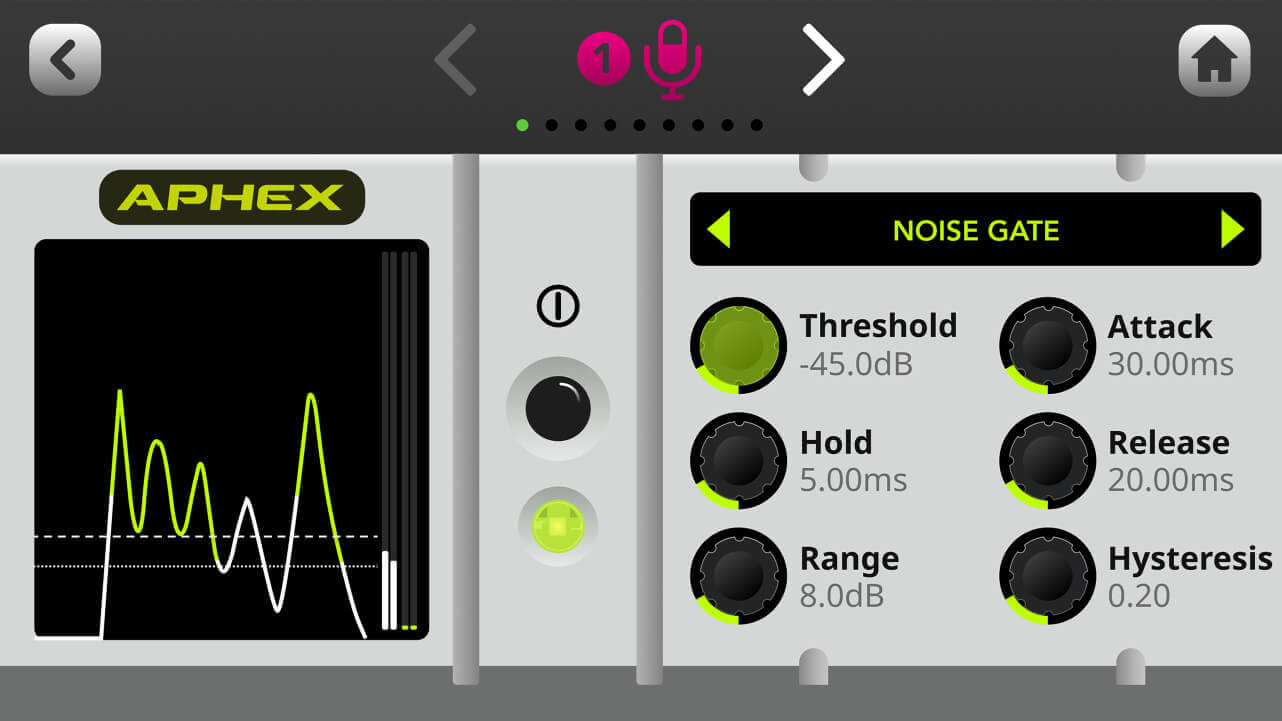
噪声门
使用此功能可帮助减少录音中的背景噪声,例如空调声、另一个房间的交谈声或室外交通噪声。如果您在未经声学处理的空间中录音,这项功能会非常实用。
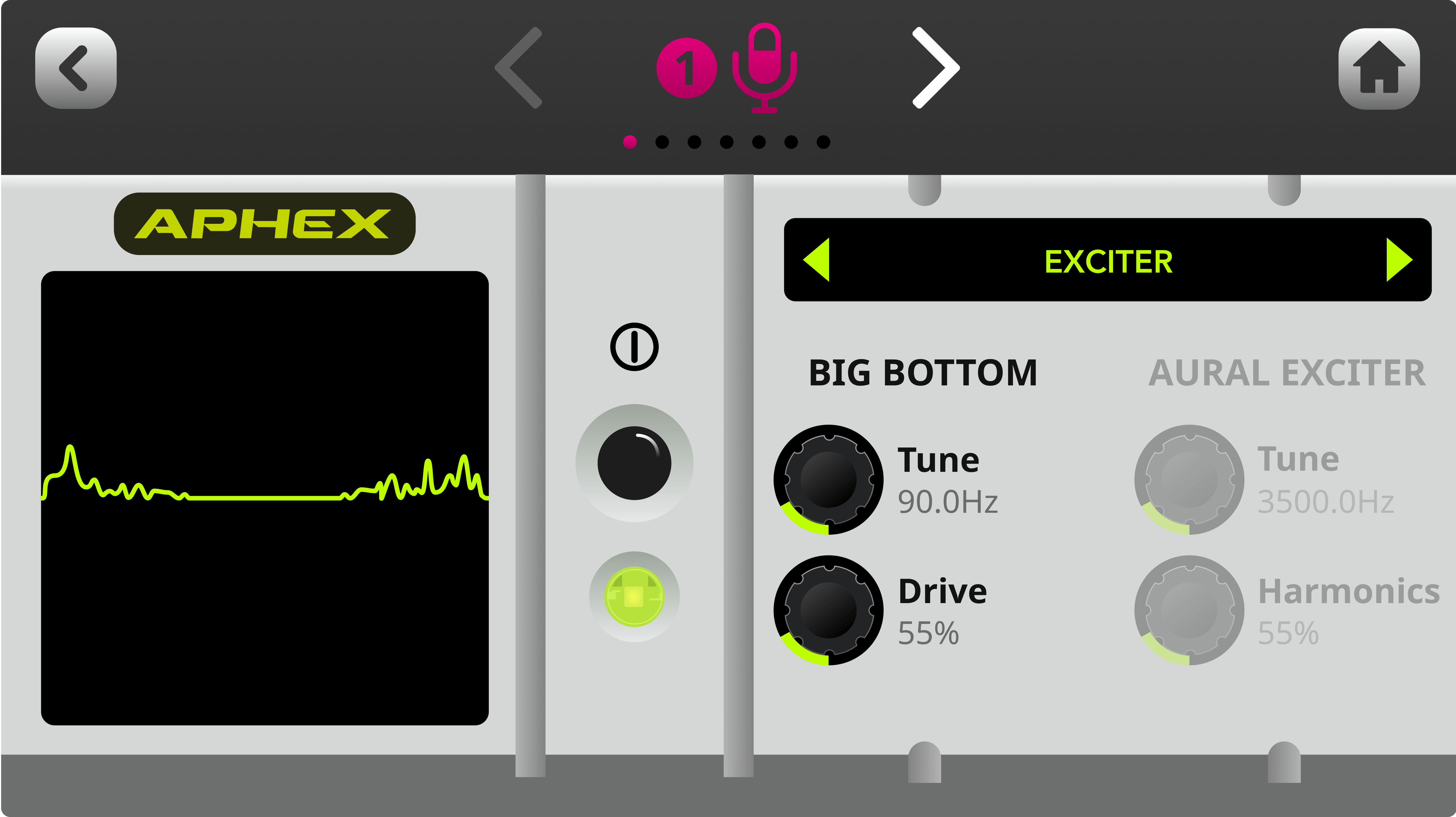
浑厚低频
使用此功能可让人声或音频更具深度,同时避免产生浑浊感。它通过为信号中的低频添加细微的谐波来实现这一效果,使声音更具“冲击力”。
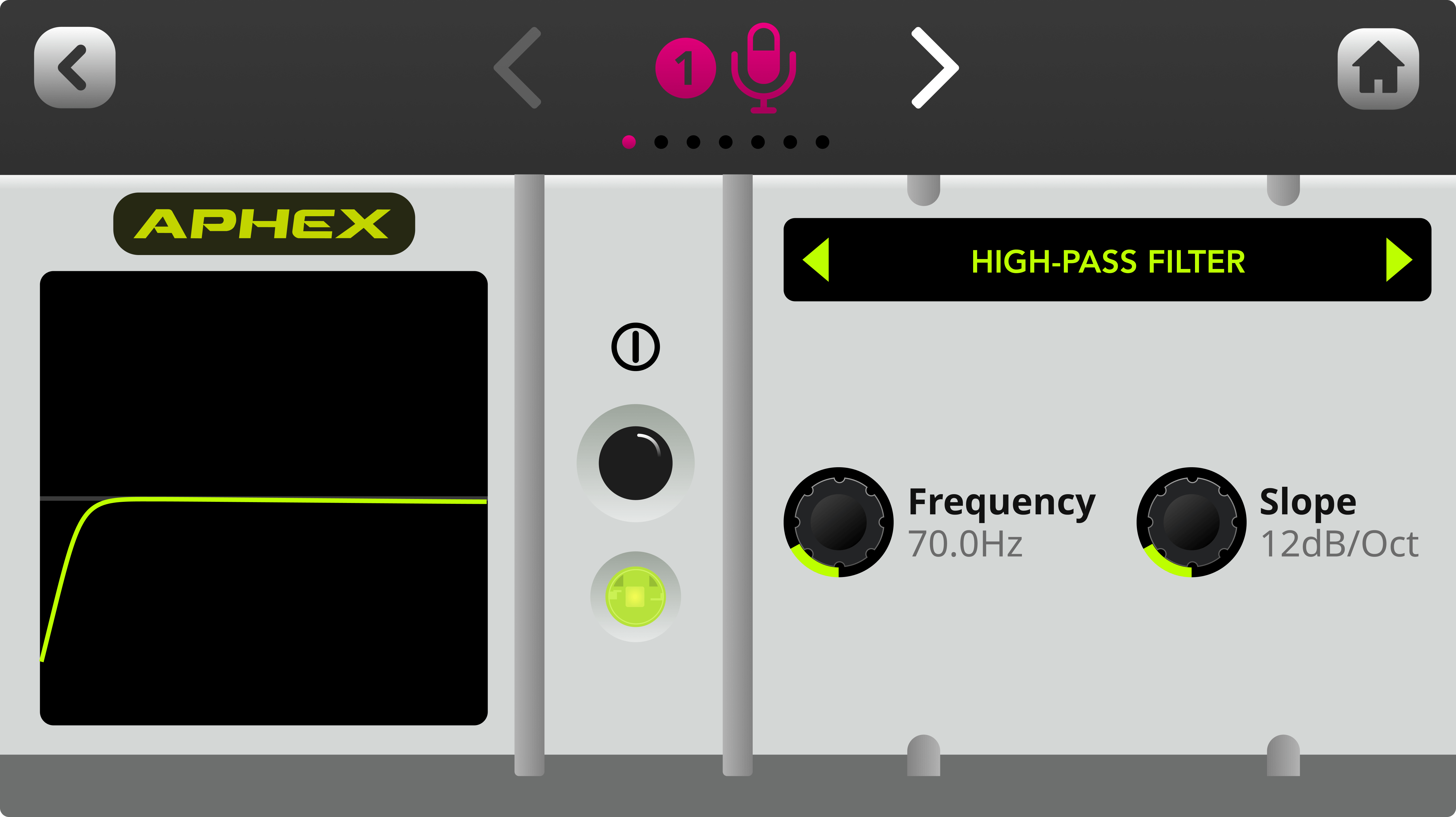
高通滤波器
使用此功能可进一步降低录音中的背景噪声,或为浑浊的人声或声乐轨道增添一些临场感。其原理是衰减低于特定截止频率的低频。
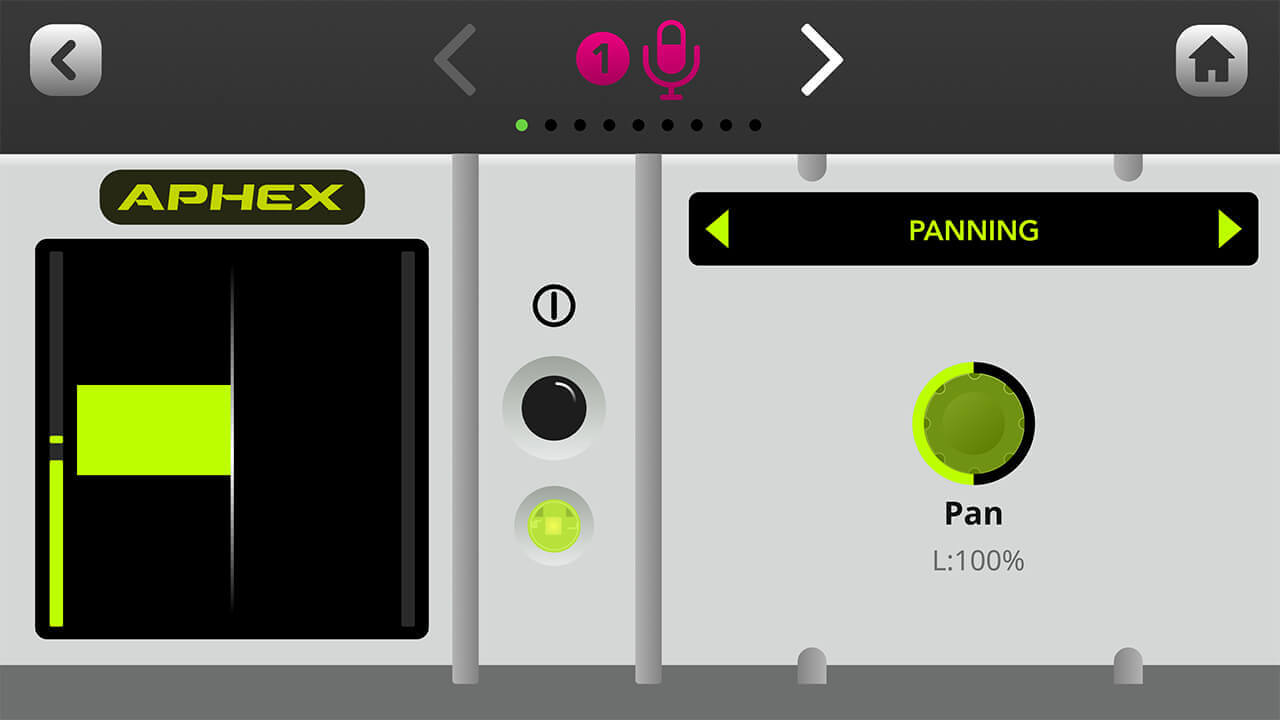
声像定位
使用此功能可在立体声声场中调整音频的声像位置(当通道进行立体声链接时,它们会自动分别完全左移和右移)。
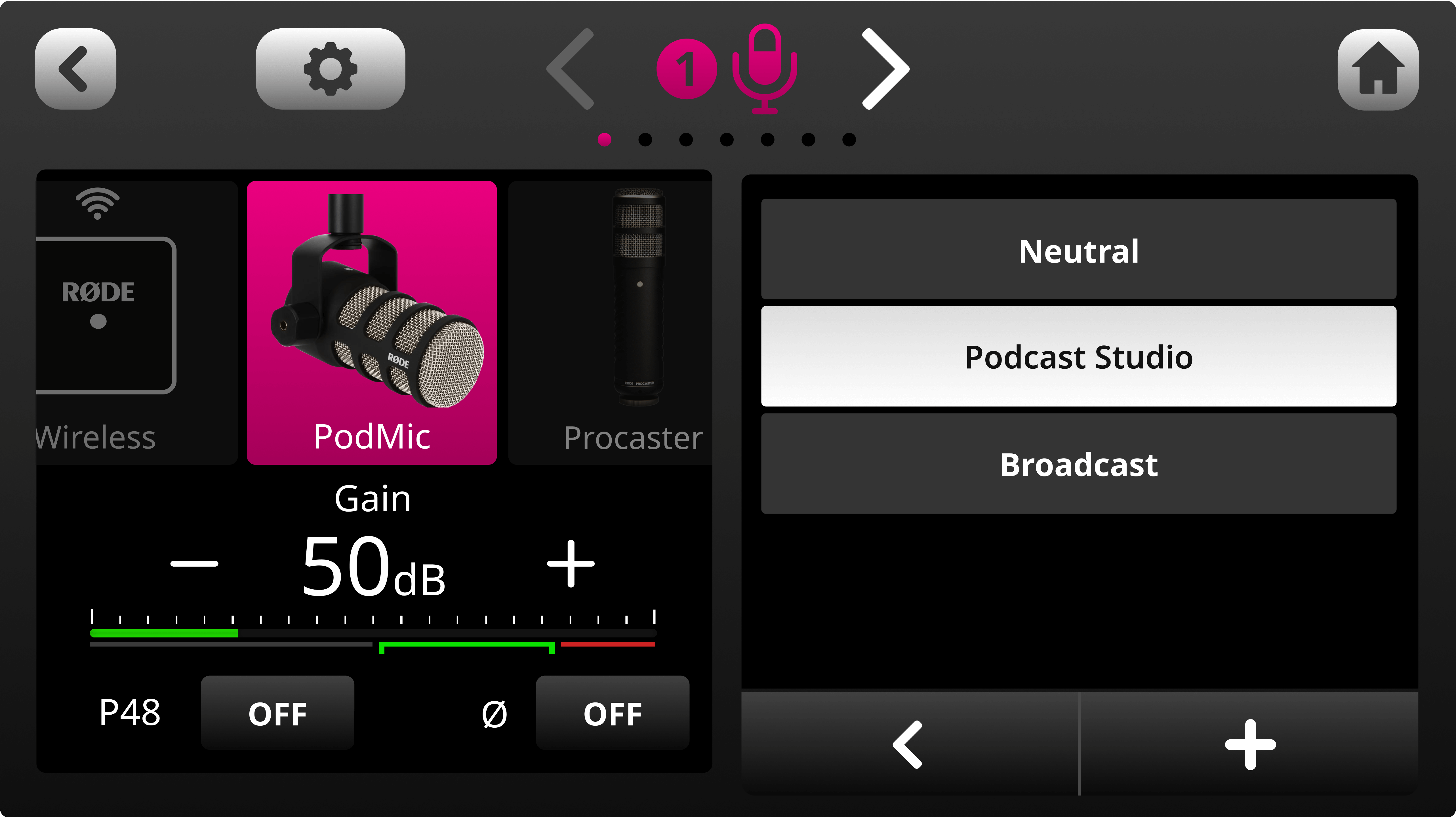
加载和保存预设
RØDECaster Duo 提供了一系列经过专业调校的默认预设——“Neutral”、“Podcast Studio”和“Broadcast”——您可以直接使用,也可以将其作为进一步编辑的基础。要访问这些预设,请在处理窗口中点击“Presets”。您还可以点击“+”按钮,在此保存自己的预设。要删除预设,请点击垃圾桶图标。
使用 Compellor™ 主压缩器
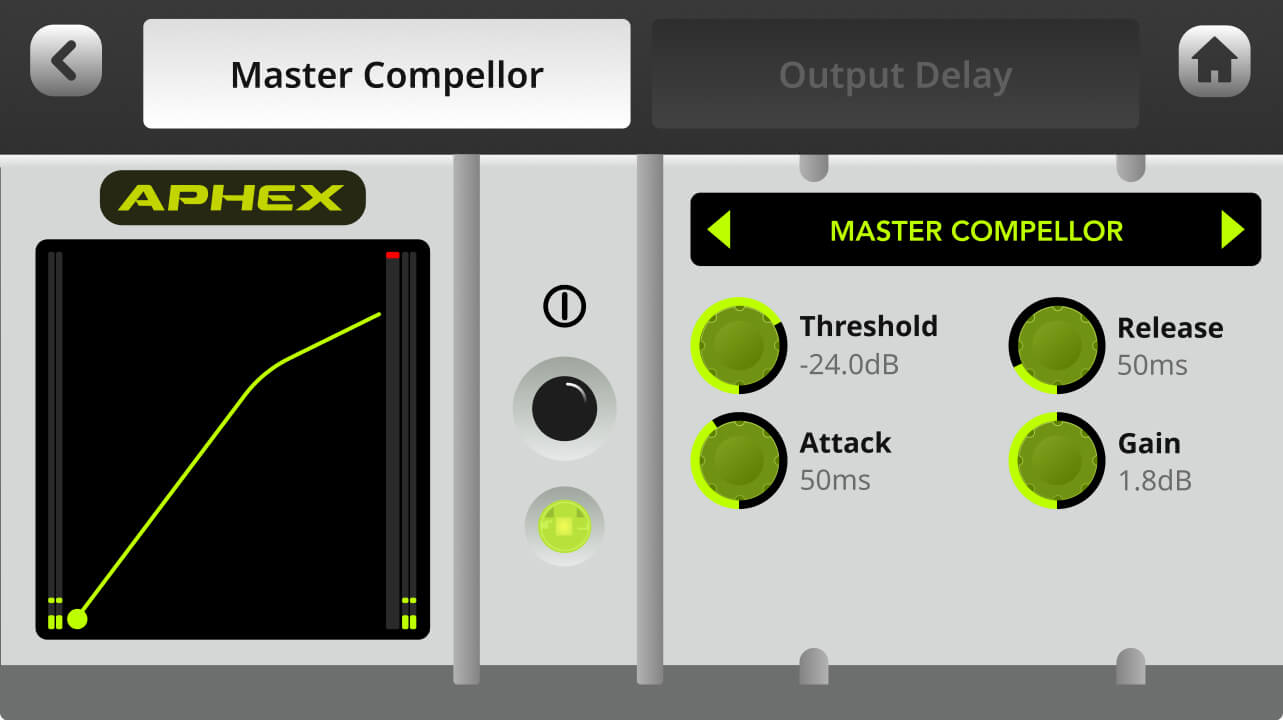
RØDECaster Duo 配备了以备受推崇的 APHEX Compellor 为原型的主压缩器。与其他处理不同,它会影响整个输出信号,有助于将所有音频通道“粘合”在一起,让混音听起来更加均衡。要访问此功能,请点击设置齿轮,然后依次选择“输出” > “处理” > “主 Compellor”。
注意
此功能仅适用于配置为使用“主混音”的输出,不适用于自定义子混音。请参阅此页面详细了解自定义混音。
使用输出延迟控制
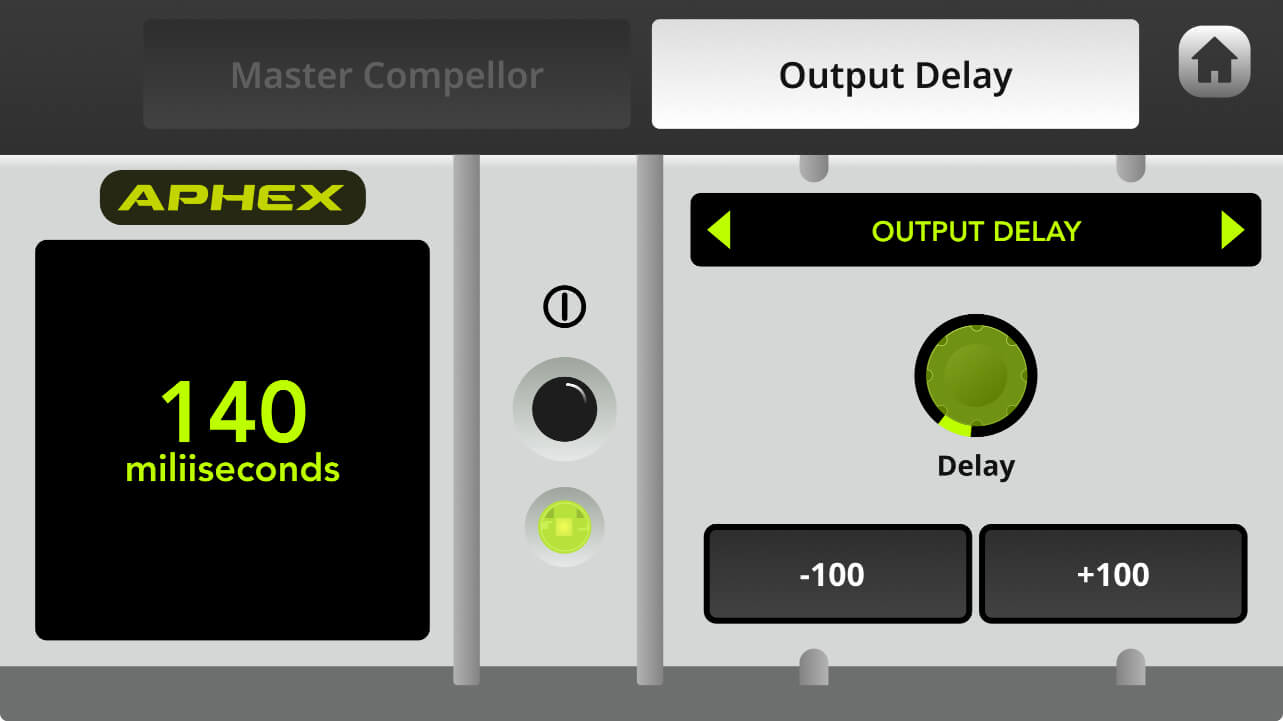
为帮助解决直播应用中的同步问题,RØDECaster Duo 配备了输出延迟功能,可让音频与视频实现完美同步。要访问此功能,请点击设置齿轮图标,然后依次选择“Outputs” > “Processing” > “Output Delay”。延迟时间最长可达两秒,您可以使用旋转编码器以毫秒为增量进行调节,也可以使用“+100”和“-100”按钮以100毫秒为增量进行调节。
注意
此功能适用于所有配置为 Main-Mix 的输出。如果您希望排除数字输出(USB1、USB2、Bluetooth),可以使用 Custom Mix。无论输出混音类型如何,模拟输出都无法排除。请参阅此页面,详细了解自定义混音。
使用通道效果
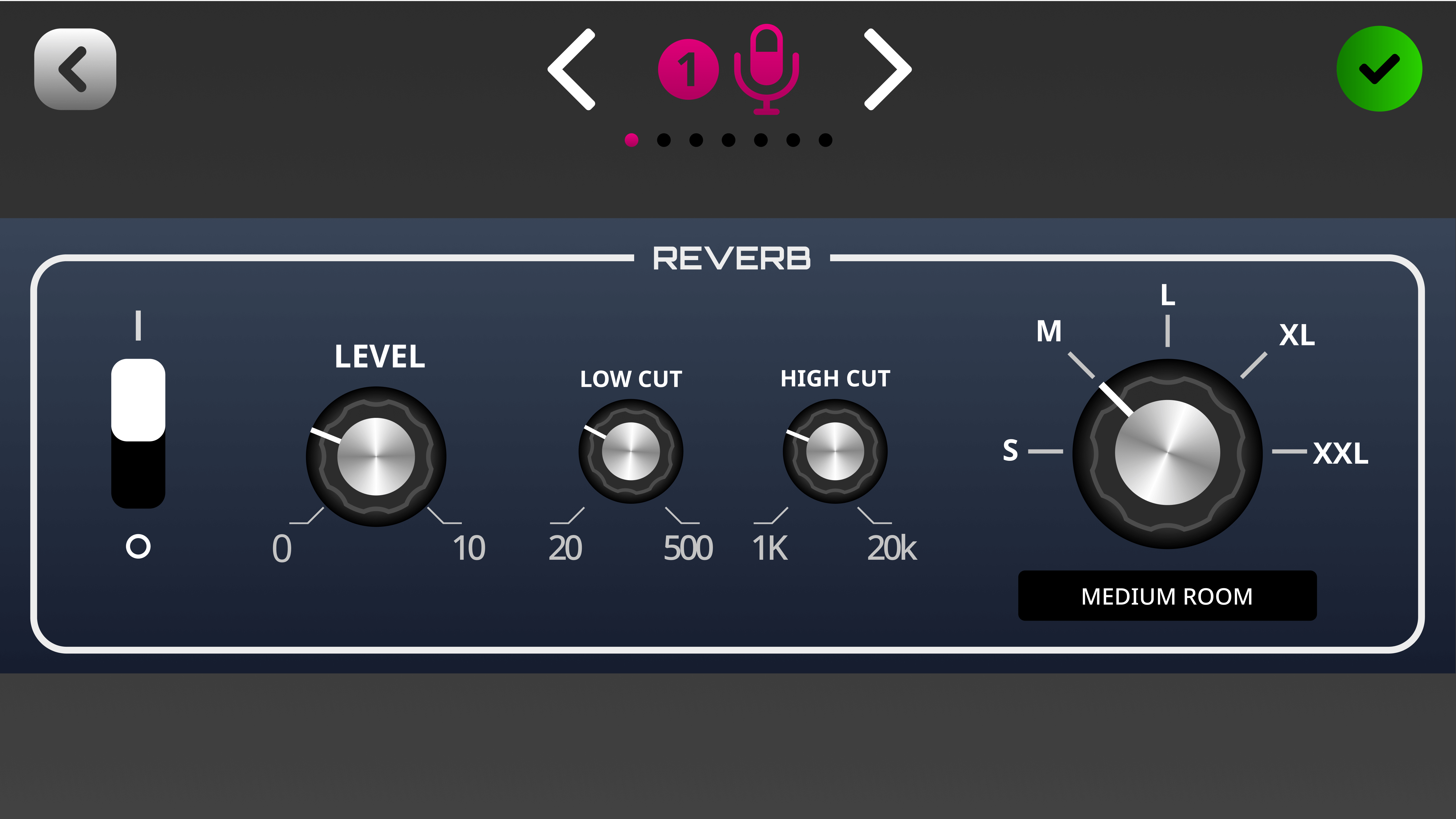
除了可通过 SMART 打垫即时使用的语音效果外,您还可以像使用 APHEX 处理一样,为每个通道应用“始终开启”的效果。其中包括录音室级别的混响和回声效果,可为人声、乐器及其他音频源增添细腻(或不那么细腻)的氛围感。要访问这些效果,请进入某个通道的设置界面,然后点按“效果”。
如需进一步了解 RØDECaster Duo 的板载效果如何工作,请参阅“使用 SMART 打垫”部分。