入门指南
快速开始
- 使用 RØDE Central 将所有发射器更新至最新固件,以确保完全兼容
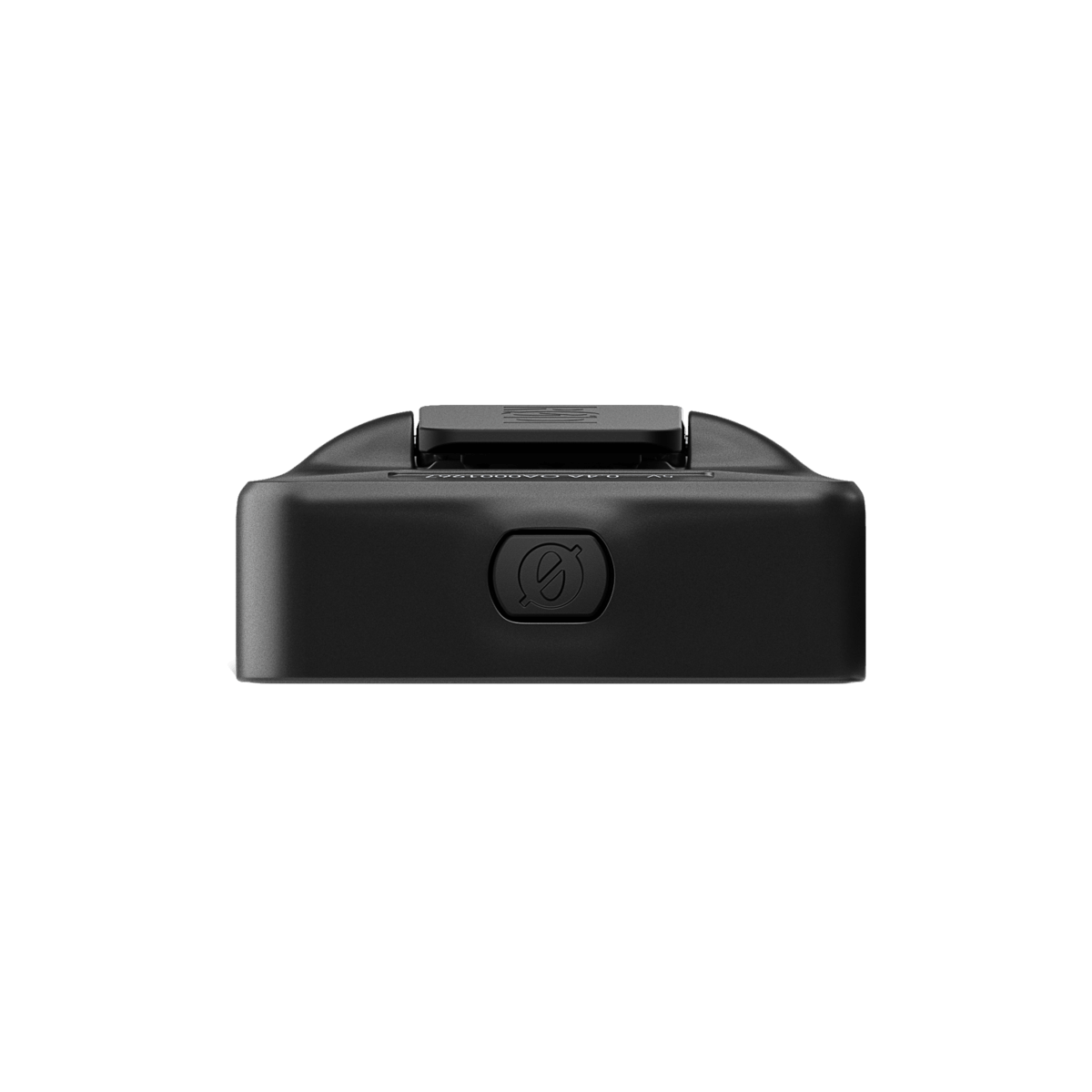
- 要开启 Wireless Micro Camera Receiver,请按住电源按钮,直到中央 LED 指示灯亮起
- 要进入配对模式,请按住接收器上的配对按钮。在此过程中,最多可配对两台发射器
- 使用随附的 3.5 mm TRS 线缆将 Wireless Micro Camera Receiver 连接至您的相机
您的 Wireless Micro Camera Receiver 现已开机并完成配对,可将无线音频录制到相机、手机或电脑等设备。
注意
必须将 Wireless Micro 发射器更新至 v2.0.3 或更高版本,以确保与 RØDE Wireless Micro Camera Receiver (RX) 兼容
开启您的 Wireless Micro 摄像机接收器
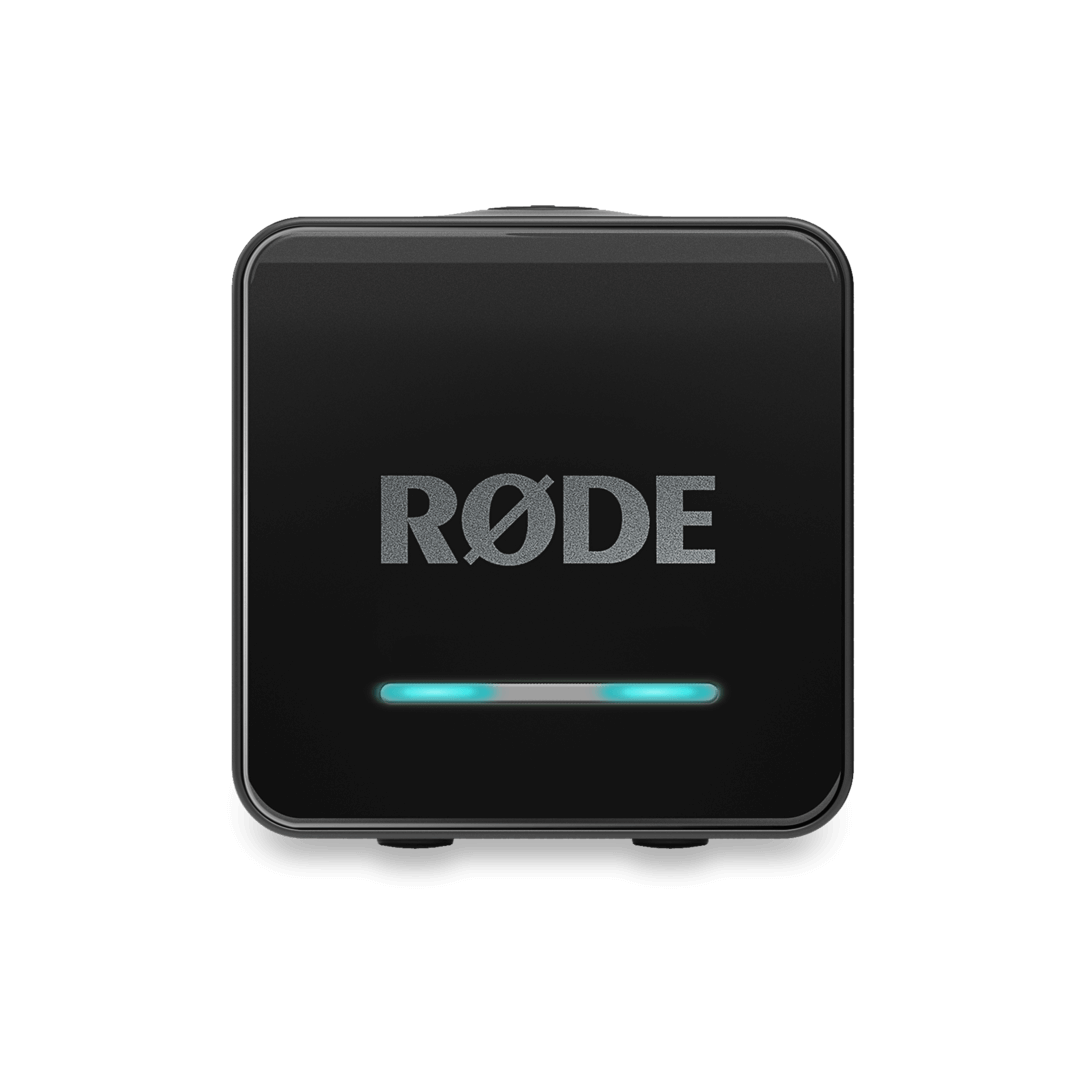
要开启接收器,请按住电源按钮两秒钟。前面板指示灯将从左向右闪烁青绿色,随后中间的指示灯将持续亮起绿色,表示设备已开启并准备就绪,这就是设备的“主界面状态”。设备将保持开启,直到您将其关闭或电池电量耗尽。
要关闭设备,只需再次按住同一按钮两秒钟。青绿色指示灯将从右向左依次扫过,随后所有指示灯熄灭,确认设备已关闭。
配对您的 Wireless Micro 发射器
将 Wireless Micro 摄像机接收器(CRX)连接到发射器的过程非常简单,轻松即可完成。
Wireless Micro 套装出厂时已完成配对,确保发射器与随附的 USB-C 或 Lightning 接收器之间能够即时连接;这也是其主要的永久连接。发射器还配备了第二个配对槽,可用于连接 Wireless Micro 摄像机接收器。
完成配对后,发射器会自动检测并连接已开机的接收器——无论是主 Micro Receiver 还是副摄像机接收器。无缝切换意味着您无需重新配对设备,因为配对摄像机接收器不会解除原有 Wireless Micro 接收器的配对。
要启动配对模式,请按住右侧同步按钮两秒钟,开始配对过程。持续按住该按钮,直到看到蓝色 LED 指示灯从左向右移动。这表示 CRX 已进入配对模式,可以与发射器建立连接。
现在,将您的 Wireless Micro 发射器从充电盒中取出以启动配对;Wireless Micro 发射器上的小型绿色配对指示灯将开始闪烁。如果发射器处于有效范围内,它们将自动完成配对。
注意
连接到 Wireless Micro Camera Receiver 时,建议将 Wireless Micro Receiver 放在其保护盒内并保持断电状态。
两个发射器成功配对后,您会看到 CRX 左右两侧的绿色 LED 指示灯亮起,确认连接已建立。如果您只配对一个发射器,则只有左侧会亮起绿色。
连接外部设备
使用 3.5 mm 接口
RØDE Wireless Micro Camera Receiver (RX) 在侧面板上配备了一个 3.5 mm TRS 输出接口。3.5 mm TRS 输出接口可将音频输出发送至已连接的摄像机或其他录音设备。3.5 mm TRS 输出接口的输出增益模式可通过模式按钮进行调节。
RØDE Wireless Micro Camera Receiver (RX) 配备了插入式电源检测功能。
默认情况下,只要接收器检测到电源,Wireless Micro Camera Receiver (RX) 接收器就会在所连接的摄像机开机或关机时自动开机或关机。要使此模式正常工作,请务必先关闭接收器,然后再首次开启摄像机。
使用 USB-C 接口
RØDE Wireless Micro Camera Receiver (RX) 上的 USB-C 接口具有多种功能,包括充电和作为音频输入设备使用。此外,还可用于更新设备固件。
音频输入设备
USB-C 接口还可作为音频输入设备使用,从而可直接连接至计算机(或其他兼容设备),实现无缝音频采集。操作步骤如下:
- 将一台 RØDE Wireless Micro Camera Receiver 连接至计算机上的空闲 USB 端口
- 打开音频设置,并选择“Wireless Micro Camera RX”作为输入设备
- 对于所使用的任何其他音频软件(例如 Zoom®、Discord® 等),也需要执行相同的步骤
为您的 Wireless Micro Camera Receiver 充电
Wireless Micro Camera Receiver 的续航时间长达 18 小时。
为 Wireless Micro Camera Receiver 充电非常简单,只需将 一端 USB-C 线缆连接至接收器,另一端连接至电脑、USB hub 或其他充电接口即可。
如果 RØDE Wireless Micro Camera Receiver (RX) 已关机,前面板上的三颗 LED 将全部亮起,并以紫色缓慢闪烁,显示为电量条。
- 左侧一颗 LED 闪烁,表示电量为 0–33%
- 左侧和中间两颗 LED 闪烁,表示电量为 34–66%
- 三颗 LED 全部闪烁,表示电量为 67–99%
- 三颗 LED 全部常亮,表示电池电量已充满
如前所述,设备的“主状态”是中间 LED 呈绿色常亮。左侧和右侧 LED 显示发射器(TX1 + TX2)的连接状态。设备开机运行且电池电量即将耗尽时,LED 将变为琥珀色(剩余电量 11–19%),随后变为红色(剩余电量 <10%)。