AI-Micro
Zweikanaliges 3,5-mm-Audio-Interface
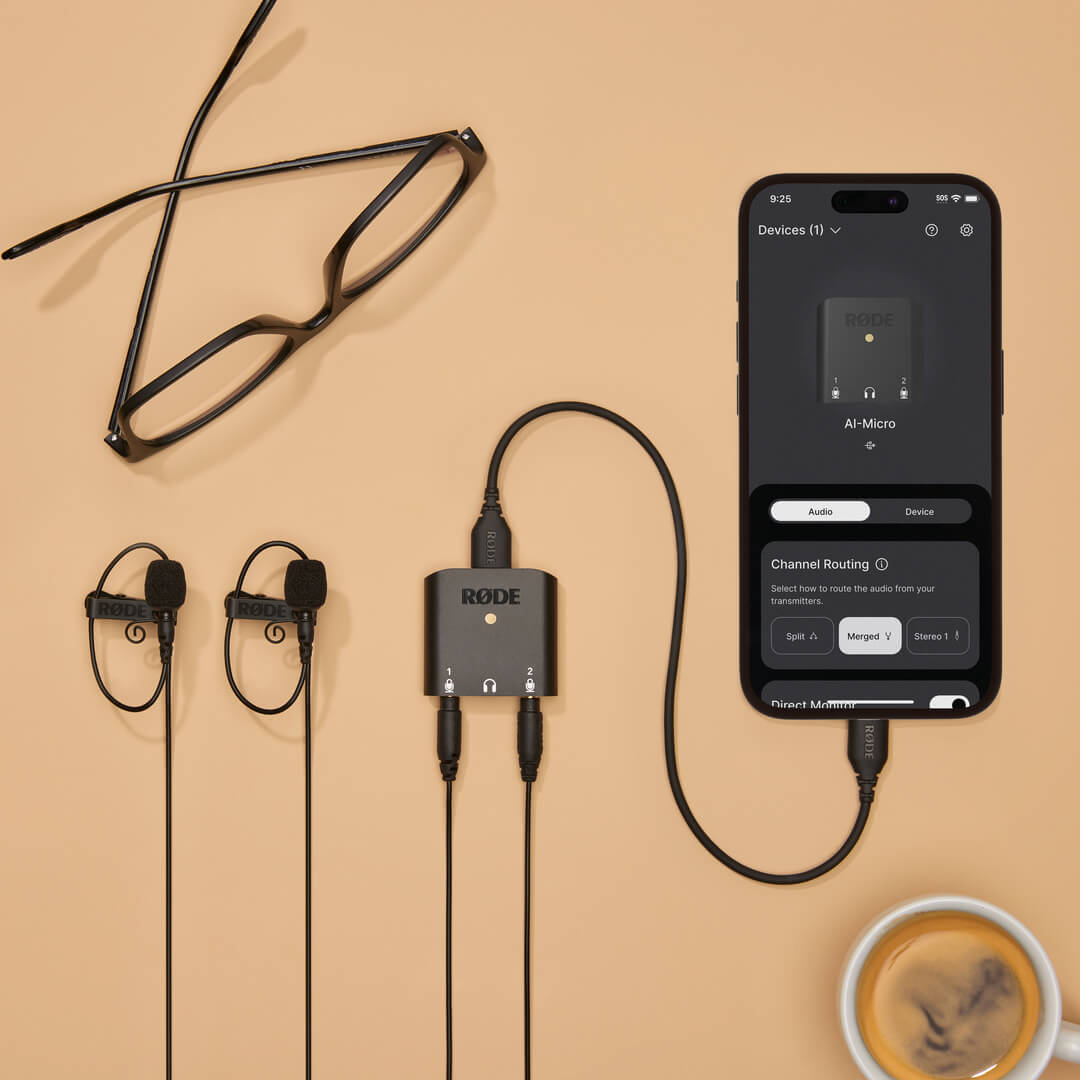
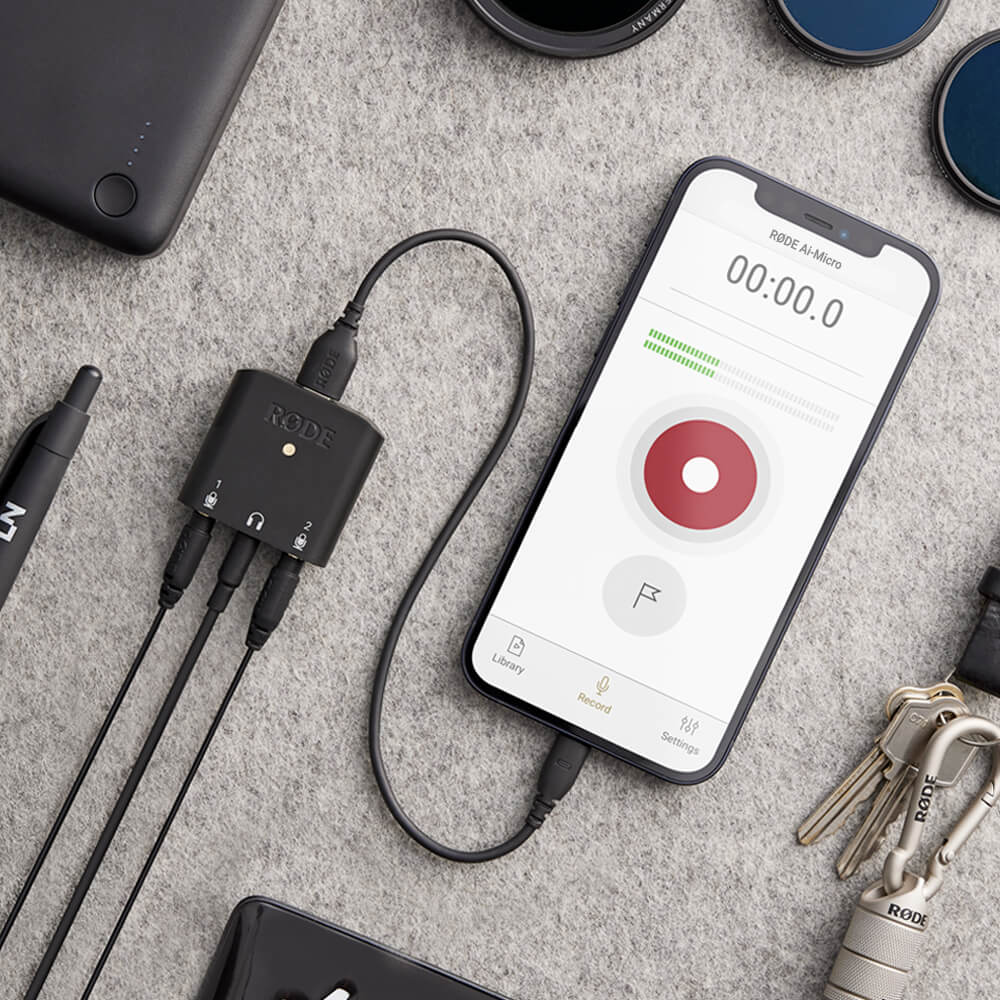
Das AI-Micro ist ein ultrakompaktes Zweikanal-Interface für die Aufnahme hochwertiger Audiosignale auf einem Mobilgerät oder Computer. Mit zwei automatisch erkennenden Eingängen zum Anschluss praktisch jedes Mikrofons mit 3,5-mm-Ausgang, Kopfhörer-Monitoring, einem universellen USB -Ausgang zur Verwendung mit Smartphones, Tablets und Computern sowie Kompatibilität mit RØDE -Apps für noch besseren Klang ermöglicht das AI-Micro grenzenlose Aufnahmen.
- Ultrakompaktes zweikanaliges Audio-Interface für Computer und Mobilgeräte
- Kompatibel mit praktisch jedem Mikrofon mit 3,5-mm-Ausgang, einschließlich RØDE VideoMics, Lavalier-Mikrofonen, Funksystemen und Stereomikrofonen, die keine Plug-in-Spannung benötigen
- Automatische Eingangserkennung zum Anschließen von TRS- oder TRRS Mikrofonen
- Hochwertiger Kopfhörerausgang für latenzfreies Audio-Monitoring und Wiedergabe
- Nahtlose Verbindung mit Computern, Smartphones und Tablets über den universellen USB Ausgang (USB-A-, USB-C- und Lightning-Kabel im Lieferumfang enthalten)
- Kompatibel mit der RØDE App-Suite für erweiterte Funktionen, Konfiguration unterwegs und Aufnahmen in Broadcast-Qualität auf jedem Gerät
Das AI-Micro ist ein ultrakompaktes Zweikanal-Interface für die Aufnahme hochwertiger Audiosignale auf einem Mobilgerät oder Computer. Mit zwei automatisch erkennenden Eingängen zum Anschluss praktisch jedes Mikrofons mit 3,5-mm-Ausgang, Kopfhörer-Monitoring, einem universellen USB -Ausgang zur Verwendung mit Smartphones, Tablets und Computern sowie Kompatibilität mit RØDE -Apps für noch besseren Klang ermöglicht das AI-Micro grenzenlose Aufnahmen.
- Ultrakompaktes zweikanaliges Audio-Interface für Computer und Mobilgeräte
- Kompatibel mit praktisch jedem Mikrofon mit 3,5-mm-Ausgang, einschließlich RØDE VideoMics, Lavalier-Mikrofonen, Funksystemen und Stereomikrofonen, die keine Plug-in-Spannung benötigen
- Automatische Eingangserkennung zum Anschließen von TRS- oder TRRS Mikrofonen
- Hochwertiger Kopfhörerausgang für latenzfreies Audio-Monitoring und Wiedergabe
- Nahtlose Verbindung mit Computern, Smartphones und Tablets über den universellen USB Ausgang (USB-A-, USB-C- und Lightning-Kabel im Lieferumfang enthalten)
- Kompatibel mit der RØDE App-Suite für erweiterte Funktionen, Konfiguration unterwegs und Aufnahmen in Broadcast-Qualität auf jedem Gerät
Unglaublicher Klang, überall
Mit dem AI-Micro können Sie ganz einfach hochwertige Audiosignale mit Ihrem Mobilgerät oder Computer aufnehmen. Es verfügt über zwei 3,5-mm-Eingänge zum Anschließen einer Vielzahl von Mikrofonen, darunter RØDE VideoMics, Lavalier-Mikrofone und Funksysteme wie das Wireless GO. Diese Eingänge erkennen automatisch, ob ein TRS- oder TRRS Mikrofon angeschlossen ist, und passen sich entsprechend an – keine Adapter erforderlich. Eingang 1 kann außerdem als einzelner symmetrischer Stereo-TRS-Eingang konfiguriert werden, um Stereomikrofone zu verwenden, die keine Plug-in-Power benötigen.
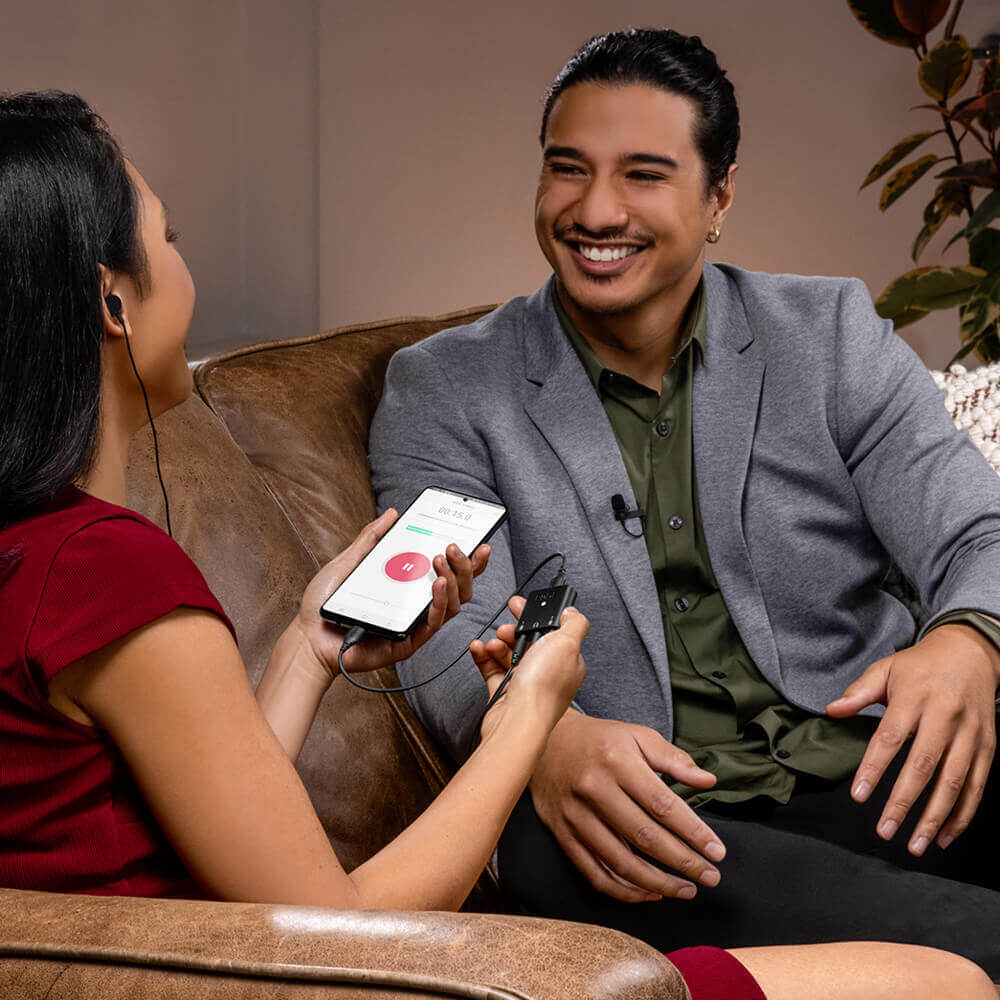
Hochwertige Mikrofonvorverstärker und Aufnahmen in hoher Auflösung (24 Bit/48 kHz) gewährleisten eine kristallklare Audioaufnahme auf jedem Gerät. Der Kopfhörerausgang ermöglicht eine latenzfreie Audiokontrolle und -wiedergabe ohne Echo. Ob Sie Interviews führen, Podcasts aufnehmen, Präsentationen halten oder livestreamen – mit dem AI-Micro nehmen Sie überall unglaublichen Klang auf.
Universelle Kompatibilität mit all Ihren Geräten
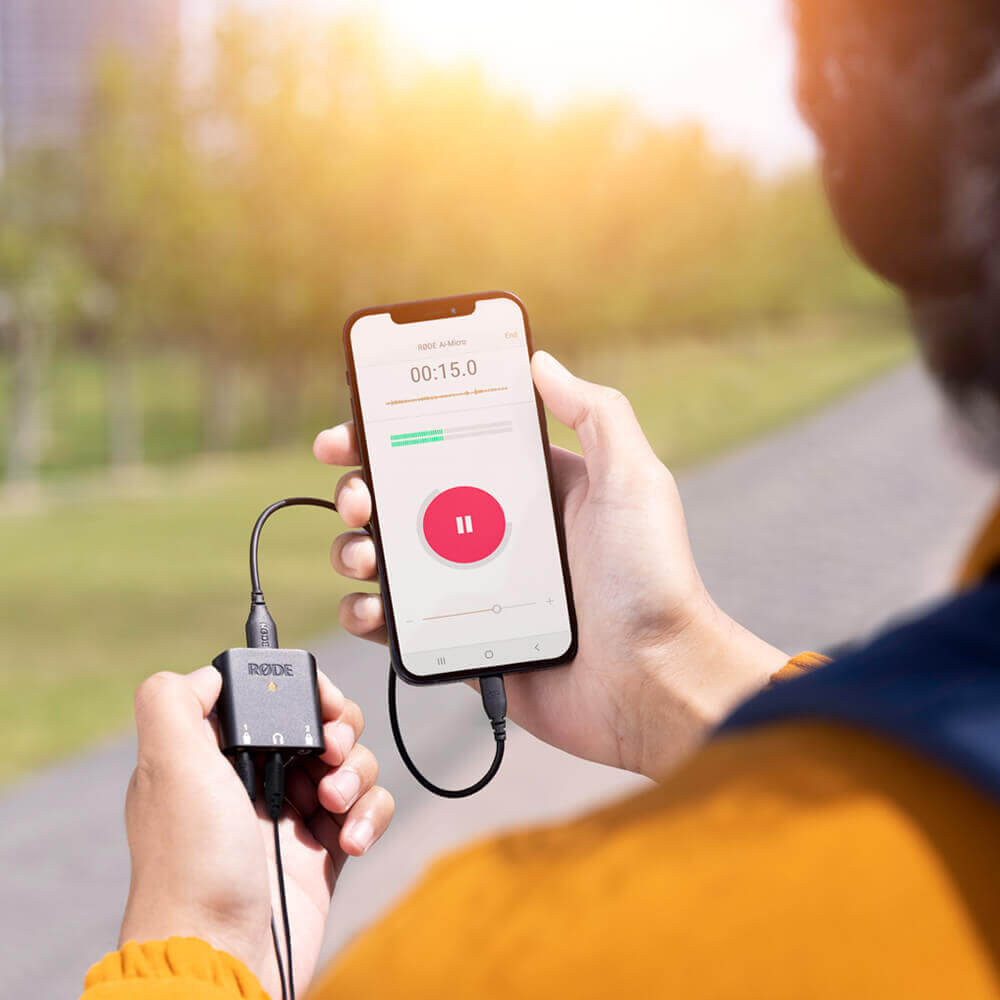
Das AI-Micro lässt sich über seinen universellen USB -Ausgang nahtlos mit all Ihren Geräten verbinden. Im Lieferumfang sind USB-A-, USB-C- und Lightning-Kabel enthalten, sodass Sie sofort mit der Aufnahme beginnen können. Außerdem ist es Plug-and-play-kompatibel mit Mac-, Windows-, iOS- und Android-Geräten. Noch nie war mobiles Aufnehmen so einfach.
Taschenformat und maximale Mobilität
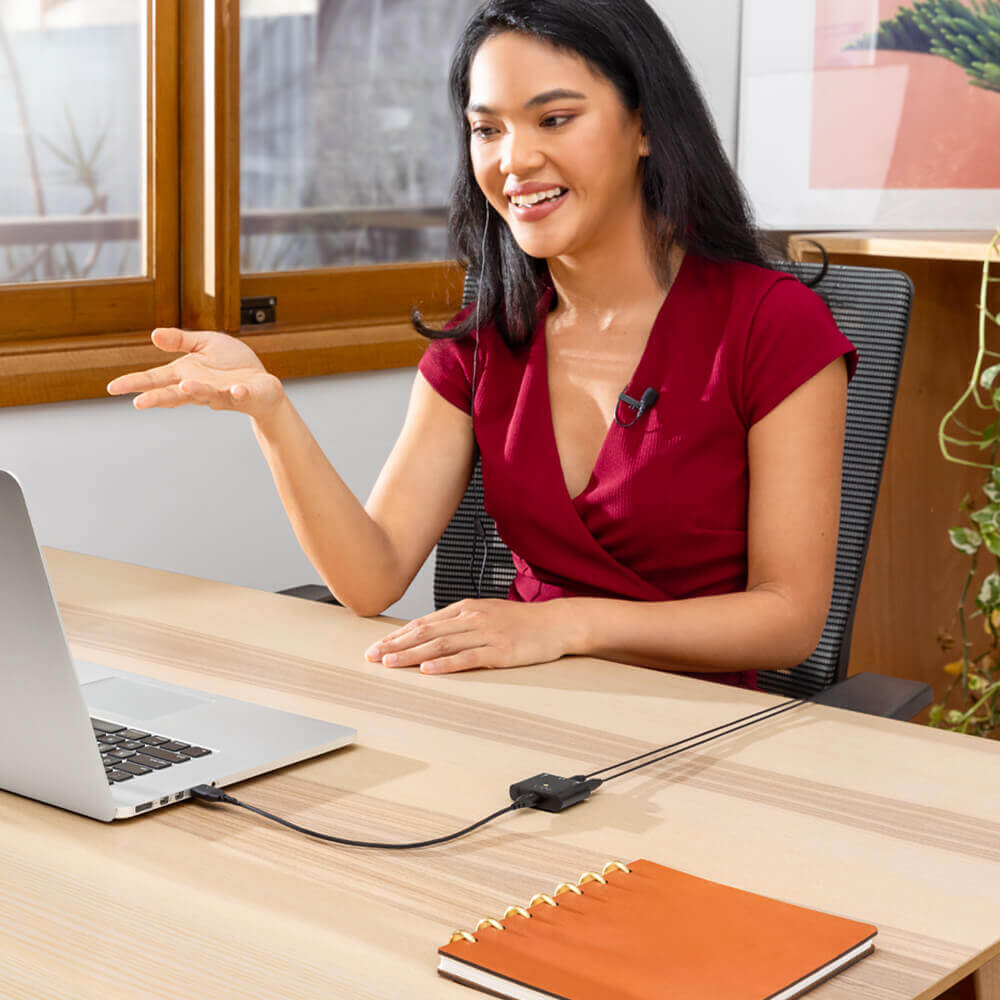
Mit einem Gewicht von weniger als 20 Gramm ist der AI-Micro äußerst kompakt und leicht. Fügen Sie einfach zwei Lavalier-Mikrofone hinzu, und schon haben Sie ein komplettes Aufnahmeset in Studioqualität, das in Ihre Tasche passt. Perfekt für Interviews vor Ort, Podcasts unterwegs sowie Videoanrufe oder Livestreams zu Hause.
AI-Micro Benutzerhandbuch
Das AI-Micro Benutzerhandbuch erklärt alles, was Sie über die Verwendung Ihres AI-Micro wissen müssen. Dieser umfassende Leitfaden deckt alles ab – von den ersten Schritten über die Aktualisierung der Geräte-Firmware bis hin zum Zugriff auf erweiterte Funktionen und Möglichkeiten mit der RØDE -App-Suite, einschließlich RØDE Connect, RØDE Reporter und RØDE Central.
Holen Sie mehr aus Ihrem Mikrofon heraus
Das AI-Micro ist mit der gesamten RØDE -App-Suite kompatibel, und bietet Ihnen Zugriff auf erweiterte Funktionen
und Features, Konfiguration unterwegs sowie Aufnahmen in Broadcast-Qualität auf jedem Gerät.
.png ) RØDE Central herunterladen
RØDE Central herunterladen
RØDE Central ist die unverzichtbare Begleit-App für kompatible Geräte aus den Bereichen RØDE Wireless und klassische Mikrofone. Sie ermöglicht die Konfiguration der Geräteeinstellungen, das Freischalten erweiterter Funktionen, die Optimierung und den Export von Aufnahmen, den Zugriff auf Geräteinformationen sowie die Aktualisierung auf die neueste Firmware. Laden Sie die App kostenlos herunter, um das volle Potenzial Ihres Geräts auszuschöpfen.
Mobil
Systemanforderungen: iOS 14 oder höher; Android 9.0 oder höher.
Desktop
Systemanforderungen: macOS 11 oder höher; Windows 10 Version 1803 oder höher.