Wireless GO II
Sistema de micrófono inalámbrico
- Sistema de micrófono inalámbrico de doble canal para grabar dos fuentes de sonido simultáneamente
- Transmisión digital de 2,4 GHz Series IV, cifrado de 128 bits: audio nítido a una distancia de hasta 200 m (con línea de visión), optimizado para un funcionamiento extremadamente estable en entornos con alta densidad de RF
- Salida analógica TRS de 3,5 mm, salida digital USB-C y para iOS: compatibilidad universal con cámaras, dispositivos móviles y ordenadores
- Grabación integrada: más de 40 horas de memoria interna
- Opción de grabar cada canal por separado o combinarlos para disfrutar de la máxima flexibilidad en la posproducción
- Canal de seguridad, control de ganancia flexible (atenuador de tres niveles, ampliable a 10 niveles)
- Batería integrada recargable de iones de litio: hasta 7 horas de autonomía
- Compatible con todos los dispositivos RØDE Series IV, incluidos Wireless ME, Wireless PRO, RØDECaster Duo, RØDECaster Pro II y Streamer X
- Diseñado y fabricado en las instalaciones de producción de precisión de RØDE en Australia
- Sistema de micrófono inalámbrico de doble canal para grabar dos fuentes de sonido simultáneamente
- Transmisión digital de 2,4 GHz Series IV, cifrado de 128 bits: audio nítido a una distancia de hasta 200 m (con línea de visión), optimizado para un funcionamiento extremadamente estable en entornos con alta densidad de RF
- Salida analógica TRS de 3,5 mm, salida digital USB-C y para iOS: compatibilidad universal con cámaras, dispositivos móviles y ordenadores
- Grabación integrada: más de 40 horas de memoria interna
- Opción de grabar cada canal por separado o combinarlos para disfrutar de la máxima flexibilidad en la posproducción
- Canal de seguridad, control de ganancia flexible (atenuador de tres niveles, ampliable a 10 niveles)
- Batería integrada recargable de iones de litio: hasta 7 horas de autonomía
- Compatible con todos los dispositivos RØDE Series IV, incluidos Wireless ME, Wireless PRO, RØDECaster Duo, RØDECaster Pro II y Streamer X
- Diseñado y fabricado en las instalaciones de producción de precisión de RØDE en Australia
Aprovecha la libertad de la tecnología inalámbrica
El Wireless GO II incorpora la avanzada transmisión digital Series IV de RØDE para ofrecer un audio inalámbrico increíblemente estable y nítido a distancias de hasta 200 m (con línea de visión), incluso en entornos con una alta densidad de RF, como oficinas, centros comerciales, calles concurridas y universidades.

Versatilidad increíble
Con sus salidas analógica de 3,5 mm y digital USB-C, el Wireless GO II puede grabar dos canales de audio independientes en cámaras DSLR y mirrorless, teléfonos y tabletas iOS y Android, y ordenadores Mac y Windows . Un sistema de micrófonos inalámbricos que se adapta a tus necesidades.

Seguro y sin preocupaciones
El control de ganancia flexible del Wireless GO II y su canal de seguridad garantizan que puedas grabar niveles perfectos en tu cámara, incluso si la persona que estás grabando sube repentinamente la voz; además, como cada transmisor incorpora grabación integrada, seguirás teniendo una copia de seguridad del audio aunque salgas del alcance.

Audio profesional de bolsillo
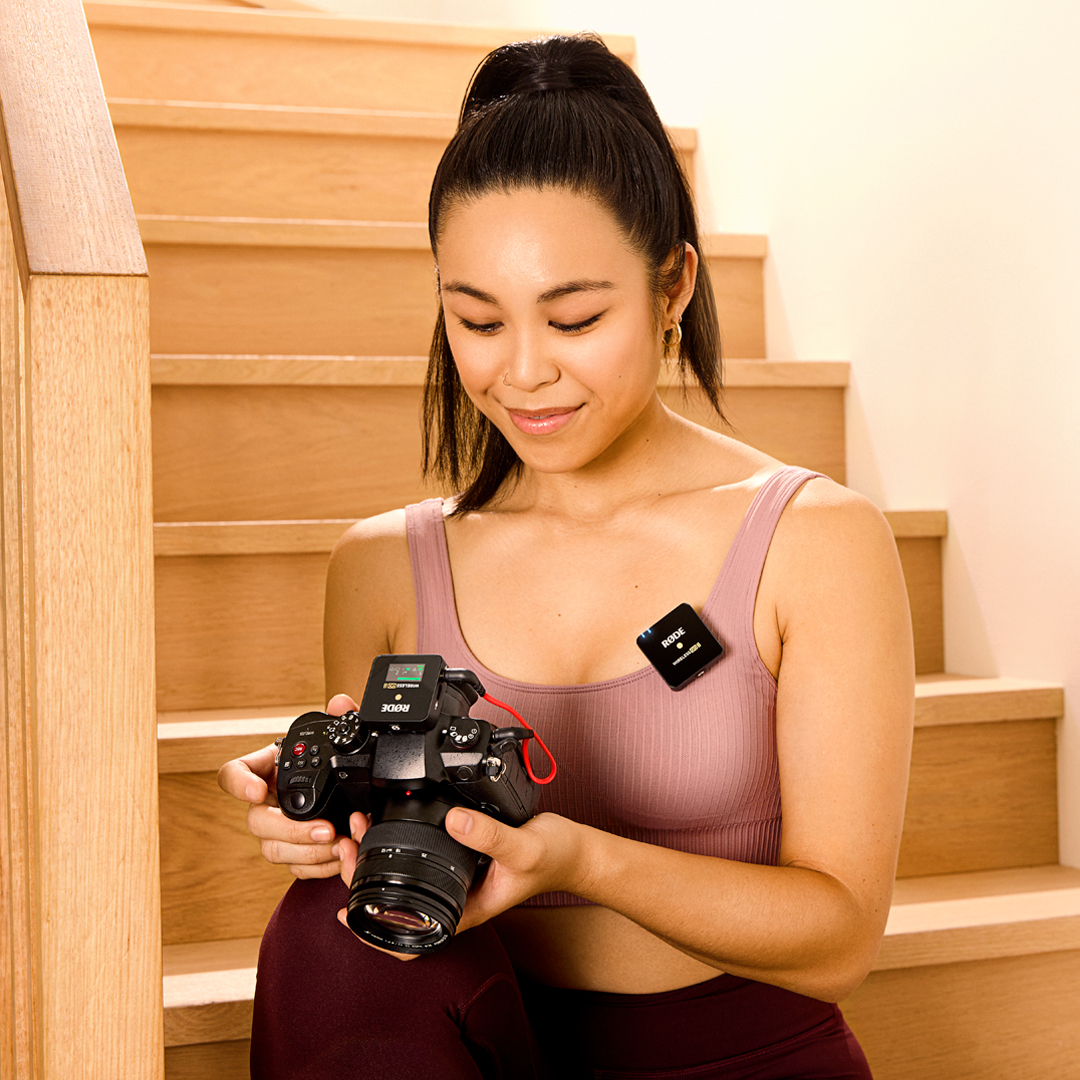
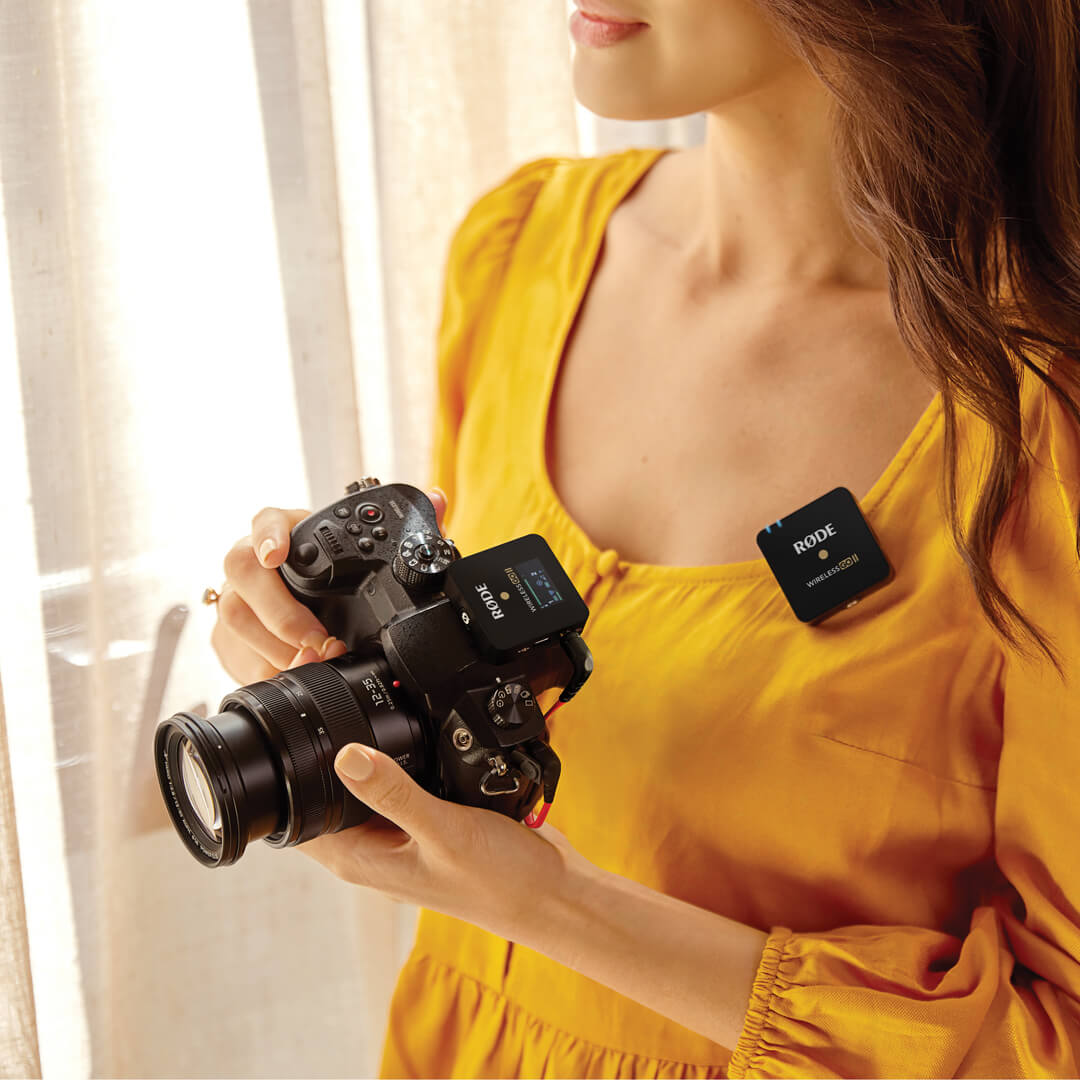
Los transmisores y el receptor Wireless GO II pesan menos de 32 g cada uno y prácticamente no ocupan espacio en una bolsa para equipo de cámara, mochila, bolso o maletín. Gracias a su formato excepcionalmente compacto y a su innovador diseño de pinza, es increíblemente fácil fijarlos a la ropa, a las zapatas de accesorios de la cámara, a las pértigas o a equipos de cámara móviles.
.png ) Descargar RØDE Central
Descargar RØDE Central
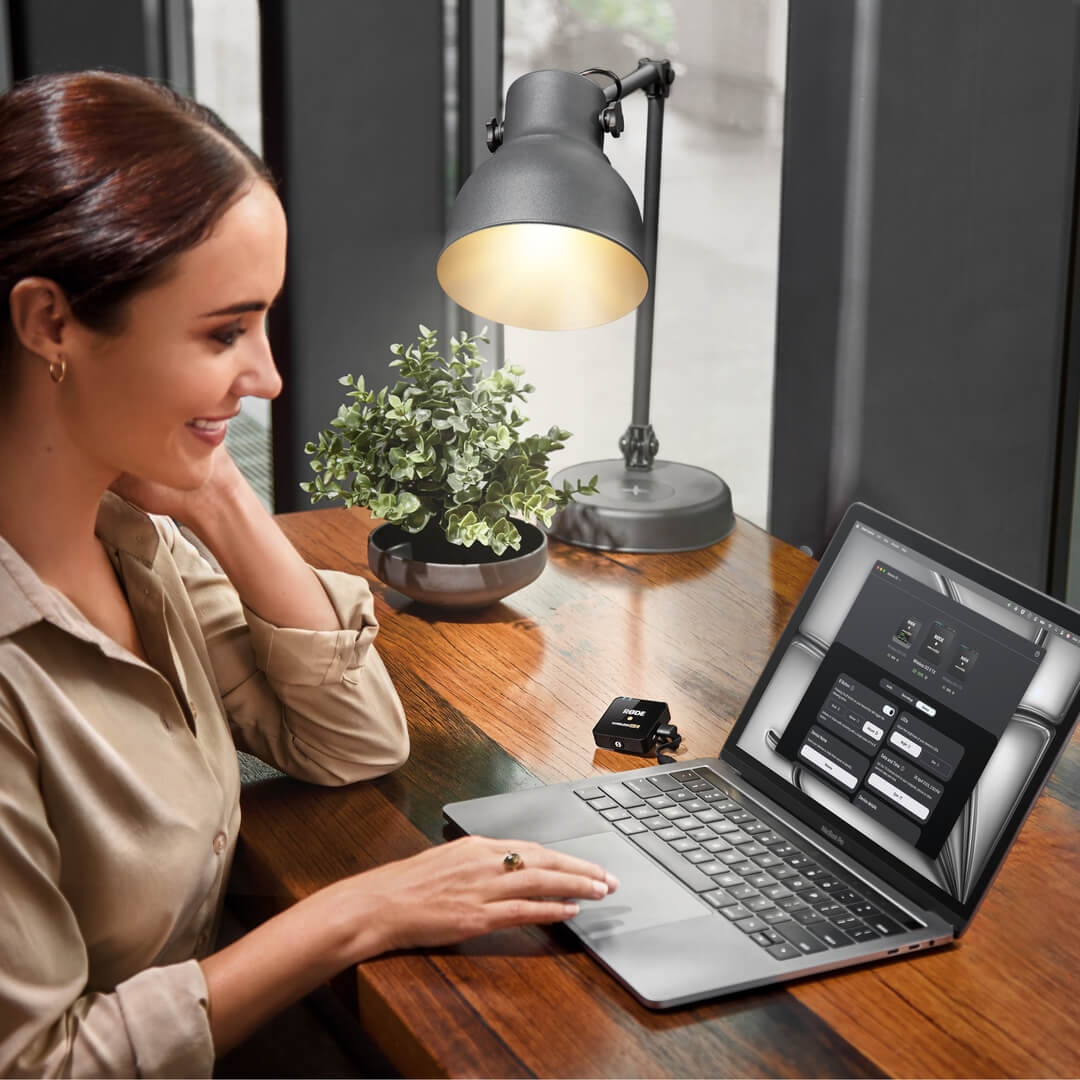
RØDE Central es la aplicación complementaria esencial para dispositivos compatibles de las gamas RØDE wireless y de micrófonos clásicos, que permite configurar los ajustes del dispositivo, desbloquear funciones avanzadas, optimizar y exportar grabaciones, acceder a la información del dispositivo y actualizarlo al firmware más reciente. Descárgala gratis para aprovechar todo el potencial de tu dispositivo.
Móvil
Requisitos del sistema operativo: iOS 14 o posterior; Android 9.0 o posterior.
Ordenador
Requisitos del sistema operativo: macOS 11 o posterior; Windows 10 versión 1803 o posterior.
 RØDE Connect
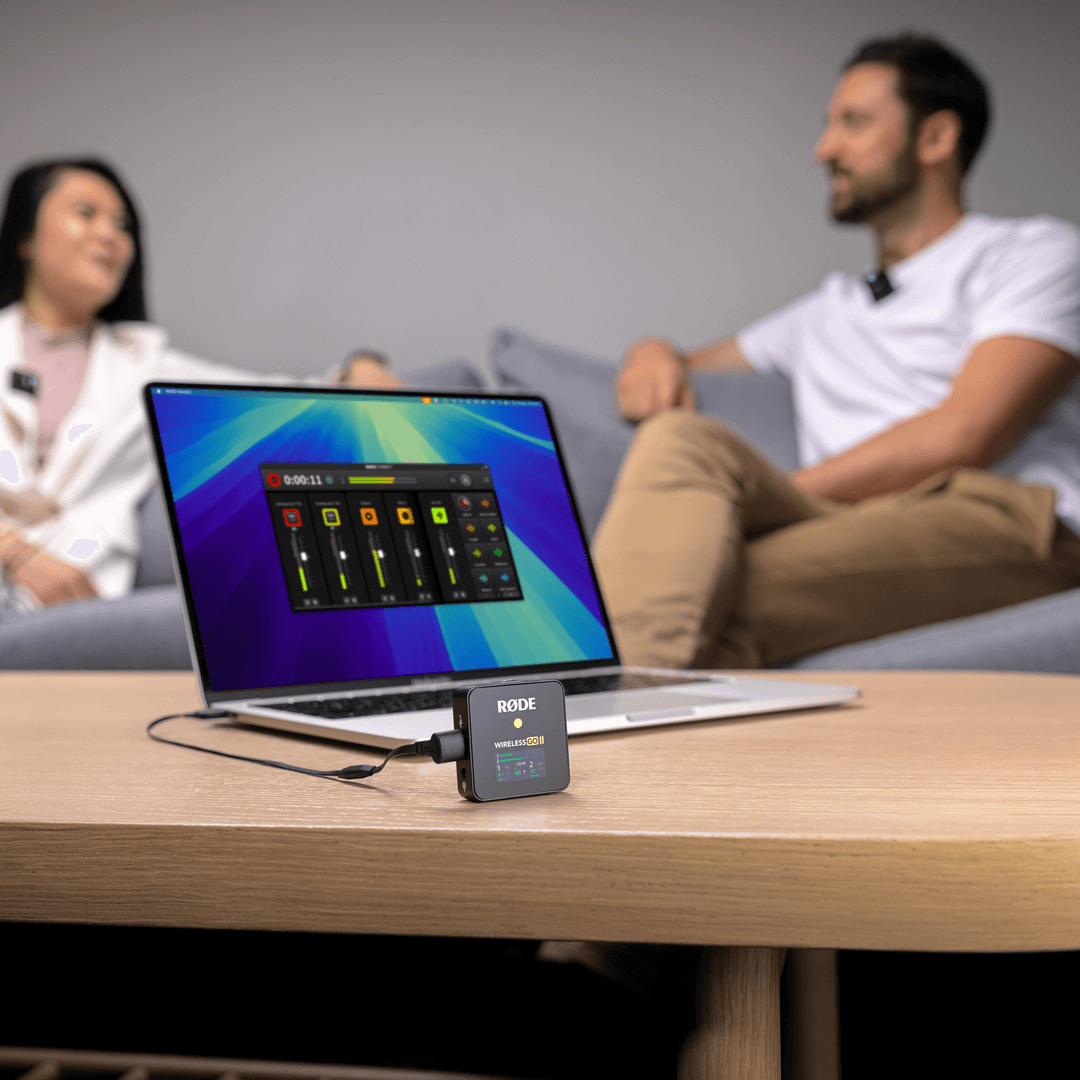
RØDE Connect es una solución de software gratuita para podcasts y streaming, ahora compatible con Wireless GO II. RODE Connect facilita la grabación o transmisión de audio con calidad profesional desde el ordenador.
RØDE Connect permite conectar hasta cuatro invitados físicos, con dos Wireless GO II, a un solo ordenador. Cuenta con una interfaz intuitiva y fácil de usar, inspirada en RØDECaster Pro.
Requisitos del sistema operativo: macOS 11 o posterior; Windows 10 versión 1803 o posterior.
Guía del usuario de Wireless GO II
La Guía del usuario de Wireless GO II explica todo lo que necesitas saber para utilizar tu Wireless GO II y capturar un sonido increíble. Esta guía completa abarca desde los primeros pasos y el aprendizaje del uso de tu dispositivo hasta la configuración y activación de funciones avanzadas con la aplicación complementaria RØDE Central.
Wireless GO II individual
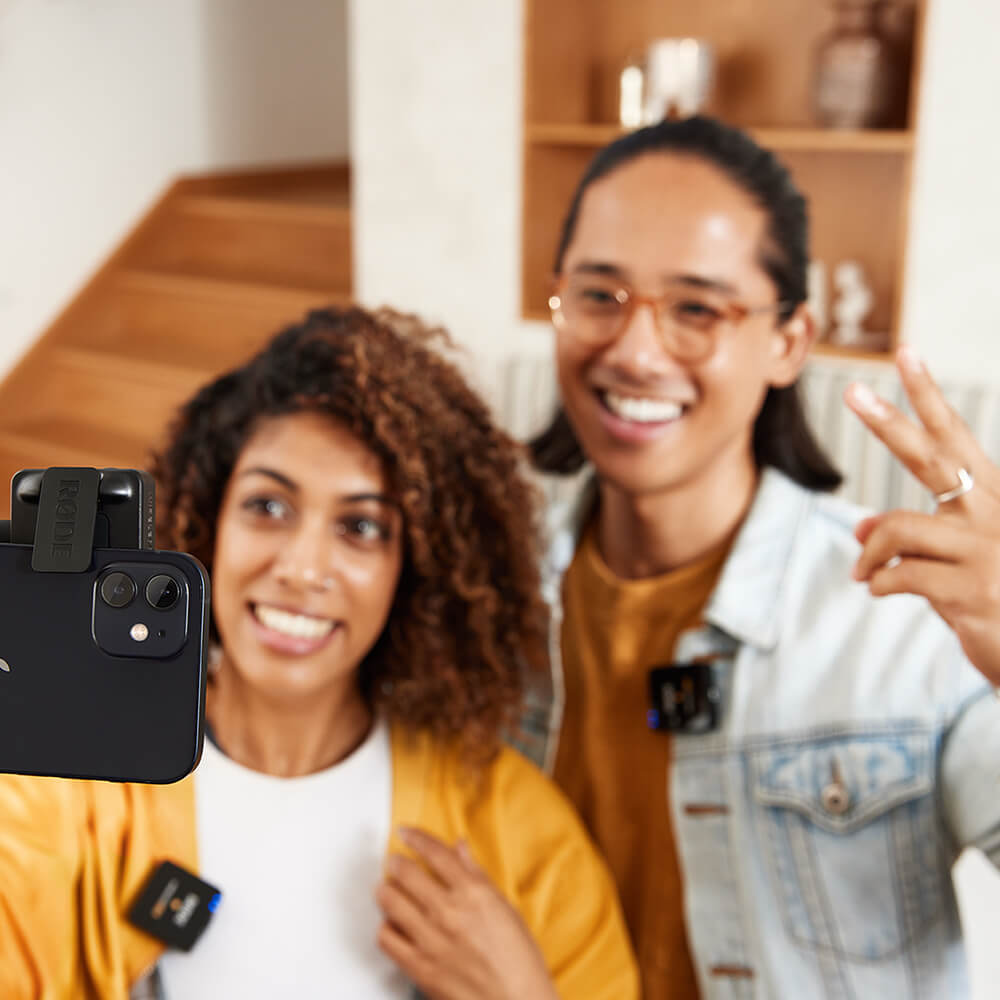
El Wireless GO II también está disponible en un conjunto individual. Ofrece el mismo formato ultracompacto y un conjunto de funciones inigualable que el modelo original, pero con un solo transmisor en lugar de dos, por lo que es el micrófono inalámbrico definitivo para creadores de contenido en solitario. El receptor del conjunto individual es idéntico al de la edición de dos canales, lo que significa que se puede emparejar fácilmente un transmisor adicional para realizar grabaciones de dos canales.