AI-Micro
Interfaz de audio de doble canal de 3,5 mm
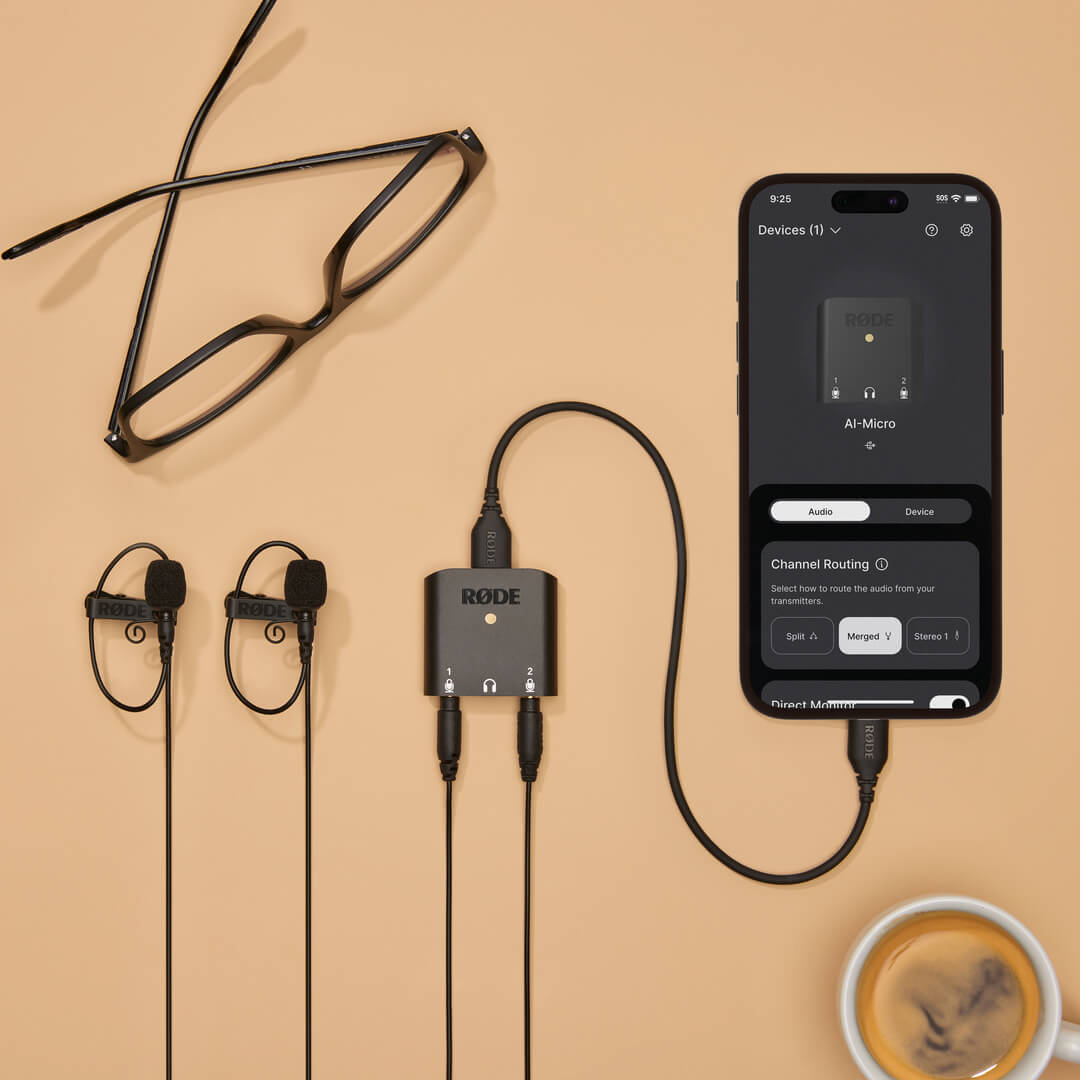
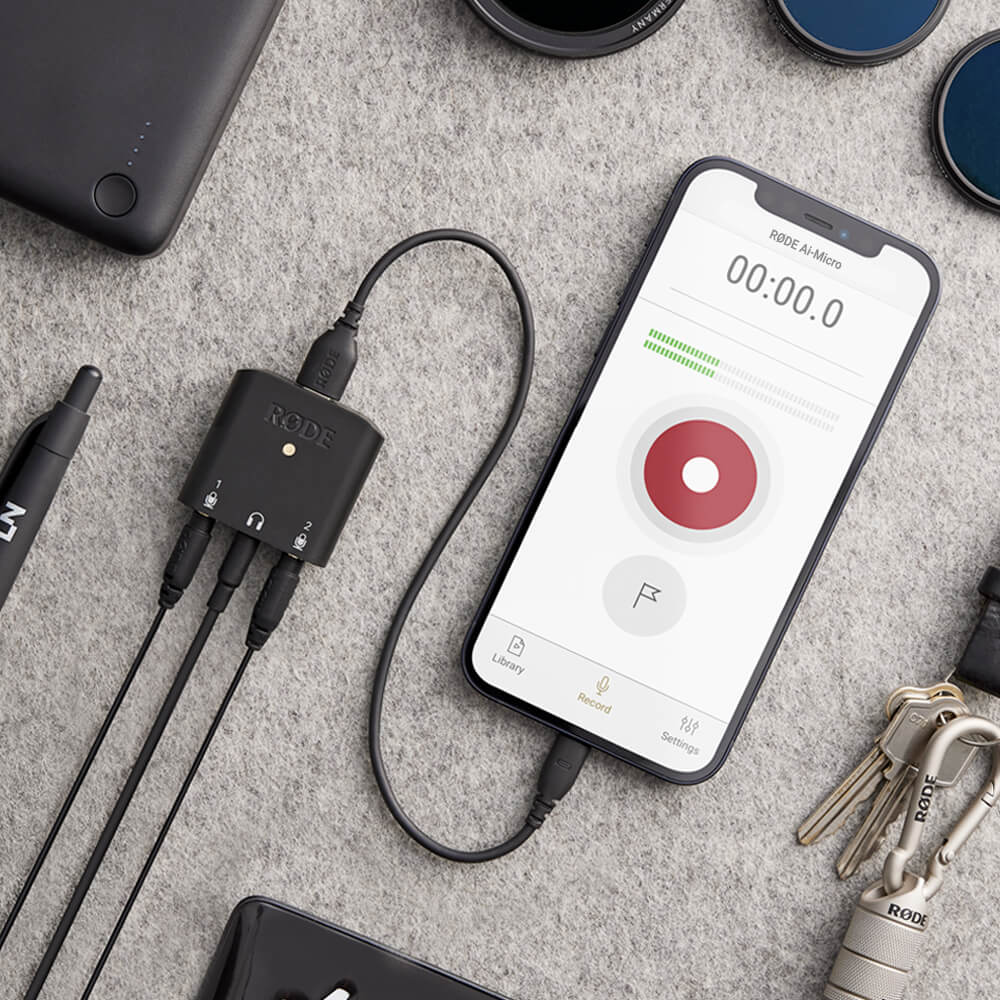
El AI-Micro es una interfaz ultracompacta de dos canales para grabar audio de alta calidad en un dispositivo móvil o un ordenador. Con dos entradas de detección automática para conectar prácticamente cualquier micrófono con salida de 3,5 mm, monitorización mediante auriculares, una salida universal USB para usar con smartphones, tabletas y ordenadores, y compatibilidad con aplicaciones RØDE para disfrutar de un sonido potenciado, el AI-Micro te permite grabar sin límites.
- Interfaz de audio ultracompacta de dos canales para ordenadores y dispositivos móviles
- Compatible con prácticamente cualquier micrófono con salida de 3,5 mm, incluidos RØDE VideoMics, micrófonos de solapa, sistemas inalámbricos y micrófonos estéreo que no requieren alimentación por plug-in
- Entradas con detección automática para conectar micrófonos TRS o TRRS
- Salida de auriculares de alta calidad para monitorización de audio sin latencia y reproducción
- Se conecta fácilmente a ordenadores, smartphones y tabletas mediante la salida universal USB (se incluyen cables USB-A, USB-C y Lightning)
- Compatible con el conjunto de aplicaciones RØDE para disfrutar de funciones ampliadas, configuración sobre la marcha y grabación con calidad de emisión en cualquier dispositivo
El AI-Micro es una interfaz ultracompacta de dos canales para grabar audio de alta calidad en un dispositivo móvil o un ordenador. Con dos entradas de detección automática para conectar prácticamente cualquier micrófono con salida de 3,5 mm, monitorización mediante auriculares, una salida universal USB para usar con smartphones, tabletas y ordenadores, y compatibilidad con aplicaciones RØDE para disfrutar de un sonido potenciado, el AI-Micro te permite grabar sin límites.
- Interfaz de audio ultracompacta de dos canales para ordenadores y dispositivos móviles
- Compatible con prácticamente cualquier micrófono con salida de 3,5 mm, incluidos RØDE VideoMics, micrófonos de solapa, sistemas inalámbricos y micrófonos estéreo que no requieren alimentación por plug-in
- Entradas con detección automática para conectar micrófonos TRS o TRRS
- Salida de auriculares de alta calidad para monitorización de audio sin latencia y reproducción
- Se conecta fácilmente a ordenadores, smartphones y tabletas mediante la salida universal USB (se incluyen cables USB-A, USB-C y Lightning)
- Compatible con el conjunto de aplicaciones RØDE para disfrutar de funciones ampliadas, configuración sobre la marcha y grabación con calidad de emisión en cualquier dispositivo
Audio increíble, en cualquier lugar
El AI-Micro te permite capturar audio de alta calidad fácilmente en tu dispositivo móvil u ordenador. Cuenta con dos entradas de 3,5 mm para conectar una amplia variedad de micrófonos, incluidos RØDE VideoMics, micrófonos de solapa y sistemas inalámbricos como Wireless GO. Estas entradas detectan automáticamente si hay conectado un micrófono TRS o TRRS y se adaptan de forma automática; no necesitas adaptadores. La entrada 1 también puede configurarse como una única entrada TRS estéreo para utilizarla con micrófonos estéreo que no requieren alimentación por plug-in.
Los preamplificadores de micrófono de alta calidad y la grabación de alta resolución (24 bits/48 kHz) garantizan una captura de audio nítida en cualquier dispositivo, con una salida de auriculares para monitorización y reproducción de audio sin eco. Tanto si haces entrevistas, podcasts, presentaciones o retransmisiones en directo, graba un audio increíble en cualquier lugar con AI-Micro.
Compatibilidad universal con todos tus dispositivos
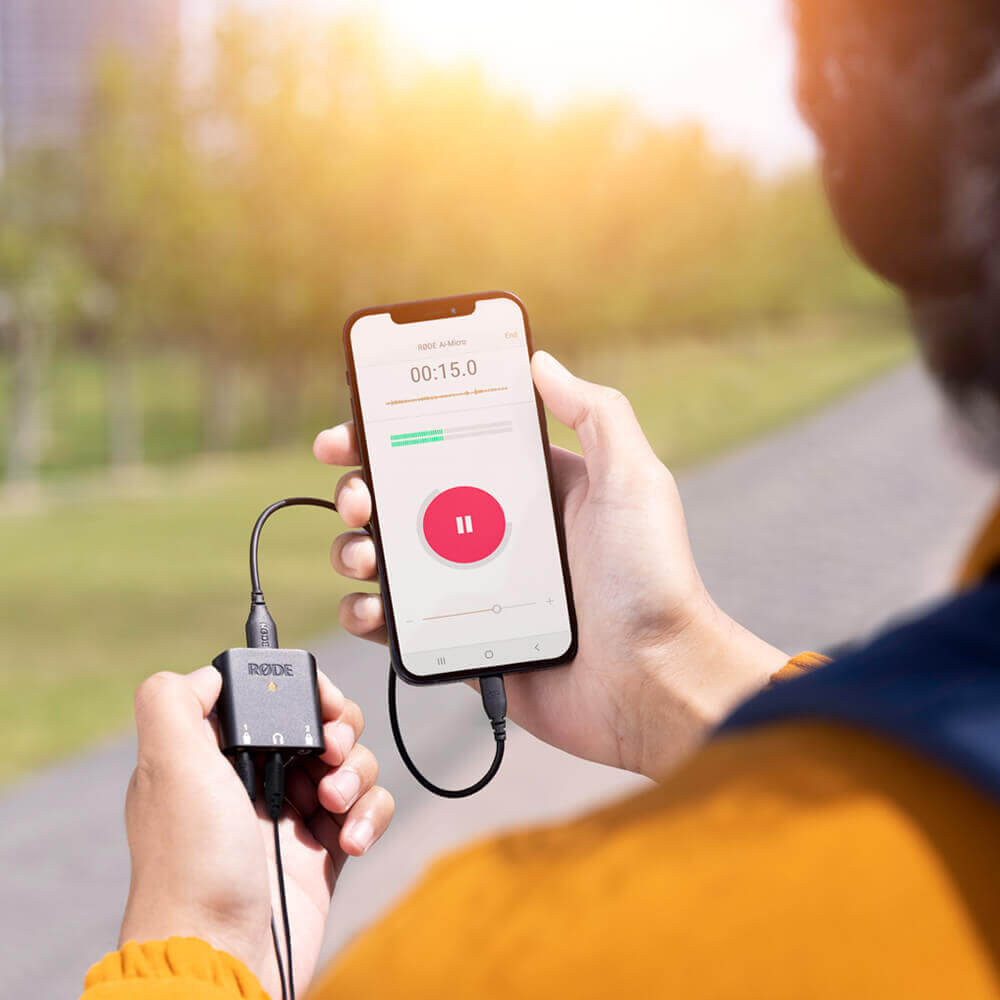
El AI-Micro puede conectarse sin problemas a todos tus dispositivos mediante su salida universal USB . Incluye cables USB-A, USB-C y Lightning, para que puedas empezar a grabar al instante, y es compatible con dispositivos Mac, Windows, iOS y Android mediante plug and play. Grabar de forma portátil nunca había sido tan fácil.
Portabilidad de bolsillo
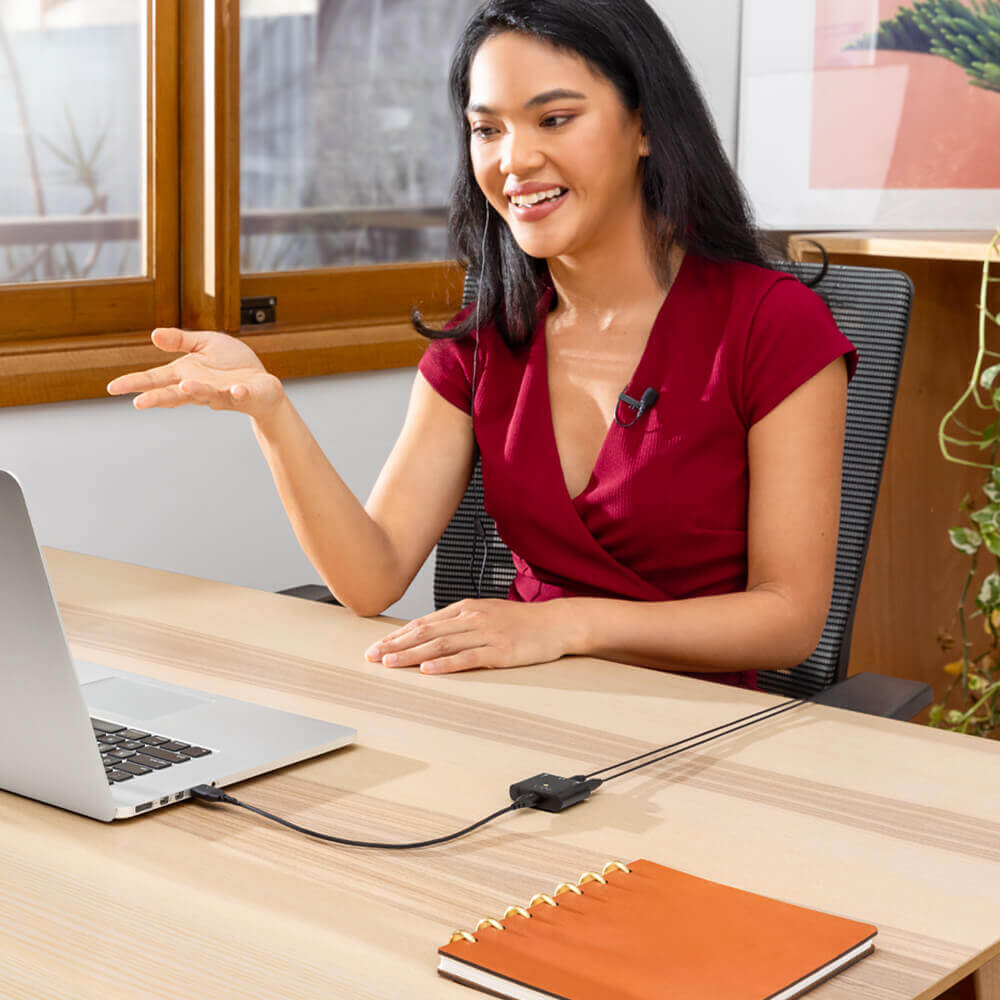
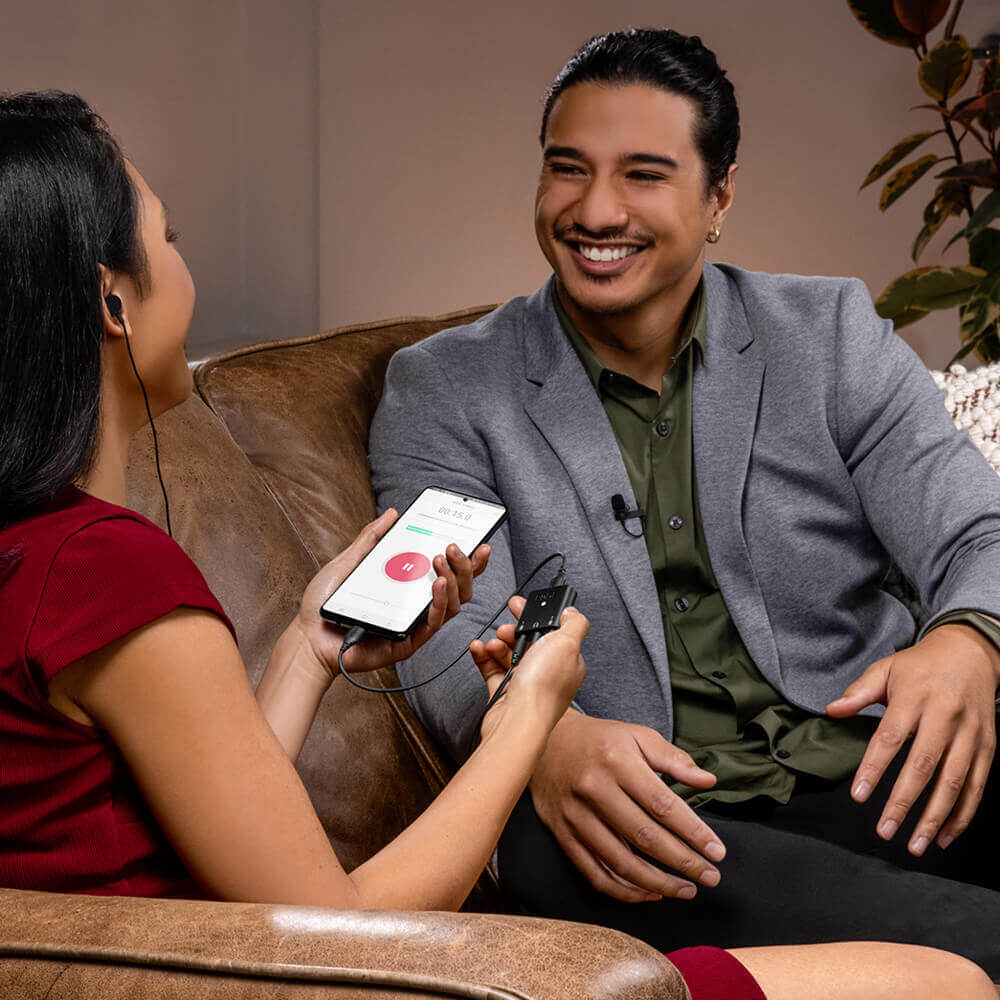
Con un peso inferior a 20 gramos, el AI-Micro es extremadamente compacto y ligero. Solo tienes que añadir dos micrófonos de solapa y tendrás un sistema de grabación completo con calidad de estudio que cabe en tu bolsillo. Perfecto para realizar entrevistas sobre el terreno, grabar podcasts estés donde estés y hacer videollamadas o retransmisiones en directo desde casa.
AI-Micro Guía del usuario
La Guía del usuario de AI-Micro explica todo lo que necesitas saber para utilizar tu AI-Micro. Esta guía completa abarca desde los primeros pasos hasta la actualización del firmware del dispositivo y cómo acceder a funciones y prestaciones ampliadas con la suite de aplicaciones RØDE , incluidos RØDE Connect, RØDE Reporter y RØDE Central.
Potencia al máximo tu micrófono
El AI-Micro es compatible con todo el conjunto de aplicaciones RØDE , lo que te brinda acceso a funciones ampliadas
y funcionalidad, configuración sobre la marcha y grabación con calidad de emisión en cualquier dispositivo.
.png ) Descargar RØDE Central
Descargar RØDE Central
RØDE Central es la aplicación complementaria esencial para dispositivos compatibles de las gamas RØDE wireless y de micrófonos clásicos, que permite configurar los ajustes del dispositivo, desbloquear funciones avanzadas, optimizar y exportar grabaciones, acceder a la información del dispositivo y actualizarlo al firmware más reciente. Descárgala gratis para aprovechar todo el potencial de tu dispositivo.
Móvil
Requisitos del sistema operativo: iOS 14 o posterior; Android 9.0 o posterior.
Ordenador
Requisitos del sistema operativo: macOS 11 o posterior; Windows 10 versión 1803 o posterior.