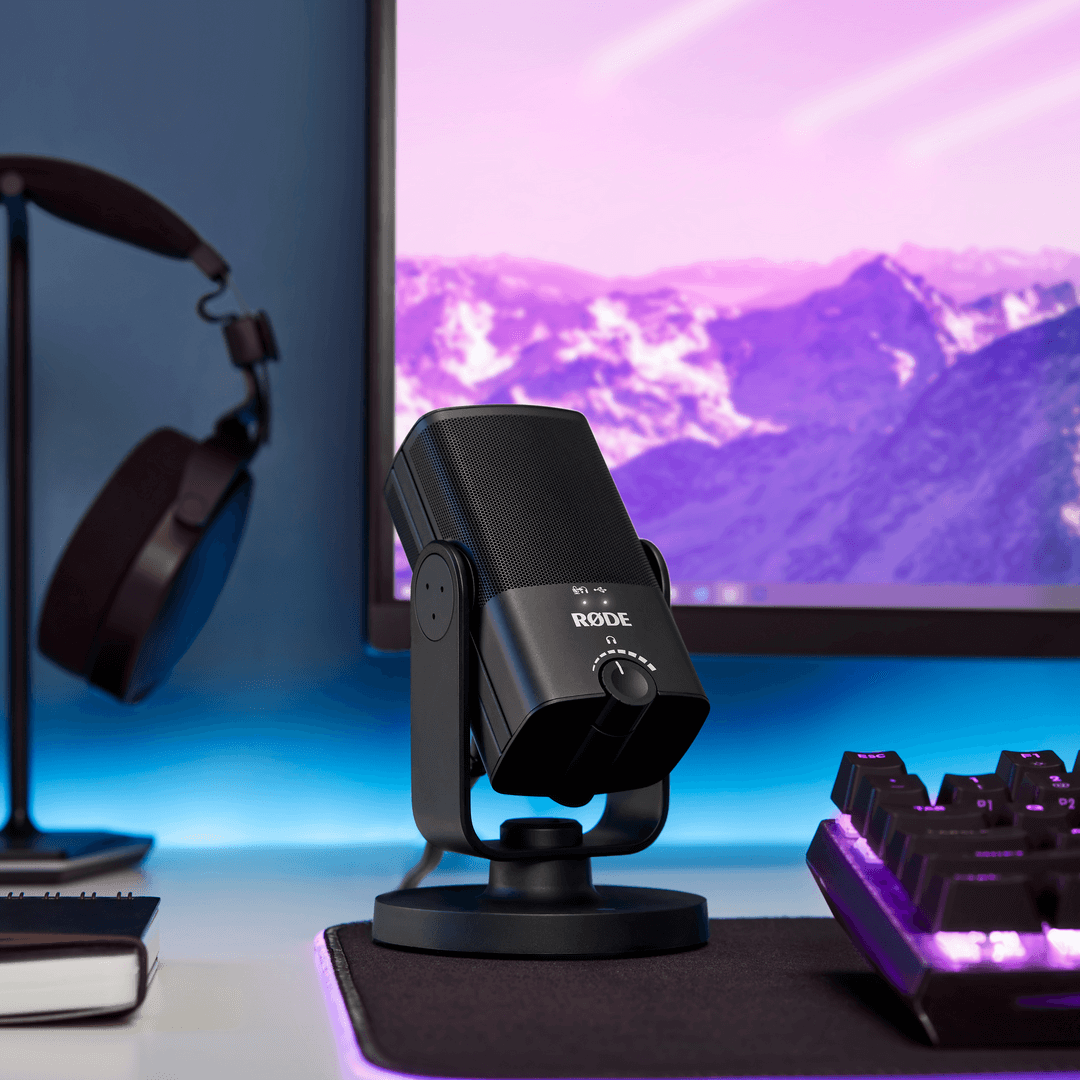
NT-USB Mini
Micrófono compacto
El NT-USB Mini ofrece la impecable calidad de sonido de los micrófonos de estudio de categoría mundial de RØDE en un USB micrófono compacto y fácil de usar. Diseñado para proporcionar un audio nítido y de calidad profesional directamente a un ordenador o tableta, es el micrófono perfecto para gamers, podcasters, músicos, streamers y creadores de contenido que quieren que se les escuche con toda definición.
- Cápsula de condensador de alta calidad que ofrece calidez y presencia para un sonido claro y profesional en todo tipo de aplicaciones de grabación.
- Patrón polar cardioide direccional, optimizado para reducir el sonido de la sala y centrarse en el sujeto, ya sean diálogos, voces o instrumentos.
- Filtro antipop integrado para reducir las oclusivas.
- Totalmente compatible con nuestro software sencillo y potente para pódcast y streaming, RØDE Connect
- Procesamiento de señal digital integrado: puerta de ruido, compresor, APHEX® Aural Exciter™ y Big Bottom™ (accesibles mediante RØDE Connect)
- Soporte giratorio integrado de 360 grados para colocarlo de forma rápida y sencilla sobre un escritorio, pie de micrófono o brazo de estudio.
- Soporte de escritorio magnético desmontable exclusivo que proporciona un excelente aislamiento frente a golpes y vibraciones, y se retira de forma rápida y sencilla.
- Salida USB compatible con la especificación de clase, que funciona perfectamente con ordenadores o tabletas, sin necesidad de controladores ni software: solo hay que conectarlo y pulsar el botón de grabación.
- La monitorización de auriculares sin latencia elimina los ecos molestos.
- Amplificador de auriculares con calidad de estudio y control de nivel de precisión.
- Construcción de acero y resina de nailon reforzada, elegante acabado negro mate y diseño compacto y moderno.
El NT-USB Mini ofrece la impecable calidad de sonido de los micrófonos de estudio de categoría mundial de RØDE en un USB micrófono compacto y fácil de usar. Diseñado para proporcionar un audio nítido y de calidad profesional directamente a un ordenador o tableta, es el micrófono perfecto para gamers, podcasters, músicos, streamers y creadores de contenido que quieren que se les escuche con toda definición.
- Cápsula de condensador de alta calidad que ofrece calidez y presencia para un sonido claro y profesional en todo tipo de aplicaciones de grabación.
- Patrón polar cardioide direccional, optimizado para reducir el sonido de la sala y centrarse en el sujeto, ya sean diálogos, voces o instrumentos.
- Filtro antipop integrado para reducir las oclusivas.
- Totalmente compatible con nuestro software sencillo y potente para pódcast y streaming, RØDE Connect
- Procesamiento de señal digital integrado: puerta de ruido, compresor, APHEX® Aural Exciter™ y Big Bottom™ (accesibles mediante RØDE Connect)
- Soporte giratorio integrado de 360 grados para colocarlo de forma rápida y sencilla sobre un escritorio, pie de micrófono o brazo de estudio.
- Soporte de escritorio magnético desmontable exclusivo que proporciona un excelente aislamiento frente a golpes y vibraciones, y se retira de forma rápida y sencilla.
- Salida USB compatible con la especificación de clase, que funciona perfectamente con ordenadores o tabletas, sin necesidad de controladores ni software: solo hay que conectarlo y pulsar el botón de grabación.
- La monitorización de auriculares sin latencia elimina los ecos molestos.
- Amplificador de auriculares con calidad de estudio y control de nivel de precisión.
- Construcción de acero y resina de nailon reforzada, elegante acabado negro mate y diseño compacto y moderno.
Sonido de estudio, simplificado
El NT-USB Mini lleva la calidad de sonido impecable de los micrófonos de estudio de renombre mundial de RØDE a una plataforma USB compacta. Ha sido diseñado específicamente para aportar calidez y presencia a tus grabaciones, y sonará de maravilla con diálogos, voces, guitarra o cualquier fuente que pongas delante de él.
Cuenta con un amplificador de auriculares de calidad de estudio y una salida de auriculares de 3,5 mm de alta calidad, con control de volumen de precisión, para que puedas monitorizar fácilmente tu audio. También incorpora un modo de monitorización con latencia cero conmutable que elimina el eco molesto durante la grabación. Es increíblemente fácil de configurar y usar, gracias a sus controles sencillos, filtro antipop integrado y salida USB compatible con la clase que funciona perfectamente con ordenadores o tabletas, sin necesidad de controladores ni software. Solo tienes que conectarlo a tu Mac, PC o tableta y pulsar el botón de grabación.
Tan flexible como necesitas
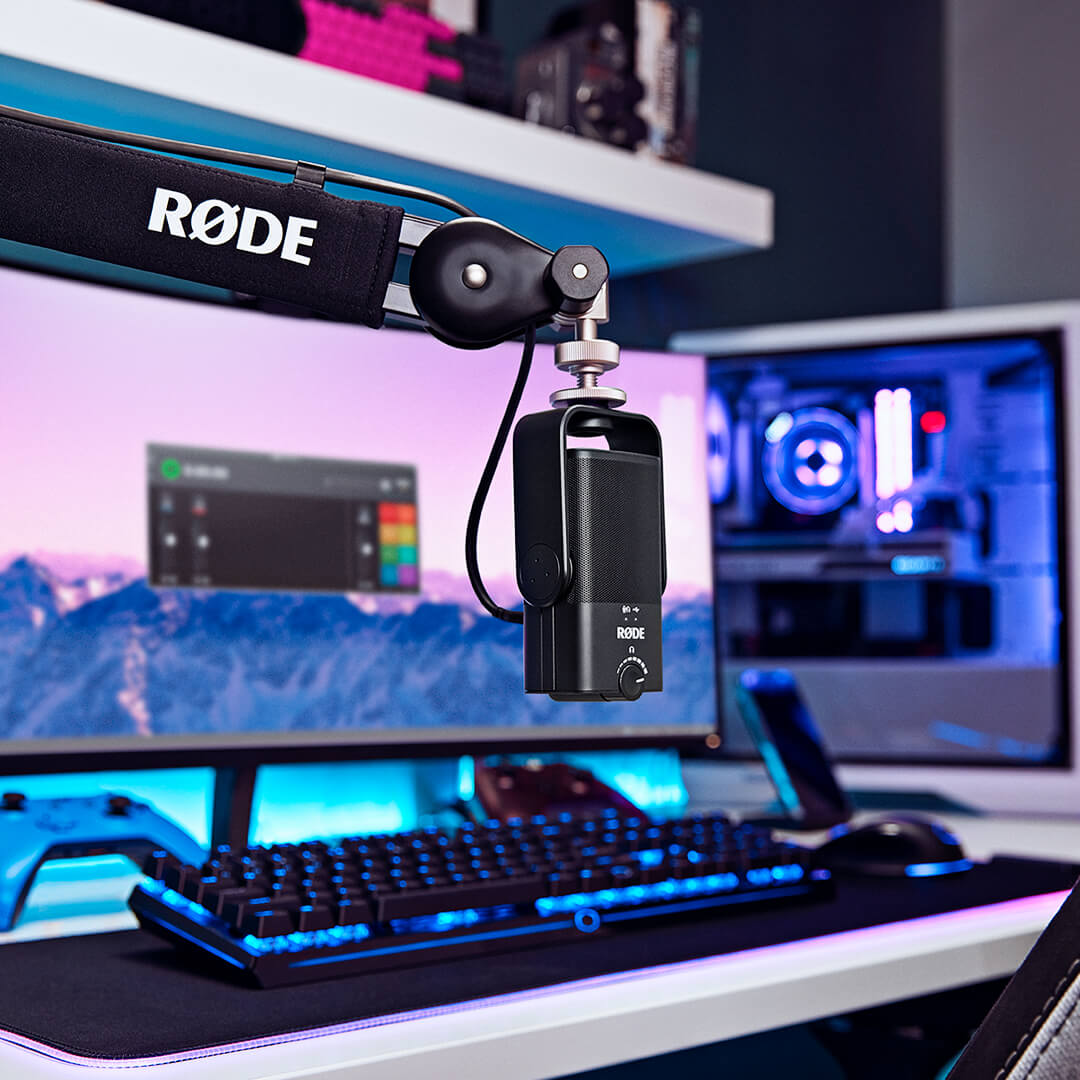
El NT-USB Mini ha sido diseñado para ofrecerte toda la flexibilidad que necesitas. Cuenta con un exclusivo soporte magnético de sobremesa desmontable: no solo proporciona una base estable sobre cualquier escritorio, sino que también permite retirarlo y fijarlo fácilmente a un pie de micrófono o a un brazo de estudio. Además, su exclusivo soporte giratorio de 360 grados permite colocar el micrófono en posición vertical, inclinado, de lado o boca abajo, donde sea necesario para conseguir la mejor grabación posible.
Tanto si haces streaming en Twitch como si grabas en tu DAW favorito o atiendes una llamada de trabajo en Zoom, el NT-USB Mini garantizará que se te escuche con toda claridad.
Elegante y compacto
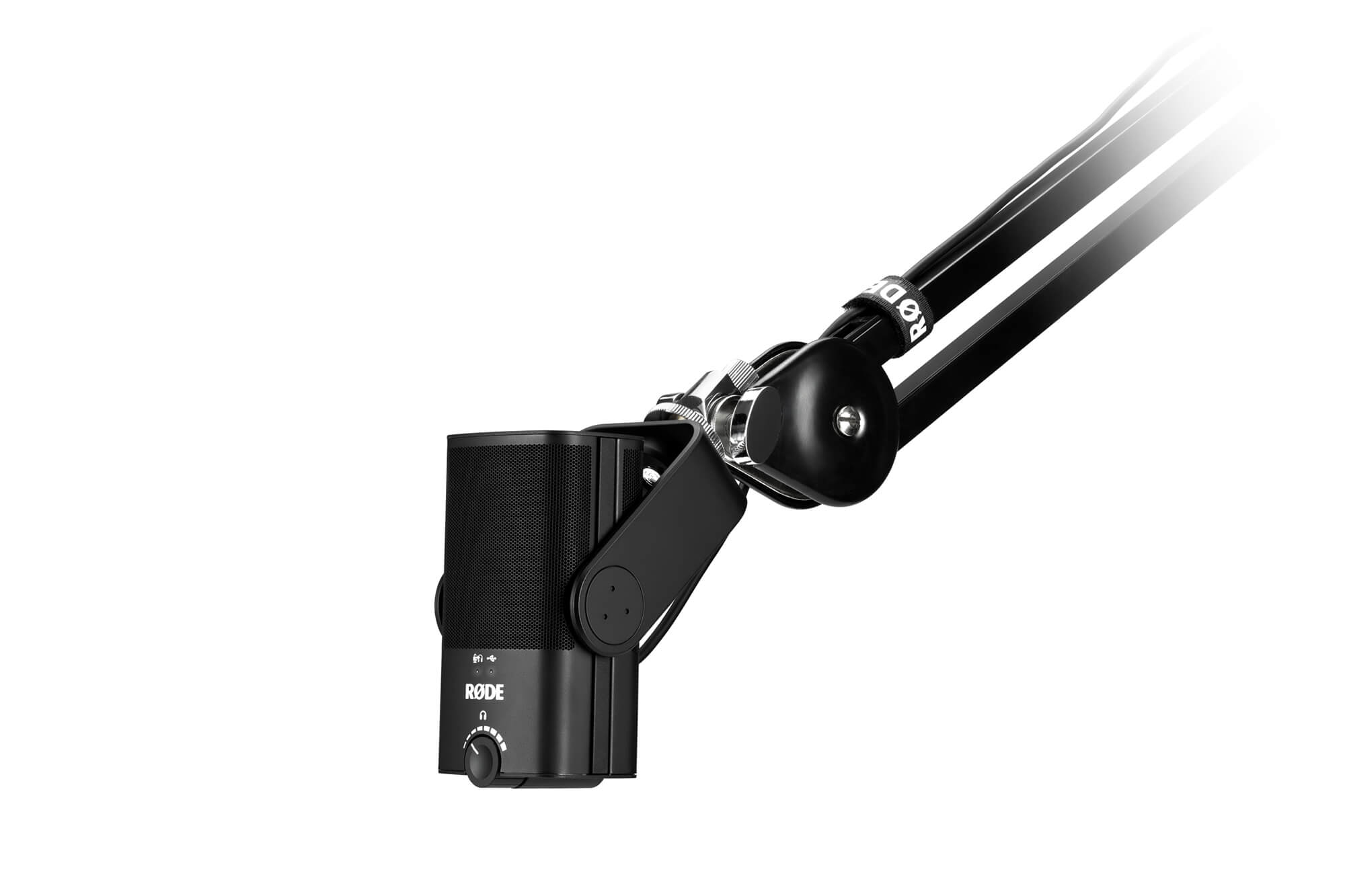
El NT-USB Mini es el complemento perfecto para cualquier configuración de escritorio o estudio doméstico. Con solo 89 mm de ancho y 141 mm de alto, es muy compacto y ocupa apenas una fracción del valioso espacio del escritorio. Además, tiene un aspecto fantástico: elegante y estilizado, con líneas depuradas y una estética moderna. Su construcción resistente, de acero y resina de nailon reforzada, garantiza que el NT-USB Mini esté preparado para afrontar las exigencias de la grabación en cualquier lugar y situación.
 RØDE Connect
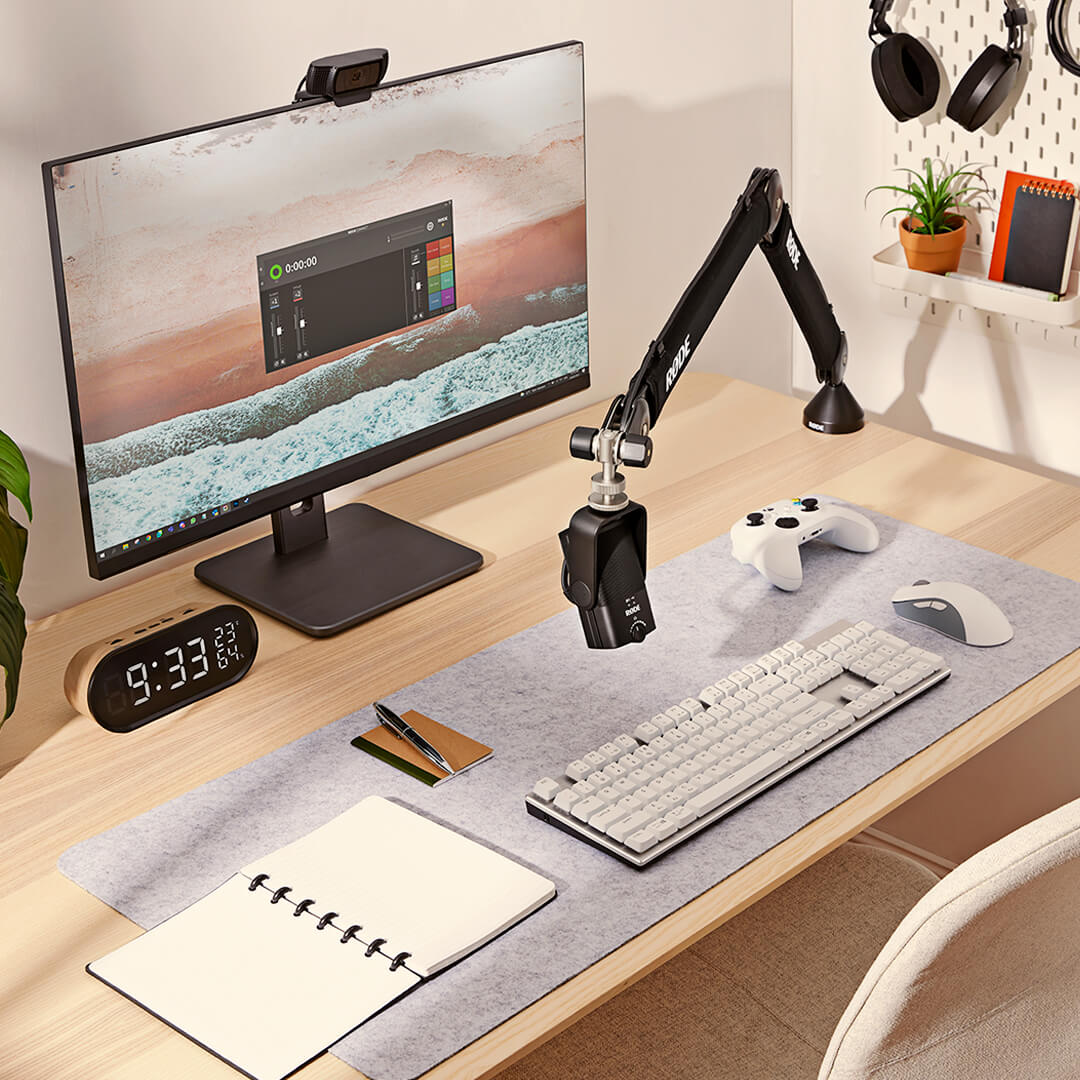
RØDE Connect es una solución de software sencilla y potente para podcasting y livestreaming con el NT-USB Mini.
Descubre todo el potencial del NT-USB MiniRØDE Connect permite acceder al compresor, la puerta de ruido y los legendarios procesadores APHEX Aural Exciter y Big Bottom integrados en el NT-USB Mini. Activados con un solo clic, cada uno de estos procesadores está optimizado para el NT-USB Mini y aportará un nivel adicional de acabado profesional a tus grabaciones.
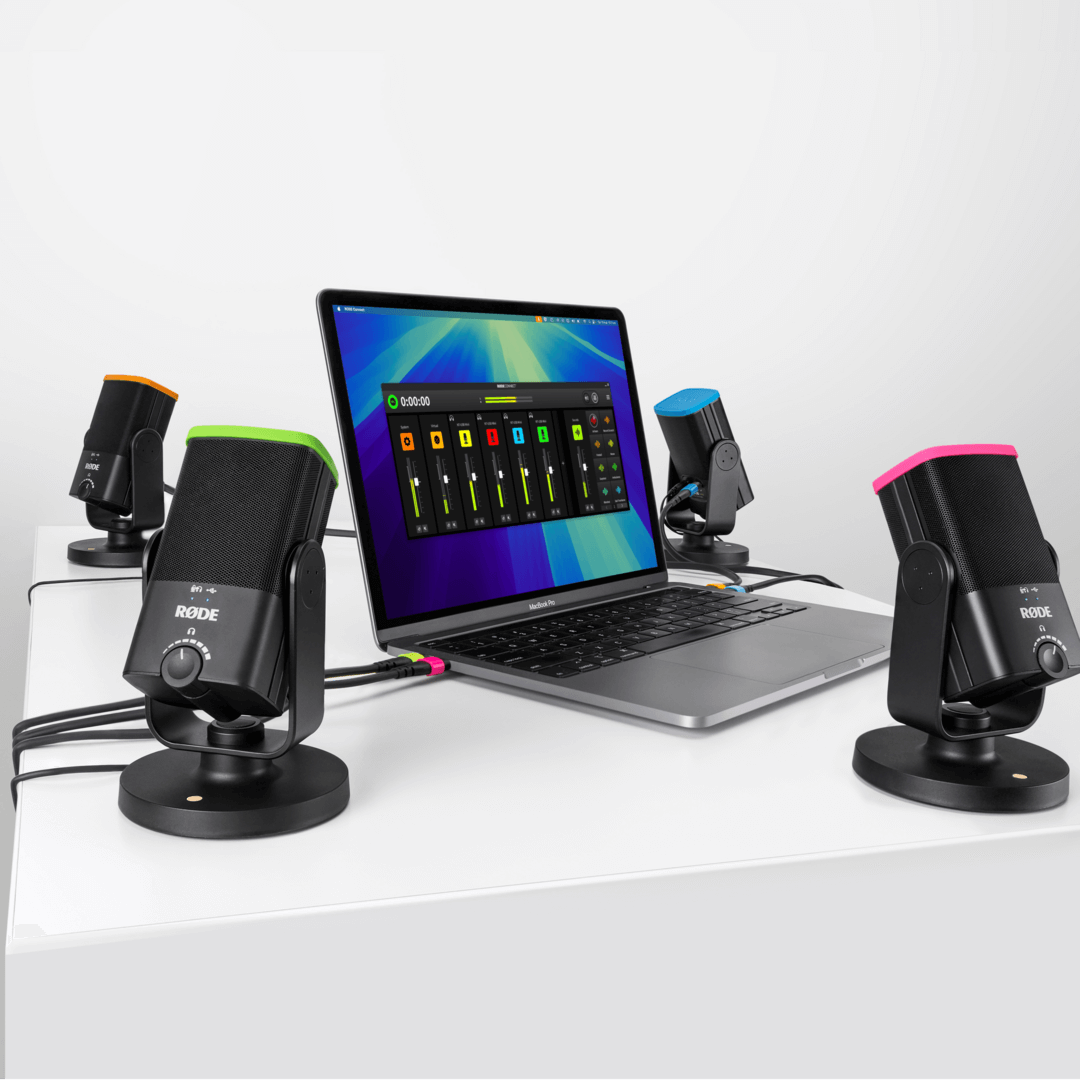
Haz podcasts fácilmenteConecta hasta cuatro NT-USB Mini a un solo Mac o PC sin necesidad de configuraciones complejas ni software complicado. Con una interfaz de grabación intuitiva y completa, canales virtuales para conectar invitados remotos y mezcla automática mix-minus en cada canal para una comunicación nítida y sin eco, esta es la forma más sencilla de crear un podcast profesional.
Haz streaming como un profesionalJunto con el NT-USB Mini, RØDE Connect es una solución potente para streamers y gamers que quieren simplificar su configuración de audio. Con un control optimizado del audio del micrófono y de las aplicaciones externas, además de controles de salida específicos para aplicaciones de streaming como OBS o Xsplit, configurar el audio de un livestream nunca había sido tan fácil.
Requisitos del sistema operativo: macOS 11 o posterior; Windows 10 versión 1803 o posterior.
.png ) Descargar RØDE Central
Descargar RØDE Central
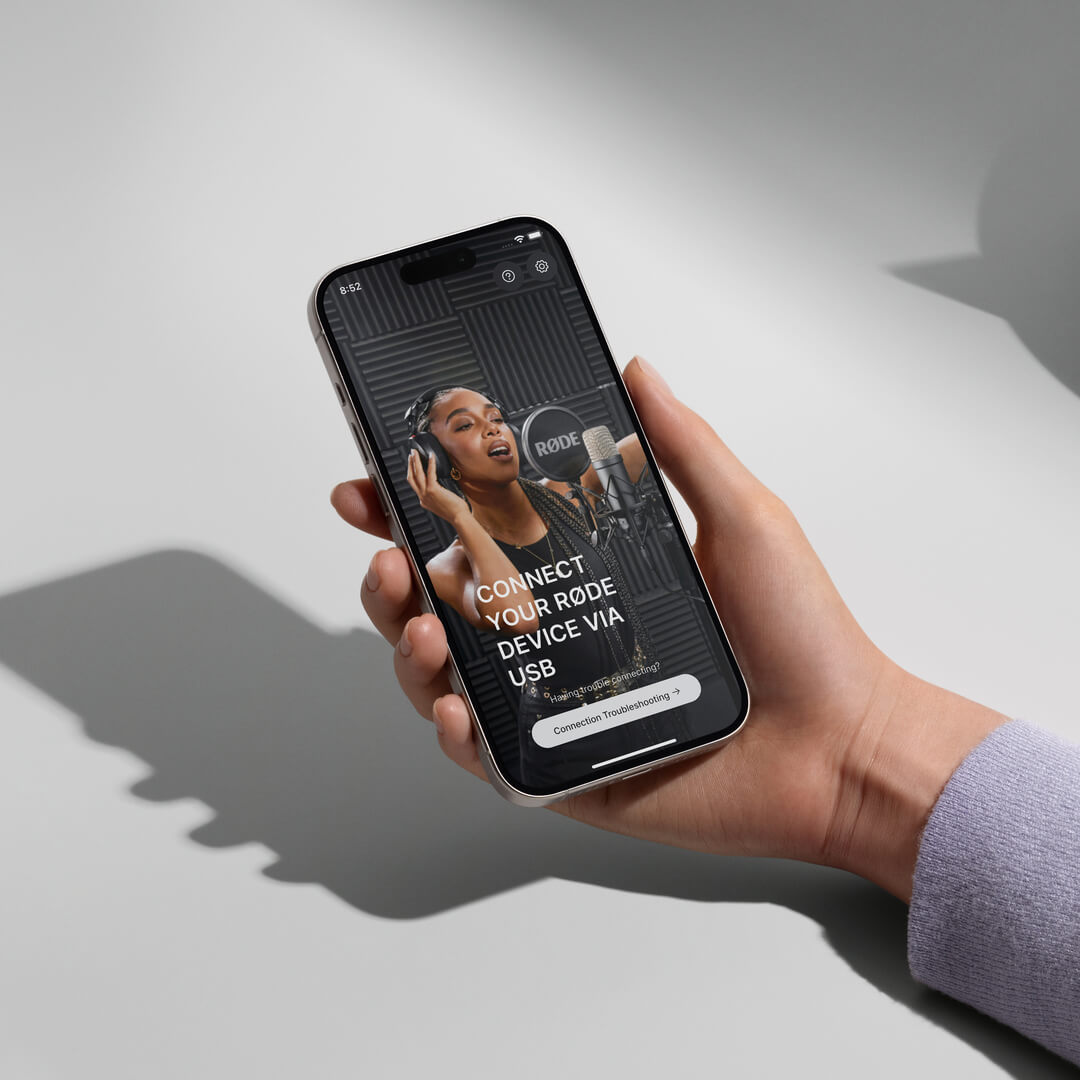
RØDE Central es la aplicación complementaria esencial para dispositivos compatibles de las gamas de micrófonos inalámbricos y clásicos de RØDE , que permite configurar los ajustes del dispositivo, desbloquear funciones avanzadas, optimizar y exportar grabaciones, acceder a la información del dispositivo y actualizarlo al firmware más reciente. Descárgala gratis para aprovechar todo el potencial de tu dispositivo.
Móvil
Requisitos del sistema operativo: iOS 14 o posterior; Android 9.0 o posterior.
Ordenador
Requisitos del sistema operativo: macOS 11 o posterior; Windows 10 versión 1803 o posterior.
NT-USB Mini Guía rápida del usuario
Descubre todo lo que necesitas saber sobre tu micrófono NT-USB Mini aquí. Esta completa guía del usuario explica todos los pasos necesarios para empezar a grabar en tu ordenador, tableta o smartphone.