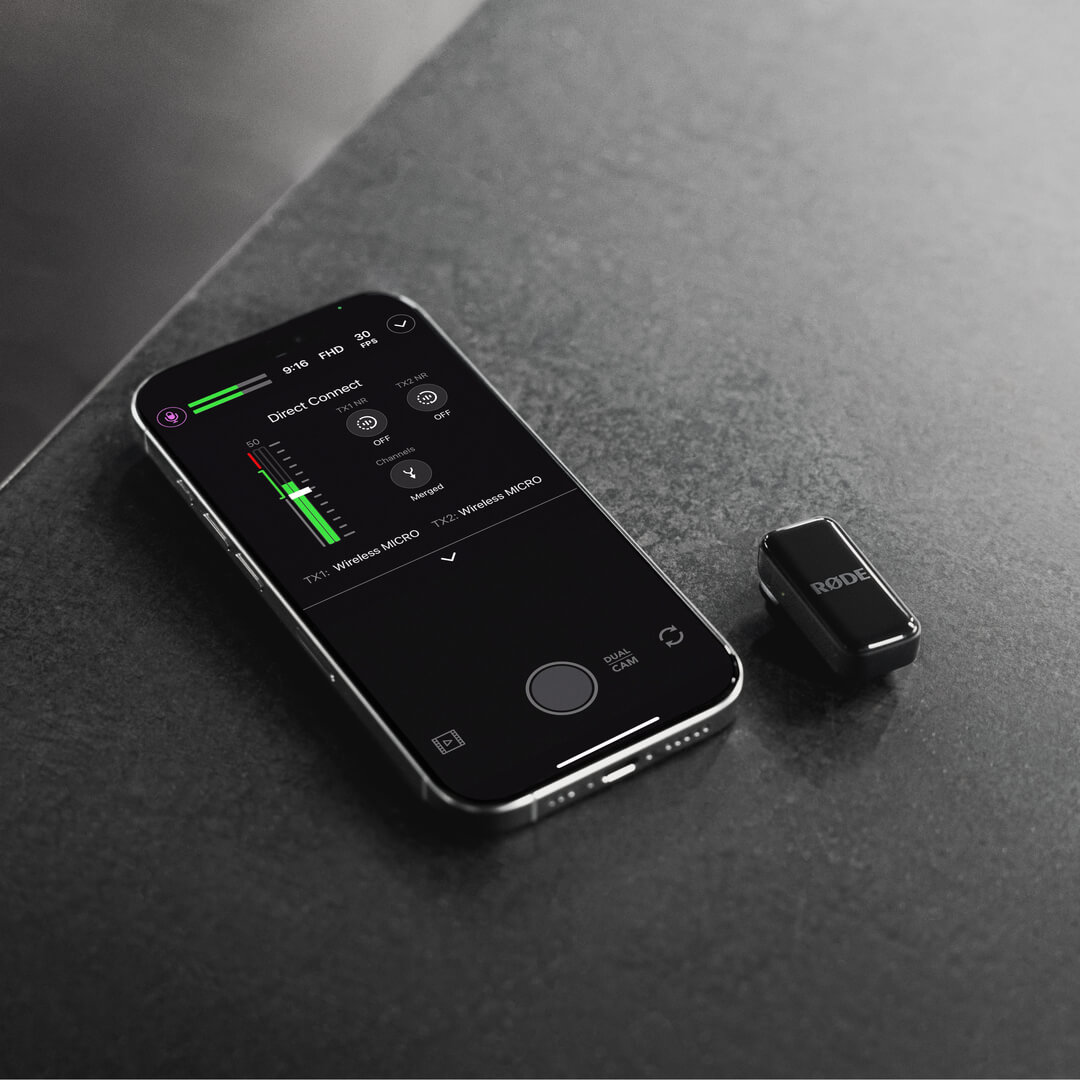
Wireless Micro
Le Wireless Micro se compose de deux émetteurs (TX) et d’un récepteur (RX). Les émetteurs captent l’audio avec leurs microphones intégrés, puis le transmettent sans fil au récepteur. Le récepteur se connecte directement à votre téléphone et vous permet d’utiliser votre Wireless Micro avec toute application d’enregistrement vidéo ou audio compatible avec l’audio USB .
Le Wireless Micro Camera Kit se compose de deux émetteurs et de récepteurs interchangeables pour caméra et smartphone. Les émetteurs captent l’audio avec leurs microphones intégrés et le transmettent sans fil au récepteur pour caméra. Le récepteur pour caméra se connecte directement à votre caméra ou à tout autre appareil d’enregistrement via sa sortie TRS 3,5 mm ou USB-C, vous permettant d’enregistrer un son sans fil d’une clarté exceptionnelle avec toute configuration compatible.
Premiers pas
Wireless Micro
- Retirez les deux émetteurs du boîtier de charge, enlevez les autocollants qui recouvrent leurs contacts de charge, puis replacez-les dans le boîtier
- Retirez à nouveau les deux émetteurs du boîtier : leurs LED clignotent alors
- Connectez directement le récepteur à votre smartphone : ses LED clignotent, puis restent allumées lorsque le récepteur est appairé aux émetteurs
Votre Wireless Micro est maintenant sous tension, appairé et prêt à enregistrer de l’audio sans fil sur votre téléphone.
Kit caméra
- Retirez les deux émetteurs et le récepteur du boîtier de charge, enlevez les autocollants qui recouvrent leurs contacts de charge, puis replacez-les dans le boîtier pour les recharger.
- Retirez le récepteur du boîtier : il s’allume et affiche l’écran d’accueil.
- Fixez le récepteur à votre caméra à l’aide de la griffe porte-accessoire et connectez-le avec le câble TRS 3,5 mm fourni.
- Retirez les émetteurs du boîtier : leurs LED clignotent jusqu’à ce qu’ils soient appairés au récepteur.
Vous êtes maintenant prêt à enregistrer.
Utilisation des clips et des aimants
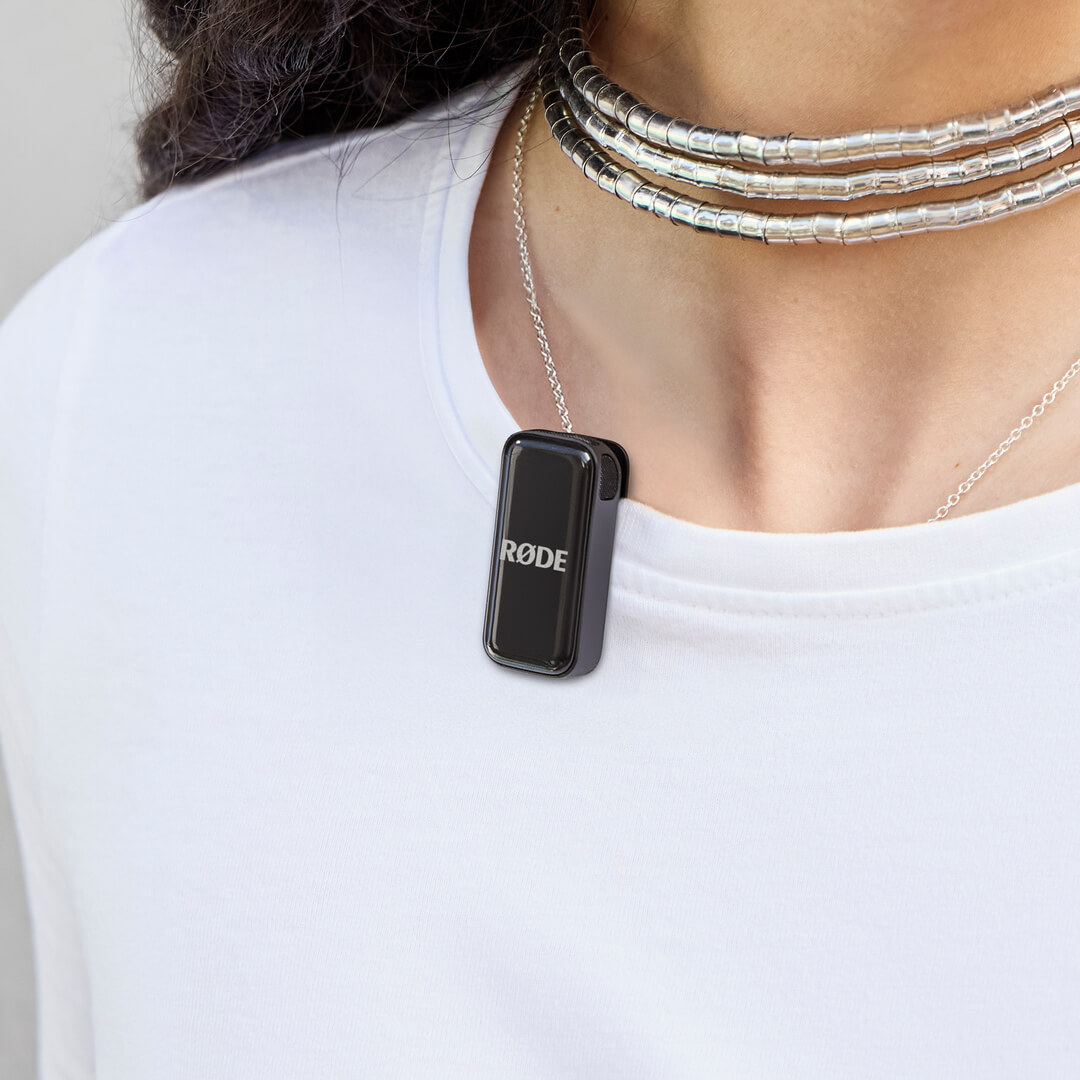
Les émetteurs du Wireless Micro sont dotés de clips intégrés conçus pour se fixer directement au bord d’un vêtement ou d’un autre accessoire, comme le col de votre chemise ou de votre veste.
Chaque émetteur est également fourni avec une fixation magnétique que vous pouvez placer n’importe où sur vos vêtements : il vous suffit de glisser le vêtement entre la fixation magnétique et l’émetteur. Lorsque vous ne les utilisez pas, vous pouvez ranger les fixations magnétiques dans le boîtier de charge.
Conseil de pro
Essayez de fixer le Wireless Micro transmetteur aussi près que possible de la bouche de votre sujet, sans obstruer les microphones avec trop de vêtements ou de cheveux. Vous pouvez même utiliser les fixations magnétiques pour fixer le transmetteur à l’intérieur des vêtements afin de mieux le protéger du bruit du vent.
Utilisation des bonnettes anti-vent
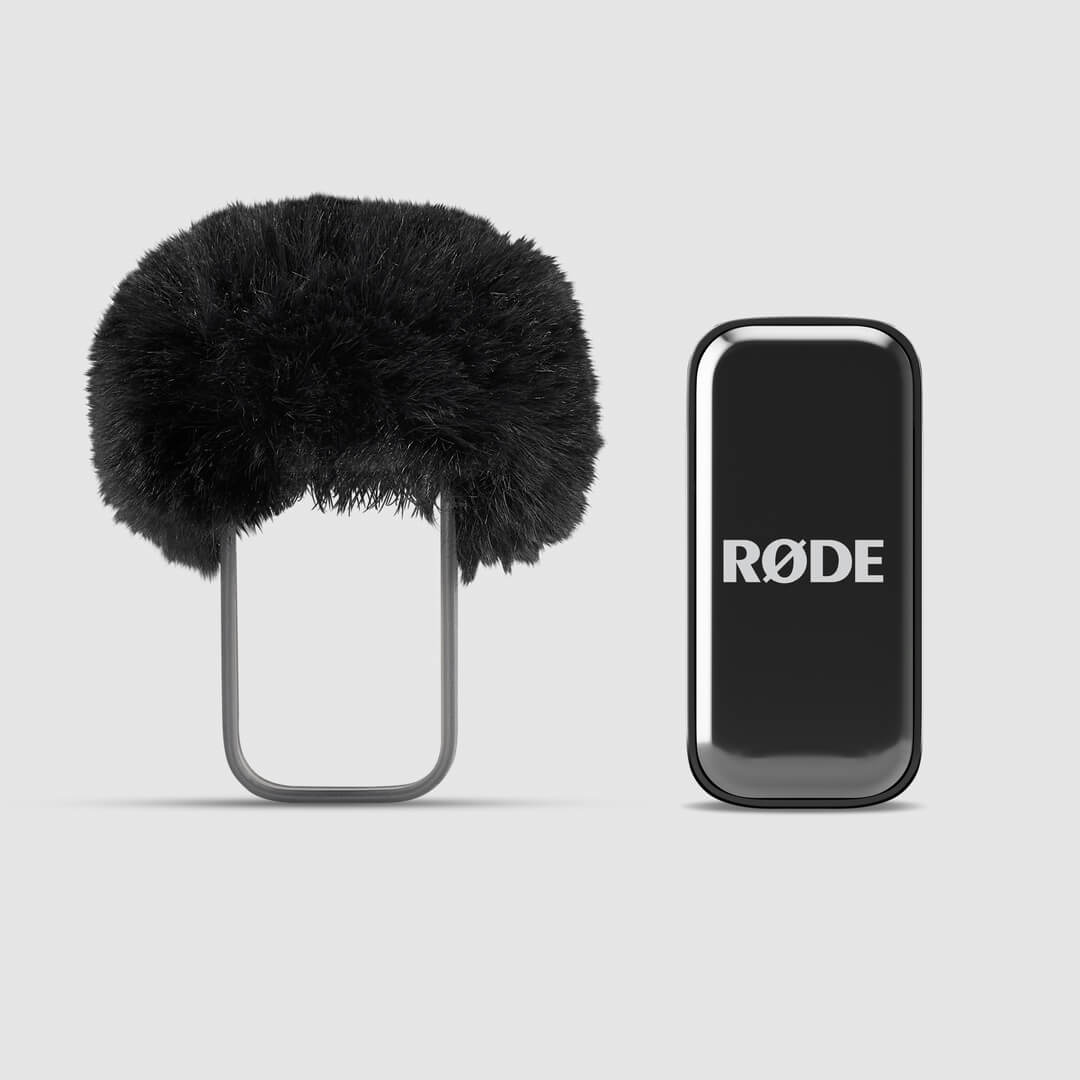
Les microphones intégrés aux émetteurs sont logés dans une chambre acoustique brevetée en instance, spécialement conçue pour réduire l’impact du bruit du vent et des plosives sur votre audio. En extérieur, vous pouvez utiliser les bonnettes anti-vent en fourrure supplémentaires pour réduire encore davantage ces effets, notamment par vent fort.
Il suffit de faire glisser le support de la bonnette sur l’émetteur, de manière à aligner la bonnette en fourrure avec le microphone de l’émetteur.
Utilisation du récepteur Camera Kit
Le récepteur Camera Kit s’appaire automatiquement avec vos émetteurs dès la sortie de la boîte : il vous suffit de retirer le récepteur et les émetteurs de l’étui de recharge pour être prêt à enregistrer.
Doté d’un écran AMOLED lumineux, le récepteur permet une configuration et un contrôle rapides et simples. Grâce à ses sorties TRS 3,5 mm et USB-C, il offre une connectivité universelle avec les caméras et est compatible avec un large éventail d’appareils, des reflex numériques et appareils photo hybrides à d’autres équipements d’enregistrement.
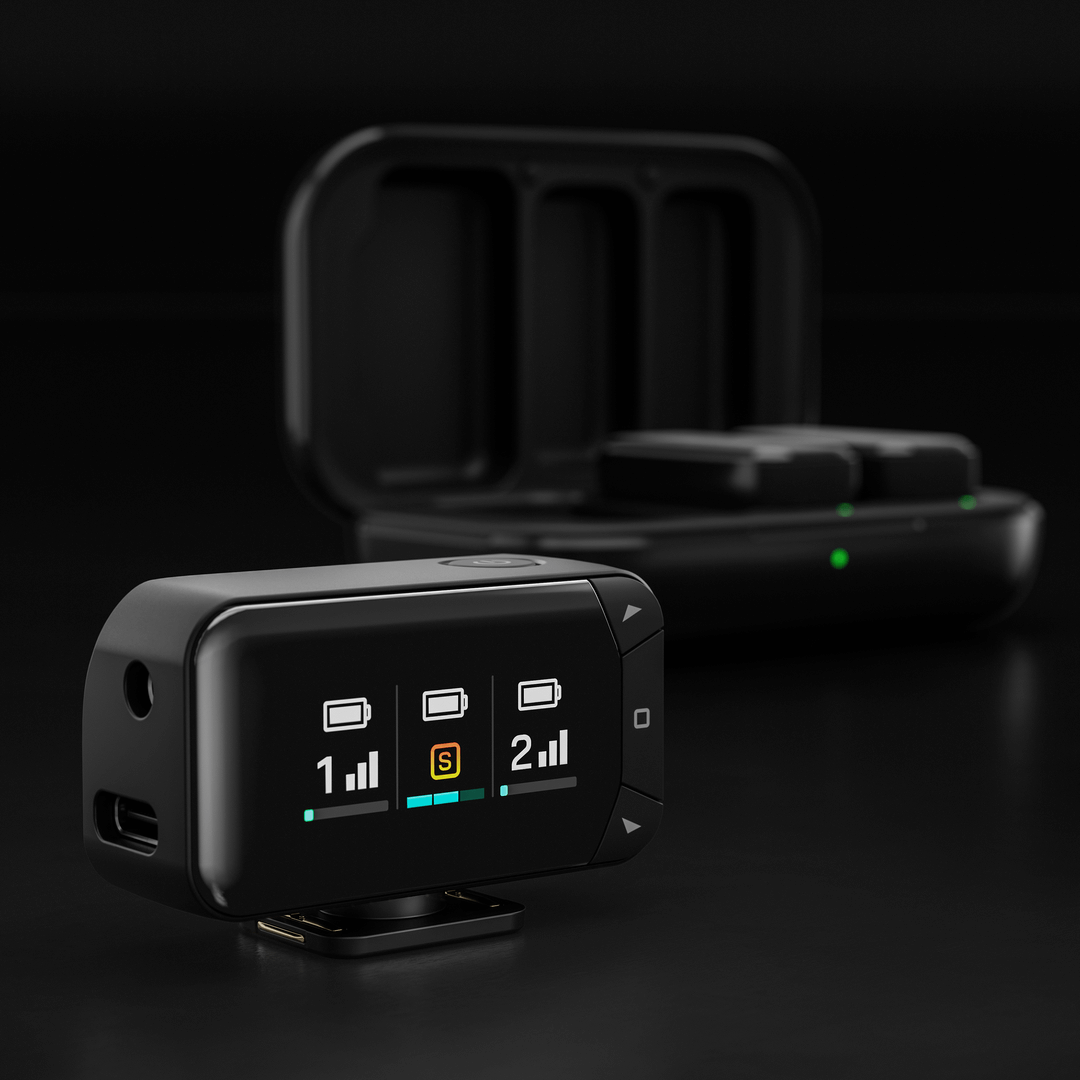
Vous pouvez régler directement sur le récepteur les principaux paramètres, notamment le mode de sortie, le gain de sortie et la luminosité de l’écran.
Mode de sortie : Fusionnez les deux émetteurs en un seul signal combiné ou enregistrez-les séparément sur les canaux gauche et droit pour un meilleur contrôle en postproduction.
Gain de sortie : Choisissez un réglage de gain faible, moyen ou élevé en fonction de votre configuration d’enregistrement.
Luminosité de l’écran : Réglez la luminosité de l’écran AMOLED en fonction de votre environnement.
Pour accéder à ces réglages, appuyez sur le bouton Home (icône carrée), accédez à l’option souhaitée à l’aide des touches fléchées, puis effectuez le réglage nécessaire. Appuyez de nouveau sur le bouton Home pour confirmer votre sélection.
Émetteurs
Lorsque les émetteurs sont connectés au récepteur pour caméra, une colonne d’affichage pour chaque émetteur s’allume sur l’écran du récepteur. Les barres verticales indiquent la puissance du signal sans fil, tandis que la barre horizontale en bas affiche le niveau d’entrée. Le vumètre d’entrée passe du vert au rouge, le rouge indiquant l’écrêtage.
Pour un contrôle encore plus précis, tous les réglages – notamment le mode de sortie, le gain et la réduction du bruit des émetteurs – peuvent également être ajustés via l’application gratuite RØDE Central (plus de détails ci-dessous).
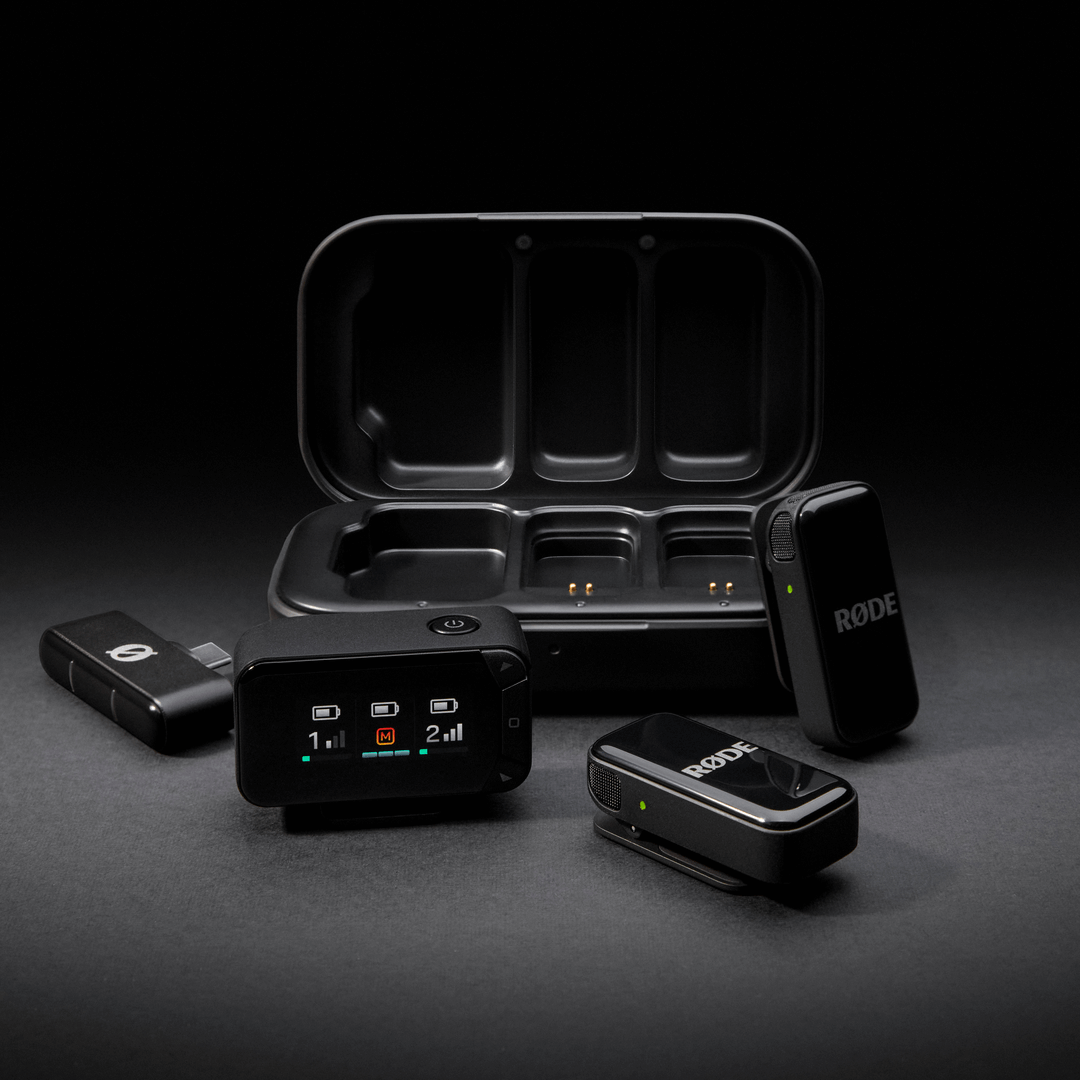
Recharge des émetteurs et du boîtier de charge
Les émetteurs Wireless Micro offrent 7 heures d’autonomie, et vous pouvez utiliser le boîtier de charge inclus pour les recharger deux fois supplémentaires (soit 14 heures de plus). Pour les recharger, placez simplement les émetteurs dans le boîtier de charge en alignant les broches de charge dorées.
Pour recharger le boîtier de charge, connectez-le à une source d’alimentation à l’aide du câble USB-C inclus. Le voyant LED situé à l’avant du boîtier de charge clignote en orange pendant la charge, puis reste allumé en vert lorsque la charge est terminée.
Niveaux de batterie et LED
Plusieurs LED sur le Wireless Micro permettent d’indiquer le niveau de batterie des émetteurs et du boîtier de charge, et elles suivent toutes ce système.
Vert = Plus de 20 %
Orange = 10 à 20 %
Rouge = Moins de 10 %
Vous pouvez vérifier le niveau de batterie des émetteurs à l’aide des deux LED du récepteur (lorsqu’il est connecté à un téléphone), des LED situées sur les émetteurs eux-mêmes ou des deux LED à l’intérieur du boîtier de charge (lorsque les émetteurs sont dans le boîtier : ces LED clignotent pendant la charge et restent allumées en vert lorsque la charge est complète).
La LED située à l’extérieur du boîtier de charge indique le niveau de batterie du boîtier de charge lui-même.
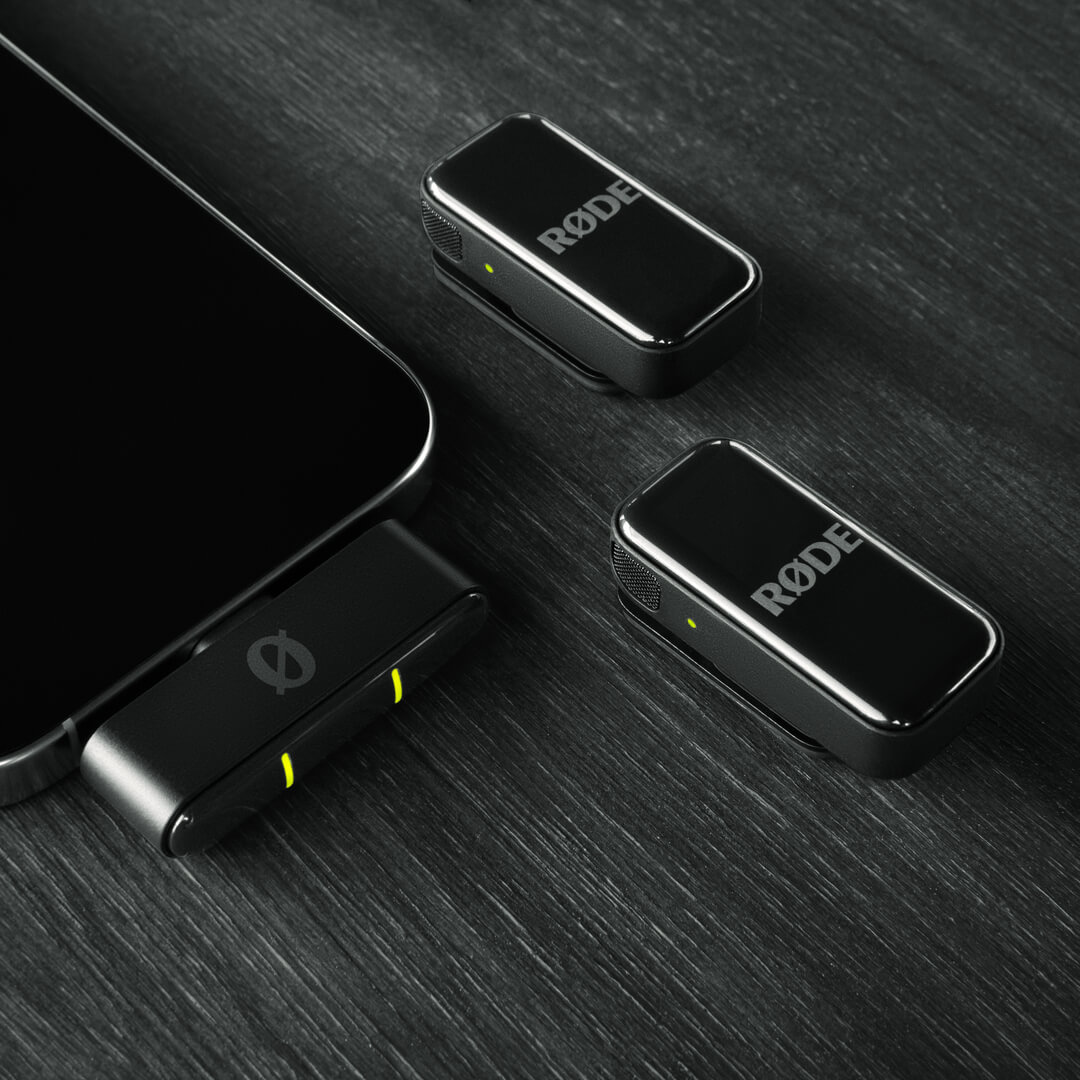
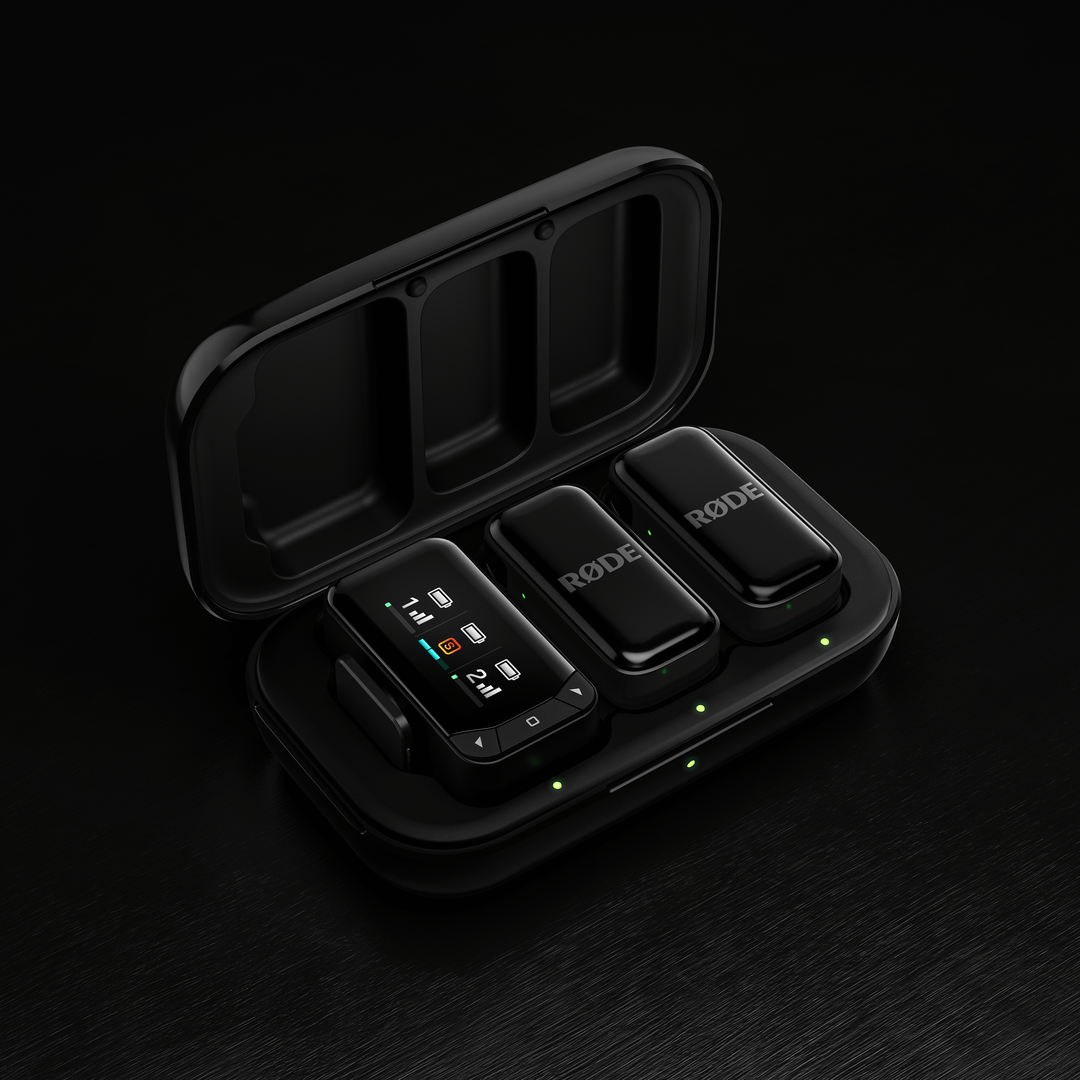
Pour le Wireless Micro Camera Kit, le niveau de charge des émetteurs peut être vérifié de la même manière que pour le Wireless Micro standard. Le niveau de charge du récepteur caméra s’affiche sur l’écran AMOLED lorsqu’il se trouve dans le boîtier de charge — trois barres indiquent une charge complète. Lorsque le récepteur est hors du boîtier, une barre de batterie en haut de la colonne d’affichage du récepteur indique le niveau de charge restant. Les niveaux de charge de la batterie Transmitter s’affichent de la même manière.
La LED située à l’extérieur du boîtier de charge indique le niveau de charge du boîtier lui-même.
Réglage des paramètres à l’aide des applications compagnon RØDE
Le Wireless Micro offre plusieurs fonctionnalités et paramètres réglables via les applications compagnon RØDE . Deux méthodes principales permettent de se connecter et de régler les paramètres :
Utilisation du récepteur (RX) :
Connectez le récepteur à votre ordinateur ou à votre téléphone. Assurez-vous que les émetteurs sont sortis de leur boîtier, sous tension et appairés au récepteur. Vous pouvez ensuite utiliser RØDE Central (sur ordinateur ou appareil mobile) ou RØDE Capture (sur appareil mobile) pour accéder à divers paramètres du système et des émetteurs et les régler.
Connexion directe (RØDE Capture uniquement) :
Une nouvelle fonctionnalité appelée Connexion directe vous permet d’appairer jusqu’à deux émetteurs directement à votre téléphone via Bluetooth® à l’aide de l’application RØDE Capture. Ouvrez simplement l’application et suivez les instructions à l’écran pour appairer vos émetteurs. Une fois la connexion établie, vous pouvez enregistrer directement dans l’application sans récepteur et accéder à des paramètres essentiels tels que la réduction du bruit et le contrôle du gain pour chaque émetteur.
Gain de sortie : ajuste le niveau de volume du Wireless Micro.
Modes séparé et fusionné : en mode fusionné (par défaut), l’audio des deux émetteurs est combiné et enregistré sur les canaux gauche et droit. Le mode fusionné est idéal pour enregistrer des vidéos soignées, prêtes à être publiées. En mode séparé, vous pouvez envoyer l’audio d’un émetteur vers le canal gauche et celui de l’autre vers le canal droit. Utilisez le mode séparé si vous prévoyez de modifier votre audio après l’enregistrement, car il vous permettra d’ajuster séparément les niveaux de volume de chaque microphone.
Réduction du bruit : cette fonctionnalité, accessible via RØDE Capture, contribue à réduire les bruits de fond et à améliorer la clarté audio en fonction de l’environnement d’enregistrement. Elle peut être activée individuellement pour chaque émetteur et propose trois niveaux : OFF (aucune réduction du bruit), LOW (réduction minimale du bruit) et HIGH (réduction importante du bruit). Ce réglage peut être ajusté via RØDE Central ou RØDE Capture lorsque le récepteur est connecté, ou via RØDE Capture lorsqu’un émetteur est appairé directement.
Luminosité des LED : ajuste l’intensité des LED (réglable individuellement pour chaque émetteur et le récepteur).
Mise à jour du firmware : si votre Wireless Micro nécessite une mise à jour du firmware, un message contextuel s’affichera à l’ouverture de RØDE Central ou de RØDE Capture et vous guidera tout au long du processus. Assurez-vous que vos deux émetteurs sont sortis du boîtier, allumés et appairés à votre récepteur afin qu’ils puissent tous être mis à jour.