Wireless GO II
Sistema microfonico wireless
- Sistema wireless a doppio canale per registrare simultaneamente due sorgenti sonore
- Trasmissione digitale Series IV a 2,4 GHz, crittografia a 128 bit: audio cristallino fino a 200 m (in linea d’aria), ottimizzata per un funzionamento estremamente stabile in ambienti RF congestionati
- Uscita analogica TRS da 3,5 mm, uscita digitale USB-C e iOS: compatibilità universale con fotocamere, dispositivi mobili e computer
- Registrazione integrata: oltre 40 ore di memoria interna
- Possibilità di registrare ciascun canale separatamente o combinarli per la massima flessibilità in post-produzione
- Canale di sicurezza, controllo flessibile del guadagno (attenuatore a tre livelli, espandibile fino a 10 livelli)
- Batteria agli ioni di litio ricaricabile integrata: fino a 7 ore di autonomia
- Compatibile con tutti i dispositivi RØDE Series IV, inclusi Wireless ME, Wireless PRO, RØDECaster Duo, RØDECaster Pro II e Streamer X
- Progettato e prodotto negli stabilimenti RØDE di precisione in Australia
- Sistema wireless a doppio canale per registrare simultaneamente due sorgenti sonore
- Trasmissione digitale Series IV a 2,4 GHz, crittografia a 128 bit: audio cristallino fino a 200 m (in linea d’aria), ottimizzata per un funzionamento estremamente stabile in ambienti RF congestionati
- Uscita analogica TRS da 3,5 mm, uscita digitale USB-C e iOS: compatibilità universale con fotocamere, dispositivi mobili e computer
- Registrazione integrata: oltre 40 ore di memoria interna
- Possibilità di registrare ciascun canale separatamente o combinarli per la massima flessibilità in post-produzione
- Canale di sicurezza, controllo flessibile del guadagno (attenuatore a tre livelli, espandibile fino a 10 livelli)
- Batteria agli ioni di litio ricaricabile integrata: fino a 7 ore di autonomia
- Compatibile con tutti i dispositivi RØDE Series IV, inclusi Wireless ME, Wireless PRO, RØDECaster Duo, RØDECaster Pro II e Streamer X
- Progettato e prodotto negli stabilimenti RØDE di precisione in Australia
Sfrutta la libertà del wireless
Il Wireless GO II integra la tecnologia di trasmissione digitale Series IV all’avanguardia di RØDE, per offrire un audio wireless incredibilmente stabile e nitido a distanze fino a 200 m (in linea d’aria), anche in ambienti RF affollati come uffici, centri commerciali, strade trafficate e università.

Versatilità straordinaria
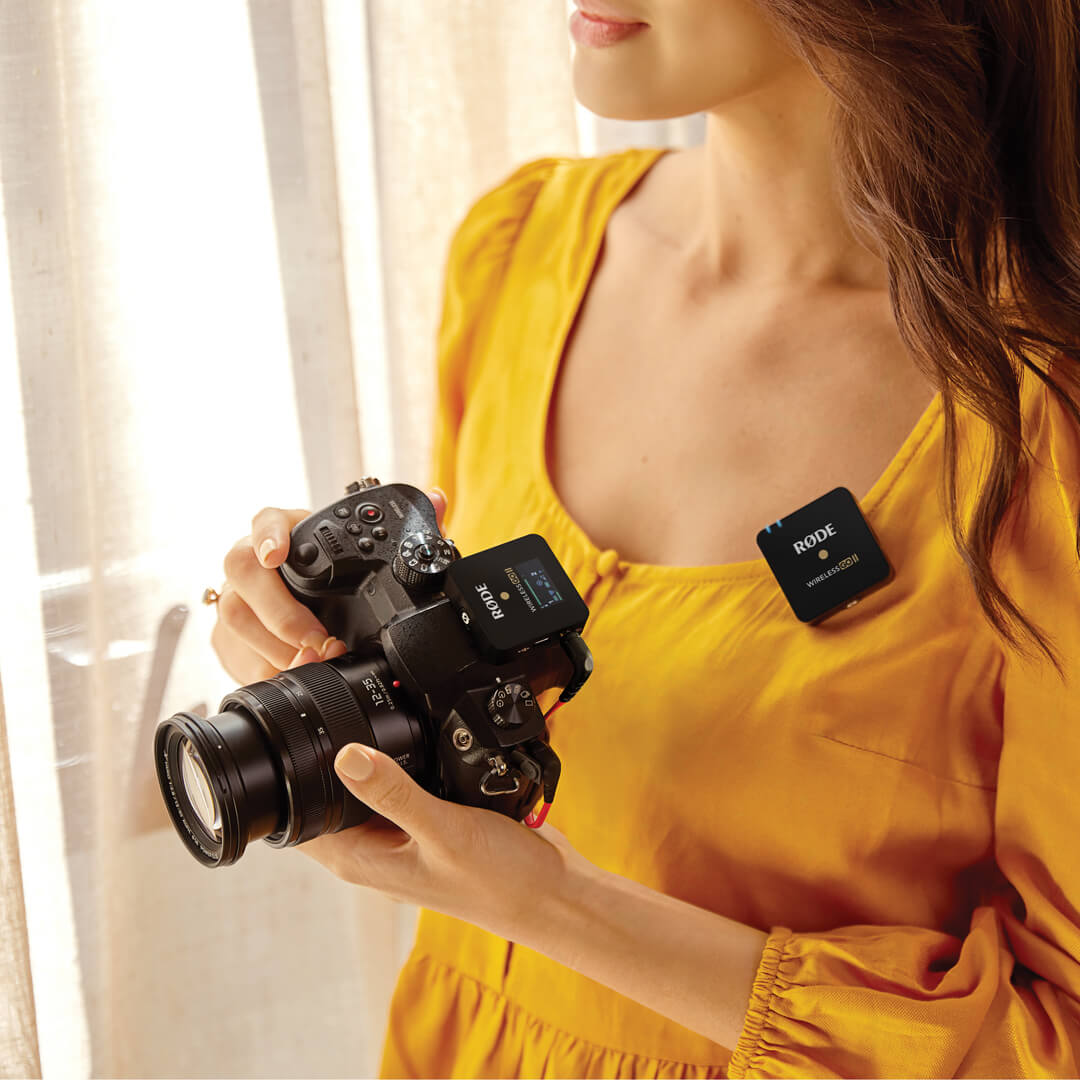
Grazie alle uscite analogica da 3,5 mm e digitale USB-C, Wireless GO II può registrare due canali audio indipendenti su fotocamere DSLR e mirrorless, telefoni e tablet iOS e Android, nonché computer Mac e Windows . Un sistema microfonico wireless che si adatta alle tue esigenze.

Sicuro e affidabile
Il controllo flessibile del guadagno e il canale di sicurezza di Wireless GO II garantiscono livelli perfetti registrati dalla videocamera, anche se il soggetto improvvisamente alza la voce; inoltre, poiché ogni trasmettitore dispone di registrazione integrata, avrai comunque una copia di sicurezza dell’audio anche se esci dalla portata.

Audio professionale tascabile
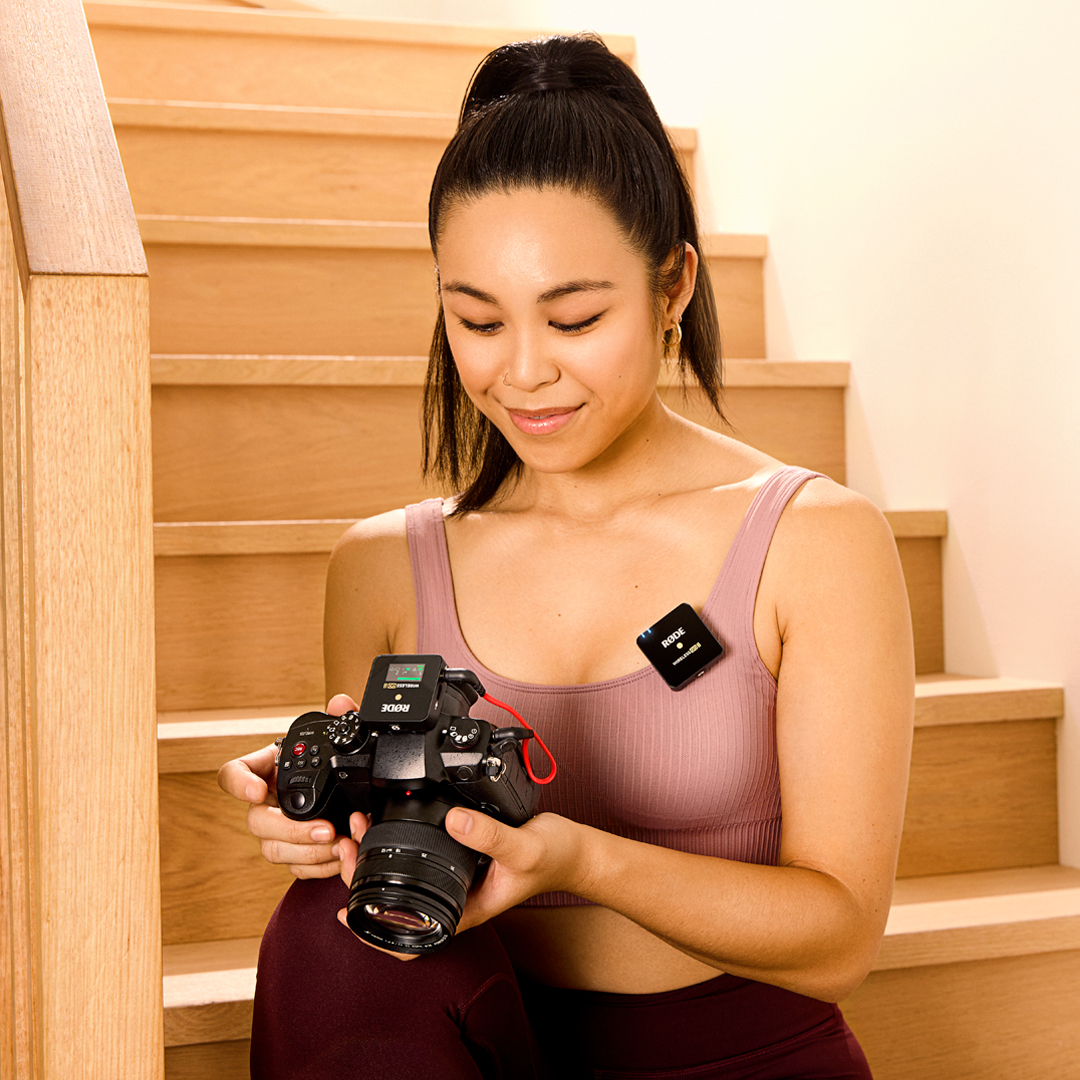
I trasmettitori e il ricevitore Wireless GO II pesano meno di 32 g ciascuno e occupano praticamente zero spazio nella borsa per il kit fotografico, nello zaino, nella borsa o nella valigetta. Grazie al loro formato estremamente compatto e all’innovativo design della clip, è incredibilmente facile fissarli agli indumenti, agli attacchi cold shoe delle fotocamere, alle aste boom o ai rig per videocamere mobili.
.png ) Scarica RØDE Central
Scarica RØDE Central
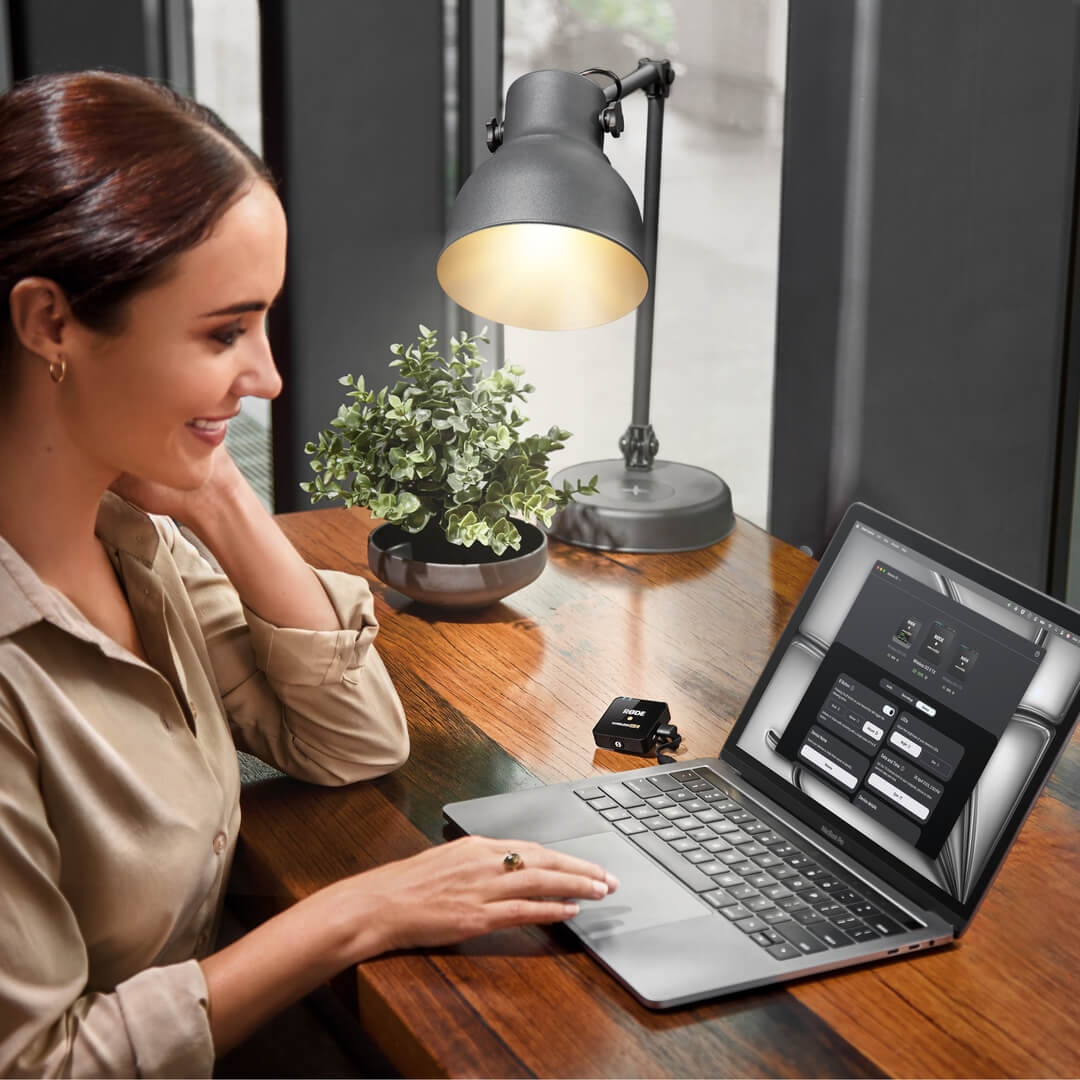
RØDE Central è l’app complementare essenziale per i dispositivi compatibili delle gamme RØDE wireless e microfoni classici, che consente di configurare le impostazioni del dispositivo, sbloccare funzioni avanzate, ottimizzare ed esportare le registrazioni, accedere alle informazioni sul dispositivo e aggiornare il firmware all’ultima versione. Scaricala gratuitamente per sfruttare appieno il potenziale del tuo dispositivo.
Mobile
Requisiti del sistema operativo: iOS 14 o versioni successive; Android 9.0 o versioni successive.
Desktop
Requisiti del sistema operativo: macOS 11 o versioni successive; Windows 10 versione 1803 o successive.
 RØDE Connect
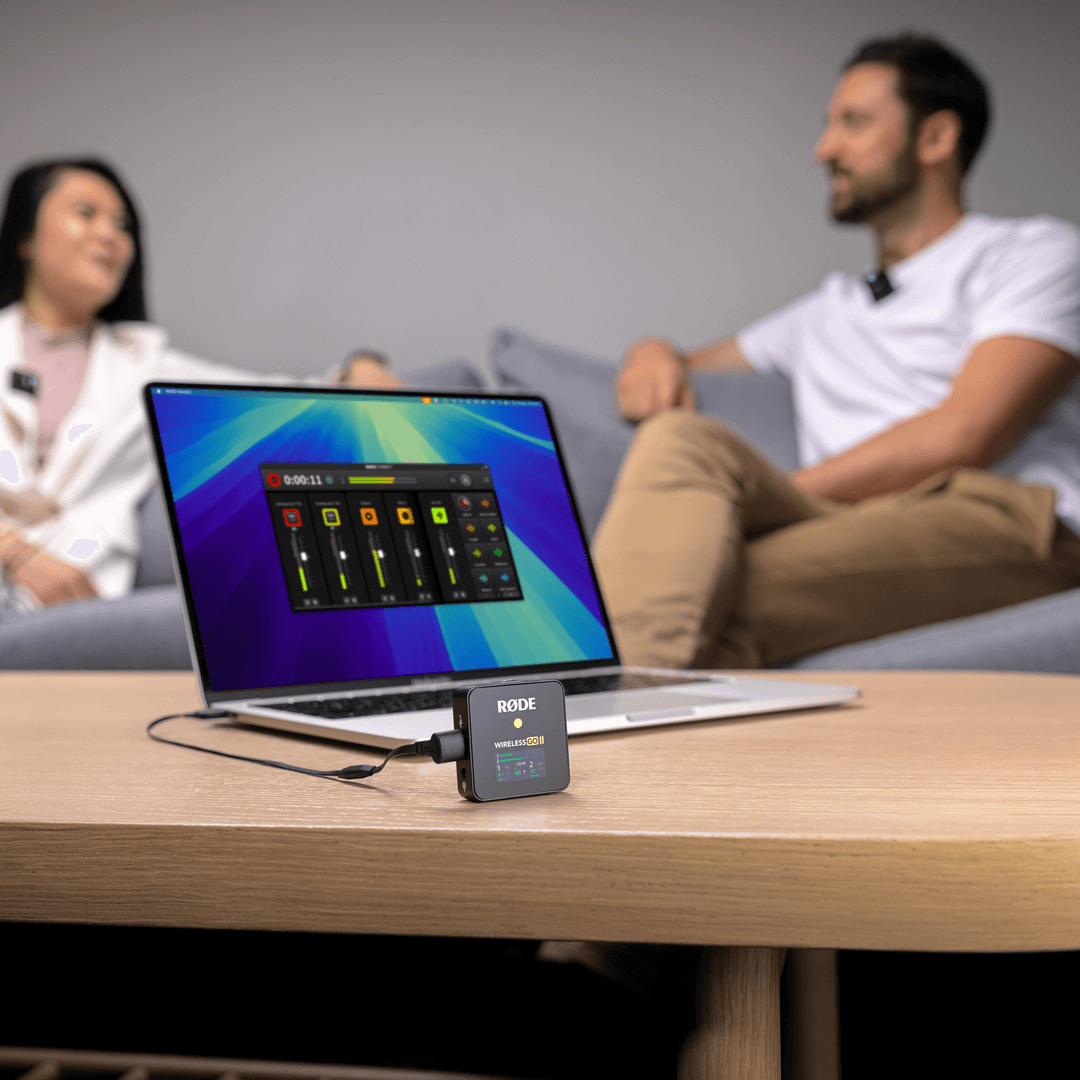
RØDE Connect è una soluzione software gratuita per podcast e streaming, ora compatibile con Wireless GO II. RODE Connect semplifica la registrazione o lo streaming con audio di qualità professionale dal computer.
RØDE Connect consente di collegare a un singolo computer fino a quattro ospiti fisicamente presenti, utilizzando due Wireless GO II. Offre un’interfaccia intuitiva e facile da usare, ispirata a RØDECaster Pro.
Requisiti del sistema operativo: macOS 11 o versioni successive; Windows 10 versione 1803 o successiva.
Guida per l’utente di Wireless GO II
La Guida per l’utente di Wireless GO II spiega tutto ciò che devi sapere per utilizzare Wireless GO II e catturare un suono straordinario. Questa guida completa illustra ogni aspetto, dalla configurazione iniziale e dall’apprendimento dell’uso del dispositivo fino alla configurazione e allo sblocco delle funzioni avanzate con l’app complementare RØDE Central.
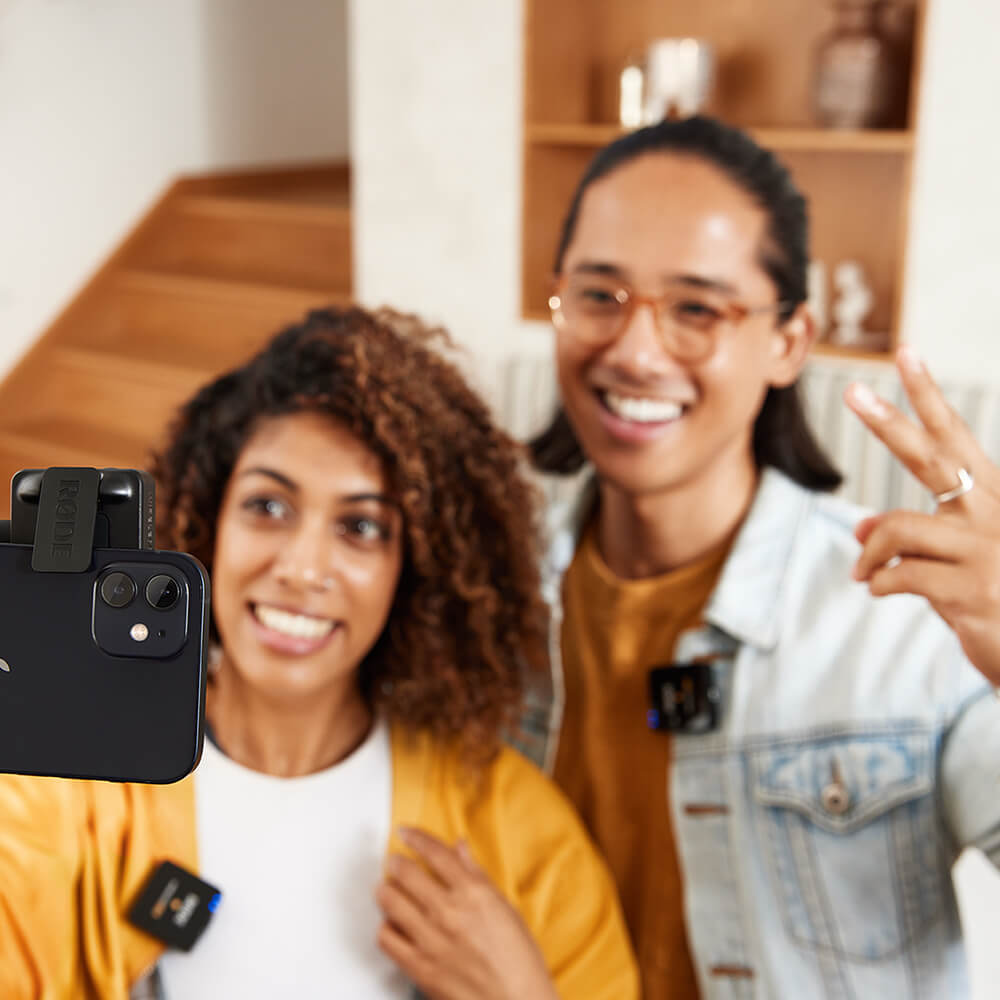
Wireless GO II Single
Wireless GO II è disponibile anche in un set singolo. Offre lo stesso formato ultracompatto e l’imbattibile dotazione di funzioni dell’originale, ma con un solo trasmettitore anziché due: è il microfono wireless definitivo per i content creator che lavorano da soli. Il ricevitore del set singolo è identico a quello dell’edizione a doppio canale, quindi è possibile associare facilmente un trasmettitore aggiuntivo per la registrazione a doppio canale.