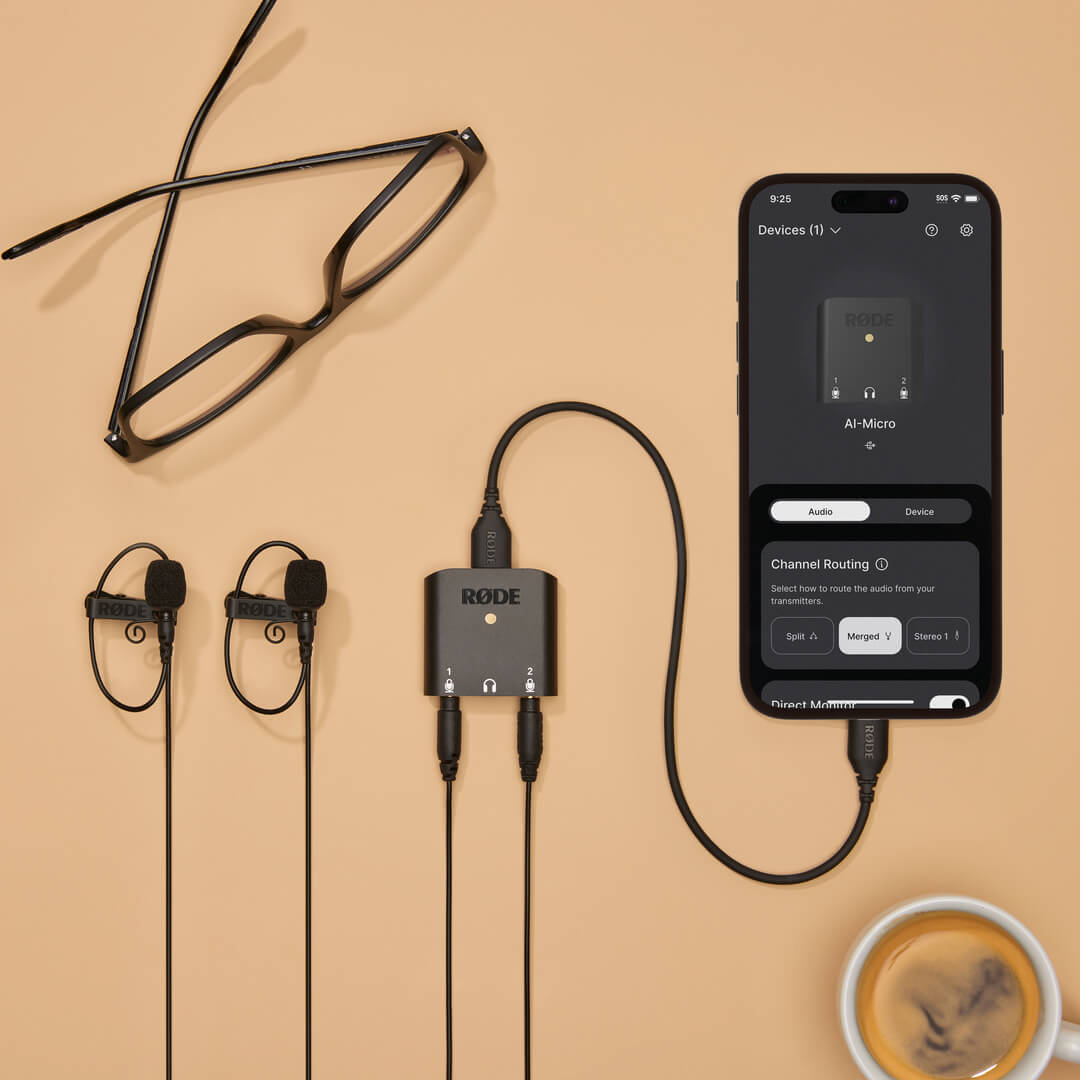
AI-Micro
컴팩트 오디오 인터페이스
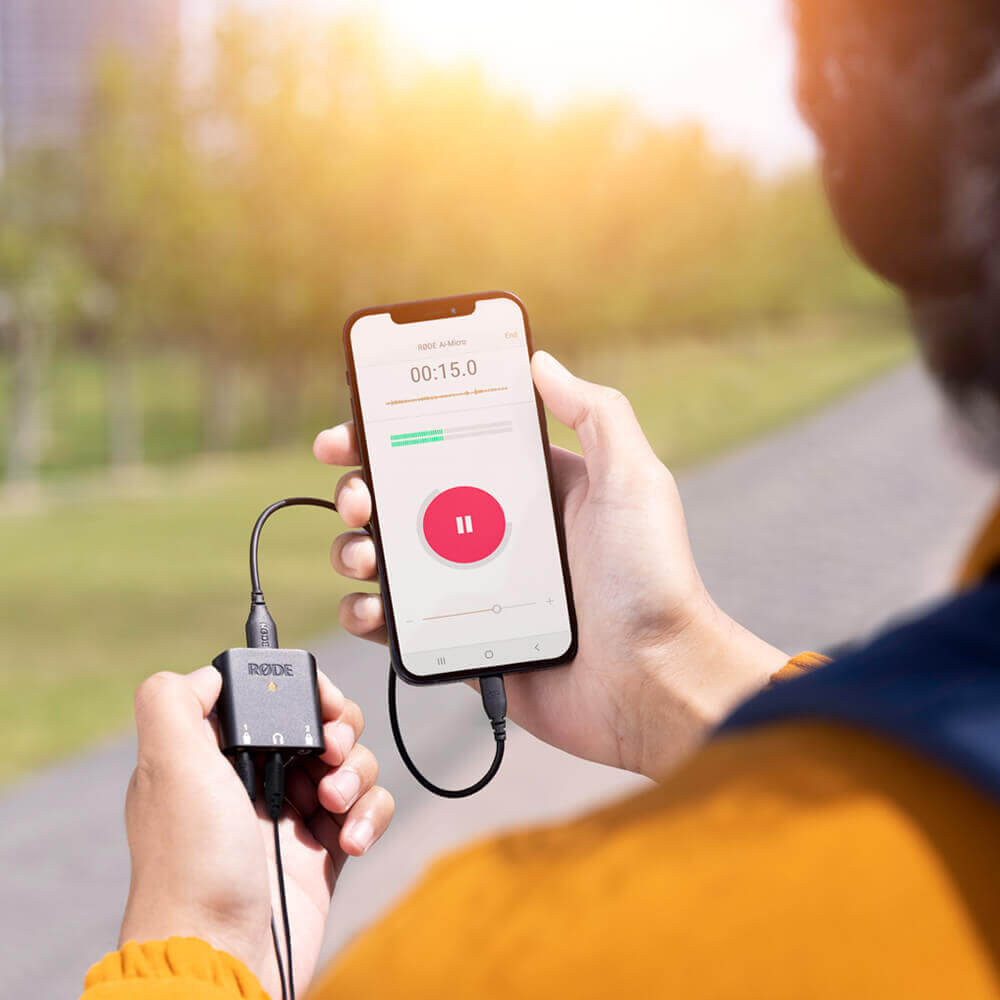
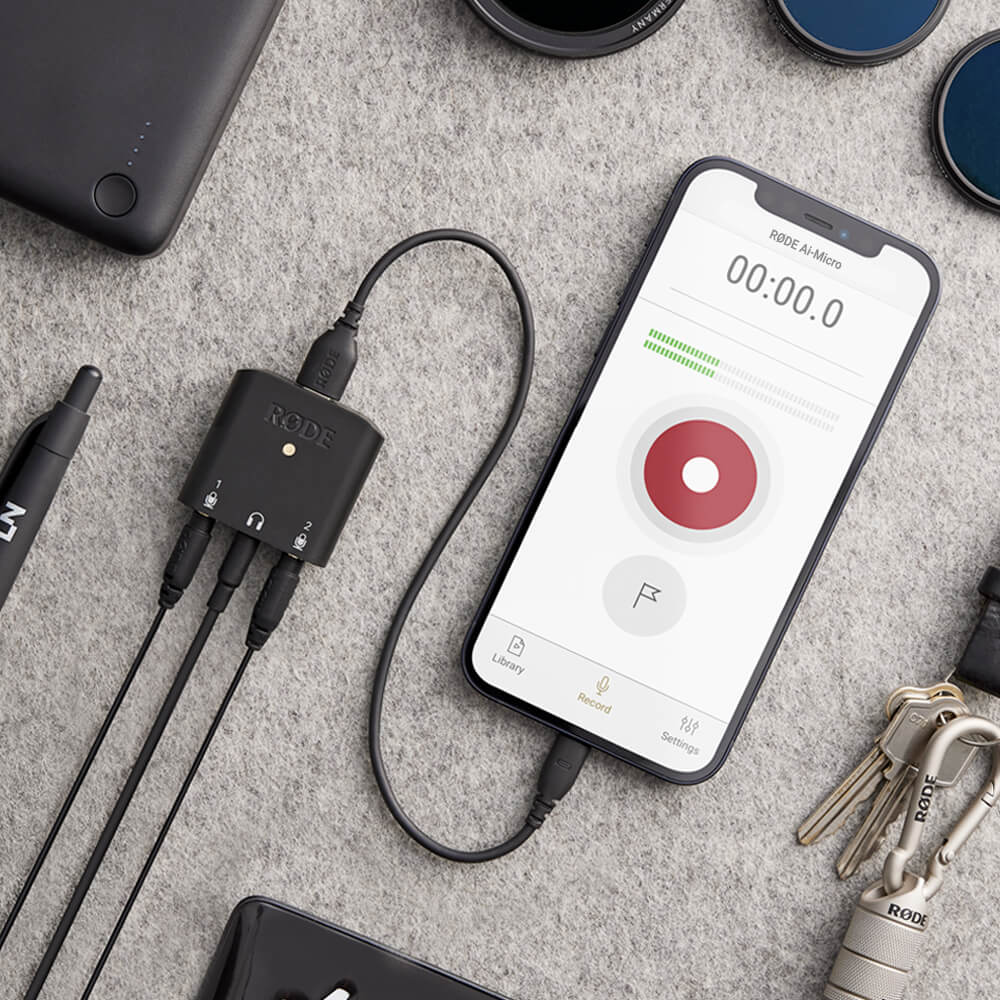
AI-Micro는 모바일 장치나 컴퓨터에 고품질 오디오를 녹음하기 위한 초소형 듀얼 채널 인터페이스입니다. 3.5mm 출력을 가진 거의 모든 마이크를 연결할 수 있는 두 개의 자동 감지 입력, 헤드폰 모니터링, 스마트폰, 태블릿 및 컴퓨터와 함께 사용할 수 있는 범용 USB 출력, 그리고 강력한 사운드를 위한 RØDE 앱과의 호환성을 갖춘 AI-Micro는 한계 없이 녹음할 수 있게 해줍니다.
- 컴퓨터 및 모바일 장치를 위한 초소형 듀얼 채널 오디오 인터페이스
- 플러그인 전원이 필요 없는 RØDE VideoMics, 라발리에, 무선 시스템 및 스테레오 마이크를 포함하여 3.5mm 출력을 가진 거의 모든 마이크와 호환
- TRS 또는 TRRS 마이크를 연결하기 위한 자동 감지 입력
- 제로 레이턴시 오디오 모니터링 및 재생을 위한 고품질 헤드폰 출력
- 범용 USB 출력을 통해 컴퓨터, 스마트폰 및 태블릿에 원활하게 연결 (USB-A, USB-C 및 라이트닝 케이블 제공)
- 모든 장치에서 확장된 기능 및 기능, 이동 중 구성 및 방송 품질 녹음을 위한 RØDE 앱 스위트와 호환
어디서나 놀라운 오디오
AI-Micro은(는) 모바일 또는 컴퓨터에서 고품질 오디오를 쉽게 캡처할 수 있게 해줍니다. 다양한 마이크를 연결할 수 있는 3.5mm 입력이 두 개 있으며, RØDE VideoMics, 라발리에, Wireless GO와 같은 무선 시스템을 포함합니다. 이 입력은 TRS 또는 TRRS 마이크가 연결되었는지 자동으로 감지하고 자동으로 조정되므로 어댑터가 필요하지 않습니다. 입력 1은 플러그인 전원이 필요 없는 스테레오 마이크와 함께 사용할 수 있는 단일 스테레오 TRS 입력으로도 구성할 수 있습니다.
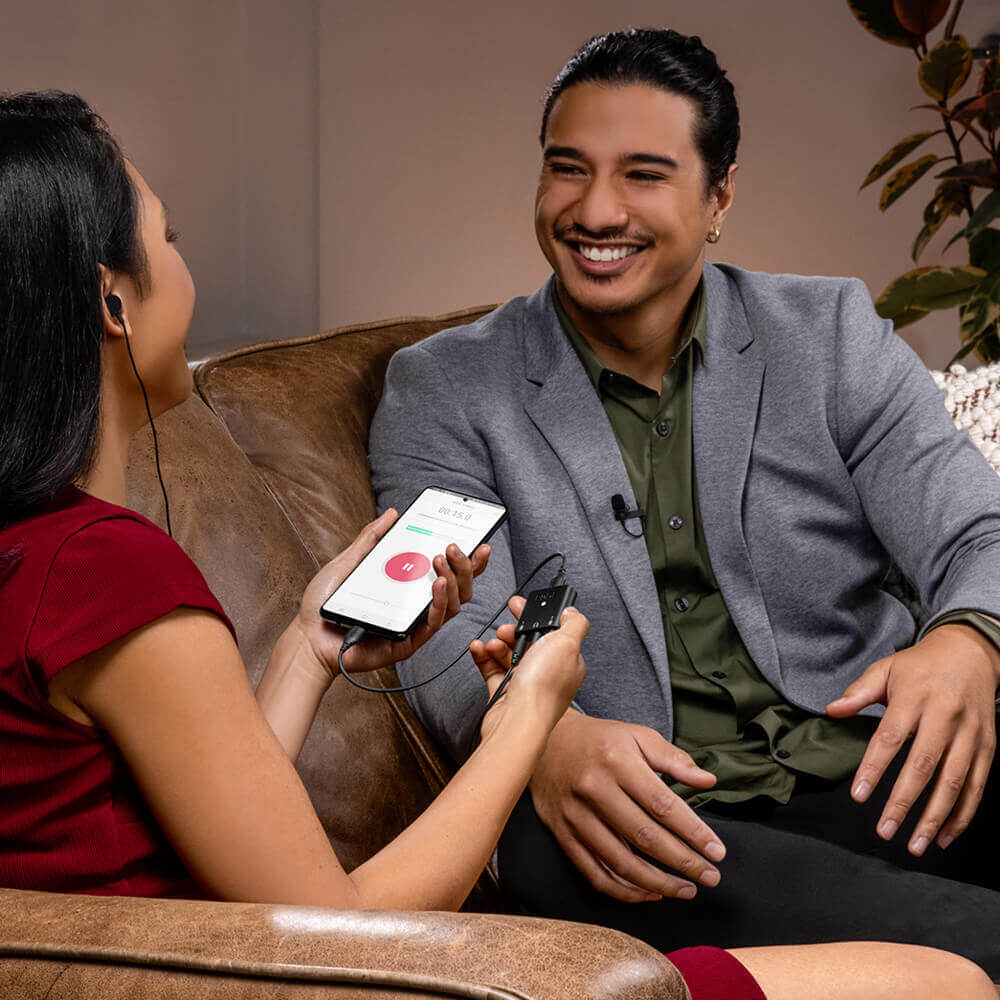
고품질 마이크 프리앰프와 고해상도(24비트/48kHz) 녹음은 모든 장치에서 크리스탈처럼 맑은 오디오 캡처를 보장하며, 에코 없는 오디오 모니터링 및 재생을 위한 헤드폰 출력을 제공합니다. 인터뷰, 팟캐스트, 발표 또는 라이브 스트리밍을 하든, AI-Micro과(와) 함께 어디서나 놀라운 오디오를 녹음하세요.
모든 장치와의 범용 호환성
AI-Micro는 범용 USB 출력을 통해 모든 장치에 원활하게 연결할 수 있습니다. USB-A, USB-C 및 Lightning 케이블이 제공되어 즉시 녹음할 수 있으며, Mac, Windows, iOS 및 Android 장치와 플러그 앤 플레이 호환이 가능합니다. 휴대용 녹음이 그 어느 때보다 쉬워졌습니다.
주머니 크기의 휴대성
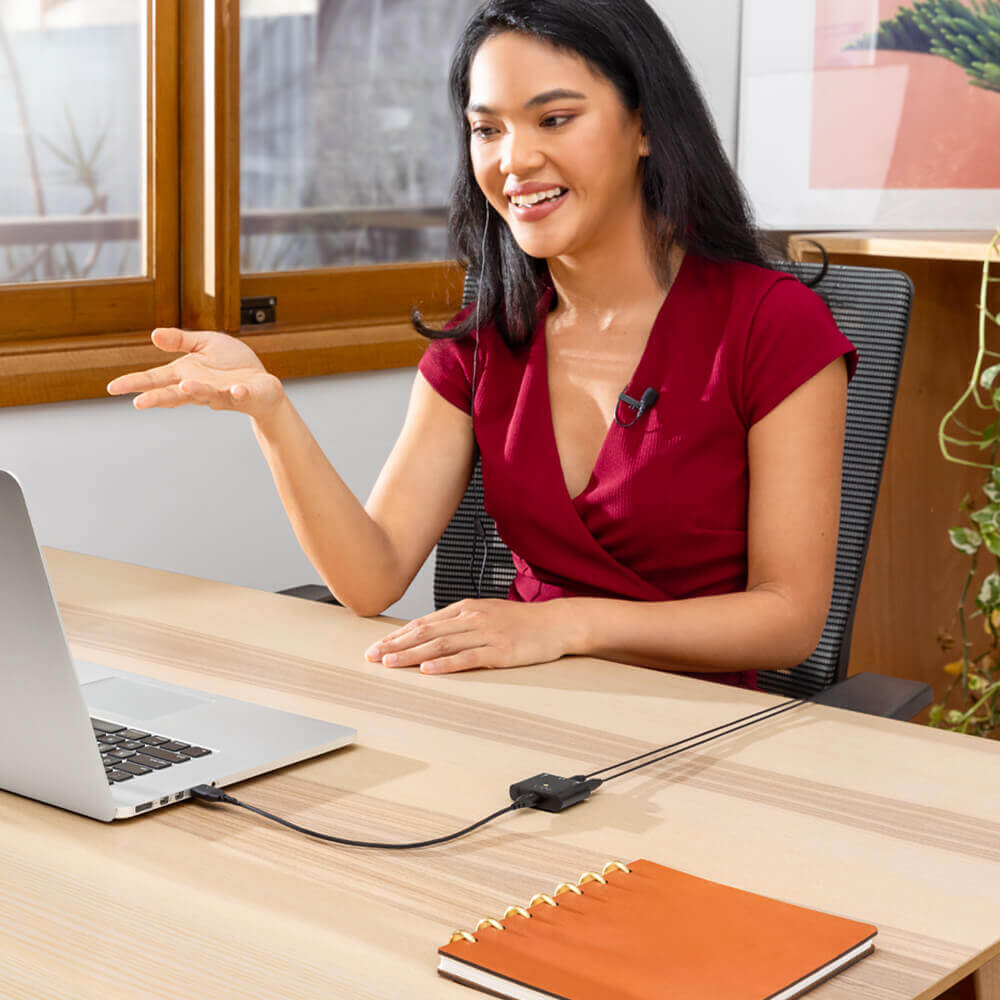
20그램 이하의 무게를 자랑하는 AI-Micro는 매우 작고 가벼운 제품입니다. 두 개의 라발리에 마이크를 추가하면 주머니에 들어갈 수 있는 완벽한 스튜디오 품질의 녹음 세트를 갖출 수 있습니다. 현장에서의 인터뷰, 이동 중 팟캐스트, 집에서의 영상 통화 또는 라이브 스트리밍에 적합합니다.
AI-Micro 사용자 가이드
AI-Micro 사용자 가이드는 AI-Micro 사용에 필요한 모든 정보를 설명합니다. 이 포괄적인 가이드는 시작하는 방법부터 장치 펌웨어 업데이트, RØDE 앱 스위트를 통해 RØDE Connect, RØDE Reporter 및 RØDE Central과 같은 확장된 기능 및 기능에 접근하는 방법까지 모든 내용을 다룹니다.
마이크를 강화하세요
AI-Micro는 전체 RØDE 앱 스위트와 호환되어, 확장된 기능에 접근할 수 있습니다.
또한 이동 중 설정, 방송 품질의 녹음을 모든 장치에서 사용할 수 있습니다.
RØDE Central 다운로드
RØDE Central 는 RØDE 무선 및 클래식 마이크 범위에 호환되는 장치의 필수 동반 앱으로, 장치 설정을 구성하고, 고급 기능을 잠금 해제하며, 녹음을 최적화하고 내보내고, 장치 정보를 액세스하고, 최신 펌웨어로 업데이트할 수 있습니다. 장치의 모든 잠재력을 발휘하기 위해 무료로 다운로드하십시오.
모바일
OS 요구 사항: iOS 14 이상; Android 9.0 이상.
데스크탑
OS 요구 사항: macOS 11 이상; Windows 10 버전 1803 이상.
사양
자주 묻는 질문
The AI-Micro can be used with iOS and Android smartphones and tablets, and Mac and Windows computers, as long as the device has a USB-A, USB-C or Lightning connector. OS requirements: macOS Big Sur and higher, Windows 10 (Build 19041) and higher, iOS 14 and higher, Android 9.0 and higher.
You can plug virtually any microphone that has a 3.5mm output into the AI-Micro. This includes RØDE VideoMics, lavaliers, wireless systems like the Wireless GO, and stereo microphones that do not require plug-in power. The AI-Micro's microphone inputs are TRS/TRRS auto-sensing, meaning they automatically detect whether a TRS or TRRS microphone is connected and adapt to accommodate either connection type.
While similar in design and concept to the SC6-L, the AI-Micro has a few key updates that make it far more versatile, including a universal USB output for use with Android smartphones and tablets (and iOS devices with a Lightning port like the SC6-L), as well as computers. It has also enhanced inputs for use with a wider range of microphones and is compatible with the RØDE app suite for accessing advanced features, on-the-go configuration, and broadcast-quality recording on any device.
Yes. To connect the AI-Micro to an iOS device with a Lightning port, you need a Lightning Accessory Cable – either the included SC21 cable, or the RØDE SC15 or SC19.
We recommend using the included cables to connect the AI-Micro to your device. If you require a longer cable, there is a selection of different cable types available from the RØDE accessory range. To connect the AI-Micro to an iOS device with a Lightning port, you need either the included SC21 cable, or the RØDE SC15 or SC19.
Check out the AI-Micro User Guide for detailed information on its functions and features.
The input gain for each of the AI-Micro's microphone channels can be adjusted in RØDE Connect, RØDE Central and RØDE Reporter. You can also adjust the input gain using the level control in third-party audio or video apps if they have this feature. If you are using an app without a level control and would like to adjust the input gain, use RØDE Central, as any changes made to the levels in RØDE Connect or RØDE Reporter will not be retained when using another app.
The AI-Micro allows you to configure how the audio from the input channels is routed to the output. There are three different channel modes, ‘Merged’, ‘Split’ and ‘Stereo’, which are suited to different microphone setups.
In ‘Merged’ mode, the input signal is routed to both the left and right channels of the output, which is ideal if you are just using one microphone. In ‘Split’ mode, input 1 is routed to the left channel of the output and input 2 is routed to the right channel, which is ideal if you are using two microphones. ‘Stereo’ mode is ideal when you are using a stereo microphone; the left and right channels of input 1 are routed to the respective channels of the output to ensure you retain the microphone’s stereo image (input 2 is disabled).
You may have direct monitoring deactivated. This can be turned on/off via a computer or mobile device using RØDE Central (note: direct monitoring is activated by default on the AI-Micro).
It is possible to connect a dynamic XLR microphone (or other microphone that does not require phantom power) to the AI-Micro with an appropriate XLR to 3.5mm adaptor. However, we strongly recommend using the RØDE AI-1 interface for connecting XLR microphones to a computer.
To connect a stereo microphone such as the Stereo VideoMic Pro to the AI-Micro, you must plug it into input 1 and use either RODE Central or RODE Reporter apps to set the channel mode to ‘Stereo’. This configures input 1 to be a standard stereo TRS input (and disables input 2).
Note: This function only works for stereo microphones that do not require plug-in power.