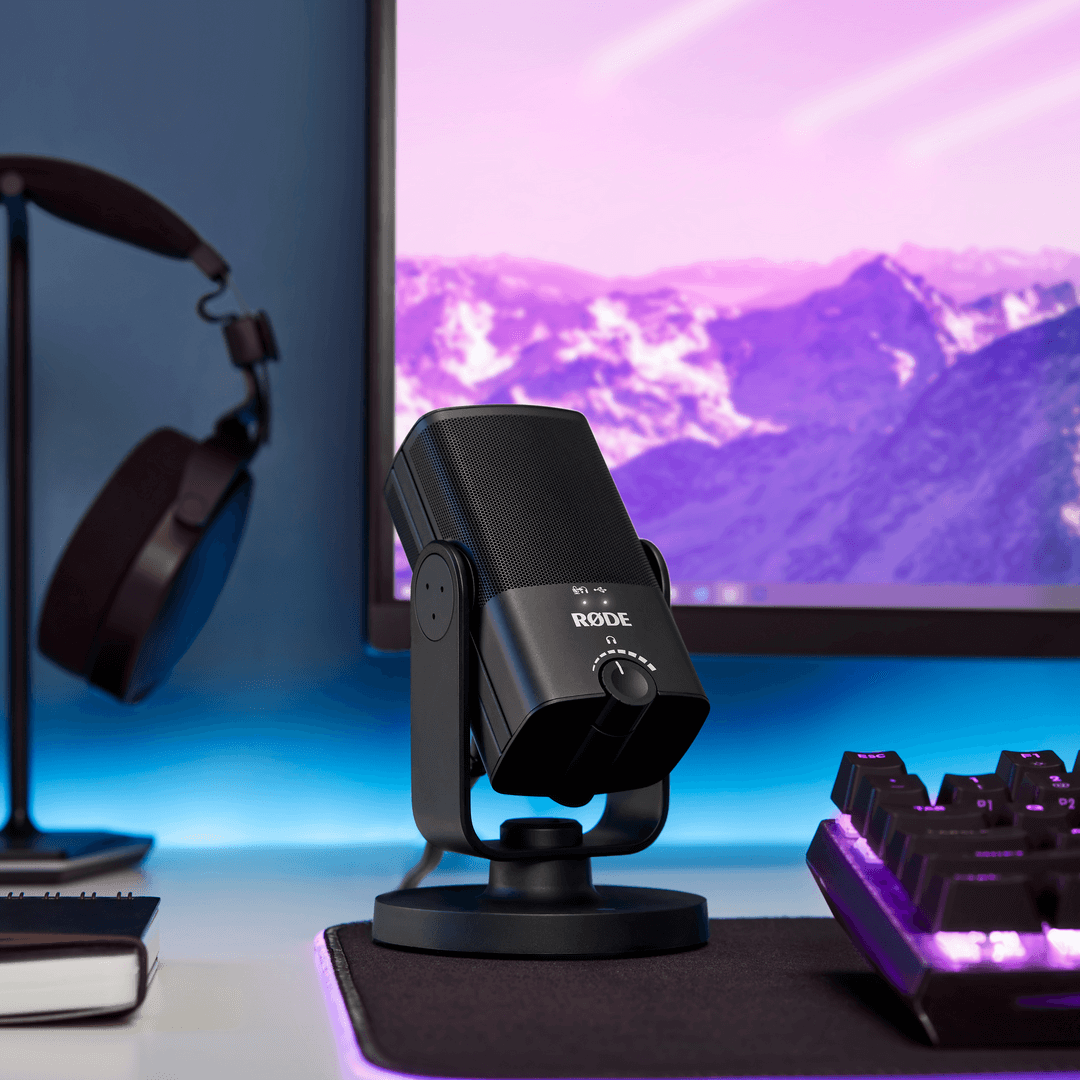
스튜디오 사운드, 간소화

NT-USB 미니는 RØDE의 세계적으로 유명한 스튜디오 마이크의 순수한 음질을 컴팩트한 USB 플랫폼으로 제공합니다. 이 제품은 녹음에서 따뜻함과 존재감을 전달하도록 특별히 조정되었으며, 대화, 보컬, 기타 등 어떤 소리도 놀랍게 들리게 합니다.

스튜디오급 헤드폰 앰프와 고품질 3.5mm 헤드폰 출력을 갖추고 있으며, 정밀한 볼륨 조절 기능이 있어 오디오를 쉽게 모니터링할 수 있습니다. 녹음 시 방해가 되는 에코를 없애기 위한 스위치 가능한 제로 레이턴시 모니터링 모드도 있습니다. 설정과 사용이 매우 간편하며, 간단한 조작, 내장된 팝 필터, 컴퓨터나 태블릿과 원활하게 작동하는 클래스 호환 USB 출력이 있어 드라이버나 소프트웨어가 필요 없습니다. Mac, PC 또는 태블릿에 연결하고 녹음을 시작하세요.


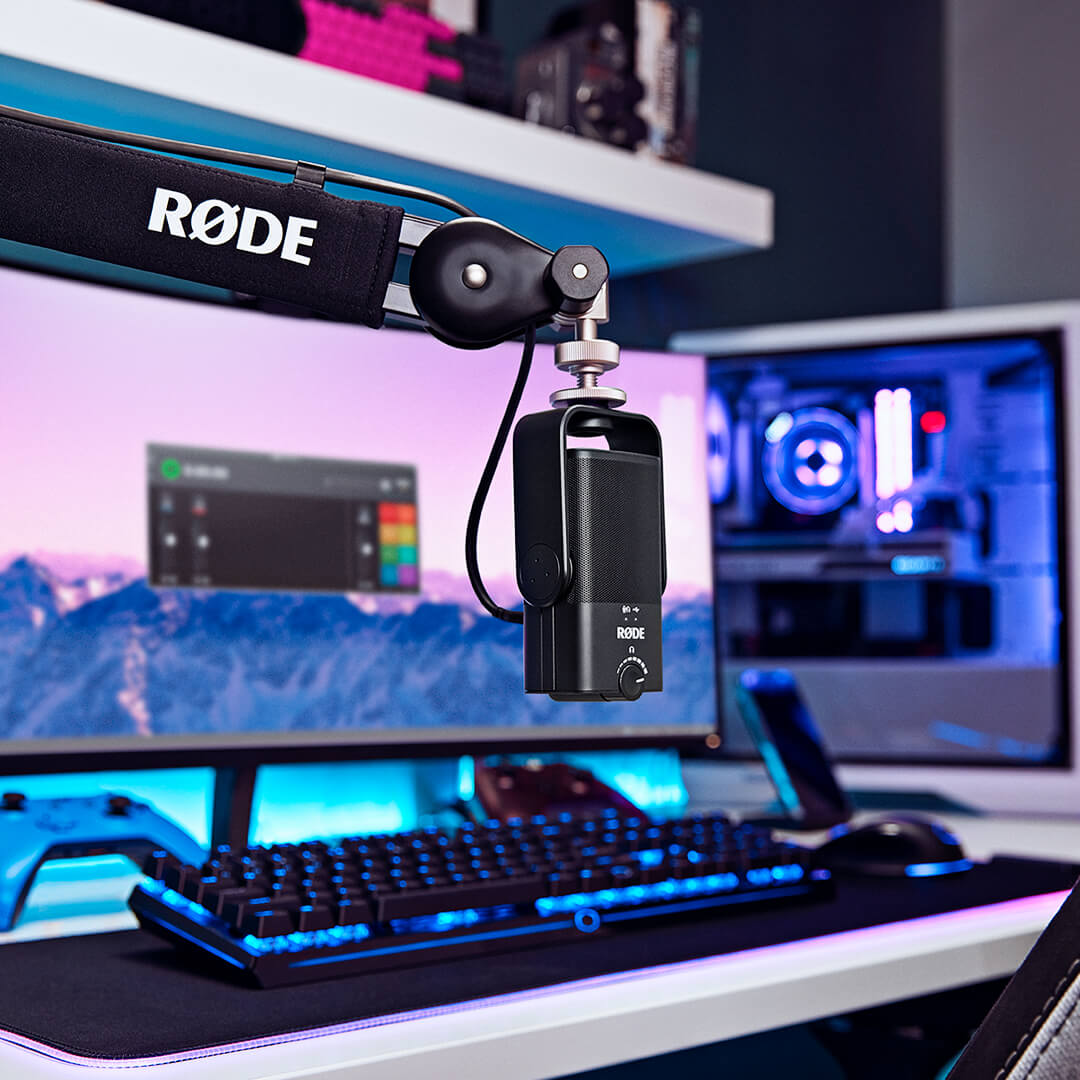
NT-USB Mini mounted on PSA1+ in front of computer with RØDE Connect

필요한 만큼 유연하게

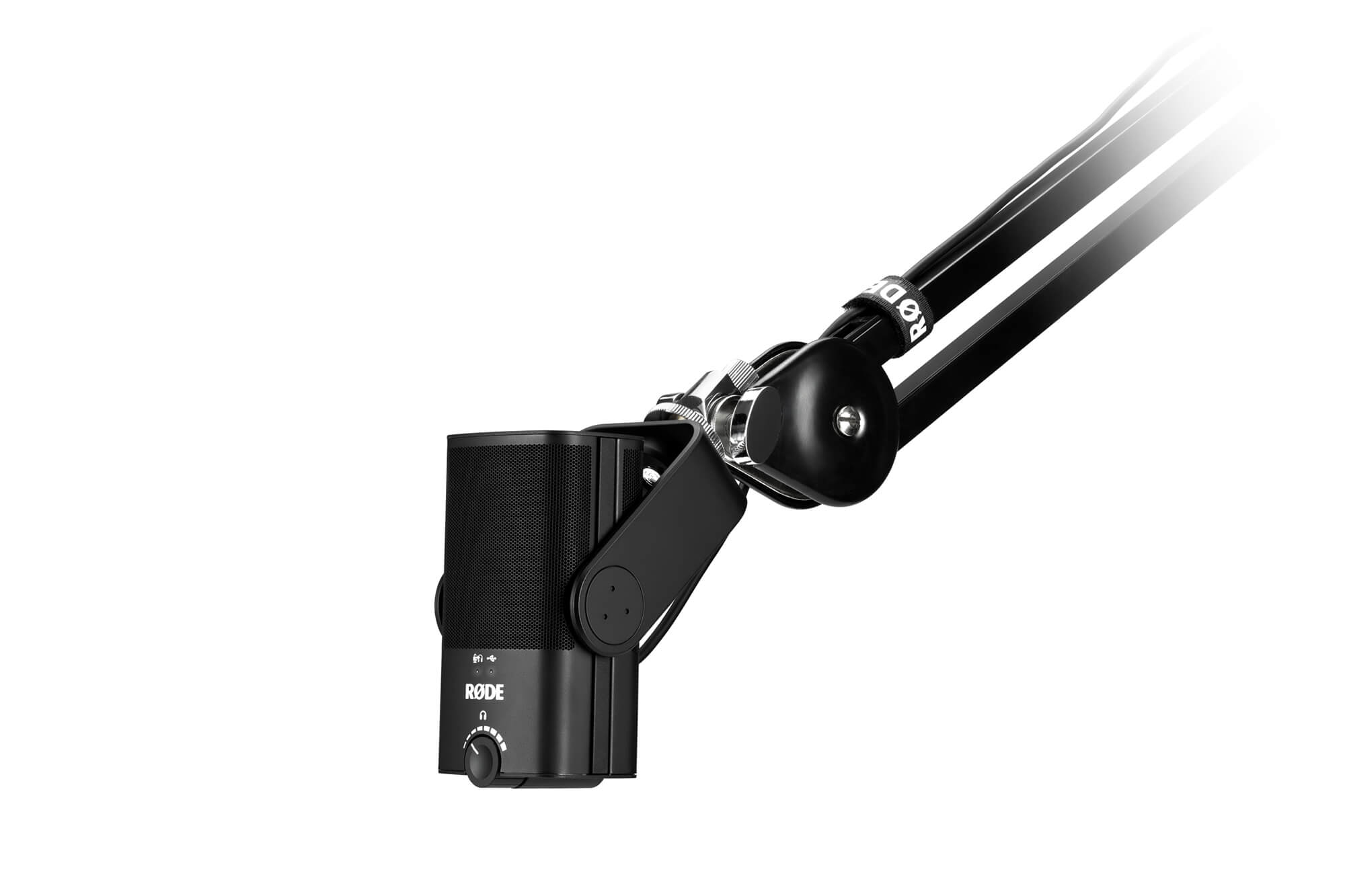
NT-USB Mini는 필요한 만큼 유연하게 설계되었습니다. 독특한 분리형 자석 책상 스탠드가 특징으로, 이는 모든 데스크에서 견고한 기반을 제공할 뿐만 아니라 마이크 스탠드나 스튜디오 암에 쉽게 부착하고 제거할 수 있게 해줍니다. 이와 더불어 독특한 360도 스윙 마운트 덕분에 마이크를 수직, 각도, 옆으로 또는 거꾸로 위치시킬 수 있어 최상의 녹음을 위해 필요한 위치에 배치할 수 있습니다.

트위치에서 스트리밍을 하든, 좋아하는 DAW에 녹음을 하든, 줌에서 비즈니스 전화를 하든, NT-USB Mini는 당신의 목소리가 완벽하게 전달되도록 보장합니다.

NT-USB MIni mounted to PSA1 on white background

스타일리시하고 컴팩트한

NT-USB 미니는 모든 데스크탑 또는 홈 스튜디오 설정에 완벽하게 추가됩니다. 너비가 89mm, 높이가 141mm에 불과하여 매우 컴팩트하며, 소중한 데스크탑 공간의 일부만 차지합니다. 또한 멋진 외관을 자랑합니다: 매끄럽고 스타일리시하며, 깔끔한 선과 현대적인 미학을 가지고 있습니다. 내구성이 뛰어난 강철과 보강된 나일론 수지 구조는 NT-USB 미니가 어디에서나 녹음의 혹독함을 견딜 준비가 되어 있음을 보장합니다.

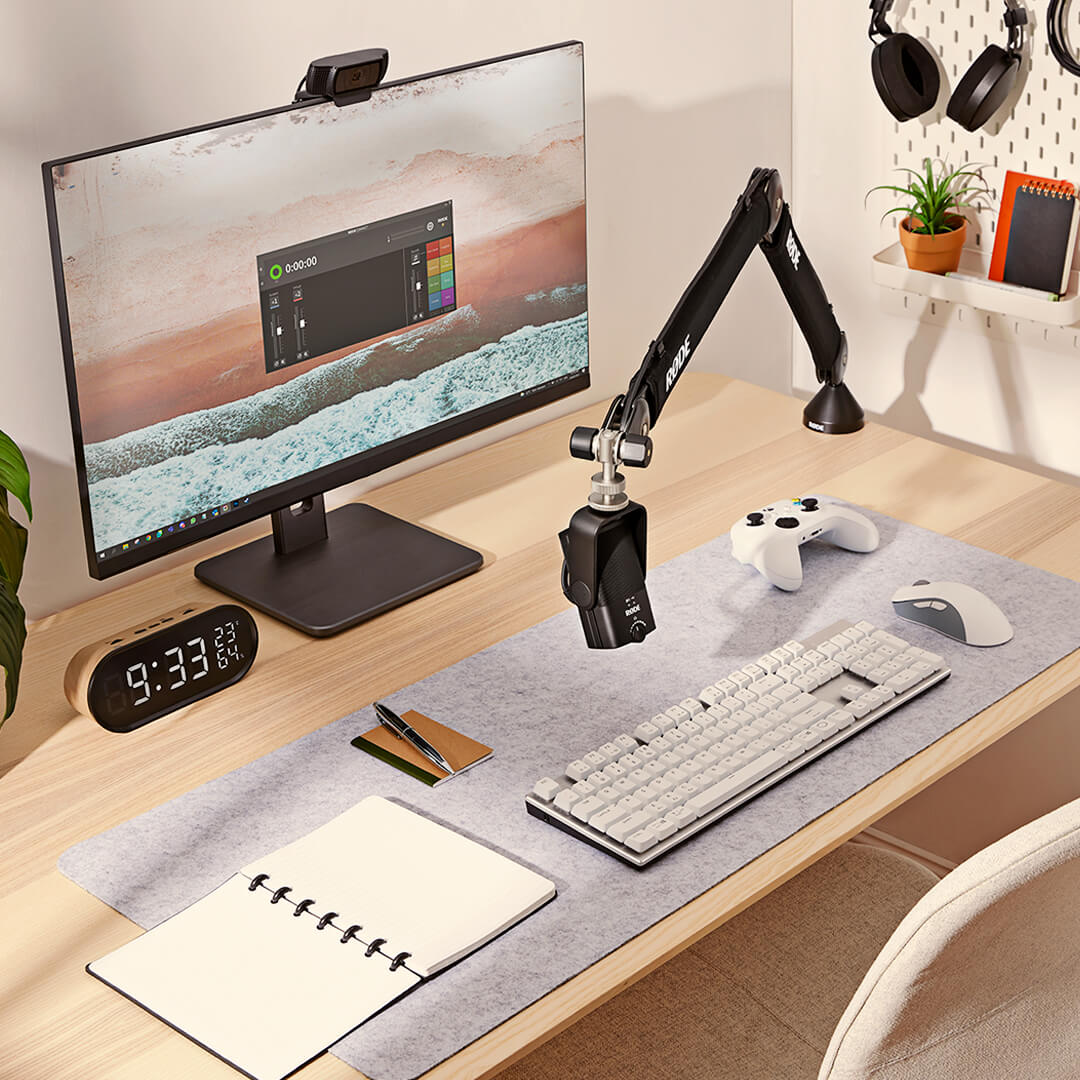
NT-USB Mini mounted on PSA1+ in front of computer with RØDE Connect

RØDE ConnectRØDE Connect

RØDE Connect는 NT-USB Mini와 함께 팟캐스팅 및 라이브 스트리밍을 위한 간단하고 강력한 소프트웨어 솔루션입니다.

NT-USB Mini의 진정한 잠재력을 발휘하세요

RØDE Connect는 NT-USB Mini의 내장 압축기, 노이즈 게이트 및 전설적인 APHEX Aural Exciter와 Big Bottom 프로세서에 대한 접근을 제공합니다. 단 한 번의 클릭으로 활성화되는 각 프로세서는 NT-USB Mini에 최적화되어 있으며, 귀하의 녹음에 전문적인 광택을 더해줍니다.

쉽게 팟캐스트하기

복잡한 라우팅이나 복잡한 소프트웨어 없이 최대 4개의 NT-USB Mini를 단일 Mac 또는 PC에 연결할 수 있습니다. 직관적이고 완전한 기능을 갖춘 녹음 인터페이스, 원격 게스트 연결을 위한 가상 채널, 그리고 각 채널에서 에코 없는 선명한 통신을 위한 자동 믹스 마이너스 기능을 갖춘 이 솔루션은 전문적인 팟캐스트를 만드는 가장 쉬운 방법입니다.

프로처럼 스트리밍하기

NT-USB Mini와 함께 RØDE Connect는 오디오 설정을 간소화하고자 하는 스트리머와 게이머를 위한 강력한 솔루션입니다. 마이크 오디오 및 외부 애플리케이션에 대한 간소화된 제어를 제공하며, OBS 또는 Xsplit과 같은 스트리밍 앱을 위한 전용 출력 제어 기능을 통해 라이브 스트리밍 오디오 설정이 그 어느 때보다 쉬워졌습니다.

OS 요구 사항: macOS 11 이상; Windows 10 버전 1803 이상.
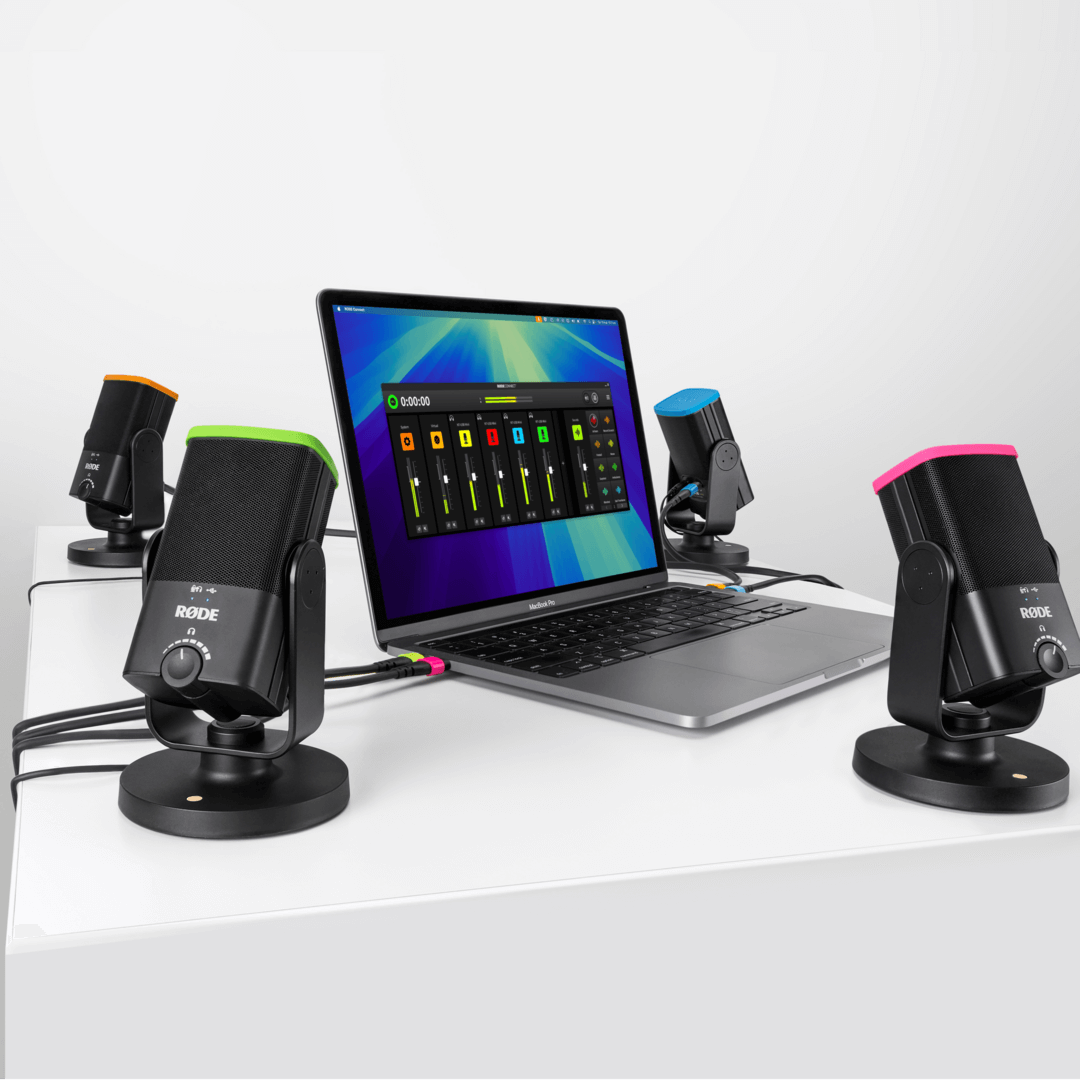
Four NT-USB Minis connected to laptop via RØDE Connect

RØDE Central RØDE Central 다운로드

RØDE Central 는 RØDE 무선 및 클래식 마이크 범위에 호환되는 장치의 필수 동반 앱으로, 장치 설정을 구성하고, 고급 기능을 잠금 해제하며, 녹음을 최적화하고 내보내고, 장치 정보를 액세스하고, 최신 펌웨어로 업데이트할 수 있습니다. 장치의 전체 잠재력을 발휘하기 위해 무료로 다운로드하세요.


모바일

OS 요구 사항: iOS 14 이상; Android 9.0 이상.


데스크탑

OS 요구 사항: macOS 11 이상; Windows 10 버전 1803 이상.

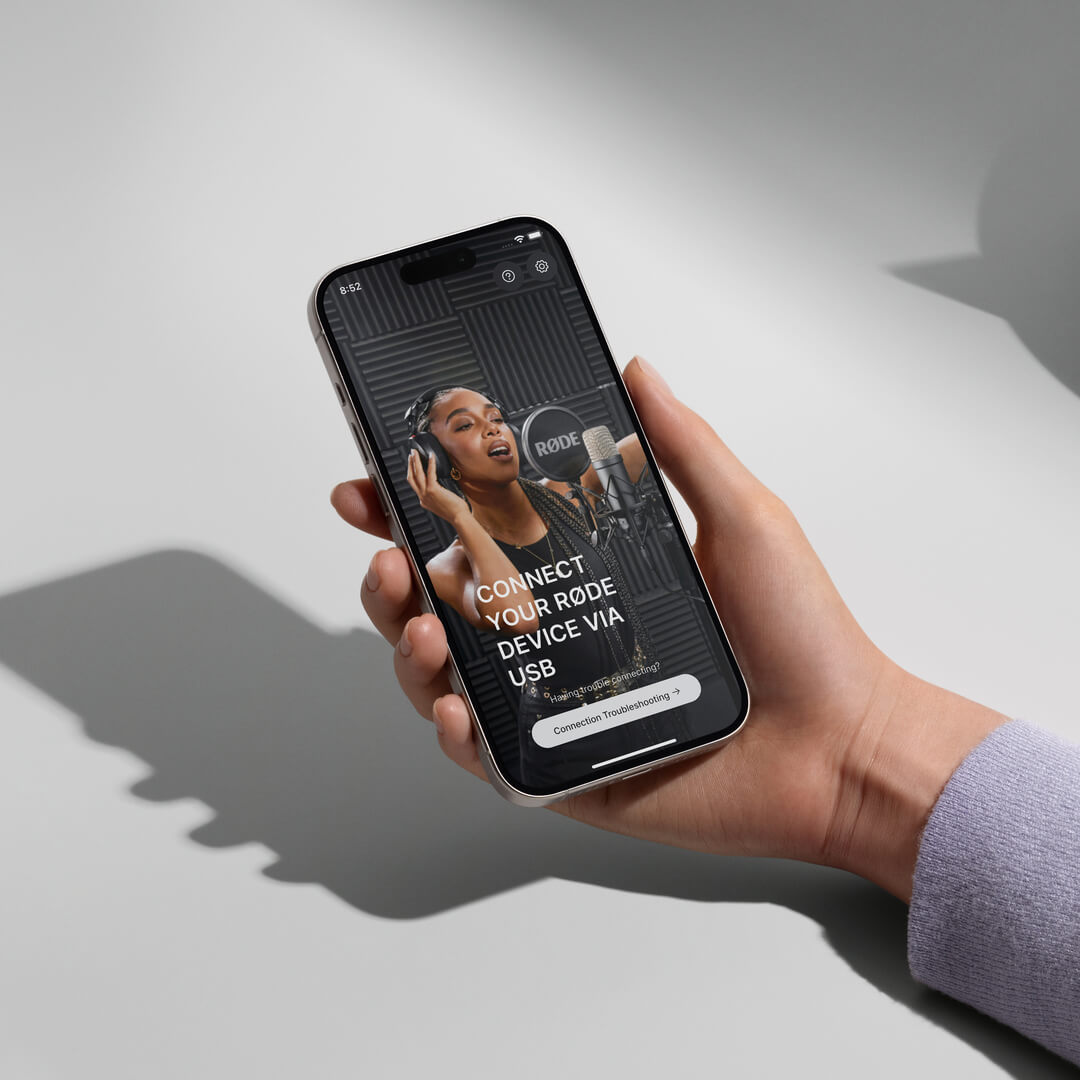
Hand holding iPhone showing RØDE Central

NT-USB+ 사용자 가이드

여기에서 NT-USB+ 전문 USB 마이크에 대해 알아야 할 모든 것을 발견하세요. 이 포괄적인 사용자 가이드는 컴퓨터, 태블릿 또는 스마트폰에서 녹음을 시작하는 데 필요한 모든 단계를 다룹니다.

NT-USB+ side controls


자주 묻는 질문

Q.
Will the NT-USB Mini work with high-impedance headphones?
A.

The headphone amplifier in the NT-USB Mini is very powerful and easily capable of driving high-impedance headphones.

A.

Yes, the NT-USB Mini has an in-built pop filter for reducing plosives. This differs from the NT-USB which has an external pop filter.

A.

If you are still hearing an echo when you activate the zero-latency monitoring mode on the NT-USB Mini, you should mute your microphone channel output in your recording software.

Here’s an example. Let’s imagine you are adding the vocal track to a song. In your recording software, you have the other parts of the song - drums, guitar, bass and so on; you have created a track for the vocal and assigned the NT-USB Mini to this track to record. By default, your DAW will likely still be sending the output of the microphone back to the headphone along with the rest of the mix. You will hear this in addition as the zero-latency audio from the mic, meaning your voice might sound as if it has an echo or doubling effect on it.

To prevent this, mute the output of your vocal track in your software when you are recording the vocal. This means you will hear in your headphones two things - the full mix of the song, but without your voice, and the zero-latency monitor output of your voice. This makes for a more natural recording experience.

Once you’ve finished recording, don’t forget to unmute your vocal channel so you can listen to your song with the vocal track you just recorded in the mix. Also deactivate zero-latency monitoring so that you can edit your mix without any distracting sounds from the room being picked up by the mic and sent to your headphones.

A.

The NT-USB Mini is a condenser microphone, which means it is quite sensitive and capable of cleanly picking up audio further from the microphone. This makes it great for a wide variety of applications, from recording acoustic guitar to taking a video call while sitting at a desk. For singing, livestreaming or voiceover production, we recommend setting up the microphone around 10-15cm from the mouth to take advantage of the proximity effect. Placing the microphone closer to the sound source will also improve the voice-to-background-noise ratio.

A.

The NT-USB Mini is compatible with the PSA1+, DS1, Tripod and all RØDE boom poles.

A.

When you record into your computer, you usually want to monitor (listen to) what you are recording in your headphones. By default, the audio is sent from the microphone to your computer and is then processed by your recording software. It is then sent back to your headphones. The problem with this is that it takes a fraction of a second for your computer software to process the audio and send it back to the headphones which can cause a distracting delay – this delay is known as latency and will vary in length depending on your setup. This delay can make it very hard to perform naturally, whether you’re singing or speaking. The zero-latency monitoring mode removes this distracting delay. This is achieved by sending the output of the microphone directly to the headphones in real-time, bypassing the computer. This signal is accompanied by the output from your computer, so you can still hear the output (for example, your backing track if you are singing, or your game sound if you're streaming), but allows a more natural and comfortable listening experience (which results in a better performance).

To activate this mode, simply press the volume knob on the front of the NT-USB Mini. You will immediately hear the output of the microphone in your headphones. To deactivate this mode, simply click the volume knob again.

Note: When using zero-latency monitoring mode, you may want to mute your microphone channel output in your software while recording, so you only hear the rest of the mix. This will ensure the most natural and echo-free sound.

A.

The NT-USB Mini is more compact than the NT-USB. It also has an in-built pop filter, a magnetic base that is easily detachable, a 360-degree swing mount, and more streamlined, straightforward controls. This makes it a great portable, easy-to-use option. The NT-USB Mini also features built-in DSP that allows it to run the complex processes in RØDE Connect in real-time. 

The NT-USB features a removable pop shield, a locking thread base for mounting to external shock mounts, along with a monitor mix control knob to fine tune your mic input/device output mix. Both microphones deliver pristine, studio-quality audio.

A.

The NT-USB Mini will work with any device that supports class-compliant audio. This includes PCs, Macs, Android devices, and Lightning iOS devices when used with the camera connector kit. If there is a warning on your device that the mic draws too much power, then simply plug in the Lighting port of the adapter to a power supply.

A.

The knob on the NT-USB Mini is an output control for your headphone levels. It is not an input control - your input level must be set on your computer or recording device. This knob also activates zero-latency monitoring mode, which is enabled by pressing it and is indicated by the top left LED.

A.

The input level from the NT-USB Mini to your computer can be controlled through your system settings. For Mac, this will be in ‘Sound Preferences’ > ‘Input’ > ‘Input Volume'. For PC, it will be in ‘Recording Devices’ > click on “NT-USB Mini” > ‘Properties’ > ‘Levels’. The volume knob controls the output going to your headphones.

A.

RØDE Connect is an ideal audio solution for podcasting and livestreaming with the NT-USB+ and NT-USB Mini, but can be used for a wide variety of recording applications, such as recording a voiceover. 

A.

RØDE Connect is a simple and powerful software solution for podcasting and streaming with the NT-USB Mini. Offering an intuitive, fully featured recording interface, the ability to connect up to four NT-USB Minis to a single computer, seamless integration with video call and streaming applications, and access to the NT-USB Mini's internal compressor, noise gate and APHEX audio processors, RØDE Connect is the easiest way to record a podcast and livestream with incredible audio.

A.

There are many things you can do to get a clean recording with minimal spill between microphones. Try recording in the quietest place possible, ideally in a room with minimal reflective surfaces (such as floorboards). Place the microphones as far away from each other as possible, faced away from one another. Positioning each microphone less than six inches from you and your guests’ will also help to capture a clean signal (you may need to use a desk stand or studio arm like the RØDE DS1 or PSA1+ to achieve this).