NT1 및 AI-1 완벽한 스튜디오 키트
오디오 인터페이스가 포함된 마이크 키트
RØDE Complete Studio Kit에는 집에서 전문가 수준의 스튜디오 품질 녹음을 제작하는 데 필요한 모든 것이 들어 있습니다. 당사의 AI-1 오디오 인터페이스, 탁월한 NT1 대형 다이어프램 콘덴서 마이크, 그리고 SM6 쇼크 마운트와 XLR 케이블을 갖춘 이 키트는 레코딩을 시작하는 완벽한 첫걸음입니다.
- NT1 대형 다이어프램 콘덴서 마이크는 뛰어난 디테일과 따뜻한 음색, 그리고 극도로 낮은 자체 노이즈(단 4.5dBA)를 제공합니다.
- AI-1 는 초저노이즈 XLR 입력과 세련된 고출력 헤드폰 앰프를 탑재해 스튜디오급 녹음, 모니터링 및 믹스다운을 지원합니다.
- Neutrik™ 콤비 잭 입력을 통해 마이크, 기타, 신시사이저 및 기타 악기를 연결할 수 있어 최고의 유연성을 제공합니다.
- 스튜디오급 SM6 쇼크 마운트와 팝 필터, 그리고 XLR 케이블이 포함되어 즉시 녹음을 시작할 수 있습니다.
- 모든 구매 고객에게 Ableton Live Lite를 무료로 제공합니다.
RØDE Complete Studio Kit에는 집에서 전문가 수준의 스튜디오 품질 녹음을 제작하는 데 필요한 모든 것이 들어 있습니다. 당사의 AI-1 오디오 인터페이스, 탁월한 NT1 대형 다이어프램 콘덴서 마이크, 그리고 SM6 쇼크 마운트와 XLR 케이블을 갖춘 이 키트는 레코딩을 시작하는 완벽한 첫걸음입니다.
- NT1 대형 다이어프램 콘덴서 마이크는 뛰어난 디테일과 따뜻한 음색, 그리고 극도로 낮은 자체 노이즈(단 4.5dBA)를 제공합니다.
- AI-1 는 초저노이즈 XLR 입력과 세련된 고출력 헤드폰 앰프를 탑재해 스튜디오급 녹음, 모니터링 및 믹스다운을 지원합니다.
- Neutrik™ 콤비 잭 입력을 통해 마이크, 기타, 신시사이저 및 기타 악기를 연결할 수 있어 최고의 유연성을 제공합니다.
- 스튜디오급 SM6 쇼크 마운트와 팝 필터, 그리고 XLR 케이블이 포함되어 즉시 녹음을 시작할 수 있습니다.
- 모든 구매 고객에게 Ableton Live Lite를 무료로 제공합니다.
홈 레코딩을 위한 완벽한 첫걸음
이름 그대로입니다. Complete Studio Kit에는 집에서 스튜디오급 레코딩을 제작하는 데 필요한 모든 것이 포함되어 있습니다. 여기에는 RØDE의 AI-1 오디오 인터페이스, NT1 대구경 콘덴서 마이크, SM6 쇼크 마운트와 팝 필터, 그리고 연결에 필요한 모든 케이블이 포함됩니다. 모든 Complete Studio Kit에는 Ableton Lite 레코딩 소프트웨어 무료 버전도 제공되므로, 바로 음악을 만들기 시작할 수 있습니다.
간편한 사용. 탁월한 사운드.
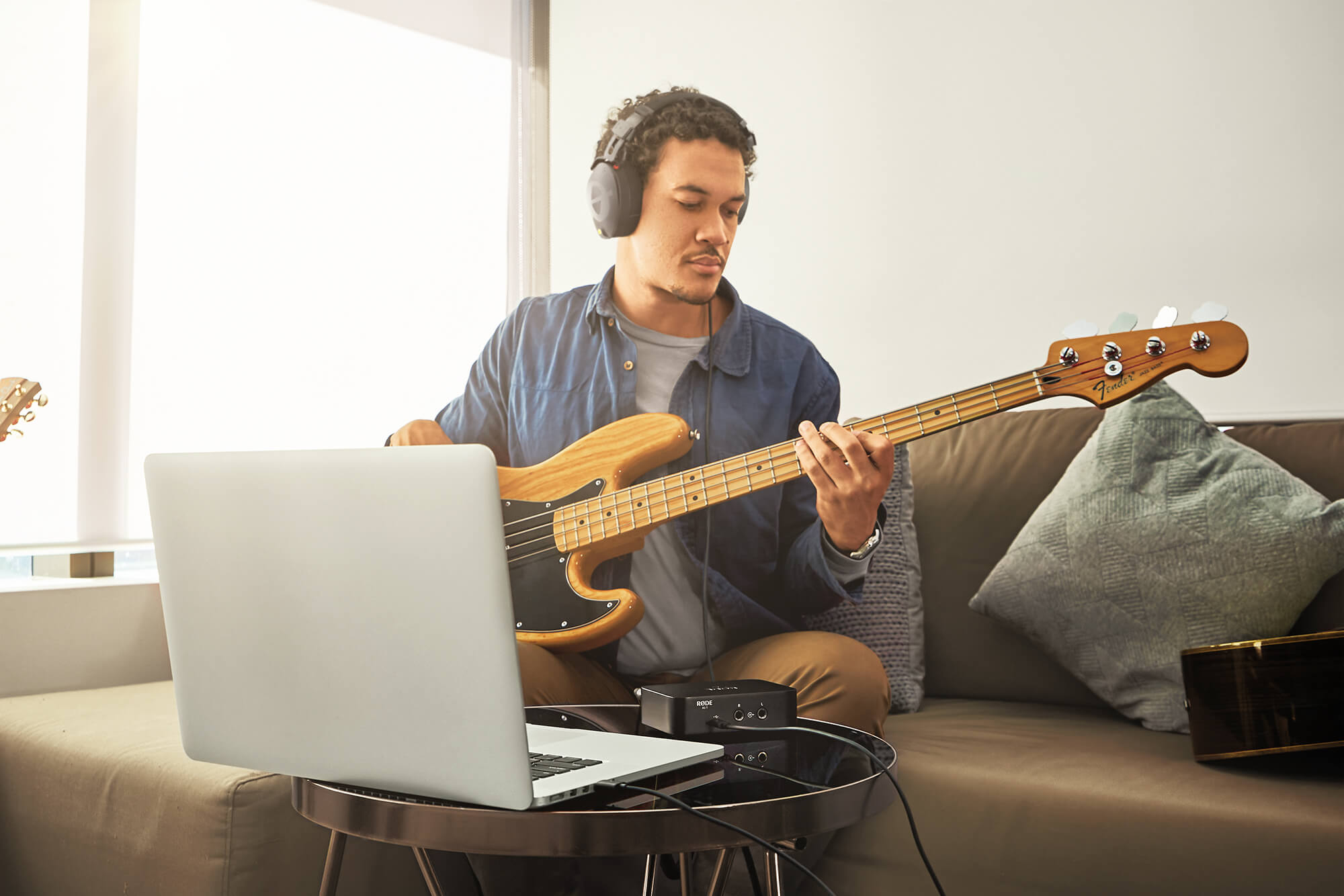
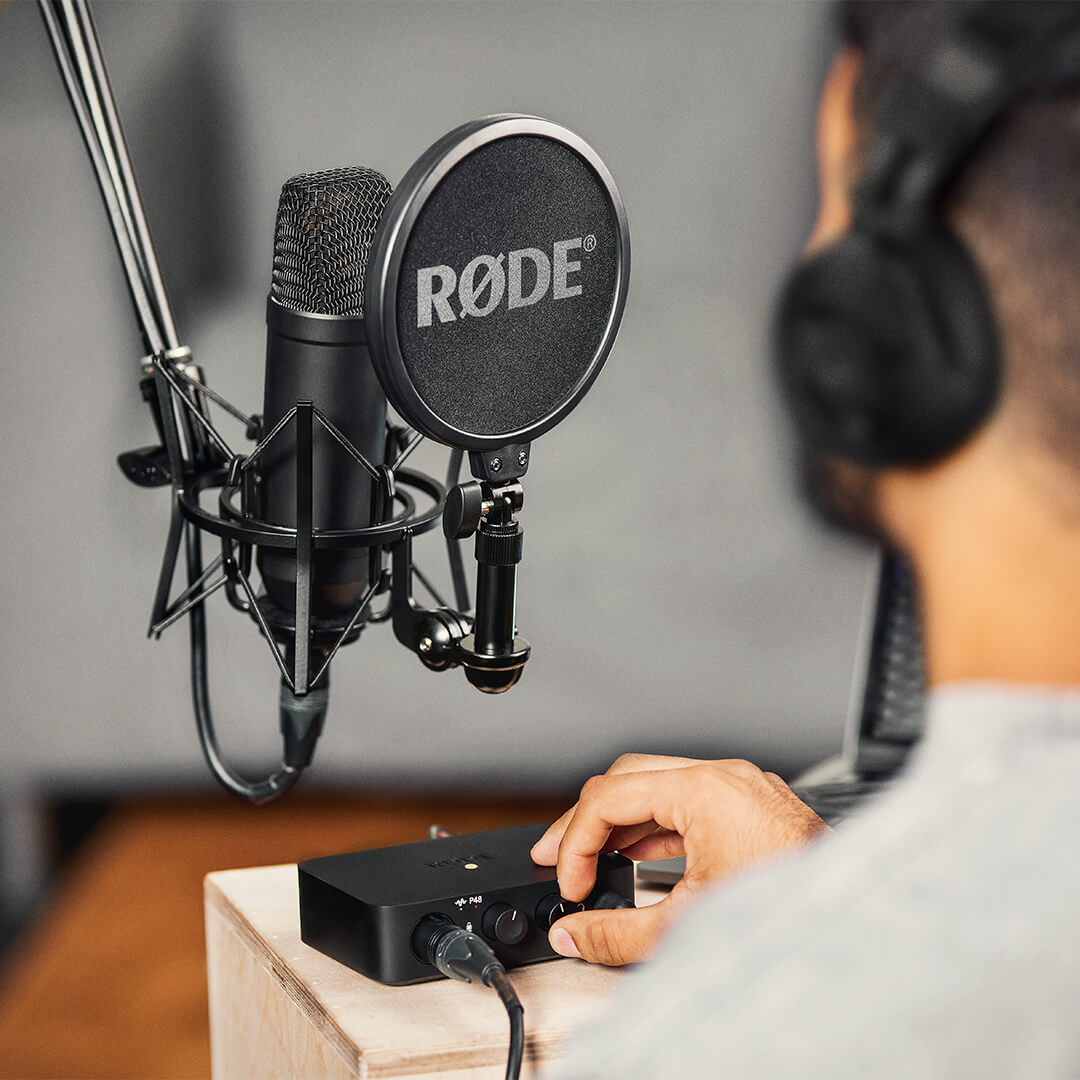
AI-1의 간결한 폼 팩터 덕분에 연결하고, 레벨을 조정한 다음 바로 사용할 수 있어 설정이 매우 간편합니다. 단일 입력은 고품질 Neutrik 콤비 잭으로, XLR 및 ¼인치 케이블을 모두 지원하므로 microphone, 기타, 베이스 또는 신시사이저를 손쉽게 연결할 수 있습니다. AI-1 는 48V 팬텀 파워를 제공하며, 프리앰프의 과부하를 방지할 수 있도록 레벨 표시등을 갖추고 있습니다. NT1과 함께 사용하면 AI-1 는 팟캐스트용 음성 녹음부터 복잡하고 여러 층으로 구성된 음악 녹음까지 어떤 용도에서도 수정처럼 선명한 오디오를 제공합니다.
탁월한 오디오 모니터링
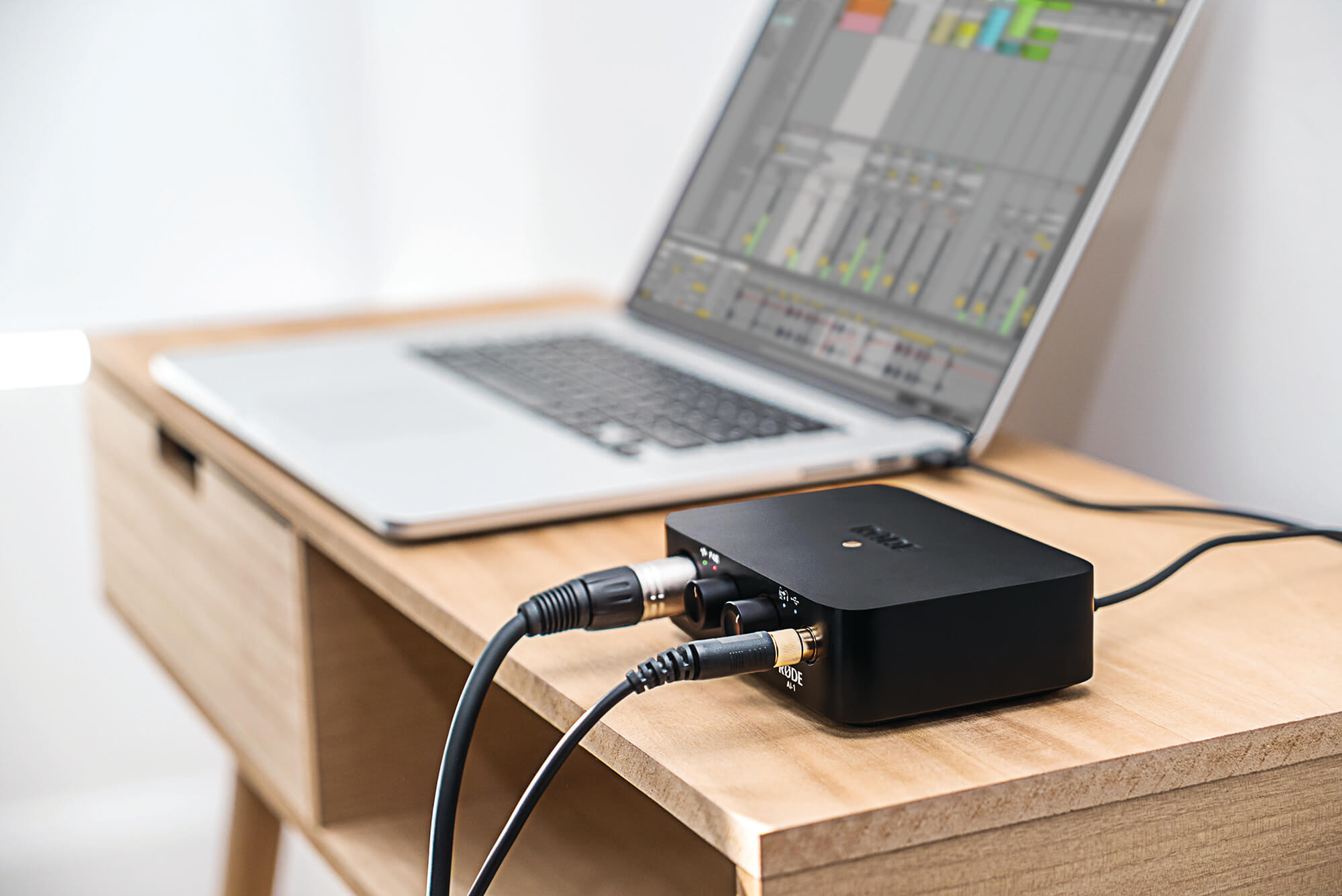
AI-1 는 녹음 소프트웨어에 크리스털처럼 선명한 오디오를 전달할 뿐만 아니라, 눈에 띄지 않는 고출력 헤드폰 앰프 덕분에 헤드폰 사운드가 그 어느 때보다 뛰어납니다. 단일 레벨 컨트롤과 전환 가능한 제로 레이턴시 모니터링으로 오디오 재생이 간편하며, 보컬이나 악기를 트래킹할 때 에코를 제거할 수 있습니다. 또한 AI-1 에는 선호하는 스피커를 연결할 수 있는 밸런스드 ¼인치 출력이 탑재되어 있습니다.