VideoMic NTG
온카메라 샷건 마이크로폰
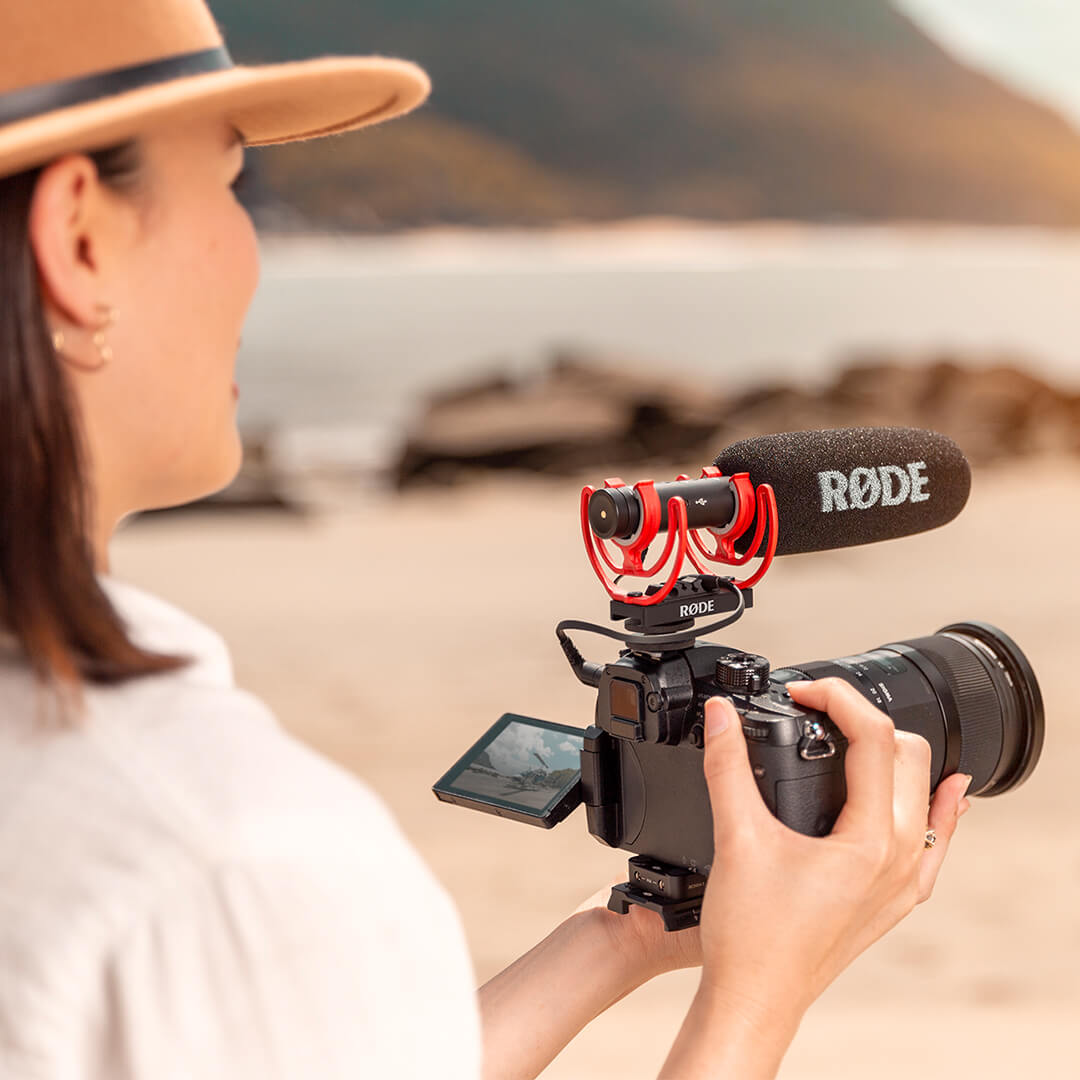
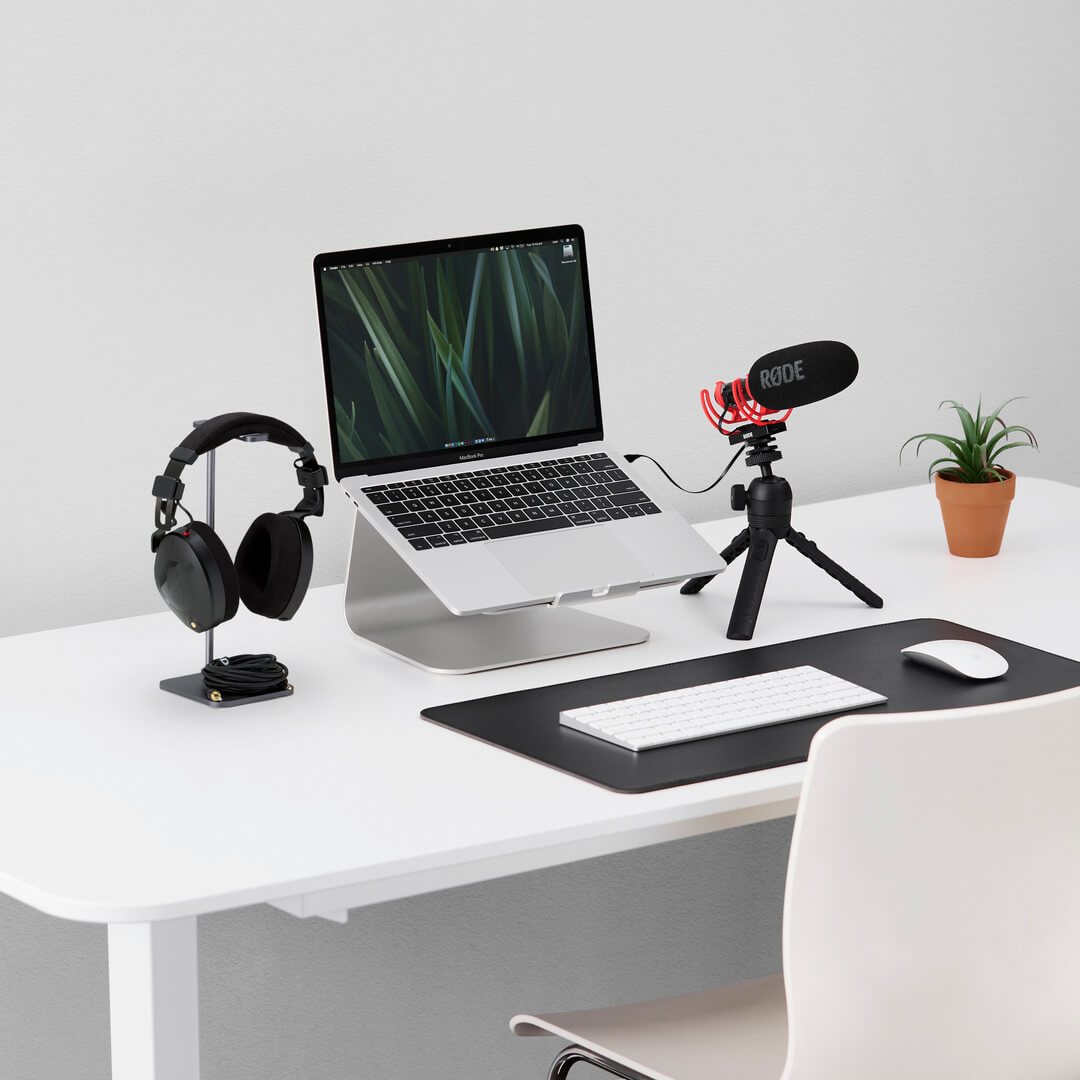
VideoMic NTG는 어디에서나 놀라운 오디오를 제공하는 매우 다재다능한 마이크입니다. 현장에서 방송 품질의 사운드를 녹음하기 위해 카메라와 함께 사용하세요. 스마트폰이나 태블릿과 함께 사용하여 이동 중에도 선명한 오디오를 즐기세요. 팟캐스트, 게임, 음성 통화 등을 위한 데스크탑 USB 마이크로 사용하세요. 하나의 마이크, 무한한 가능성.
- 비교할 수 없는 음향 투명성과 자연스럽고 색이 없는 사운드를 제공하는 혁신적인 음향 디자인
- 매우 방향성이 강한 슈퍼카디오이드 극성 패턴과 매우 평탄한 주파수 응답
- 독특한 무한 가변 이득 조절 기능
- 카메라와 모바일 장치 모두에 원활하게 연결할 수 있는 자동 감지 3.5mm 출력
- 컴퓨터나 모바일 장치에 녹음할 수 있는 디지털 USB 출력
- 디지털 스위칭 – 하이패스 필터, 패드, 고주파 부스트 및 안전 채널을 제어
- 내장형 충전식 리튬 이온 배터리가 30시간 이상의 녹음을 제공
- 초경량(94g) 및 견고한 항공우주 등급 알루미늄 구조
가장 많은 기능을 갖춘 VideoMic
VideoMic NTG는 다양한 기능을 갖추고 있어 어떤 녹음 상황에서도 유연하게 대응할 수 있습니다. 디지털 스위칭을 통해 고역 필터(플랫/75Hz/150Hz), 선명도와 세부 사항을 향상시키는 고주파 부스트, -20dB 컷이 있는 패드, 그리고 안전 채널에 접근할 수 있습니다. 또한, 녹음 장치에 맞게 출력을 정밀하게 조정할 수 있는 독특한 무한 가변 게인 컨트롤, 카메라와 모바일 장치 모두에 연결할 수 있는 자동 감지 3.5mm 출력(어댑터 케이블로 번거롭게 연결할 필요 없음), 그리고 오디오가 클립되지 않도록 도와주는 유용한 피크 경고등이 특징입니다.
비교할 수 없는 다재다능함
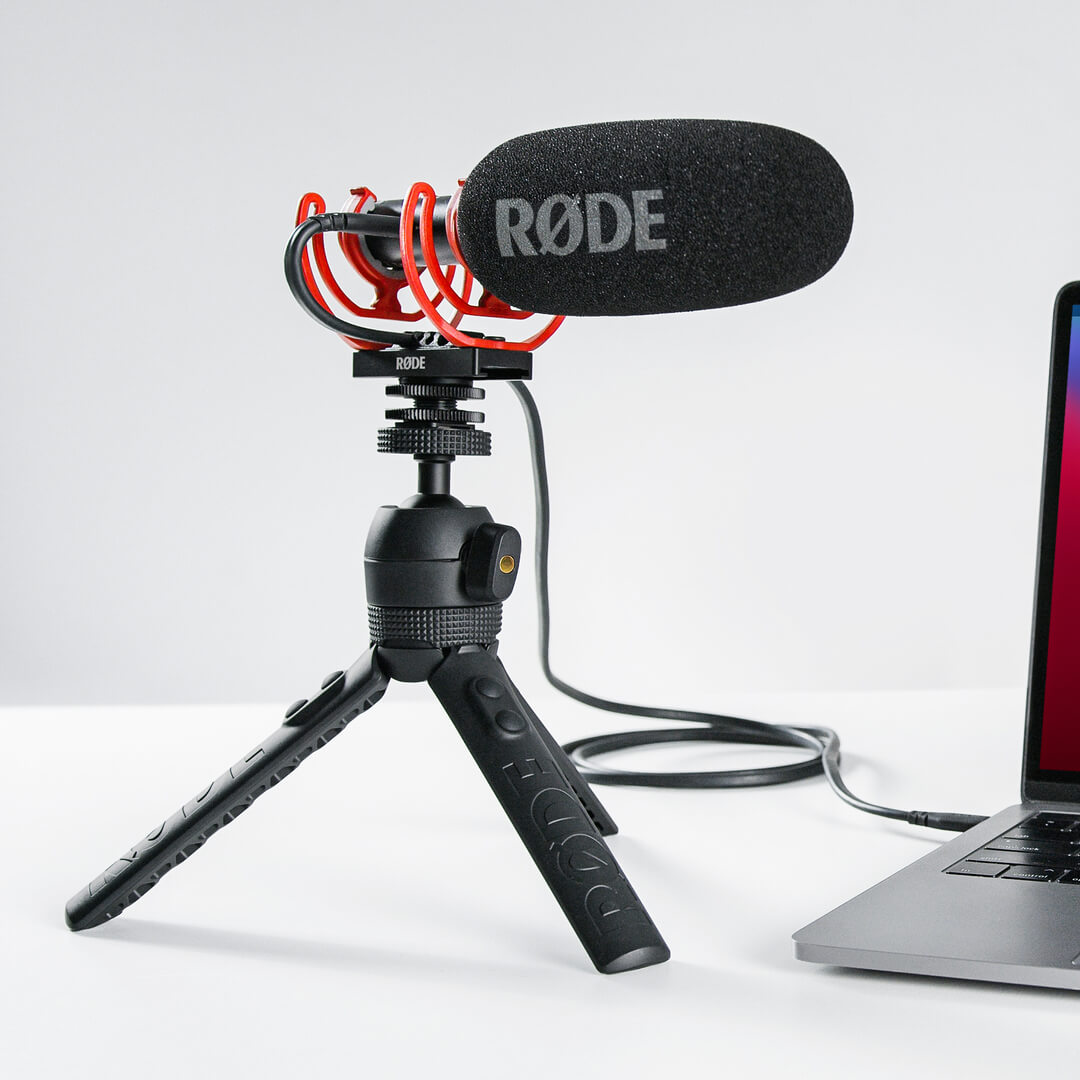
놀라운 카메라 마이크일 뿐만 아니라, VideoMic NTG는 컴퓨터에 연결할 수 있는 완전한 기능을 갖춘 USB 마이크로, 보이스오버, 팟캐스트, 게임 또는 라이브 스트리밍 녹음에 적합합니다. USB 모드에서는 3.5mm 잭이 헤드폰 출력으로도 사용되어 원활한 오디오 모니터링이 가능합니다. VideoMic NTG는 태블릿 및 스마트폰과 완벽하게 연결되어, 모바일 장치를 프로급 콘텐츠 제작 기계로 변모시킵니다.
혁신적인 음향 디자인
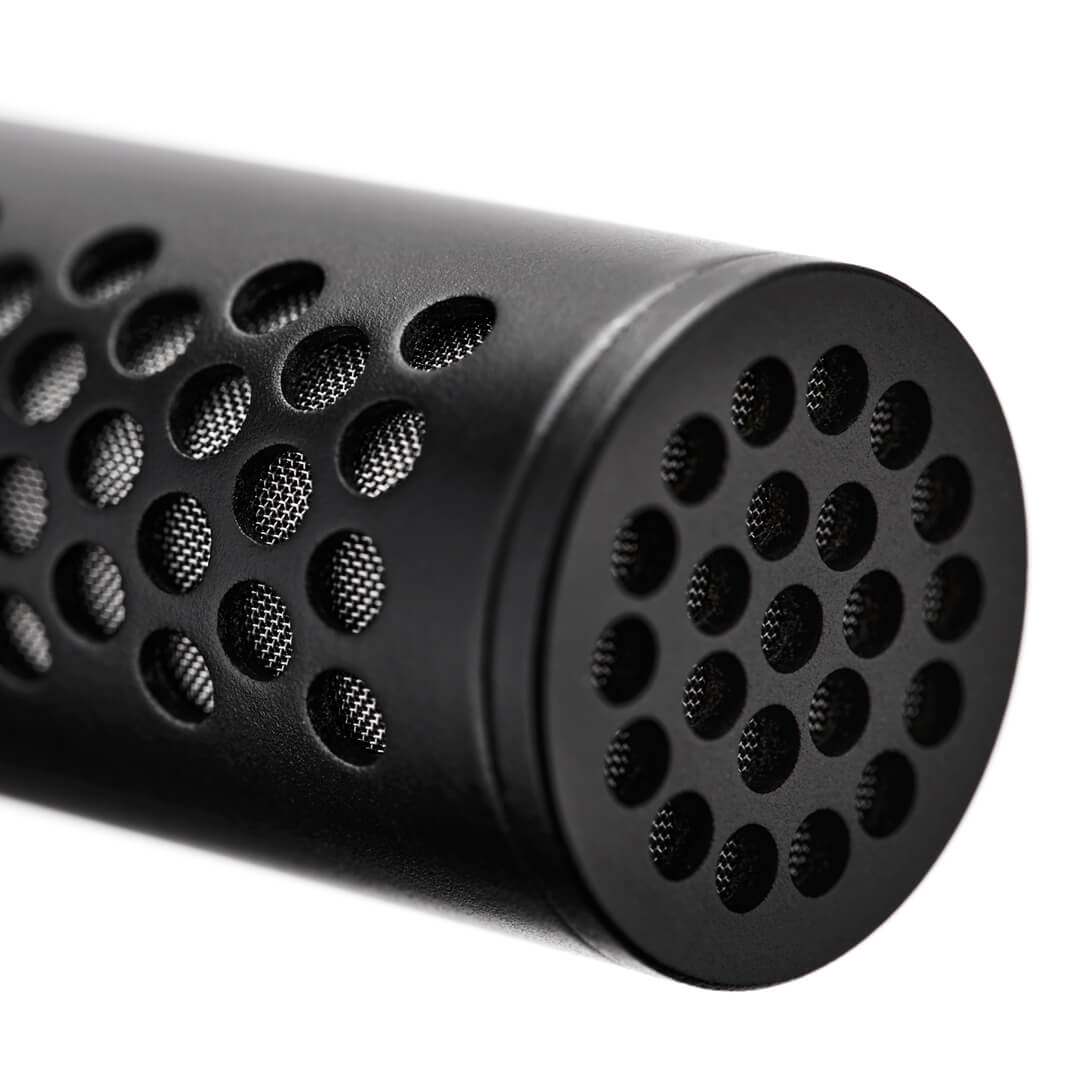
VideoMic NTG는 RØDE NTG5와 동일한 혁신적인 라인 튜브 기술을 특징으로 하며, 이는 다른 샷건 및 카메라 마이크에서 발견되는 선형 슬롯 대신 마이크 길이에 따라 음향 천공을 사용합니다. 이 혁신적인 디자인은 비할 데 없는 투명성과 자연스럽고 색이 없는 사운드를 제공합니다. 여기에 믿을 수 없을 만큼 평탄한 주파수 응답, 매우 방향성이 강한 슈퍼카디오이드 극성 패턴, 그리고 매우 낮은 자체 노이즈를 더하면, 세계 최고의 샷건 마이크와 경쟁할 수 있는 컴팩트한 카메라 마이크가 탄생합니다.
VideoMic NTG 사용자 가이드
여기에서 VideoMic NTG 사용에 대해 알아야 할 모든 것을 발견하세요. 이 포괄적인 사용자 가이드는 시작하는 방법, 모든 제어 및 기능에 대한 개요, 고급 기능에 접근하는 방법, 마이크를 최대한 활용할 수 있도록 하는 방법까지 알아야 할 모든 것을 다룹니다.
RØDE Central 다운로드
RØDE Central 는 RØDE 무선 및 클래식 마이크 범위에 호환되는 장치의 필수 동반 앱으로, 장치 설정을 구성하고, 고급 기능을 잠금 해제하며, 녹음을 최적화하고 내보내고, 장치 정보를 액세스하고, 최신 펌웨어로 업데이트할 수 있습니다. 장치의 잠재력을 최대한 발휘하기 위해 무료로 다운로드하세요.
모바일
운영 체제 요구 사항: iOS 14 이상; Android 9.0 이상.
데스크탑
운영 체제 요구 사항: macOS 11 이상; Windows 10 버전 1803 이상.
사양
자주 묻는 질문
The auto-power feature was first introduced to the VideoMic range with the VideoMic Pro+. It is a handy function that automatically turns the microphone off when it detects that the camera is switched off, helping conserve battery life, and turns it on when the camera is turned on, so that you never have to worry about missing a take. The auto-power function only works if your camera delivers plug-in power (most do), as this is what tells the microphone if it is on or off, or if you are using the microphone in USB audio mode. The VideoMic NTG also features a power button, so that it can be manually powered on and off. Check out our list of cameras that deliver plug-in power here.
The auto-sensing output is an intelligent feature that seamlessly detects whether your microphone is plugged into a TRS input (like those on most cameras) or a TRRS input (what most smartphones and tablets have) and switches the output to accommodate. This means you don’t have to worry about using TRS to TRRS adaptor cables – the SC10 cable that accompanies the VideoMic NTG will work seamlessly with any device. However, if your device has a Lightning® connector or anything other than a 3.5mm input, you will need to use an adaptor.
The infinitely variable gain control is a knob on the rear of the microphone that allows you to precisely tailor the output level to your recording device. This is an active control that has a greater output range than any other microphone on the market – it can deliver anything from mic level signal all the way to a headphone level output, which is particularly useful when using the 3.5mm jack as a headphone output. Where other microphones simply employ a pad to adjust the output, the VideoMic NTG’s control also actively amplifies the signal at various gain stages, resulting in a cleaner audio with a vastly improved signal-to-noise ratio (it essentially does all the hard work so your camera’s lower-quality internal preamp doesn’t have to, lowering the noise floor of your signal).
2 hours from empty to full.
When connected to a camera or smartphone, we recommend you turn down the gain of your camera to (or close to) its lowest setting, and turn off any automatic gain controls that may be activated. Then, starting from the lowest setting, turn up the infinitely variable gain control on the VideoMic NTG until your meters are showing a good level (usually just starting to touch the yellow, or about halfway) when recording your expected sound source. Where possible, monitor your audio using headphones, to ensure your sound is clean and clear.
The first is the infinitely variable gain control on the rear of the mic, which delivers a wide output range (numbered 1–15). You can use this to precisely tailor the output level to best match for your device.
The next button is the power/function control. By default, the mic will auto-power on when connected to a device and power off when disconnected from a device, but you can also turn the mic on/off manually by holding this button for three seconds. A single press on this button will engage the -20dB pad (left LED illuminates), another press will engage the safety channel (left LED off, middle LED illuminates), and third press will engage both functions (left and middle LEDs illuminate). A final press will disengage both functions. The right LED is the dB peak warning light, which will illuminate red when the mic’s internal preamp is clipping, at which point the pad should be engaged.
The final button is the filter control. Pressing this once will engage the 75Hz high-pass filter (left Led illuminates). Pressing it again will select the 150Hz filter (middle LED illuminates). A third press will disengage the high-pass filters (left and middle LEDs off). A long press (3 seconds) will engage the high frequency boost (right LED illuminates). This can be used in conjunction with the high-pass filters. Another long press will disengage the high boost.
There is also battery power status indicator. Green indicates the battery is fully charged, amber indicates medium charge, red indicates low charge, and blinking red indicates very low charge.
This LED also indicates charging status when the mic is connected to a power source. When connected to a computer, green indicates it is fully charged; blue indicates it is charging. When connected to a power bank or USB power adapter, the LED maintains the red/amber/green behaviour above. If the power LED triple blinks red, this means that mic has detected it is outside its operating temperature range.
The VideoMic NTG has extremely low self-noise for a microphone of this type (15dBA). All the RØDE VideoMics have extremely low self-noise. In fact, the VideoMic Pro and VideoMic Pro+ are actually slightly quieter than the VideoMic NTG. It’s worth comparing the VideoMic NTG to other on-camera microphones for reference as to how quiet all RØDE microphones are.
Yes, this is the same for the VideoMic NTG. We’ve designed the output level to be similar to the VideoMic Pro+ when the gain knob is set to 10. This is the best place to start with any device, then adjust the level up or down from there. With any VideoMic, the best results are generally achieved when the camera preamp is being driven as little as possible.
There isn’t a standby mode on the VideoMic NTG. It's either off and not drawing any power, or it’s completely on. When the microphone is off, it will last months without the need to charge.
There is no difference in the sonic characteristics of the safety channel, it is just 20dB lower than the main channel. However, when you boost the safety channel in post-production, you may notice some preamp noise from your camera which may affect the perceived audio quality. The safety channel should ideally be used to replace the small piece of audio that has clipped, and it’s best to blend the audio in and out quickly to reduce any noticeable quality change.
All RØDE microphones are tested extensively for interference from a wide range of devices. We make sure that the bodies are extremely well shielded and that the electronics aren’t susceptible to interference. Our state of the art RF test facilities allow us to put microphones through a wide range of RF simulations, which ensures our designs are robust and highly resistant to RF interference.
The internal battery is not user-replaceable. However, the VideoMic NTG has a 10-year warranty once it has been registered. If there are any issues with the battery within this time frame, simply contact the RØDE support team and we'll happily help out.
To connect your VideoMic NTG to a Lightning-equipped iOS devices, such as an iPhone, iPad or iPod, you need to use the RØDE SC15 cable. Use this to connect the USB-C output of the microphone to the input of your device (please ensure you've updated your VideoMic NTG to the latest firmware to allow for this connection – you can download this here). You can also plug your VideoMic NTG into an iOS device using the 3.5mm output, however, using the USB-C output with the SC15 gives you access to a host of features including headphone monitoring, the safety channel, and two-way audio transmission for making video calls. We highly recommend this option.
The VideoMic NTG is a class-compliant device and will work directly with your computer or tablet PC. As a class-compliant USB device, you don’t need drivers or software for it to work. Simply plug it into your device, set it as your input source in your system preferences or recording software settings, and hit record.
The VideoMic NTG is compatible with most Android smartphones that have USB-C. Compatibility depends on your smartphone manufacturer.