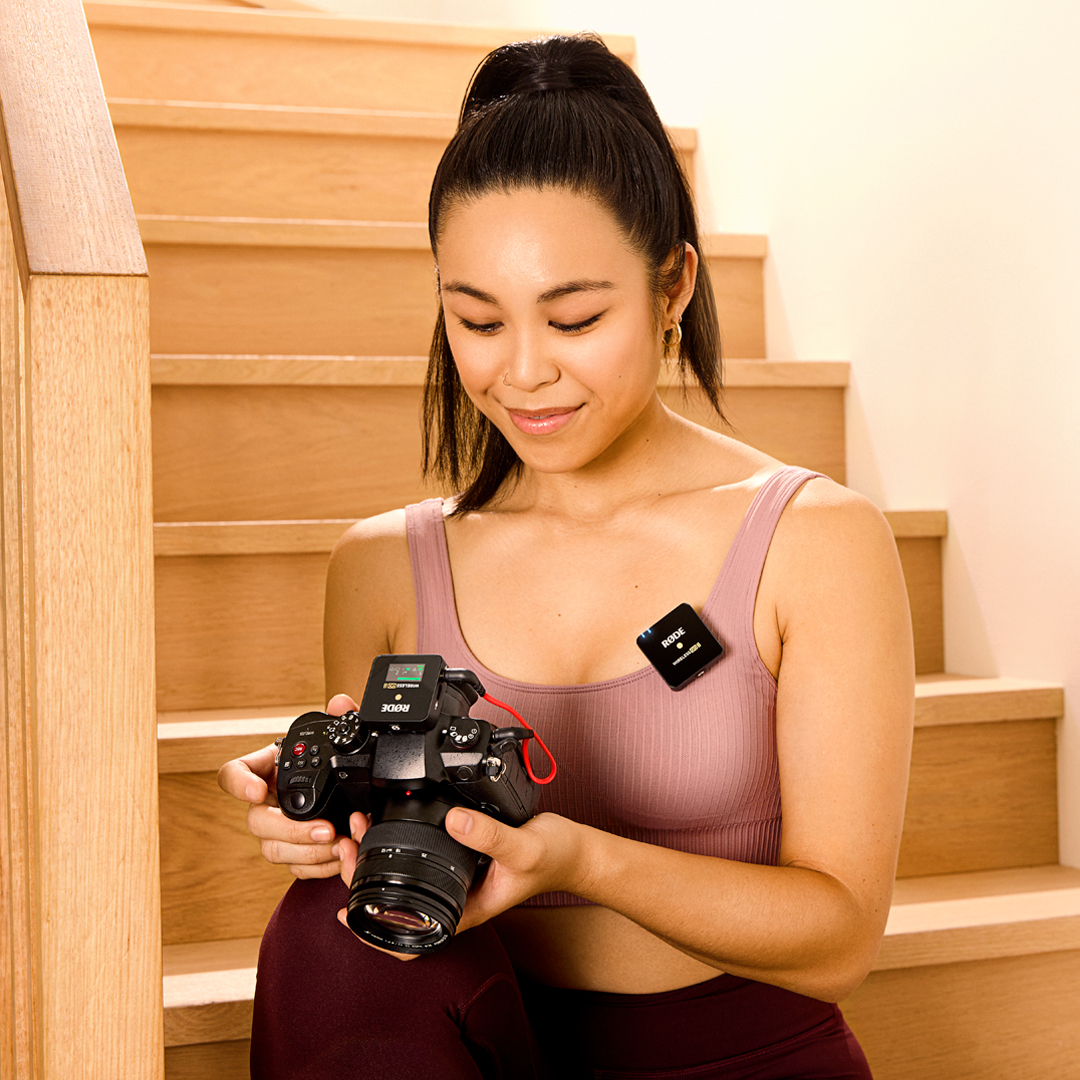
Wireless GO II
Sistema de Microfone Sem Fio
- Sistema de microfones sem fio de dois canais para gravar duas fontes sonoras simultaneamente
- Transmissão digital Series IV de 2,4 GHz, criptografia de 128 bits – áudio cristalino a até 200 m (com linha de visada), otimizado para uma operação extremamente estável em ambientes com RF intenso
- Saída analógica TRS de 3,5 mm, saída digital USB-C e iOS – compatibilidade universal com câmeras, dispositivos móveis e computadores
- Gravação integrada – mais de 40 horas de memória interna
- Opção de gravar cada canal separadamente ou combiná-los para máxima flexibilidade na pós-produção
- Canal de segurança, controle de ganho flexível (atenuador de três níveis, expansível para 10 níveis)
- Bateria interna recarregável de íons de lítio – até 7 horas de autonomia
- Compatível com todos os dispositivos RØDE Series IV, incluindo o Wireless ME, o Wireless PRO, o RØDECaster Duo, o RØDECaster Pro II e o Streamer X
- Projetado e fabricado nas instalações de produção de precisão da RØDE na Austrália
- Sistema de microfones sem fio de dois canais para gravar duas fontes sonoras simultaneamente
- Transmissão digital Series IV de 2,4 GHz, criptografia de 128 bits – áudio cristalino a até 200 m (com linha de visada), otimizado para uma operação extremamente estável em ambientes com RF intenso
- Saída analógica TRS de 3,5 mm, saída digital USB-C e iOS – compatibilidade universal com câmeras, dispositivos móveis e computadores
- Gravação integrada – mais de 40 horas de memória interna
- Opção de gravar cada canal separadamente ou combiná-los para máxima flexibilidade na pós-produção
- Canal de segurança, controle de ganho flexível (atenuador de três níveis, expansível para 10 níveis)
- Bateria interna recarregável de íons de lítio – até 7 horas de autonomia
- Compatível com todos os dispositivos RØDE Series IV, incluindo o Wireless ME, o Wireless PRO, o RØDECaster Duo, o RØDECaster Pro II e o Streamer X
- Projetado e fabricado nas instalações de produção de precisão da RØDE na Austrália
Aproveite a liberdade do sistema sem fio
O Wireless GO II conta com a transmissão digital Series IV de última geração da RØDE, proporcionando áudio sem fio incrivelmente estável e nítido em alcances de até 200 m (com linha de visada), mesmo em ambientes com RF intensa, como escritórios, shopping centers, ruas movimentadas e universidades.

Versatilidade incrível
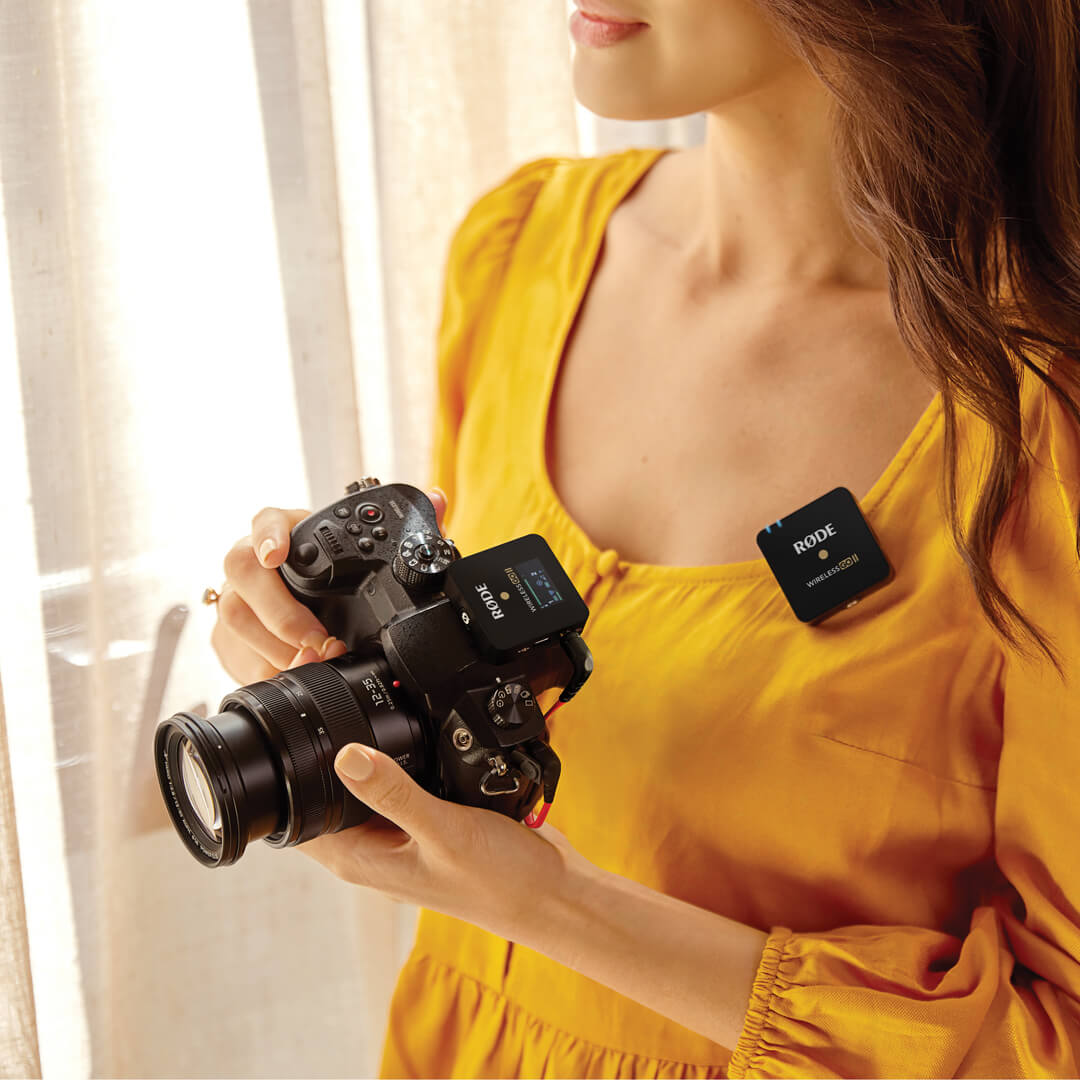
Com suas saídas analógica de 3,5 mm e digital USB-C, o Wireless GO II pode gravar dois canais de áudio individuais em câmeras DSLR e mirrorless, telefones e tablets iOS e Android, e computadores Mac e Windows . Um sistema de microfone sem fio que se adapta às suas necessidades.

Seguro e impecável
O controle de ganho flexível e o canal de segurança do Wireless GO II garantem que você possa obter níveis perfeitos gravados na sua câmera, mesmo que o seu interlocutor fique repentinamente mais alto, e, como cada transmissor conta com gravação integrada, você ainda terá um backup do seu áudio mesmo que saia do alcance.

Áudio profissional de bolso
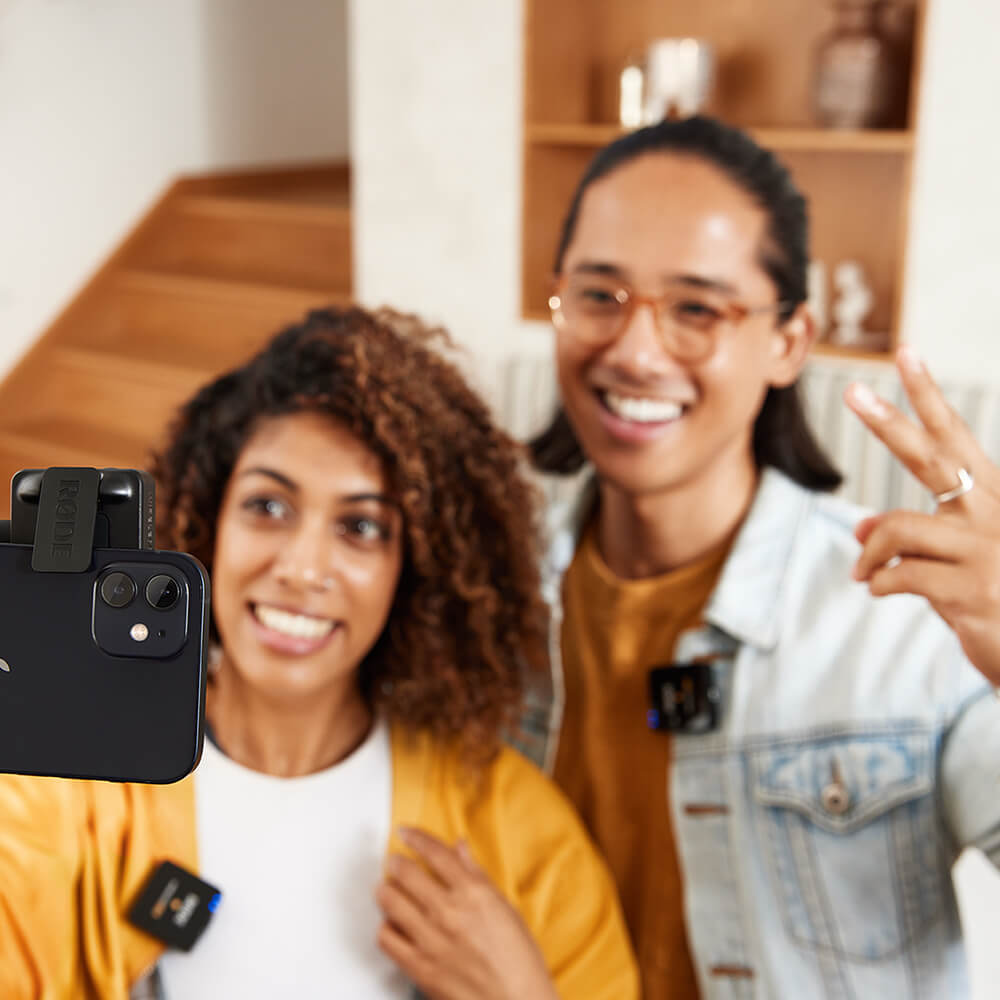
Os transmissores e o receptor Wireless GO II pesam menos de 32 g cada e ocupam praticamente nenhum espaço em uma bolsa de equipamento de câmera, mochila, bolsa ou pasta. Com seu formato exclusivo e compacto e design inovador do clipe, é incrivelmente fácil fixá-los em roupas, sapatas frias de câmeras, varas de boom ou rigs de câmera móveis.
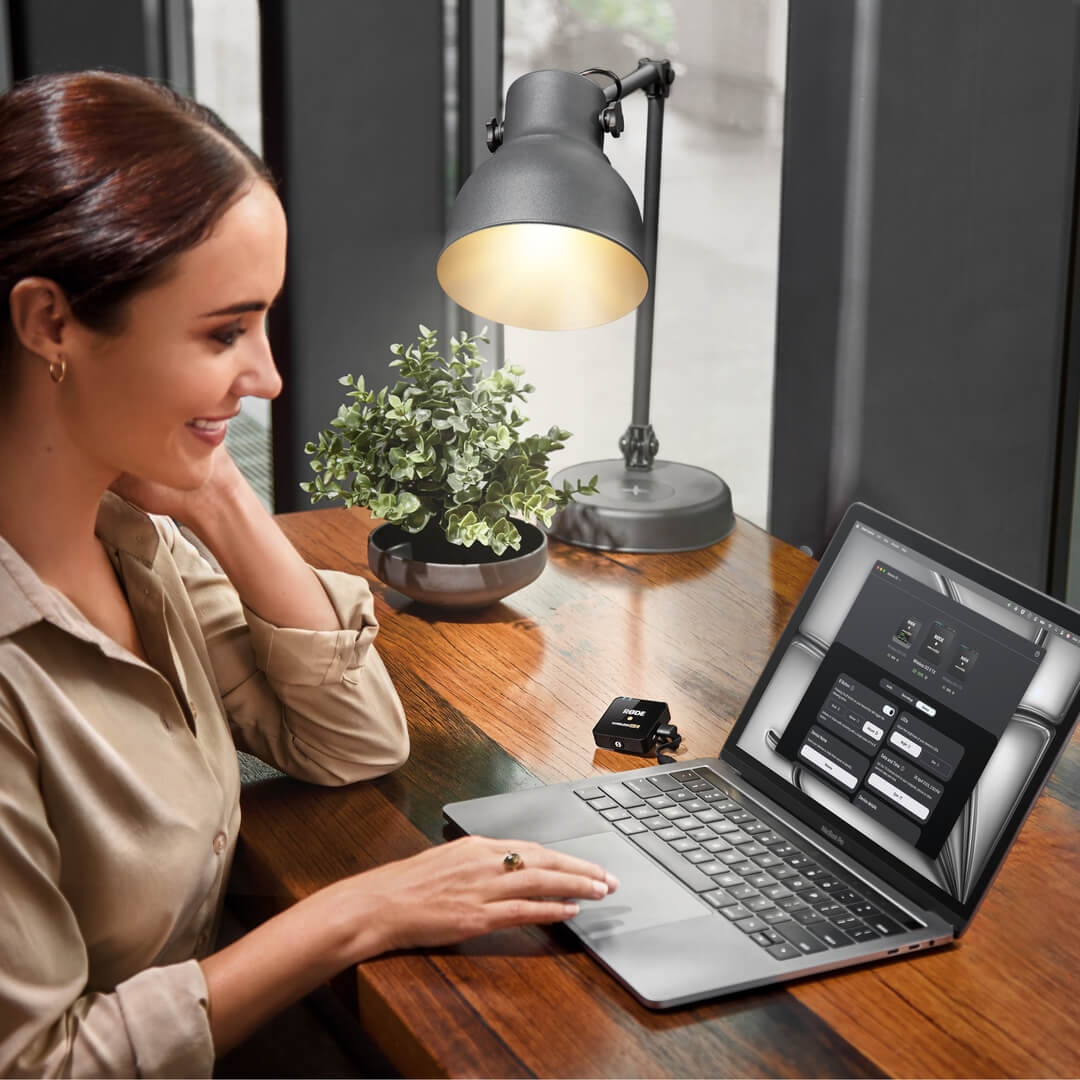
.png ) Baixe o RØDE Central
Baixe o RØDE Central
RØDE Central é o aplicativo complementar essencial para dispositivos compatíveis das linhas RØDE wireless e de microfones clássicos, permitindo configurar os ajustes do dispositivo, desbloquear recursos avançados, otimizar e exportar gravações, acessar informações do dispositivo e atualizar para o firmware mais recente. Baixe-o gratuitamente para aproveitar todo o potencial do seu dispositivo.
Móvel
Requisitos do sistema operacional: iOS 14 ou posterior; Android 9.0 ou posterior.
Desktop
Requisitos do sistema operacional: macOS 11 ou posterior; Windows 10 Versão 1803 ou posterior.
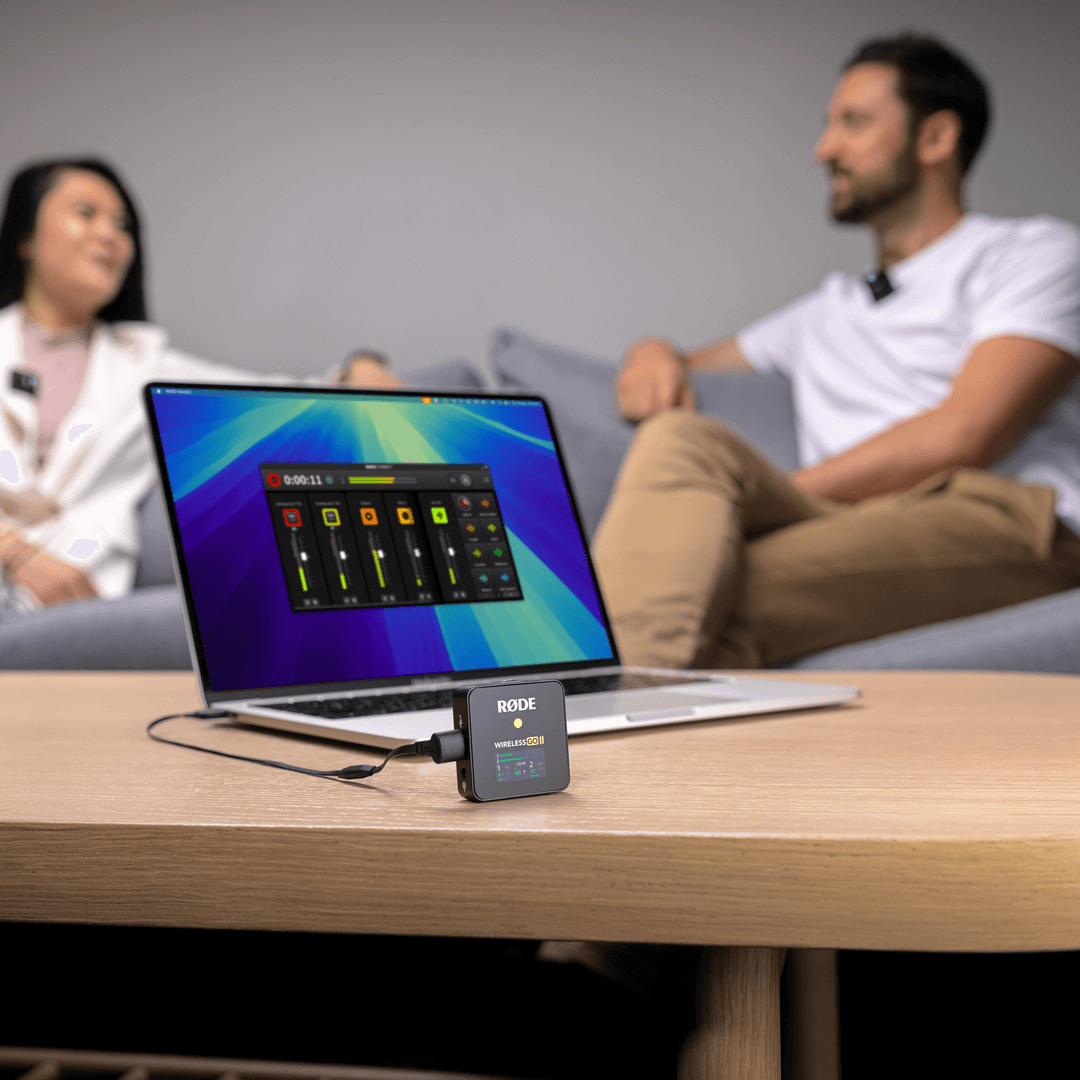
 RØDE Connect
RØDE Connect é uma solução gratuita de software para podcasts e streaming, agora compatível com o Wireless GO II. O RODE Connect facilita a gravação ou transmissão com áudio de qualidade profissional a partir do seu computador.
O RØDE Connect permite conectar até quatro convidados presenciais, com dois Wireless GO II, a um único computador. Ele conta com uma interface intuitiva e fácil de usar, inspirada no RØDECaster Pro.
Requisitos do sistema operacional: macOS 11 ou posterior; Windows 10 versão 1803 ou posterior.
Guia do Usuário do Wireless GO II
O Guia do Usuário do Wireless GO II explica tudo o que você precisa saber para usar seu Wireless GO II e capturar um som incrível. Este guia completo aborda desde os primeiros passos e o aprendizado de como usar seu dispositivo até a configuração e o desbloqueio de recursos avançados com o aplicativo complementar RØDE Central.
Wireless GO II Single
O Wireless GO II também está disponível em um conjunto individual. Oferecendo o mesmo formato ultracompacto e o conjunto de recursos incomparável do original, mas com apenas um transmissor em vez de dois, é o microfone sem fio definitivo para criadores de conteúdo solo. O receptor do conjunto individual é idêntico ao da edição de dois canais, o que significa que é possível emparelhar facilmente um transmissor adicional para gravação em dois canais.