NT-USB 迷你
专业录音室品质 USB 麦克风
NT-USB Mini 将 RØDE 世界级录音室麦克风的纯净音质带入一个紧凑、易于使用的 USB 麦克风。旨在将清晰、专业质量的音频直接传输到计算机或平板电脑,它是游戏玩家、播客主持人、音乐家、直播者和希望以全高清晰度被听到的内容创作者的完美麦克风。
- 高品质电容胶囊,提供温暖和存在感,确保在所有录音应用中都能实现清晰、专业的声音。
- 定向心形极性模式,经过优化以减少环境声音,专注于主体,无论是对话、声乐还是乐器。
- 内置防喷罩,减少爆破音。
- 与我们简单而强大的播客和流媒体软件完全兼容,RØDE Connect
- 内置数字信号处理:噪声门、压缩器、APHEX® Aural Exciter™ 和 Big Bottom™(通过 RØDE Connect 访问)
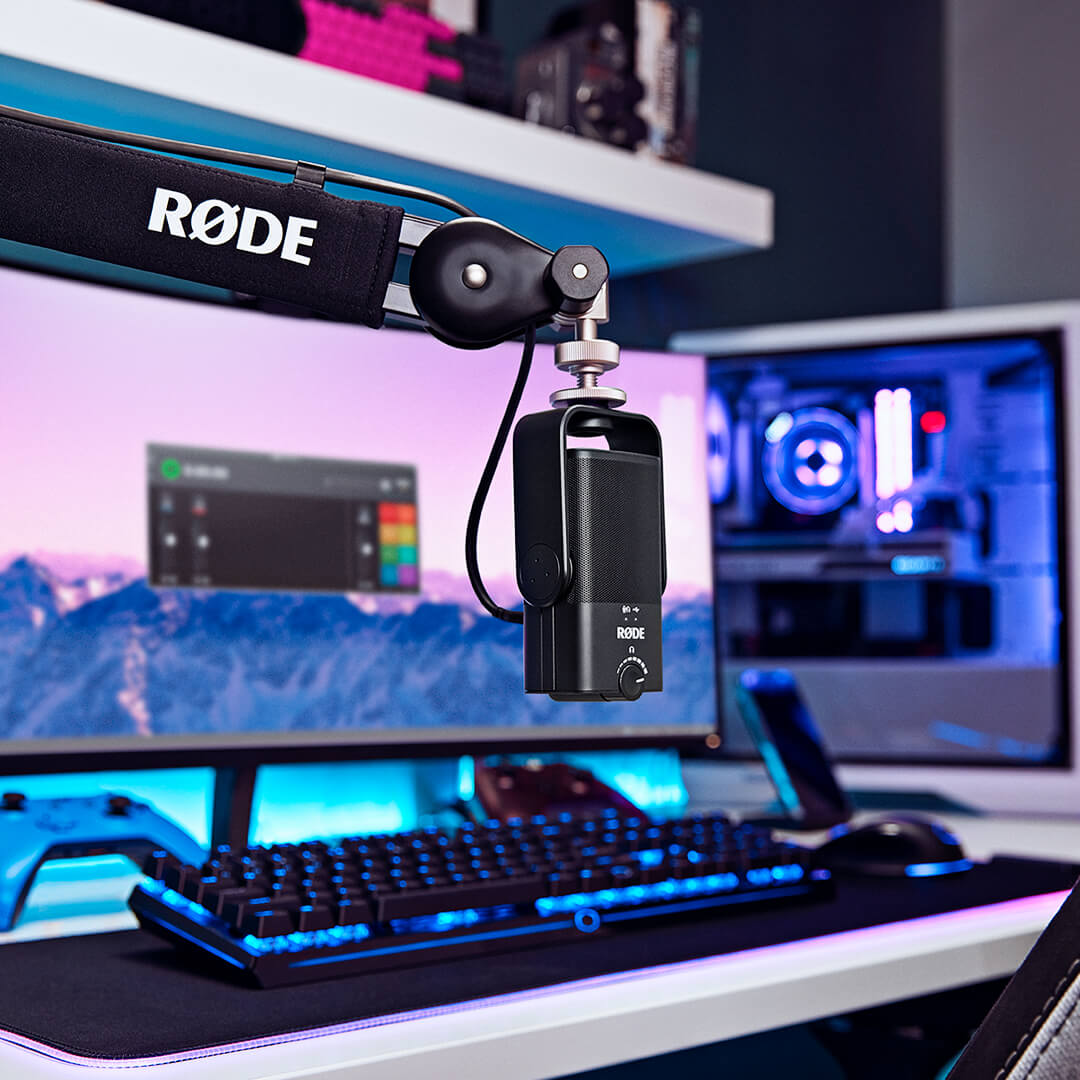
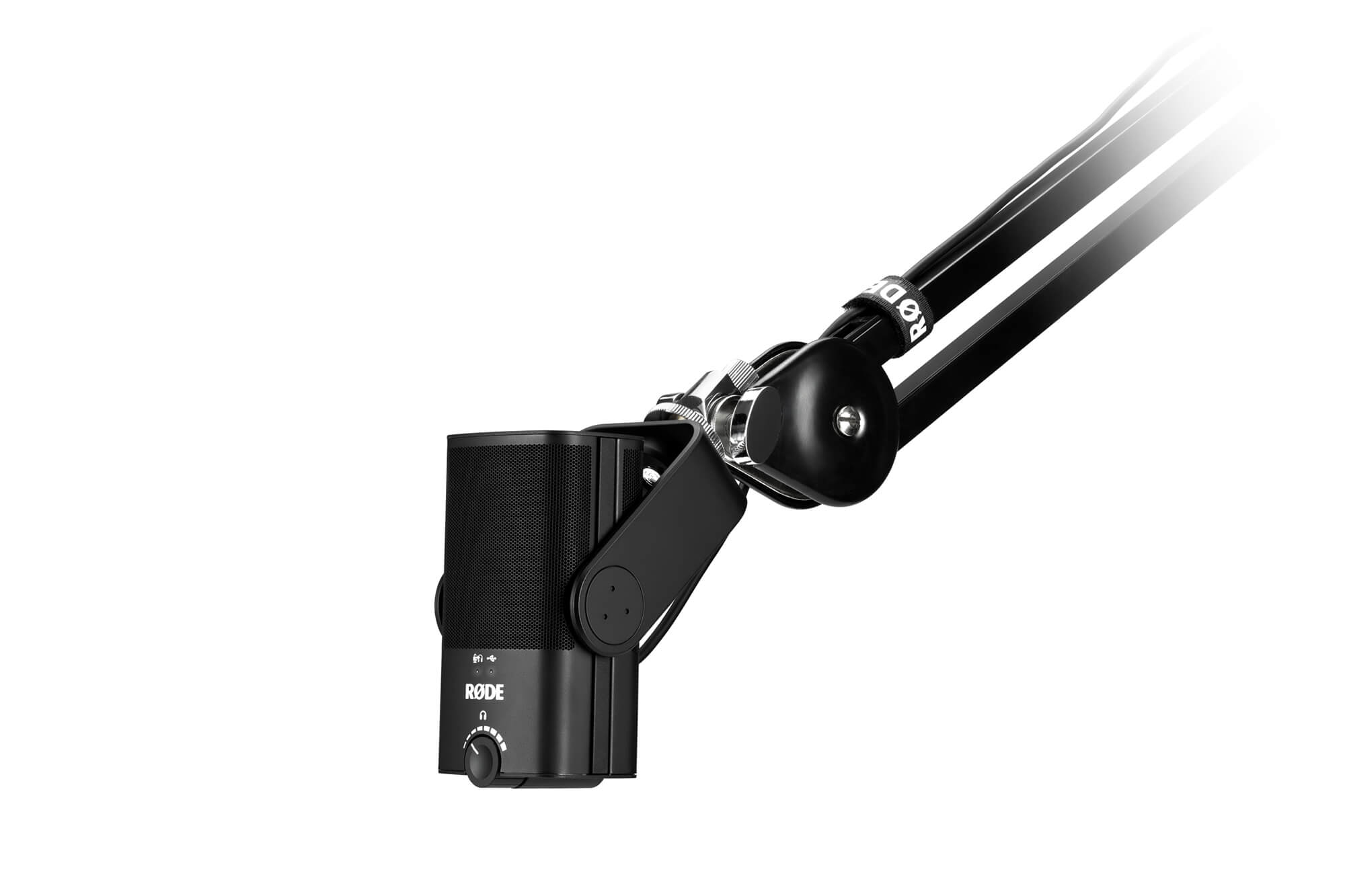
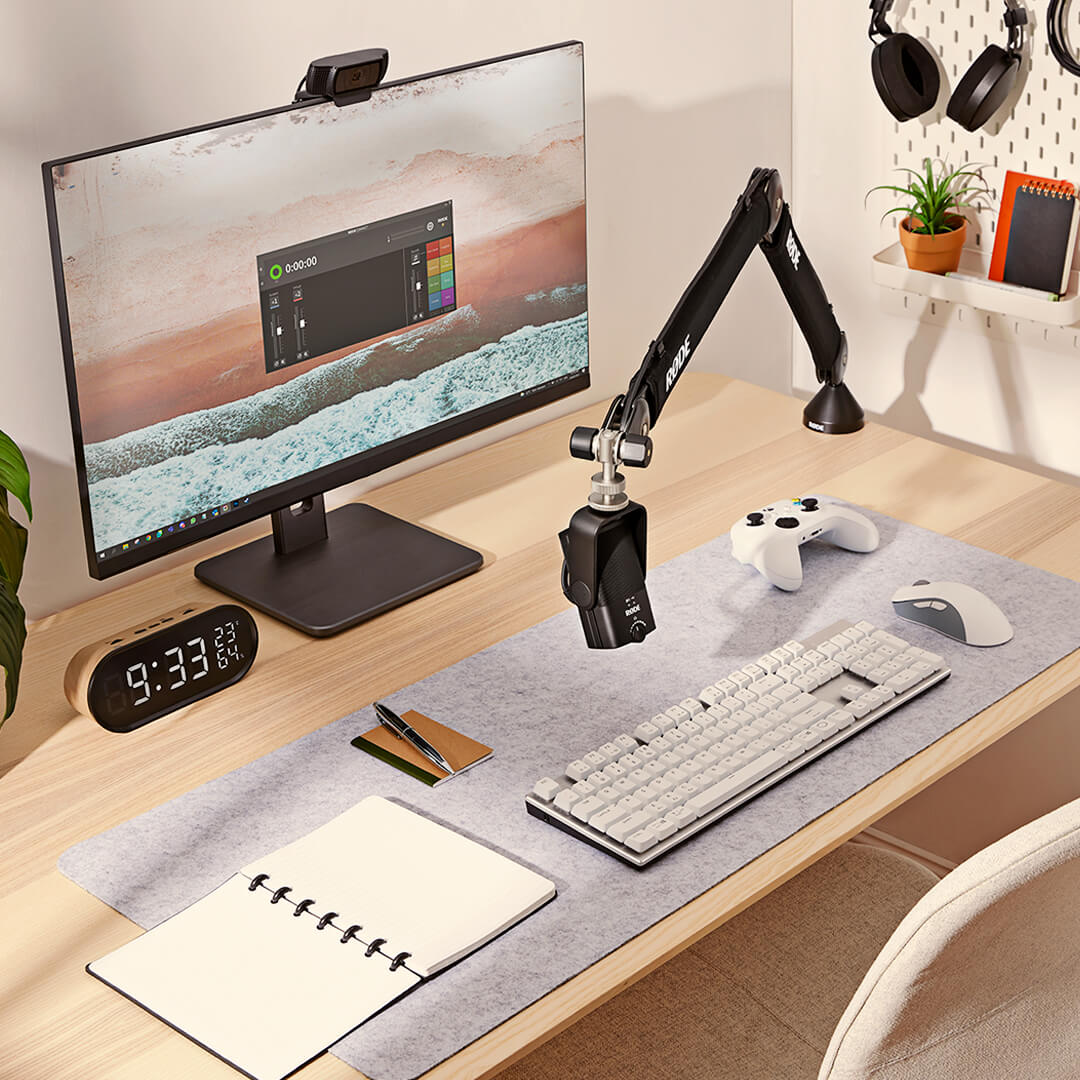
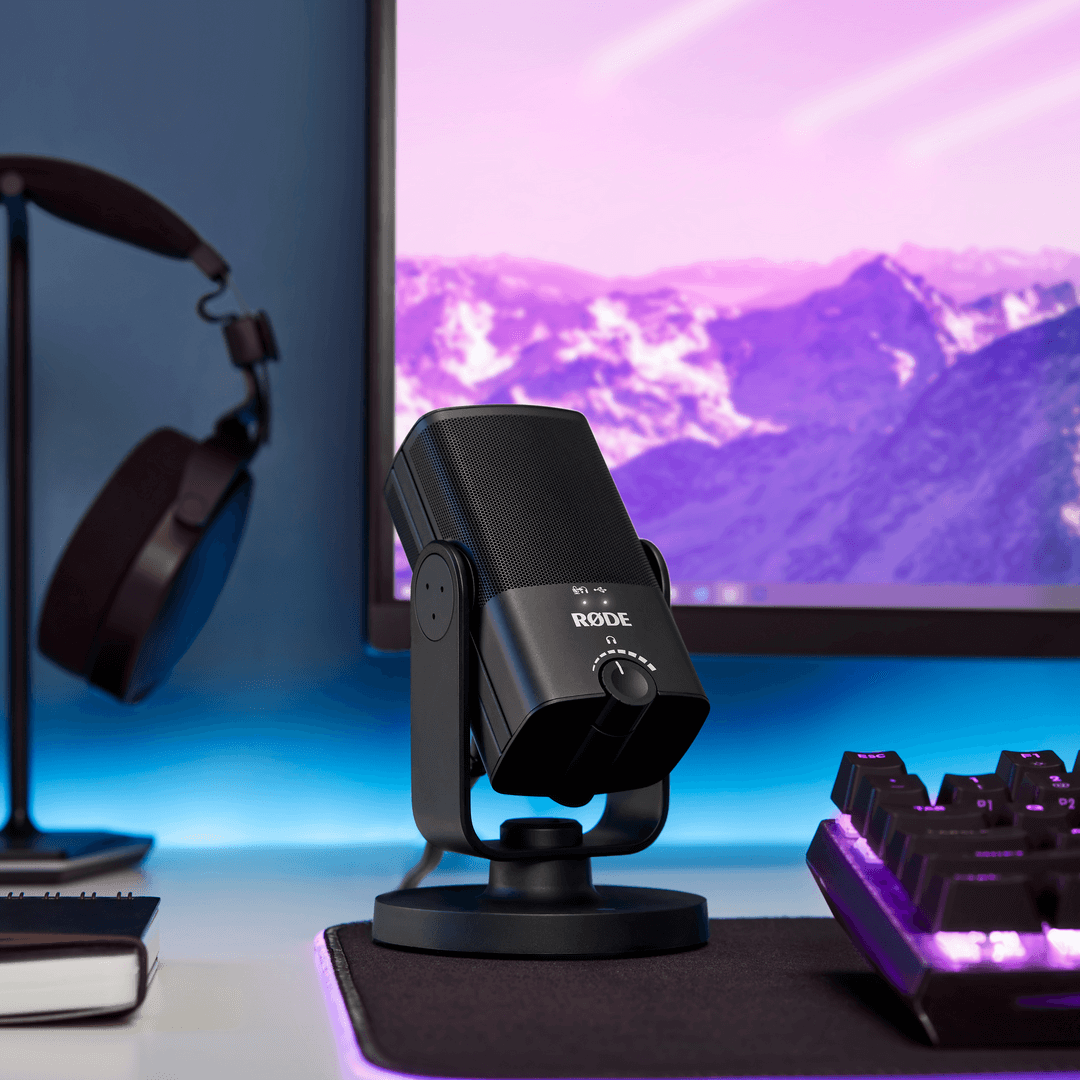
- 集成360度摆动支架,便于在桌面、麦克风支架或录音臂上快速、轻松定位。
- 独特的可拆卸磁性桌面支架,提供出色的隔离效果,能有效抵御碰撞和震动,且拆卸迅速简便。
- 符合类标准的 USB 输出,与计算机或平板电脑无缝兼容,无需驱动程序或软件——只需插入并开始录音。
- 零延迟耳机监控消除了干扰回声。
- 专业级耳机放大器,具备精确的音量控制。
- 钢材和增强尼龙树脂结构,时尚的哑光黑色外观,紧凑现代的设计。
录音室音效,简化版
NT-USB Mini 以其小巧的 USB 话筒设计,带来 RØDE 世界级录音室话筒的纯正音质。 这款量身定制的话筒专门用来传递录音中的温馨与质感,无论是对话、歌声还是吉他演奏声,只要对着话筒进行录制,就会实现极佳的音效。
它配有录音室级的耳机放大器和高品质的 3.5 毫米耳机输出接口,并可实现精确的音量控制,让您能够轻松地监听音频。 还有一种可切换的零延迟监听模式,用于在录制时消除干扰回声。 它的设置和使用都非常简单,仅有几个简单的控件、一个内置的噗声滤除器、一个即插即用的 USB 输出接口,可与电脑或平板电脑完美衔接,无需任何驱动程序或软件。 只需插入您的 Mac、PC 或平板电脑,然后点击录制。
极致灵活的设计
NT-USB Mini 有着极致灵活的设计。 它有一个专用的可拆卸磁吸桌面底座,不仅可在各种桌面上提供坚固的底座支撑,也使话筒非常容易拆卸和安装到话筒支架或录音室吊臂上。有了这款底座和专用的 360 度旋转支架,您就可以根据需要使话筒呈现直立、倾斜、侧放或倒置等各种摆位,以获得最好的录音效果。
无论您是在 Twitch 上直播,还是在您最喜欢的数字音频工作站上录音,亦或是在 Zoom 上接听商务电话,NT-USB Mini 都能确保您的声音被完全清晰地听到。
时尚小巧
NT-USB Mini 是各种桌面设备或个人录音室设备的完美配件。 它仅有 89 毫米宽,141 毫米高,非常小巧,只占用宝贵桌面空间的一小部分。 而且其外观出众:豪华时尚、线条清晰,具有现代美感。 耐磨钢和强化尼龙树脂结构,让 NT-USB Mini 无论何时何地都能承受录制过程中的严苛环境。
RØDE Connect
RØDE Connect 是一款设计简洁、功能强大的软件解决方案,适用于采用 NT-USB Mini 制作播客和直播应用。
解锁 NT-USB Mini 的真正潜能RØDE Connect 可解锁使用 NT-USB Mini 内置的压缩效果器、噪音门和经典的 APHEX Aural Exciter 和 Big Bottom 处理器。 每个处理器都针对 NT-USB Mini 进行了优化,点击一下即可开启,为您的录音增添更多的专业色彩。
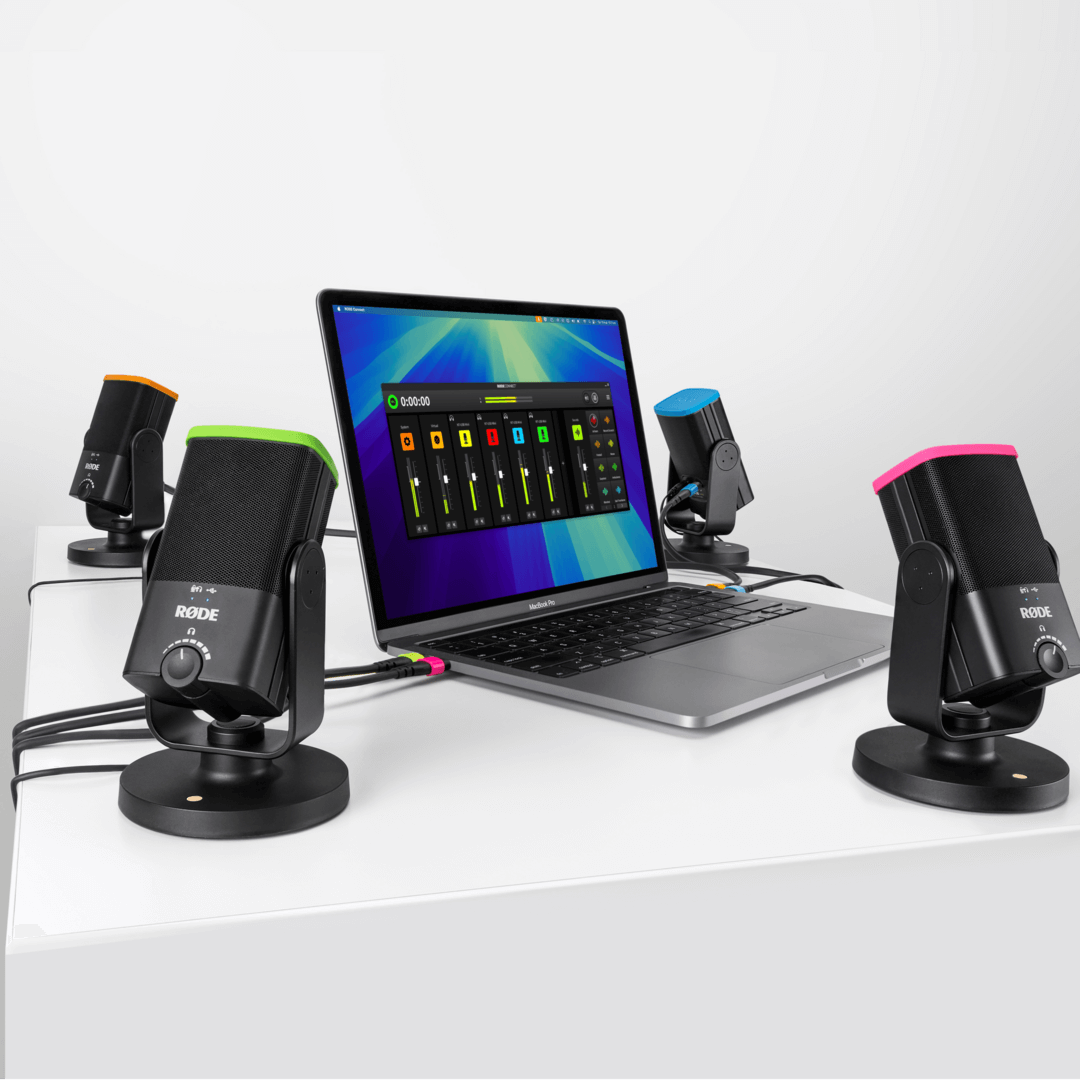
制作播客的简单方法最多可将四部 NT-USB Mini 连接到一台 Mac 或 PC 上,无需复杂的传输配置或复杂的软件。直观、功能齐全的录音界面、连接远程嘉宾的虚拟通道,以及每个通道的自动 Mix-minus 处理,可实现通透、无回音的交流,可谓制作专业播客最简单的方法。
像专业人士一样直播RØDE Connect 搭配 NT-USB Mini,对希望简化音频设置的直播播主和游戏玩家而言,可谓一款功能强大的理想解决方案。 它可实现对话筒音频和外部应用程序的精简控制,而且可专门对 OBS 或 Xplit 等直播应用程序进行输出控制,设置直播音频从未如此简单。
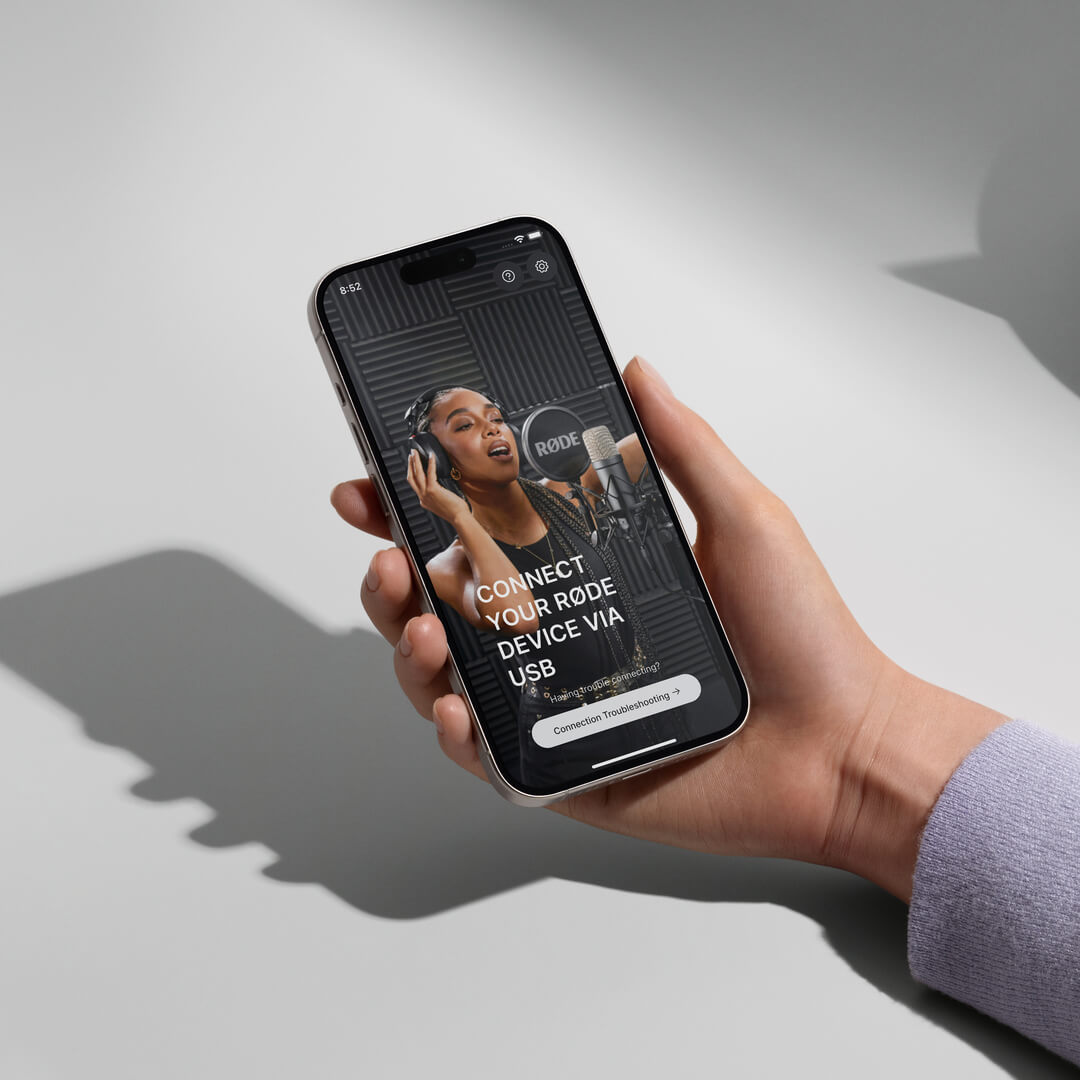
Download RØDE Central
RØDE Central is the essential companion app for compatible devices across the RØDE wireless and classic microphone ranges, allowing you to configure your device settings, unlock advanced features, optimise and export recordings, access device information, and update to the latest firmware. Download it for free to unleash your device’s full potential.
Mobile
OS Requirements: iOS 14 or later; Android 9.0 or later.
Desktop
OS Requirements: macOS 11 or later; Windows 10 Version 1803 or later.
规格
下载
常见问题
The headphone amplifier in the NT-USB Mini is very powerful and easily capable of driving high-impedance headphones.
Yes, the NT-USB Mini has an in-built pop filter for reducing plosives. This differs from the NT-USB which has an external pop filter.
If you are still hearing an echo when you activate the zero-latency monitoring mode on the NT-USB Mini, you should mute your microphone channel output in your recording software.
Here’s an example. Let’s imagine you are adding the vocal track to a song. In your recording software, you have the other parts of the song - drums, guitar, bass and so on; you have created a track for the vocal and assigned the NT-USB Mini to this track to record. By default, your DAW will likely still be sending the output of the microphone back to the headphone along with the rest of the mix. You will hear this in addition as the zero-latency audio from the mic, meaning your voice might sound as if it has an echo or doubling effect on it.
To prevent this, mute the output of your vocal track in your software when you are recording the vocal. This means you will hear in your headphones two things - the full mix of the song, but without your voice, and the zero-latency monitor output of your voice. This makes for a more natural recording experience.
Once you’ve finished recording, don’t forget to unmute your vocal channel so you can listen to your song with the vocal track you just recorded in the mix. Also deactivate zero-latency monitoring so that you can edit your mix without any distracting sounds from the room being picked up by the mic and sent to your headphones.
The NT-USB Mini is a condenser microphone, which means it is quite sensitive and capable of cleanly picking up audio further from the microphone. This makes it great for a wide variety of applications, from recording acoustic guitar to taking a video call while sitting at a desk. For singing, livestreaming or voiceover production, we recommend setting up the microphone around 10-15cm from the mouth to take advantage of the proximity effect. Placing the microphone closer to the sound source will also improve the voice-to-background-noise ratio.
The NT-USB Mini is compatible with the PSA1+, DS1, Tripod and all RØDE boom poles.
When you record into your computer, you usually want to monitor (listen to) what you are recording in your headphones. By default, the audio is sent from the microphone to your computer and is then processed by your recording software. It is then sent back to your headphones. The problem with this is that it takes a fraction of a second for your computer software to process the audio and send it back to the headphones which can cause a distracting delay – this delay is known as latency and will vary in length depending on your setup. This delay can make it very hard to perform naturally, whether you’re singing or speaking. The zero-latency monitoring mode removes this distracting delay. This is achieved by sending the output of the microphone directly to the headphones in real-time, bypassing the computer. This signal is accompanied by the output from your computer, so you can still hear the output (for example, your backing track if you are singing, or your game sound if you're streaming), but allows a more natural and comfortable listening experience (which results in a better performance).
To activate this mode, simply press the volume knob on the front of the NT-USB Mini. You will immediately hear the output of the microphone in your headphones. To deactivate this mode, simply click the volume knob again.
Note: When using zero-latency monitoring mode, you may want to mute your microphone channel output in your software while recording, so you only hear the rest of the mix. This will ensure the most natural and echo-free sound.
The NT-USB Mini is more compact than the NT-USB. It also has an in-built pop filter, a magnetic base that is easily detachable, a 360-degree swing mount, and more streamlined, straightforward controls. This makes it a great portable, easy-to-use option. The NT-USB Mini also features built-in DSP that allows it to run the complex processes in RØDE Connect in real-time.
The NT-USB features a removable pop shield, a locking thread base for mounting to external shock mounts, along with a monitor mix control knob to fine tune your mic input/device output mix. Both microphones deliver pristine, studio-quality audio.
The NT-USB Mini will work with any device that supports class-compliant audio. This includes PCs, Macs, Android devices, and Lightning iOS devices when used with the camera connector kit. If there is a warning on your device that the mic draws too much power, then simply plug in the Lighting port of the adapter to a power supply.
The knob on the NT-USB Mini is an output control for your headphone levels. It is not an input control - your input level must be set on your computer or recording device. This knob also activates zero-latency monitoring mode, which is enabled by pressing it and is indicated by the top left LED.
The input level from the NT-USB Mini to your computer can be controlled through your system settings. For Mac, this will be in ‘Sound Preferences’ > ‘Input’ > ‘Input Volume'. For PC, it will be in ‘Recording Devices’ > click on “NT-USB Mini” > ‘Properties’ > ‘Levels’. The volume knob controls the output going to your headphones.
RØDE Connect is an ideal audio solution for podcasting and livestreaming with the NT-USB+ and NT-USB Mini, but can be used for a wide variety of recording applications, such as recording a voiceover.
RØDE Connect is a simple and powerful software solution for podcasting and streaming with the NT-USB Mini. Offering an intuitive, fully featured recording interface, the ability to connect up to four NT-USB Minis to a single computer, seamless integration with video call and streaming applications, and access to the NT-USB Mini's internal compressor, noise gate and APHEX audio processors, RØDE Connect is the easiest way to record a podcast and livestream with incredible audio.
There are many things you can do to get a clean recording with minimal spill between microphones. Try recording in the quietest place possible, ideally in a room with minimal reflective surfaces (such as floorboards). Place the microphones as far away from each other as possible, faced away from one another. Positioning each microphone less than six inches from you and your guests’ will also help to capture a clean signal (you may need to use a desk stand or studio arm like the RØDE DS1 or PSA1+ to achieve this).