Wireless GO II

무선 마이크 시스템


무선의 자유를 활용하세요

Wireless GO II는 RØDE의 최첨단 Series IV 디지털 전송 기술을 특징으로 하여, 사무실, 쇼핑몰, 번화한 거리 및 대학과 같은 밀집된 RF 환경에서도 최대 200m(시야선)까지 믿을 수 없을 만큼 안정적이고 선명한 무선 오디오를 제공합니다.

Couple in front of camera mounted on tripod with Wireless GO II connected

놀라운 다재다능성

3.5mm 아날로그 및 USB-C 디지털 출력을 갖춘 Wireless GO II는 DSLR 및 미러리스 카메라, iOS 및 Android 전화 및 태블릿, 그리고 Mac 및 Windows 컴퓨터에 두 개의 개별 오디오 채널을 녹음할 수 있습니다. 귀하의 필요에 맞게 조정되는 무선 마이크 시스템입니다.

Couple doing couch recording in front of camera on tripod with Wireless GO II connected

안전하고 확실한

Wireless GO II의 유연한 게인 조절과 안전 채널은 피사체가 갑자기 소리가 커지더라도 카메라에 완벽한 레벨로 녹음할 수 있도록 보장합니다. 각 송신기에는 온보드 녹음 기능이 있어, 범위를 벗어나더라도 오디오의 백업을 유지할 수 있습니다.

Seated interview with Wireless GO II

주머니 크기의 전문 오디오

Wireless GO II 송신기와 수신기는 각각 32g 이하의 무게를 가지고 있으며 카메라 키트 가방, 배낭, 핸드백 또는 서류가방에서 거의 공간을 차지하지 않습니다. 독특하게 컴팩트한 형태와 혁신적인 클립 디자인 덕분에 의류, 카메라 콜드 슈, 붐 폴 또는 모바일 카메라 장비에 장착하는 것이 매우 쉽습니다.

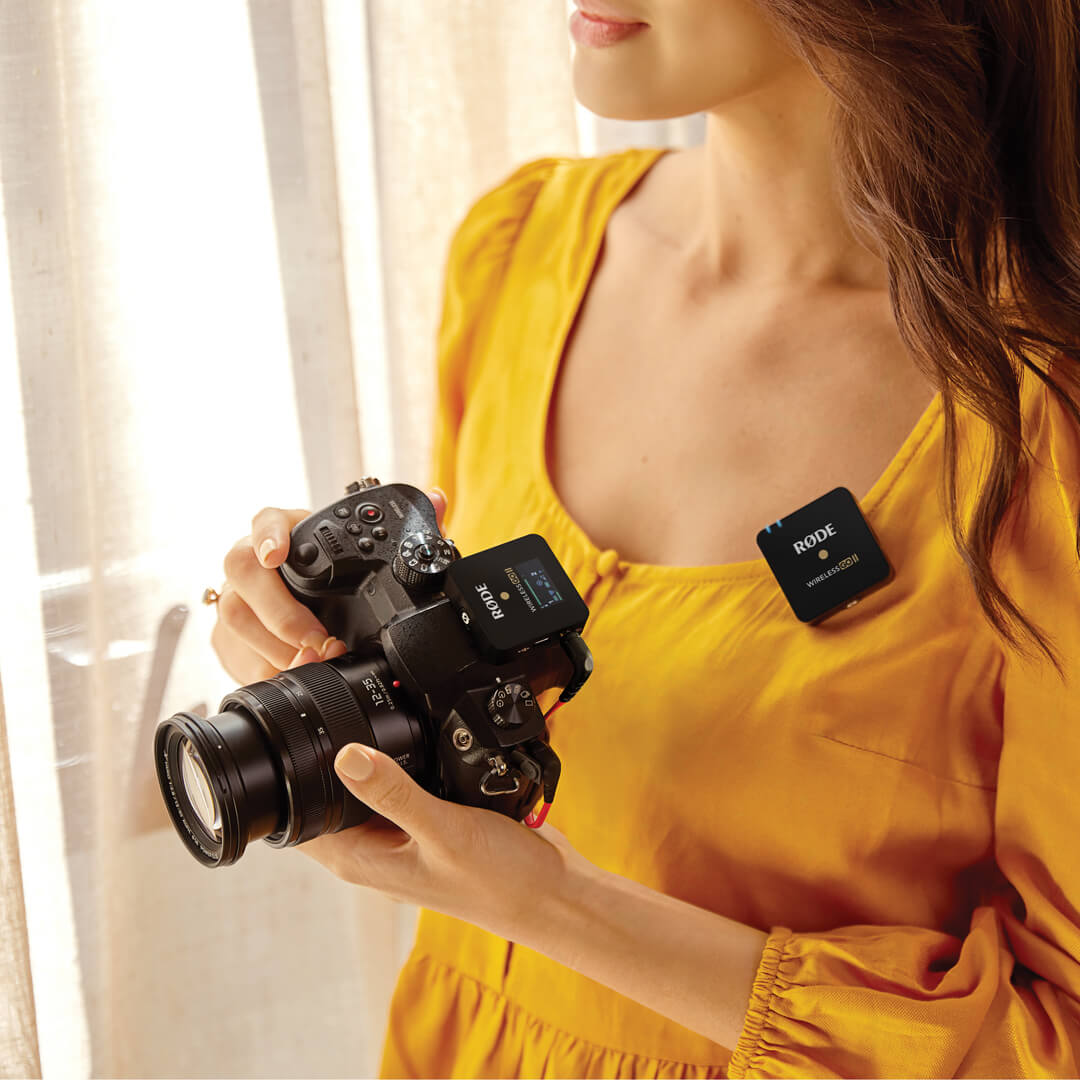
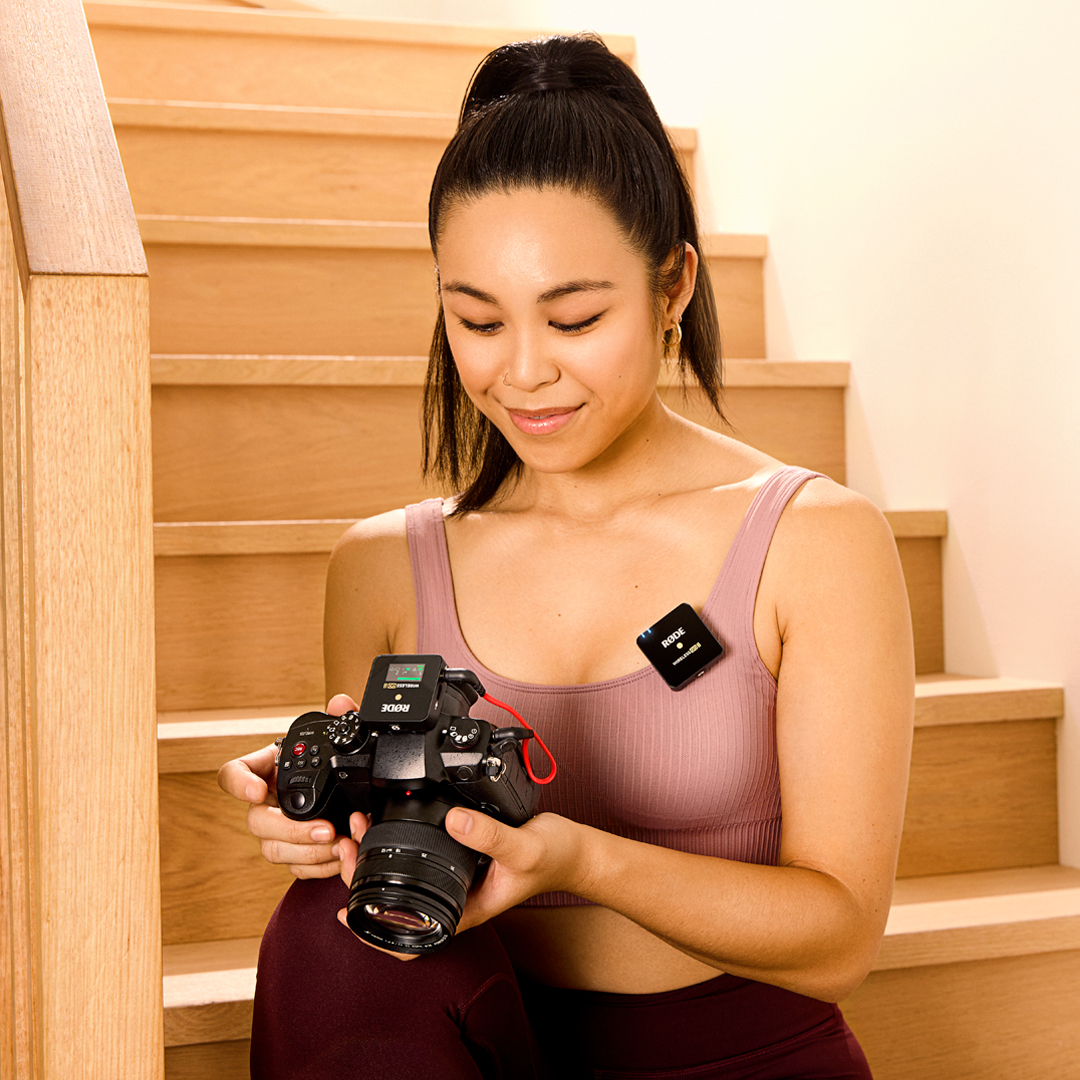
Person wearing Wireless GO II TX holding camera with RX connected

RØDE Central RØDE Central 다운로드

RØDE Central 는 RØDE 무선 및 클래식 마이크 범위에 호환되는 장치의 필수 동반 앱으로, 장치 설정을 구성하고, 고급 기능을 잠금 해제하며, 녹음을 최적화하고 내보내고, 장치 정보를 액세스하고, 최신 펌웨어로 업데이트할 수 있습니다. 장치의 잠재력을 최대한 발휘하기 위해 무료로 다운로드하세요.


모바일

운영 체제 요구 사항: iOS 14 이상; Android 9.0 이상.


데스크탑

운영 체제 요구 사항: macOS 11 이상; Windows 10 버전 1803 이상.

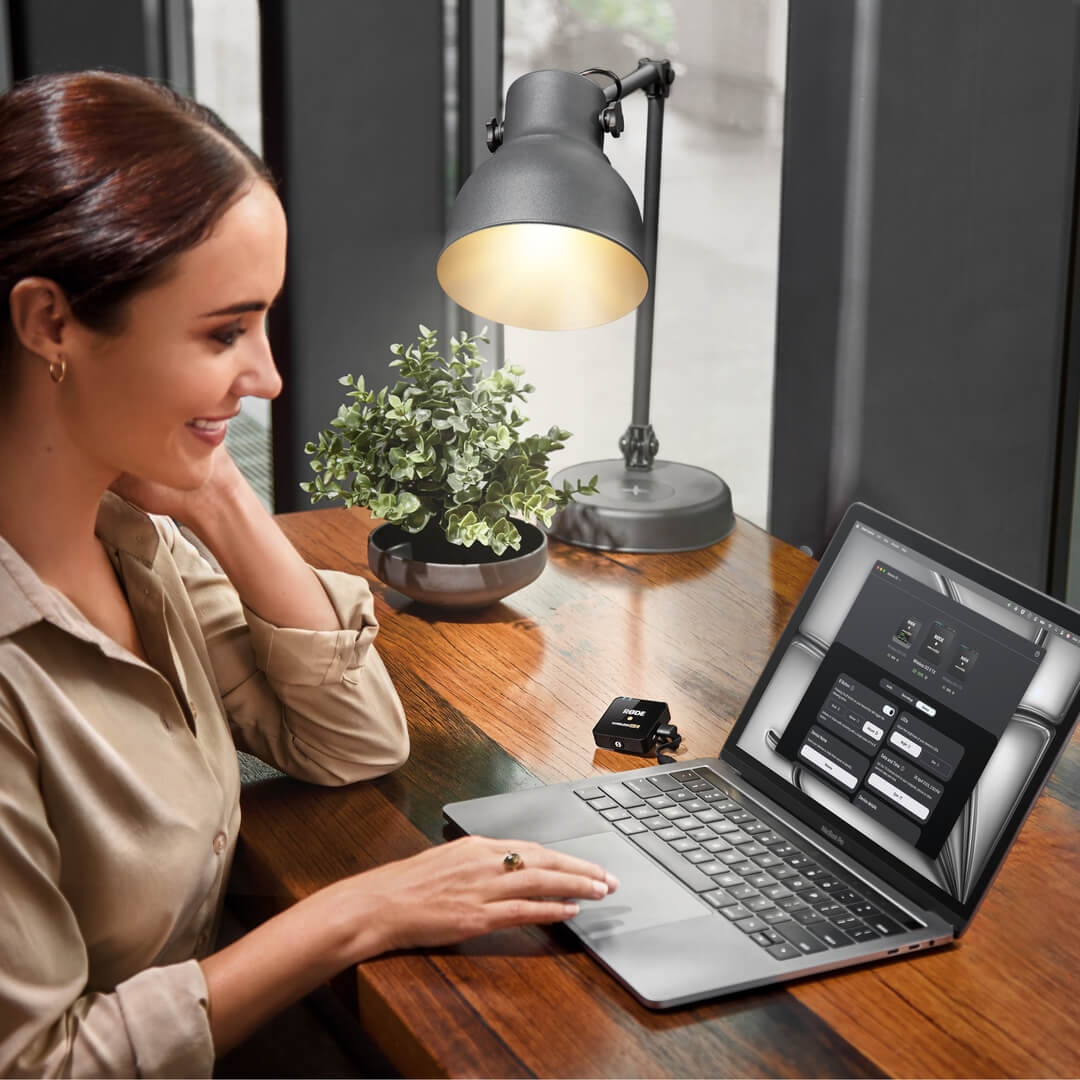
Wireless GO II connected to RØDE Central

RØDE ConnectRØDE Connect

RØDE Connect는 이제 Wireless GO II와 호환되는 무료 팟캐스팅 및 스트리밍 소프트웨어 솔루션입니다. RODE Connect는 컴퓨터에서 전문 품질의 오디오로 녹음하거나 스트리밍하는 것을 더 쉽게 만들어 줍니다.

RØDE Connect는 두 개의 Wireless GO II와 함께 최대 네 명의 물리적 게스트를 단일 컴퓨터에 연결할 수 있습니다. RØDECaster Pro에서 영감을 받은 직관적이고 사용하기 쉬운 인터페이스를 특징으로 합니다.

OS 요구 사항: macOS 11 이상; Windows 10 버전 1803 이상.

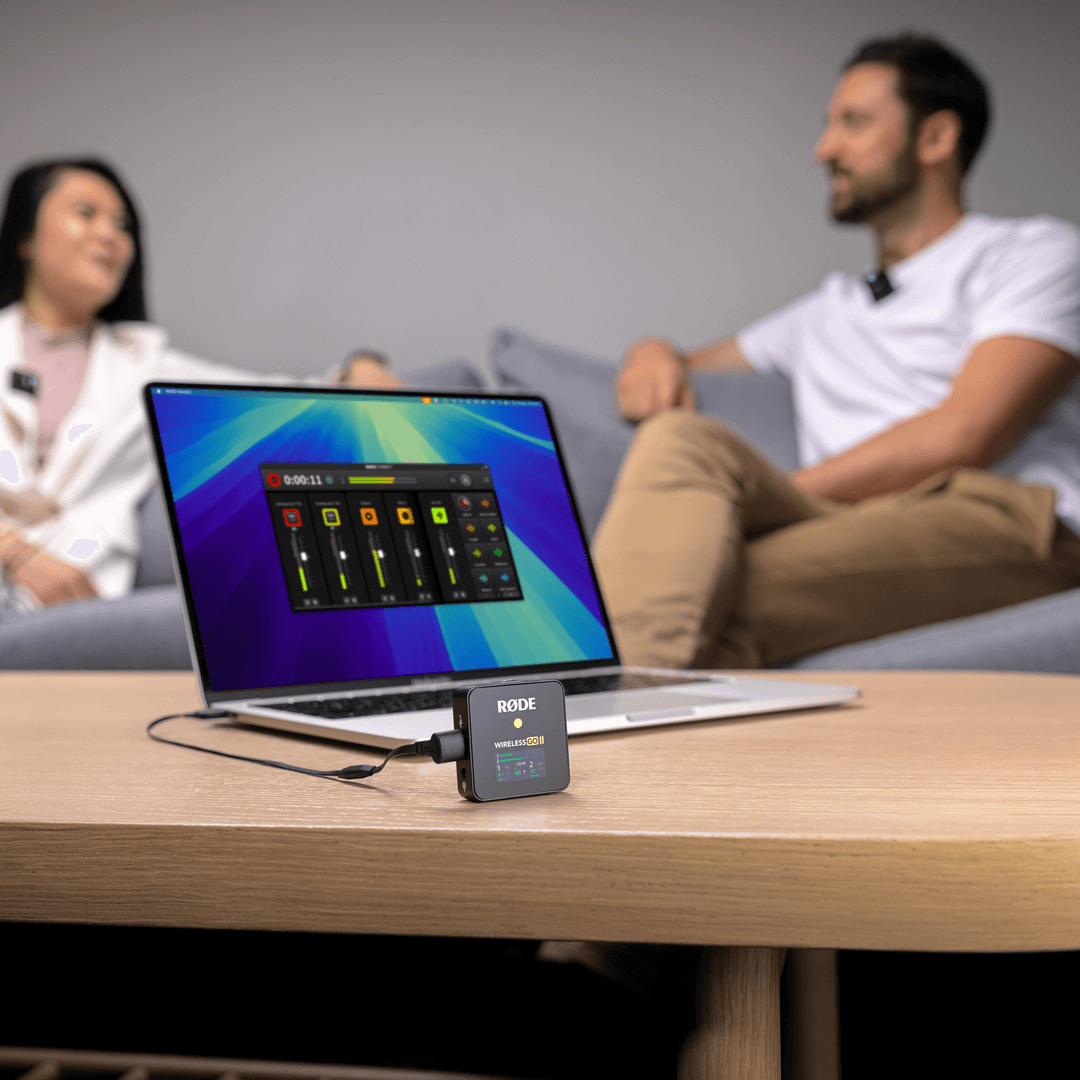
Wireless GO II lounge podcast with RØDE Connect

Wireless GO II 사용자 가이드

Wireless GO II 사용자 가이드는 Wireless GO II를 사용하고 놀라운 사운드를 캡처하는 데 필요한 모든 정보를 설명합니다. 이 포괄적인 가이드는 시작하는 방법과 장치를 사용하는 방법을 배우는 것부터 RØDE Central 동반 앱을 통해 고급 기능을 구성하고 잠금을 해제하는 방법까지 모든 내용을 다룹니다.

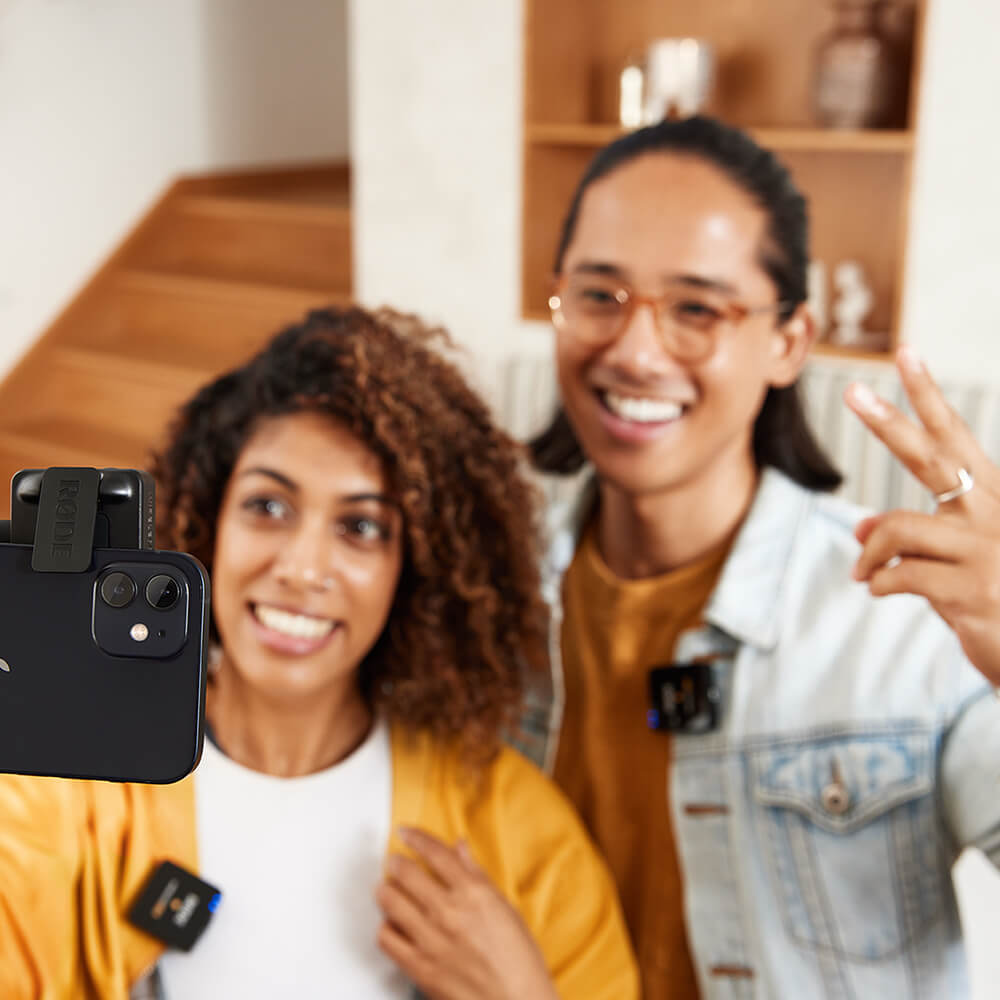
Couple vlogging on iPhone with Wireless GO II at home

Wireless GO II 싱글

Wireless GO II는 싱글 세트로도 제공됩니다. 원래 모델과 동일한 초소형 폼 팩터와 비할 데 없는 기능 세트를 제공하지만, 두 개의 송신기 대신 하나의 송신기만 포함되어 있어 솔로 콘텐츠 제작자를 위한 궁극적인 무선 마이크입니다. 싱글 세트의 수신기는 듀얼 채널 에디션과 동일하므로 추가 송신기를 쉽게 페어링하여 듀얼 채널 녹음이 가능합니다.

Girl on staircase with Wireless GO II Single on camera and top

사양


자주 묻는 질문

Q.
Can I connect the Wireless GO II to devices with XLR inputs? 
A.

Yes, this is possible using the supplied SC5 cable or any other TRS to TRS cable and the VXLR Pro adaptor to convert the signal. You can even use the SC11 splitter cable and two adaptors to break out the Wireless GO II's two channels onto separate output jacks for dual channel recording.  

A.

The Wireless GO II's windshields feature a twist-and-lock bayonet connector, which ensures an extremely strong connection. To attach them securely, align the two white dots on the windshield with the black dots on the receiver, then push the windshield down and twist to lock it in place. Reverse the process to remove them. 

A.

The Wireless GO II's fine gain control can be enabled/disabled via RØDE Central. To activate it, open RØDE Central, plug in the receiver, navigate to the settings page, and toggle the 'Gain Mode' button to 'Fine'. This will expand the Wireless GO II's three-stage pad to a 10-stage pad, which goes from 0dB to -30dB in 3dB increments. It also gives you access to an extra 6dB of gain reduction, which is useful if you have a particularly sensitive camera or recording device. Read more about the gain control at the Wireless GO II User Guide.

A.

RØDE’s Series IV digital transmission delivers an increased range of 200m and improved transmission stability, particularly in environments with lots of RF activity (such as dense urban areas, shopping malls, universities and convention centres).

A.

The Wireless GO II transmitters are capable of recording over 24 hours of compressed audio or 7 hours of uncompressed audio each. Once storage on the device is full, the oldest saved recordings will be overwritten. Recordings can be accessed, optimised, exported, and deleted via RØDE Central. Find out more about on-board recording via the Wireless GO II User Guide.

A.

No, the Wireless GO II is not currently compatible with the original Wireless GO.

A.

RØDE Central is a companion app for the Wireless GO II that allows you to control all of the functions of the transmitters and receiver, update firmware, and access features such as on-board recording, the fine gain control and safety channel. To download and find out more about RØDE Central, head to the Wireless GO II User Guide.

A.

The Wireless GO II and original Wireless GO share the same compact form factor, unique cold shoe clip, in-built microphone, and easy-to-use design. However, the Wireless GO II is a dual channel wireless microphone system, which consists of two transmitters and a single receiver. It also offers an extensive feature set that make it extremely versatile, including both an analog 3.5mm TRS output for plugging into cameras and a digital audio output via USB for plugging into smartphones, tablets and computers, on-board recording, 200m range with improved transmission stability, flexible gain controls, safety channel, complete control over all features and functions via RØDE Central, and much more. 

A.

The Wireless GO II gives you the option to either record in 'Merged' or 'Split' mode (toggled by pressing and holding the pair and gain buttons on the receiver for three seconds or via RØDE Central). This allows you to record each transmitter onto separate channels on the output ('Split' mode) or combine the two into a single output ('Merged' mode). When it's in 'Split' mode, there will be two output level meters, when it's in 'Merged' mode, there will be just one. Read more about this at the Wireless GO II User Guide.

A.

When activated, safety channel mode will record a second track of audio at -20dB as a backup in case your sound source gets loud unexpectedly and causes the main channel to distort. To enable safety channel mode, open the RØDE Central app, plug in the Wireless GO II receiver, navigate to the settings screen, and click the 'Safety Channel' toggle (note: this can only be activated in 'Merged' mode). Read more about the safety channel at the Wireless GO II User Guide.

A.

The Wireless GO II features a digital audio output via USB-C, which allows you to record directly into any smartphone, tablet, or computer without the need for adaptors or other audio interfaces. The Wireless GO II comes with three USB-C to USB-A cables for charging and also connecting to computers with a USB-A input. To connect to a computer, Android smartphone or tablet, or any other device with a USB-C input, you will need a USB-C to USB-C cable, such as the RØDE SC16. To connect to an iOS device, such as an iPhone or iPad, you will need the RØDE SC15 or SC19. The Wireless GO II is MFi-certified, meaning it will interact seamlessly with all iOS devices. 

A.

The Wireless GO II's on-board recording function is enabled and disabled via the RØDE Central app. To activate it, plug in the transmitter(s), navigate to the settings screen and toggle the 'Record' button to either 'Always' or 'Backup'. In 'Always' recording mode, the transmitter will start recording audio as soon as it is switched on and will continue recording until it is switched off, regardless of whether is it connected to the receiver. In 'Backup' recording mode, the transmitter will start recording audio when it connects to the receiver. When the receiver is switched off, the recording will stop.

When on-board recording is enabled, a red 'REC' icon will appear on that transmitter’s channel on the receiver. These recordings can be accessed, optimised, exported, and deleted via RØDE Central. Read more about on-board recording at the Wireless GO II User Guide.

A.

To connect the Wireless GO II to your iOS device, you need the RØDE SC15 or SC19.

This is different to the ‘charge and sync’ cable that may have been included with your Apple device and other standard USB-C to Lightning cables.

A.

When using RØDE Central on a Mac device, the Operating System Requirements are 10.13 or later.

When using RØDE Central on a Windows device, the Operating System Requirements are Windows 10 Version 1803 or later.

A.
The smartLav+ has a TRRS input, meaning it will only work with the Wireless GO II via a TRRS to TRS adapter such as the SC3.