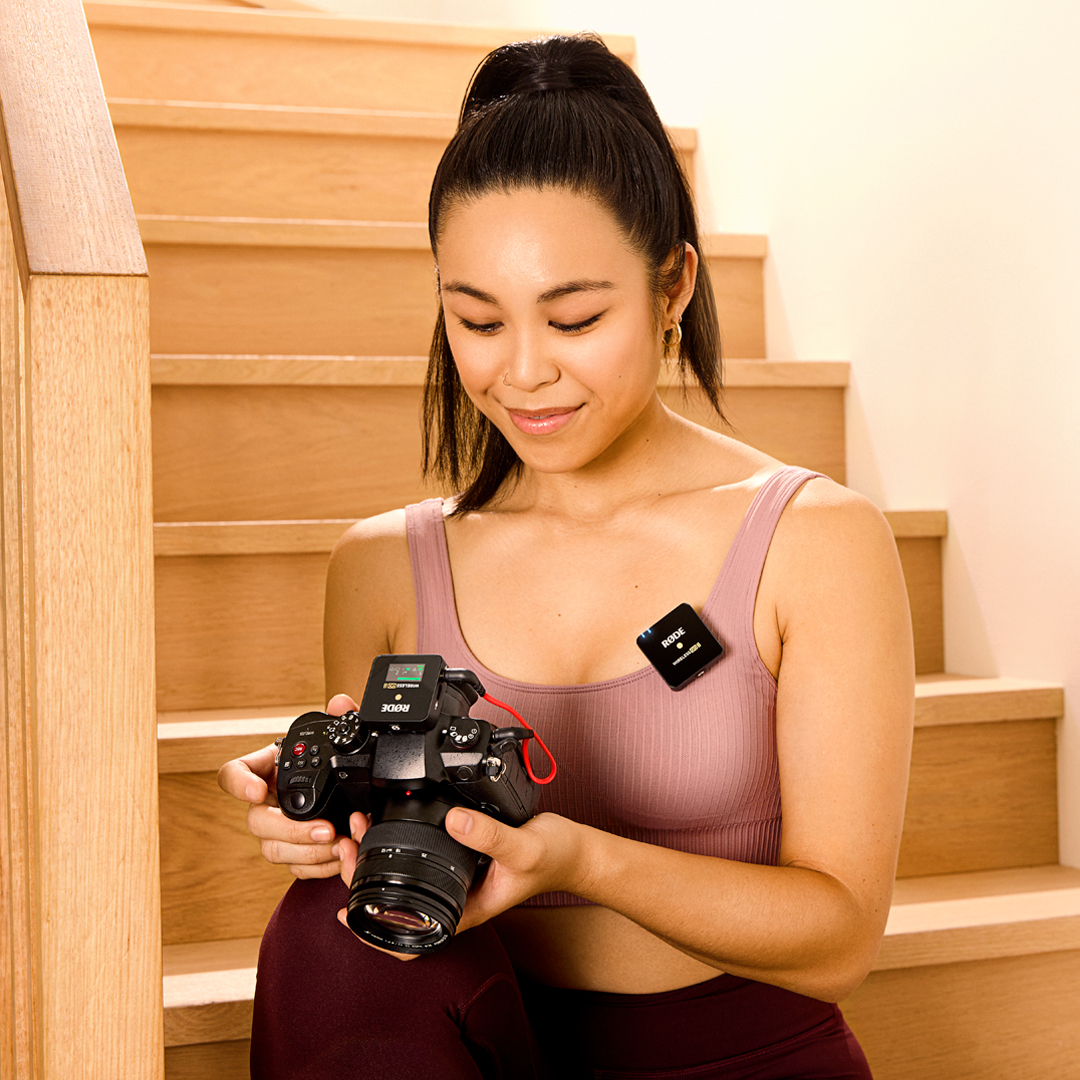
Wireless GO II
Système de microphone sans fil
- Système de microphones sans fil à double canal pour enregistrer simultanément deux sources sonores
- Transmission numérique Series IV à 2,4 GHz, chiffrement 128 bits – un son d’une clarté exceptionnelle jusqu’à 200 m (en visibilité directe), optimisée pour un fonctionnement extrêmement stable dans les environnements RF denses
- Sortie analogique TRS 3,5 mm, sorties numériques USB-C et iOS – compatibilité universelle avec les caméras, les appareils mobiles et les ordinateurs
- Enregistrement intégré – plus de 40 heures de mémoire interne
- Possibilité d’enregistrer chaque canal séparément ou de les combiner pour une flexibilité maximale en postproduction
- Canal de sécurité, contrôle flexible du gain (atténuateur à trois niveaux, extensible à 10 niveaux)
- Batterie lithium-ion rechargeable intégrée – jusqu’à 7 heures d’autonomie
- Compatible avec tous les appareils RØDE Series IV, notamment le Wireless ME, le Wireless PRO, le RØDECaster Duo, le RØDECaster Pro II et le Streamer X
- Conçu et fabriqué dans les installations de production de précision de RØDE en Australie
- Système de microphones sans fil à double canal pour enregistrer simultanément deux sources sonores
- Transmission numérique Series IV à 2,4 GHz, chiffrement 128 bits – un son d’une clarté exceptionnelle jusqu’à 200 m (en visibilité directe), optimisée pour un fonctionnement extrêmement stable dans les environnements RF denses
- Sortie analogique TRS 3,5 mm, sorties numériques USB-C et iOS – compatibilité universelle avec les caméras, les appareils mobiles et les ordinateurs
- Enregistrement intégré – plus de 40 heures de mémoire interne
- Possibilité d’enregistrer chaque canal séparément ou de les combiner pour une flexibilité maximale en postproduction
- Canal de sécurité, contrôle flexible du gain (atténuateur à trois niveaux, extensible à 10 niveaux)
- Batterie lithium-ion rechargeable intégrée – jusqu’à 7 heures d’autonomie
- Compatible avec tous les appareils RØDE Series IV, notamment le Wireless ME, le Wireless PRO, le RØDECaster Duo, le RØDECaster Pro II et le Streamer X
- Conçu et fabriqué dans les installations de production de précision de RØDE en Australie
Profitez de la liberté du sans-fil
Le Wireless GO II intègre la transmission numérique de pointe Series IV de RØDE pour offrir un son sans fil d’une stabilité et d’une clarté exceptionnelles sur une portée allant jusqu’à 200 m (en visibilité directe), même dans des environnements RF denses comme les bureaux, les centres commerciaux, les rues très fréquentées et les universités.

Une polyvalence incroyable
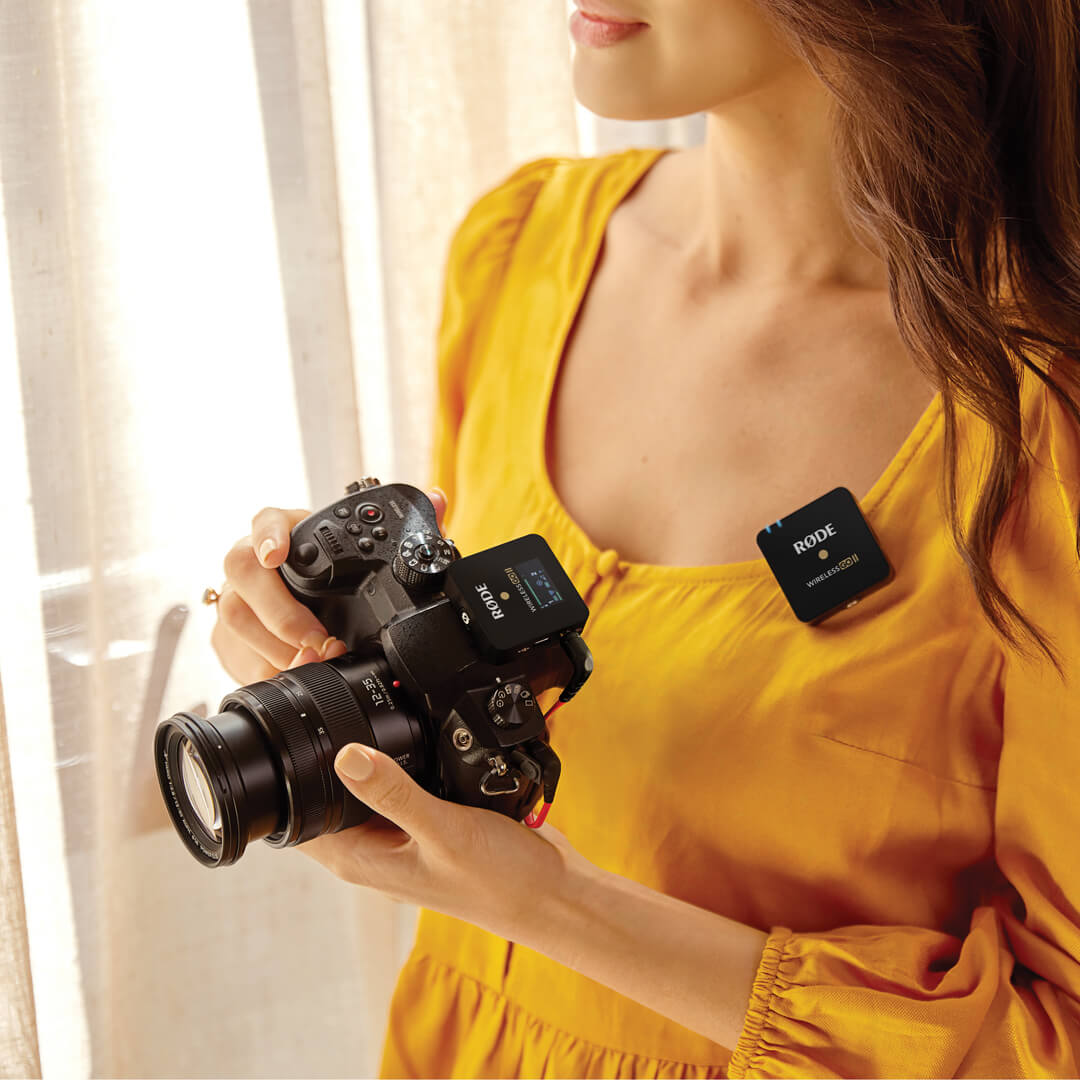
Grâce à ses sorties analogique 3,5 mm et numérique USB-C, le Wireless GO II peut enregistrer deux canaux audio distincts sur des appareils photo reflex numériques et hybrides, des téléphones et tablettes iOS et Android, ainsi que des ordinateurs Mac et Windows . Un système de microphone sans fil qui s’adapte à vos besoins.

En toute sécurité
Le contrôle de gain flexible du Wireless GO II et son canal de sécurité vous garantissent des niveaux parfaitement enregistrés sur votre caméra, même si votre sujet devient soudainement plus sonore. De plus, chaque émetteur dispose d’un enregistrement intégré : vous conservez ainsi une sauvegarde de votre audio, même si vous sortez de portée.

Audio professionnel au format de poche
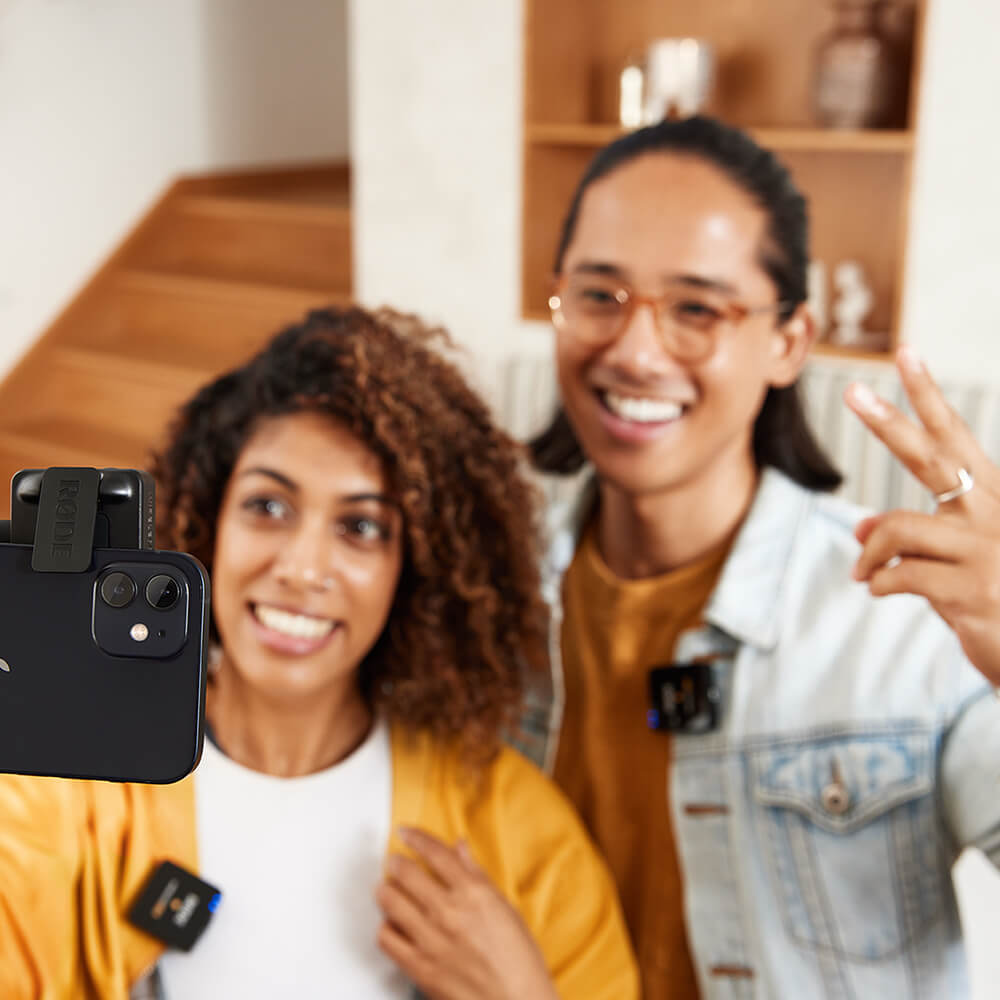
Les émetteurs et le récepteur Wireless GO II pèsent chacun moins de 32 g et n’occupent pratiquement aucun espace dans un sac de kit caméra, un sac à dos, un sac à main ou une mallette. Grâce à leur format particulièrement compact et à leur système de fixation innovant, ils se montent très facilement sur des vêtements, des griffes porte-accessoires pour caméra, des perches ou des rigs caméra mobiles.
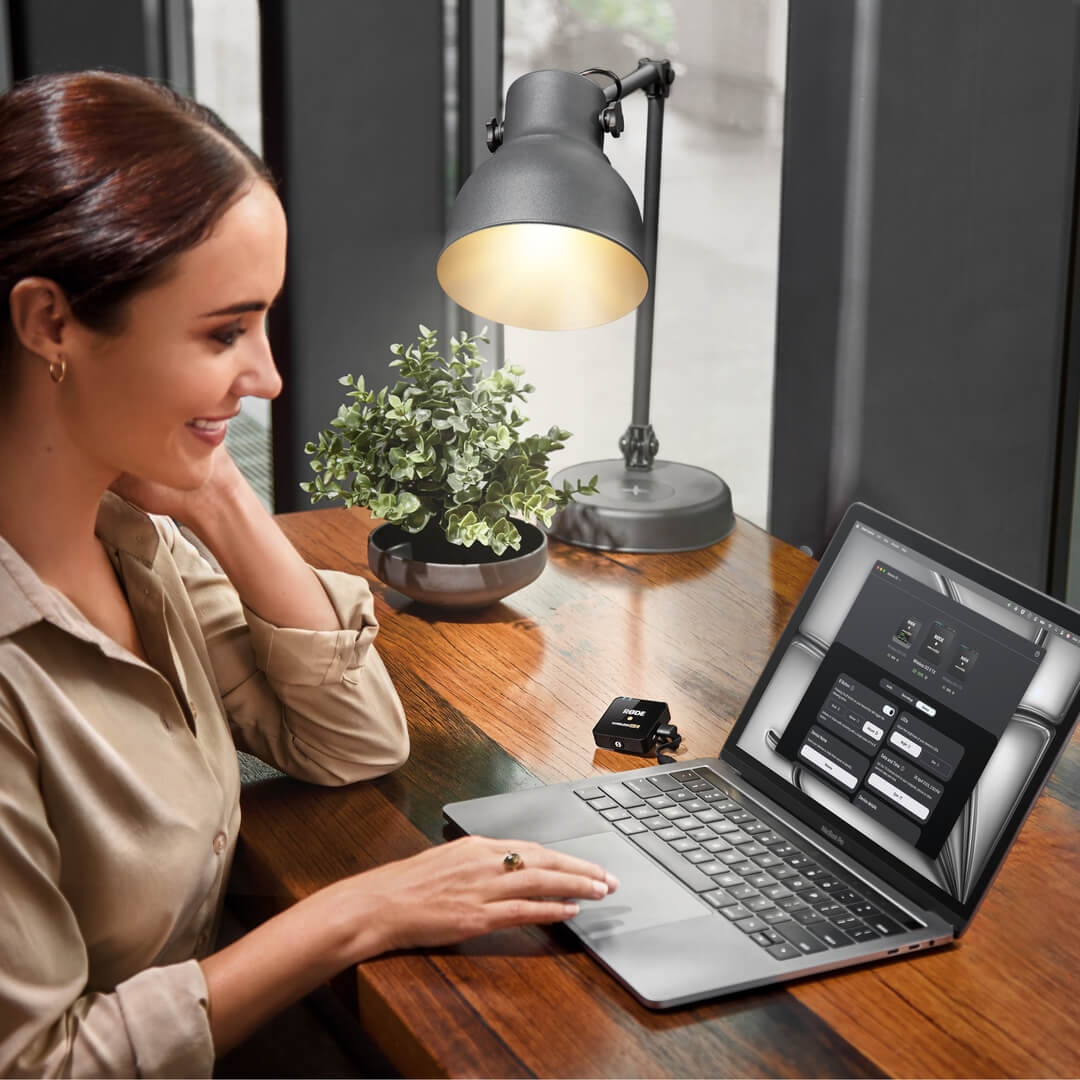
.png ) Télécharger RØDE Central
Télécharger RØDE Central
RØDE Central est l’application compagnon essentielle pour les appareils compatibles des gammes RØDE wireless et de microphones classiques. Elle vous permet de configurer les paramètres de votre appareil, de déverrouiller des fonctionnalités avancées, d’optimiser et d’exporter vos enregistrements, d’accéder aux informations de l’appareil et d’installer la dernière version du firmware. Téléchargez-la gratuitement pour exploiter tout le potentiel de votre appareil.
Mobile
Configuration requise : iOS 14 ou version ultérieure ; Android 9.0 ou version ultérieure.
Ordinateur
Configuration requise : macOS 11 ou version ultérieure ; Windows 10 Version 1803 ou version ultérieure.
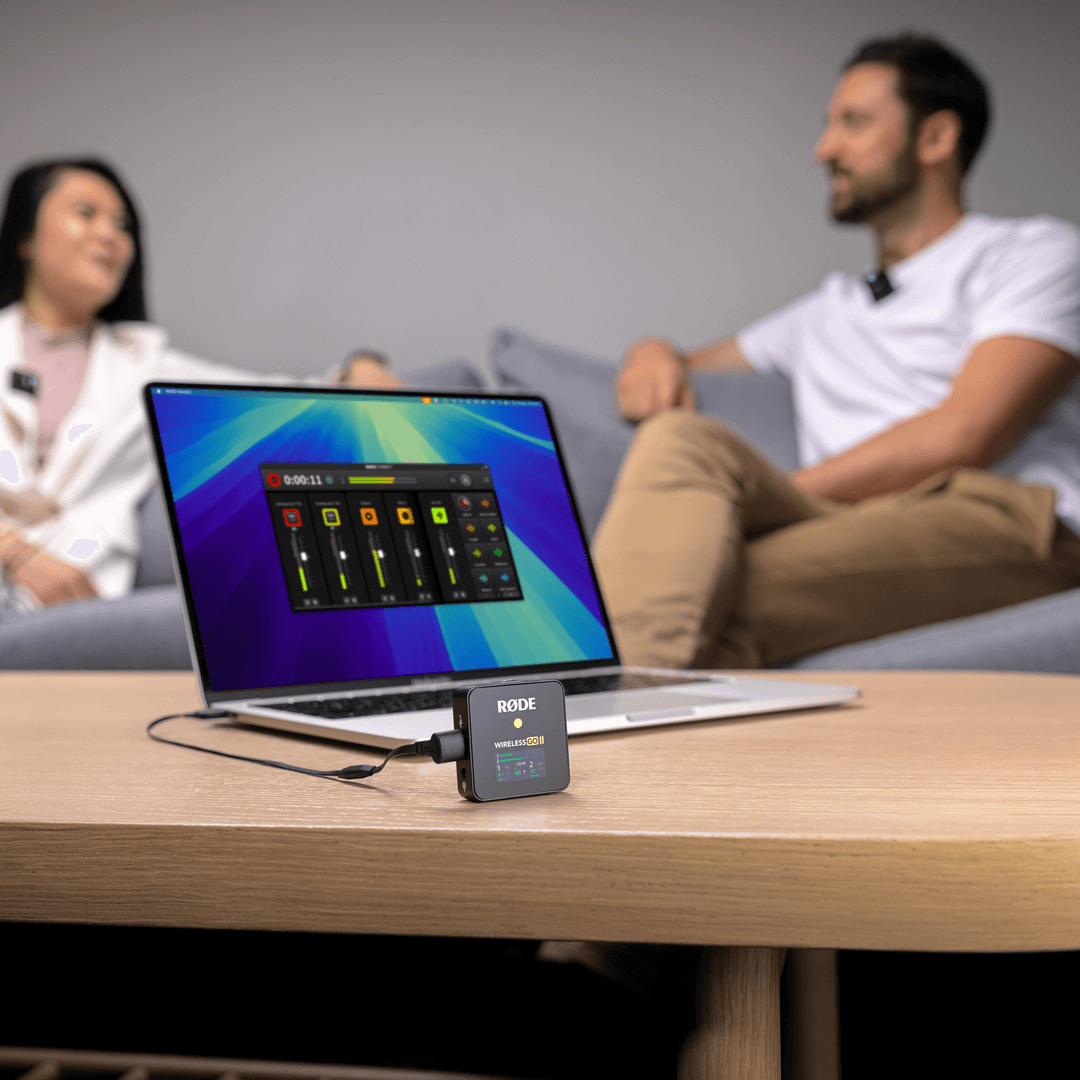
 RØDE Connect
RØDE Connect est une solution logicielle gratuite de podcasting et de streaming désormais compatible avec le Wireless GO II. RODE Connect facilite l’enregistrement ou la diffusion en streaming avec une qualité audio professionnelle depuis votre ordinateur.
RØDE Connect permet de connecter jusqu’à quatre invités physiques à un seul ordinateur, avec deux Wireless GO II. Son interface intuitive et facile à utiliser s’inspire du RØDECaster Pro.
Configuration requise : macOS 11 ou version ultérieure ; Windows 10 version 1803 ou ultérieure.
Guide d’utilisation du Wireless GO II
Le guide d’utilisation du Wireless GO II vous explique tout ce que vous devez savoir pour utiliser votre Wireless GO II et capturer un son exceptionnel. Ce guide complet couvre tous les aspects, de la prise en main et de l’apprentissage de l’utilisation de votre appareil à la configuration et au déverrouillage de fonctionnalités avancées avec l’application compagnon RØDE Central.
Wireless GO II Single
Le Wireless GO II est également disponible en kit simple. Offrant le même format ultra-compact et le même ensemble de fonctionnalités inégalé que le modèle original, mais avec un seul émetteur au lieu de deux, c’est le microphone sans fil ultime pour les créateurs de contenu solo. Le récepteur du kit simple est identique à celui de l’édition à deux canaux, ce qui permet d’appairer facilement un émetteur supplémentaire pour réaliser des enregistrements sur deux canaux.