Firmware-Version 1.0.7 für den RØDECaster Pro II ist jetzt verfügbar
Der RØDECaster Pro II – die leistungsstärkste All-in-One-Audioproduktionslösung der Welt – bietet mit der Veröffentlichung der Firmware-Version 1.0.7 jetzt noch mehr Funktionen.
Dieses Firmware-Update führt zahlreiche beeindruckende neue Funktionen ein, darunter benutzerdefiniertes Routing für USB - und Bluetooth-Ausgänge, die Möglichkeit, USB 1 für eine bessere Kompatibilität mit Online-Streaming-Plattformen als Stereoausgang zu verwenden, sowie praktische Verbesserungen der Benutzeroberfläche und Bedienelemente, die die Nutzung des RØDECaster Pro II noch intuitiver machen.
Hier finden Sie eine Übersicht der wichtigsten Funktionen der Firmware-Version 1.0.7.
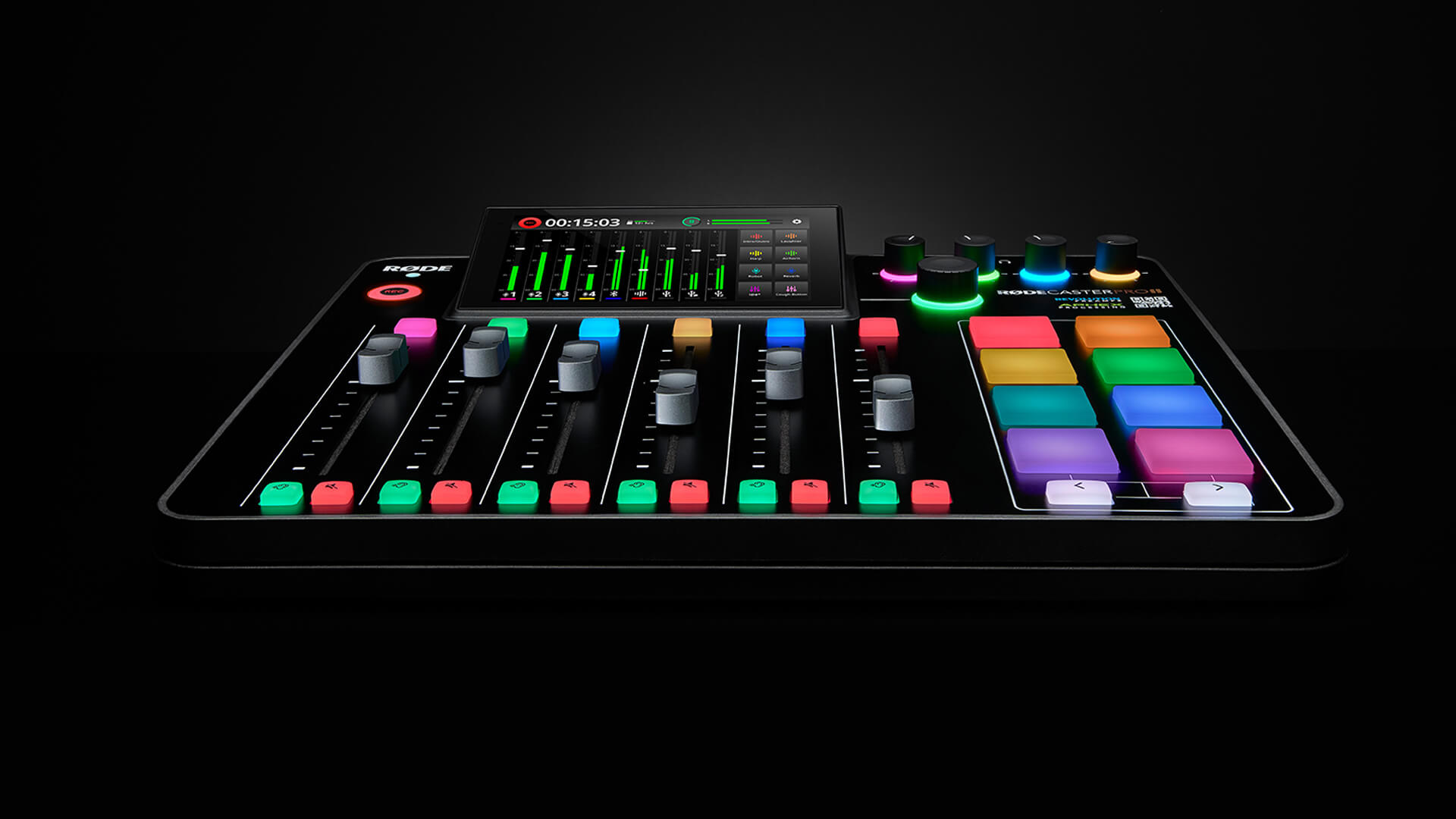
Die Firmware-Version 1.0.7 für das RØDECaster Pro II schaltet eine Vielzahl neuer Funktionen und intuitiver Verbesserungen frei
Benutzerdefiniertes Routing für USB - und Bluetooth-Ausgänge
Eine der seit der Markteinführung am häufigsten gewünschten Funktionen – das benutzerdefinierte Routing für USB - und Bluetooth-Kanäle – ist jetzt auf dem RØDECaster Pro II ab Firmware-Version 1.0.7 verfügbar.
Diese wichtige Funktion für Gamer, Streamer und Podcaster ermöglicht es Ihnen, für jeden USB -Ausgang und den Bluetooth-Ausgang auszuwählen, welche Audioeingänge in den Mix einbezogen werden und welche nicht.
Um auf die Funktion für benutzerdefiniertes Routing zuzugreifen, tippen Sie oben rechts in der Mixer-Oberfläche auf das Einstellungssymbol und anschließend auf „Outputs“ > „Routing“. Wählen Sie den Ausgang aus, den Sie konfigurieren möchten, und tippen Sie anschließend auf „Custom“. Weitere Informationen finden Sie im Abschnitt zum benutzerdefinierten Routing im „Guide to Setting up USB Connections on the RØDECaster Pro II“ im Benutzerhandbuch.
Mix-Minus ist jetzt ebenfalls für alle USB -Ausgänge verfügbar (zuvor war diese Funktion nur für USB 2 und USB Chat verfügbar).
Stereoausgang an USB 1 Main
Die Firmware-Version 1.0.7 bietet außerdem die Möglichkeit, am Ausgang USB 1 Main zwischen einem Stereo- und einem Mehrspur-Ausgang umzuschalten. Dies ist besonders nützlich bei der Verwendung des RØDECaster Pro II mit Online-Streaming-Plattformen, von denen einige Probleme beim Empfang eines Mehrspur-Eingangssignals haben.
USB 1 Main wird für alle neuen Benutzer des RØDECaster Pro II standardmäßig als Stereoausgang eingerichtet. Wenn Sie also im Mehrspurmodus aufnehmen möchten und der Mehrspurausgang nicht angezeigt wird, überprüfen Sie bitte Ihre Einstellungen („Outputs“ > „Multitrack“) und stellen Sie sicher, dass „USB“ je nach Ihren Aufnahmepräferenzen auf „Pre-Fader“ oder „Post-Fader“ eingestellt ist.
Bei bestehenden Benutzern des RØDECaster Pro II, die auf die Firmware-Version 1.0.7 aktualisieren, behält USB 1 Main seine Einstellungen vor dem Update bei. Das bedeutet, dass der Mehrspurmodus standardmäßig aktiviert ist (entweder Pre-Fader oder Post-Fader). Um in den Stereoausgangsmodus zu wechseln, gehen Sie zu „Outputs“ > „Multitrack“ und wählen Sie anschließend im Tab „USB“ die Option „Off“ aus.
Neue Version von RØDE Central
Eine aktualisierte Version von RØDE Central ist jetzt verfügbar. Diese neue Version unterstützt diese neue USB -Architektur und umfasst außerdem eine neue Funktion, die beim Laden von Sounds auf den SMART-Pads automatisch alle inkompatiblen Audiodateien konvertiert, sowie einige weitere kleinere Aktualisierungen (die vollständigen Versionshinweise finden Sie hier).
Wir empfehlen dringend, die aktuellste Version von RØDE Central zu verwenden, damit Sie das volle Potenzial des RØDECaster Pro II ausschöpfen können.
Laden Sie die neueste Version von RØDE Central hier herunter.
Verbesserungen der Benutzeroberfläche
Darüber hinaus wurden einige nützliche Verbesserungen an der Benutzeroberfläche vorgenommen, die die Navigation und Bedienung des RØDECaster Pro II noch intuitiver machen.
Erstens wechseln die Positionsanzeigen der Fader auf dem Mischpult-Display jetzt von Weiß zu Grau, wenn ein Fader vollständig heruntergezogen ist. So ist auf einen Blick erkennbar, welche Kanäle Audiosignale übertragen.
Außerdem lässt sich der Pegel des Monitorausgangs (Bluetooth und Line-Out) beim Anhören von Aufnahmen jetzt direkt über den Wiedergabebildschirm steuern.
Darüber hinaus wurde das Verhalten des Drehencoders für einen effizienteren Workflow angepasst. Durch Drücken des Drehencoders können Sie jetzt einfach zwischen den virtuellen Kanälen und dem Monitorausgang wechseln, wodurch sich Pegel noch leichter spontan einstellen lassen. Wird ein virtueller Fader ausgewählt, schaltet ein Gedrückthalten des Drehencoders den entsprechenden Kanal jetzt stumm.
Schließlich haben wir die Funktionsweise einiger Features verbessert. Dazu gehört die Optimierung des Bluetooth-Ausgangs zur besseren Unterdrückung von Umgebungsgeräuschen sowie die Möglichkeit, das Gerät durch zweimaliges Drücken der Ein-/Aus-Taste auszuschalten.
Die vollständige Liste der Features, Verbesserungen und Fehlerbehebungen für jedes Update (einschließlich 1.0.7) finden Sie in den Firmware-Versionshinweisen.
Da noch zahlreiche Updates folgen werden, bleiben Sie über die RØDE Webseite und unsere Social-Media-Kanäle über die neuesten Nachrichten zu zukünftigen Firmware-Updates auf dem Laufenden. Teilen Sie uns gerne weitere Vorschläge mit – entweder per E-Mail an info@rode.com oder indem Sie hier an unserem Firmware-Betatestprogramm teilnehmen.