RØDECaster Pro
Podcast Production Studio
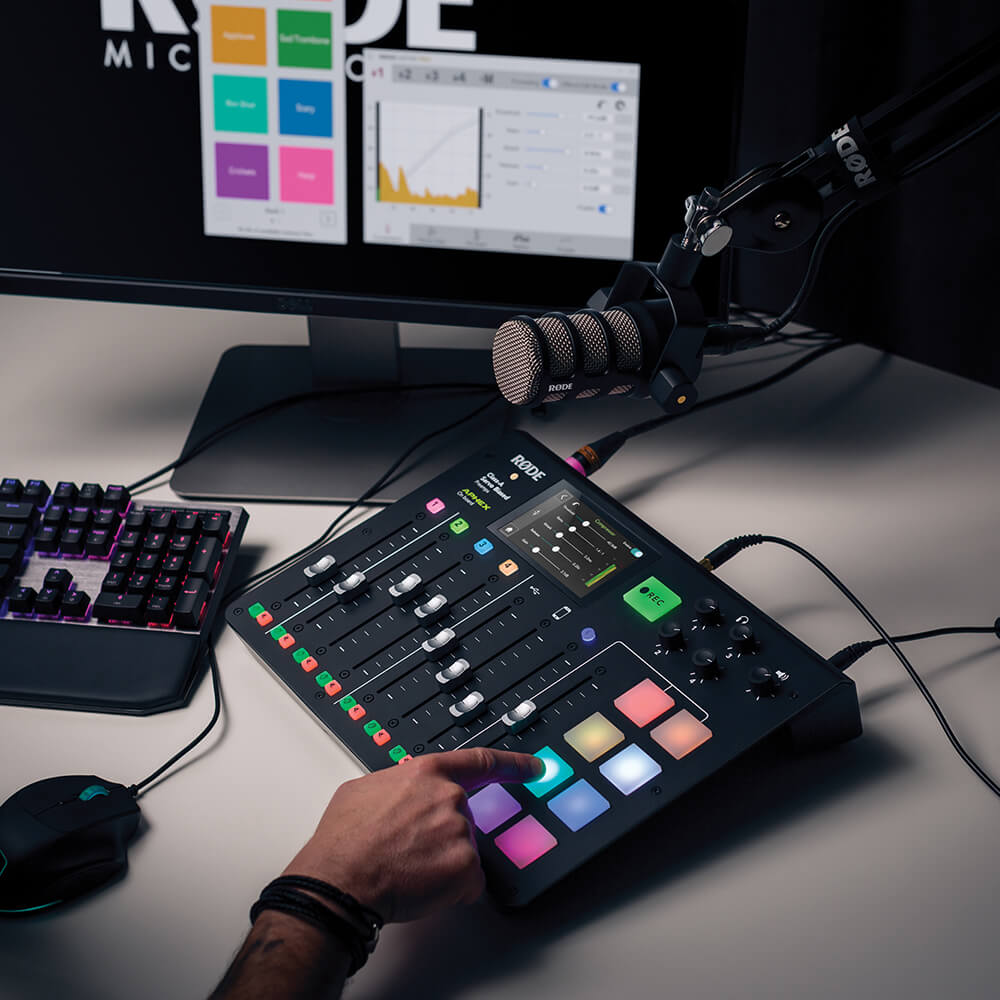
The RØDECaster Pro™ is the world's most powerful all-in-one solution for podcasting. Designed to offer superb audio quality and expansive features while being incredibly easy to use, it's the ultimate tool for beginners and professionals alike. Featuring four microphone inputs with studio-grade preamps for recording crystal-clear audio, smartphone, USB, and Bluetooth channels for seamlessly integrating remote guests, eight sound pads for triggering music and sound effects, powerful audio processing at the touch of a button and so much more, the RØDECaster Pro is all you will ever need to create incredible podcasts.
- The perfect all-in-one podcasting solution
- Four studio-grade XLR microphone inputs
- Smartphone, USB and Bluetooth™ channels for remote call integration with automatic mix-minus for echo-free audio
- Eight programmable sound pads, with eight banks available - load up to 64 sounds in total!
- Powerful onboard audio processing, including the legendary APHEX Aural Exciter™ and Big Bottom™ effects for next-level audio quality
- Record to microSD or a computer in stereo or multitrack for endless editing in post-production
- Incredibly easy to use
- Nine language options including English, French, German, Italian, Spanish, Portuguese, Chinese, Japanese and Korean
The RØDECaster Pro™ is the world's most powerful all-in-one solution for podcasting. Designed to offer superb audio quality and expansive features while being incredibly easy to use, it's the ultimate tool for beginners and professionals alike. Featuring four microphone inputs with studio-grade preamps for recording crystal-clear audio, smartphone, USB, and Bluetooth channels for seamlessly integrating remote guests, eight sound pads for triggering music and sound effects, powerful audio processing at the touch of a button and so much more, the RØDECaster Pro is all you will ever need to create incredible podcasts.
- The perfect all-in-one podcasting solution
- Four studio-grade XLR microphone inputs
- Smartphone, USB and Bluetooth™ channels for remote call integration with automatic mix-minus for echo-free audio
- Eight programmable sound pads, with eight banks available - load up to 64 sounds in total!
- Powerful onboard audio processing, including the legendary APHEX Aural Exciter™ and Big Bottom™ effects for next-level audio quality
- Record to microSD or a computer in stereo or multitrack for endless editing in post-production
- Incredibly easy to use
- Nine language options including English, French, German, Italian, Spanish, Portuguese, Chinese, Japanese and Korean
RØDECaster Pro Companion App
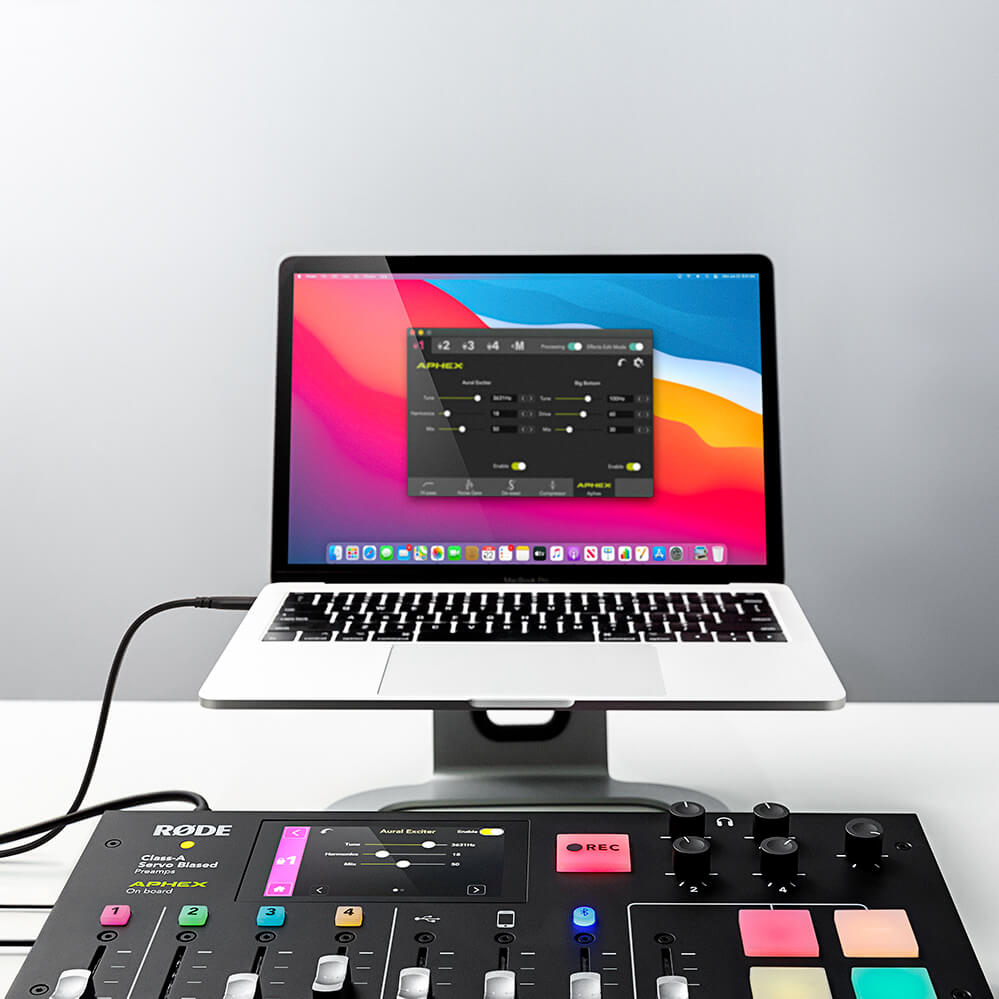
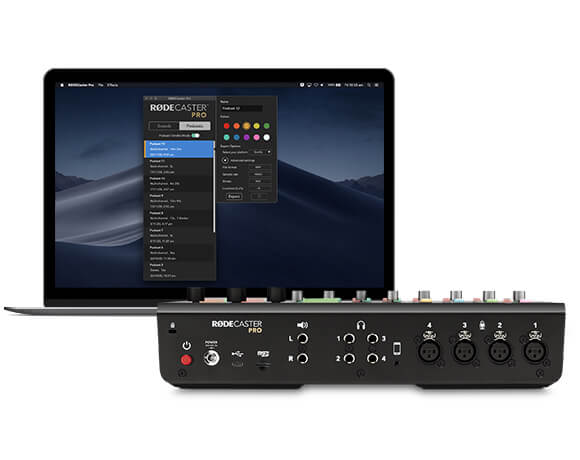
The RØDECaster Pro Companion App is designed to ensure the seamless connection between your RØDECaster Pro and a computer, giving you access to powerful features including sound pad customisation, granular effects and processing, saving and loading settings, podcast exporting and more. The RØDECaster Pro is also regularly enhanced with firmware updates which are accessed via the Companion App.
Now compatible with Apple Silicon devices.
Professional Podcasting Made Easy
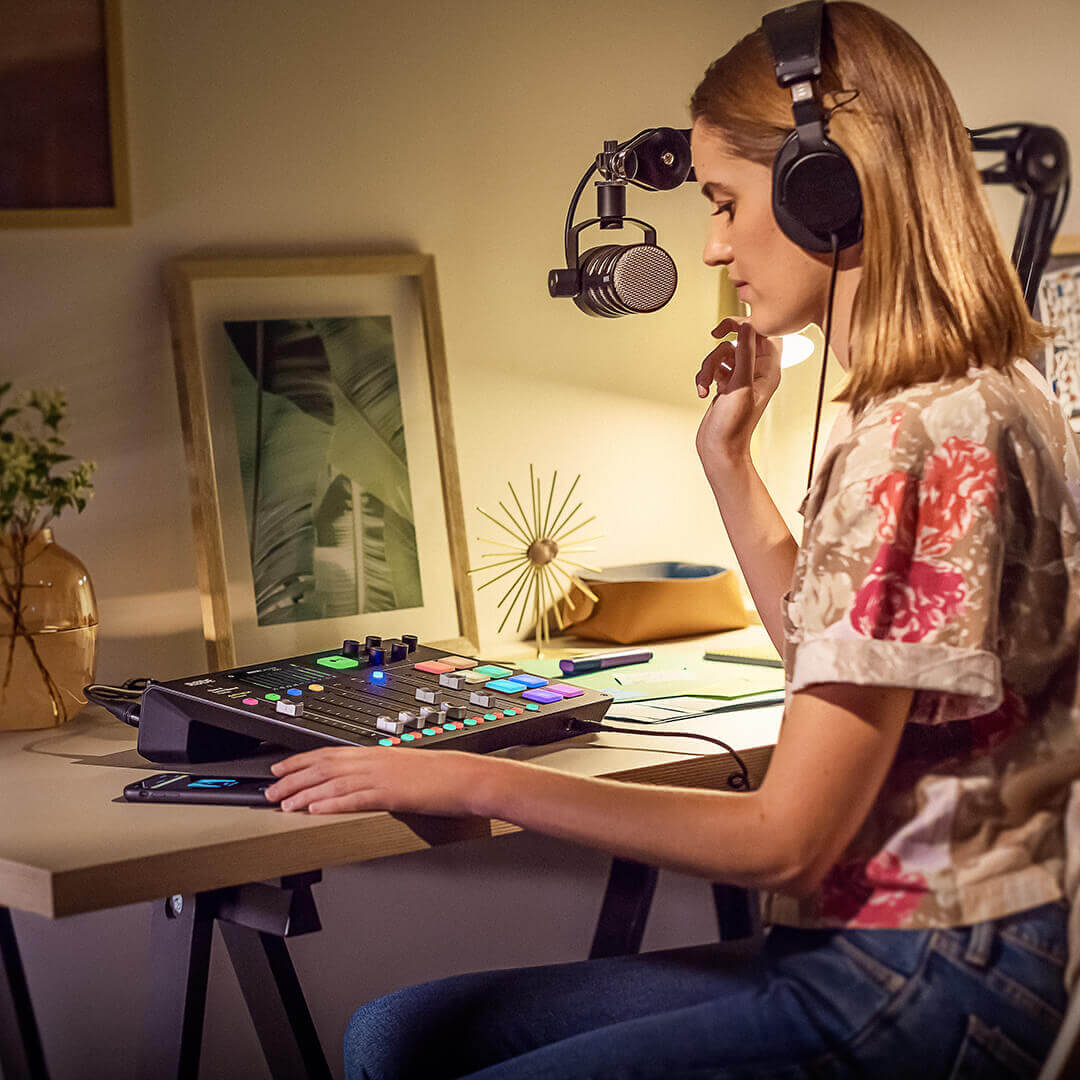
The RØDECaster Pro makes professional podcasting easy. With four studio-grade XLR microphone inputs and four headphone outputs, intuitive controls via a large full-colour touchscreen, automatic level setting and one-touch tone controls, you can be creating an incredible sounding podcast within minutes of taking it out of the box.
Broadcast-Pure Audio
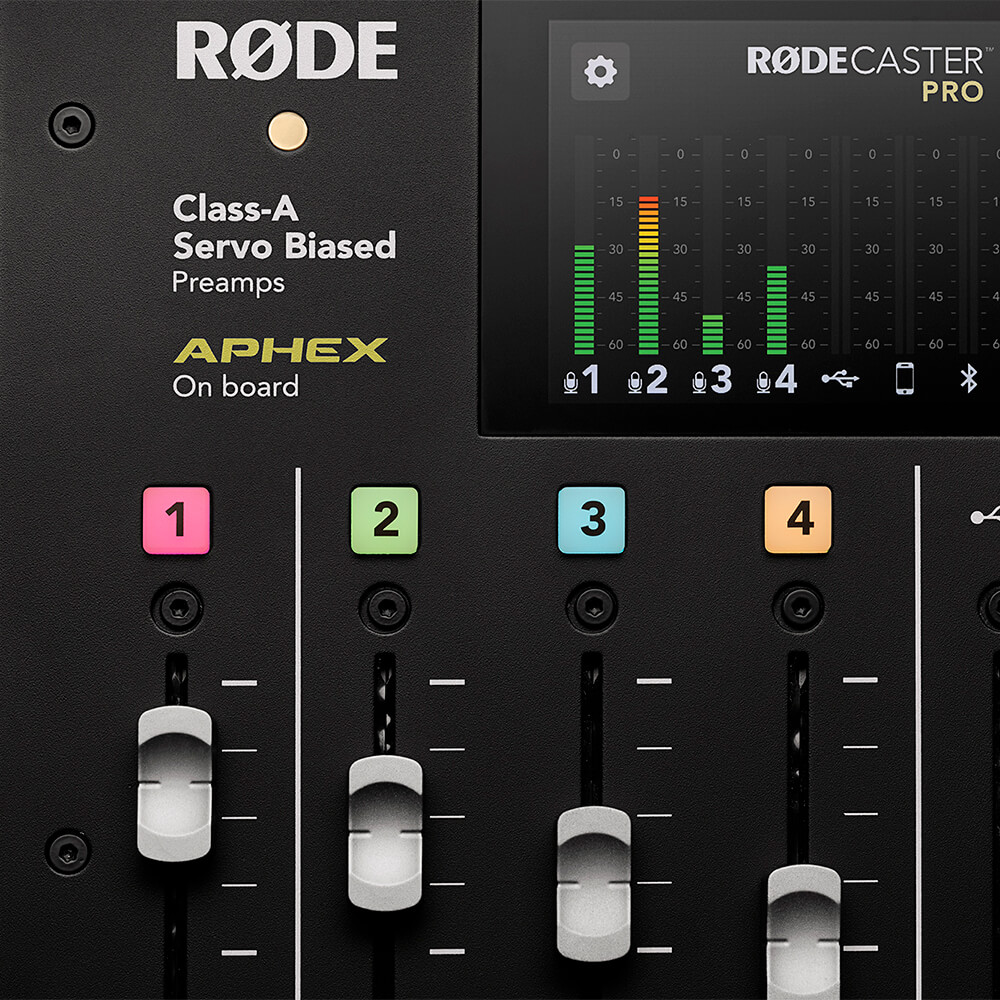
Incredible audio quality is assured thanks to the RØDECaster Pro’s pristine Class A servo-biased microphone preamps, which deliver an incredibly clear, low-noise signal with any microphone. High-quality headphone and monitor outputs will ensure you can hear you and your guests in full definition. For that polished, professional sound, the RØDECaster Pro features powerful onboard audio processing, including a compressor, noise gate, high-pass filter and legendary APHEX Aural Exciter™ and Big Bottom™ broadcast effects, all accessible at the touch of a button and with complete control over every parameter, just like in the world’s best studios. Broadcast-pure audio.
Craft Your Sound
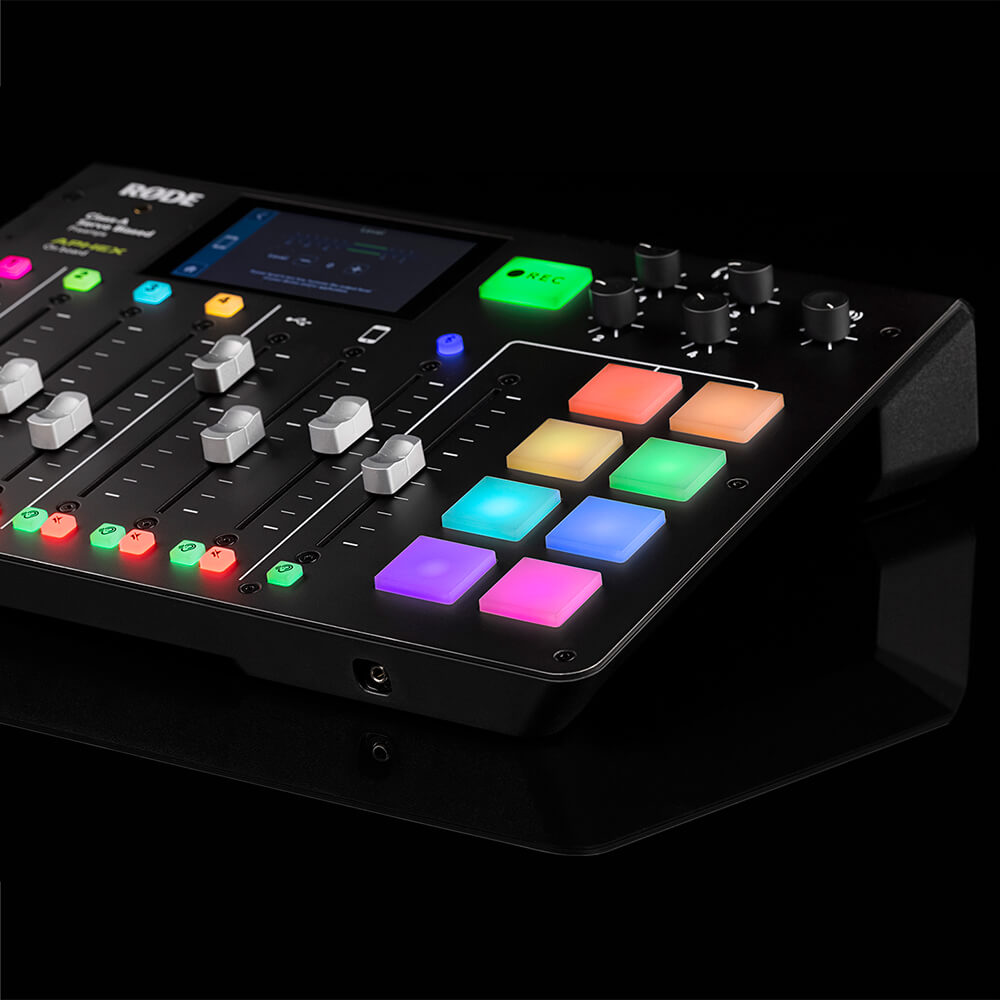
The RØDECaster Pro features eight programmable sound effects pads for instantly triggering sound effects, music, intro and outros, or ads rolls. You can record direct to a pad from any of the RØDECaster Pro’s inputs or simply assign audio from your computer. Each pad is highly customisable, with options for playback mode, colour-coding, and more, and you can store up to eight banks of sounds – 64 in total!
Stay Connected
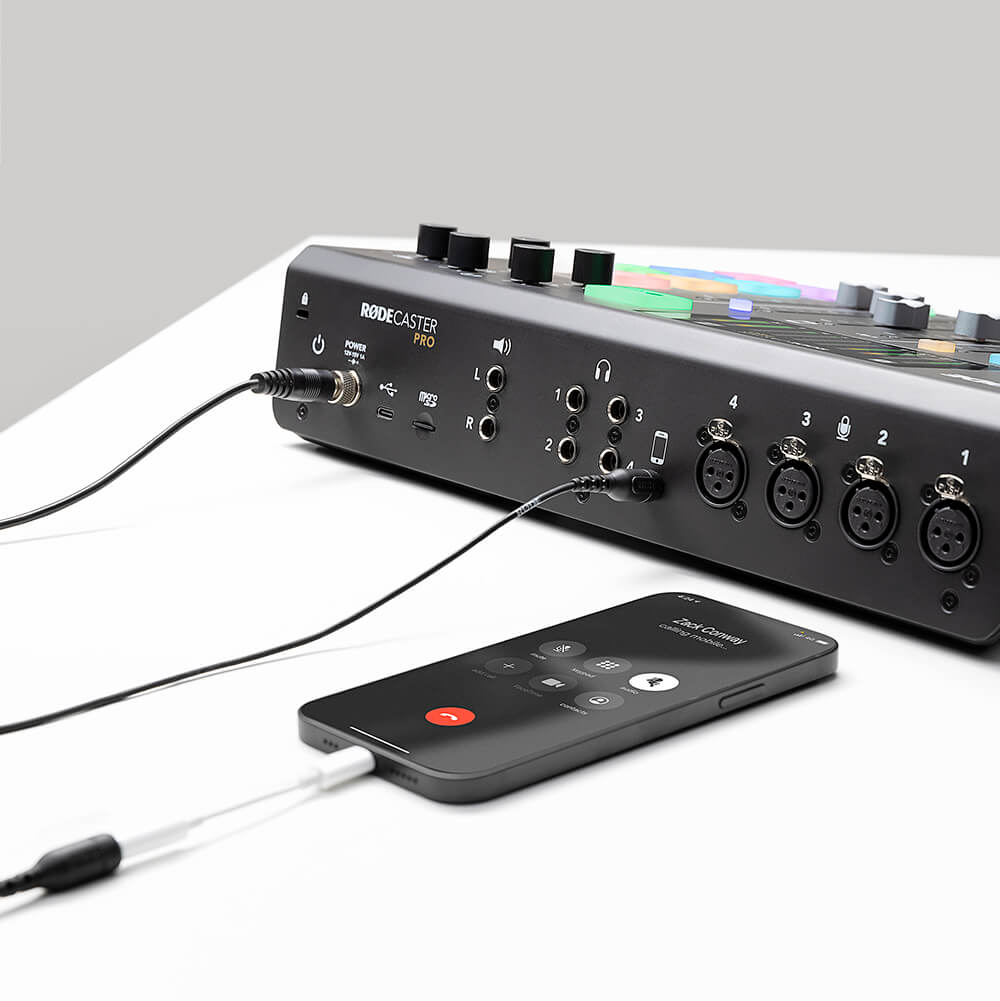
Have a remote guest you want to chat to? Recording a podcast with your crew at a distance? Simply connect your phone to the RØDECaster Pro via Bluetooth™ or with a TRRS cable. The RØDECaster Pro even provides “mix-minus” audio to prevent echo being heard by the caller (without the need for complicated external hardware). Remote interviews never sounded so good!
Unparalleled Flexibility
The RØDECaster Pro operates as a standalone unit straight out of the box, recording your podcast directly to a microSD card (you can even podcast on the go with the RØDE DC-USB1). Connect to a computer via USB and use the RØDECaster Pro as a powerful audio interface for recording to your favourite audio software. Versatile multitrack recording capabilities allow you to edit your podcast endlessly in post-production and open up a world of possibility for livestreaming applications.
RØDECaster Pro User Guide
The RØDECaster Pro User Guide has everything you need to know about creating incredible podcasts with the RØDECaster Pro! This comprehensive guide covers everything from getting started to livestreaming to advanced podcast production. With something for beginners all the way through to the more experienced podcasters; the User Guide is for anyone who wants to take their RØDECaster Pro knowledge to the next level.