RØDECaster Pro II
통합 오디오 프로덕션 스튜디오
RØDECaster Pro II는 스트리머, 팟캐스터, 뮤지션을 비롯한 콘텐츠 크리에이터를 위한 최고의 오디오 제작 솔루션입니다. 혁신적인 기능, 탁월한 음질, 무한한 커스터마이즈 옵션과 비교할 수 없는 편의성을 모두 갖춘 RØDECaster Pro II는 콘텐츠에 놀라운 오디오를 녹음하는 데 필요한 모든 것을 제공합니다.
- 스트리머, 팟캐스터, 뮤지션 및 콘텐츠 크리에이터를 위한 완벽하게 통합된 오디오 제작 스튜디오
- 초저노이즈, 고게인 Revolution Preamps™ (-131.5dBV EIN, 76dB 게인)
- 마이크, 악기 및 라인 레벨 장치를 연결할 수 있는 고품질 Neutrik® 콤보 입력 4개
- 최대 2개의 RØDE Series IV 송신기를 연결할 수 있는 내장 무선 수신기(Wireless PRO, Wireless GO II 및 Wireless ME 포함)
- 방송 품질의 물리적 페이더 6개와 가상 페이더 3개를 갖춘 개별 할당 가능한 채널 9개
- 고성능 쿼드코어 오디오 엔진
- 스튜디오급 APHEX® 오디오 프로세싱 및 내장 이펙트
- 뱅크 전환 기능을 지원하는 완전 프로그래밍 가능한 SMART 패드 8개
- 컴퓨터 또는 모바일 기기 2대를 연결할 수 있는 듀얼 USB-C 인터페이스
- 다양한 RØDE USB 마이크와 호환되어 추가 마이크 입력 제공
- 고품질 전화 통화 통합을 지원하는 고급 Bluetooth® 연결
- microSD™ 카드, USB 저장 장치 또는 컴퓨터에 멀티트랙 또는 스테레오 녹음
- 고출력 헤드폰 출력 4개 및 밸런스드 ¼인치 라인 출력
- 손쉬운 탐색과 제어를 위한 햅틱 피드백 및 로터리 인코더가 탑재된 5.5인치 고해상도 터치스크린
- 정기적인 펌웨어 업데이트를 통한 새로운 기능 및 향상된 성능
- MZed에서 제공하는 팟캐스팅 마스터 클래스 포함(자세히 알아보기)
- 호주 시드니에 위치한 RØDE의 최첨단 시설에서 설계 및 제조
RØDECaster Pro II는 스트리머, 팟캐스터, 뮤지션을 비롯한 콘텐츠 크리에이터를 위한 최고의 오디오 제작 솔루션입니다. 혁신적인 기능, 탁월한 음질, 무한한 커스터마이즈 옵션과 비교할 수 없는 편의성을 모두 갖춘 RØDECaster Pro II는 콘텐츠에 놀라운 오디오를 녹음하는 데 필요한 모든 것을 제공합니다.
- 스트리머, 팟캐스터, 뮤지션 및 콘텐츠 크리에이터를 위한 완벽하게 통합된 오디오 제작 스튜디오
- 초저노이즈, 고게인 Revolution Preamps™ (-131.5dBV EIN, 76dB 게인)
- 마이크, 악기 및 라인 레벨 장치를 연결할 수 있는 고품질 Neutrik® 콤보 입력 4개
- 최대 2개의 RØDE Series IV 송신기를 연결할 수 있는 내장 무선 수신기(Wireless PRO, Wireless GO II 및 Wireless ME 포함)
- 방송 품질의 물리적 페이더 6개와 가상 페이더 3개를 갖춘 개별 할당 가능한 채널 9개
- 고성능 쿼드코어 오디오 엔진
- 스튜디오급 APHEX® 오디오 프로세싱 및 내장 이펙트
- 뱅크 전환 기능을 지원하는 완전 프로그래밍 가능한 SMART 패드 8개
- 컴퓨터 또는 모바일 기기 2대를 연결할 수 있는 듀얼 USB-C 인터페이스
- 다양한 RØDE USB 마이크와 호환되어 추가 마이크 입력 제공
- 고품질 전화 통화 통합을 지원하는 고급 Bluetooth® 연결
- microSD™ 카드, USB 저장 장치 또는 컴퓨터에 멀티트랙 또는 스테레오 녹음
- 고출력 헤드폰 출력 4개 및 밸런스드 ¼인치 라인 출력
- 손쉬운 탐색과 제어를 위한 햅틱 피드백 및 로터리 인코더가 탑재된 5.5인치 고해상도 터치스크린
- 정기적인 펌웨어 업데이트를 통한 새로운 기능 및 향상된 성능
- MZed에서 제공하는 팟캐스팅 마스터 클래스 포함(자세히 알아보기)
- 호주 시드니에 위치한 RØDE의 최첨단 시설에서 설계 및 제조
혁신적인 사운드
고품질 Neutrik™ 콤보 잭을 갖춘 4개의 밸런스 아날로그 입력으로 마이크, 악기 및 라인 레벨 장치를 연결할 수 있는 RØDECaster Pro II는 라이브 스트리밍이나 팟캐스트를 위한 단일 마이크 녹음부터 완전한 멀티트랙 음악 녹음까지 모든 작업에 이상적입니다.
세계적인 수준의 Revolution Preamps™는 어떤 마이크나 악기와 함께 사용해도 깨끗한 오디오 품질을 제공합니다. RØDECaster Pro II를 위해 처음부터 특별히 설계된 이 초저노이즈, 고게인 프리앰프는 놀라울 정도로 조용하게 작동하면서도 충분한 출력 레벨을 제공하므로 마이크 부스터, 리프터 또는 외부 프로세싱이 필요하지 않습니다. 순수한 사운드를 이보다 더 쉽게 누릴 수 있었던 적은 없습니다.
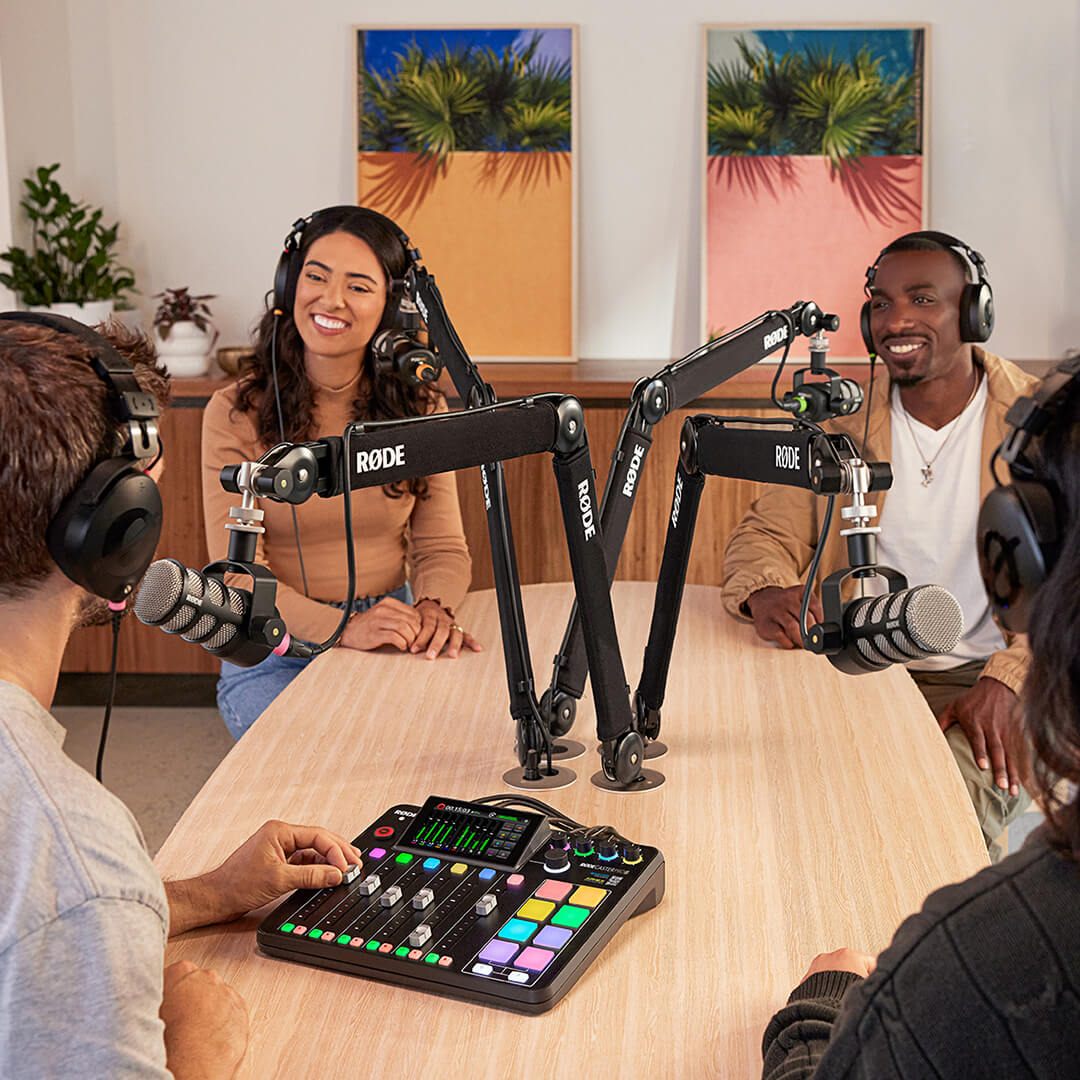
APHEX®로 구동되는 사운드
프로 오디오 업계에서 가장 높은 평가를 받아온 이름 중 하나인 APHEX의 스튜디오급 오디오 프로세싱으로 사운드를 완성하세요. Aural Exciter™, Big Bottom™ 및 Compellor™ 마스터 컴프레서/레벨러를 비롯해 전설적인 하드웨어 오디오 프로세서의 정교한 에뮬레이션을 다양하게 탑재했습니다. 또한 각 채널에는 APHEX로 구동되는 스튜디오급 컴프레서, 노이즈 게이트, 하이패스 필터, 디에서, 3밴드 이퀄라이저가 제공됩니다. 녹음 버튼을 누를 때마다 탁월한 사운드를 완성하세요.
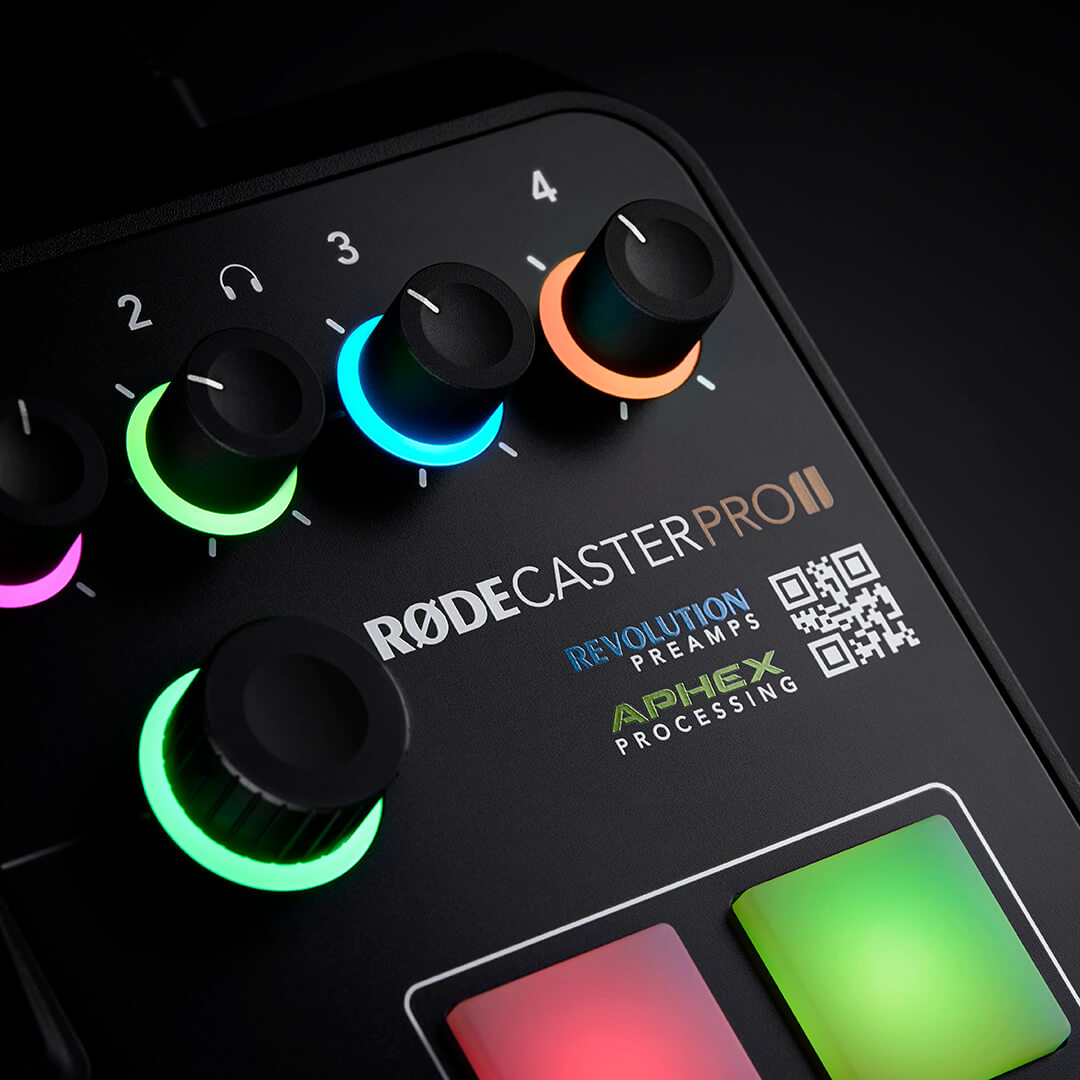
놀라운 오디오, 놀랍도록 간편하게
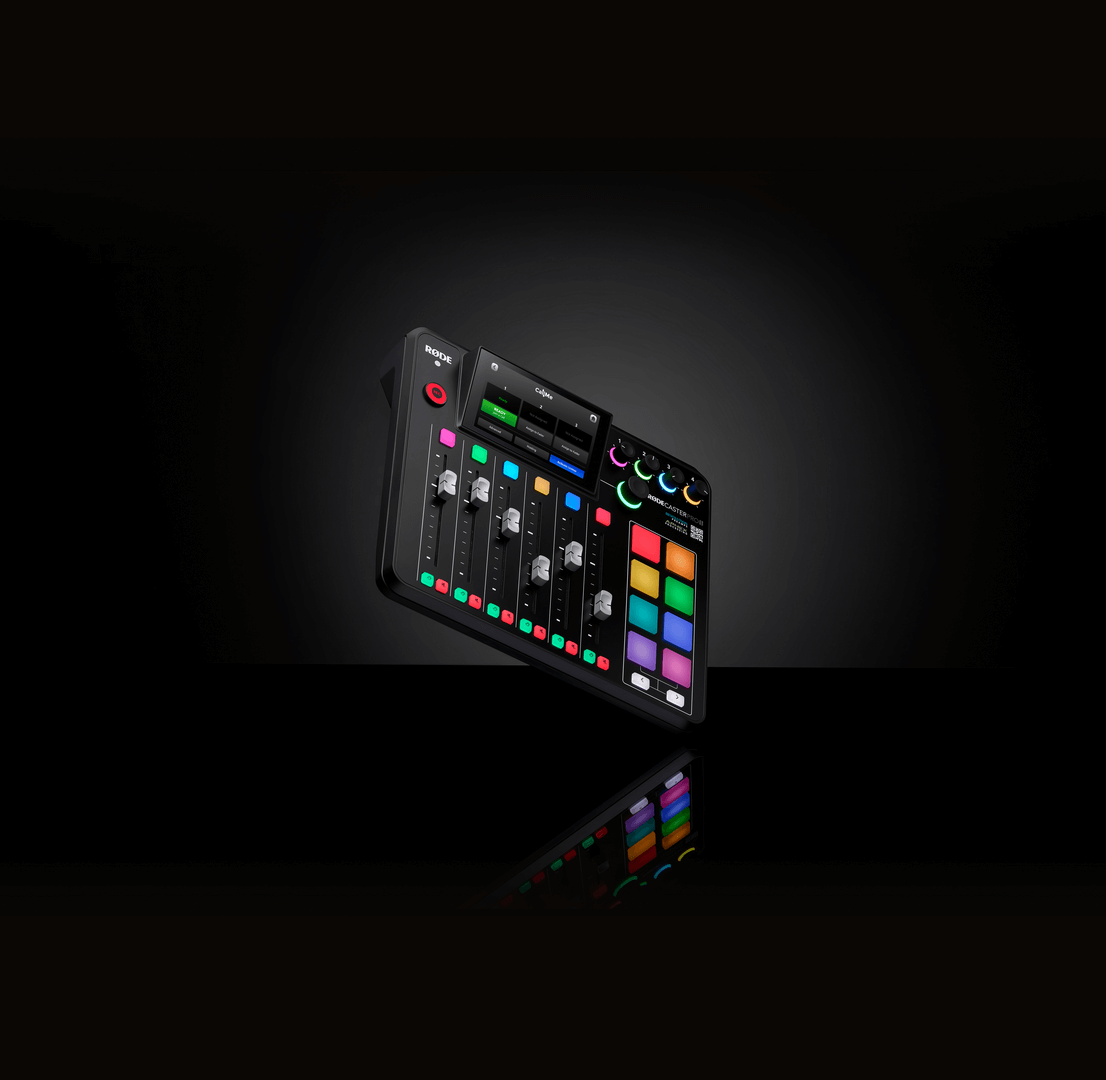
RØDECaster Pro II는 대형 고해상도 터치스크린과 촉각 피드백을 제공하는 로터리 인코더를 사용해 놀라울 만큼 간편하게 탐색할 수 있으며, 사운드의 모든 요소를 직접 제어할 수 있습니다. 설정은 단 몇 초면 완료되며, 전문가가 세심하게 설계한 프리셋과 직관적인 VoxLab™ 프로세싱 에디터를 통해 버튼을 한 번 누르거나 노브를 돌리는 것만으로 원하는 사운드를 완성할 수 있습니다. 오디오를 한 차원 높은 수준으로 끌어올리는 일이 이보다 쉬웠던 적은 없습니다.
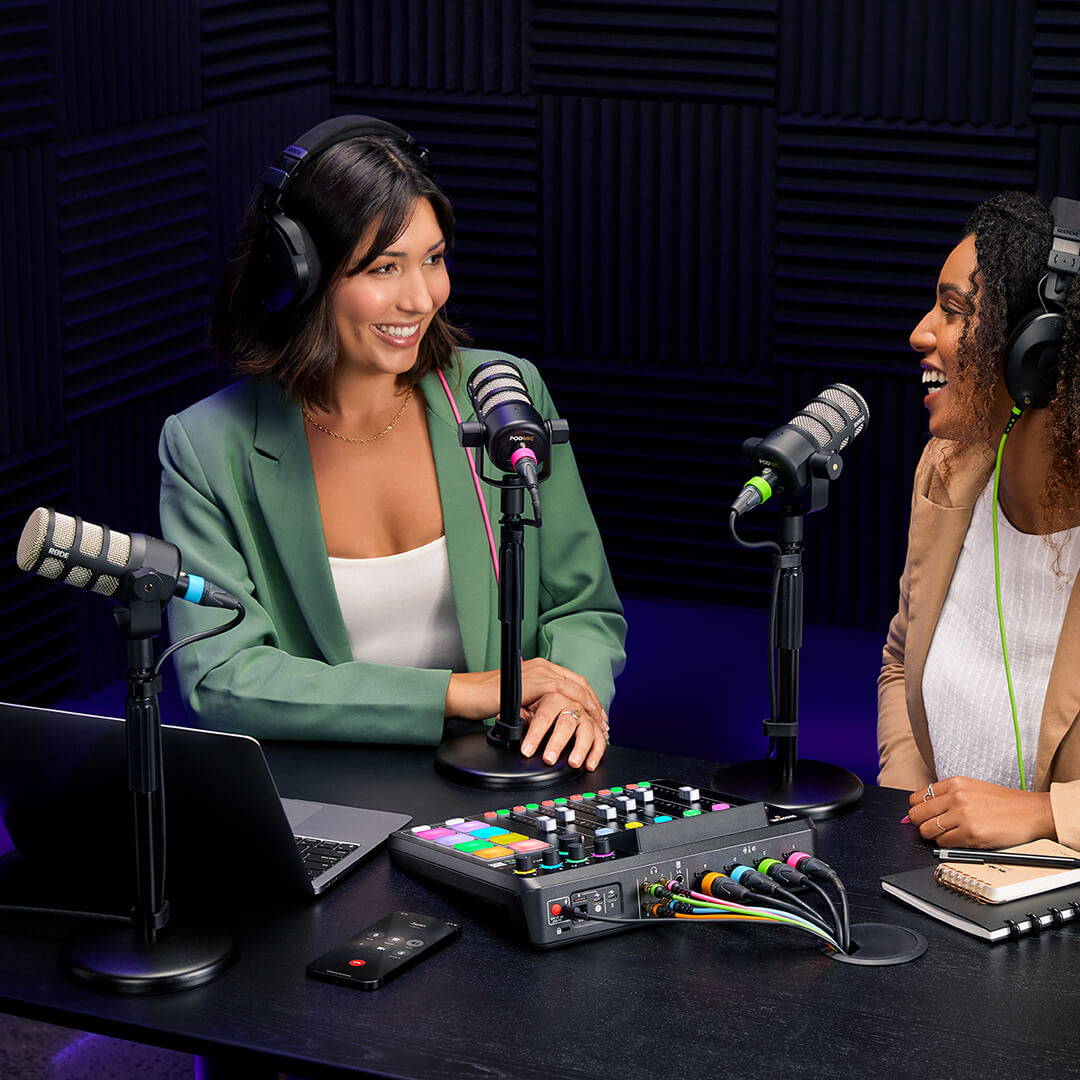
단순한 사운드 패드가 아닙니다. SMART 패드입니다
다른 콘솔에는 사운드 패드가 있습니다. RØDECaster Pro II에는 SMART 패드가 있습니다. 리버브, 에코, 피치, 로봇 FX 같은 보이스 이펙트를 즉석에서 트리거하고, 외부 소프트웨어로 MIDI 명령을 전송하며, 페이드 인과 페이드 아웃 같은 자동 믹서 동작을 활성화할 수 있습니다. 물론 사운드 이펙트, 음악 베드, 샘플 또는 징글도 재생할 수 있습니다. 손끝에서 무한한 창의성과 제어력을 경험하세요.
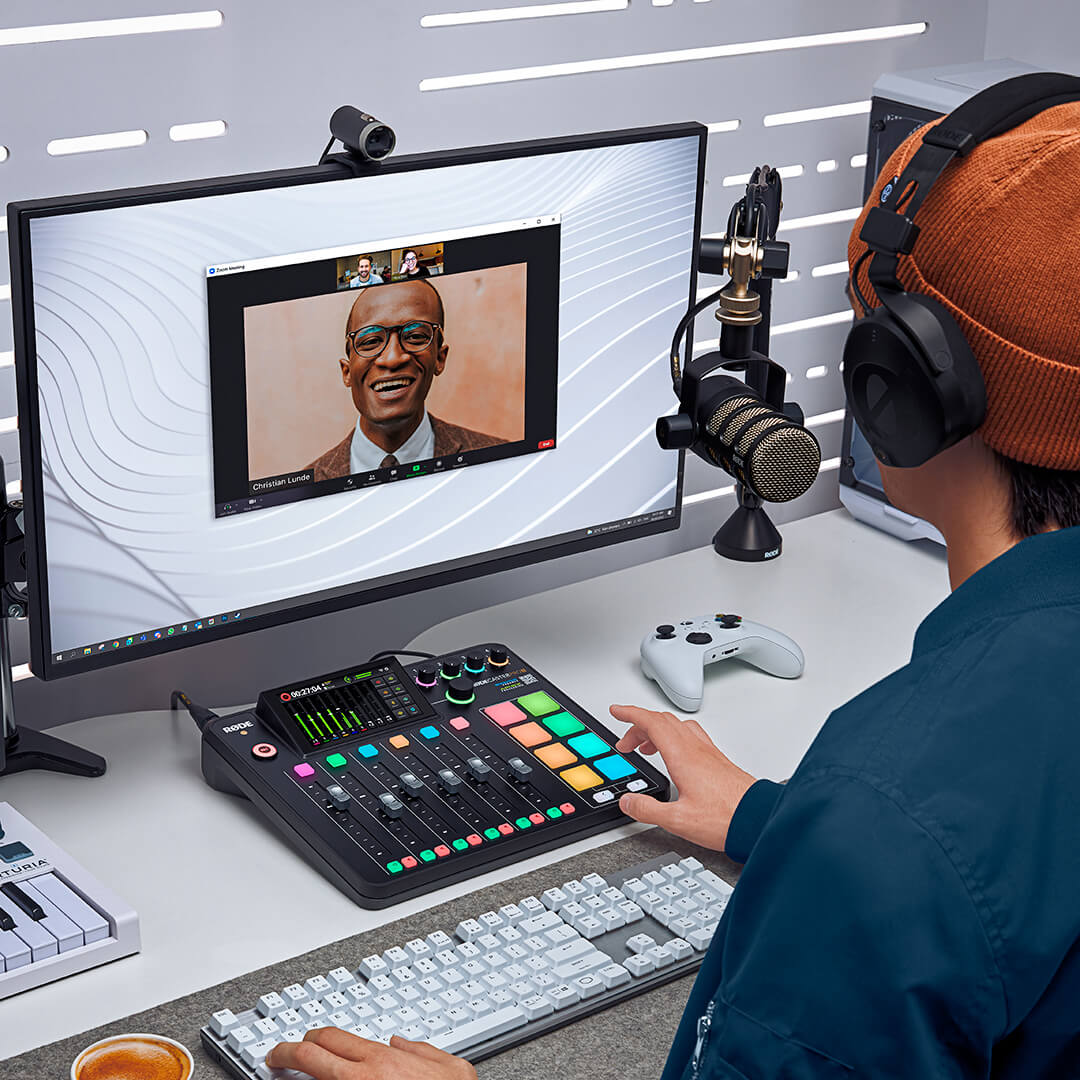
무한한 커스터마이징. 무한한 창작의 자유.
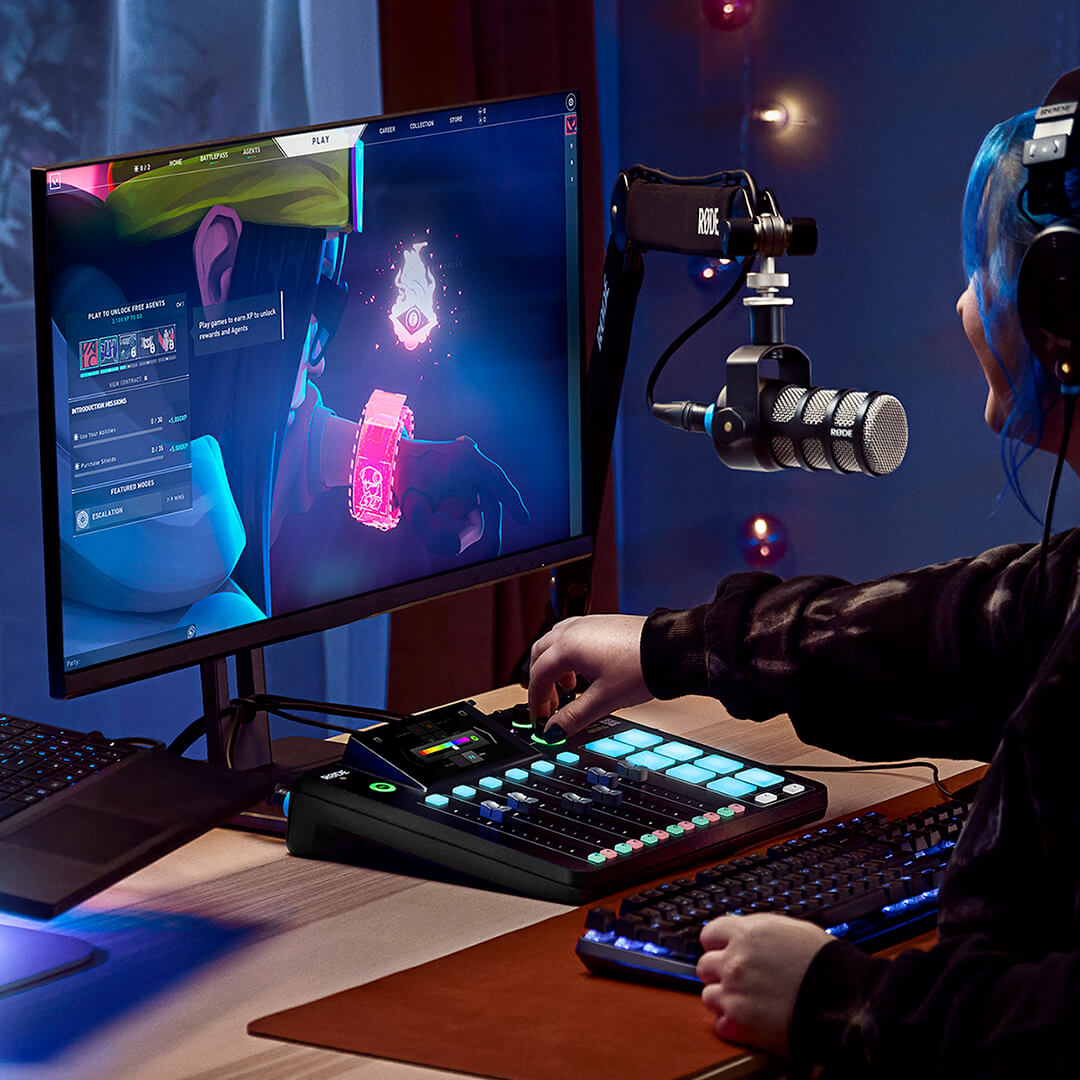
어떤 콘텐츠를 제작하든 RØDECaster Pro II는 녹음 환경, 이상적인 작업 방식, 그리고 고유한 사운드에 맞게 커스터마이즈할 수 있습니다. 9개의 채널은 각각 개별 할당이 가능하므로 나만의 믹서 구성을 만들 수 있습니다. 모든 프로세서와 이펙트는 고급 에디터를 사용해 장치에서 원하는 대로 세밀하게 조정할 수 있으며, 각 SMART 패드는 완전히 프로그래밍할 수 있습니다(8개 뱅크에 각각 8개의 패드가 있어 총 64개의 고유한 동작을 사용할 수 있음). 밝은 RGB LED는 사용 환경과 미적 취향에 맞게 커스터마이즈할 수 있습니다. 가능성은 무한합니다.
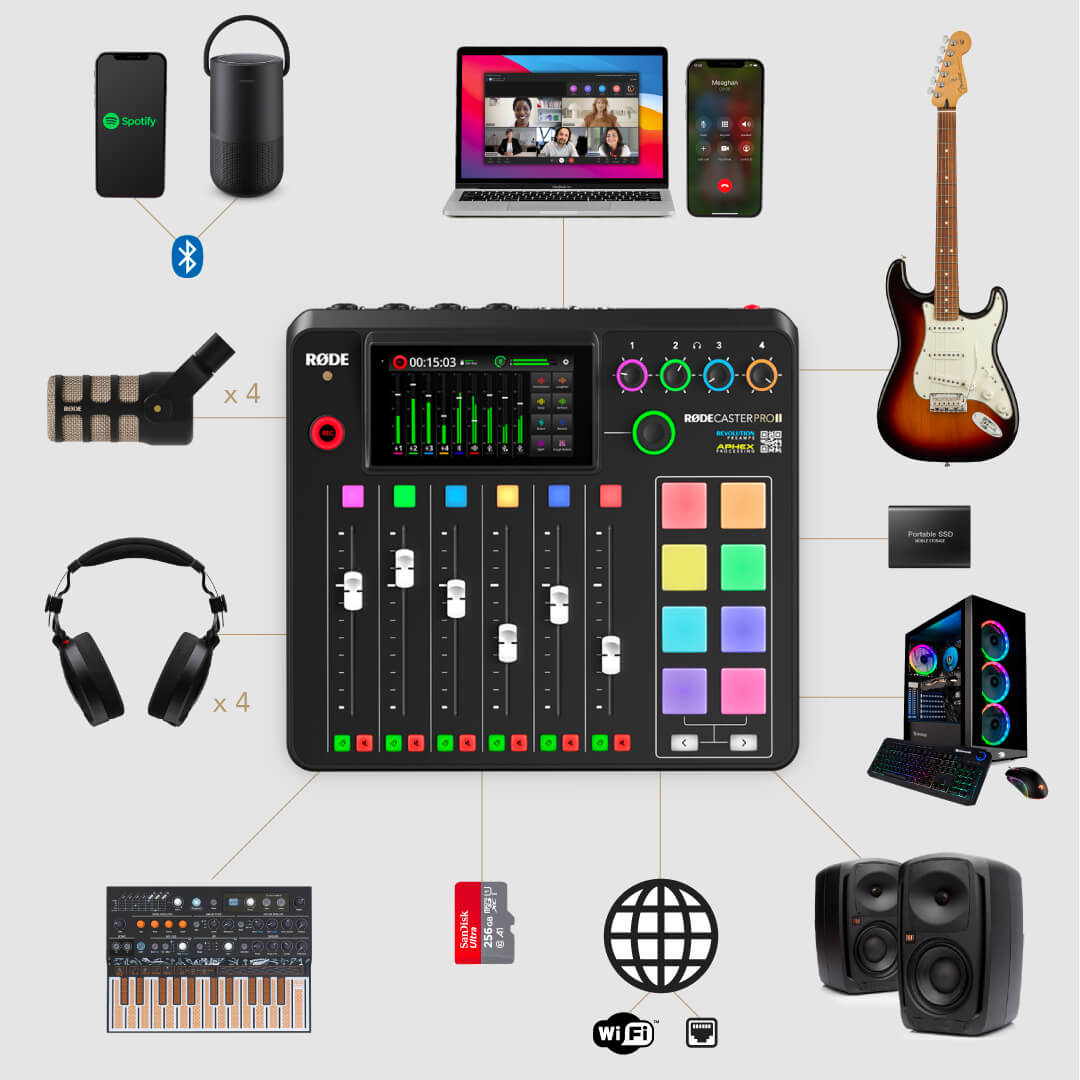
모든 기기를 연결하세요
RØDECaster Pro II는 탁월한 기기 연결 옵션을 제공하여 어떤 콘텐츠 제작 환경에서도 매우 유연하게 사용할 수 있습니다. 4개의 Neutrik™ 콤보 잭을 사용해 마이크, 기타, 베이스, 키보드 및 라인 레벨 기기를 연결하세요. 고출력 헤드폰 출력으로 4쌍의 헤드폰을 사용하거나 밸런스드 ¼인치 라인 출력으로 스피커를 연결해 오디오를 모니터링할 수 있습니다. 고급 Bluetooth® 연결을 통해 초고음질 전화 통화를 녹음하거나 고음질로 오디오를 스트리밍하세요. 듀얼 USB 인터페이스를 사용하면 두 대의 컴퓨터 또는 모바일 기기를 동시에 연결할 수 있어 원격 팟캐스트 녹음부터 복잡한 스트리밍 설정 간소화까지 모두 가능합니다. 모든 크리에이터를 위한 완벽한 오디오 컨트롤 센터입니다.
RØDE CallMe: 제약 없는 협업
RØDE CallMe를 사용하면 전 세계 어디서나 누구와도 연결할 수 있습니다. RØDECaster Pro II와 RØDECaster Duo에 원활한 원격 연결을 제공하는 강력한 새 기능입니다.
RØDE CallMe는 Wi-Fi 또는 이더넷을 통해 초저지연, 고충실도 통신을 제공하므로 전 세계 게스트와 함께하는 팟캐스트 제작이나 원격 방송 제작을 손쉽게 진행할 수 있습니다. 최신 펌웨어 업데이트를 통해 지금 이용할 수 있습니다.
 RØDECaster App 다운로드
RØDECaster App은 RØDECaster Series 전용으로 특별히 제작된 데스크톱 컴패니언 앱입니다. 강력하고 높은 수준으로 사용자 설정이 가능한 기능을 최대한 활용할 수 있도록 설계된 이 앱을 통해 모든 장치 기능, 오디오 프로세싱 및 설정을 완벽하게 제어할 수 있습니다. RØDECaster App을 무료로 다운로드하여 최신 기능과 성능 향상으로 장치를 업데이트하세요.
OS 요구 사항: macOS 11 이상; Windows 10 버전 1803 이상.
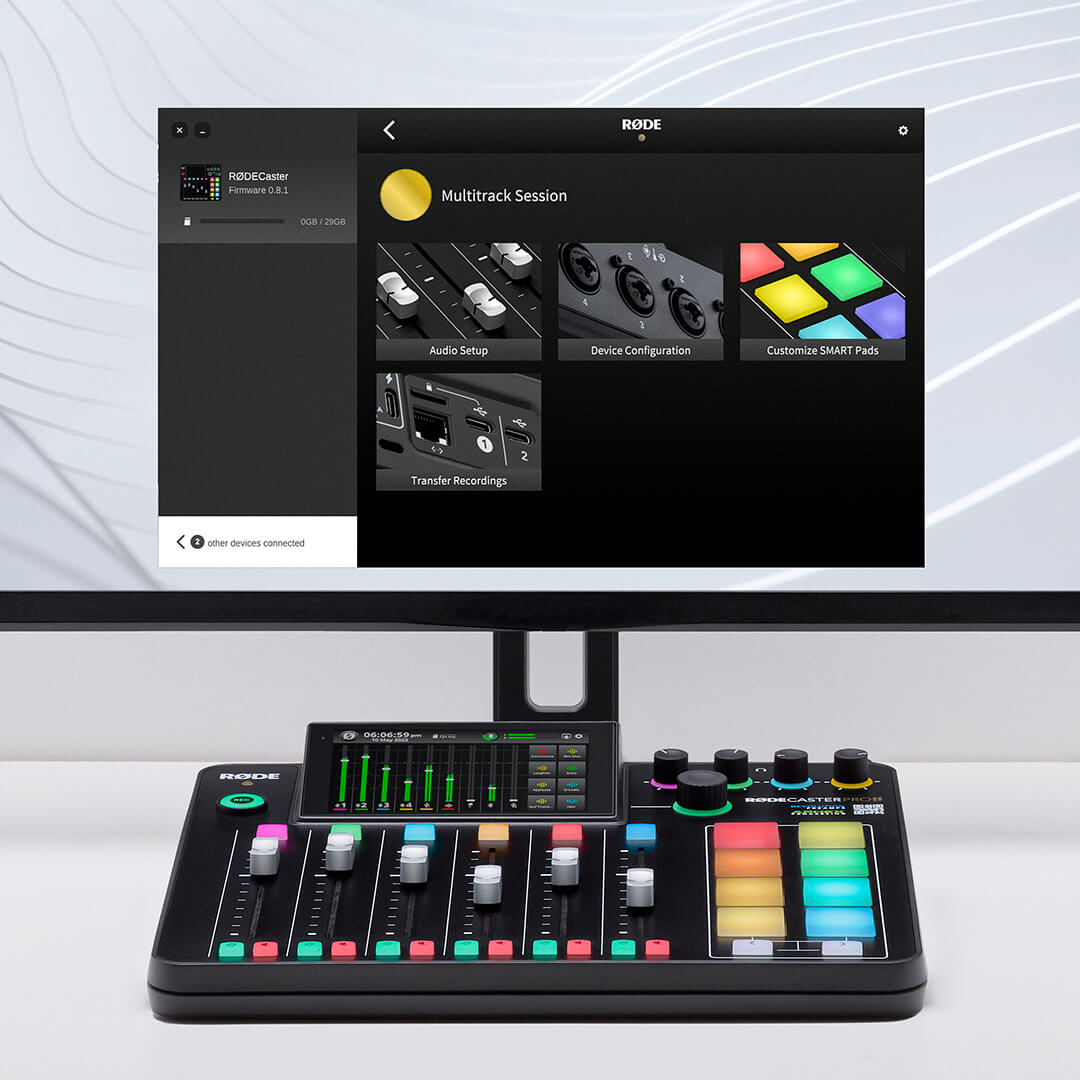
RØDECaster Pro II 마스터하기
사용 설명서에서 단계별 기능 안내, 팁과 요령 등을 통해 RØDECaster Pro II 사용에 대해 알아야 할 모든 것을 확인하세요..jpg)
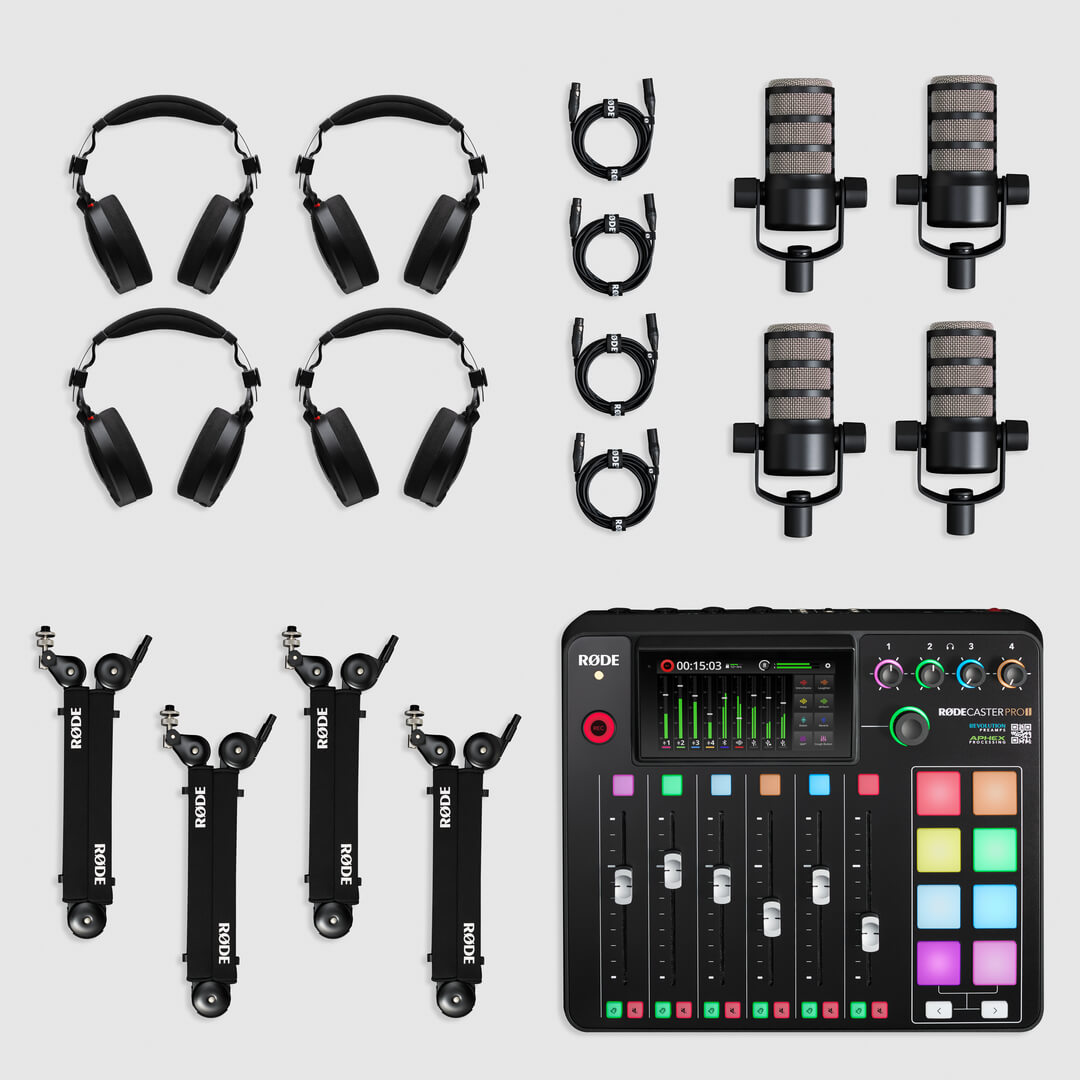
4인용 팟캐스팅 번들
최고의 Podcaster Bundle은 4인 팟캐스트 녹음에 필요한 모든 것을 제공합니다. RØDECaster Pro II, PodMic 다이내믹 방송용 마이크 4개, NTH-100 헤드폰 4세트, PSA1+ 스튜디오 암 4개가 포함됩니다.