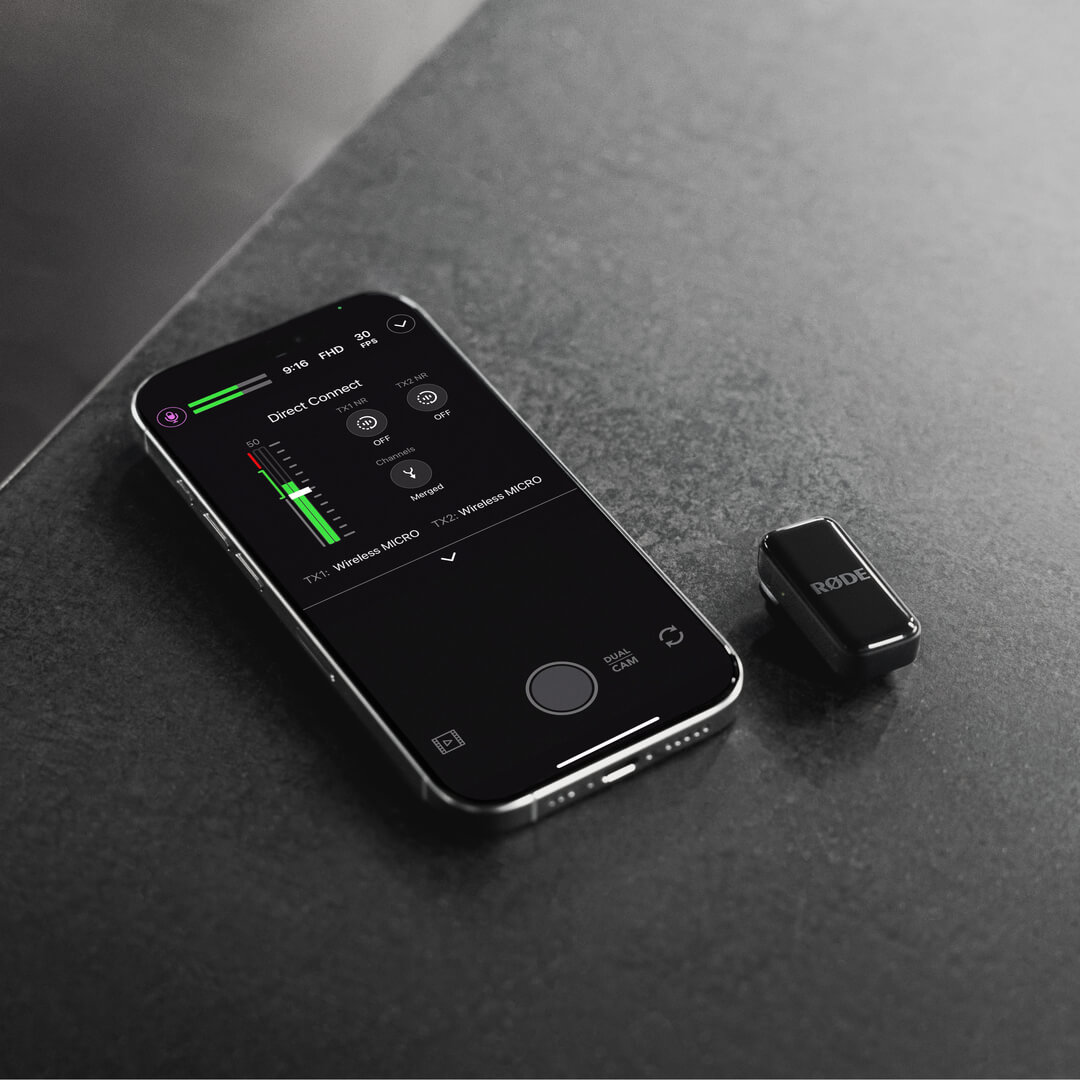
Wireless Micro
Wireless Micro 는 송신기(TX) 2개와 수신기(RX) 1개로 구성됩니다. 송신기는 내장 마이크로 오디오를 수음한 후 수신기로 무선 전송합니다. 수신기는 휴대폰에 직접 연결되며, USB 오디오를 지원하는 모든 동영상 또는 오디오 녹음 앱에서 Wireless Micro 를 사용할 수 있습니다.
Wireless Micro Camera Kit는 송신기 2개와 카메라용 및 스마트폰용 교체형 수신기로 구성됩니다. 송신기는 내장 마이크로 오디오를 수음한 후 카메라용 수신기로 무선 전송합니다. 카메라용 수신기는 3.5mm TRS 또는 USB-C 출력을 통해 카메라나 기타 녹음 장치에 직접 연결되므로, 호환되는 모든 구성에서 깨끗하고 선명한 무선 오디오를 녹음할 수 있습니다.
시작하기
Wireless Micro
- 두 송신기를 충전 케이스에서 꺼내 충전 핀을 덮고 있는 스티커를 제거한 다음, 다시 케이스에 넣습니다
- 두 송신기를 케이스에서 다시 꺼냅니다. 이제 송신기의 LED가 깜박입니다
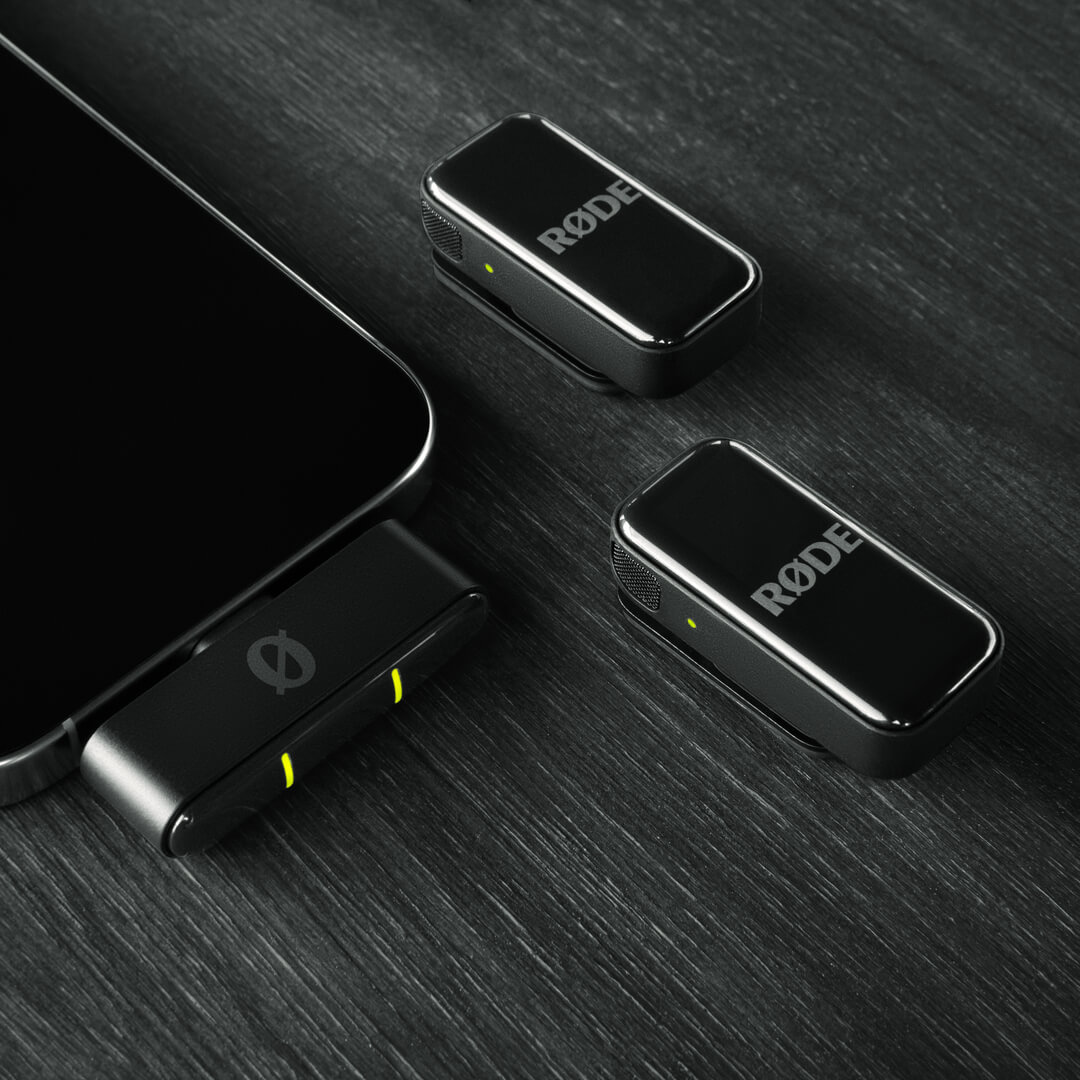
- 수신기를 스마트폰에 직접 연결합니다. 수신기의 LED가 깜박인 후 송신기와 페어링되면 계속 켜진 상태로 표시됩니다
이제 Wireless Micro 의 전원이 켜지고 페어링되었으며, 무선 오디오를 휴대폰으로 녹음할 준비가 완료되었습니다.
Camera Kit
- 두 송신기와 수신기를 충전 케이스에서 꺼내 충전 핀을 덮고 있는 스티커를 제거한 다음, 충전할 수 있도록 케이스에 다시 넣습니다.
- 수신기를 케이스에서 꺼냅니다. 수신기의 전원이 켜지고 홈 화면이 표시됩니다.
- 콜드슈 마운트를 사용해 수신기를 카메라에 장착하고, 동봉된 3.5mm TRS 케이블로 연결합니다.
- 송신기를 케이스에서 꺼냅니다. 송신기의 LED가 수신기와 페어링될 때까지 깜박입니다.
이제 녹음할 준비가 완료되었습니다.
클립과 자석 사용하기
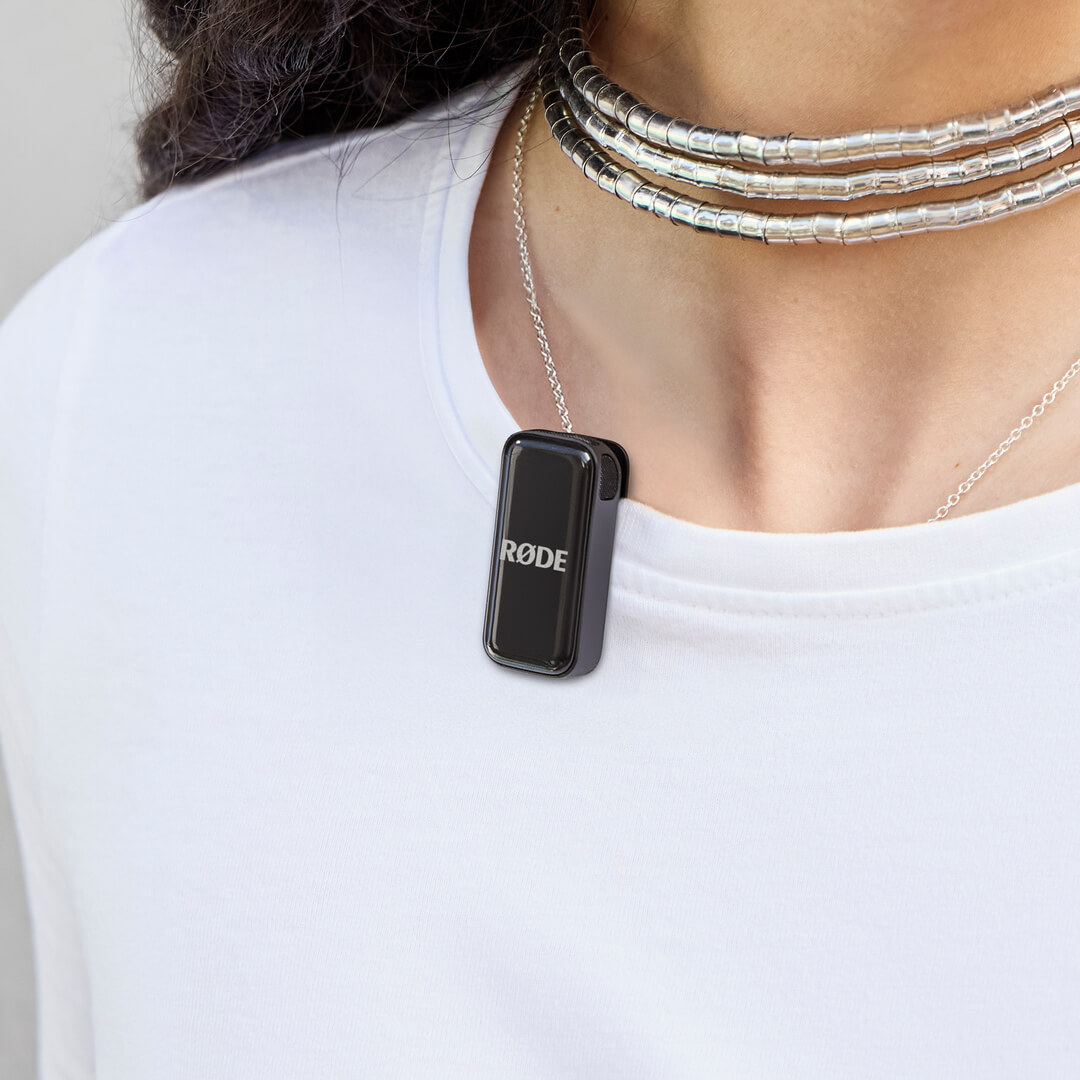
Wireless Micro의 송신기에는 옷이나 셔츠 또는 재킷 칼라와 같은 다른 물품의 가장자리에 바로 부착할 수 있도록 설계된 통합 클립이 탑재되어 있습니다.
각 송신기에는 옷 어디에나 부착할 수 있는 자석식 부착 장치도 함께 제공됩니다. 자석식 부착 장치와 송신기 사이에 옷을 끼우기만 하면 됩니다. 사용하지 않을 때는 자석식 부착 장치를 충전 케이스에 보관할 수 있습니다.
전문가 팁
Wireless Micro 송신기를 피사체의 입에 최대한 가깝게 장착하되, 옷이나 머리카락이 너무 많이 닿아 마이크를 가리지 않도록 하세요. 또한 자석식 부착 장치를 사용해 송신기를 옷 안쪽에 장착하면 바람 소리로부터 추가로 보호할 수 있습니다.
윈드실드 사용
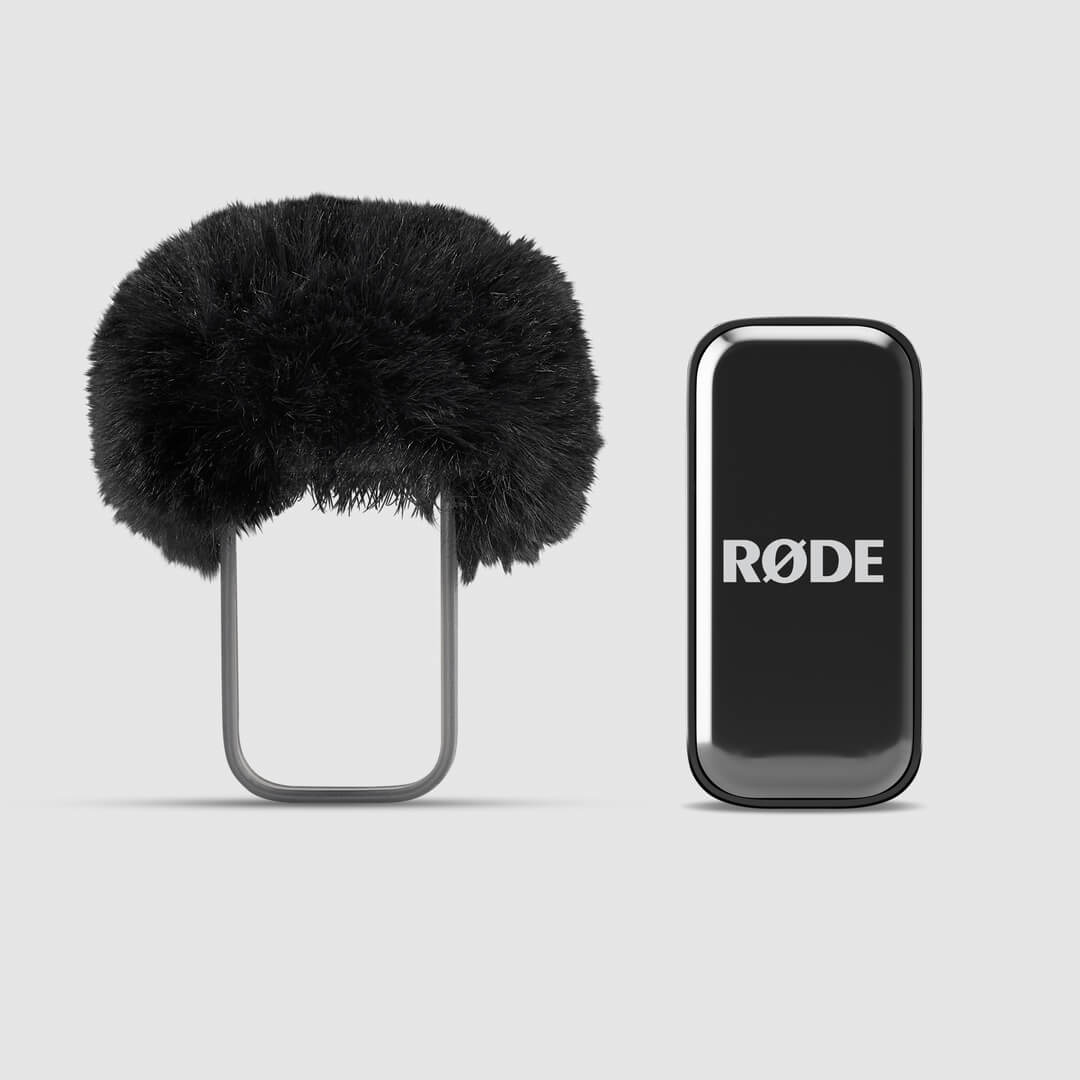
송신기에 내장된 마이크는 바람 소리와 파열음이 오디오에 미치는 영향을 줄이도록 특별히 설계된 특허 출원 중인 음향 챔버에 수납되어 있습니다. 야외에서는 추가 퍼 윈드실드를 사용해 이러한 영향을 더욱 줄일 수 있으며, 특히 바람이 강한 환경에서 효과적입니다.
윈드실드 하니스를 송신기 위로 밀어 끼워 퍼 윈드실드가 송신기의 마이크와 일직선이 되도록 하세요.
카메라 키트 리시버 사용하기
카메라 키트 리시버는 기본 설정 상태에서 송신기와 자동으로 페어링됩니다. 충전 케이스에서 리시버와 송신기를 꺼내기만 하면 바로 녹음을 시작할 수 있습니다.
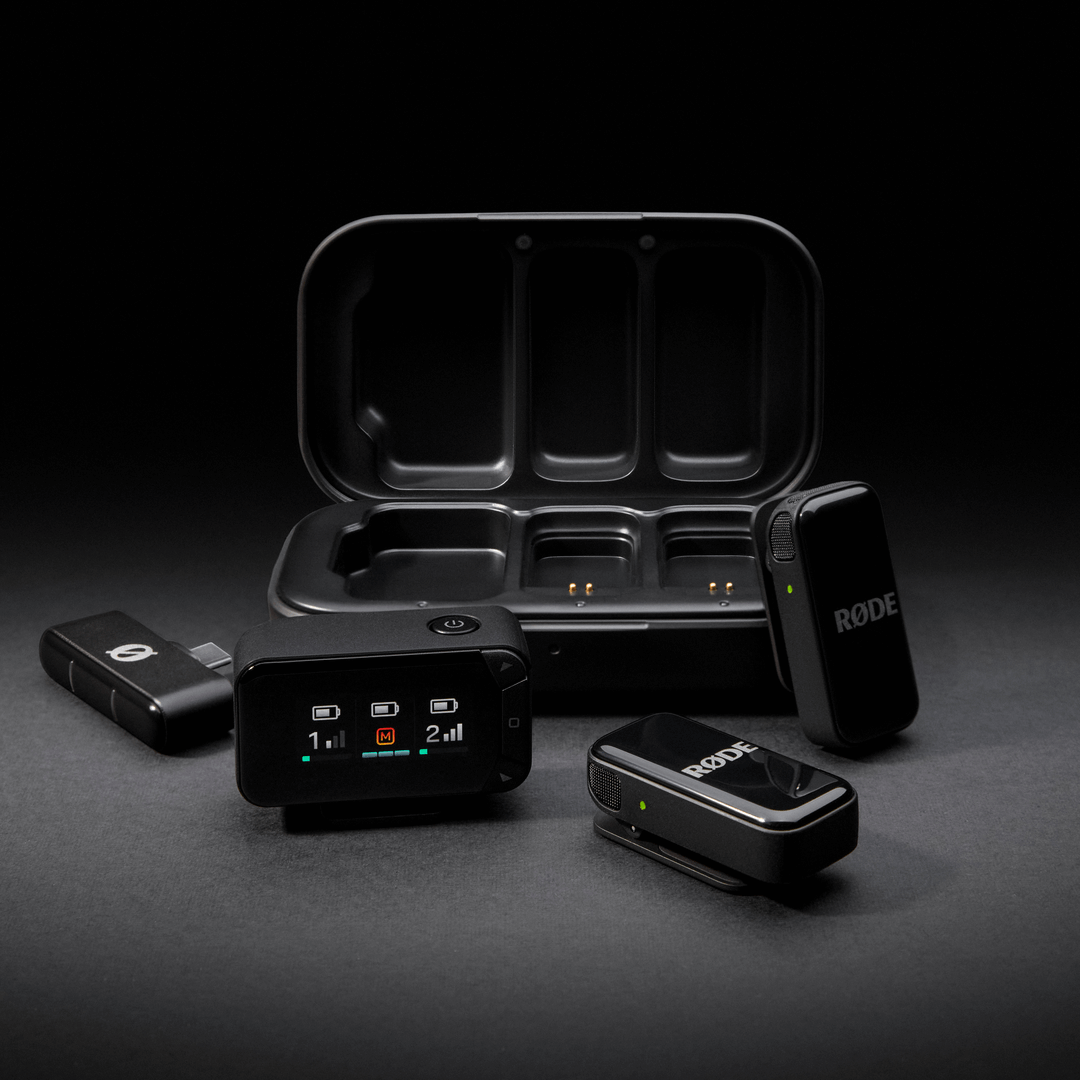
밝은 AMOLED 디스플레이를 탑재한 리시버는 빠르고 간편한 설정과 모니터링을 지원합니다. 3.5mm TRS 및 USB-C 출력을 모두 제공해 다양한 카메라와 폭넓은 호환성을 갖추었으며, DSLR과 미러리스 카메라부터 기타 녹음 장비까지 다양한 기기에 연결할 수 있습니다.
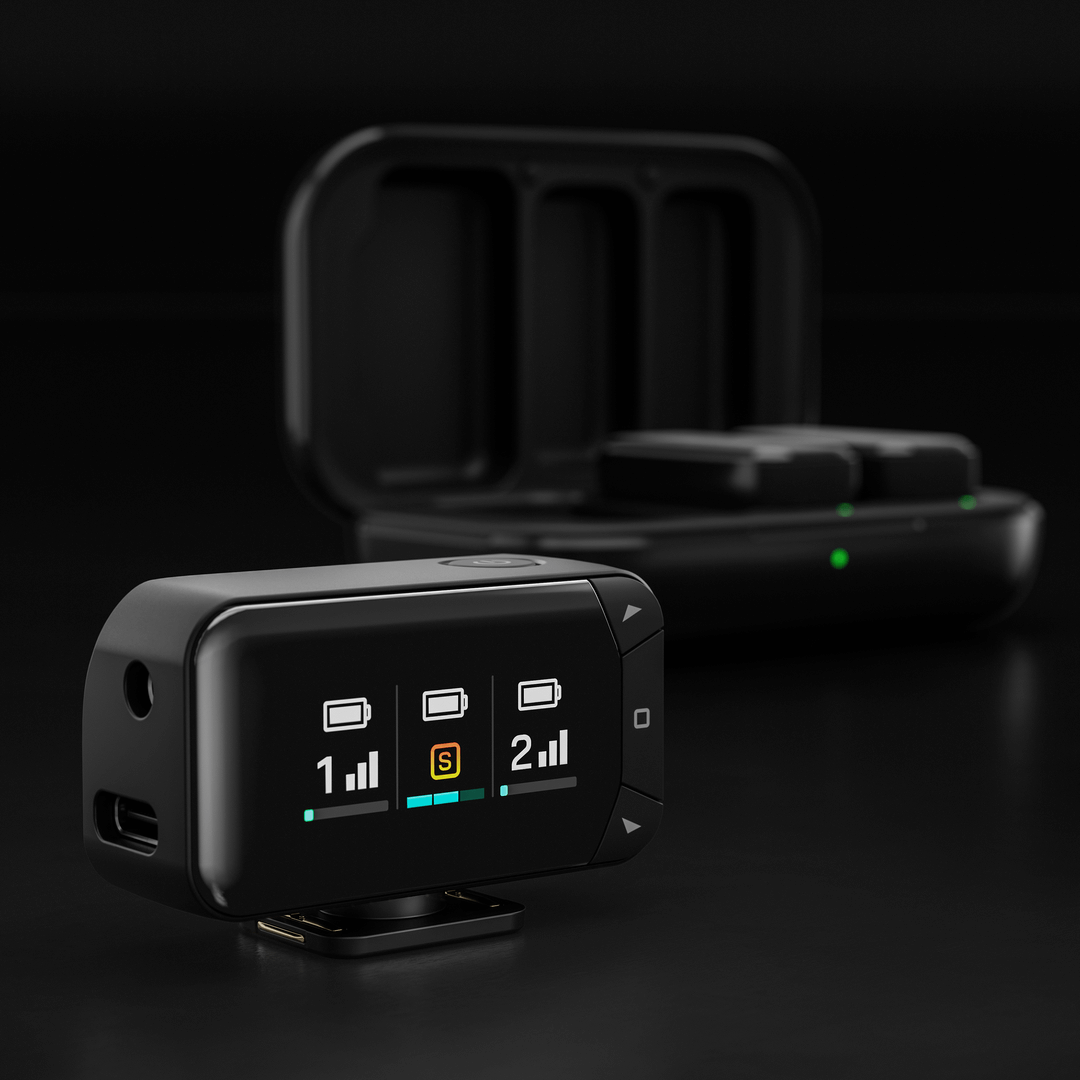
수신기에서 출력 모드, 출력 게인, 디스플레이 밝기를 비롯한 주요 설정을 직접 조정할 수 있습니다.
출력 모드: 두 송신기의 신호를 하나의 결합 신호로 합치거나, 후반 작업에서 더욱 세밀하게 제어할 수 있도록 왼쪽 및 오른쪽 채널에 각각 별도로 녹음할 수 있습니다.
출력 게인: 녹음 환경에 맞게 낮음, 중간, 높음 게인 설정 중에서 선택할 수 있습니다.
디스플레이 밝기: 사용 환경에 맞게 AMOLED 디스플레이의 밝기를 조정할 수 있습니다.
이 설정에 액세스하려면 홈 버튼(사각형 아이콘)을 누르고, 화살표 키를 사용해 원하는 옵션으로 이동한 다음 필요에 따라 조정합니다. 홈 버튼을 다시 눌러 선택을 확인합니다.
송신기
송신기를 카메라 수신기에 연결하면 수신기 화면에 각 송신기의 디스플레이 열이 표시됩니다. 세로 막대는 무선 신호의 강도를 나타내며, 하단의 가로 막대는 입력 레벨을 표시합니다. 입력 미터는 녹색에서 빨간색으로 이동하며, 빨간색은 클리핑을 의미합니다.
더욱 세밀하게 제어하려면 출력 모드, 게인, 송신기 노이즈 리덕션을 비롯한 모든 설정을 무료 RØDE Central 앱을 통해 조정할 수도 있습니다(자세한 내용은 아래 참조).
송신기 및 충전 케이스 충전
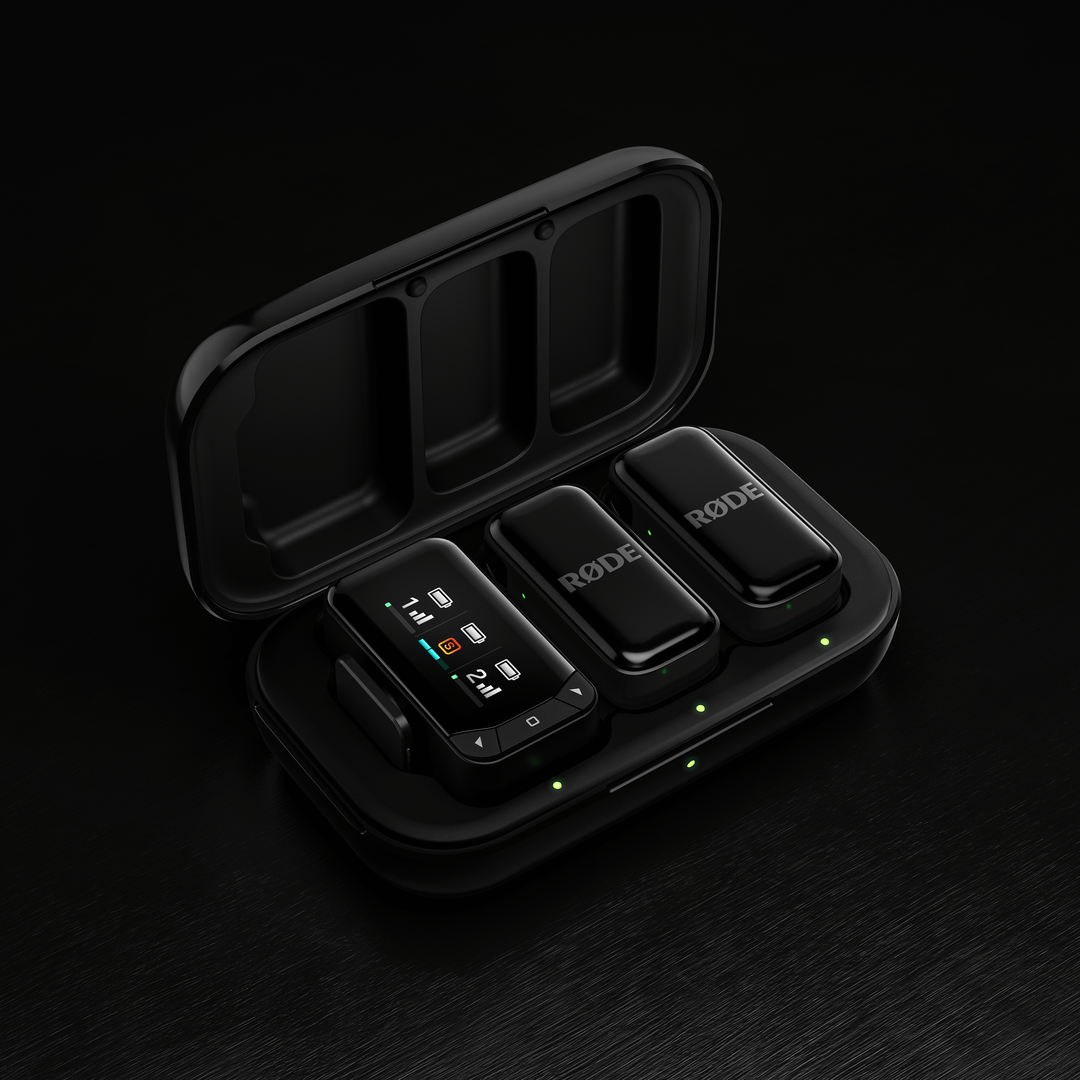
Wireless Micro 송신기는 배터리 수명이 7시간이며, 기본 제공되는 충전 케이스를 사용하면 두 번 더 충전하여 최대 14시간을 추가로 사용할 수 있습니다. 충전하려면 금색 충전 핀을 맞춰 송신기를 충전 케이스에 넣기만 하면 됩니다.
충전 케이스를 다시 충전하려면 기본 제공되는 USB-C 케이블을 사용해 전원에 연결하세요. 충전 중에는 충전 케이스 전면의 LED가 황색으로 깜박이고, 완전히 충전되면 녹색으로 계속 켜집니다.
배터리 잔량 및 LED
Wireless Micro 에는 송신기와 충전 케이스의 배터리 잔량을 표시하는 여러 개의 LED가 있으며, 모두 다음과 같은 방식으로 작동합니다.
녹색 = 20% 초과
황색 = 10~20%
빨간색 = 10% 미만
수신기의 두 LED(휴대폰에 연결된 경우), 송신기 자체의 LED 또는 충전 케이스 내부의 두 LED(송신기가 케이스 안에 있을 때)를 통해 송신기의 배터리 잔량을 확인할 수 있습니다. 충전 중에는 이 LED가 깜박이고, 완전히 충전되면 녹색으로 계속 켜져 있습니다.
충전 케이스 외부의 LED는 충전 케이스 자체의 배터리 잔량을 나타냅니다.
Wireless Micro Camera Kit의 경우, 송신기의 배터리 잔량은 표준 Wireless Micro와 동일한 방식으로 확인할 수 있습니다. 카메라 수신기가 충전 케이스에 들어 있을 때는 AMOLED 디스플레이에 충전 상태가 표시되며, 막대 3개는 완전히 충전된 상태를 나타냅니다. 수신기가 케이스 밖에 있을 때는 수신기 디스플레이 열 상단의 배터리 막대에 남은 전력 수준이 표시됩니다. Transmitter 의 배터리 잔량도 동일한 방식으로 표시됩니다.
충전 케이스 외부의 LED는 충전 케이스 자체의 배터리 잔량을 나타냅니다.
RØDE 컴패니언 앱을 사용한 설정 조정
Wireless Micro 는 RØDE 컴패니언 앱을 통해 조정할 수 있는 다양한 기능과 설정을 제공합니다. 설정을 연결하고 조정하는 방법은 크게 두 가지입니다:
수신기(RX) 사용:
수신기를 컴퓨터 또는 휴대폰에 연결합니다. 송신기가 케이스에서 꺼내져 있고 전원이 켜져 있으며 수신기와 페어링되어 있는지 확인합니다. 그런 다음 RØDE Central(컴퓨터 또는 모바일) 또는 RØDE Capture(모바일)를 사용하여 다양한 시스템 및 송신기 설정에 액세스하고 조정할 수 있습니다.
Direct Connect(RØDE Capture 전용):
Direct Connect라는 새로운 기능을 사용하면 RØDE Capture 앱을 통해 Bluetooth® 연결로 최대 두 대의 송신기를 휴대폰에 직접 페어링할 수 있습니다. 앱을 열고 화면의 안내에 따라 송신기를 페어링하기만 하면 됩니다. 연결되면 수신기 없이 앱에서 직접 녹음할 수 있으며, 각 송신기의 노이즈 리덕션 및 게인 컨트롤과 같은 주요 설정에 액세스할 수 있습니다.
출력 게인: Wireless Micro의 볼륨 레벨을 조절합니다.
분리 및 병합 모드: 병합 모드(기본값)에서는 두 송신기의 오디오가 결합되어 왼쪽 및 오른쪽 채널 모두에 녹음됩니다. 병합 모드는 완성도 높은 게시용 영상을 녹음하는 데 적합합니다. 분리 모드에서는 한 송신기의 오디오를 왼쪽 채널로, 다른 송신기의 오디오를 오른쪽 채널로 보낼 수 있습니다. 녹음 후 오디오를 편집할 계획이라면 분리 모드를 사용하세요. 각 마이크의 볼륨 레벨을 개별적으로 조절할 수 있습니다.
노이즈 감소: RØDE Capture를 통해 이용할 수 있는 이 기능은 배경 소음을 최소화하여 녹음 환경에 따라 오디오의 선명도를 높여 줍니다. 각 송신기에서 개별적으로 켜거나 끌 수 있으며, OFF(노이즈 감소 없음), LOW(최소 노이즈 감소), HIGH(집중 노이즈 감소)의 세 가지 레벨을 제공합니다. 수신기가 연결된 경우 RØDE Central 또는 RØDE Capture를 통해, 송신기가 직접 페어링된 경우 RØDE Capture를 통해 이 설정을 조절할 수 있습니다.
LED 밝기: LED 표시등의 밝기 또는 어두운 정도를 조절합니다(각 송신기와 수신기에서 개별적으로 조절 가능).
펌웨어 업데이트: Wireless Micro 에 펌웨어 업데이트가 필요한 경우, RØDE Central 또는 RØDE Capture를 열면 업데이트 과정을 안내하는 팝업 메시지가 표시됩니다. 두 송신기를 케이스에서 꺼내 전원을 켜고 수신기와 페어링하여 모두 업데이트할 수 있도록 하세요.