RØDECaster Pro

播客制作工作室


专业播客变得简单

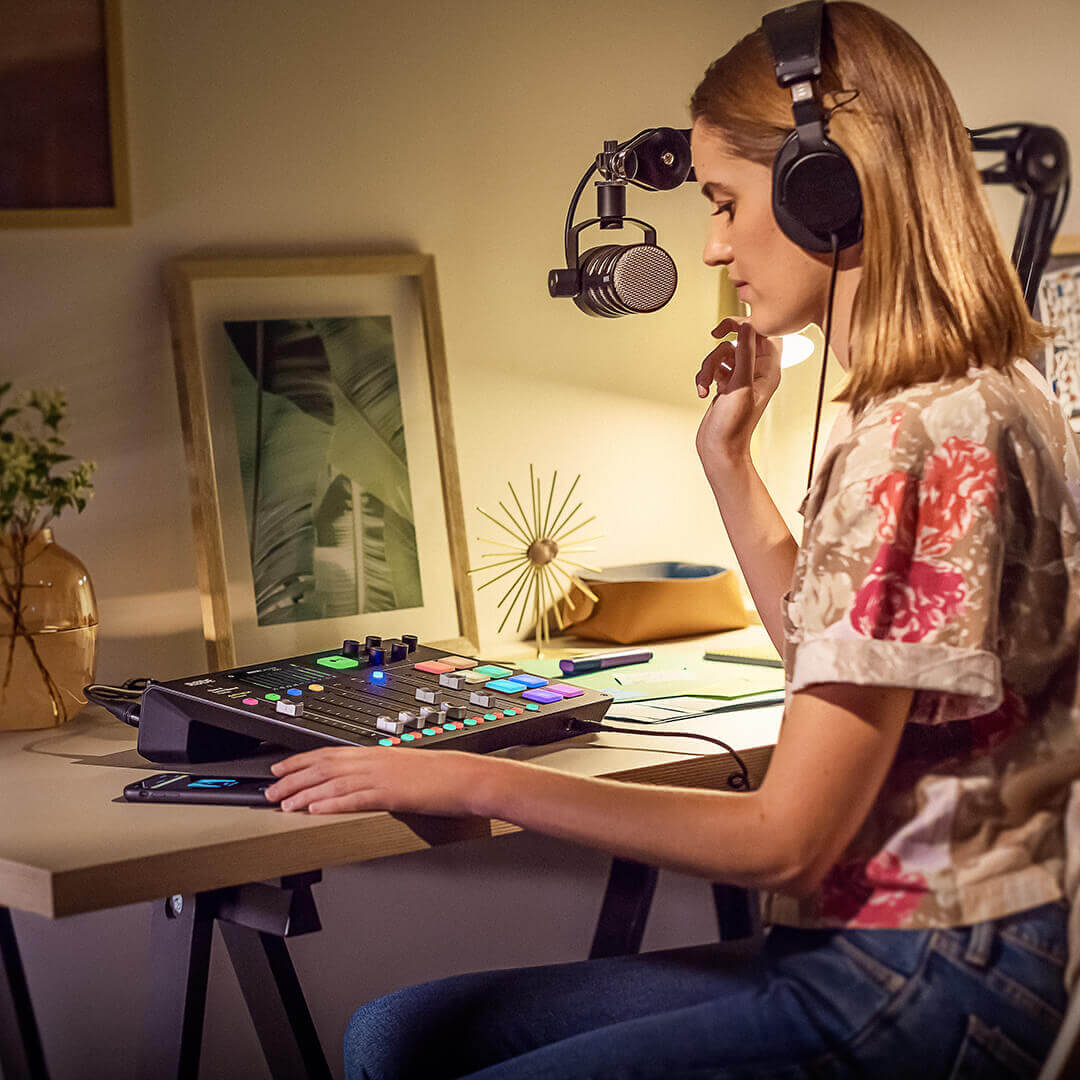
RØDECaster Pro 使专业播客变得简单。 设有四个录音室级别的 XLR 话筒输入和四个耳机输出,通过一个全彩色大触摸屏进行直观控制,自动电平设置和一触式音调控制,您可以在开箱后几分钟内创建一个可生成极佳音质的播客。

Girl wearing NTH-100 at desk with RØDECaster Pro and PodMic mounted to PSA1

广播级纯音频

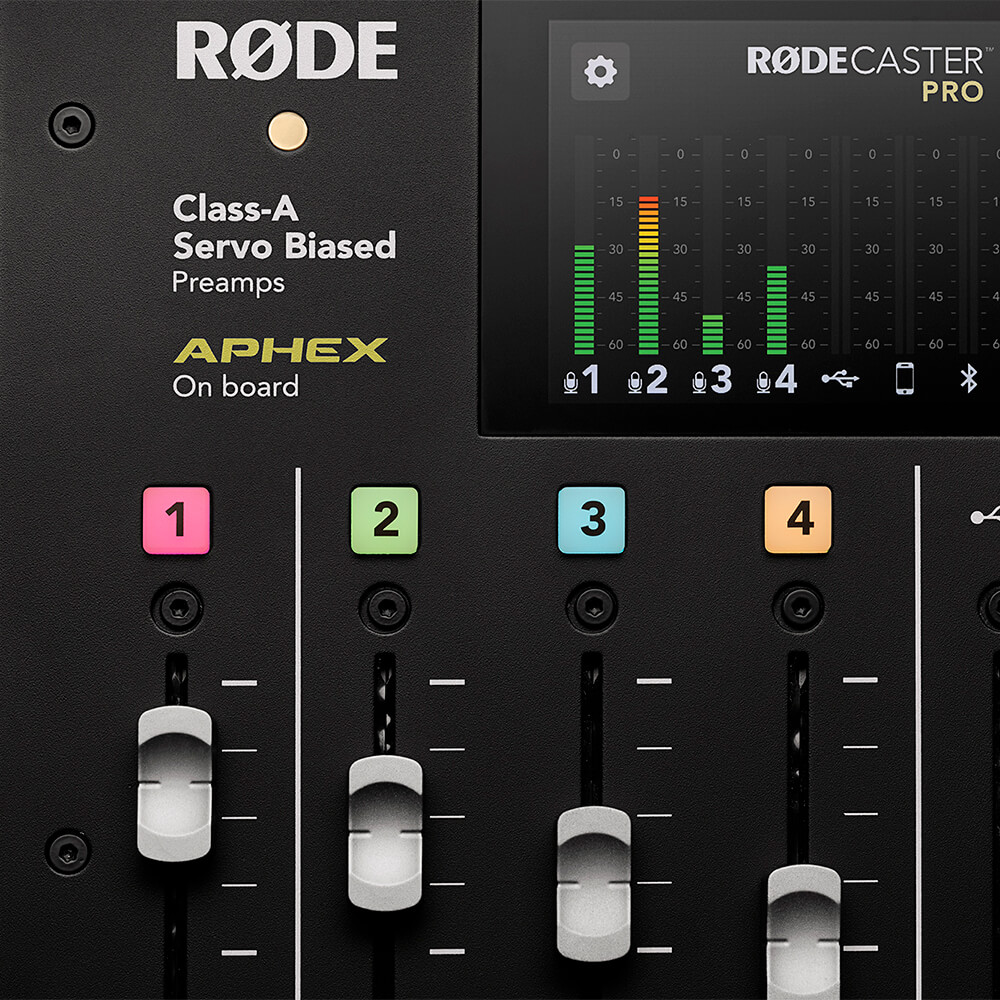
利益于 RØDECaster Pro 的纯净 A 级伺服偏压话筒前置放大器,确保了极佳的音频质量,可为任何话筒提供极端清晰、低噪声的信号。 高质量的耳机和监听输出将确保您能听到您与客人间的全高清对话。 RØDECaster Pro 具有强大的板载音频处理功能,包括压缩器、噪音门、高通滤波器和传奇的 APHEX Aural Exciter™ 和 Big Bottom™ 广播效果,所有功能均可一键访问,并完全控制每个参数,就像置身于世界上最好的录音室一样。 广播级纯音频

Meter levels showing on RØDECaster Pro screen

精心创作您的声音

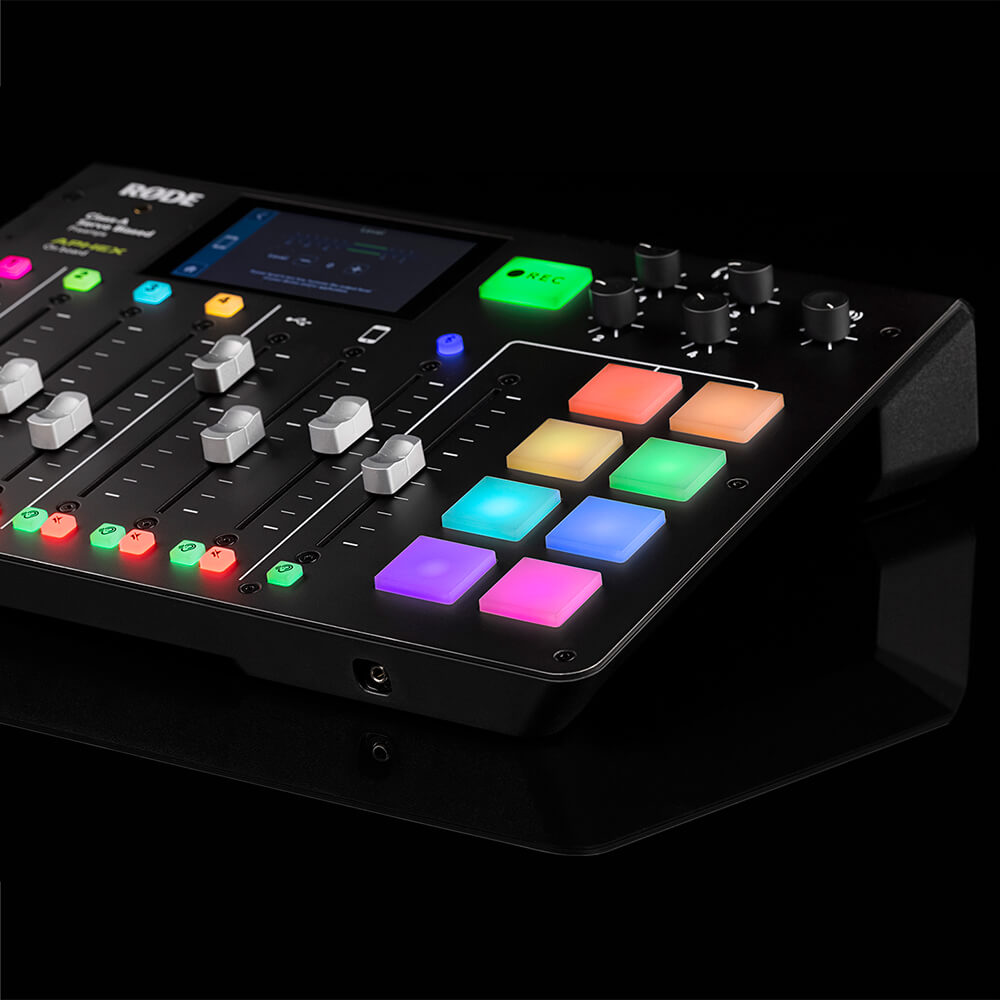
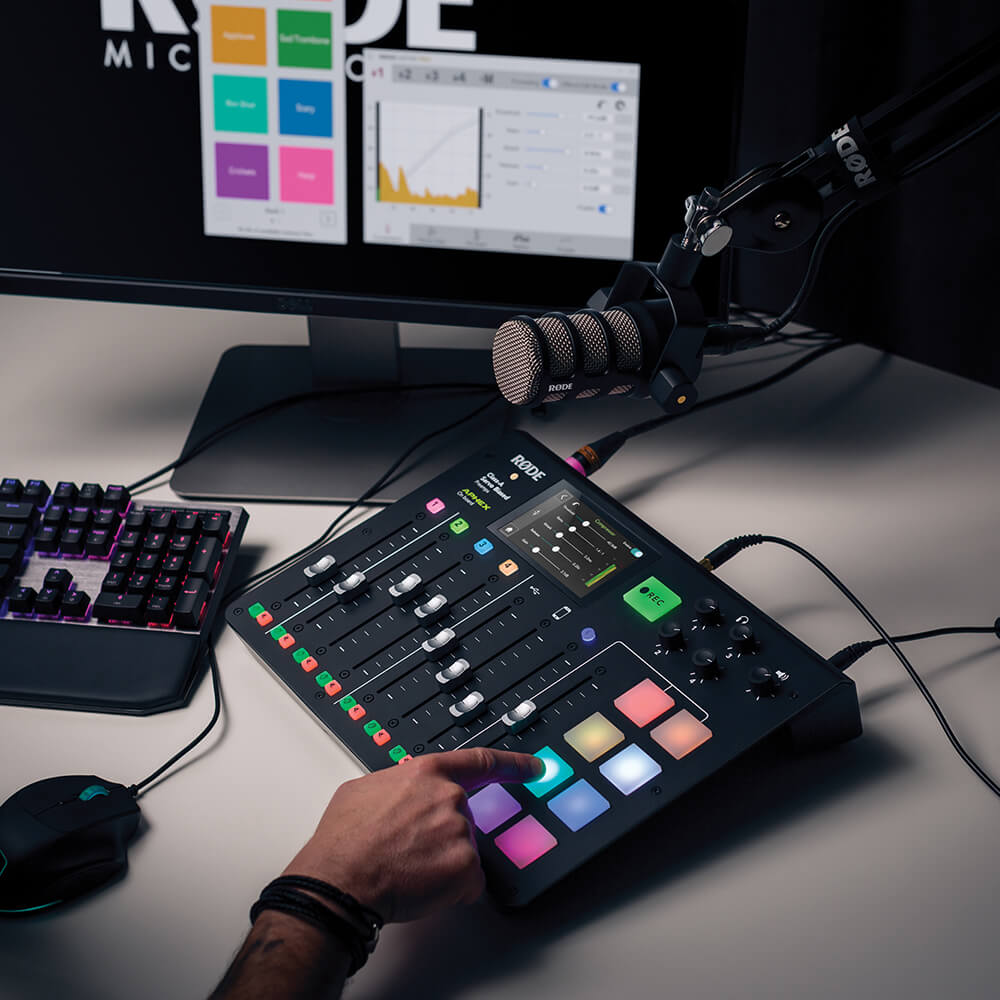
RØDECaster Pro 设有八个可编程声音衰减嚣,可即时触发声音效果、音乐、前奏和结尾,或广告播放。 您可以从 RØDECaster Pro 的任何一个输入口直接录制到衰减器上,或者从计算机简单地分配音频。每个衰减器均高度可定制,有播放模式、颜色编码等选项,而且您可以储存多达八个声音库——总共 64 个!

RØDECaster Pro on black desk

保持联系

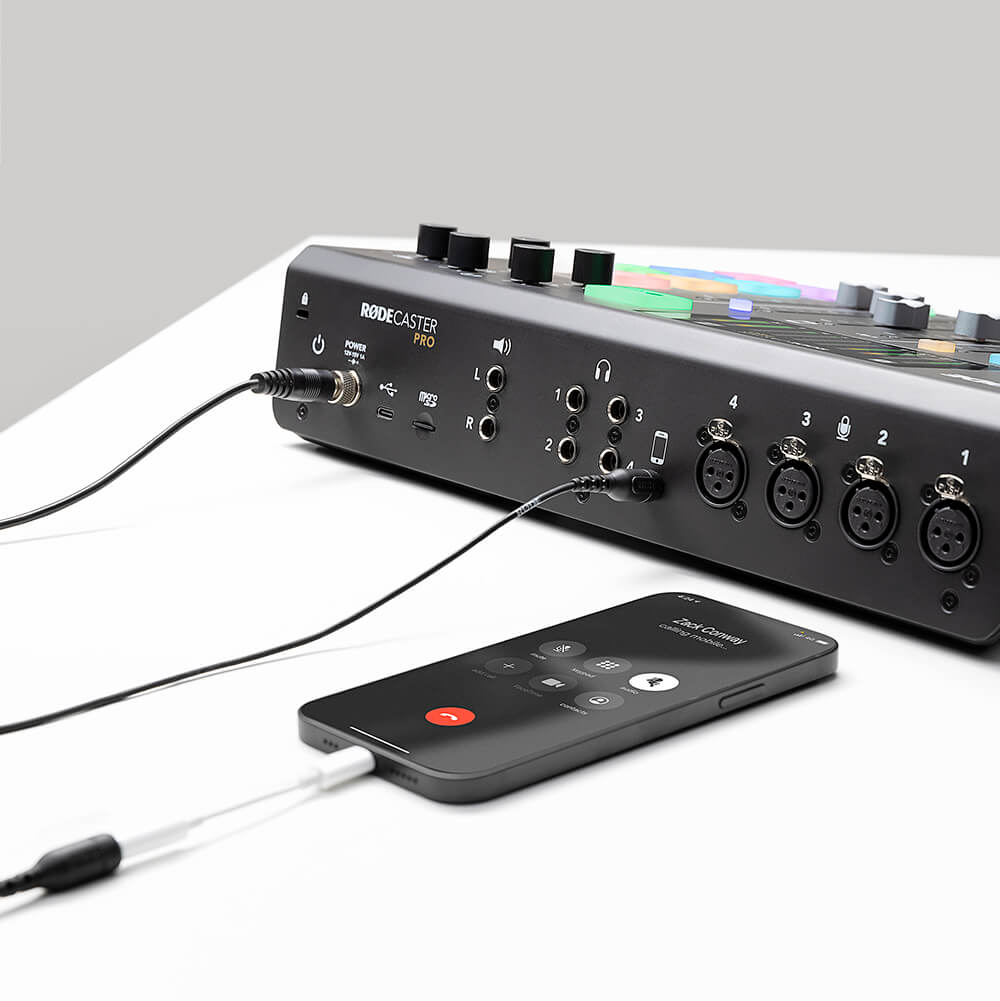
想要与一位远在他乡的客人聊天? 与远在外地的工作人员录制播客? 只需通过蓝牙™ 或用 TRRS 线缆将您的手机与 RØDECaster Pro 连接。RØDECaster Pro 甚至提供“混音削除”音频,以防止呼叫者听到回声(无需复杂的外部硬件)。 远程采访音效从来没有如此之好!

RØDECaster Pro on white desk with mobile phone connected

无与伦比的灵活性

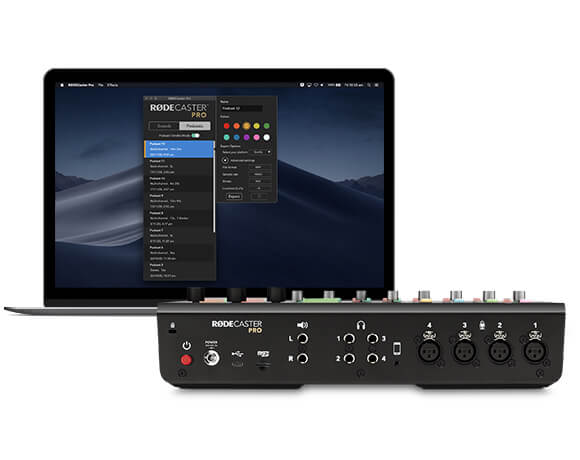
RØDECaster Pro作为独立设备直接使用,能够将您的播客直接录制到microSD卡上(您甚至可以使用RØDE DC-USB1在旅途中进行播客录制)。通过USB连接到计算机,并将RØDECaster Pro用作强大的音频接口,以录制到您最喜欢的音频软件中。多轨录音的灵活性使您能够在后期制作中无限编辑您的播客,并为直播应用打开了无限可能性。

RØDECaster Pro back view next to computer screen showing RØDECaster Pro companion app

RØDECaster Pro 用户指南

RØDECaster Pro 用户指南包含了您需要了解的关于使用 RØDECaster Pro 创建精彩播客的所有信息!本综合指南涵盖了从入门到直播再到高级播客制作的所有内容。无论您是初学者还是经验丰富的播客制作人,这本用户指南都适合希望将其 RØDECaster Pro 知识提升到新水平的任何人。

RØDECaster Pro on desk with finger pressing sound pad

RØDECaster Pro 伴侣应用

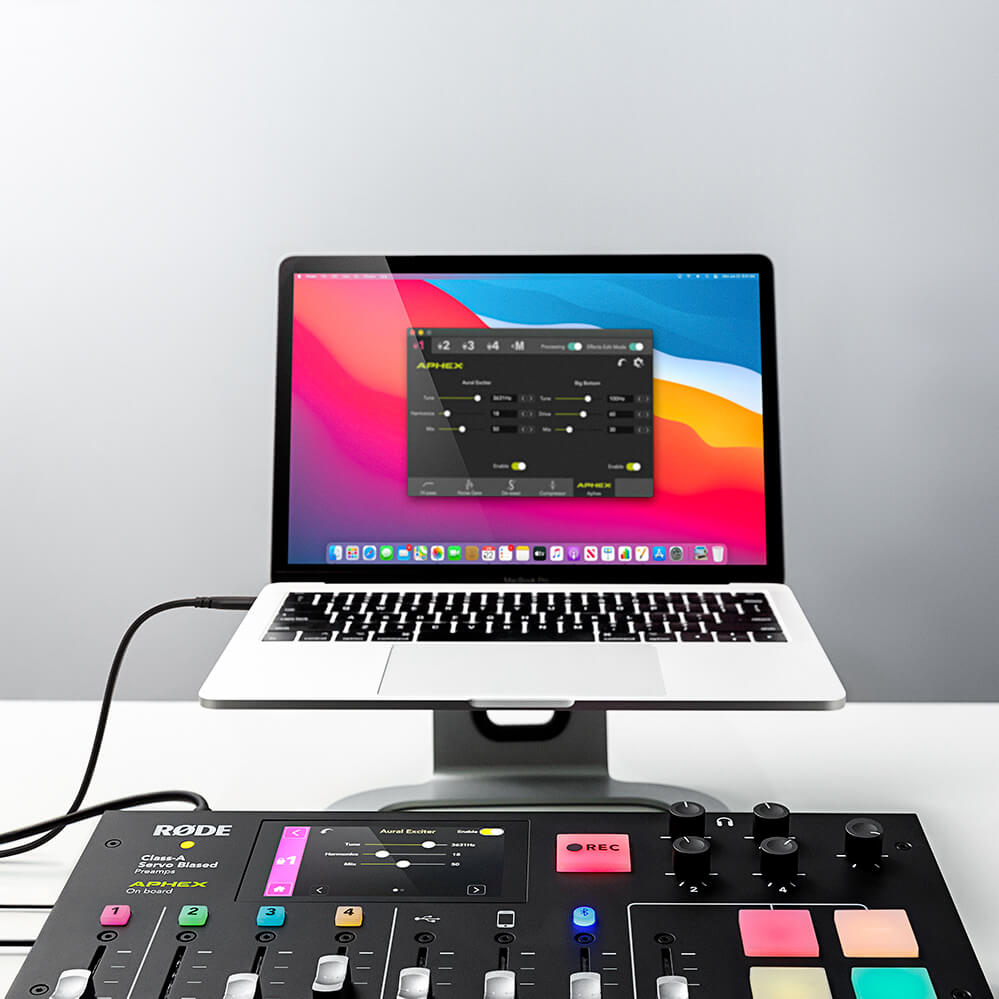
RØDECaster Pro 伴侣应用旨在确保您的 RØDECaster Pro 与计算机之间的无缝连接,让您可以访问强大的功能,包括声音垫自定义、细致效果和处理、保存和加载设置、播客导出等。RØDECaster Pro 还定期通过固件更新进行增强,这些更新可以通过伴侣应用访问。

RØDECaster Pro connected to MacBook showing RØDECaster Pro companion app

规格


下载

Quickstart Guide

RØDECaster Pro Companion App (MAC)

RØDECaster Pro Companion App (Windows)

Garageband Guide

Logic Pro X Guide

Audition Guide (MAC)

Audition Guide (PC)

Pro Tools Guide (MAC)

Pro Tools Guide (PC)

Reaper Guide (MAC)

Reaper Guide (PC)

RØDECaster - ASIO


常见问题

Q.
How do I update the RØDECaster Pro?
A.

The RØDECaster Pro can be updated by downloading and installing the latest Companion App to your computer. When you open the App, you will be automatically prompted to update the firmware on your RØDECaster Pro. Learn more about the latest Companion App and download the latest version here.

A.
The RØDECaster Pro's microphone channels feature studio-quality preamps that can provide enough gain for all microphone types, including low-output dynamic microphones.
A.

It is important to use a high-quality microSD card with the RØDECaster Pro. Using a lower-quality card may mean the read and write speed of the card is compromised, and this can cause recording and playback errors. See the RØDECaster Pro User Guide page on Recording to MicroSD cards for more info.

A.

No, the RØDECaster Pro is not a USB host device and will therefore not allow the connection of Bluetooth headphones.

A.

Yes! The RØDECaster Pro can also be used for livestreaming on Twitch, Facebook Live, YouTube and more. With features like MIDI control and USB input/output, the RØDECaster Pro is extremely flexible in a livestreaming environment. This includes handling game/program audio, chat audio, mic audio and routing to streaming software like OBS. Learn more in the User Guide about Livestreaming.

A.
The sounds loaded on the RØDECaster Pro's sound pads can be replaced in the pad settings menu on the RØDECaster Pro (press the musical note icon on the home screen) or within the Companion App. You can either record over the audio directly via the RØDECaster Pro or load a new file from your computer via the App. To learn more, check out the RØDECaster Pro User Guide page on Using Sound Pads.
A.

The RØDECaster Pro is capable of sending multitrack audio to a computer via USB and recording to a DAW. This process will be different depending on the DAW you use. See the RØDECaster Pro User Guide page on Recording to a Computer via USB for more information. 

A.

The RØDECaster Pro can be connected to Skype or Zoom calls in a number of different ways depending on the devices you are using. Check out the RØDECaster Pro User Guide page on Connecting Callers and Online Guests to learn how. 

A.

No, the RØDECaster Pro does not support the connection of USB microphones. 

A.

We recommend the VXLR Pro 3.5mm TRS to XLR adaptor with the RØDECaster Pro. If the microphone you are using requires plug-in power (such as the VideoMic GO, VideoMicro or a Lavalier microphone) you will need to activate phantom power on the channel that it is plugged into.

A.

This can be done by removing the microSD card from the RØDECaster Pro and inserting it into your computer using a microSD card reader, then transferring the audio files(s) onto your computer; alternatively, connect your RØDECaster Pro to your computer using a USB cable, open the Companion App, click 'Podcasts' and activate 'Podcast Transfer Mode' to export your podcasts. To learn more, check out the RØDECaster Pro User Guide page on Exporting Podcasts.

A.

The RØDECaster Pro's advanced audio processing can be accessed by turning on 'Effects Edit Mode'. To learn more about Using Advanced Processing and Effects, check out this page of the RØDECaster Pro User Guide.