Output Control
The output gain, pairing and routing modes of the Wireless Micro Camera Receiver (RX) may be viewed and adjusted via the buttons on the bottom panel of the device. The left ‘gain’ button controls your output gain and routing mode. Pairing is initiated using the right ‘sync’ button.
Output Level
Viewing the Output Gain
A quick press of the mode button will display the current output gain on the front panel of the RØDE Wireless Micro Camera Receiver (RX) for two seconds.
- One light-blue LED (left) = Low output gain
- Two light-blue LEDs (left + centre) = Medium output gain (default)
- Three light-blue LEDs (left + centre + right) = High output gain
Adjusting the Output Gain
To change the output gain, first press the button once to show the current level. While the lights are on, quickly press the button again to cycle through the low, medium, and high settings. Stop pressing when you reach the level you require.
Note
The output gain button only affects the output of the 3.5mm connection. Adjusting the USB-C output can be configured via RØDE Central, RØDE Central Mobile, or RØDE Capture.
Output Routing
There are two modes for output routing: merged or split.Merge Mode (default)
The audio from both transmitters are merged and sent to both the left and right channels. Merged mode is ideal for recording ready-made videos. This is the recommended option if you’re only using one transmitter. Shown by one centre teal light.
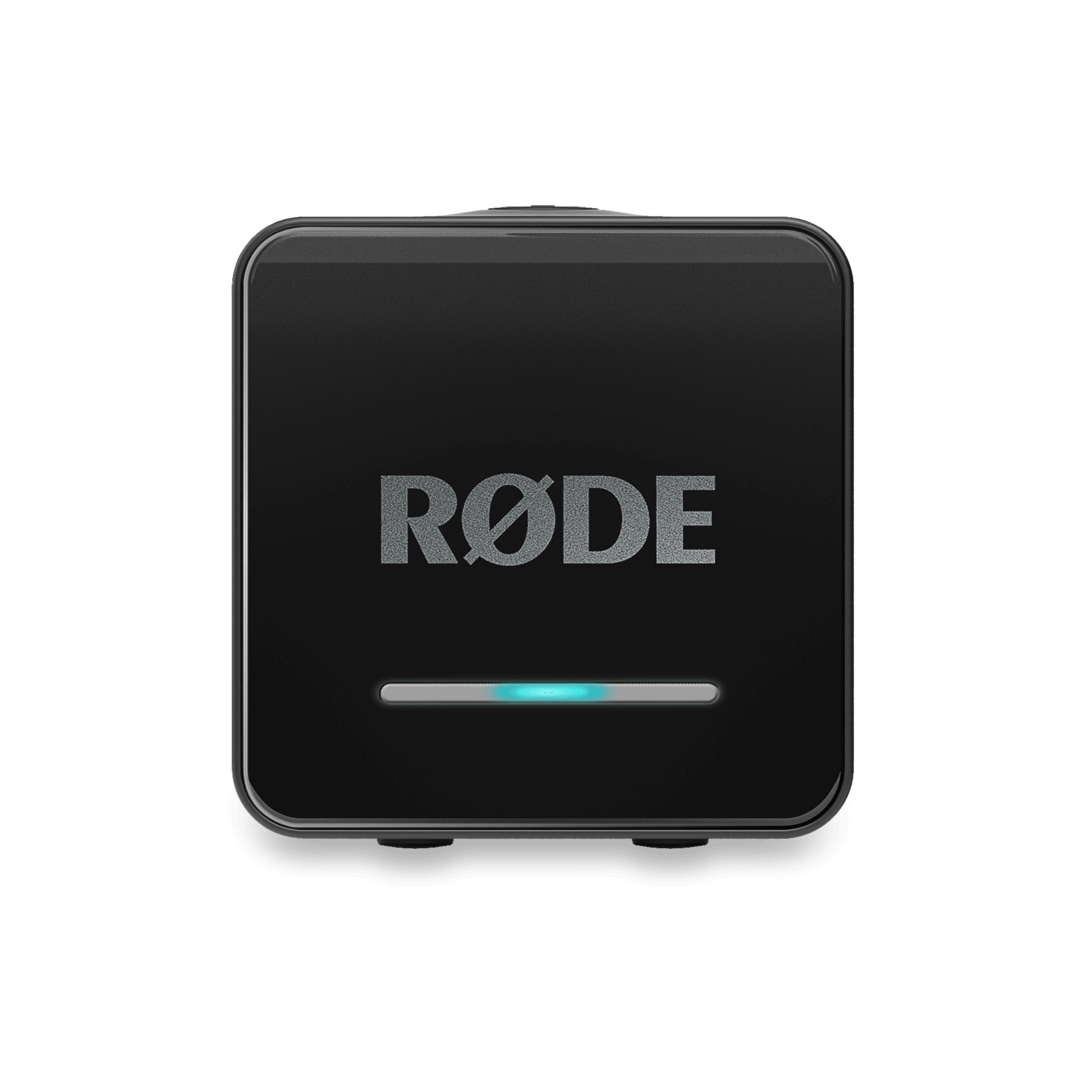
Split mode
One transmitter’s audio may be sent to the left channel, and the other to the right. Split mode should be chosen if you plan on editing the audio after recording, as it will allow you to adjust the volume levels of each microphone separately. Shown by two outer teal light.
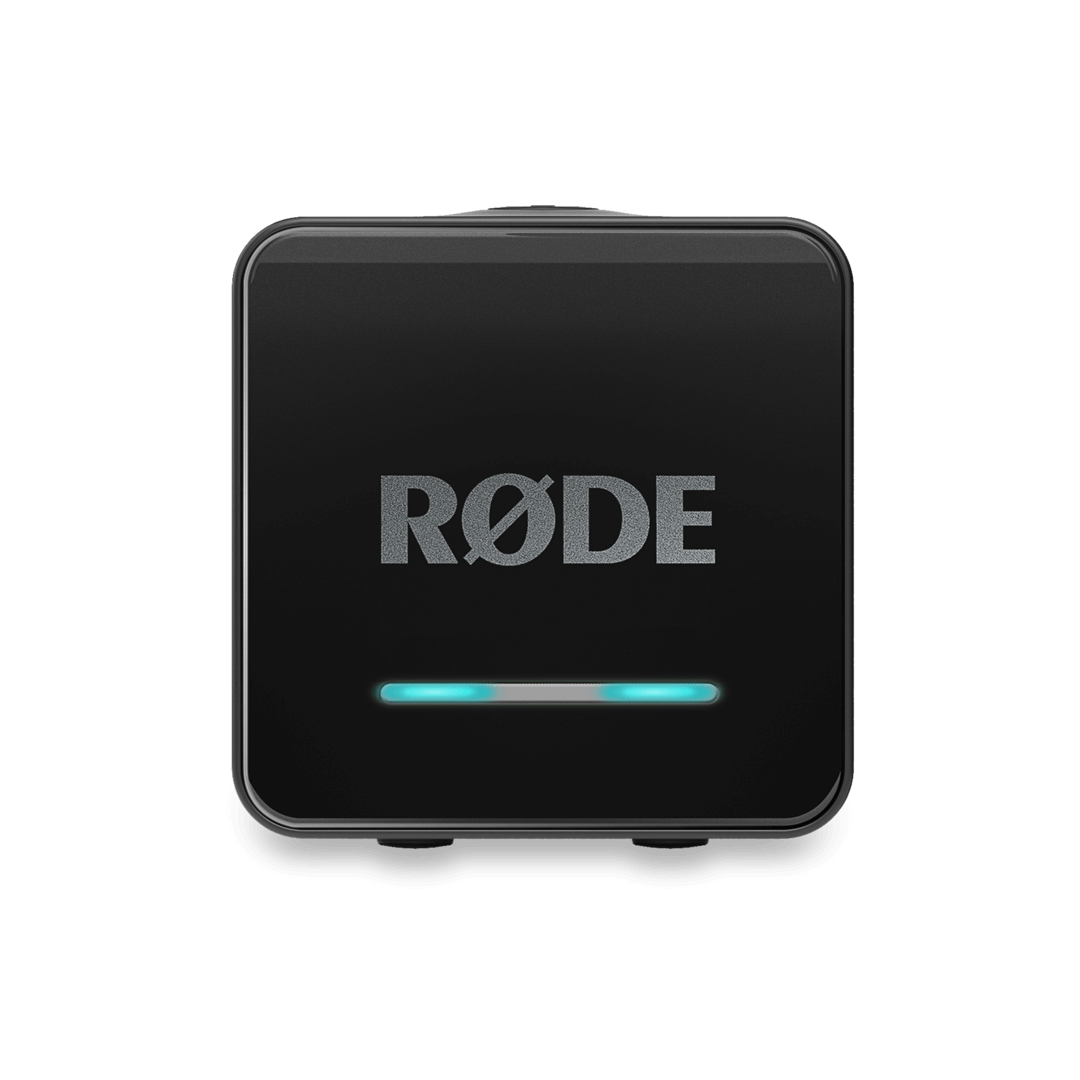
Changing Output Mode
To change the output mode, you'll need to press and hold the gain button. This will display the current output mode. The light will stay on for two seconds.
While the teal light is displayed, press and hold the gain button to cycle between Merged and Split mode. Release the button when you see the setting you require.
Note
These settings may also be configured via RØDE Central, RØDE Central Mobile, or RØDE Capture.