Using Streamer X With UNIFY
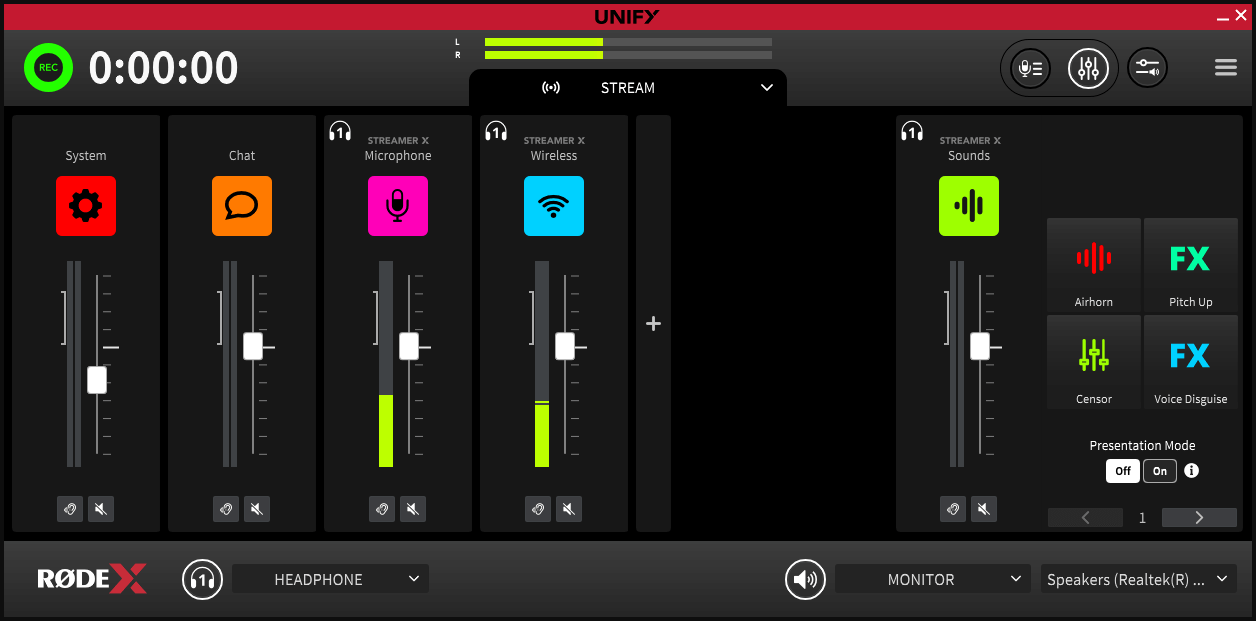
Streamer X seamlessly integrates with our UNIFY streaming software, allowing for intuitive control over advanced audio routing and sub-mixing and the ability to access all of the Streamer X’s inputs and outputs simultaneously, as well as controlling audio processing and configuring the SMART pads.
Audio Inputs in UNIFY
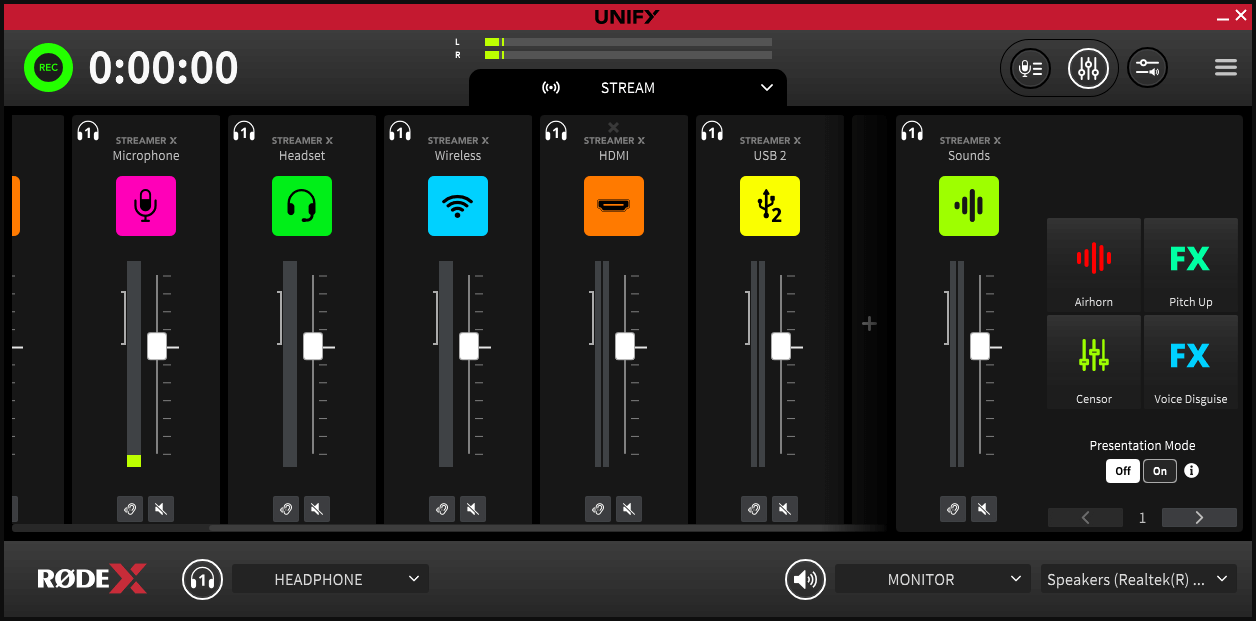
When the Streamer X is connected to a computer (via USB1) running UNIFY, you’re able to access and individually control all five audio inputs at once. This includes the ability to configure volume levels, mixing and routing and DSP (Digital Signal Processing) for each input. To add a channel, simply click the '+' symbol and select the inputs you'd like to add.
The inputs include:
- Microphone / Instrument
- Headset
- Wireless
- HDMI Audio
- USB 2
Each audio input will display as a selectable source to assign to a channel in UNIFY (see the UNIFY user guide for more information).
Audio Outputs in UNIFY
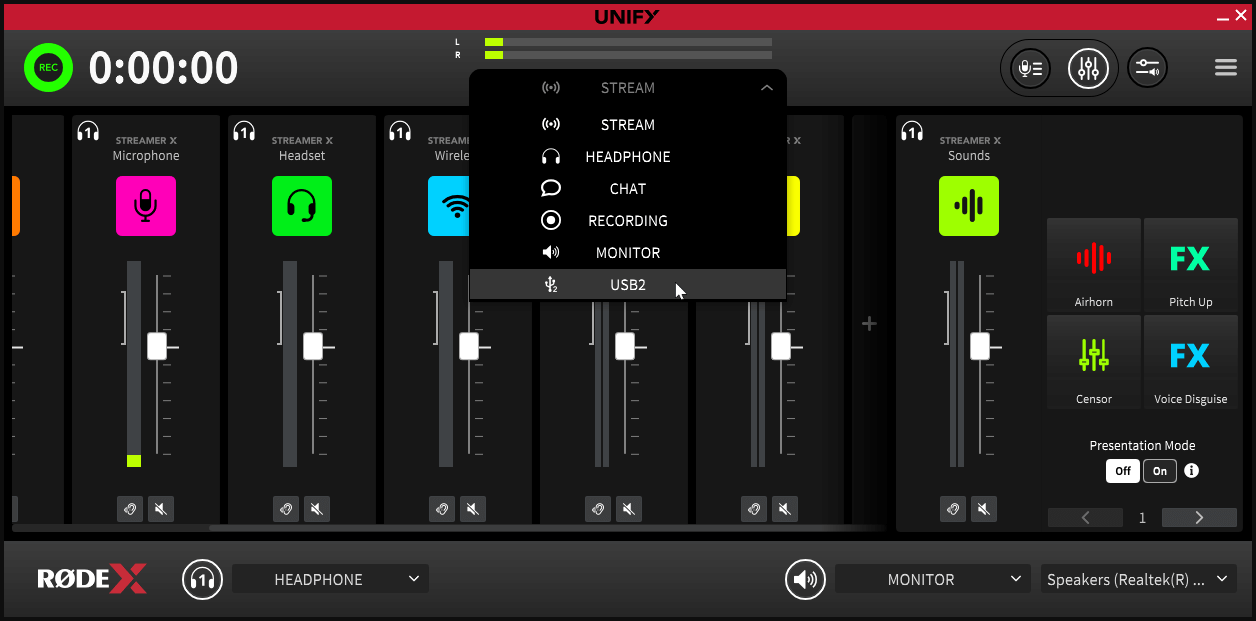
When the Streamer X is connected to a computer (via USB1) running UNIFY, you can access both the Headphone 1 and USB 2 audio outputs as destinations within the software, allowing you to customise different audio mixes and route them to each of these outputs.
Using the SMART Pads With UNIFY
With UNIFY in Streamer X Mode, the SMART pad section on the right-hand side of the software will reflect what’s currently loaded onto your Streamer X device (the settings previously assigned to UNIFY’s SMART pads will be restored when unplugging or powering down your Streamer X).
Using UNIFY, you can load sounds, modify settings, and assign mixer actions to all 16 banks of 4 SMART pads by right-clicking on the pad and following the same process as for the RØDECaster App.