
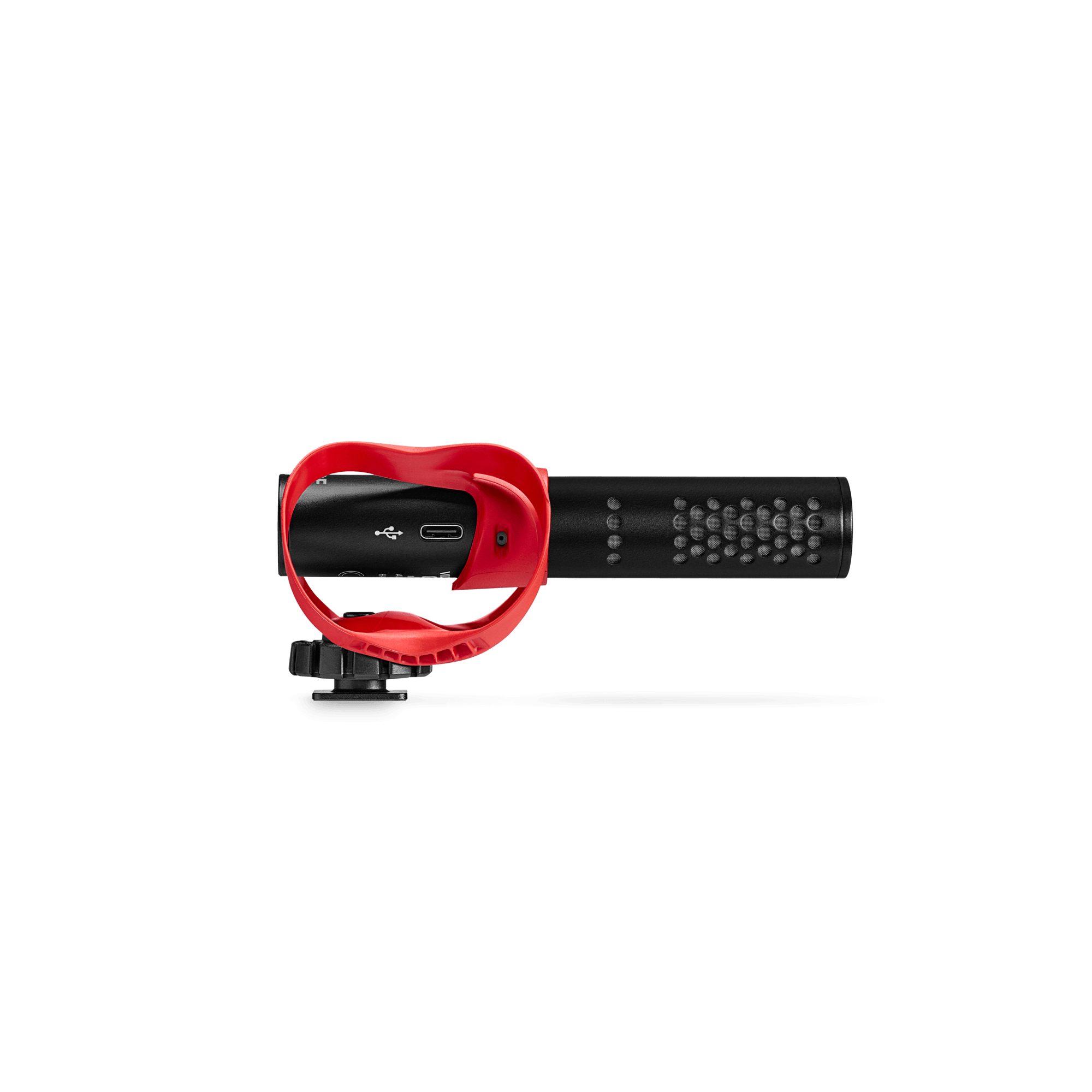
VideoMic GO II
Lightweight Directional Microphone
The VideoMic GO II is designed to make capturing incredible audio incredibly easy. Ultra-lightweight and compact, with powerful features that are simple to use, it is perfect for all forms of content creation with a camera, smartphone, tablet, or computer. It’s time to take your content to the next level.
- Broadcast-quality compact shotgun microphone
- Ultra-lightweight (just 89 grams with the included accessories)
- 3.5mm TRS output for use with cameras
- USB output for use with mobile devices (iOS and Android) and computers (macOS and Windows)
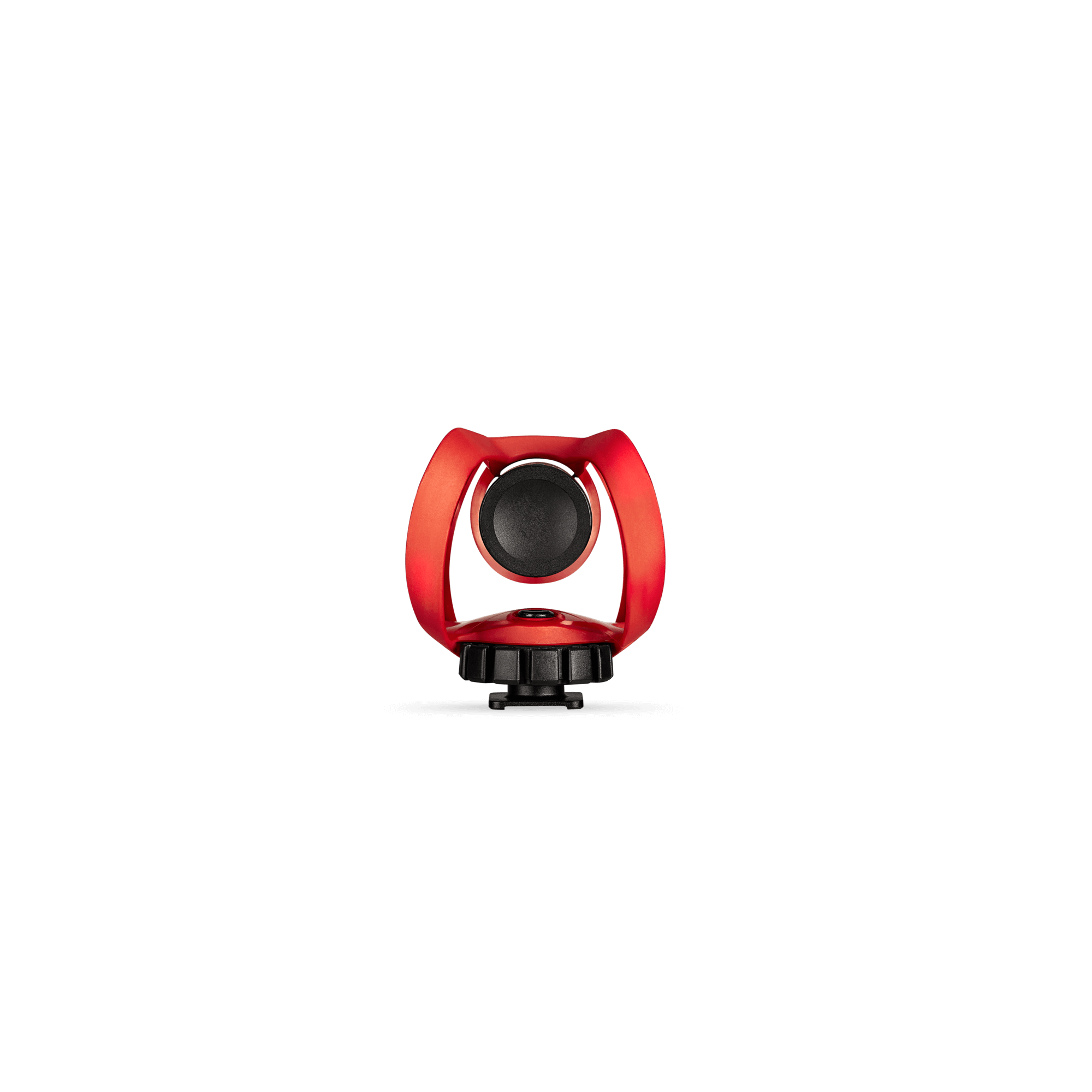
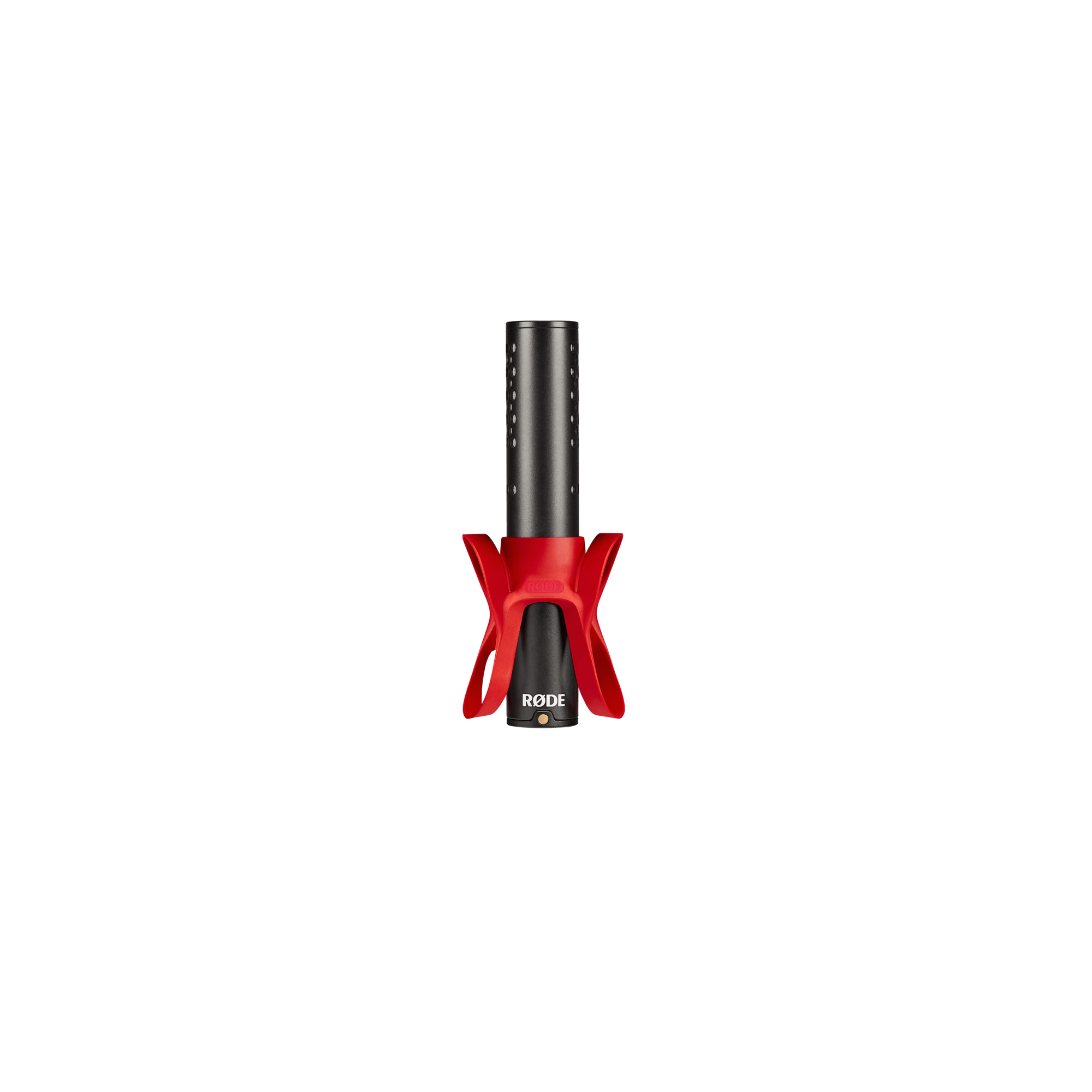
- HELIX™ isolation mount system for superior protection from knocks, bumps and handling noise
- No battery required and no complicated switching – incredibly easy to use
- Compatible with RØDE apps for accessing advanced features, powerful digital signal processing and studio-quality recording on any device
- Designed and made in RØDE’s state-of-the-art manufacturing facilities in Sydney, Australia
Incredible Sound with Ease
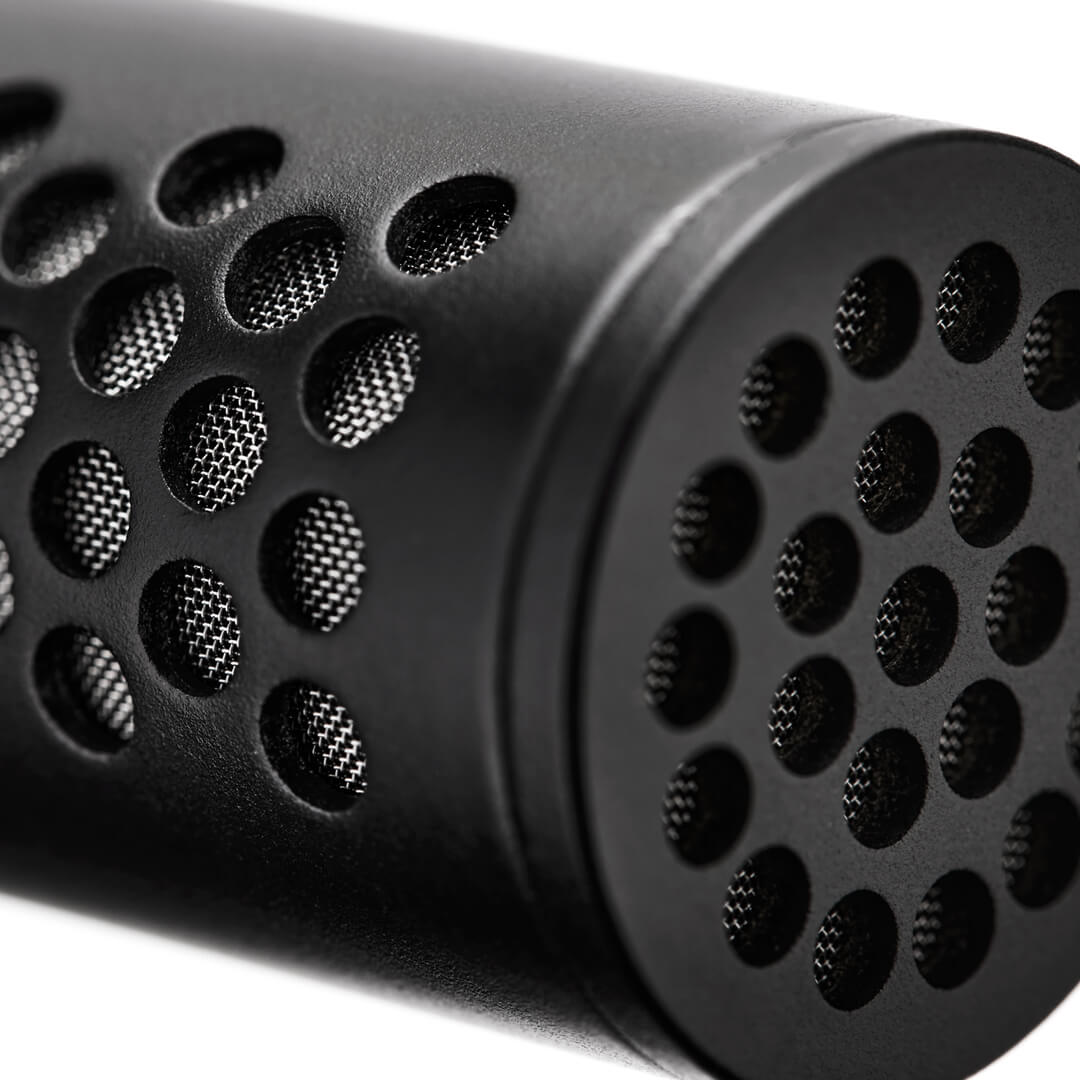
You don’t need to be an audio expert to get incredible sound. The VideoMic GO II does all the hard work for you. Featuring the same annular line tube technology as our VideoMic NTG, it delivers rich, full-bodied audio that is perfect for a wide range of recording applications. It is a highly directional microphone, meaning it focuses on what you have it pointed at while reducing background noise, giving you crystal-clear, professional sound with ease.

Small, Simple, Mighty
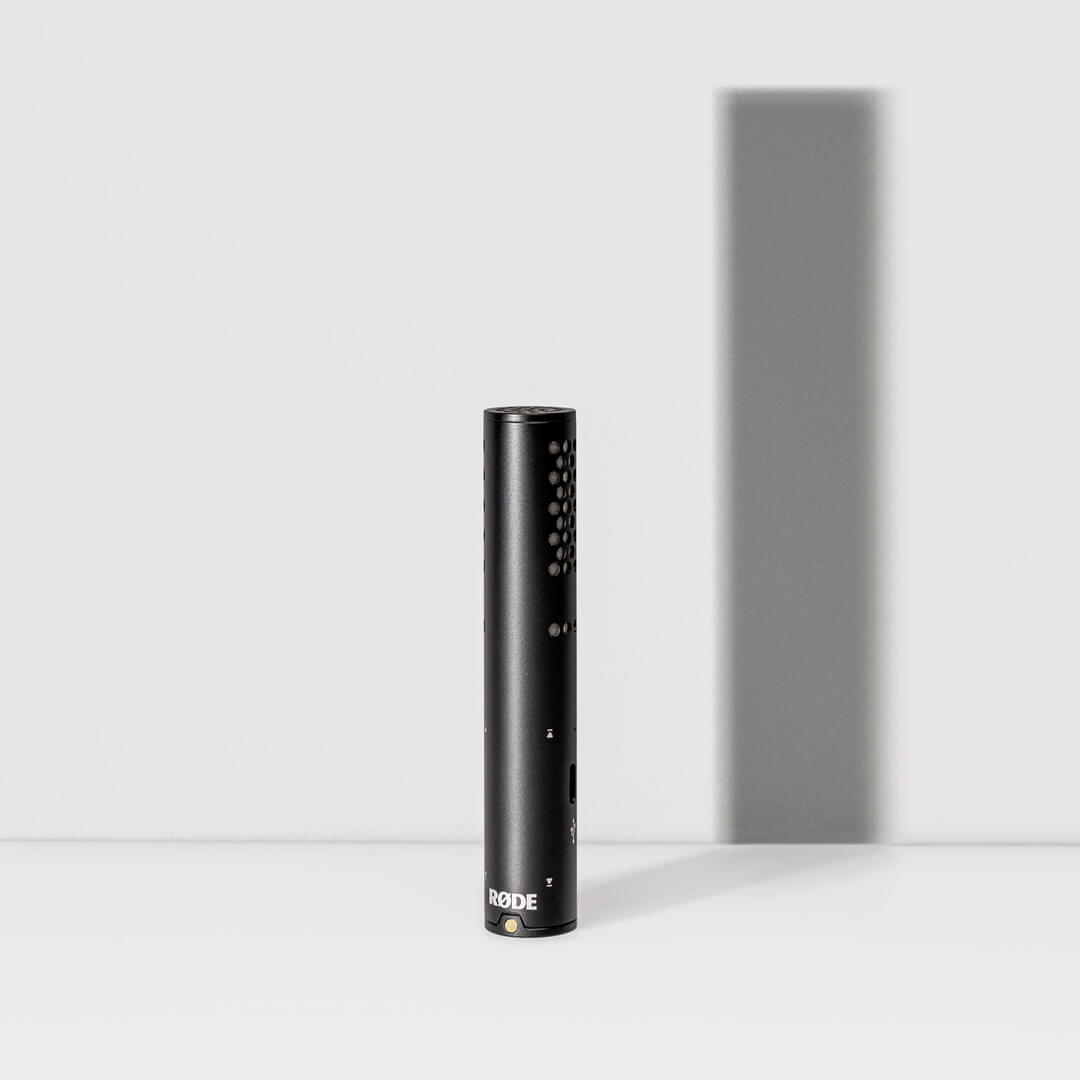
Weighing in at just 33 grams, the VideoMic GO II is compact and lightweight enough to take with you wherever you go. Perfect for use with compact cameras, mobile recording rigs, or on a desktop as a USB microphone for capturing high-quality audio anywhere. It has no complicated controls or switches and requires no batteries to operate – just pick it up, plug it in and go.
One Mic for All Your Devices
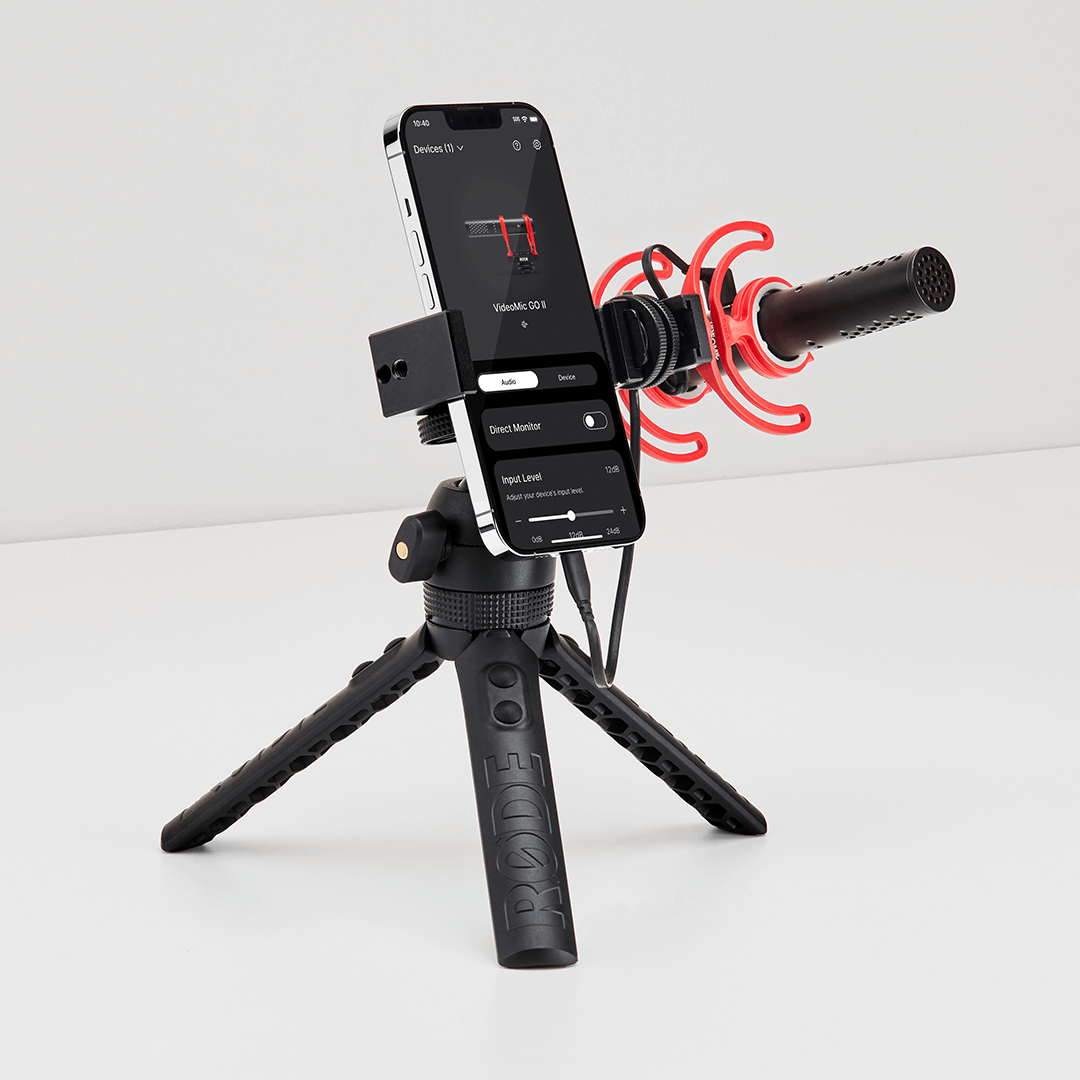
The VideoMic GO II is designed to suit the diverse needs of today’s content creators, offering universal compatibility with all your devices*. Use it with your camera in the field, your phone on the move, or as a desktop USB mic for podcasting, gaming, livestreaming, or video calls – in USB mode, you can even unlock a high-pass filter, high-frequency boost or pad using RØDE Central. Incredible versatility for maximum creativity.
*Additional cables required for connecting the VideoMic GO II to computers and mobile devices via USB – USB-C devices: SC16, SC17, SC18; iOS (Lightning) devices: SC15, SC19.
Innovative HELIX™ Isolation Mount
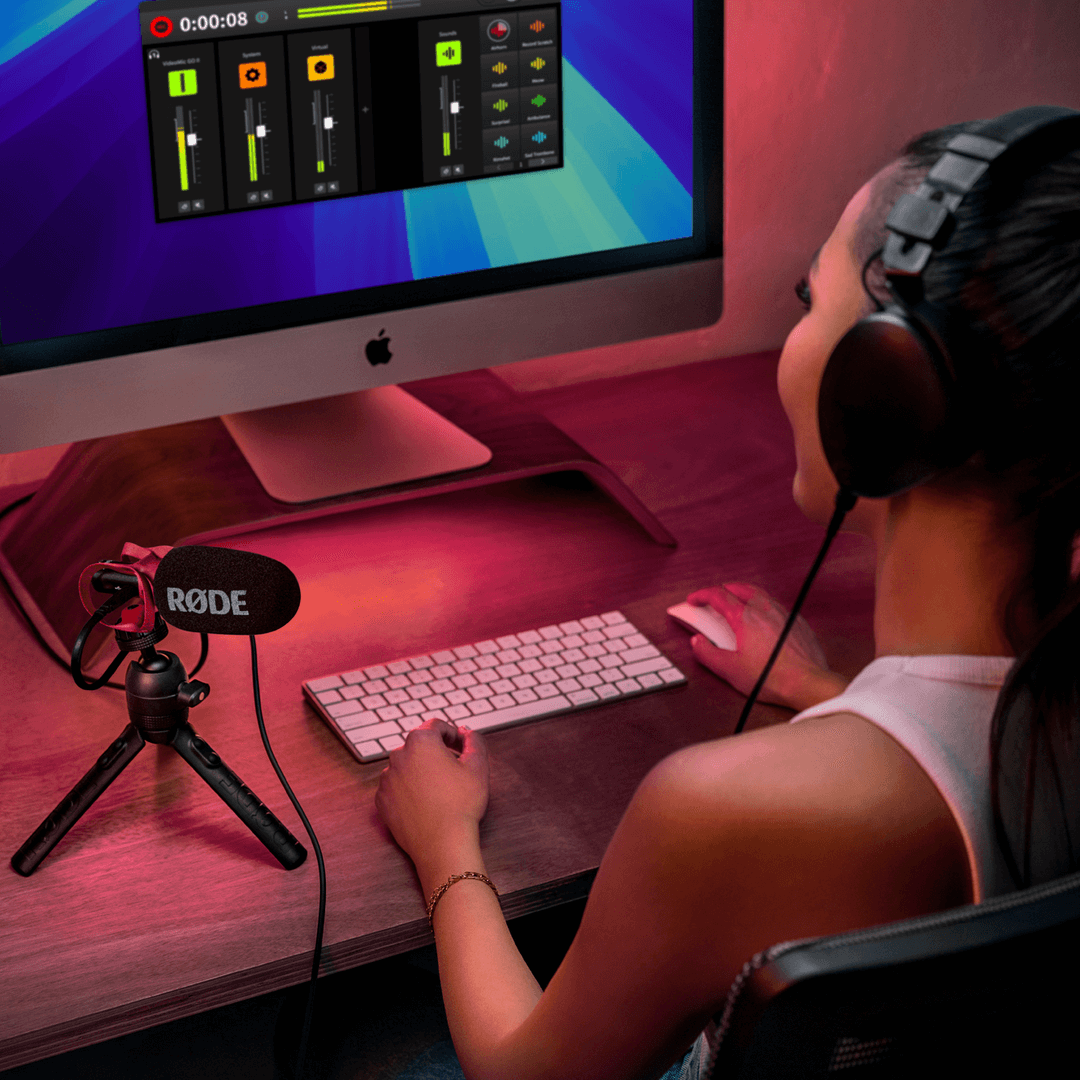
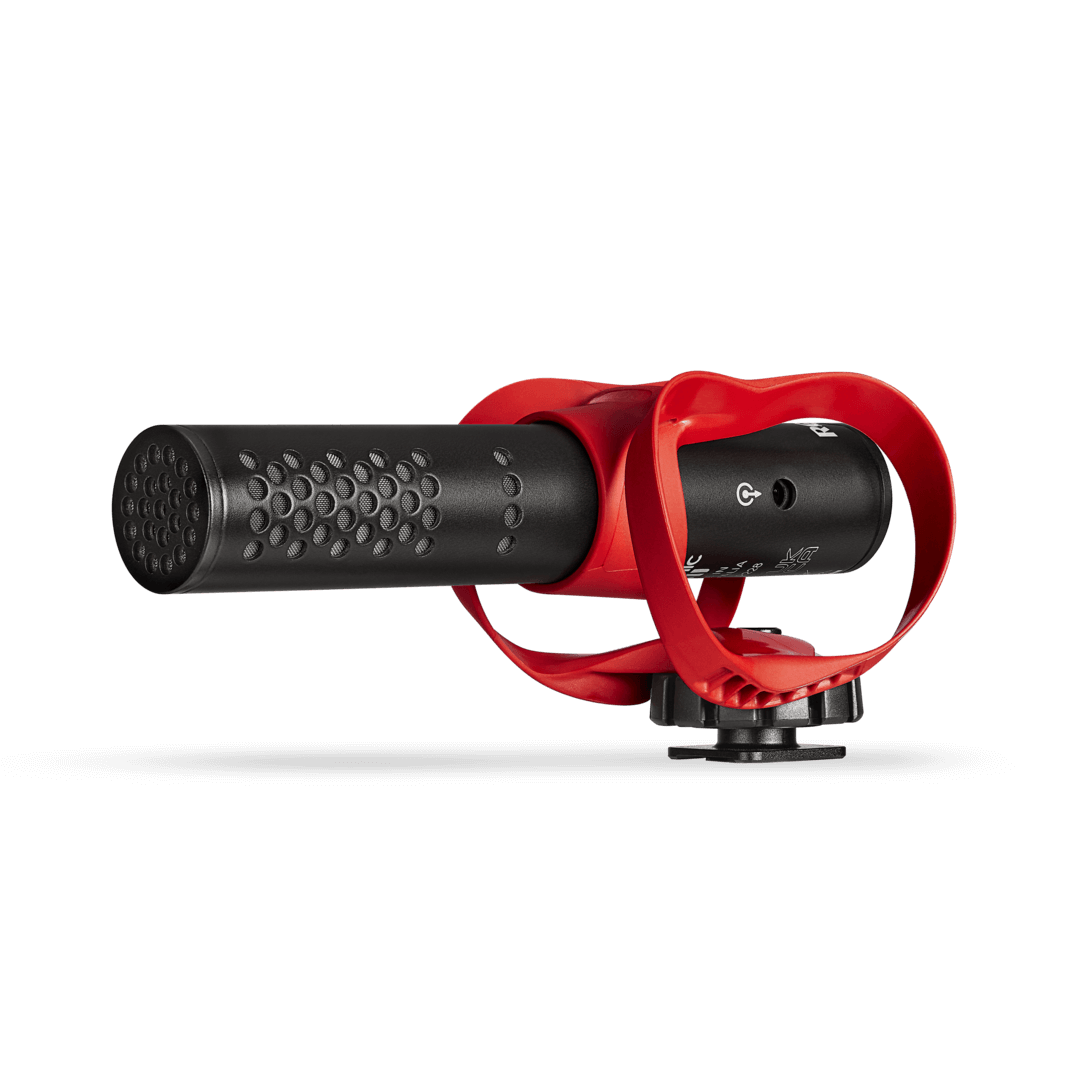
HELIX™ is a groundbreaking isolation mount developed in-house by the RØDE team specifically for the VideoMic GO II. Featuring an innovative design expertly crafted to the exact specifications of the microphone, it provides superior protection from knocks, bumps and general handling, which can result in unpleasant rumbles in your recordings. It is also super low-profile, keeping your setup sleek while offering optimal acoustic performance. The mount features handy cable management slots, plus an attachment for your camera and a thread for mounting onto a boompole and other accessories.
VideoMic GO II User Guide
Discover everything you need to know about using your VideoMic GO II here. This comprehensive user guide covers everything from getting started to accessing advanced features on your mobile or desktop device with the powerful suite of RØDE apps.
.png ) Download RØDE Central
Download RØDE Central
RØDE Central is the essential companion app for compatible devices across the RØDE wireless and classic microphone ranges, allowing you to configure your device settings, unlock advanced features, optimise and export recordings, access device information, and update to the latest firmware. Download it for free to unleash your device’s full potential.
Mobile
OS Requirements: iOS 14 or later; Android 9.0 or later.
Desktop
OS Requirements: macOS 11 or later; Windows 10 Version 1803 or later.
Specifications
FAQs
Most definitely! The VideoMic GO II features a USB-C audio output that allows it to be connected to computers and mobile devices and used as a fully featured USB microphone. When used in USB mode, the 3.5mm TRS output can be used to connect headphones for audio monitoring and playback.
Additional cables are required for connecting the VideoMic GO II to computers and mobile devices via USB, such as the RØDE SC16, SC17 or SC18 for devices with a USB-C input, or RØDE SC15, SC19 for iOS devices with a Lightning port (note: to use the VideoMic GO II with an iOS device, you must use the SC15 or SC19).
When being used with a camera, the VideoMic GO II is designed to be a simple plug-and-go microphone with no controls or switches ensuring minimal fuss. You can use the manual gain control on your camera to adjust the input level if required.
When being used in USB mode, the input level and headphone volume can be adjusted from the computer or mobile device it’s connected to or with RØDE Central or RØDE Connect (computers), RØDE Central Mobile or RØDE Reporter (mobile devices). These apps can also be used to activate the high-pass filter, high-frequency boost, pad and other audio processing (RØDE Connect only).
If you have an iPhone or iPad with a Lightning input, you will need the RØDE SC15 or SC19 (note: standard USB-C to Lightning cables will not work).
If you have a device with a USB-C input, such as an Android smartphone or iPad Pro, you will need a USB-C to USB-C cable like the RØDE SC16 or SC17.
You can also plug your VideoMic GO II into your smartphone or tablet using the 3.5mm output with the RØDE SC7 cable (available separately). Using the USB-C output gives you access to a host of features including headphone monitoring and access to advanced features using RØDE Central, so we highly recommend this option if possible.
When using the 3.5mm analog output, the peaks will depend on the gain setting in your camera, so you should use the audio meters on your device to monitor for peaks.
In USB mode, the VideoMic GO II utilises an internal preamp and A/D, so the LED will alert you to any loud peaks that may clip the input.
The foam windshield is designed to mitigate moderate wind noise and plosives. You should also use it if the microphone is being moved (for example, on a handheld camera or boom arm), or if you are speaking directly into it. If it is mounted on a static camera in an indoor environment, you can remove it. The windshield features a high-quality open-cell design that is very acoustically transparent, so will not noticeably affect the performance of the microphone.
If you are using the microphone outdoors in a high-wind environment, we recommend using the WS12.
Yes - if you are using the 3.5mm output, you can use any high-quality 3.5mm extension cable (but be aware that the longer the cable, the higher likelihood of interference from other electrical devices). We suggest using the RØDE VC1 or SC8 when mounting the VideoMic GO II on a boompole. You can also use the Wireless GO II for a wireless solution.
If you are using the USB output, be aware that very long USB cables or USB cable extenders can be problematic, and their performance may depend on the recording device being used. Use a high-quality USB extender, ideally an ‘active’ one, for best performance.
Note: RØDE cannot warrant the performance of the microphone when used with third-party cables.