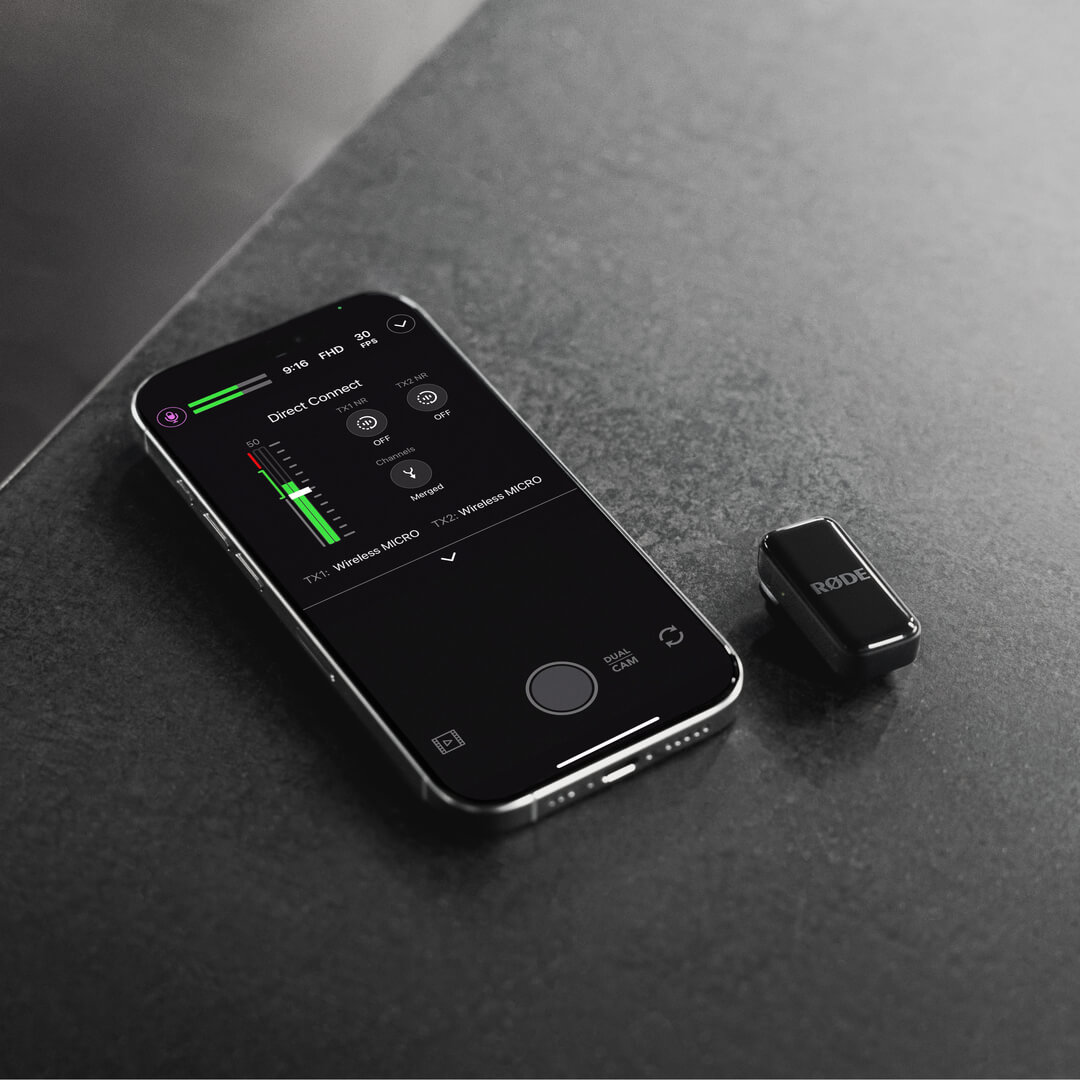
Wireless Micro
O Wireless Micro é composto por dois transmissores (TX) e um receptor (RX). Os transmissores captam o áudio com seus microfones integrados e o transmitem sem fio para o receptor. O receptor conecta-se diretamente ao seu telefone e permite usar o seu Wireless Micro com qualquer aplicativo de gravação de vídeo ou áudio compatível com áudio USB .
O Wireless Micro Camera Kit é composto por dois transmissores e receptores intercambiáveis para câmera e smartphone. Os transmissores captam o áudio com seus microfones integrados e o transmitem sem fio para o receptor de câmera. O receptor de câmera conecta-se diretamente à sua câmera ou a outro dispositivo de gravação por meio de sua saída TRS de 3,5 mm ou USB-C, permitindo gravar áudio sem fio cristalino com qualquer configuração compatível.
Primeiros passos
Wireless Micro
- Retire os dois transmissores do estojo de carregamento, remova os adesivos que cobrem os pinos de carregamento e, em seguida, coloque-os novamente no estojo
- Retire novamente os dois transmissores do estojo – os LEDs começarão a piscar
- Conecte o receptor diretamente ao seu smartphone – os LEDs piscarão e depois ficarão acesos continuamente quando forem emparelhados com os transmissores
Seu Wireless Micro agora está ligado, emparelhado e pronto para gravar áudio sem fio no seu telefone.
Camera Kit
- Retire os dois transmissores e o receptor do estojo de carregamento, remova os adesivos que cobrem os pinos de carregamento e, em seguida, coloque-os novamente no estojo para carregar.
- Retire o receptor do estojo – ele ligará e exibirá a tela inicial.
- Monte o receptor na sua câmera usando o suporte de sapata fria e conecte-o com o cabo TRS de 3,5 mm incluído.
- Retire os transmissores do estojo – os LEDs piscarão até serem emparelhados com o receptor.
Agora você está pronto para gravar.
Usando os clipes e ímãs
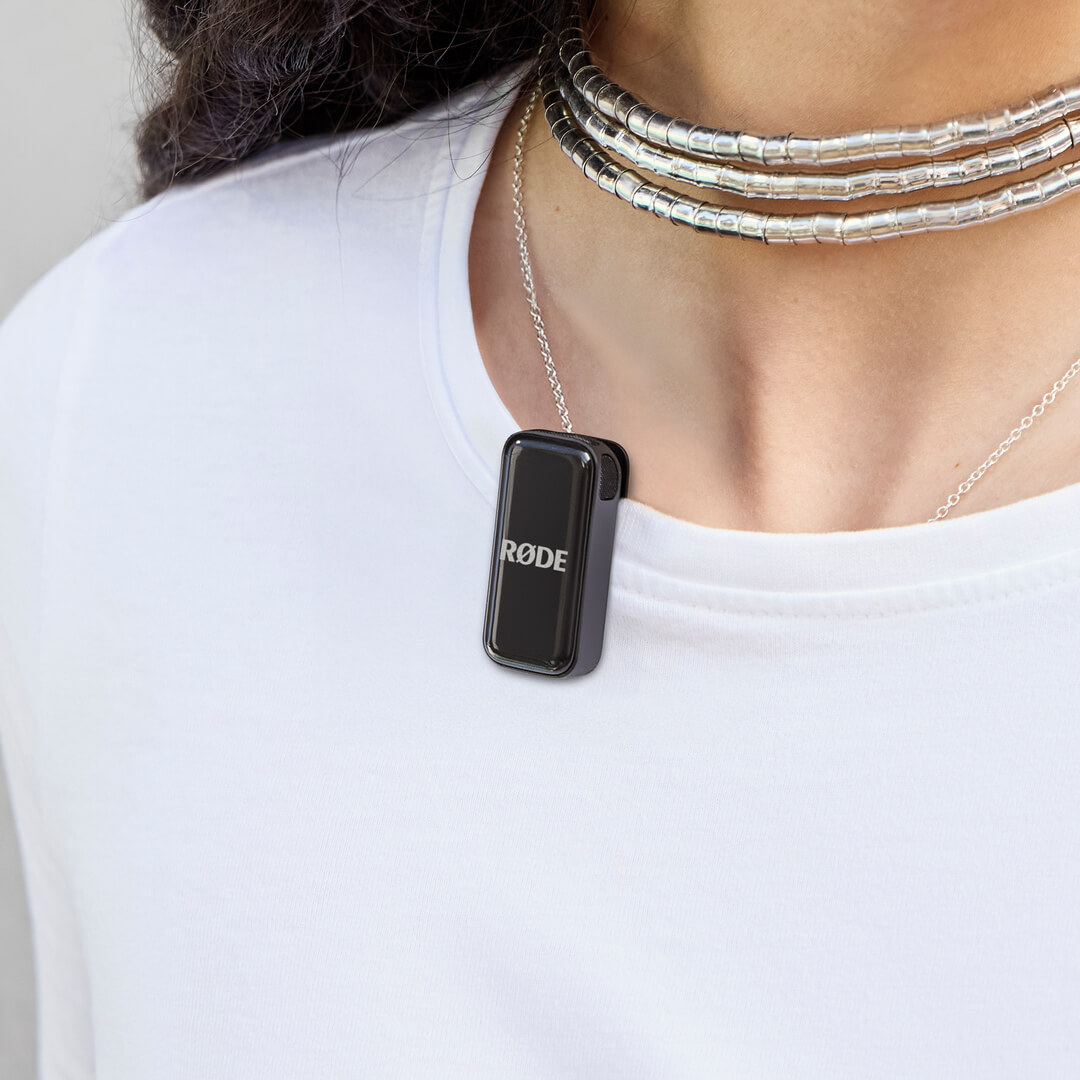
Os transmissores do Wireless Micro contam com clipes integrados projetados para serem fixados diretamente na borda de peças de roupa ou outros itens, como a gola da camisa ou do casaco.
Cada transmissor também vem com um suporte magnético que você pode usar para fixá-lo em qualquer parte da roupa — basta colocar a roupa entre o suporte magnético e o transmissor. Quando não estiverem em uso, os suportes magnéticos podem ser guardados no estojo de carregamento.
Dica profissional
Tente montar o transmissor Wireless Micro o mais próximo possível da boca do seu interlocutor, sem obstruir os microfones com excesso de roupa ou cabelo. Você pode até usar os acessórios magnéticos para montar o transmissor por dentro da roupa, proporcionando proteção adicional contra o ruído do vento.
Usando os protetores contra vento
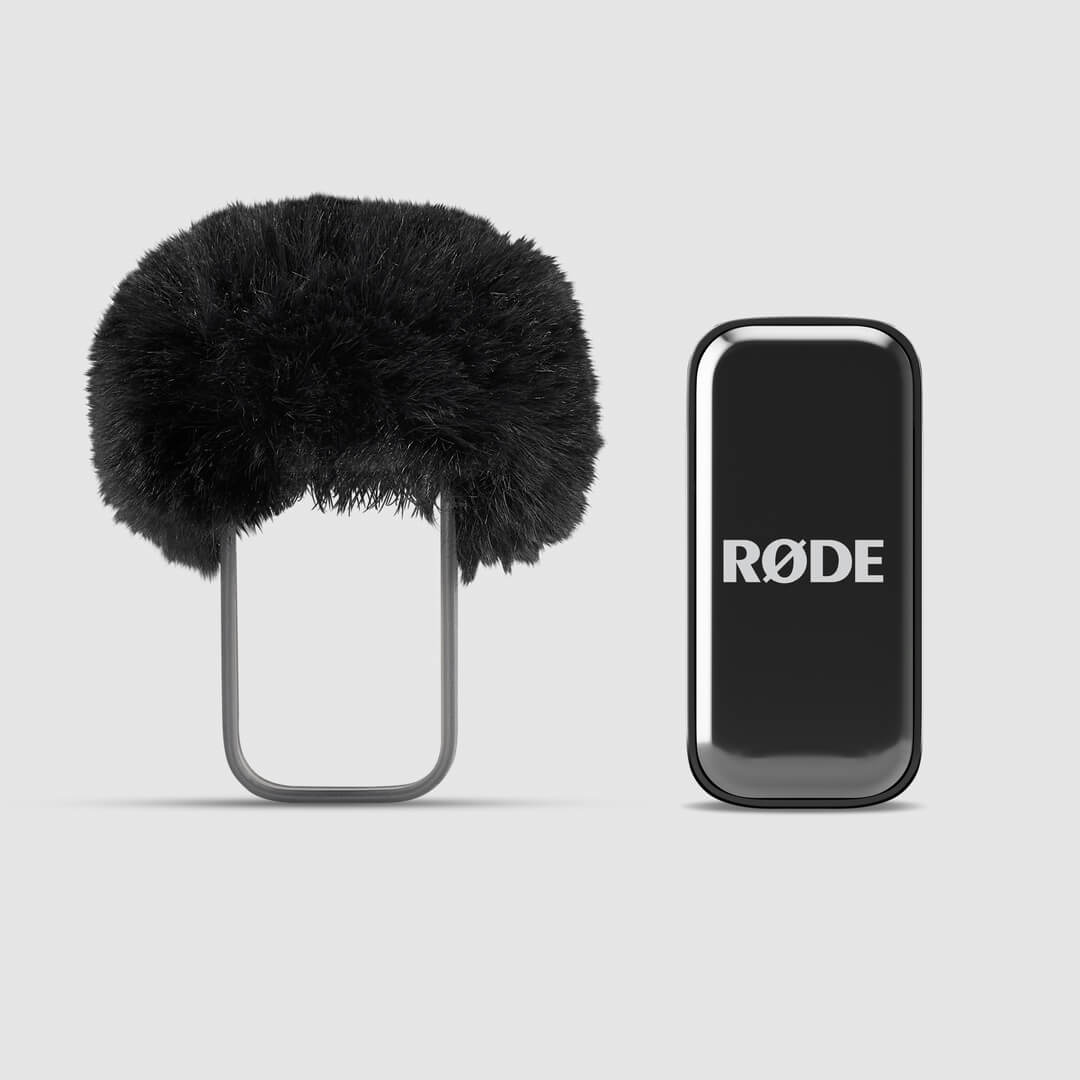
Os microfones integrados aos transmissores ficam alojados em uma câmara acústica patenteada, desenvolvida sob medida para reduzir o impacto do ruído do vento e das plosivas no áudio. Em ambientes externos, você pode usar os protetores contra vento adicionais de pelo para reduzir ainda mais esses efeitos, especialmente em condições de vento mais intenso.
Basta deslizar o suporte do protetor contra vento sobre o transmissor, de modo que o protetor contra vento de pelo fique alinhado com o microfone do transmissor.
Usando o receptor do Camera Kit
O receptor do Camera Kit emparelha automaticamente com seus transmissores assim que sai da caixa – basta retirar o receptor e os transmissores do estojo de carregamento para começar a gravar.
Com uma tela AMOLED brilhante, o receptor torna a configuração e o monitoramento rápidos e fáceis. Com saídas TRS de 3,5 mm e USB-C, oferece conectividade universal com câmeras, sendo compatível com uma ampla variedade de dispositivos, de DSLRs e câmeras mirrorless a outros equipamentos de gravação.
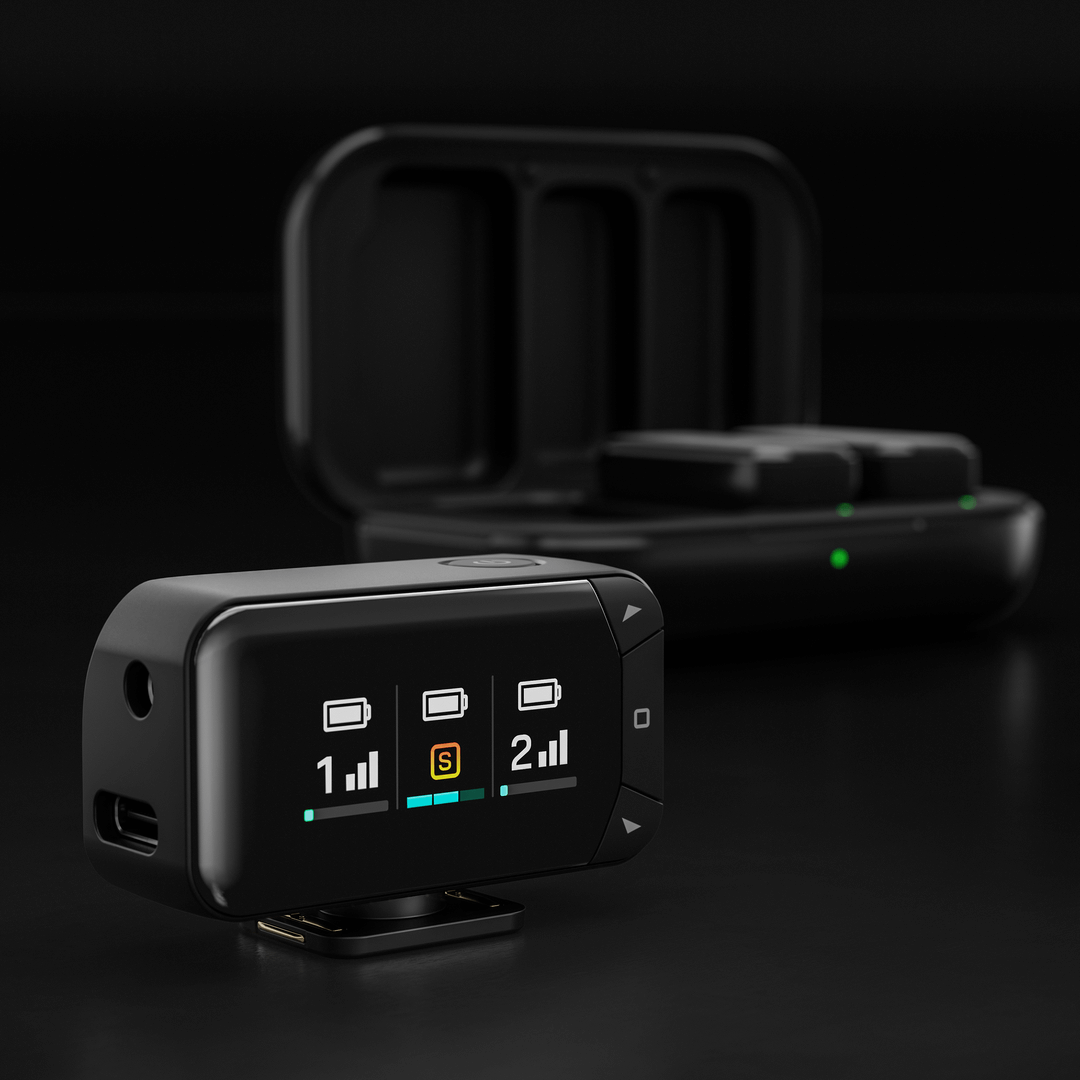
Você pode ajustar as principais configurações diretamente no receptor, incluindo o modo de saída, o ganho de saída e o brilho do display.
Modo de saída: Combine os dois transmissores em um único sinal ou grave-os separadamente nos canais esquerdo e direito para ter mais controle na pós-produção.
Ganho de saída: Escolha entre as configurações de ganho baixo, médio ou alto para adequá-las ao seu sistema de gravação.
Brilho do display: Ajuste o brilho do display AMOLED de acordo com o ambiente.
Para acessar essas configurações, pressione o botão Home (ícone quadrado), navegue até a opção desejada usando as teclas de seta e faça os ajustes necessários. Pressione o botão Home novamente para confirmar sua seleção.
Transmissores
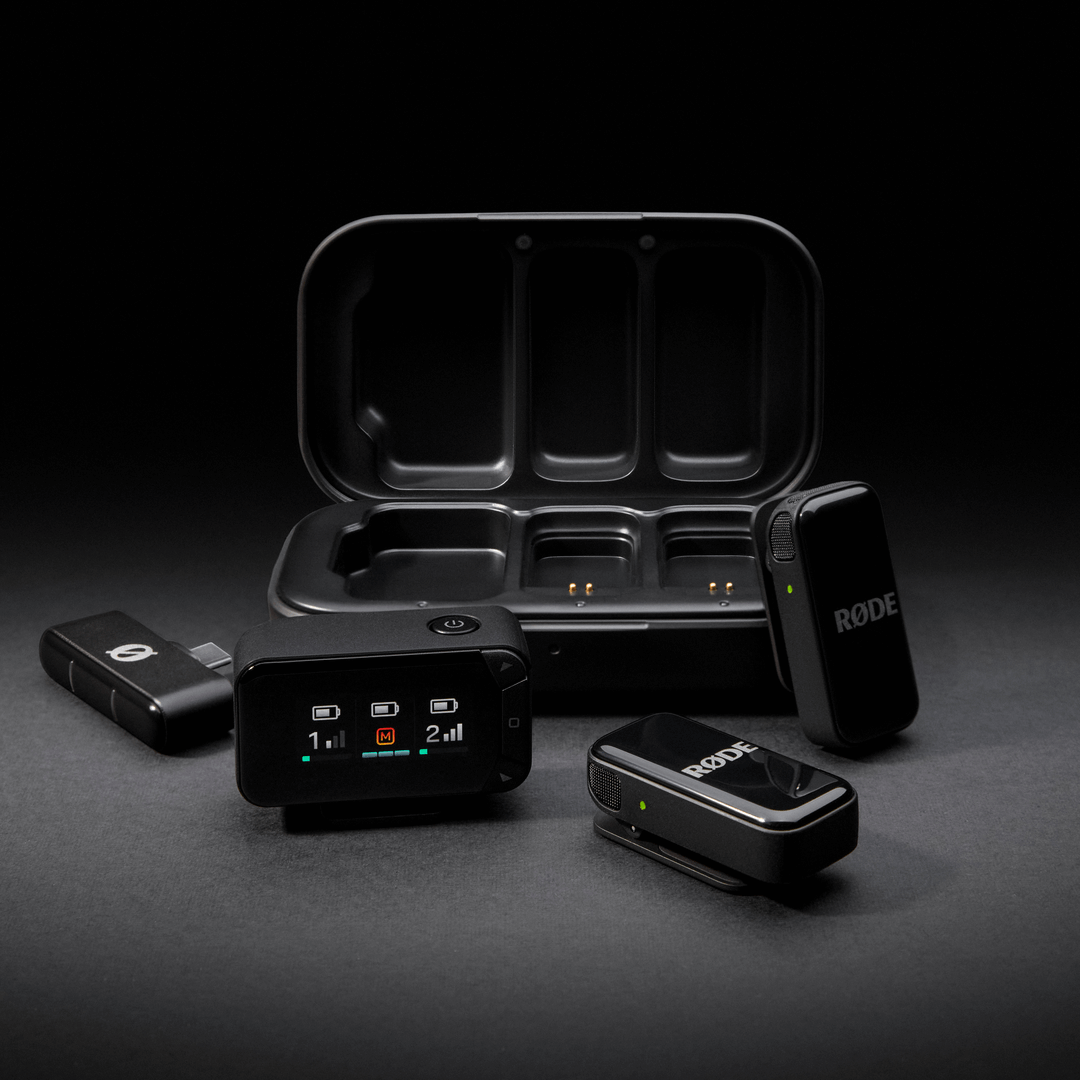
Quando os transmissores estão conectados ao receptor para câmera, uma coluna de exibição para cada transmissor se ilumina na tela do receptor. As barras verticais indicam a intensidade do sinal sem fio, enquanto a barra horizontal na parte inferior mostra o nível de entrada. O medidor de entrada vai do verde ao vermelho, sendo que o vermelho indica clipping.
Para um controle ainda maior, todas as configurações — incluindo o modo de saída, o ganho e a redução de ruído do transmissor — também podem ser ajustadas pelo aplicativo gratuito RØDE Central (mais detalhes abaixo).
Recarregando os transmissores e o estojo de carregamento
Os transmissores Wireless Micro têm 7 horas de autonomia, e você pode usar o estojo de carregamento incluído para recarregá-los duas vezes (mais 14 horas). Para carregá-los, basta colocar os transmissores no estojo de carregamento, alinhando-os com os pinos de carregamento dourados.
Para recarregar o estojo de carregamento, conecte-o a uma fonte de alimentação usando o cabo USB-C incluído. O LED na parte frontal do estojo de carregamento piscará em âmbar durante o carregamento e ficará verde contínuo quando estiver totalmente carregado.
Níveis da bateria e LEDs
Há vários LEDs no Wireless Micro que ajudam a indicar os níveis da bateria dos transmissores e do estojo de carregamento, e todos seguem este sistema.
Verde = Acima de 20%
Âmbar = 10–20%
Vermelho = Abaixo de 10%
Você pode verificar o nível da bateria do transmissor usando os dois LEDs no receptor (quando conectado a um telefone), os LEDs nos próprios transmissores ou os dois LEDs dentro do estojo de carregamento (quando os transmissores estão no estojo — esses LEDs piscarão durante o carregamento e permanecerão verdes quando estiverem totalmente carregados).
O LED na parte externa do estojo de carregamento representa o nível da bateria do próprio estojo.
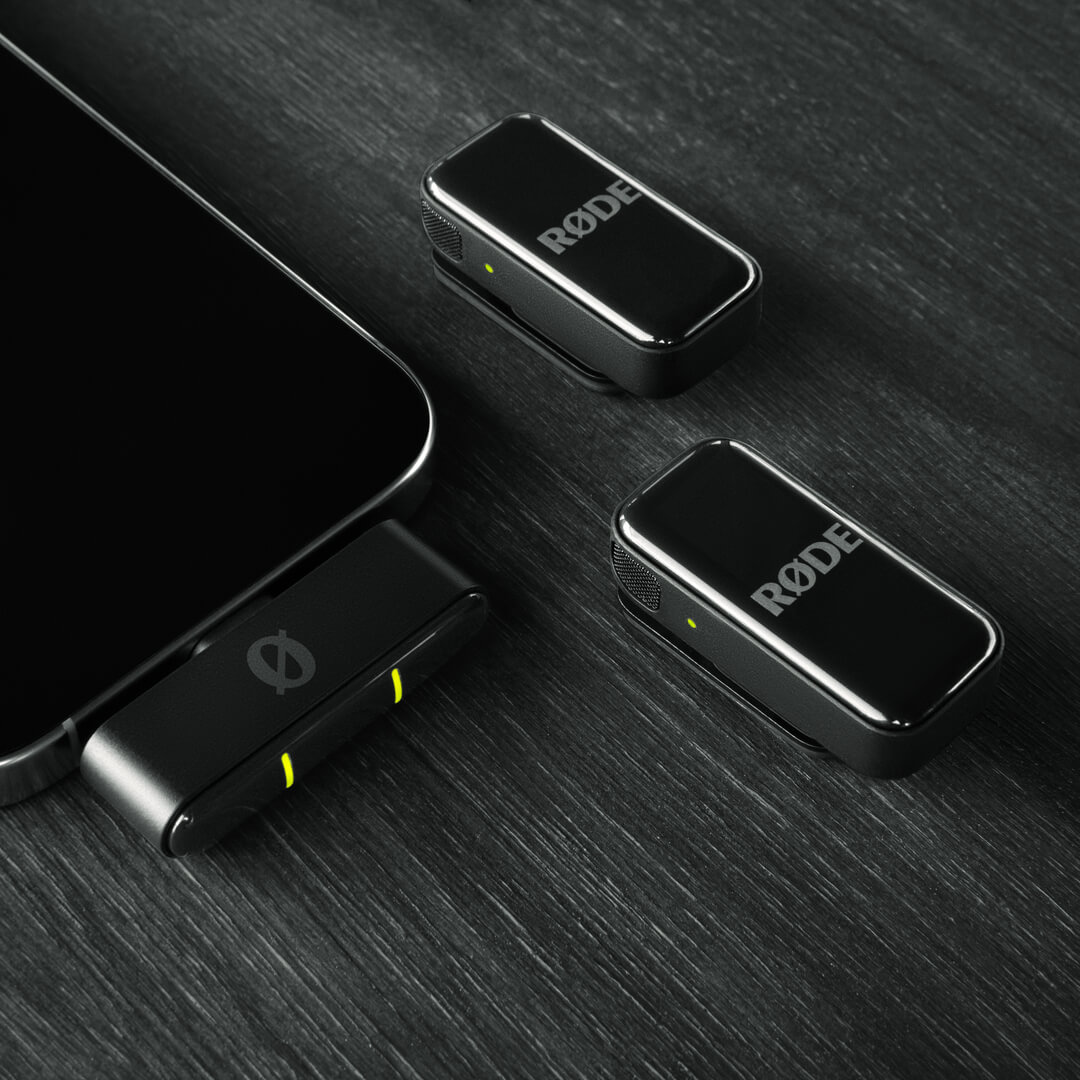
Para o Wireless Micro Camera Kit, os níveis da bateria do transmissor podem ser verificados da mesma forma que no Wireless Micro padrão. O nível de carga do receptor para câmera é exibido no display AMOLED quando ele está no estojo de carregamento — três barras indicam carga completa. Quando o receptor está fora do estojo, uma barra de bateria na parte superior da coluna do display do receptor mostra o nível de carga restante. Os níveis da bateria do Transmitter também são exibidos da mesma forma.
O LED na parte externa do estojo de carregamento indica o nível da bateria do próprio estojo.
Ajuste das configurações usando os aplicativos complementares RØDE
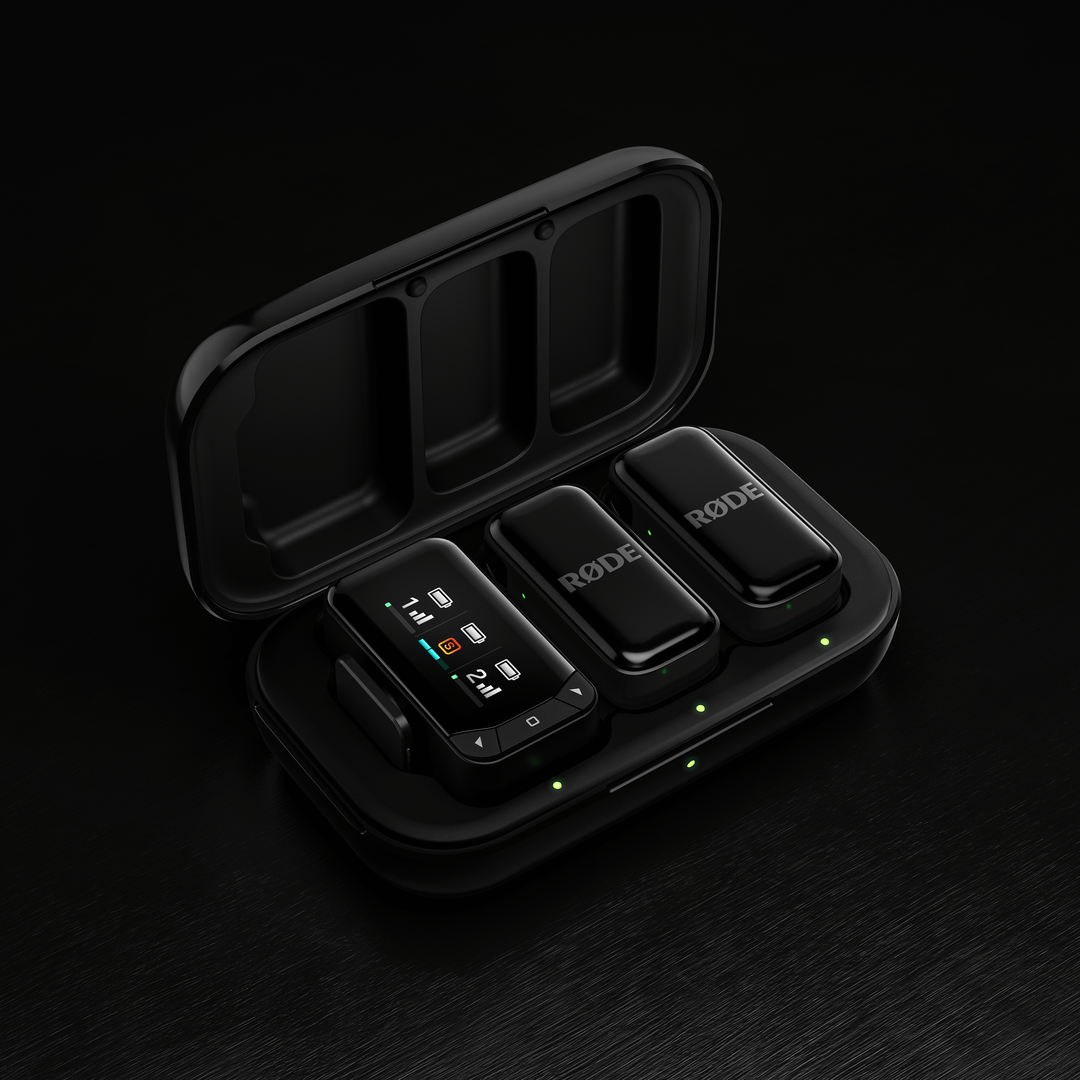
O Wireless Micro oferece vários recursos e configurações ajustáveis por meio dos aplicativos complementares RØDE . Há duas maneiras principais de conectar e ajustar as configurações:
Usando o receptor (RX):
Conecte o receptor ao computador ou telefone. Certifique-se de que os transmissores estejam fora do estojo, ligados e emparelhados com o receptor. Em seguida, você poderá usar o RØDE Central (no computador ou dispositivo móvel) ou o RØDE Capture (dispositivo móvel) para acessar e ajustar várias configurações do sistema e dos transmissores.
Conexão direta (somente RØDE Capture):
Um novo recurso chamado Conexão direta permite emparelhar até dois transmissores diretamente ao telefone via conectividade Bluetooth® usando o aplicativo RØDE Capture. Basta abrir o aplicativo e seguir as instruções na tela para emparelhar os transmissores. Depois de conectados, você poderá gravar diretamente no aplicativo sem um receptor e acessar configurações essenciais, como Redução de ruído e Controle de ganho, para cada transmissor.
Ganho de saída: Ajusta o nível de volume do Wireless Micro.
Modos dividido e combinado: No modo combinado (predefinido), o áudio de ambos os transmissores é combinado e gravado nos canais esquerdo e direito. O modo combinado é ideal para gravar vídeos refinados e prontos para publicação. No modo dividido, pode enviar o áudio de um transmissor para o canal esquerdo e o do outro para o canal direito. Utilize o modo dividido se pretende editar o áudio após a gravação, pois poderá ajustar os níveis de volume de cada microfone separadamente.
Redução de ruído: Esta funcionalidade, acessível através do RØDE Capture, ajuda a minimizar o ruído de fundo, melhorando a clareza do áudio consoante o ambiente de gravação. Pode ser ativada ou desativada individualmente para cada transmissor e tem três níveis: OFF (sem redução de ruído), LOW (redução de ruído mínima) e HIGH (redução de ruído intensiva). Esta definição pode ser ajustada através do RØDE Central ou do RØDE Capture quando o recetor está ligado, ou através do RØDE Capture quando um transmissor está emparelhado diretamente.
Brilho dos LED: Ajusta a intensidade das luzes LED (regulável individualmente para cada transmissor e recetor).
Atualização do firmware: Se o seu Wireless Micro precisar de uma atualização de firmware, receberá uma mensagem pop-up ao abrir o RØDE Central ou o RØDE Capture, que o orientará ao longo do processo. Certifique-se de que ambos os transmissores estão fora do estojo, ligados e emparelhados com o seu recetor, para que todos possam ser atualizados.